

MEKO 2-in-1 Stylus Pens for Touch Screens (Universal Capacitive Tablet Pen) – 5 Styluses + 10 Replacement Tips
Product description
If you do a bit of everything on your tablet—notes in meetings, doodles on the sofa, study highlights—having a capacitive stylus that’s comfortable to use matters more than fancy extras. This MEKO option is built around a simple idea: keep the tip responsive for daily writing and give you spare nibs so you don’t have to baby the stylus.
The essentials
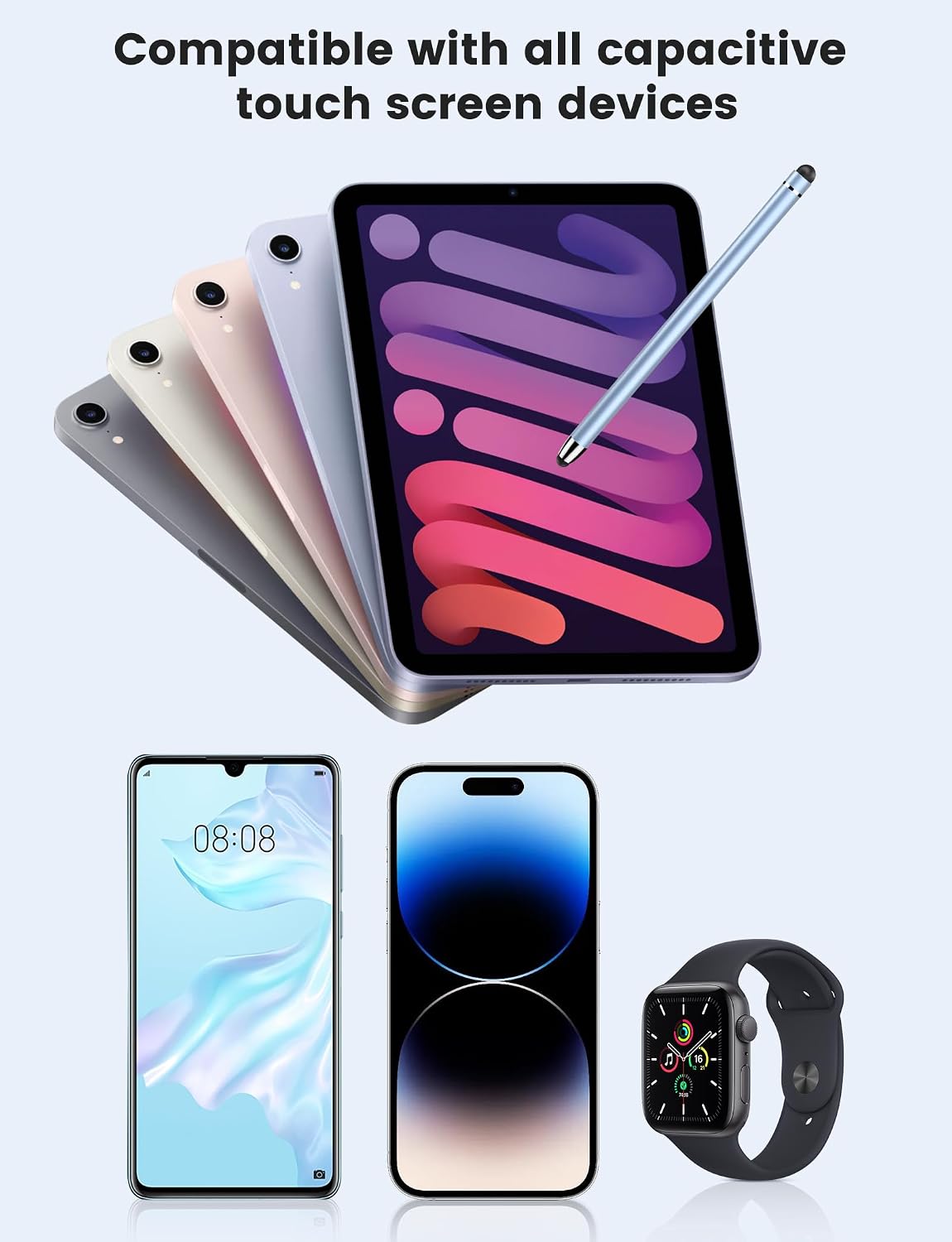
MEKO’s universal stylus range is designed for touch screens that use capacitive technology. In practice, that means it’s aimed at common tablets and phones rather than niche display types, with support described across devices such as iPhone/iPad and Samsung Galaxy, as well as Android and other capacitive touch screens.
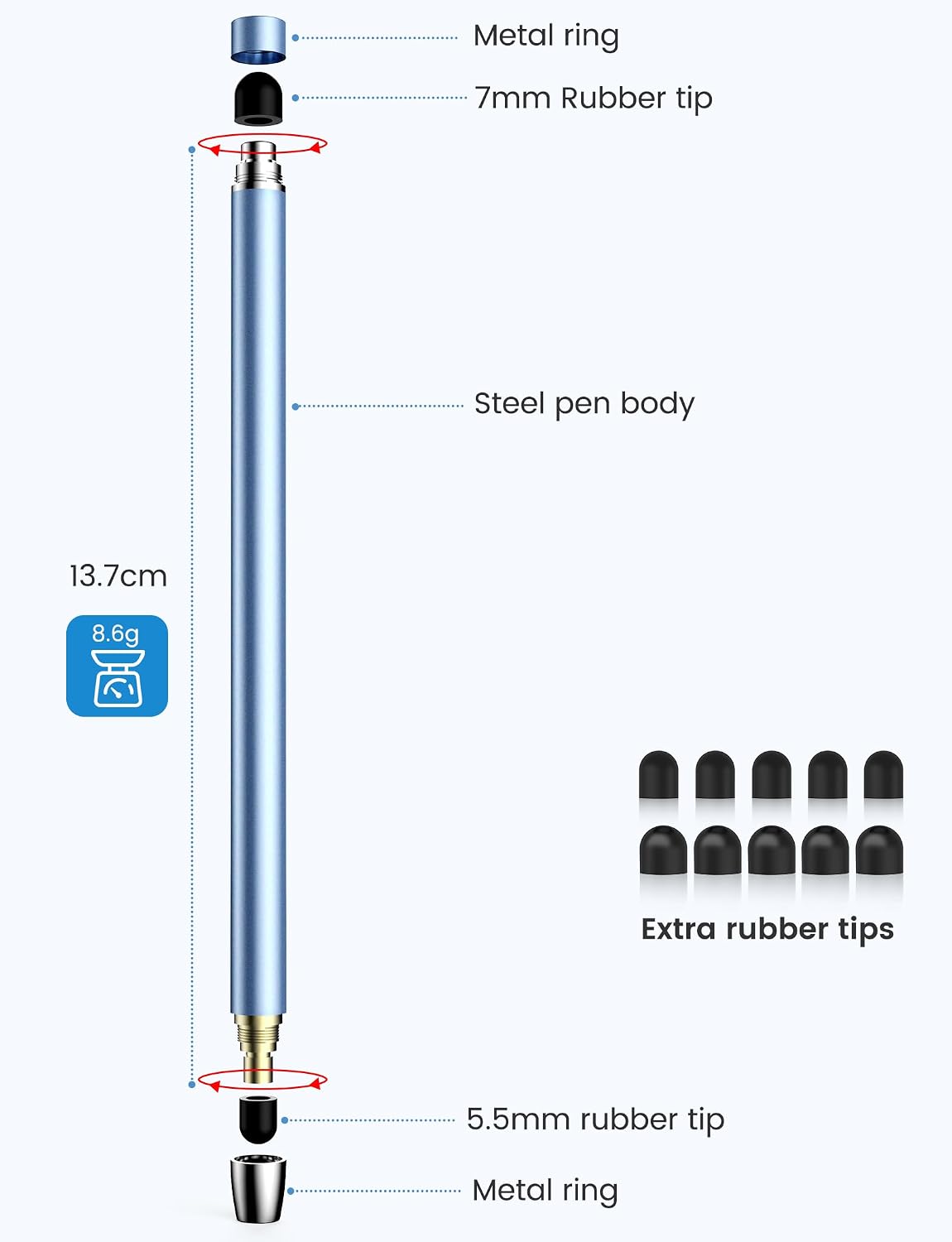
The other big selling point here is the “2 in 1” approach to tips. You get two nib sizes (with tip diameters described as 0.20" / 5mm and 0.27" / 7mm), which can change how the stylus feels when you’re writing or drawing. It’s a small difference, but it can matter if you’re sensitive to tip thickness or if you swap between fine text and broader strokes.
What to know before you buy
This stylus uses a soft silicone tip. The practical upside is that it’s less likely to feel harsh on glass and it’s positioned as screen-protection material (i.e., it aims to reduce scratches). The description also claims it leaves no fingerprints, though with any pen-like tool it’s still worth keeping good screen habits.
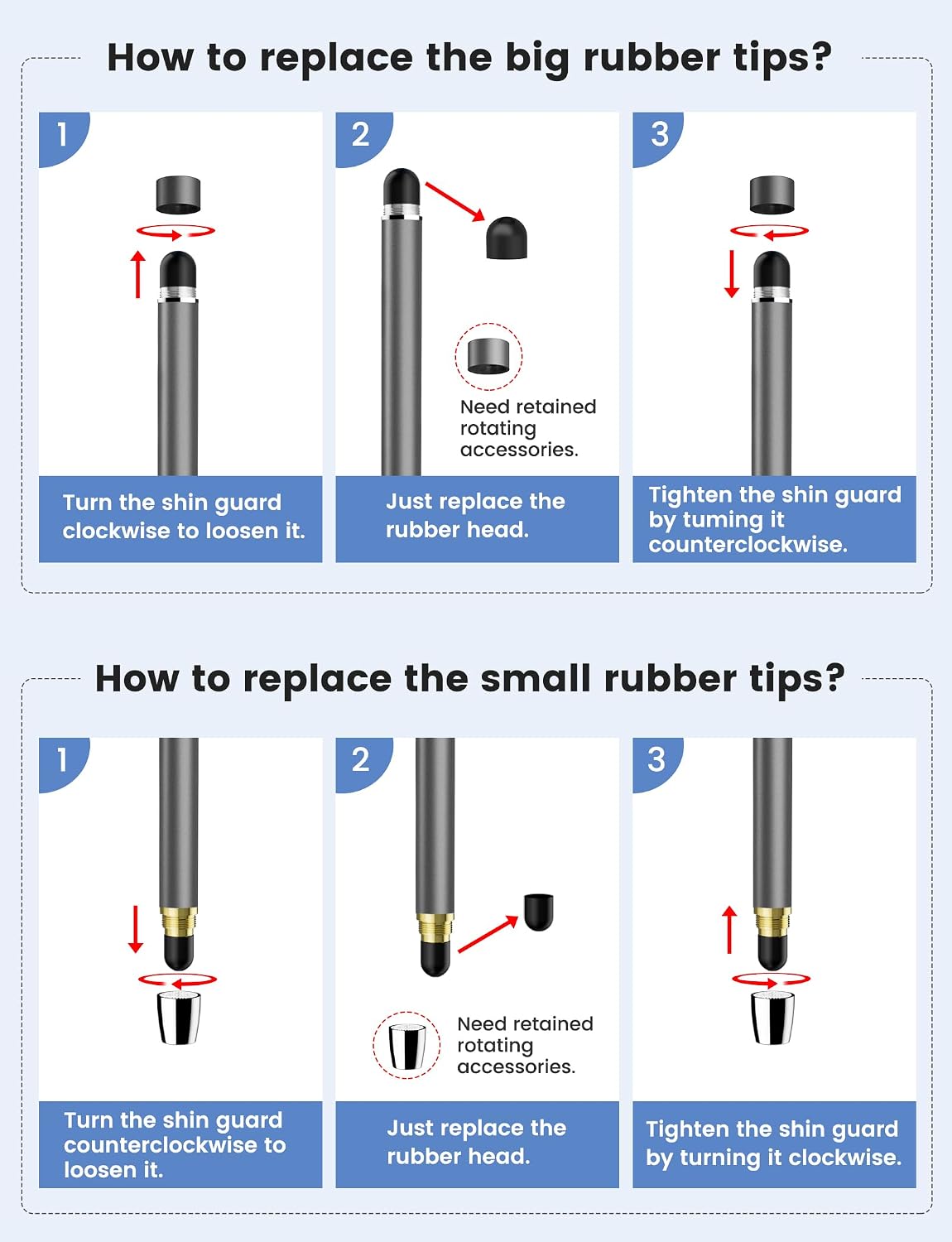
There’s also a convenience angle: both ends feature replaceable nibs, and the listing says you can swap worn tips in seconds without tools. That’s useful if the stylus is for everyday use—especially if you’re the kind of person who forgets to order replacements until things get annoying.
Key features that affect day-to-day use
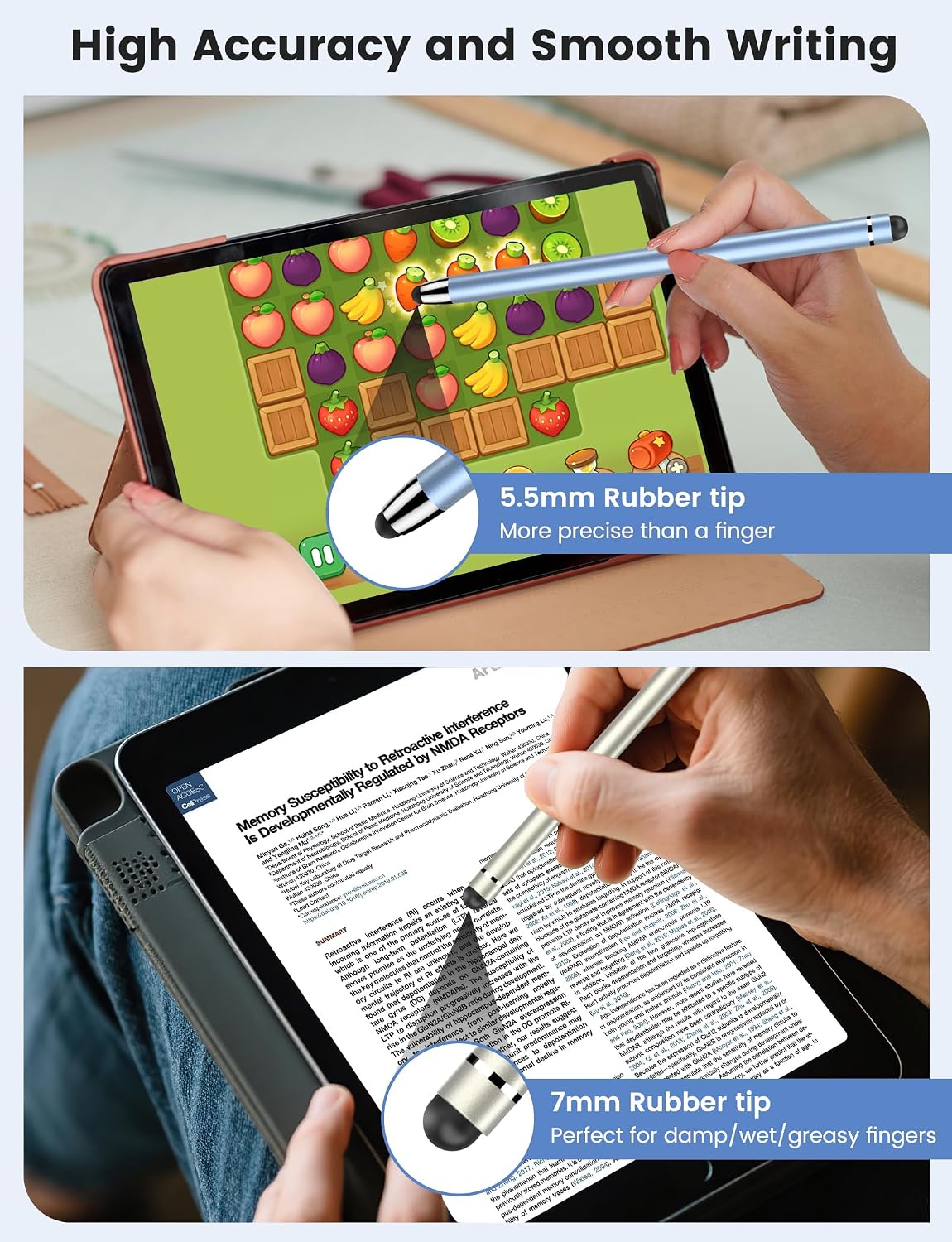
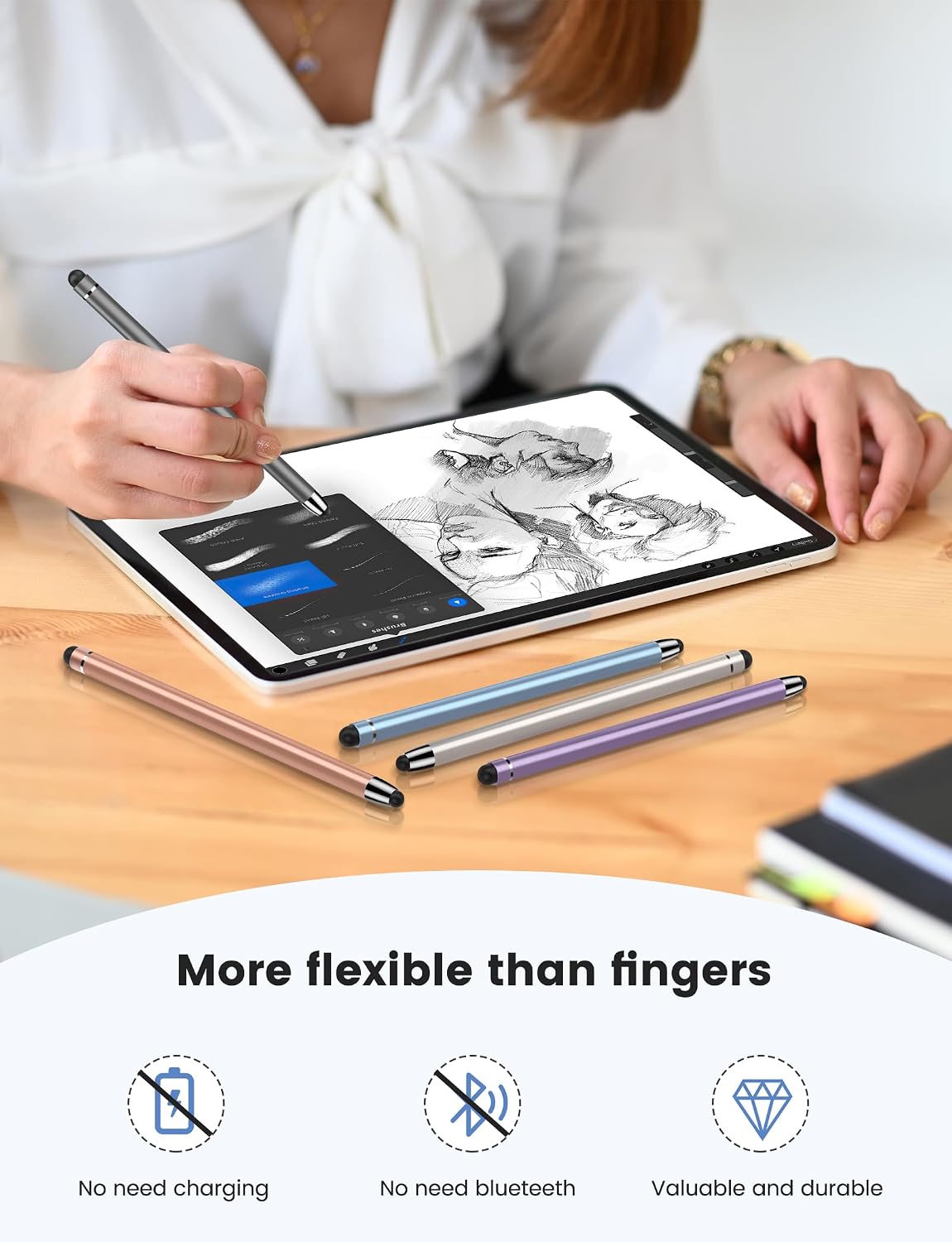
The “smooth writing” and “high sensitivity” claims are the headline, and on paper this is the kind of stylus that suits daily work, study and entertainment. That said, sensitivity can vary quite a lot depending on the device, the app, and even how you hold a stylus—so it’s sensible to treat these claims as “aimed at responsive everyday performance” rather than a guarantee of tablet-grade precision.
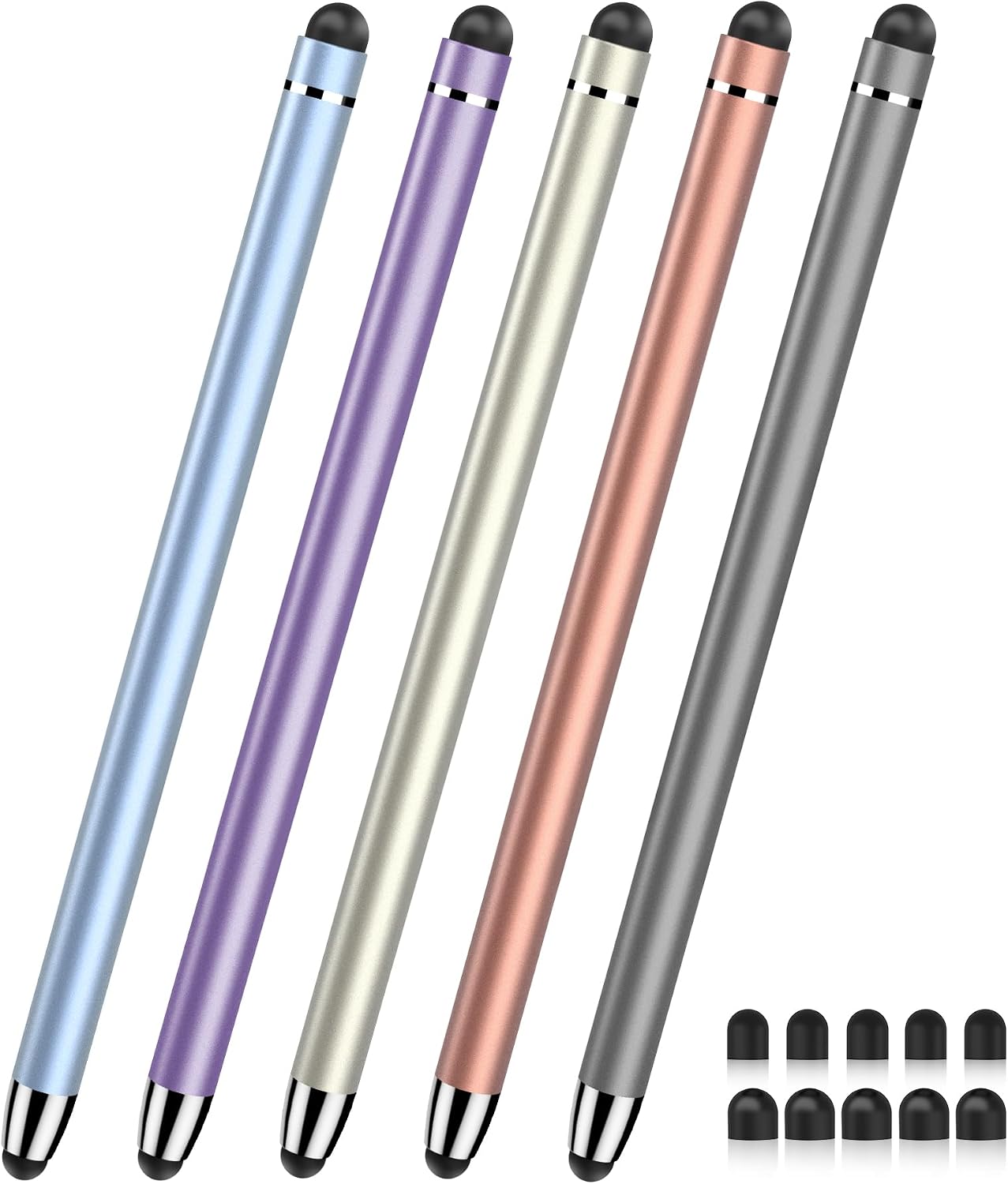
Where this MEKO pen feels most grounded is in the consumables and ergonomics of replacement. You get 5 styluses and 10 replacement tips in the box (stated as 5x 0.20" tips and 5x 0.27" tips). If you’re buying for multiple people, or you want spares for home/work without hunting around later, that bundle approach can be genuinely practical.
Where it shines (and where it may fall short)
Worth considering if you want a universal capacitive stylus for a mix of tasks and you don’t want to worry too much about tip wear. It also makes sense if you like having choice in tip size—fine for compact writing versus slightly broader for easier sketching and shading.
It might not be the best match if you’re expecting a premium stylus experience (the kind with advanced pressure/feature sets). The listing focuses on high sensitivity and smooth tracking, but it doesn’t describe pressure sensitivity or more advanced drawing features—so if your workflow depends heavily on those, you may find it stays in the “solid everyday” bracket rather than “serious artist tool”.
Best use cases for MEKO stylus pens
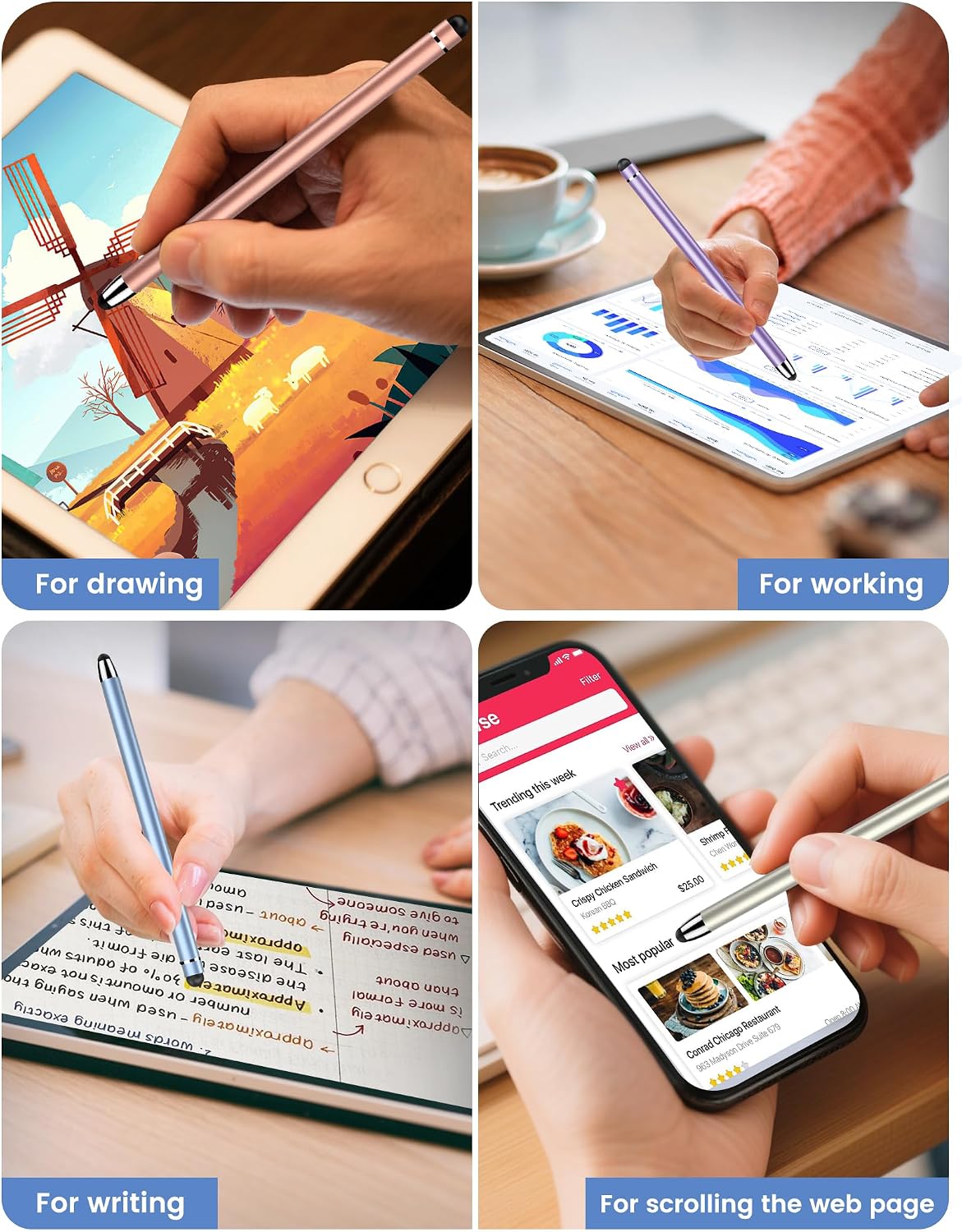
A very realistic scenario: you’re revising notes for a course—scribbling quick reminders during lectures, then using the stylus later at home to highlight and correct small details on your tablet. In that kind of everyday routine, the soft silicone tip and quick tip replacement matter more than overcomplicated specs.
The included two tip sizes can also help if you alternate between tasks: thinner-feel tips for neat text and thicker-feel tips when you’re sketching shapes that don’t need microscopic control.
What’s in the box, and what you’ll need next
The package is listed as including 5 styluses plus 10 replacement tips, with the two stated tip diameters. The listing also notes that you can find more replacement nibs using a specific ASIN (provided in the description).
One small limitation to keep in mind: the listing describes universal compatibility for capacitive touch screens, but it doesn’t confirm compatibility with every app or every device in every case. If you’re using a very specific drawing/note app or have a tablet model with unusual stylus behaviour, it’s worth checking your device’s stylus support first.
Quick comparison approach
If you’re choosing between a basic budget stylus and something more feature-heavy, this one leans towards everyday value: universal capacitive use, soft tip protection, and included replacements to extend practical lifespan. If you’re aiming for maximum precision or a workflow that relies on specialised stylus features, you may want to look at options that explicitly match that kind of requirement—because this listing is more about dependable daily writing and simple care than advanced creativity tools.
Is it worth it?
You should buy it if you want a universal capacitive touch stylus for daily work, study and entertainment, and you like the idea of swapping tips quickly to keep the feel consistent. The included multi-pack of styluses plus spare nibs is also a strong point if you’ll use it across devices or you want replacements to hand.
You may want to skip it if you expect a premium stylus feature set beyond what’s described here, or if you’re buying for a setup where stylus support varies widely by device/app. In short: it’s a sensible, practical purchase for everyday note-taking and casual drawing, but it won’t pretend to be an all-singing, pressure-sensitive pro tool.
Mini FAQ
1) Are these styluses compatible with capacitive touch screens?
The listing states they are universally compatible with capacitive touch screens, including iPhone/iPad and other capacitive devices.
2) What’s the benefit of the two tip sizes?
You get two diameters (0.20" / 5mm and 0.27" / 7mm), which can affect how the stylus feels for different types of writing or drawing.
3) Does the tip protect the screen?
It’s described as a soft silicone tip intended to protect the screen from scratches and (per the listing) not leave fingerprints.
4) Can you replace the nibs easily?
The description says you can swap worn-out tips in seconds, without tools, and that both ends have replaceable nibs.
5) What’s included in the pack?
It includes 5 styluses and 10 replacement tips, with the two stated tip diameters split between them.