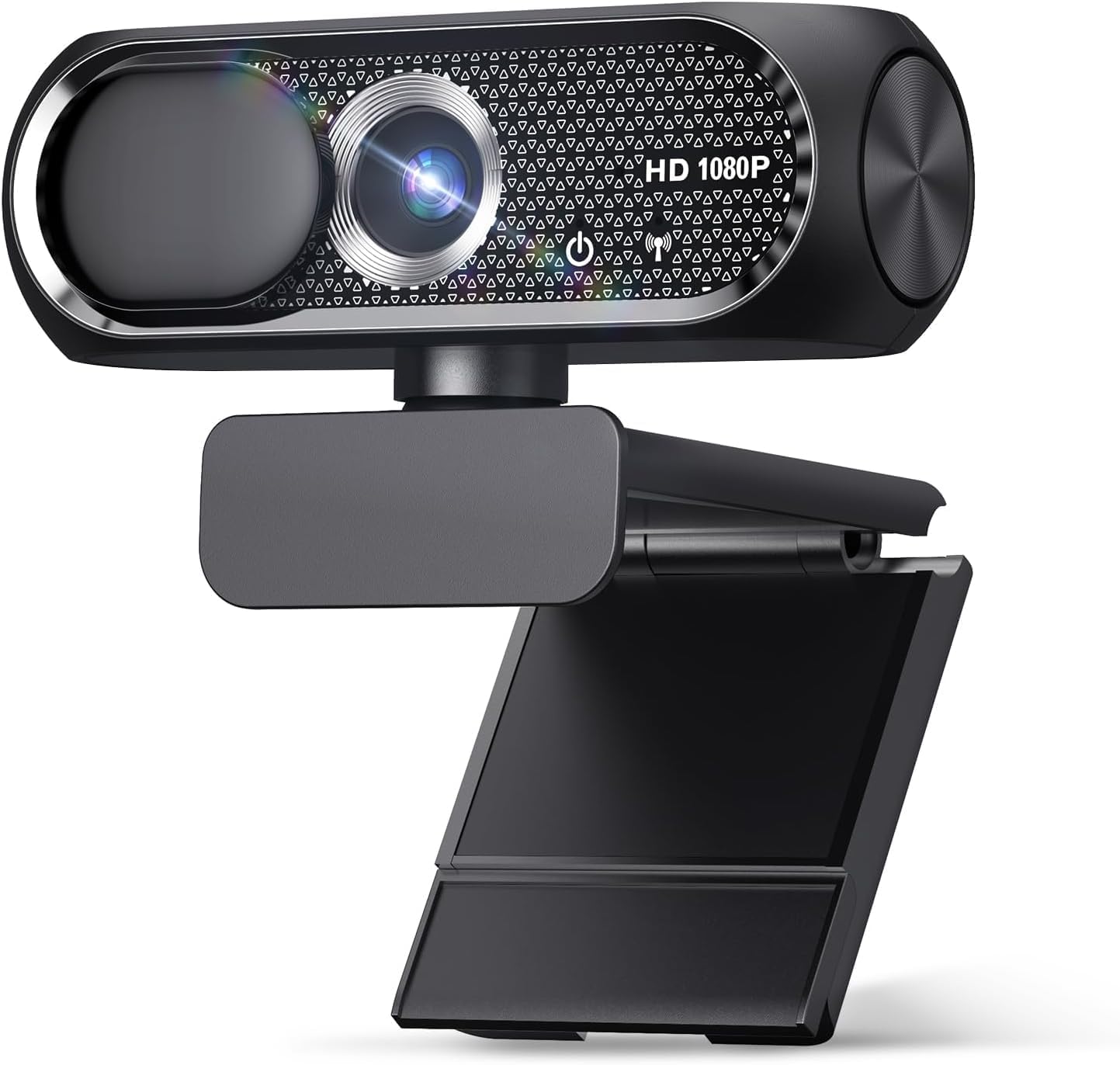
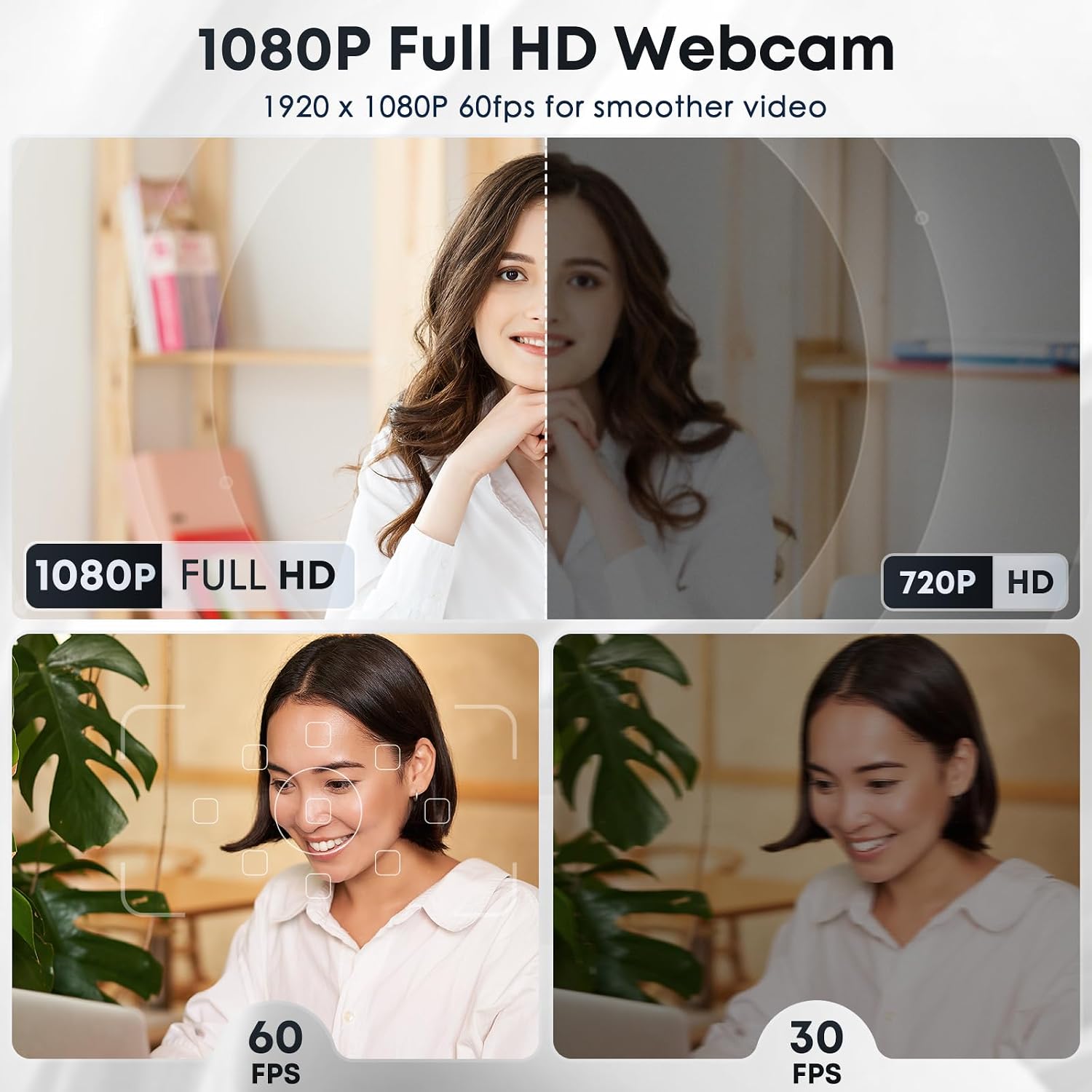
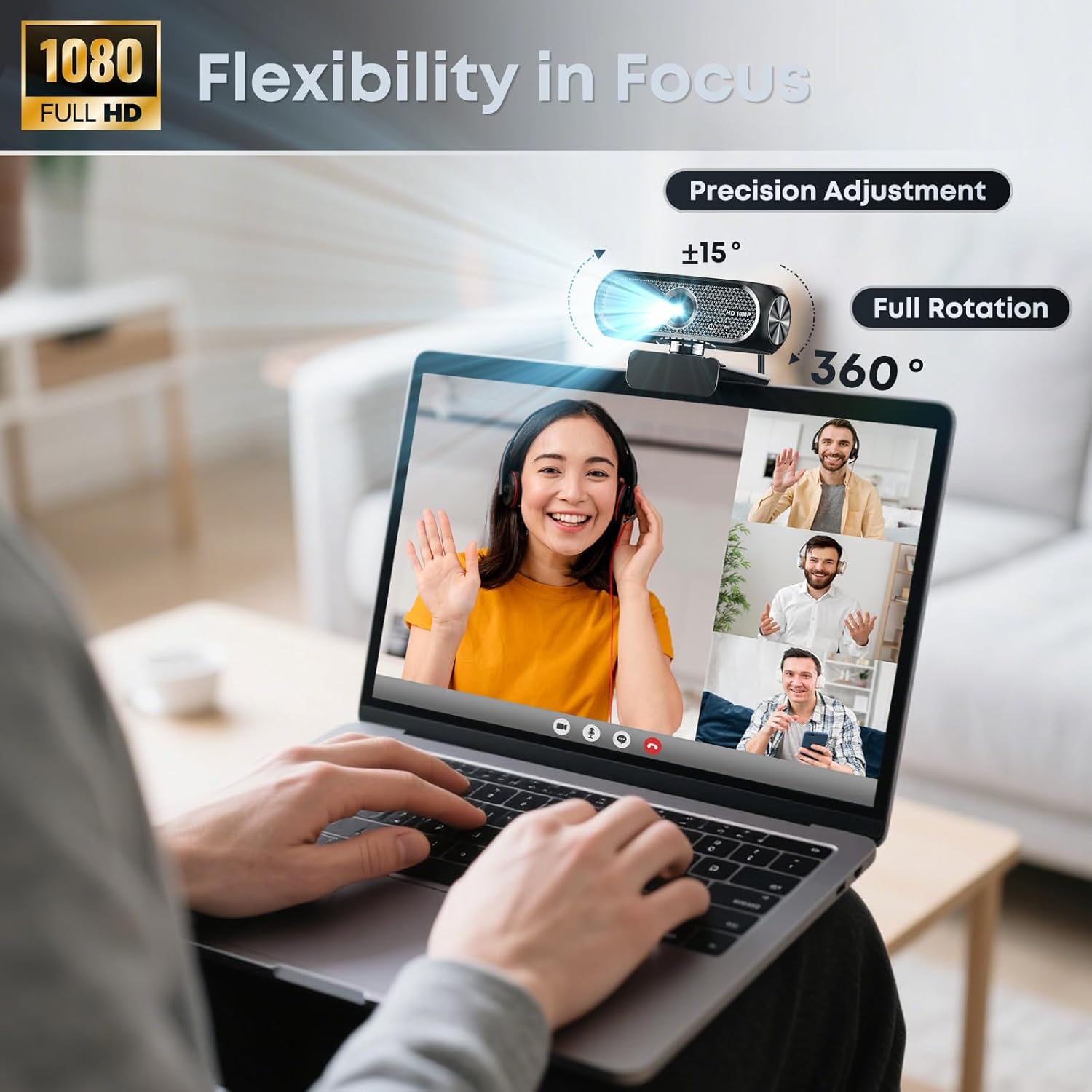
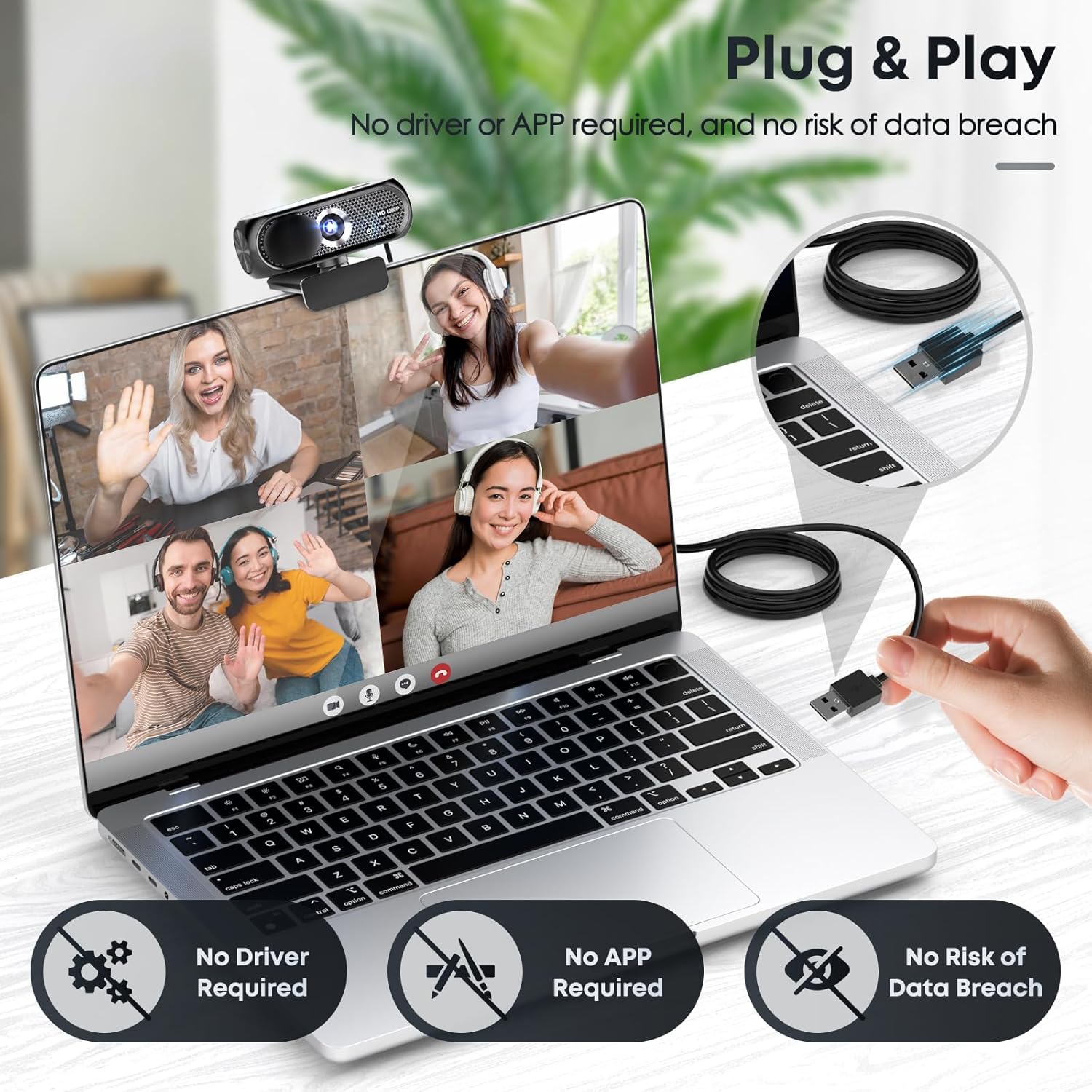
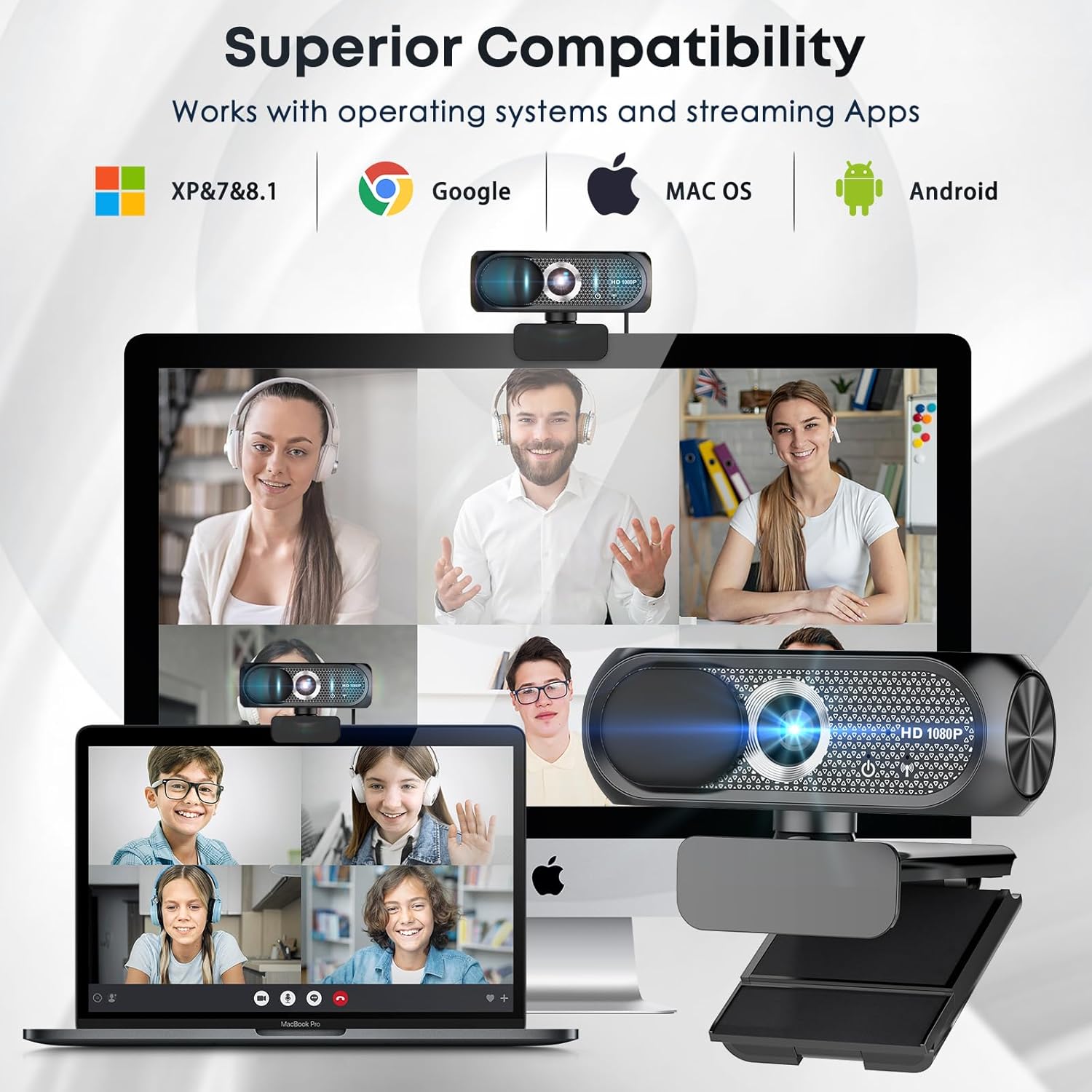
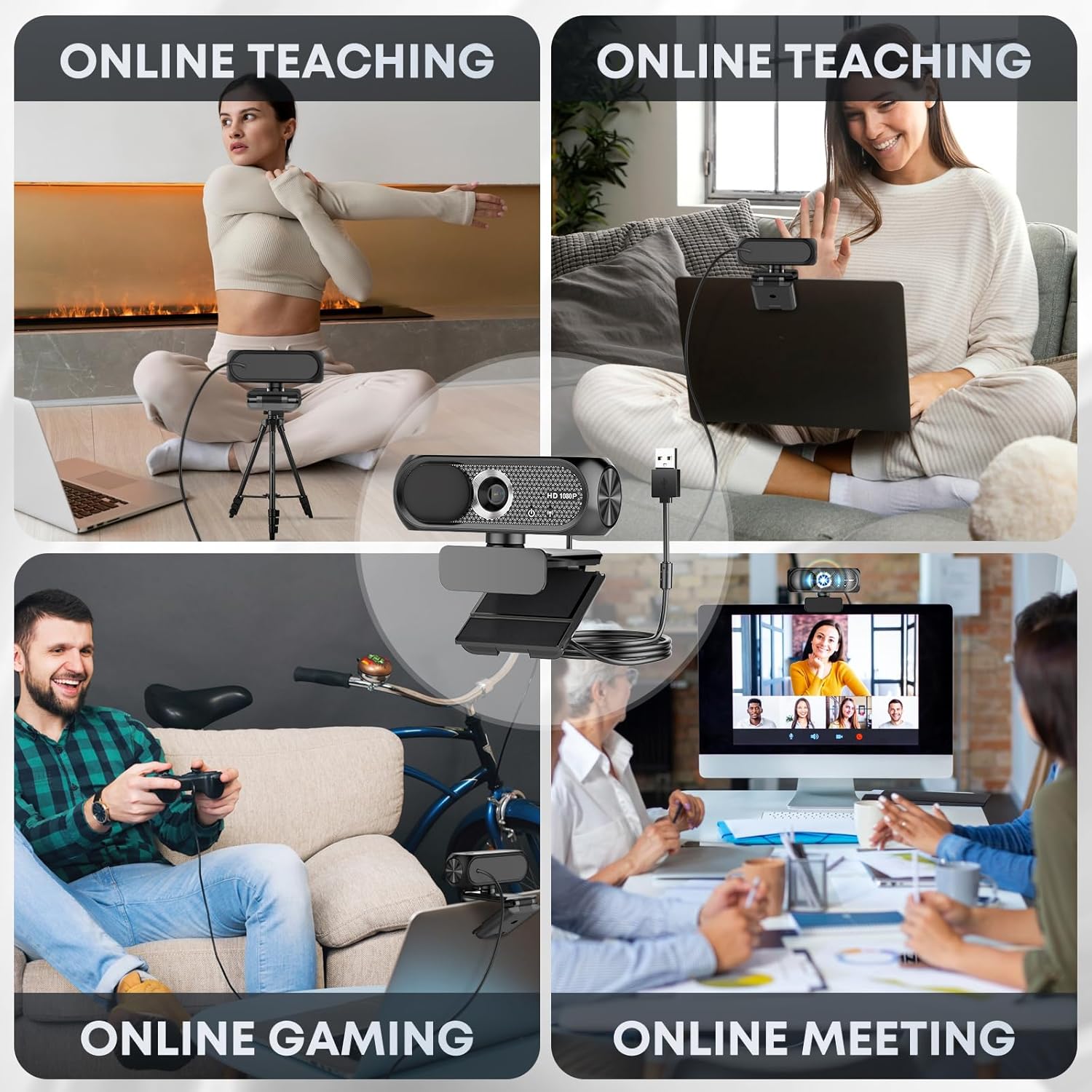
What it is and what it’s for\nThis webcam is a 1080p full‑HD USB camera designed for video calls, streaming, teaching and casual content creation. It combines a wide‑angle lens with a built‑in microphone that includes noise cancellation, so your image and voice come through clearly in everyday home or small‑office setups. The model emphasises plug‑and‑play practicality, making it straightforward to set up on laptops, desktops and Macs for tasks like Zoom, Skype and online recordings.\n\n## How it performs on paper\nThe 1080p resolution paired with a wide‑angle lens aims to deliver sharp, vivid visuals at 30 frames per second, which is generally adequate for smooth video calls and light streaming. Automatic light correction is included to boost visibility in suboptimal lighting, while the privacy cover provides a quick, reassuring way to guard your space when not using the camera. The microphone is marketed as noise‑reducing to help your voice cut through background sounds.\n\n## What stands out\nThe privacy shield is a tangible privacy feature that’s simple to operate. The lack of required drivers is a practical benefit for those who value a quick setup: USB 2.0/3.0/3.1 compatibility plus OTG means fewer compatibility headaches. A 5‑foot USB cable offers enough slack for standard desk layouts, though longer runs are not specified. The maker also highlights eco‑friendly and energy‑efficient design, which may appeal to buyers thinking about sustainability.\n\n## Potential limitations\nOn paper, 1080p and 30fps are adequate for most everyday video calls, but it may not satisfy those seeking higher frame rates or advanced autofocus features found in pricier models. The wide angle is useful for group calls, yet in very close setups it can exaggerate background elements unless you adjust position carefully. The description does not specify additional software features like background replacement or advanced colour tweaks, so expectations should remain measured.\n\n## Who it’s for\nIf you’re setting up a home workspace, teaching a class online, streaming casually or needing a reliable camera for daily video calls, this webcam covers a broad set of common needs. It’s likely to suit users who prioritise straightforward use, clear voice capture and a practical privacy option over ultra‑premium specs.\n\n## Who it isn’t the best match for\nIf you require higher resolutions beyond 1080p, higher frame rates, dedicated imaging work or extensive software control, this model may feel entry‑level. Those with unusual lighting conditions might still need separate lighting or tweaking in post, as automatic light correction is helpful but not perfect in every scenario.\n\n## What to check before buying\n- Confirm your computer supports USB plug‑and‑play without extra drivers.\n- Consider your typical distance from the camera, a wide angle helps rooms with multiple people but can distort very close framing.\n- Think about your microphone needs, particularly in noisy environments, even with noise cancellation, room acoustics matter.\n\n## Practical usage example\nDuring a live online class, you can sit a few metres from the webcam and still capture clear facial expressions thanks to the 1080p resolution and automatic light adjustment. In a quiet home office, the built‑in mic should pick up speech clearly, reducing the need for an external microphone in routine meetings.\n\n## FAQs\n- Does it require a driver install? No, it is plug‑and‑play on USB connections.\n- Is the microphone suitable for webinars? Yes, the noise‑reducing mic is designed for clearer voice transmission in typical home or small‑office environments.\n- How does the privacy cover help? A sliding shield allows you to cover the lens when not in use for added privacy.\n\n## Buying decision\nIf you want a dependable, easy‑to‑use webcam for everyday video calls and streaming with a privacy cover and built‑in microphone, the Shcngqio TWC29 offers a balanced package. It won’t be the top pick for advanced videography or high‑end streaming setups, but it delivers straightforward value for most typical home‑office or classroom needs.