

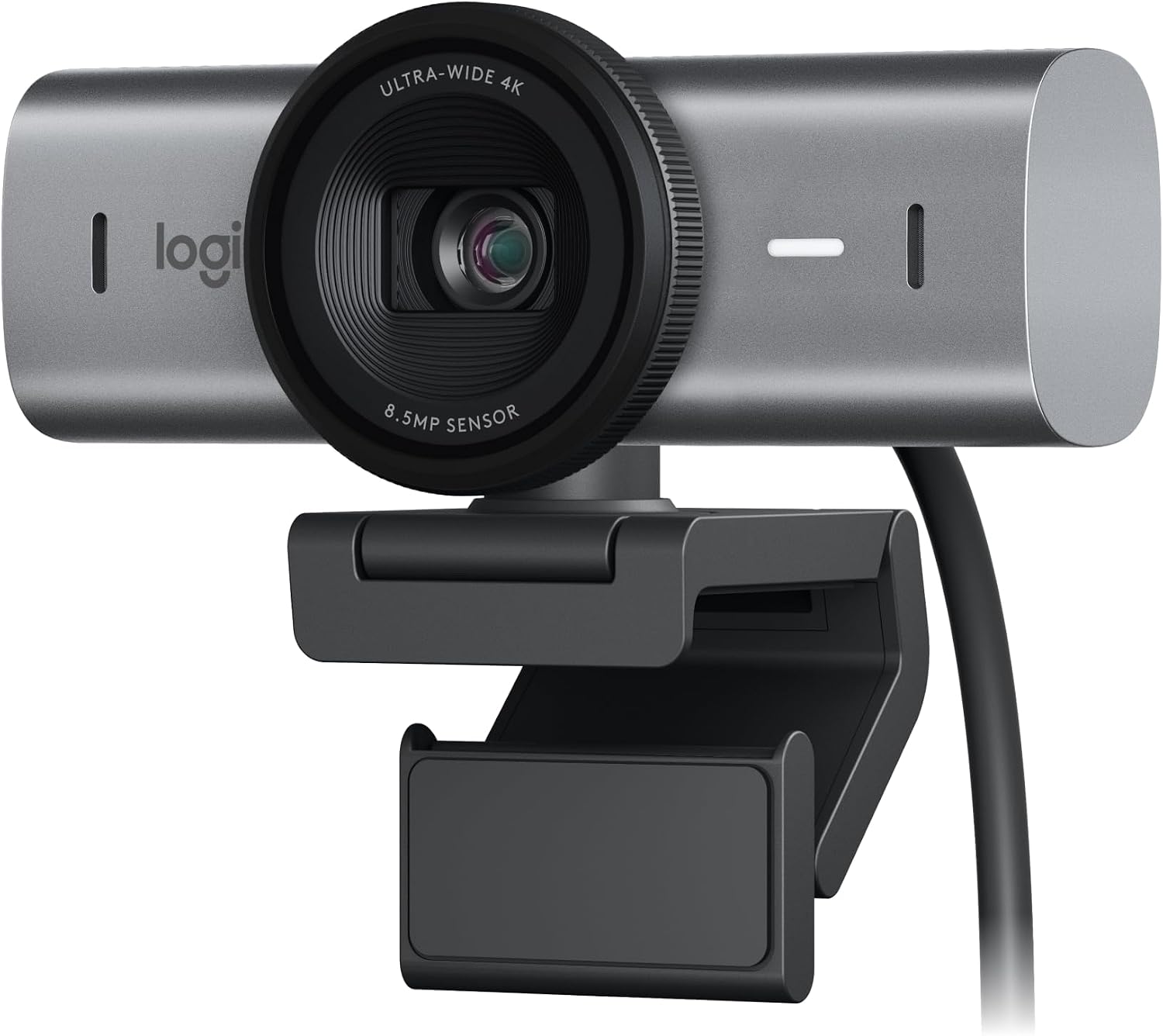
Logitech MX Brio Ultra HD 4K Webcam with Show Mode and Dual Mics
Product description
What it is
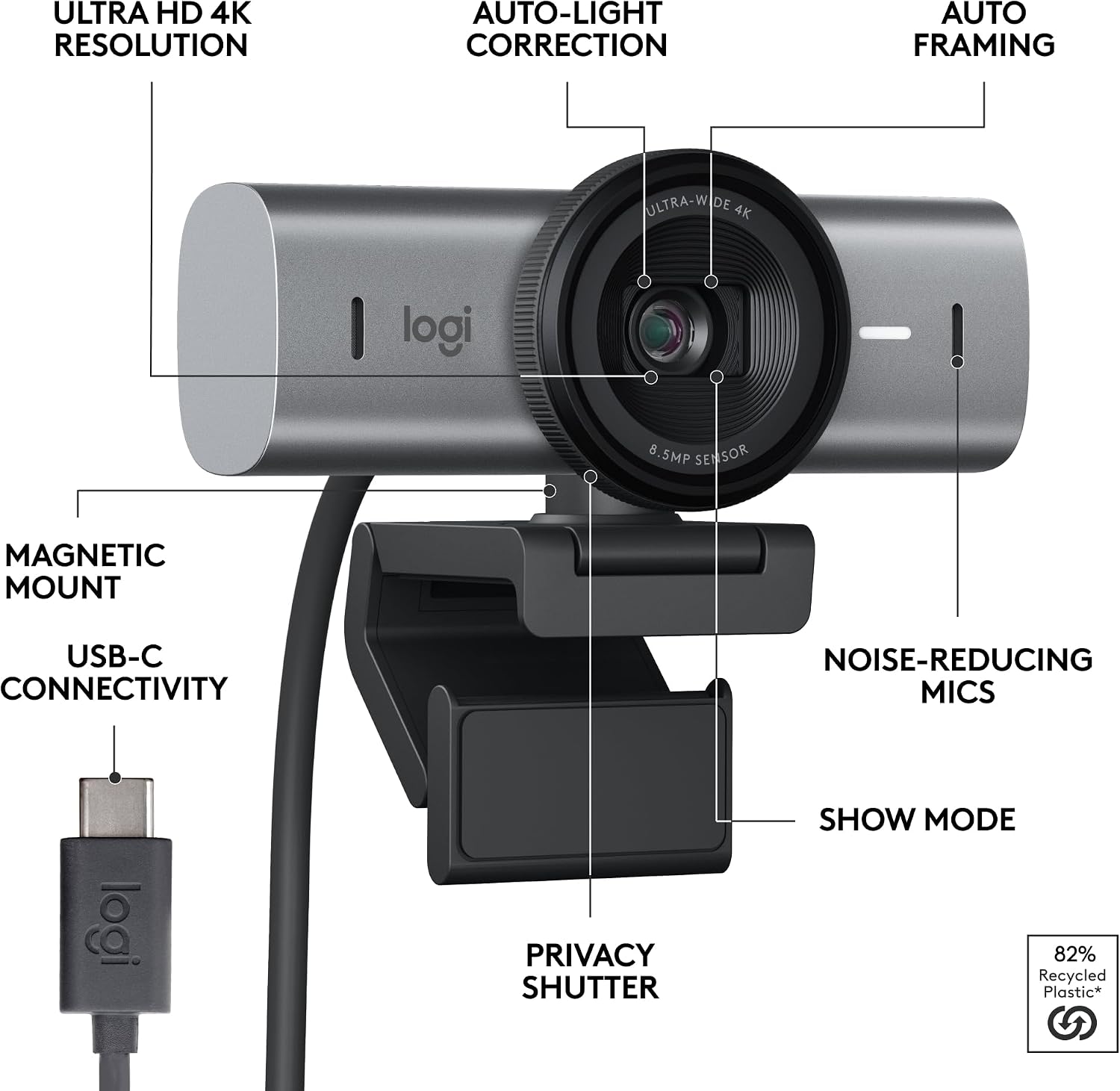
The Logitech MX Brio Ultra HD webcam is designed for collaboration and streaming, offering 4K resolution at 30fps or full 1080p at 60fps. It includes dual noise-reducing microphones, AI-enhanced image handling, and a USB‑C connection. A privacy cover is provided, and the camera supports Show Mode to share notes or sketches during calls.
Should you consider it
On paper, this webcam is aimed at professionals who need sharp video, clear audio, and flexible on‑call presentation options. It’s well-suited for video conferences, live streaming, and remote collaboration in environments with variable lighting. If you prioritise image quality and audio clarity in meetings, this model warrants consideration. However, it’s worth noting that 4K streaming requires compatible software and bandwidth, and the higher resolution can demand more processing power from your computer.
Key features in practice
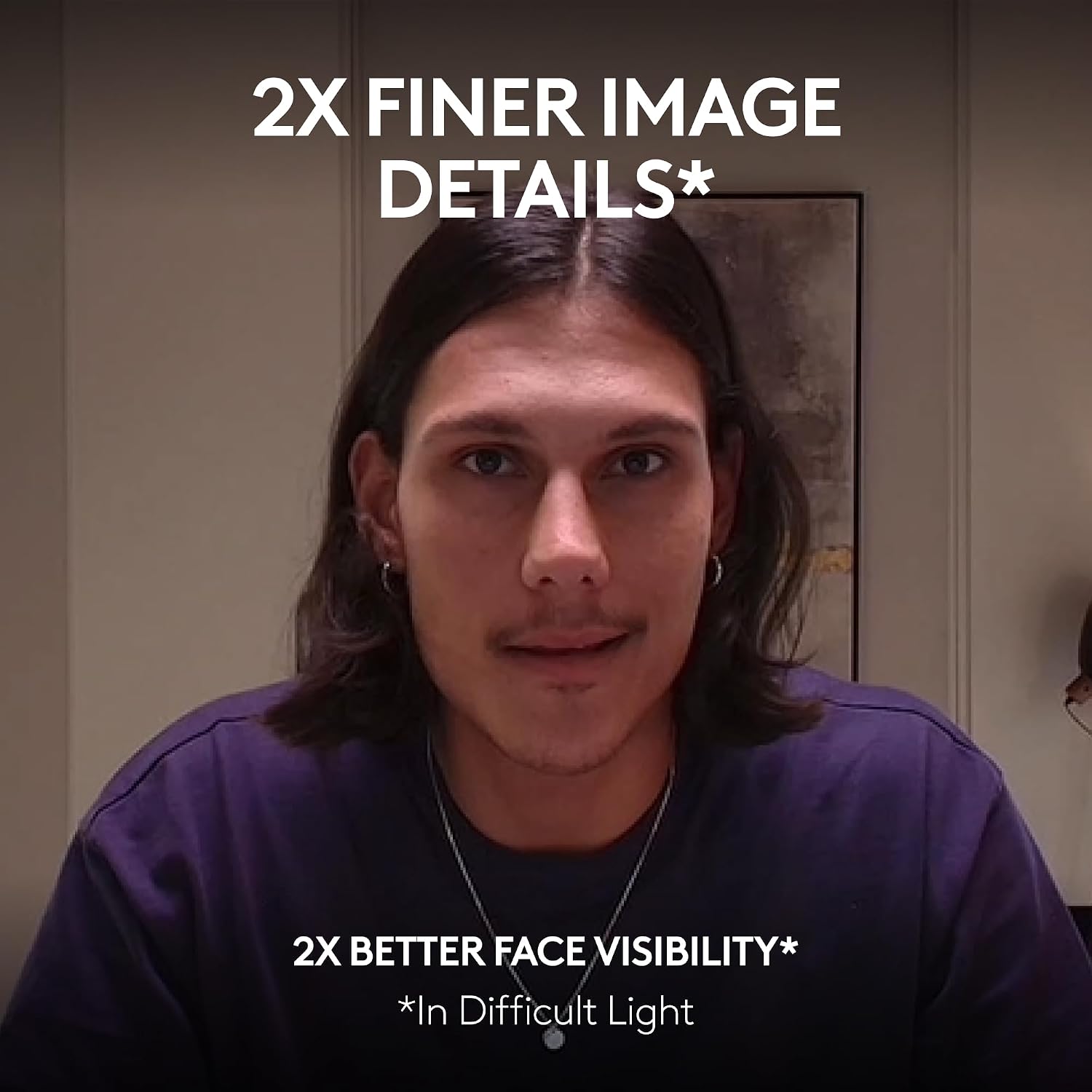
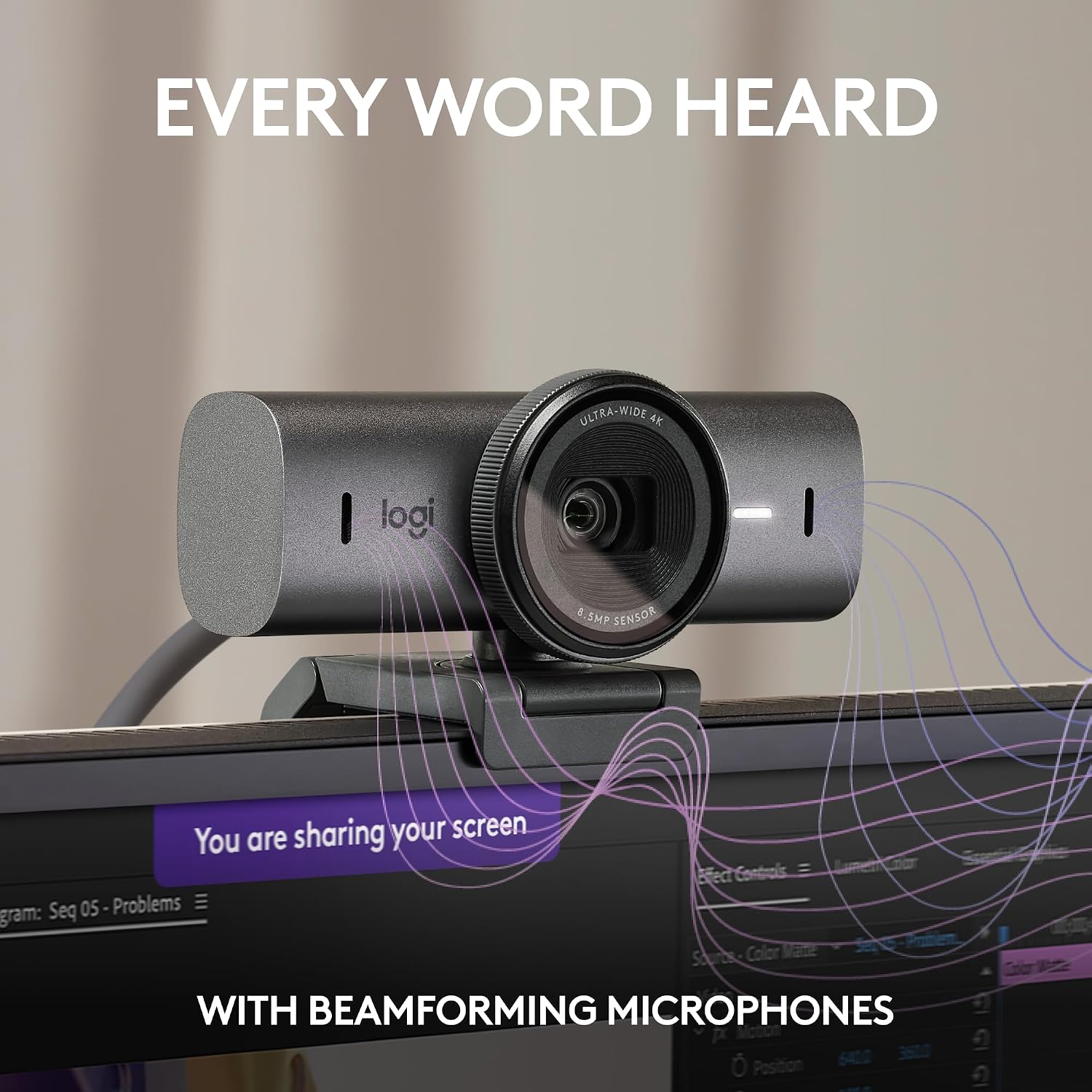
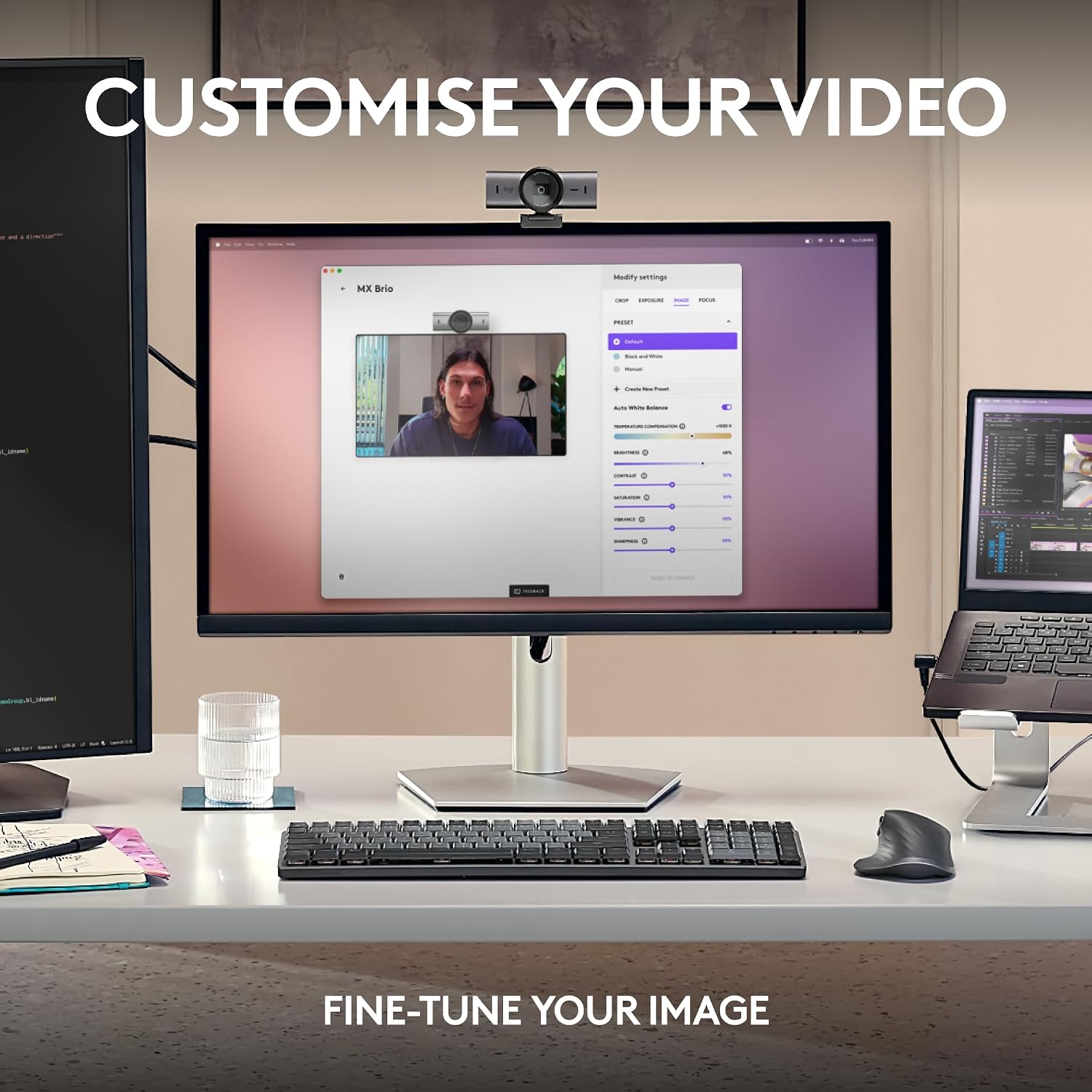
The sensor design uses 70% larger pixels for improved detail, with AI‑assisted enhancements for face visibility in challenging lighting. You can fine‑tune exposure, white balance, ISO, shutter speed, tint and vibrance to suit your environment, or opt for Auto mode for a hands‑off setup. The dual beamforming mics reduce background noise, helping your voice come through more clearly during calls.
Show Mode and collaboration
Show Mode enables tilting the camera down to share desk notes or sketches directly on calls, which can simplify on‑screen collaboration when you’re presenting or brainstorming. This can be particularly handy for whiteboard demos or side‑by‑side document review in virtual meetings.
Build, compatibility and setup
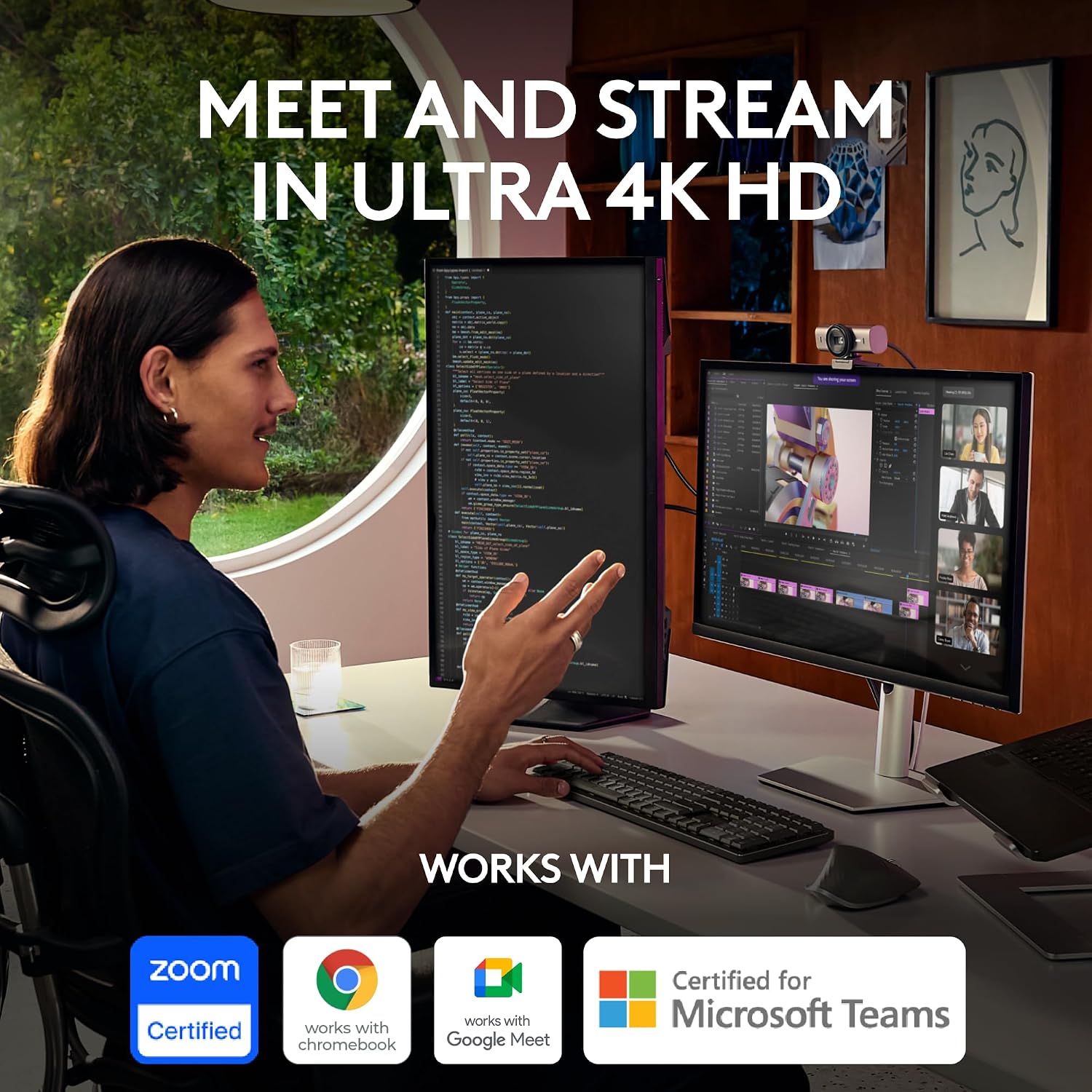
With USB‑C connectivity, this webcam plugs into modern computers without the need for extra adapters. The model also includes a privacy cover for added peace of mind when the camera isn’t in use. It’s described as compatible with common platforms such as Microsoft Teams, Zoom and Google Meet, which can help reduce setup friction in mixed‑vendor environments.
What to watch out for
- 4K at 30fps may not be necessary in every scenario, if your workflow is video calls only, 1080p at 60fps might be sufficient while requiring less bandwidth and processing power.
- The more advanced image controls are a safety net if you’re prepared to invest time in fine‑tuning for your lighting. If you prioritise a plug‑and‑play option, Auto mode may not always deliver perfect skin tones in all rooms.
- The benefit of Show Mode is context dependent, if you rarely present notes on camera, its value may be marginal.
Who it’s for
This webcam targets professionals who attend high‑quality video calls, streaming or hybrid meetings and who want precise control over image and audio. It suits home offices with fluctuating light, small meeting rooms and creators looking for steadier voice pickup alongside clear video.
Who it’s not for
If you rarely use 4K or require the simplest possible setup, a more basic webcam may offer better value for money. If you work with lower bandwidth or older hardware, the 4K option might be more demanding than you need. Also, if you favour a compact, budget option, this model sits higher in price and feature‑set.
Before you buy: practical checks
- Confirm your computer supports 4K capture and you have adequate bandwidth for 4K streaming if you plan to use it.
- Check your conferencing software settings to ensure you can access the camera’s advanced controls and Show Mode features.
- Consider the lighting in your workspace, AI enhancements improve results, but poor light can still limit performance.
How it compares, in context
For users who want a step beyond entry‑level webcams, this model offers stronger image processing and AI features, alongside a couple of collaboration aids like Show Mode. If you don’t need ultra‑sharp 4K or advanced manual controls, a mid‑range webcam with simpler setup may be more straightforward. In short, it’s a sensible choice when you value image fidelity and professional audio in a modern USB‑C package, not when you need the lowest price or ultra‑compact form.
Final verdict
Should you buy it? It makes sense if you prioritise high‑quality video, clear AI‑assisted noise reduction, and genuine collaboration features on calls. It’s a solid pick if your work involves frequent meetings, presentations, or streaming and you can make use of 4K or the enhanced 1080p 60fps option. It might not be the best match if you’re after a lightweight, plug‑and‑play device with minimal setup.
FAQ
- Do I need 4K to benefit from this webcam? Not necessarily. 1080p at 60fps covers most video calls well, while 4K can offer extra detail if your workflow supports it.
- How important is the Show Mode feature? It’s situational—helpful when you regularly present desk notes or sketches, but less useful if you mostly have standard screen sharing.
- Will the dual mics handle background noise in a busy office? The dual beamforming mics are designed to reduce background noise, but performance will still depend on your room and mic placement.