

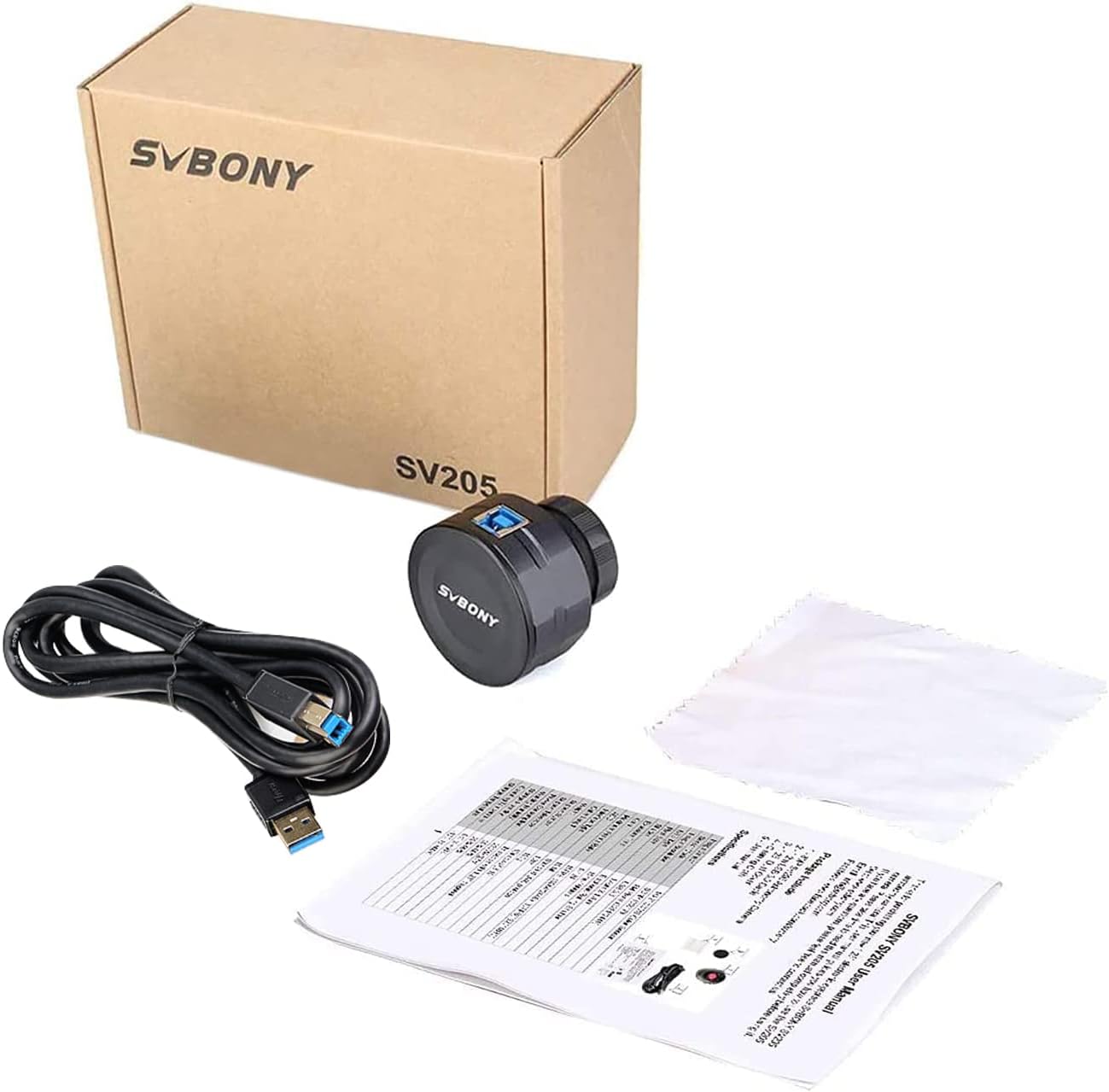
Svbony SV205 electronic telescope camera (8MP USB3.0, 1.25-inch) for beginners
Product description
At a glance
The Svbony SV205 is an electronic eyepiece-style telescope camera designed to take a live feed from your telescope (and even a microscope, on paper) straight to a laptop or PC. The big draw here is convenience: it’s described as “plug and play without driver”, so you’re not expected to wrestle with extra setup before you can start sharing what you’re seeing.
It’s also aimed at people who want to view planets and the Moon in a more immediate way—think live viewing on a screen rather than only looking through an eyepiece and hoping everyone else can see the same thing. If you’re building your first astrophotography habit or just want an easier way to show friends, this kind of camera tends to be the practical step up.
Key features you’ll actually use
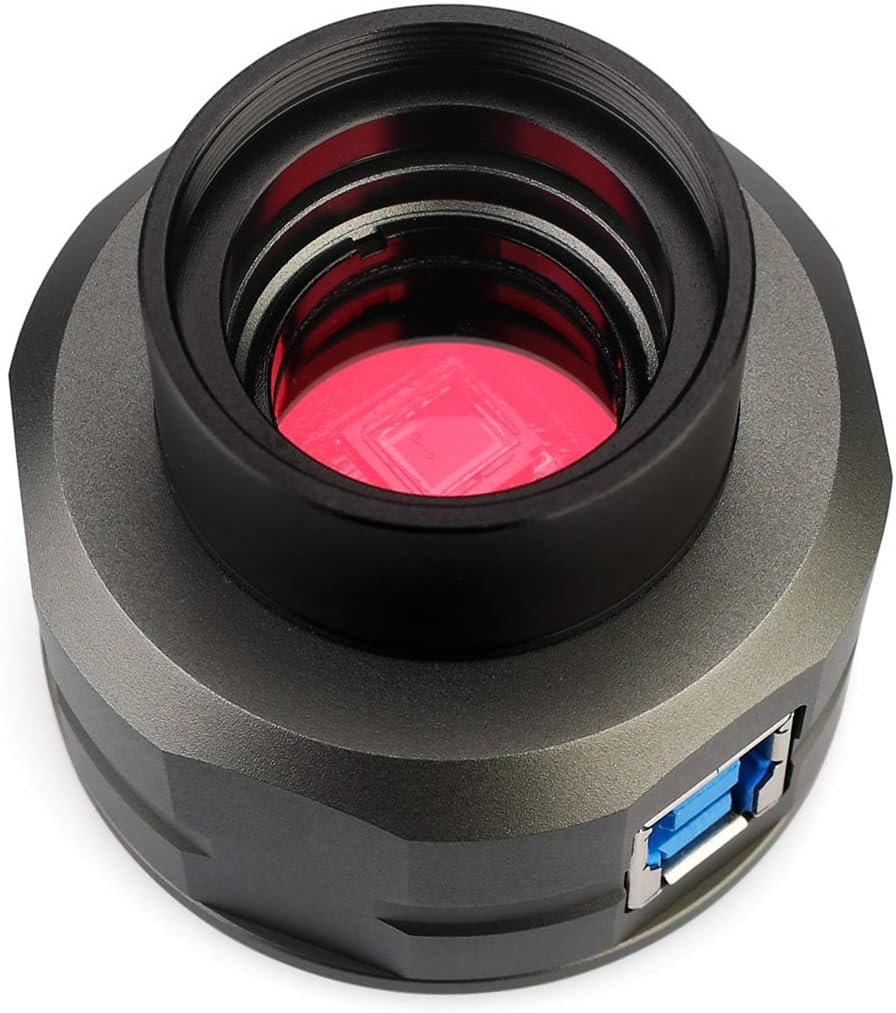
A few details from the product description stand out for day-to-day use.
First, the SV205 uses an IMX415 CMOS sensor (8MP). The seller positions it as having longer exposure time, which matters if you’re trying to get a clearer planetary or lunar view under darker conditions. It also includes dark light compensation technology, specifically to improve image clarity in low-light situations—this is one of those features that won’t make a night sky magically brighter, but can help reduce the “washed out” look when conditions aren’t ideal.
Second, connectivity is USB3.0. On paper, that’s about speed and stability compared with USB2.0, which is reassuring if you’re moving a live feed rather than just grabbing a single still image.
Third, it outputs video in MJPG format. The description mentions recording video and a frame rate up to 30FPS at 2K resolution (1920x1080). It also notes that if you want a “beautiful image”, you should choose the YUV uncompressed video format—suggesting there are different capture modes depending on what software/format you use.
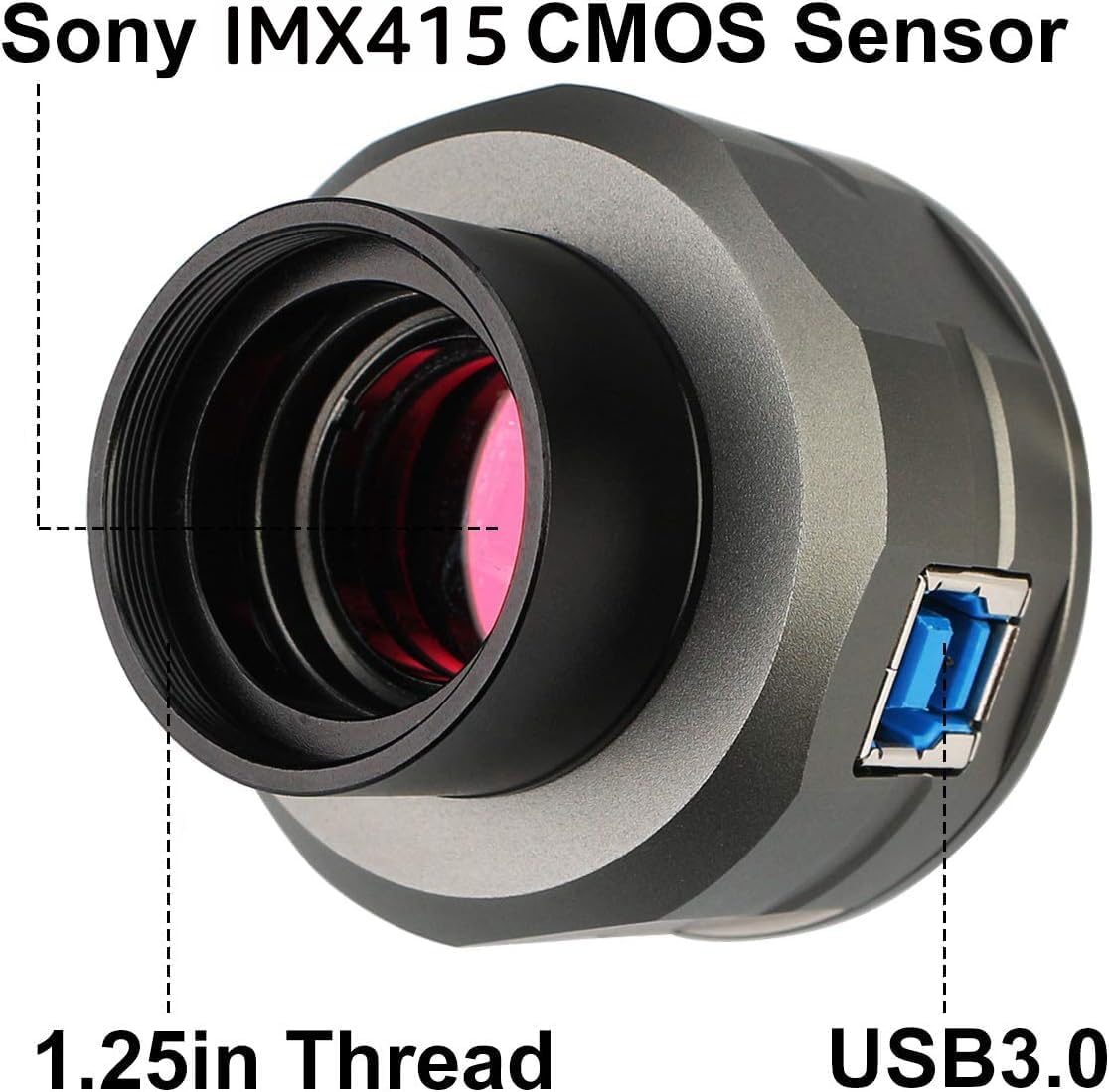
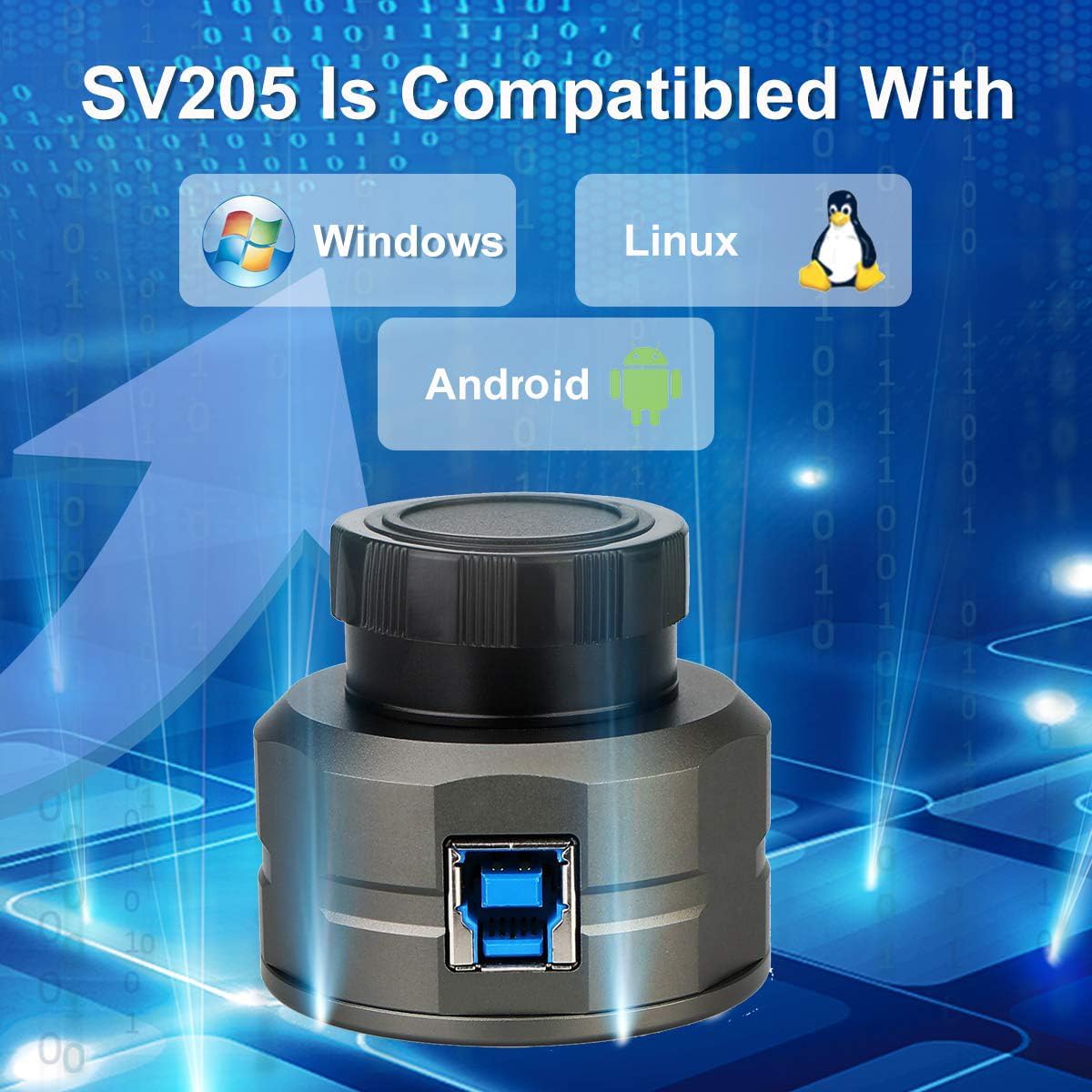
Finally, compatibility is listed broadly: Windows, Android, and mainstream Linux operating systems. That’s useful if your setup isn’t fixed to just one device.
Where it shines (and where it can fall short)
It’s not perfect, but the SV205 makes a lot of sense if your main goal is live viewing and easy sharing. With the camera feeding a real-time video to a computer, you can put the view on a bigger screen for family, friends, or fellow stargazers. A simple example: during a clear evening, instead of everyone crowding one eyepiece, you run the camera feed to your laptop and everyone can see the planet or the Moon at the same time.
That said, there are some practical limits to keep in mind. The description is clear about features like 8MP still capture and video modes, but it doesn’t spell out things like how it handles fine focus, how it performs on very faint deep-sky targets, or what capture software you’ll use in practice. So if your priority is highly optimised imaging results across a wide range of celestial objects, this may feel more like a beginner-friendly “electronic eyepiece” than a full-on imaging platform.
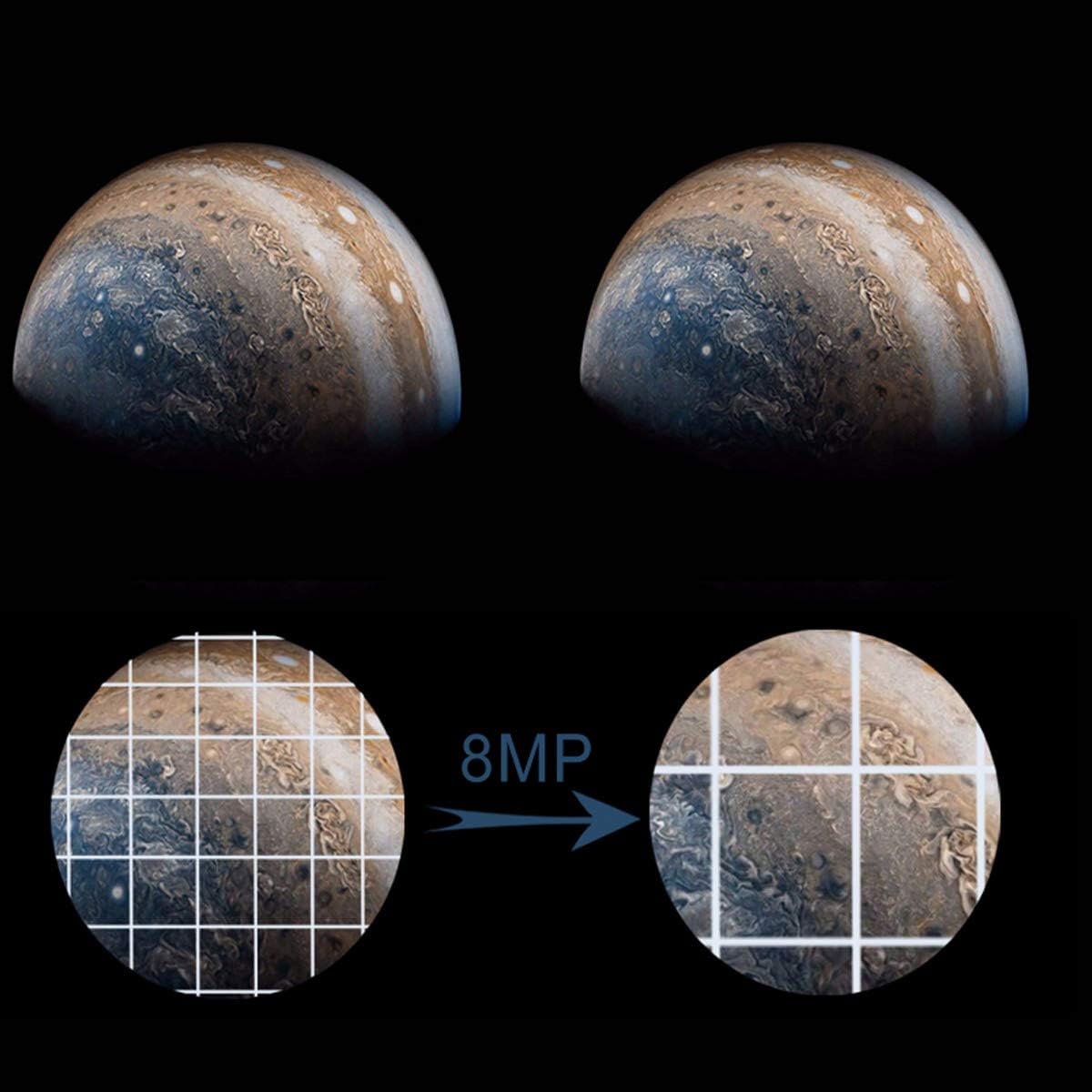
Also, the mention of different video formats (MJPG versus YUV uncompressed) implies that how you capture matters. If you’re the sort of user who wants everything to look great without any tweaking, you might need a little patience exploring which mode gives you the look you want.
Who it suits best
It suits you if you’re: - A beginner who wants an easier way to capture and share views through a telescope. - Someone who prefers seeing planets and the Moon on a screen, in real time, rather than only through an eyepiece. - Building a setup where a faster, more stable USB connection helps keep a live feed usable.
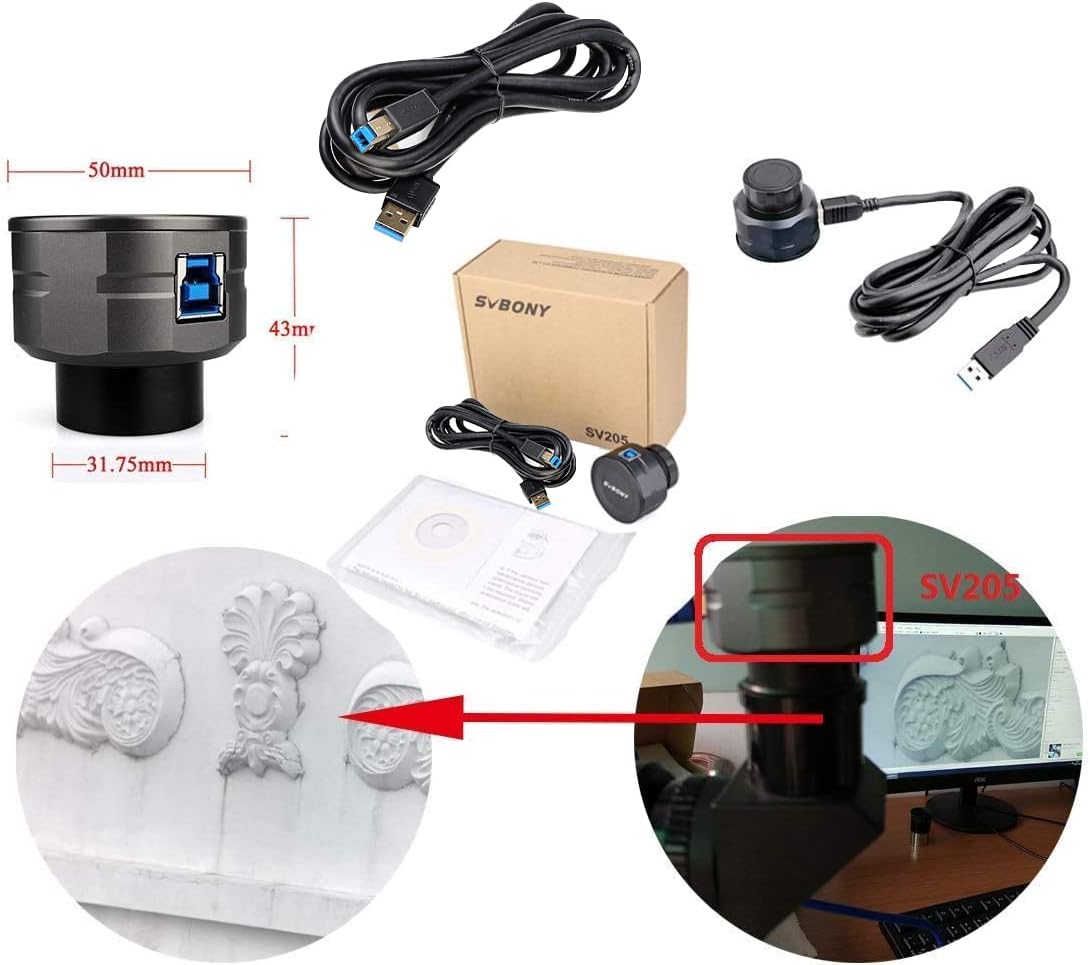
Worth considering if you already have an astronomy setup with a 1.25-inch telescope eyepiece interface. The description says it can connect with a 1.25-inch filter telescope and microscope, so the physical matching is part of the value.
Things to check before you buy
Before committing, it’s sensible to verify a couple of basics, because camera kits like this live and die by compatibility.
- Connection fit: The SV205 is described as a 1.25-inch digital colour astronomy camera. Make sure your telescope eyepiece or adaptor situation genuinely matches that 1.25-inch interface.
- Your device/software plan: Compatibility is listed for Windows, Android, and mainstream Linux, but the actual capture experience depends on what you use on your side. If you have a specific laptop/OS workflow, check that you can run the camera feed the way you expect.
- Video format expectations: The product description points to MJPG for video, and also suggests using YUV uncompressed for “beautiful image”. If you care about maximum image look, be prepared that format choice may affect performance or settings.
Final verdict
Is it worth it?
Buy the Svbony SV205 if you want a beginner-friendly, plug-and-play electronic telescope camera that lets you capture real-time colour views and share them on a computer screen, especially for planets and the Moon. The 8MP sensor, dark light compensation, and USB3.0 support for a smoother live feed are practical selling points.
Skip it (or at least think twice) if you’re expecting it to behave like a fully optimised astrophotography system for every type of target. The description focuses more on live viewing and planetary/lunar use than on detailed imaging workflows, and it doesn’t tell you enough about advanced setup or results across broader deep-sky targets.
If you’re building a simple, enjoyable “see it on screen” astronomy routine, this is the sort of camera that can make nights out more inclusive and less fiddly.
Quick FAQ
Can it work without a driver?
The description states it is plug and play without driver, which is the main convenience point for first-time users.
What can you film or capture with it?
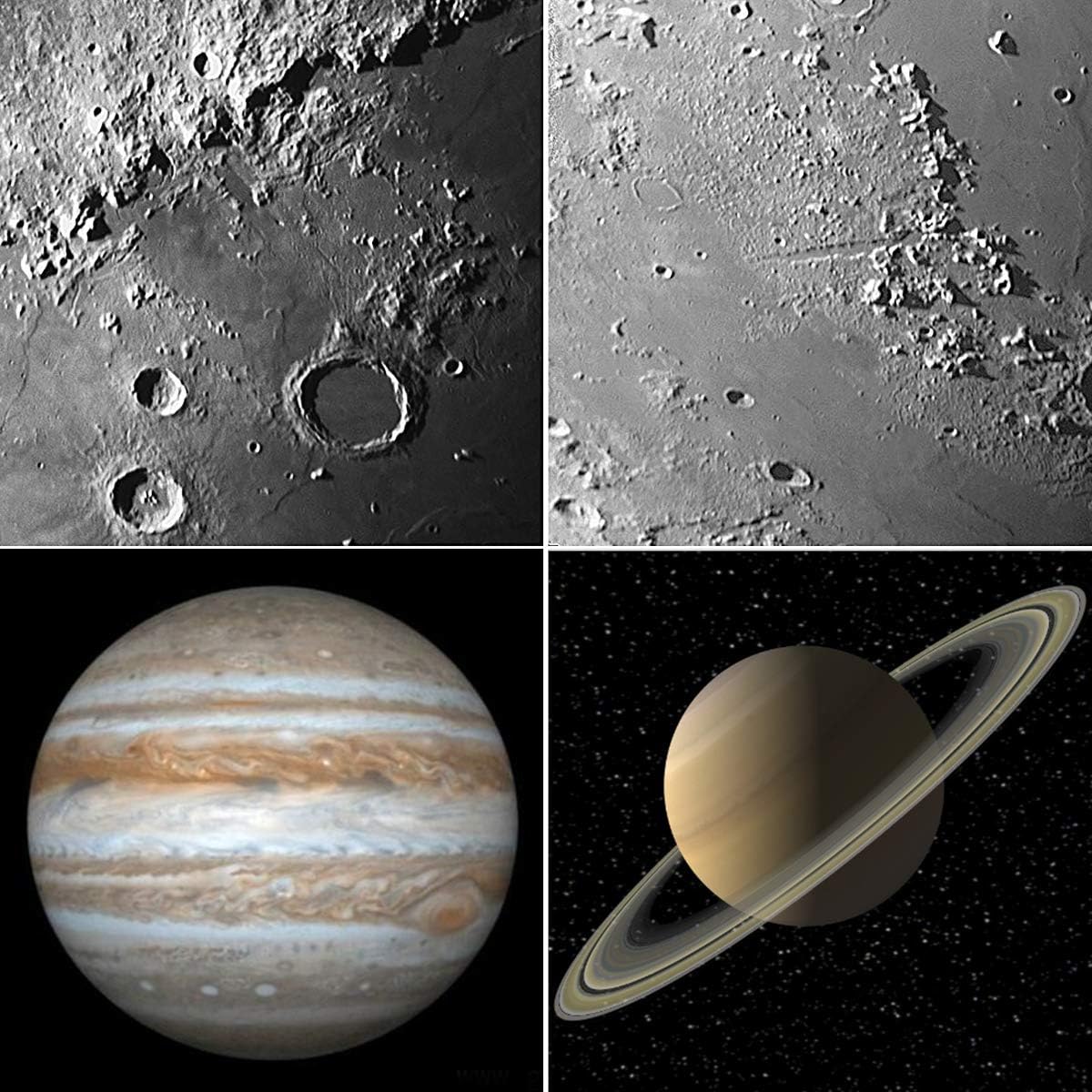
It’s positioned for planetary and lunar targets, with the ability to capture real-time video and share the view via a laptop or PC.
Is USB3.0 really important?
The listing claims USB3.0 is faster and more stable than USB2.0, which is particularly relevant when you’re streaming live video.
What video formats are mentioned?
It mentions MJPG video format for recording video, and notes that YUV uncompressed is recommended if you want a beautiful image.