

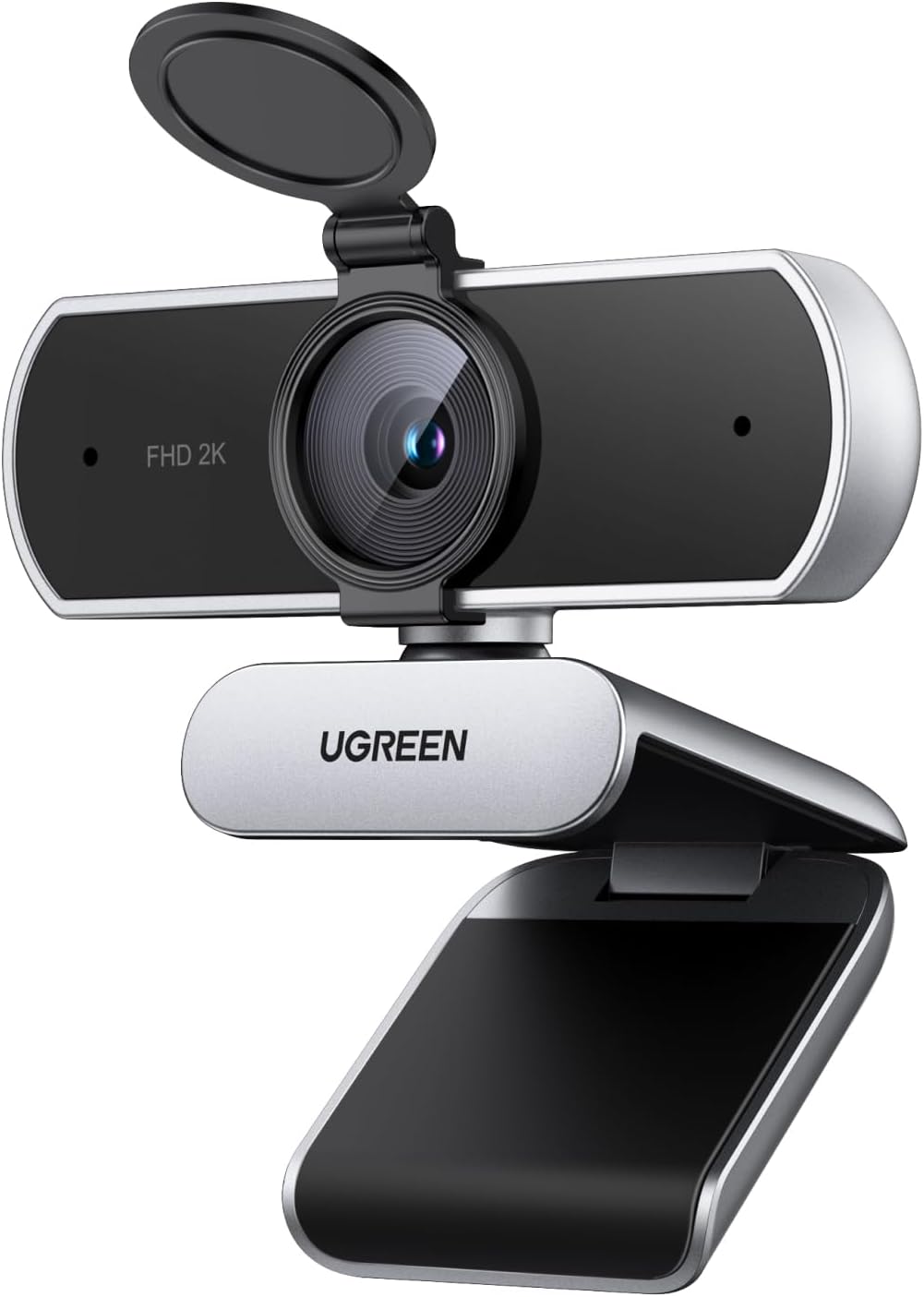
UGREEN 2K/30fps Webcam with Dual Microphones and Privacy Cover
Product description
What it is and what problem it solves
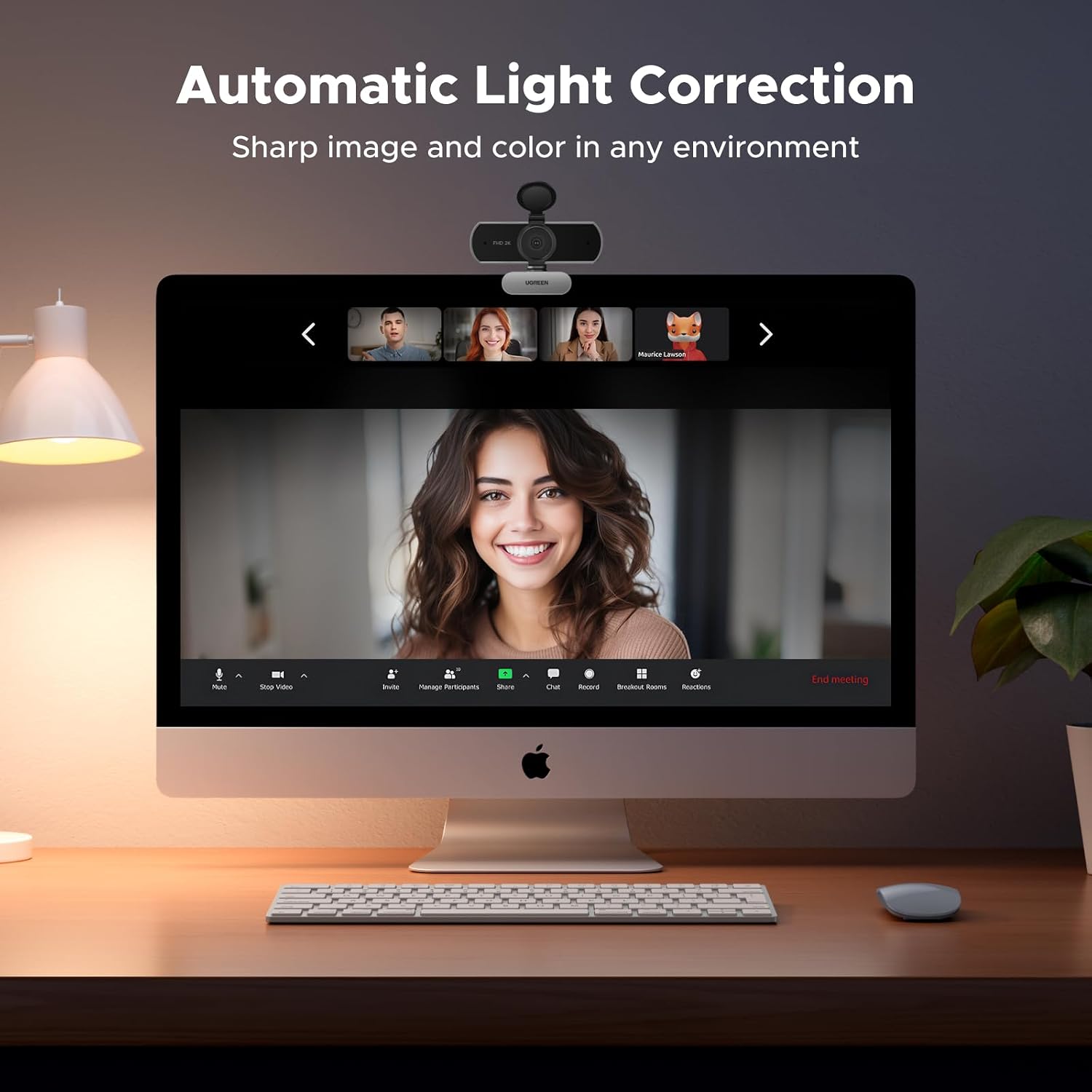
The UGREEN 2K/30fps webcam is a plug‑and‑play PC camera designed to elevate video meetings and streaming without the fuss of complex setup. It focuses on delivering sharper images at 2K/30fps, better colour accuracy, and straightforward usability for everyday video calls, online teaching, or live streaming. If you’ve ever felt your webcam underdelivers in dim or mixed lighting, this model aims to help by combining a 4‑megapixel CMOS sensor with automatic light correction for brighter, more natural visuals.
How it performs in real use
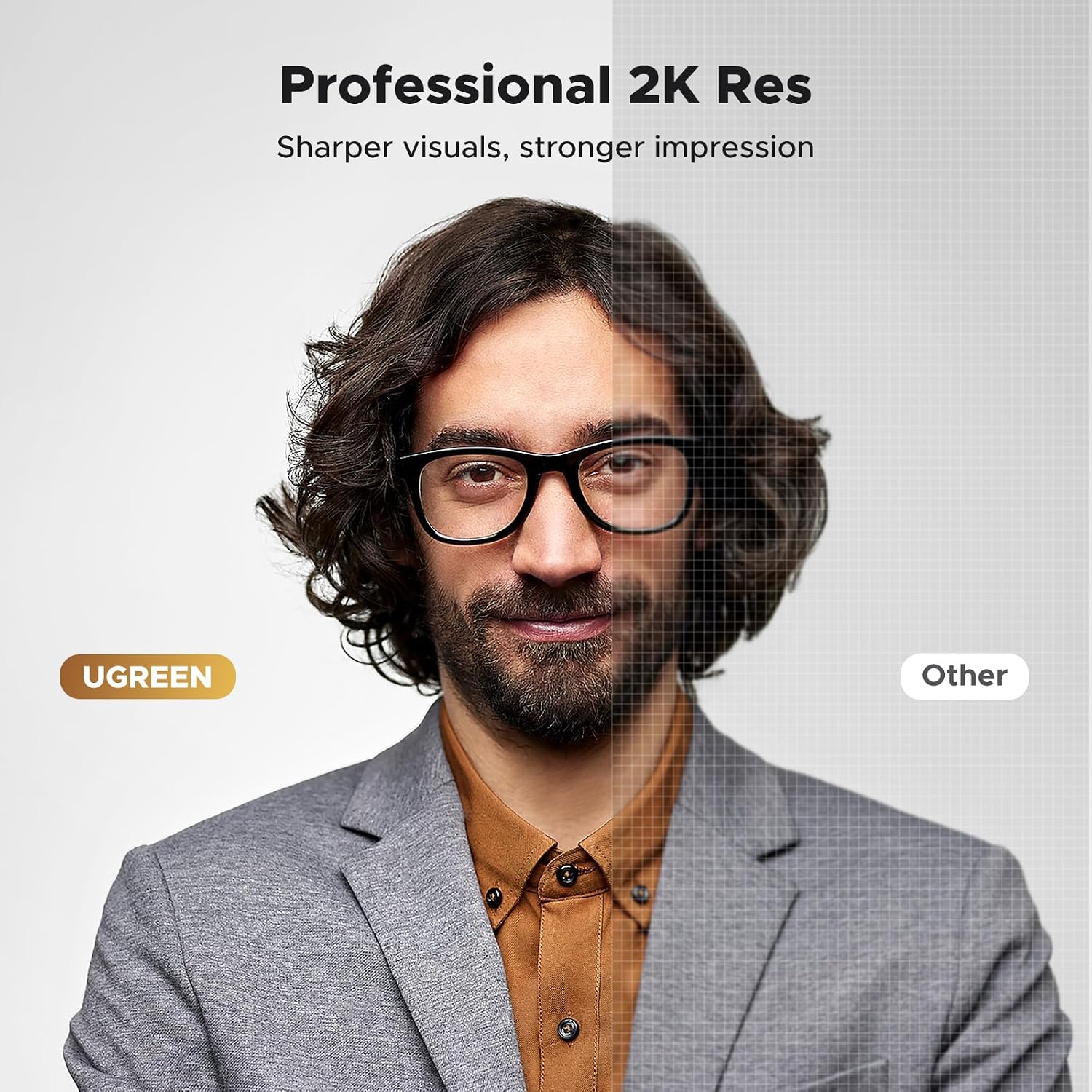
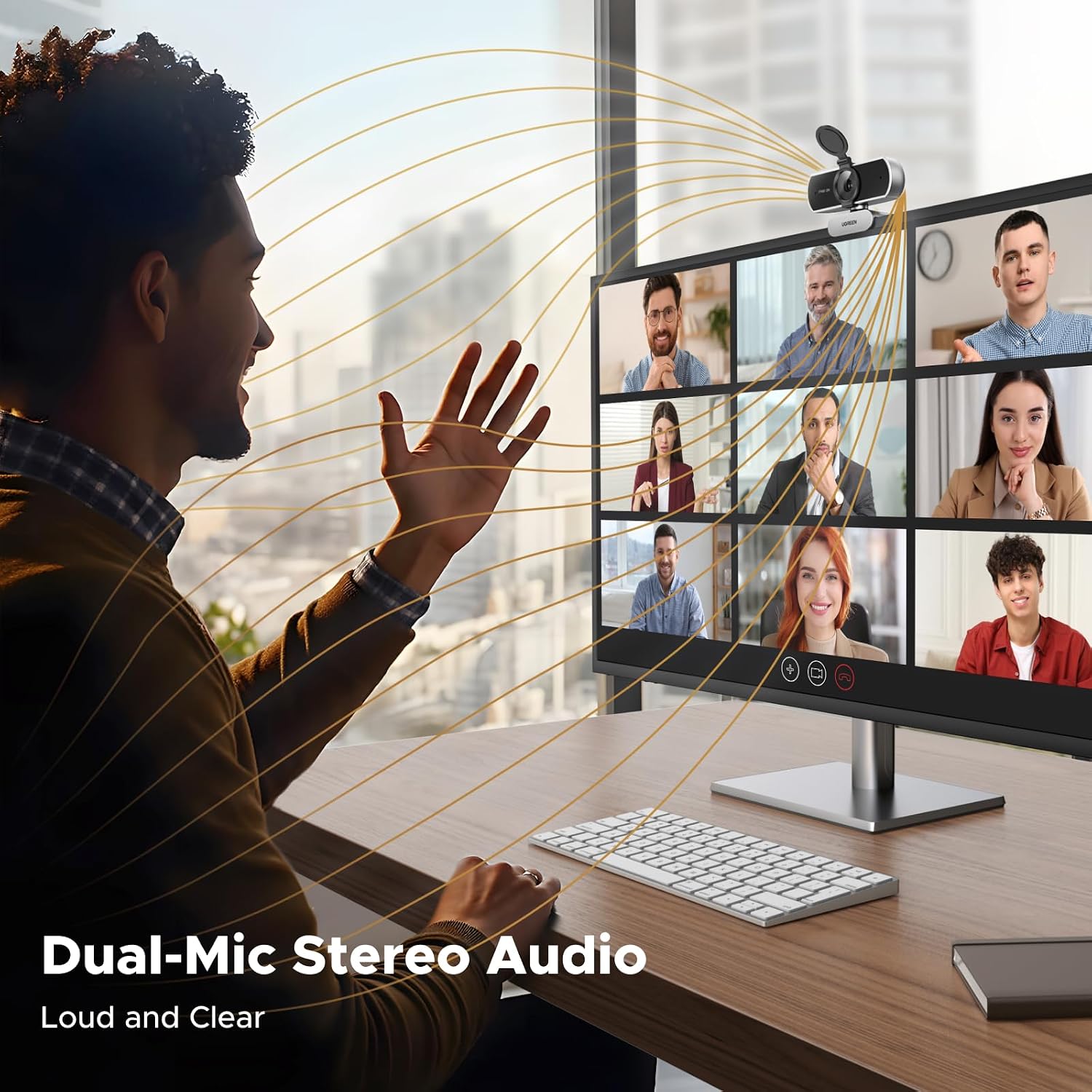
On a typical desk, you’ll notice improved image clarity compared with standard 1080p options, especially when lighting isn’t perfect. The automatic light correction tries to balance brightness and white balance on the fly, which can reduce the need to fiddle with settings during calls. The dual microphones capture natural stereo audio, which helps voice projection without needing an external mic in smaller rooms. A privacy cover gives you a simple, tangible way to cover the lens when not in use.
What stands out and where it may fall short
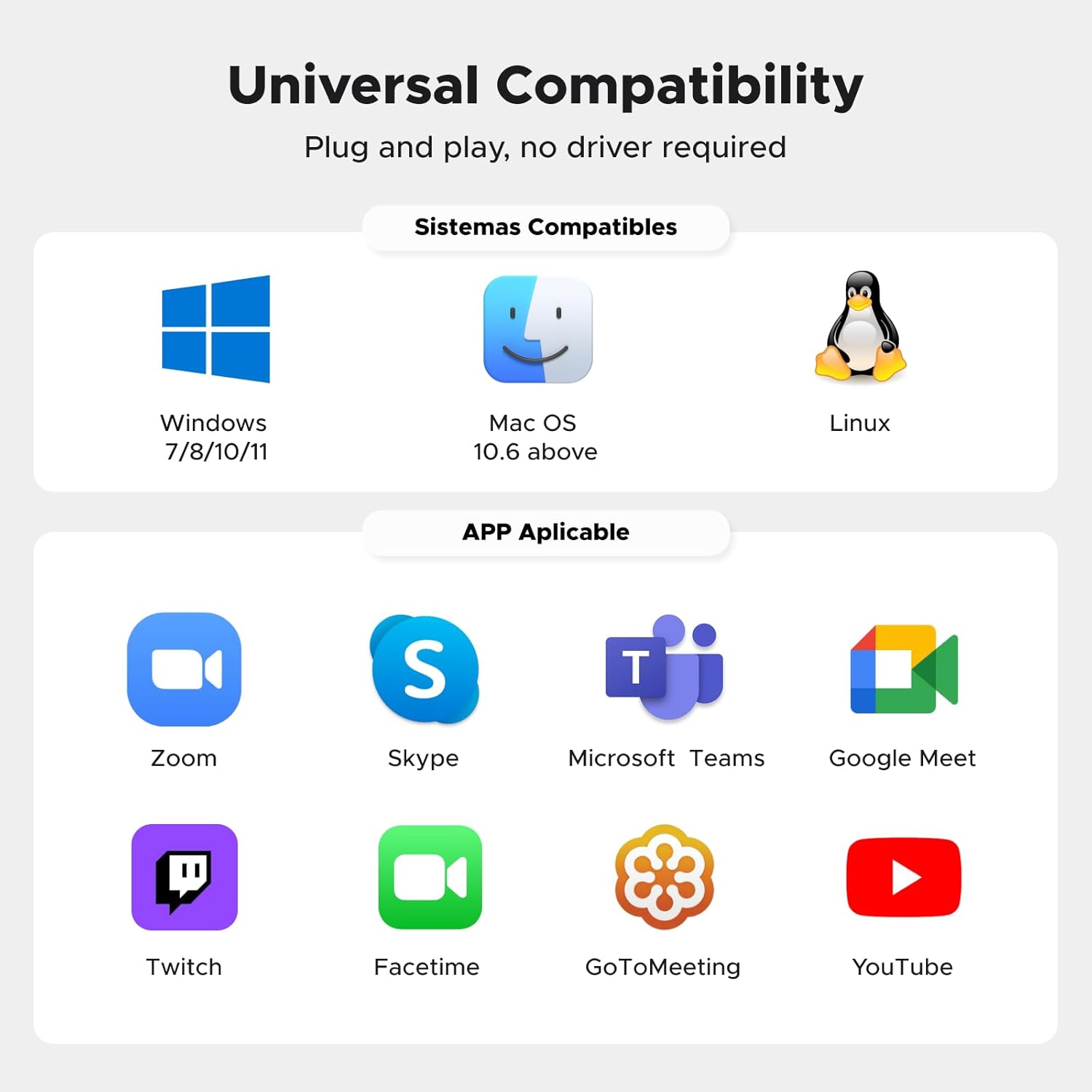
What’s notable is the combination of 2K resolution at 30fps and a privacy feature in a compact, affordable package, plus broad compatibility with Windows and macOS and common software like Zoom and Skype. It isn’t a high‑end streaming rig, though, 2K/30fps is respectable for most day‑to‑day video calls and light streaming, but it may not satisfy users who require higher frame rates or advanced autofocus for fast movement.
Who this is for
If you primarily use video calls for work or study and want crisper imagery than basic webcams, plus simple privacy controls and decent audio without buying extra gear, this webcam fits well. It’s suited for daily conferencing, remote lessons, and occasional live streaming where plug‑and‑play simplicity matters more than top‑tier specs.
Who it isn’t the best option for
Not ideal if you need very high frame rates for fast motion (e.g., high‑speed gaming or high‑tempo live streams) or if you require bespoke lighting setups and advanced camera features. If you already rely on professional external mics or want bundled software features beyond standard calls, you might find the feature set a bit modest.
When does it make sense to buy
Consider this model when you want a balanced upgrade over basic 1080p options, value‑focus features like built‑in privacy and dual mics, and reliable cross‑platform compatibility. It’s sensible if you’re setting up a small home office, teaching space, or streaming corner where simplicity and steadier video matter more than cutting‑edge specs.
Before you buy: what to check
- Ensure your OS version is compatible with the camera (Windows and macOS are supported as stated).
- Look at lighting in your space, automatic light correction helps in mixed lighting but won’t replace a dedicated lighting setup.
- Consider whether the 2K resolution aligns with your display and audience expectations, 2K can consume more bandwidth in live streams.
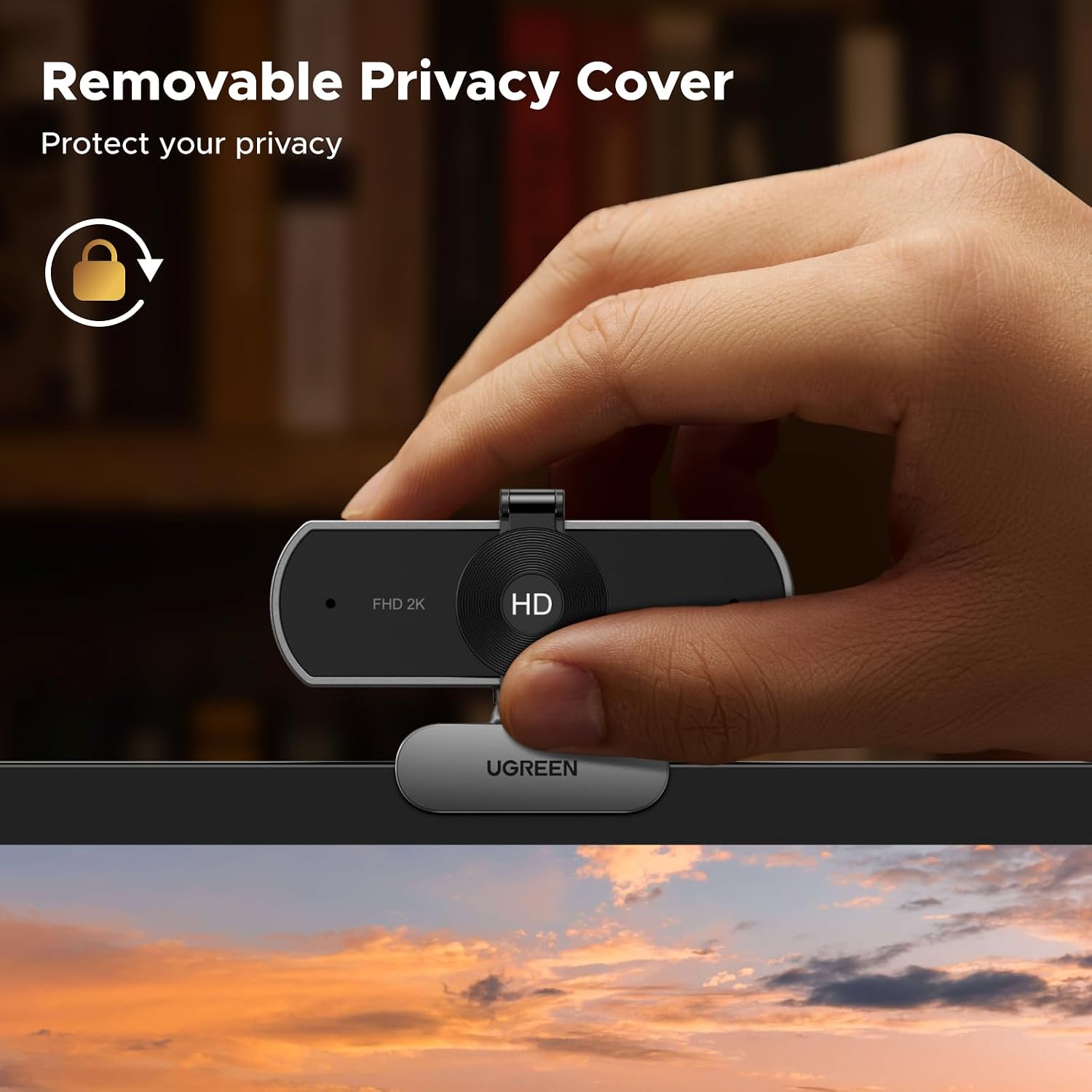
- Verify that the privacy cover is easily usable and stays in place when needed.
Practical usage example
In a mid‑sunlit home office, the webcam can capture natural skin tones and moderate detail on facial features during a morning Zoom meeting. The dual mics pick up voice clearly even with keyboard noise in the background, which helps if you work in a shared space.
How it compares to broader approaches
If you’re weighing options, you’ll typically choose between basic 1080p cams, higher‑end models with 4K or higher framerates, or devices that rely on external lighting and acoustic kits. This UGREEN model sits in the pragmatic middle: better image quality than the cheapest cams and a modest price, with the convenience of built‑in privacy and dual mics, without venturing into premium audio or lighting rigs.
What you’ll notice day to day
- Easier to look presentable on video calls—colours feel more natural and lighting is accounted for automatically.
- Clearer spoken audio for listeners in the same room or on speakerphone.
- A physical privacy option that you can use as needed.
Decision time: Is it worth it?
This webcam makes sense if you value a straightforward upgrade over entry‑level models and want a compact, reliable device with privacy features and two microphones. If your use case relies on ultra‑glossy 4K or professional audio setups, you may want to explore other options. For everyday video conferencing, online teaching, and casual streaming, it represents a sensible middle ground.
FAQ
- Does it work with Zoom and Skype? Yes, the camera is listed as compatible with common software including Zoom and Skype.
- Can it run on macOS? It is designed to be compatible with macOS (version 10.6 and later).
- What about privacy? It includes a removable privacy cover for lens protection when not in use.
Final thoughts
If you prioritise a plug‑and‑play experience, sensible image improvements, and practical privacy features in a compact form, this UGREEN webcam is a credible option. It won’t replace a high‑end studio setup, but it offers a reliable level of performance for most daily tasks and online communication.