

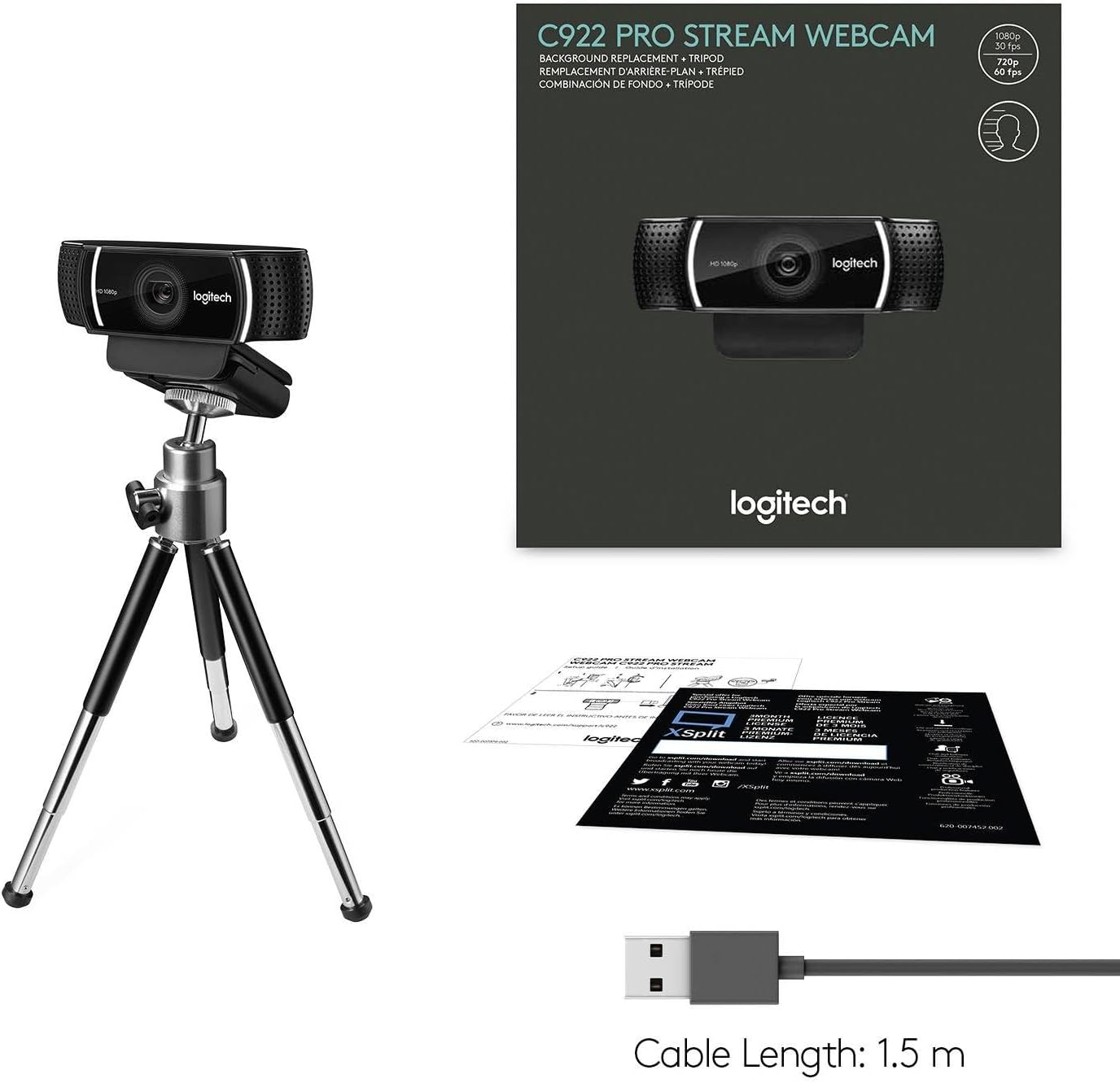
Logitech C922 Pro Stream Webcam (HD 1080p/30fps or HD 720p/60fps) with stereo audio – black
Product description
The essentials
The Logitech C922 Pro Stream Webcam is a streaming-focused HD webcam built for the everyday reality of YouTube, Twitch and video calls. On paper it aims to give you a clear, sharp image without the kind of distracting artefacts that can make your output look messy. It also leans into audio, with stereo sound intended for calls and recorded videos.
It’s not trying to be a cinema camera, and that’s probably a good thing. If your main goal is to look presentable on screen (and sound reasonably natural) while streaming or creating content, this model’s feature set reads like a practical match rather than a gadget.
Key features that actually matter in use
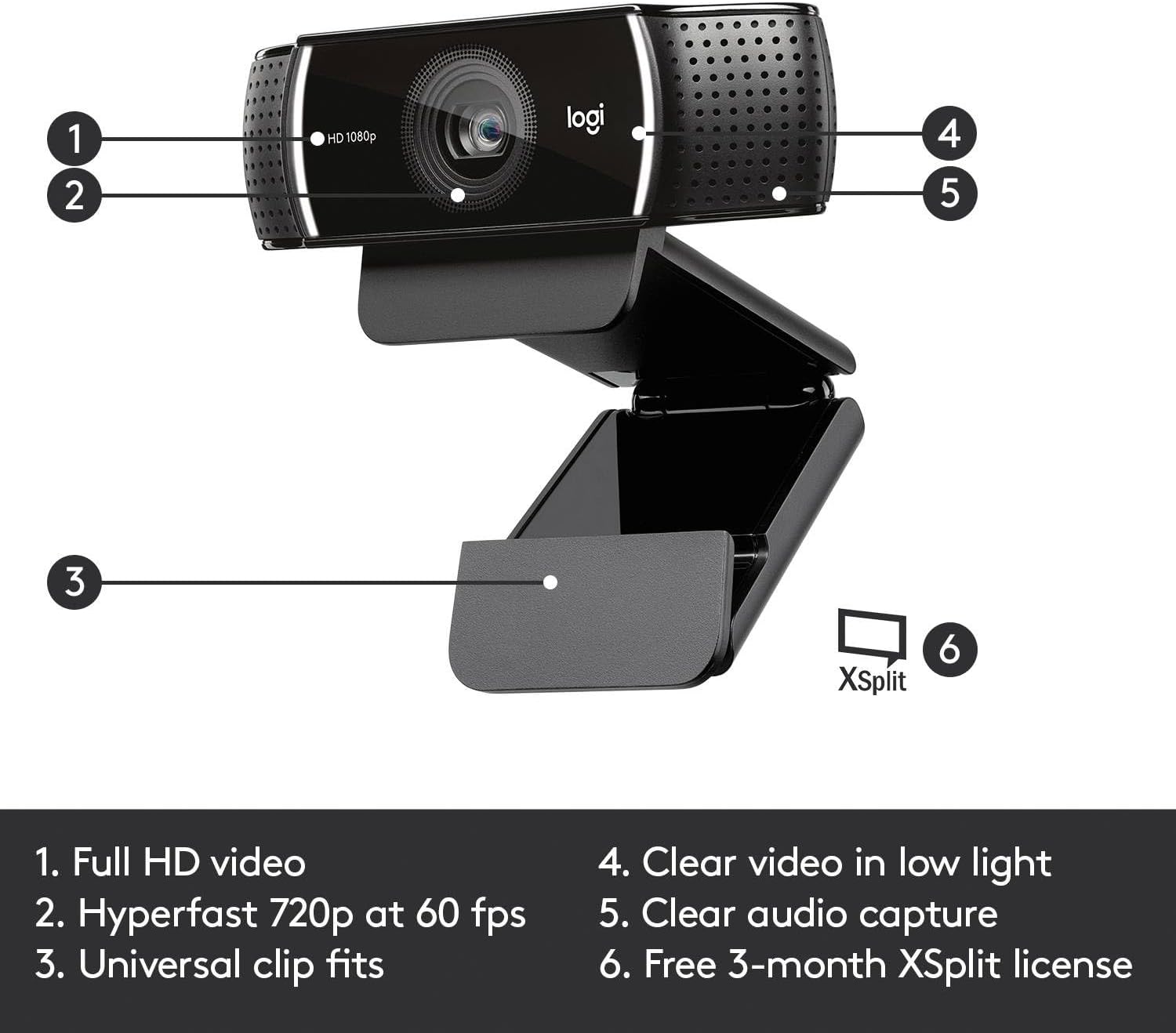
Where the C922 tends to make sense is around the “setup to go live” workflow. The listing mentions autofocus and HD light correction, which are both aimed at keeping your image more consistent when lighting isn’t perfect. That matters if your room brightness changes during the day, or if you sometimes stream from a desk where a lamp is doing most of the work.
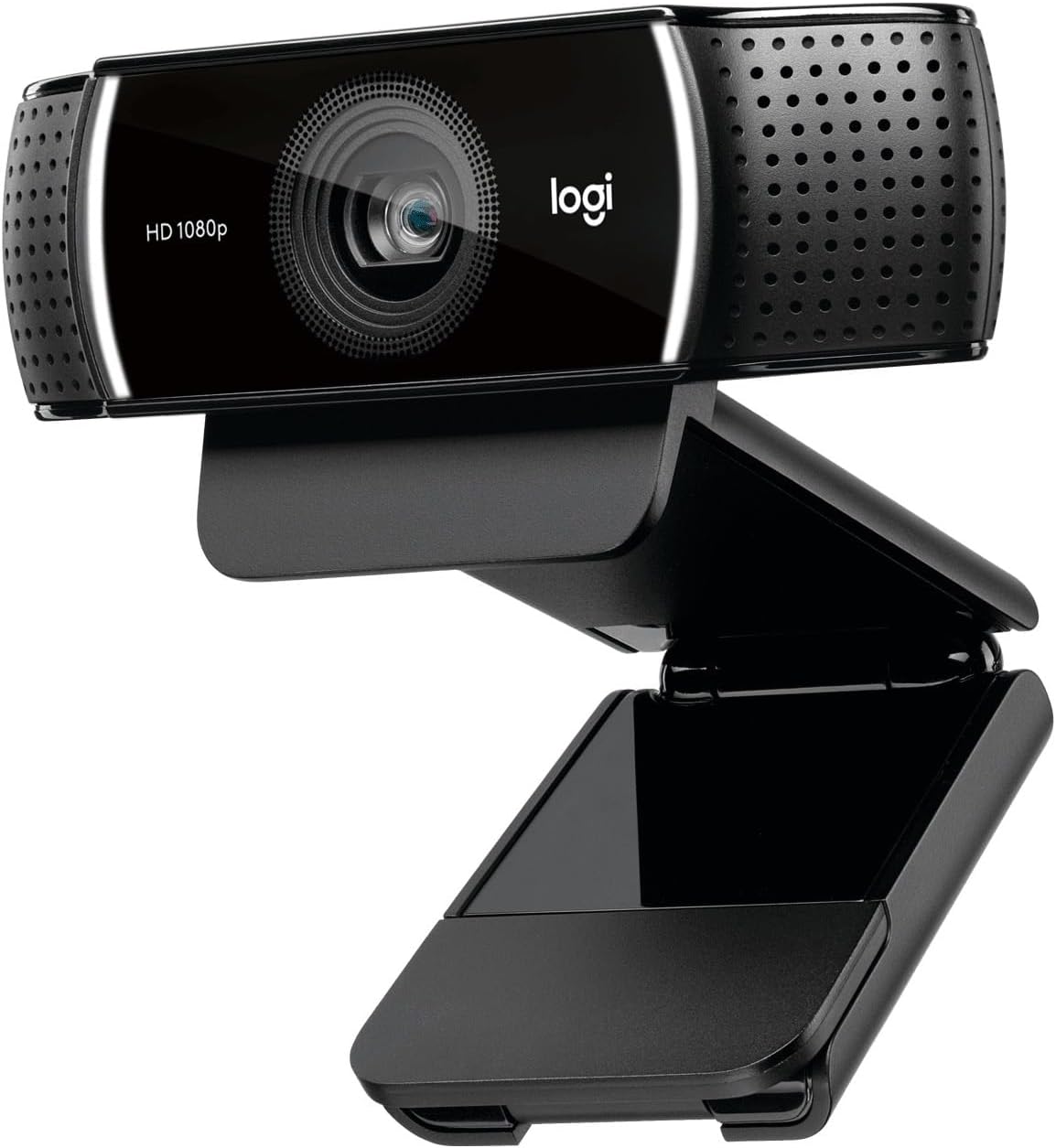
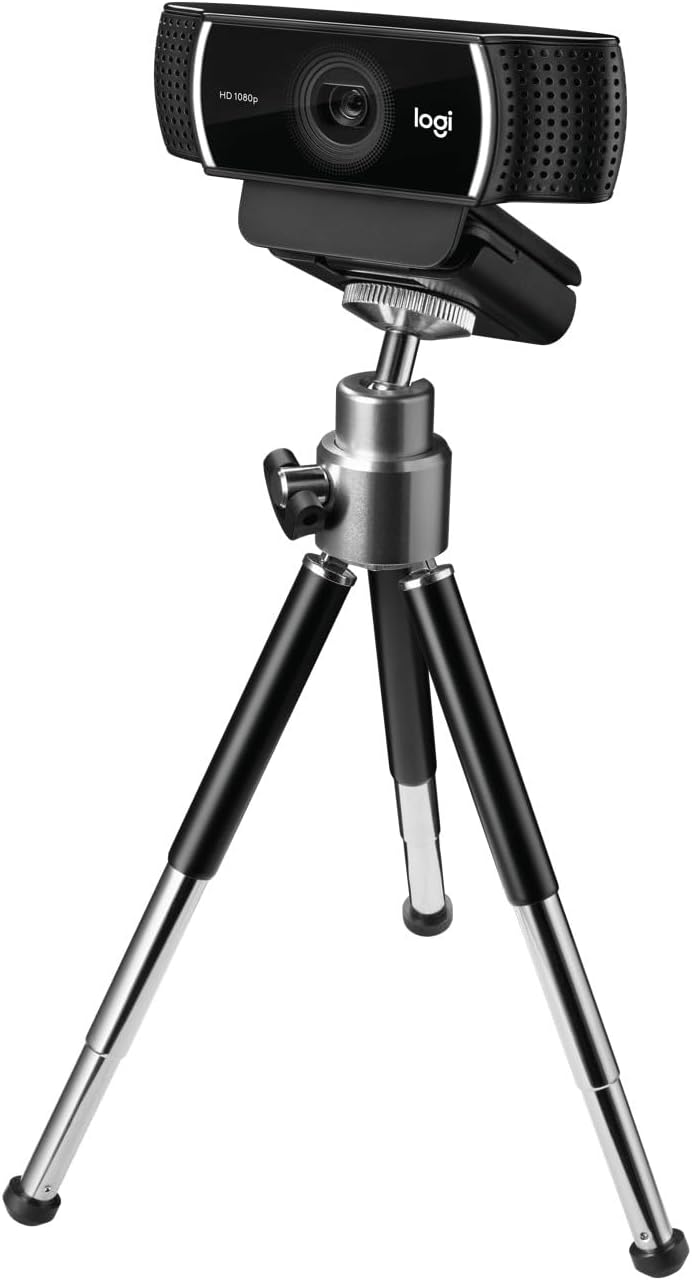
You also get a flexible tripod setup for placing it on a table, plus a rotating mounting piece. That kind of physical adjustability is a small detail, but it affects whether you can quickly find a decent angle and keep the camera stable during longer sessions.
Then there’s the resolution/frame-rate pairing described for streaming: HD 1080p/30fps or HD 720p/60fps. In practice, you’ll often end up choosing based on whether you care more about detail or motion smoothness (especially for gameplay, fast movement, or chatting with lots of gestures).
And yes, the stereo audio angle is part of the pitch, because no one wants a setup where the picture looks good but the sound drags everything down.
What you’ll notice day to day
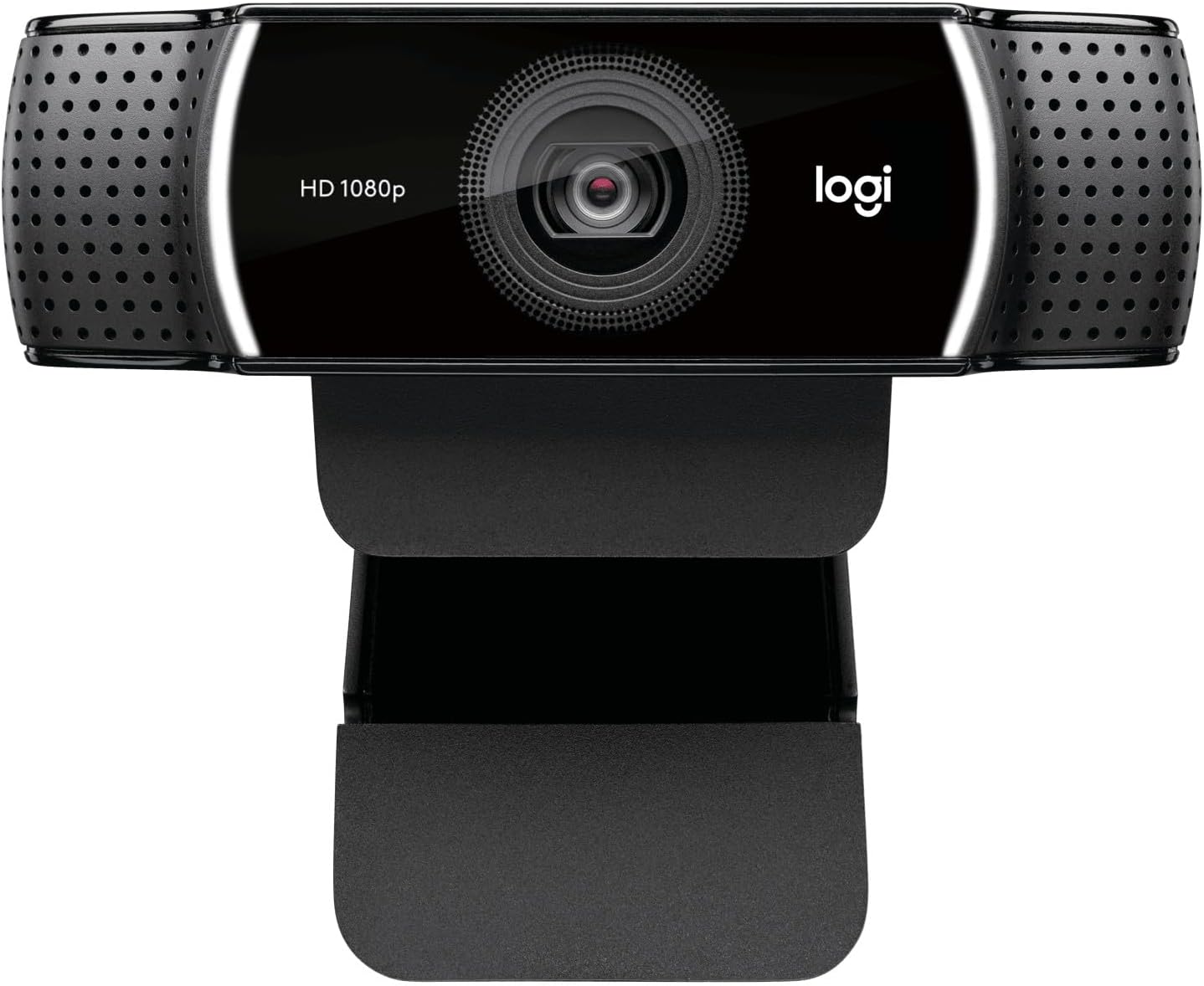
A webcam like this lives or dies by consistency. Autofocus and HD light correction should help reduce the “why does it look washed out now?” problem, and the adjustable table placement makes it easier to keep your framing steady.
One practical example: imagine you’re doing a two-hour Twitch session. You start in the late afternoon with natural light, then the room gets darker as the sun drops. With light correction working, you’re less likely to need constant manual fiddling with exposure before the image starts looking dull.
That said, it’s worth being realistic. If you’re in very uneven lighting (strong lamp behind you, or very dim rooms), software correction can only do so much. You may still need decent positioning and a sensible light source in front of you.
Tech specs
- Name: Logitech C922 Pro Stream Webcam
- Type: Webcam
- Resolution: HD 1080p/30fps or HD 720p/60fps
- Audio: Stereo audio
- Features: HD light correction, autofocus
- Mounting: Adjustable tripod for desk with rotating mounting piece
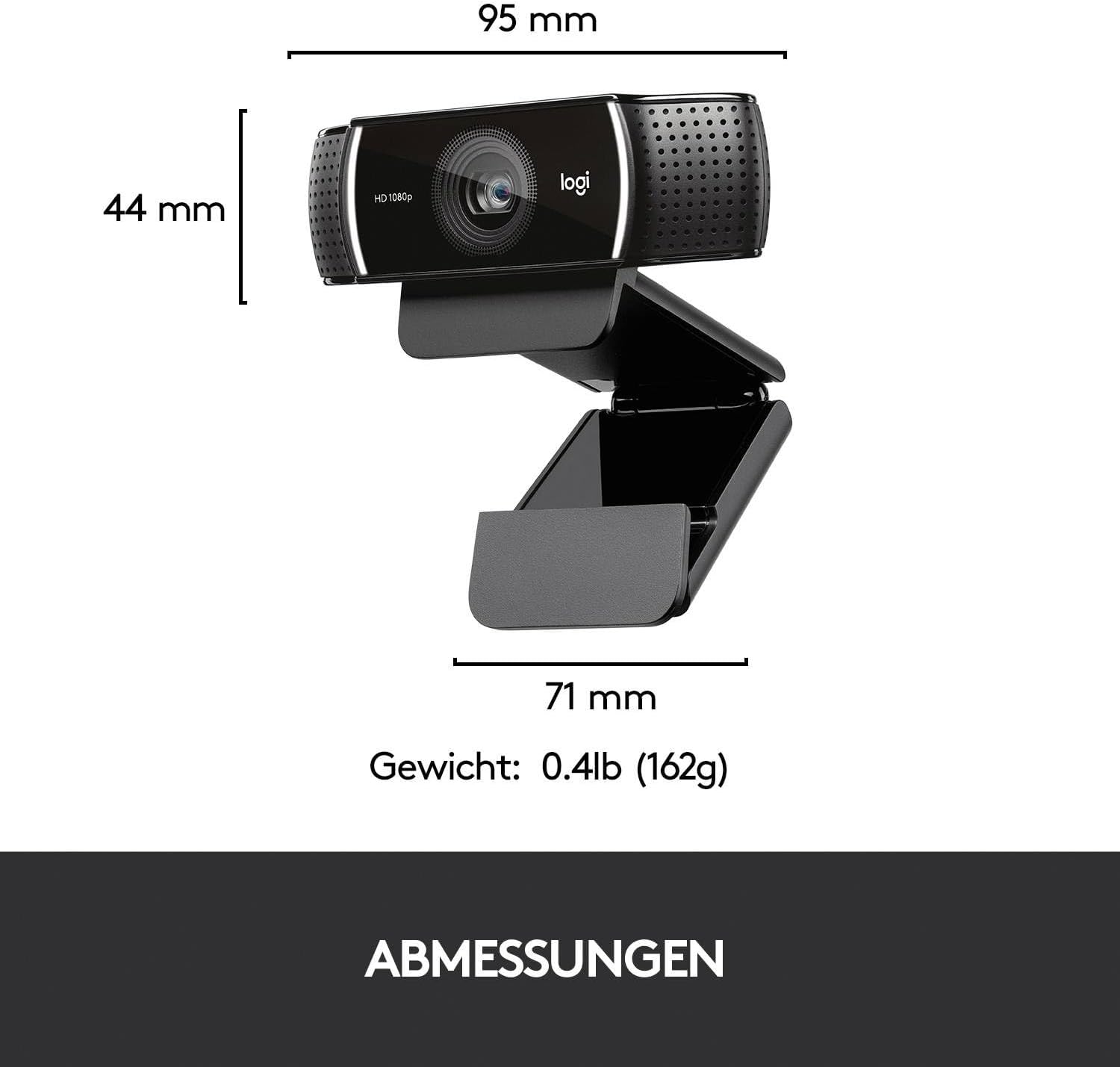
- Extends up to: 18.5 cm
- Colour: Black
- Platforms mentioned: PC/Mac/Laptop/Macbook/Tablet
Pros and limitations to weigh up
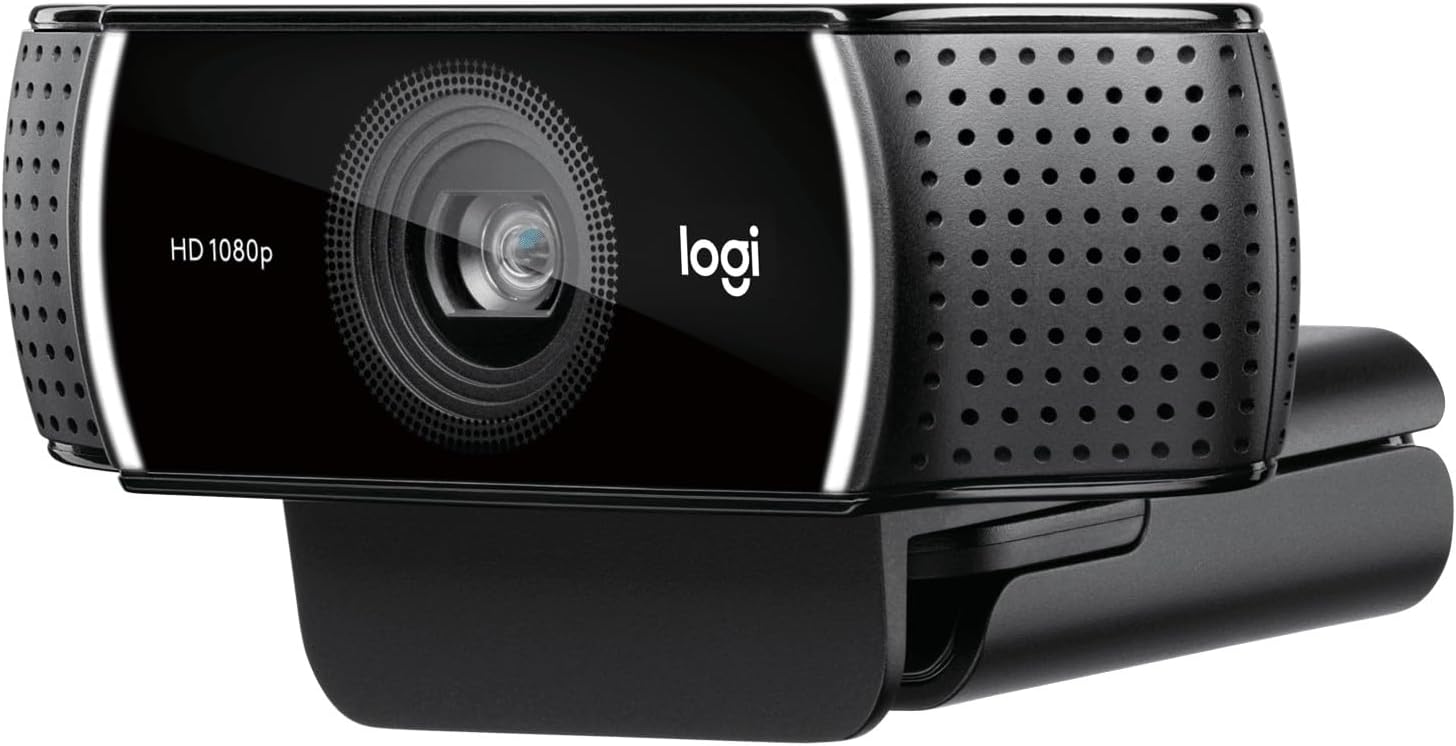
What stands out: - Streaming-ready HD modes, including an option designed for smoother motion (720p/60fps). - Autofocus plus HD light correction, aimed at making your output more reliable across changing lighting. - Stereo audio capture for calls and recorded videos. - A desk-friendly adjustable tripod, with a rotating mount to help you frame comfortably.
Limitations / things to bear in mind: - The listing talks about performance and “premium” video quality, but doesn’t provide objective test results here—so you’re buying based on the feature set and expectations, not hard measured claims. - If you need broadcast-grade audio or very controlled lighting, a webcam-focused setup may still leave you wanting, you might end up supplementing with better room lighting or an external mic.
It’s also a model you’re likely to buy for streaming and straightforward content creation. If you’re looking for something aimed primarily at still photography or highly specialised workflows, you may want to compare with options that match that direction more directly.
Getting the most from it
To get better results fast, start with placement. Put the webcam at a height that feels natural for your eye line and use the rotating mount to straighten the angle—small adjustments matter more than people think.
Next, consider lighting. The light correction feature helps, but you’ll typically see the biggest improvement when your face is lit evenly rather than from the side or from behind.
Finally, think about your use case when choosing between the listed modes. If you’re doing chat-style streams or commentary, 1080p/30fps may suit you. If you prioritise smoother motion during faster movement, the 720p/60fps mode may be the more comfortable choice.
What’s the buying verdict?
It’s worth buying the Logitech C922 Pro Stream Webcam if you want a desk-friendly webcam that’s clearly aimed at streaming and video calls, with autofocus and HD light correction to keep your image steadier in real-world lighting. The stereo audio capture is also a sensible inclusion for those who want one less piece of kit to manage.
You may want to skip it if your main requirement is top-tier audio quality or fully consistent “studio” visuals in difficult lighting. In that scenario, you might be better off treating the webcam as part of a broader setup rather than expecting miracles on its own.
It’s a good match if you’re a casual streamer, a creator uploading to YouTube, or someone who records regular videos and wants a straightforward, adjustable setup without overcomplicating things.
Mini FAQ
Will it work with PC and Mac setups?
The listing specifically mentions PC/Mac/laptop/Macbook/tablet, so it’s designed to be used across those types of devices.
Does it have autofocus?
Yes, autofocus is listed as a feature.
Is stereo audio included?
Stereo audio capture is mentioned for calls and recorded video.
Can I adjust the webcam position on my desk?
Yes. It includes an adjustable tripod for desk placement, plus a rotating mounting piece, and it extends up to 18.5 cm.
Is it more suited to 1080p or 720p?
Both are referenced: HD 1080p/30fps and HD 720p/60fps. Which is “better” depends on whether you value detail or smoother motion for your streaming style.