


Kouric 1080p Webcam with Microphone for PC and Mac – USB-C Plug & Play, 180° Tilt, 360° Rotating Clip, White
Product description
What it is and who it’s for
The Kouric webcam is a full HD 1080p camera with a built‑in microphone designed for notepads, desktops and laptops. It’s aimed at anyone who needs clear video calls, streams or online classes without fiddling with drivers. If you value a straightforward setup and the flexibility to mount it on a monitor, laptop lid or desk, this model keeps things simple with plug‑and‑play USB 2.0 compatibility and a rotatable clip.
Key features
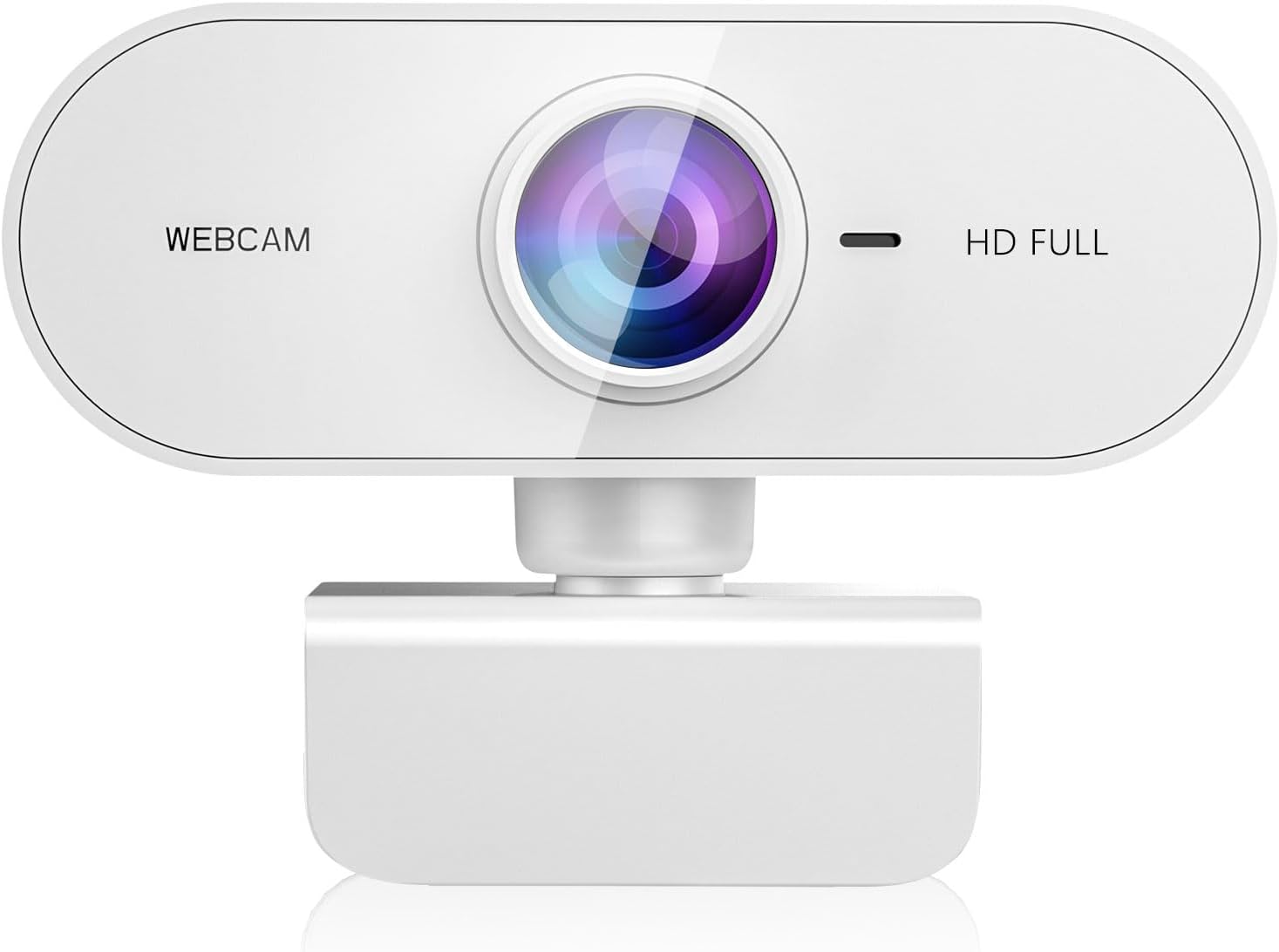
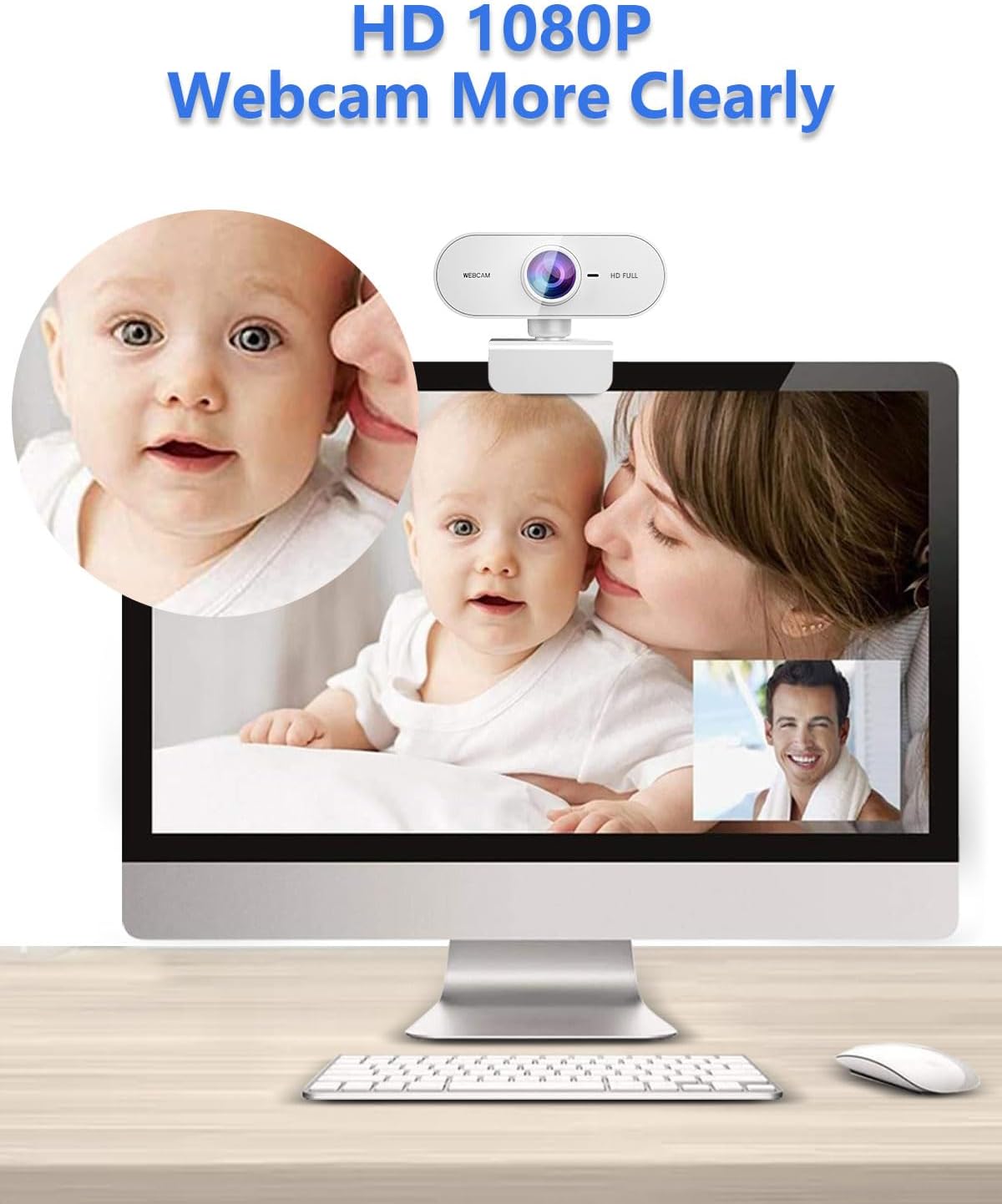
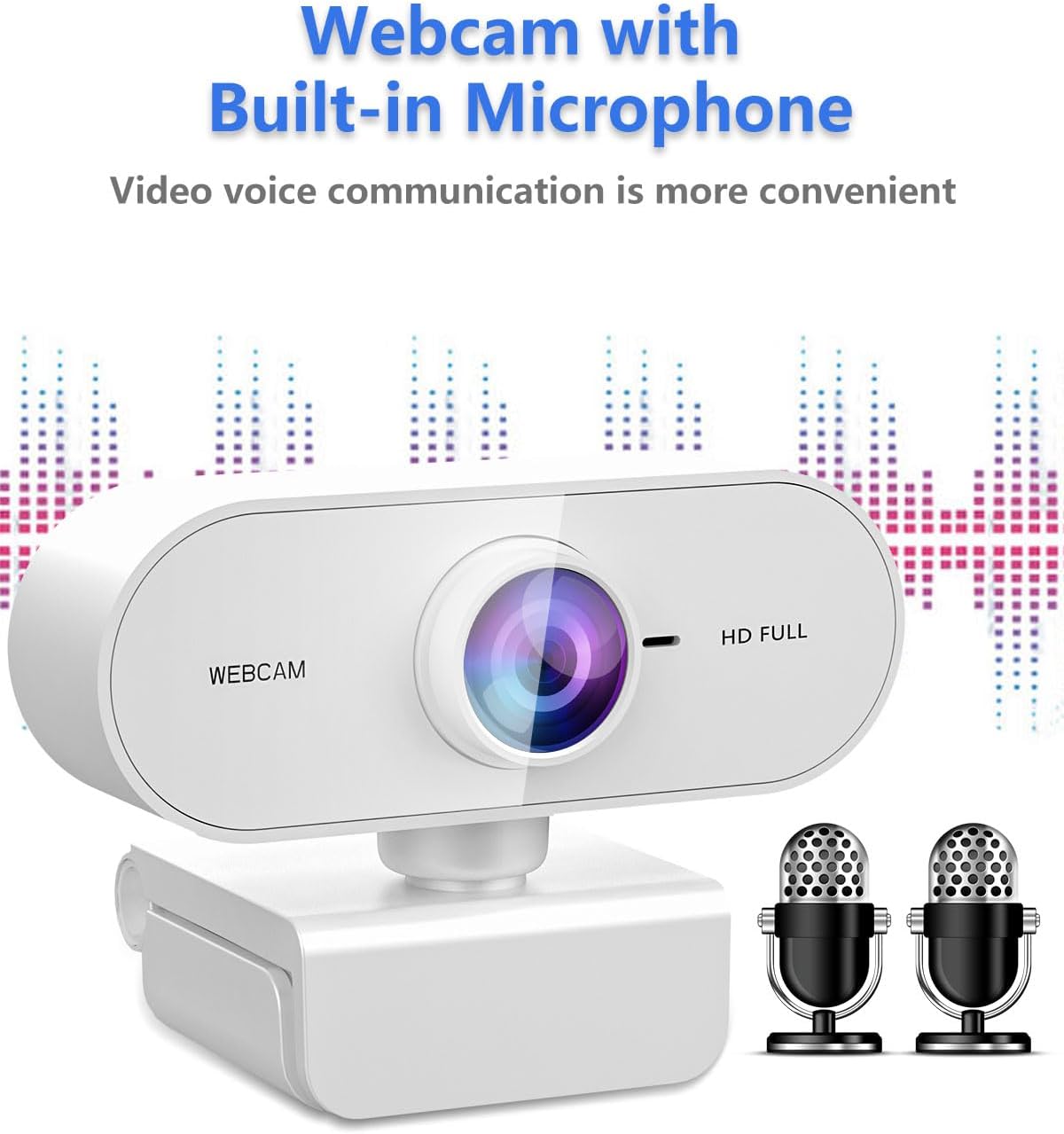
This webcam uses a full HD glass lens to deliver sharp, detailed video at 1080p and 30 frames per second. Automatic low light correction helps you keep a recognisable image in dim lighting, while face enhancement aims to smooth your appearance on video. The integrated microphone supports online meetings and webinars with noise reduction for clearer speech.
Performance and image quality
On paper, you get a consistent HD signal with a focus on crisp detail, particularly useful for video calls, streaming or online classes. The glass lens and autofocus provide a straightforward, reliable image without extra software. It’s not the same as high‑end cameras, but for everyday video chats, the picture should remain clean enough for most non‑professional settings.
Audio quality and microphone
The built‑in microphone with noise‑reducing tech makes it easier to be heard in typical home or office environments. If you often work in noisy spaces, this clears up voice transmission, though you may still notice a difference versus dedicated external mics in louder rooms.
Ease of setup and compatibility
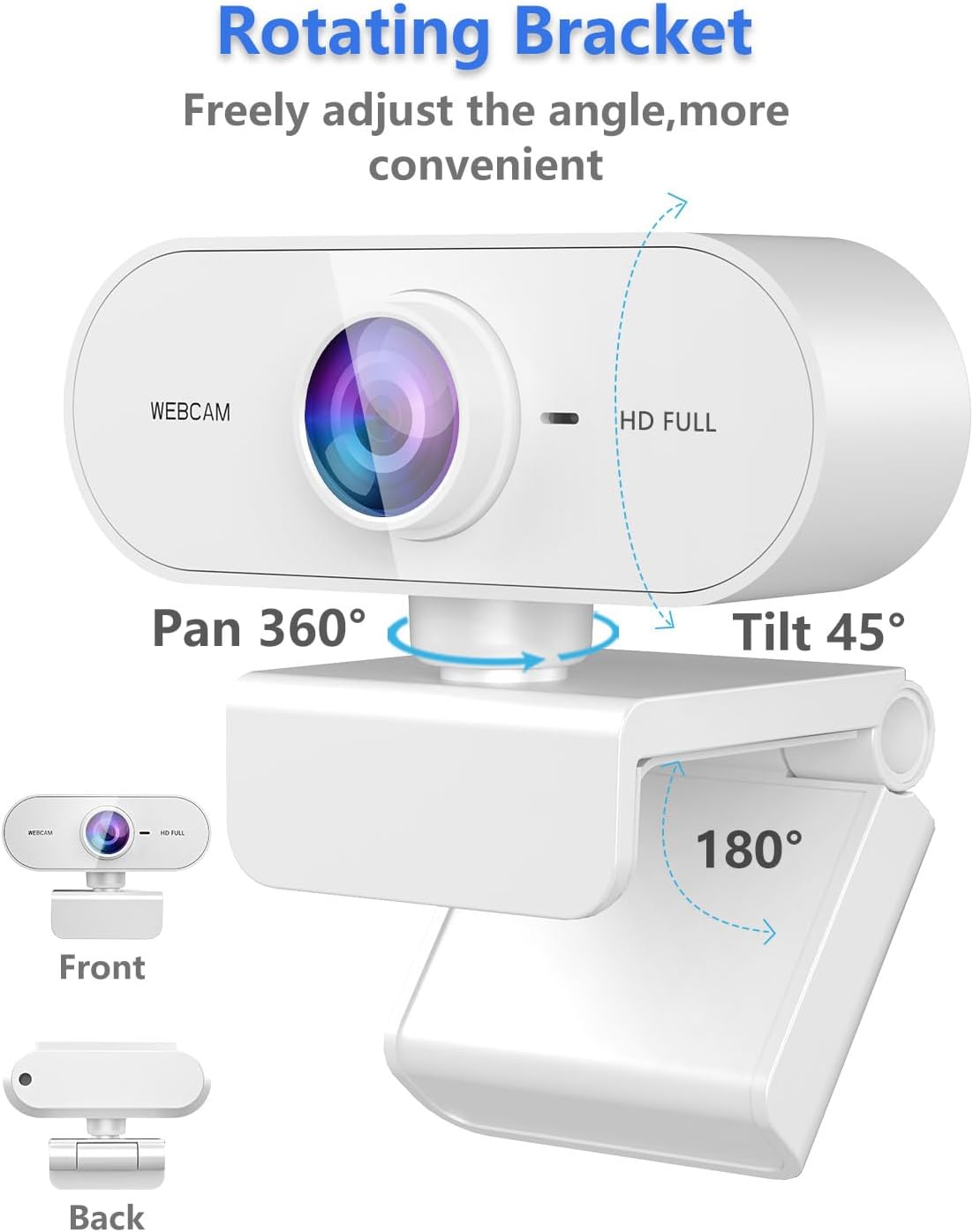
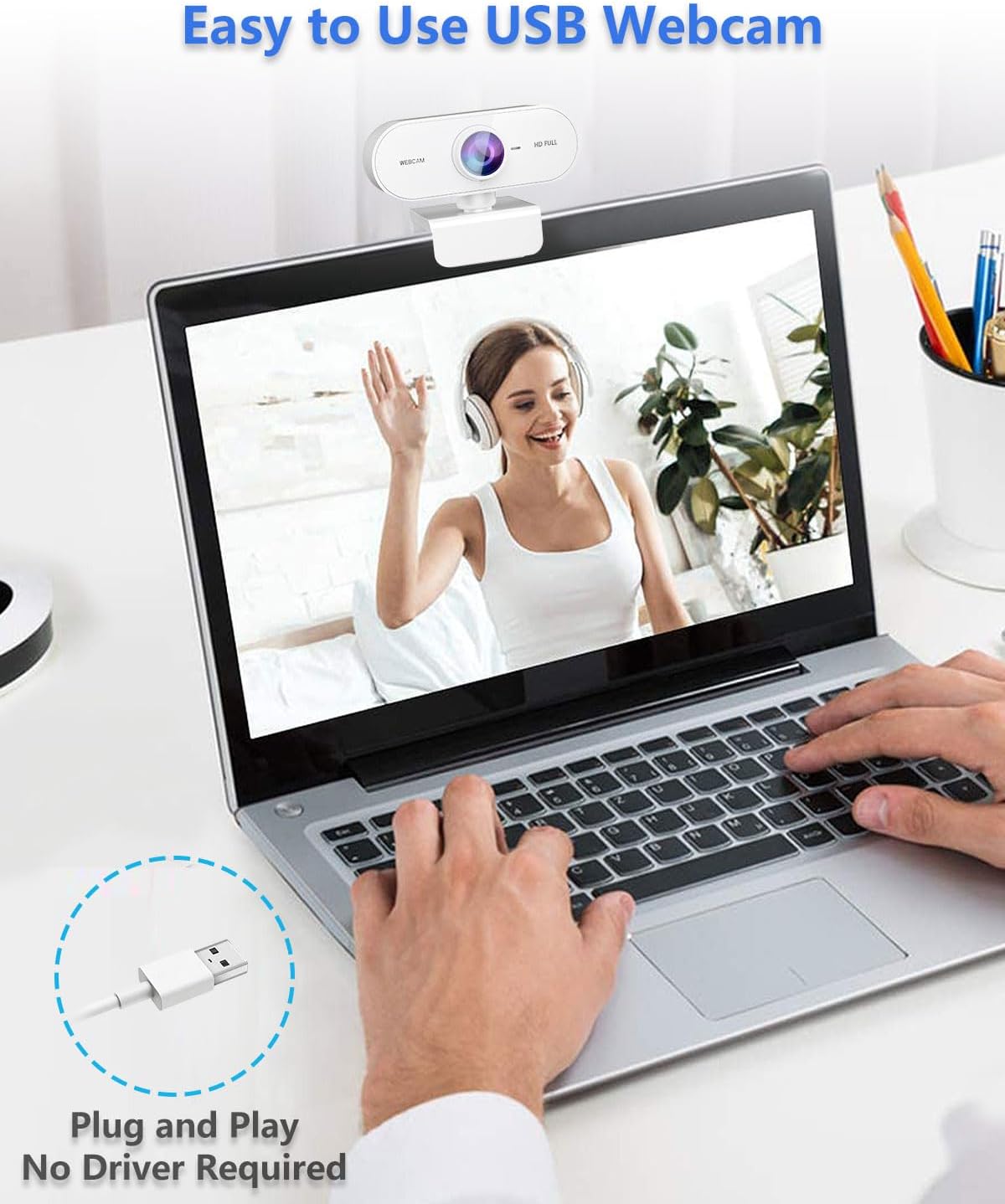
Designed as drive‑free and plug‑and‑play, the webcam connects via USB 2.0 and requires no extra software. The mounting clip can be attached to a laptop, monitor edge, desk or even a tripod, with up‑down adjustment of 180 degrees and 360‑degree head rotation for flexible positioning. It’s advertised as compatible with Windows, Mac OS and common video apps like Skype, Zoom, FaceTime and Hangouts, making it suitable for a range of meeting and streaming scenarios.
Who it’s for
If you’re after a budget‑friendly, easy‑to‑use webcam for everyday video calls, remote work, online classes or light streaming, the Kouric model is worth considering. It’s particularly convenient for users who want quick setup with minimal software, and a physical mount that can adapt to multiple surfaces.
Who it isn’t the best fit for
If you need professional‑level streaming quality, advanced lighting management or a high‑end mic, this model may fall short of those expectations. It’s more of a value option than a future‑proof, high‑end streaming rig. Also, in very bright or backlit conditions, you might still rely on external lighting for optimal video.
What to check before you buy
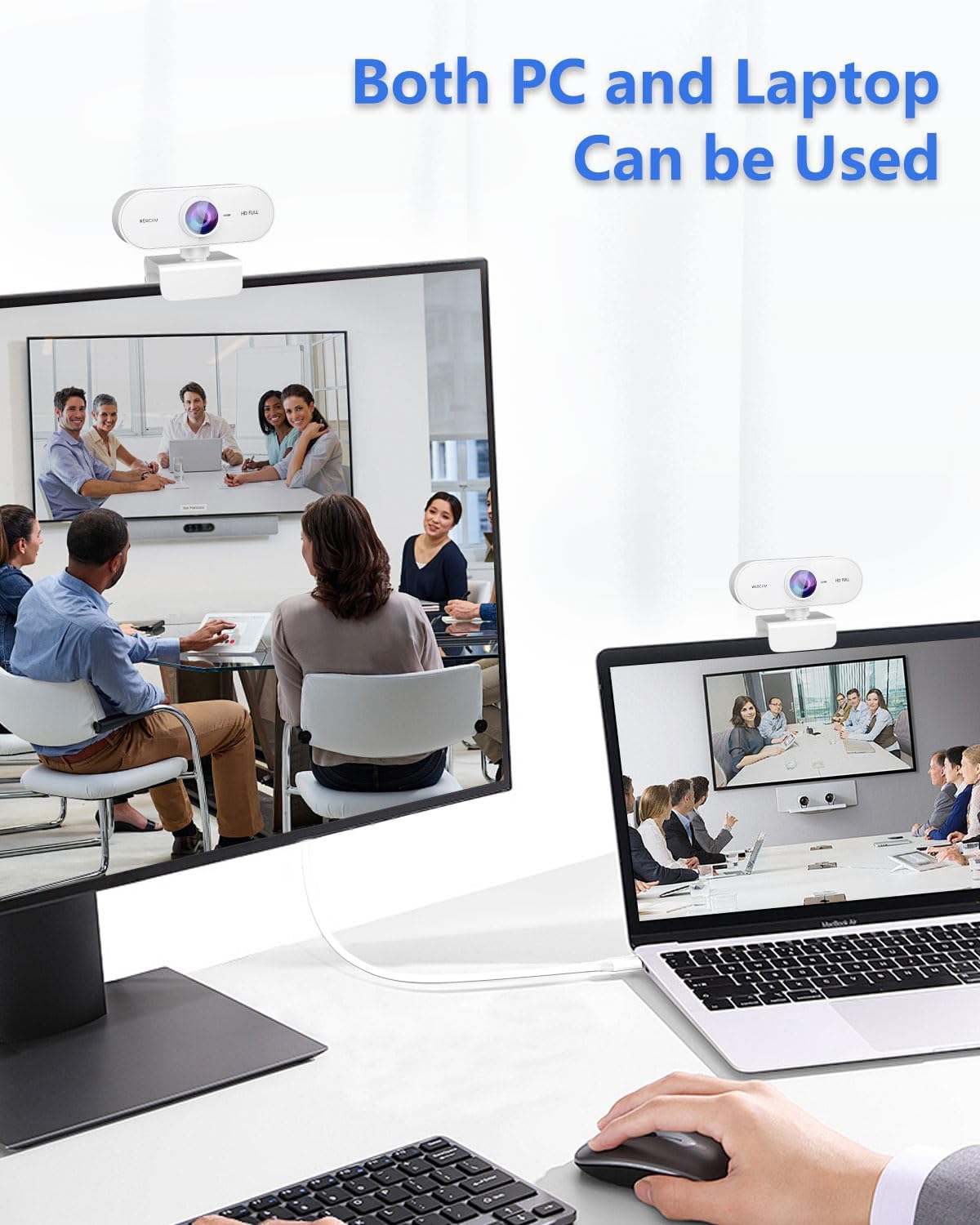
- Ensure your device supports USB 2.0 plug‑and‑play and has a free USB port.
- Consider your typical lighting situation, automatic low light correction helps, but dedicated lighting can further improve results.
- Think about where you’ll mount it, the clip is versatile, but very uneven surfaces could affect stability.
Practical use case
Imagine a short work‑from‑home call: you clip the camera to your monitor, tilt it to frame your face, and you’re ready to go within minutes. The mic picks up voice clearly enough for a standard meeting, and the 1080p picture ensures colleagues can read subtle expressions during the discussion.
In practice compared to alternatives
This is a straightforward, no‑fuss option ideal for those who prioritise ease of use and price over high‑end features. If you’d rather not fuss with software or extra lenses, and you don’t require studio‑grade audio, it sits in a sensible middle ground between basic webcams and more feature‑rich models.
FAQ
- Do I need drivers? No, it’s plug‑and‑play on USB 2.0.
- Will it work with Mac and Windows? Yes, it advertises compatibility with both, plus common video apps.
- Can I mount it on a tripod? The clip design supports various mounting options, including desks and screens.
Is it worth it?
Worth considering if you want a dependable, budget‑friendly 1080p webcam with a built‑in mic and flexible mounting. If you prioritise high‑end image processing or advanced audio gear, you may prefer to invest in additional peripherals. In short, it should satisfy everyday video tasks and light streaming without complicating setup.