

Gawervan Visualiser Document Camera 1080P
Product description
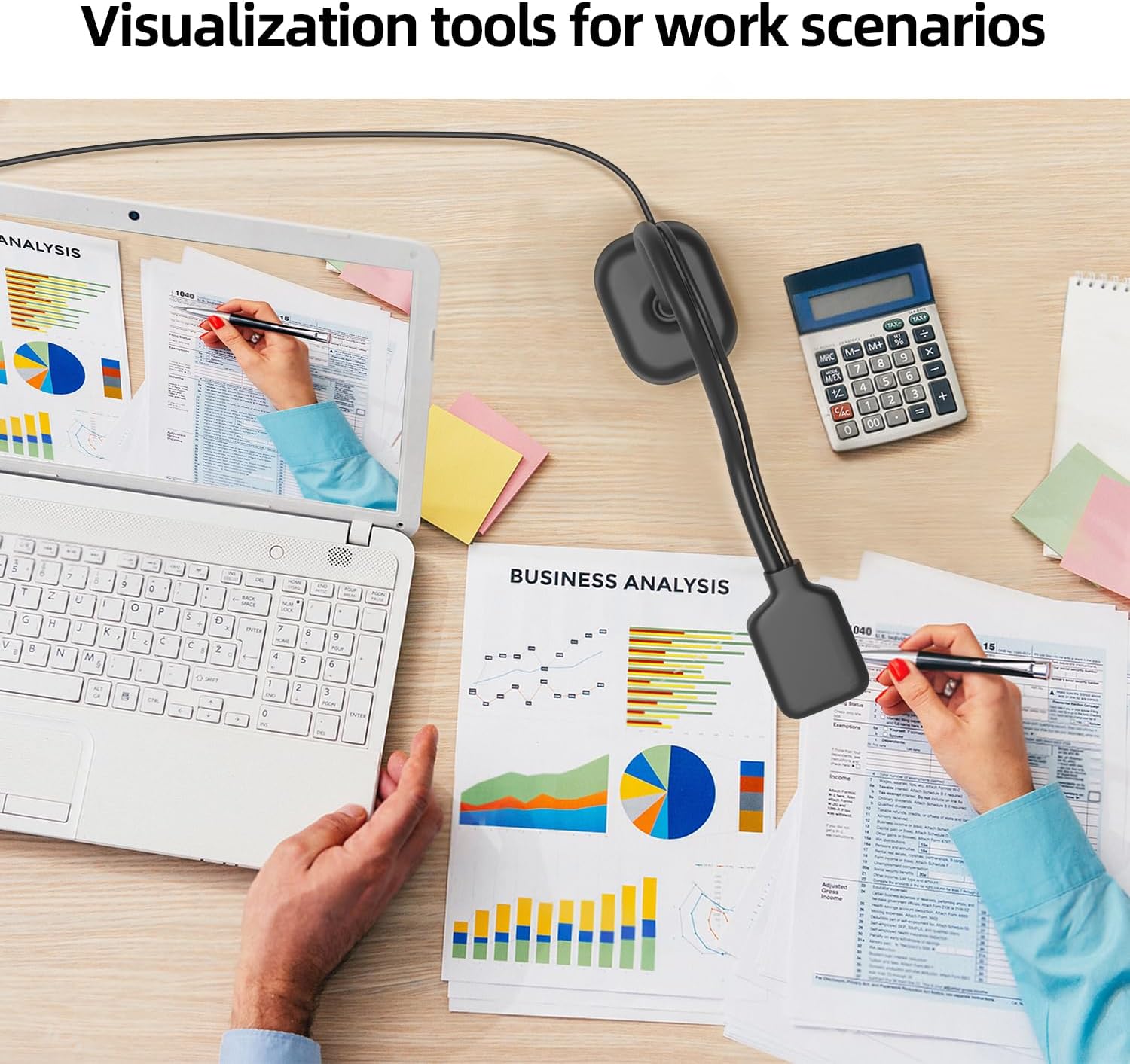
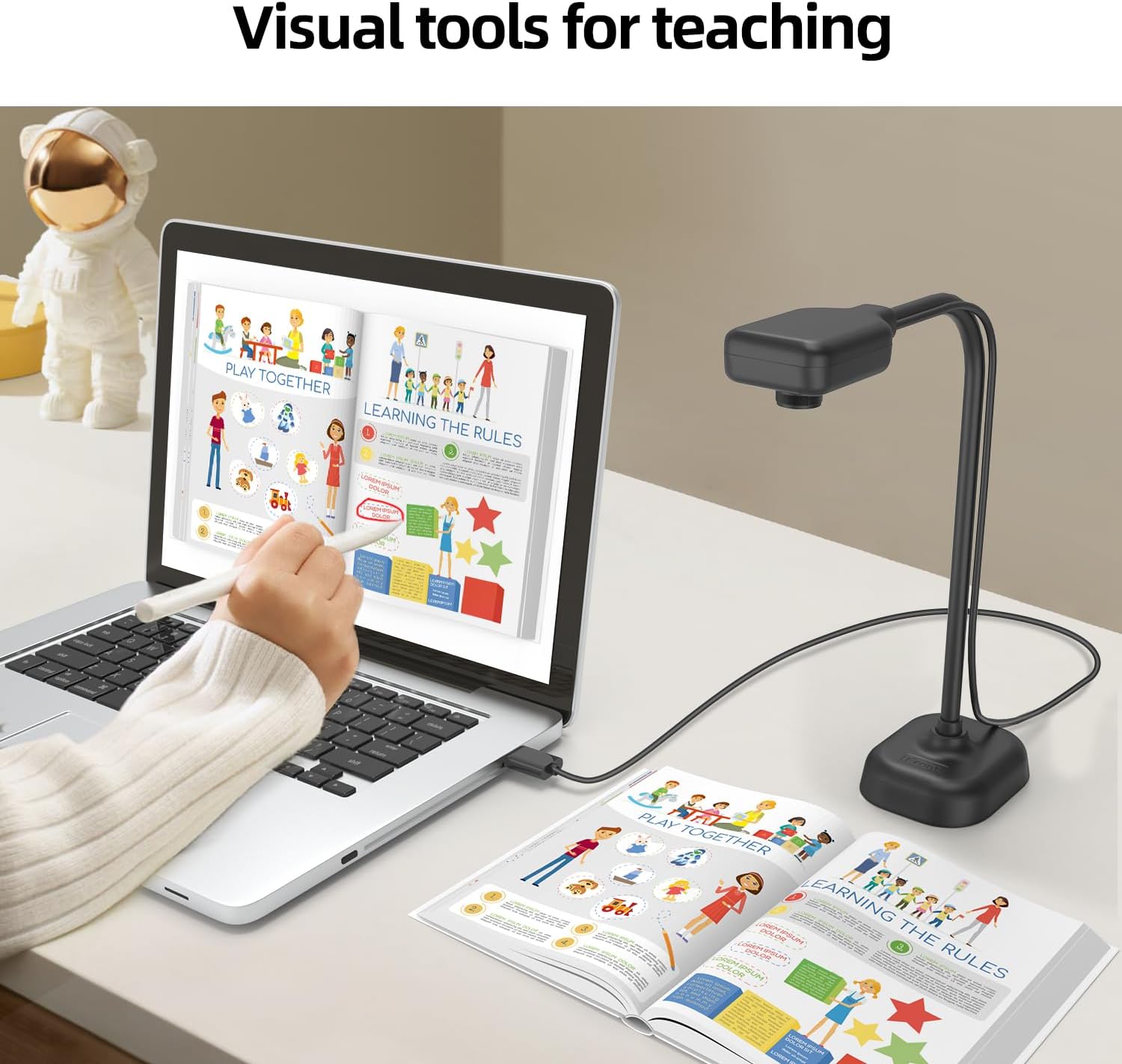
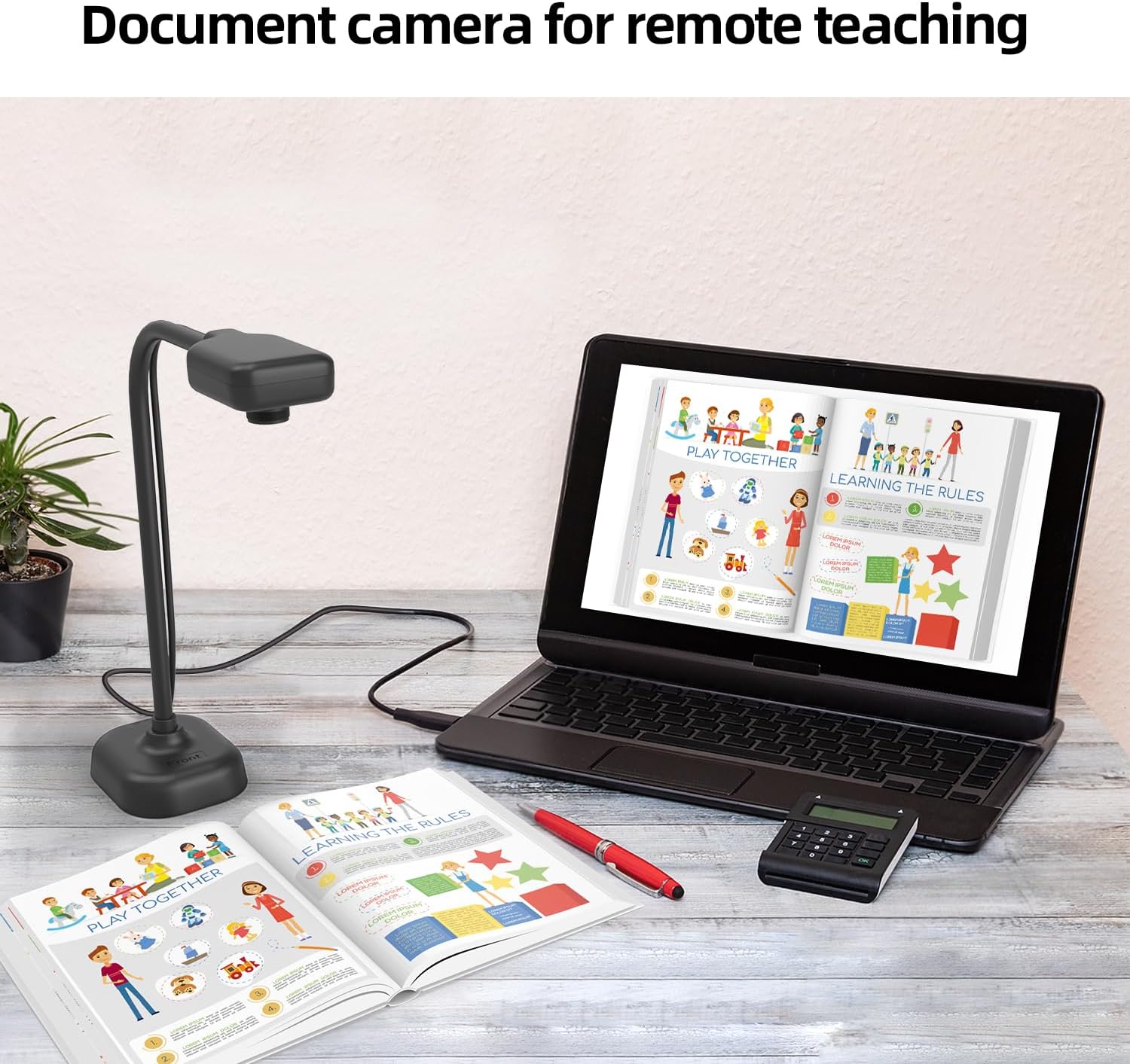
The Gawervan visualiser doubles as a document camera and webcam with a built‑in mic, aimed at teachers running live demos, web conferences and distance learning. It offers manual focus and multi‑angle rotation so classroom materials appear clear and stable during lessons.
Key features
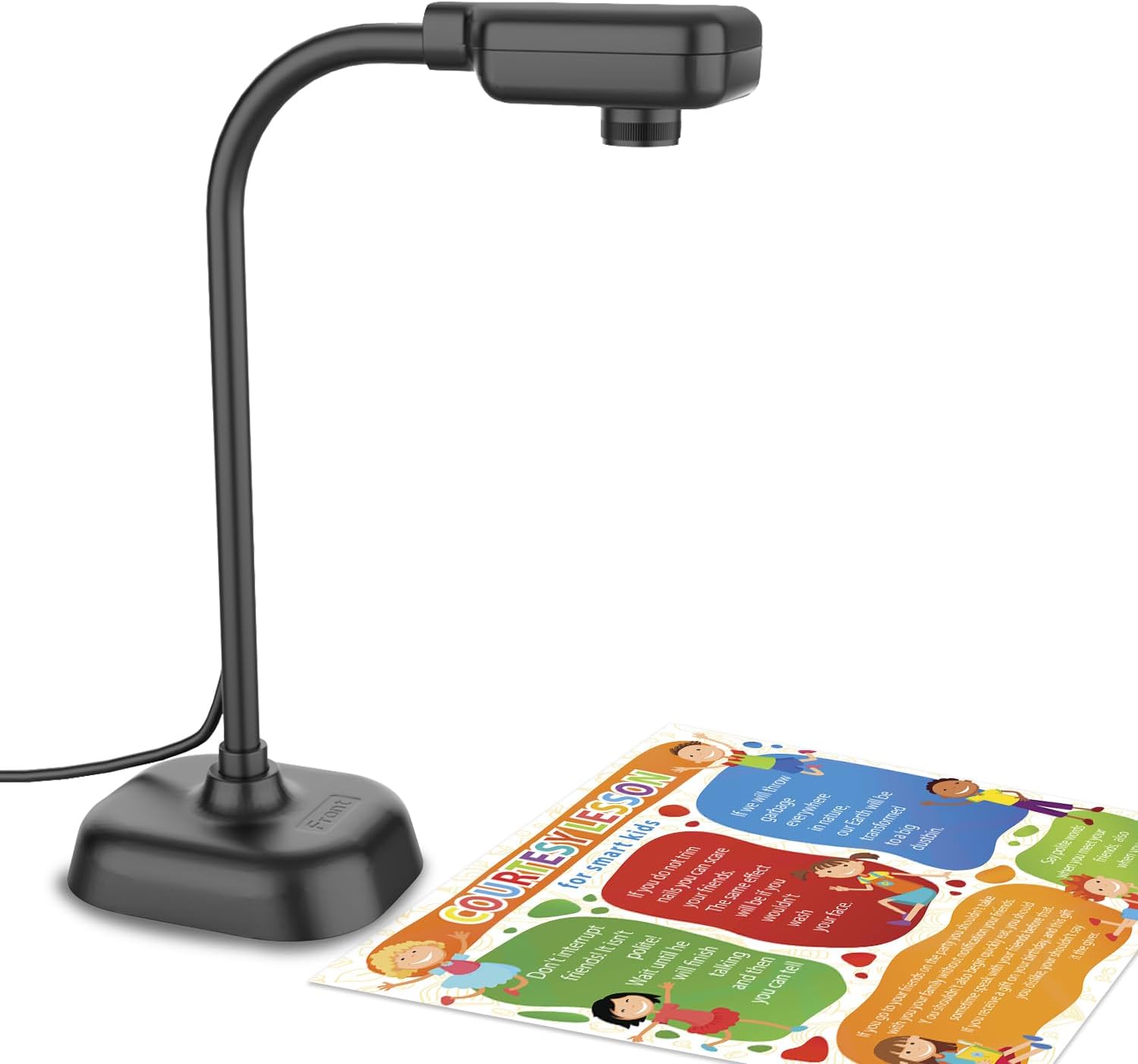
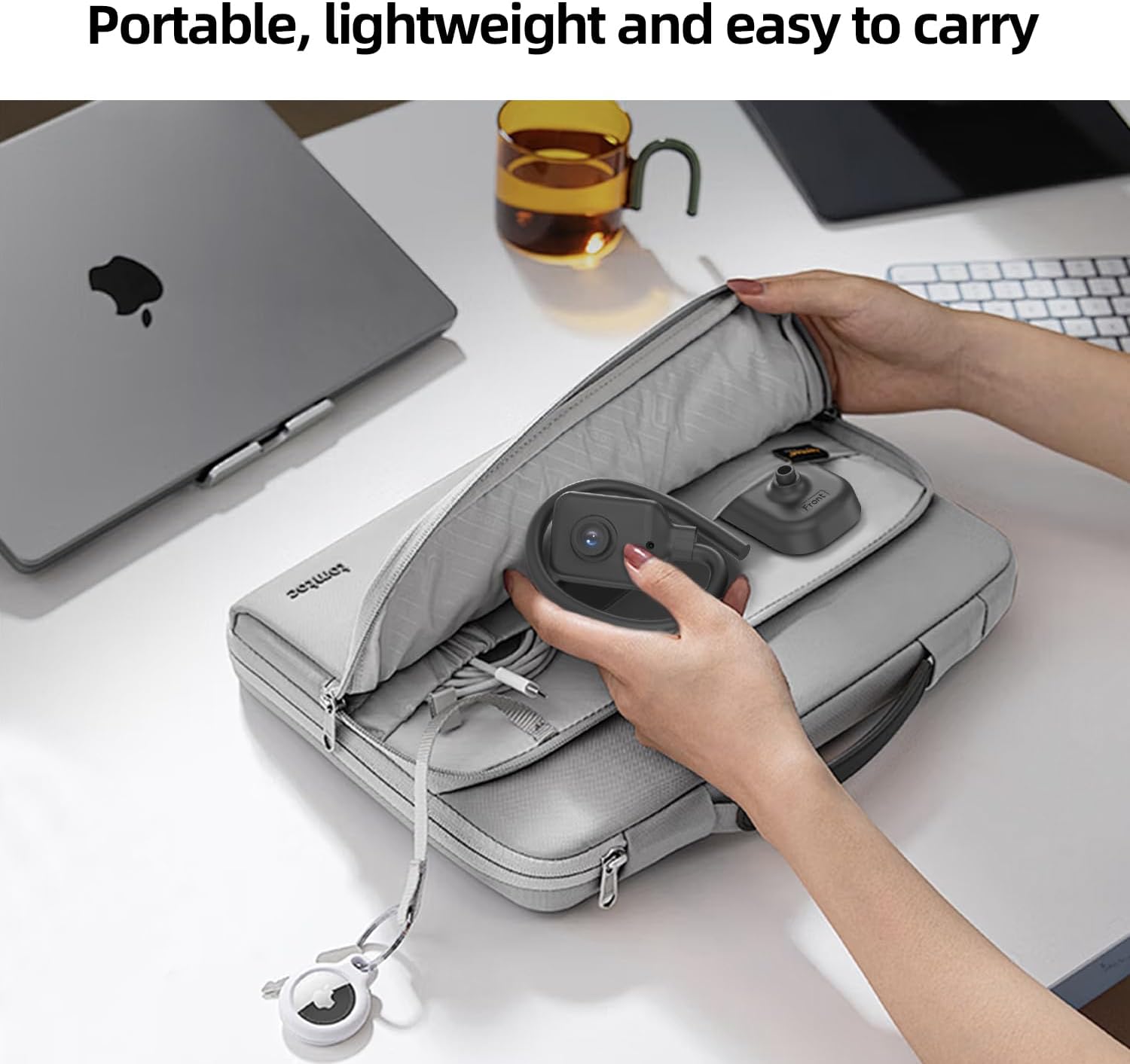
This compact USB visualiser folds down for easy transport between home and school, and the flexible gooseneck lets you frame pages, objects and diagrams quickly. With up to 1080P at 30fps it captures natural detail according to the manufacturer, while the sealed silicon microphone reduces ambient noise for clearer spoken instruction. It connects via the supplied USB‑C cable to Mac, Windows and Chromebook devices for straightforward setup with common webinar tools like Zoom and Google Meet.
Specifications
- Name: Gawervan Visualiser for Teachers and Classroom
- Type: Document camera, webcam, visualiser
- Format: USB-C connection
- Resolution: 1080P at 30fps
- Colour: Black
Usage tips
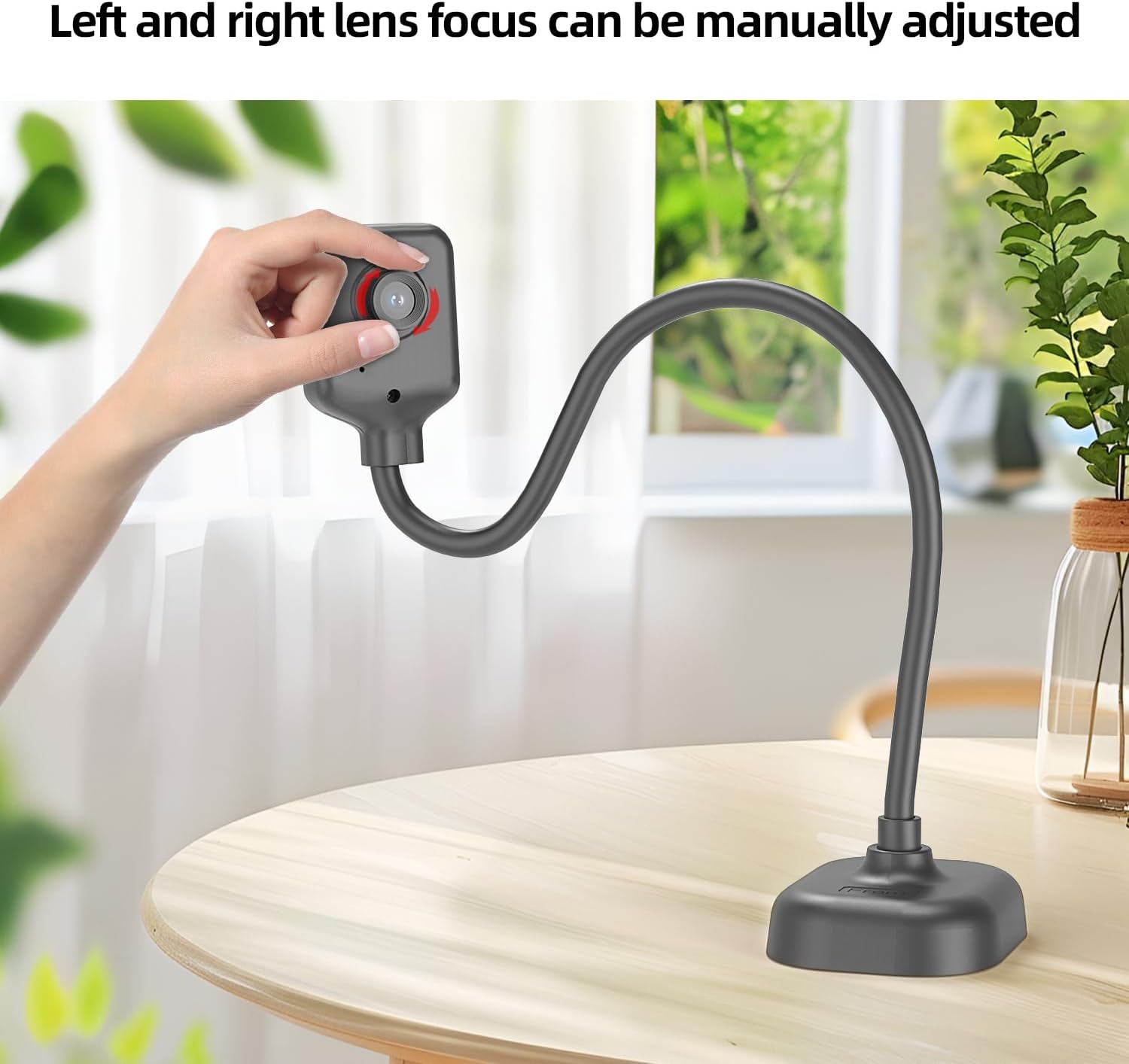
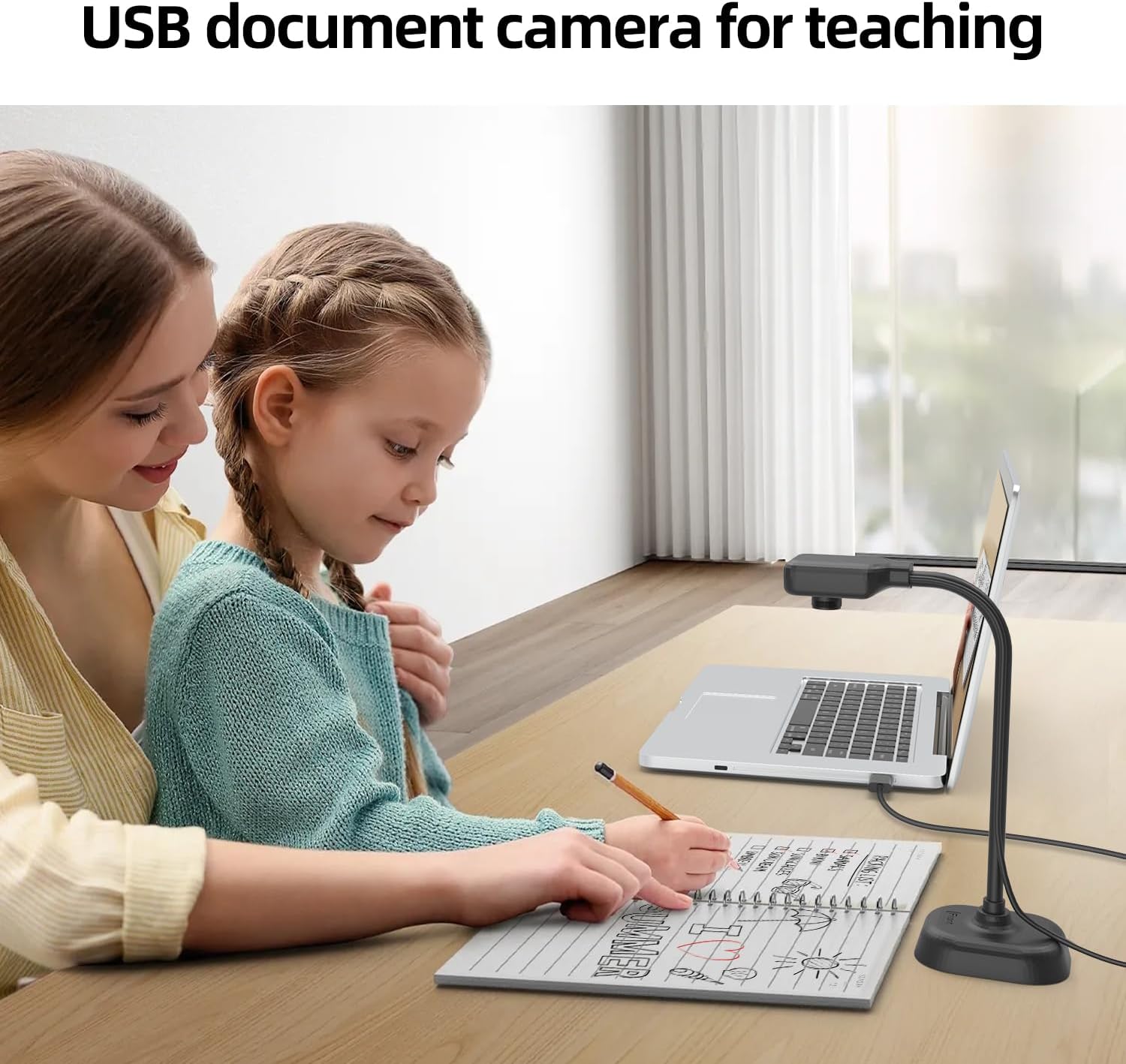
Position the camera a short distance above the subject to reduce shadowing and use the manual focus to fine tune sharpness for text or small objects. If using in a larger classroom, try a higher desk angle and test audio levels before the session. It’s a good fit if you need a portable, no‑frills visualiser for online tutoring and everyday classroom demonstrations.
Compatibility & requirements
The unit works with major conferencing apps such as Zoom and Google Meet and connects to Mac OS, Windows and Chromebooks using the provided USB‑C cable. Take note that available ports and adapter needs depend on your device model.
This visualiser keeps setups simple, lets you switch between pages and objects quickly, and provides clear video and usable audio for remote teaching and classroom use.