

Logitech C920 USB HD Pro Webcam with Auto-Focus, Microphone & Logitech H390 USB Headset bundle
Product description
The essentials
If you’re setting up (or upgrading) a home streaming setup, the Logitech C920 USB HD Pro Webcam with Auto-Focus, Microphone and the Logitech H390 USB Headset combo is basically aimed at one thing: making it easier to look clearer on camera and sound more organised in voice chat. It’s not a “pro studio” bundle, but it’s the kind of kit you can live with daily without constantly fighting your gear.
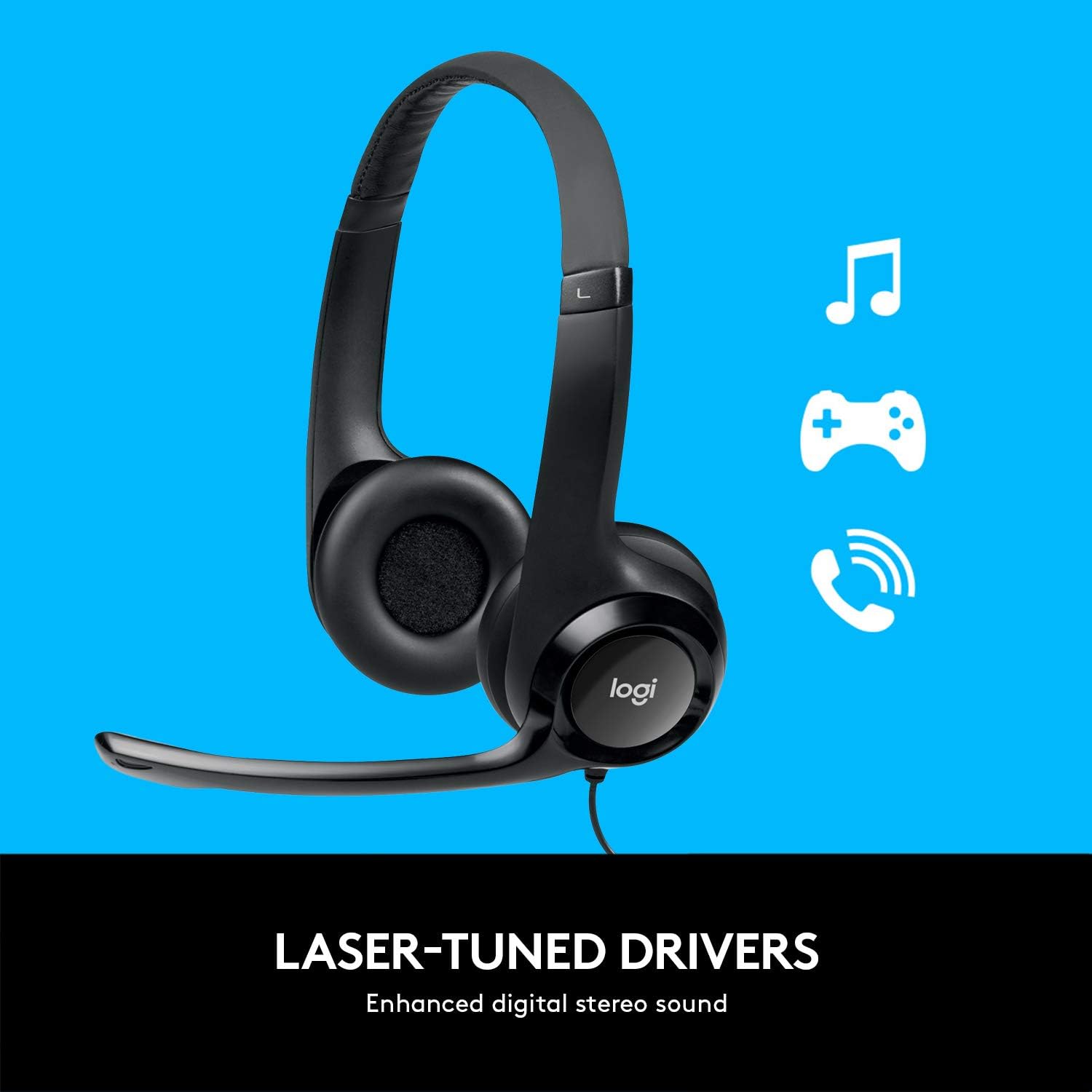
On paper, the C920 focuses on straightforward USB streaming use, pairing a webcam designed for 1080p/60 fps capture with auto-focus and a built-in noise-reducing microphone. The H390 headset then adds over-ear comfort with adjustable, padded ear pieces and simple inline controls for volume and mute.
Key takeaways for buyers
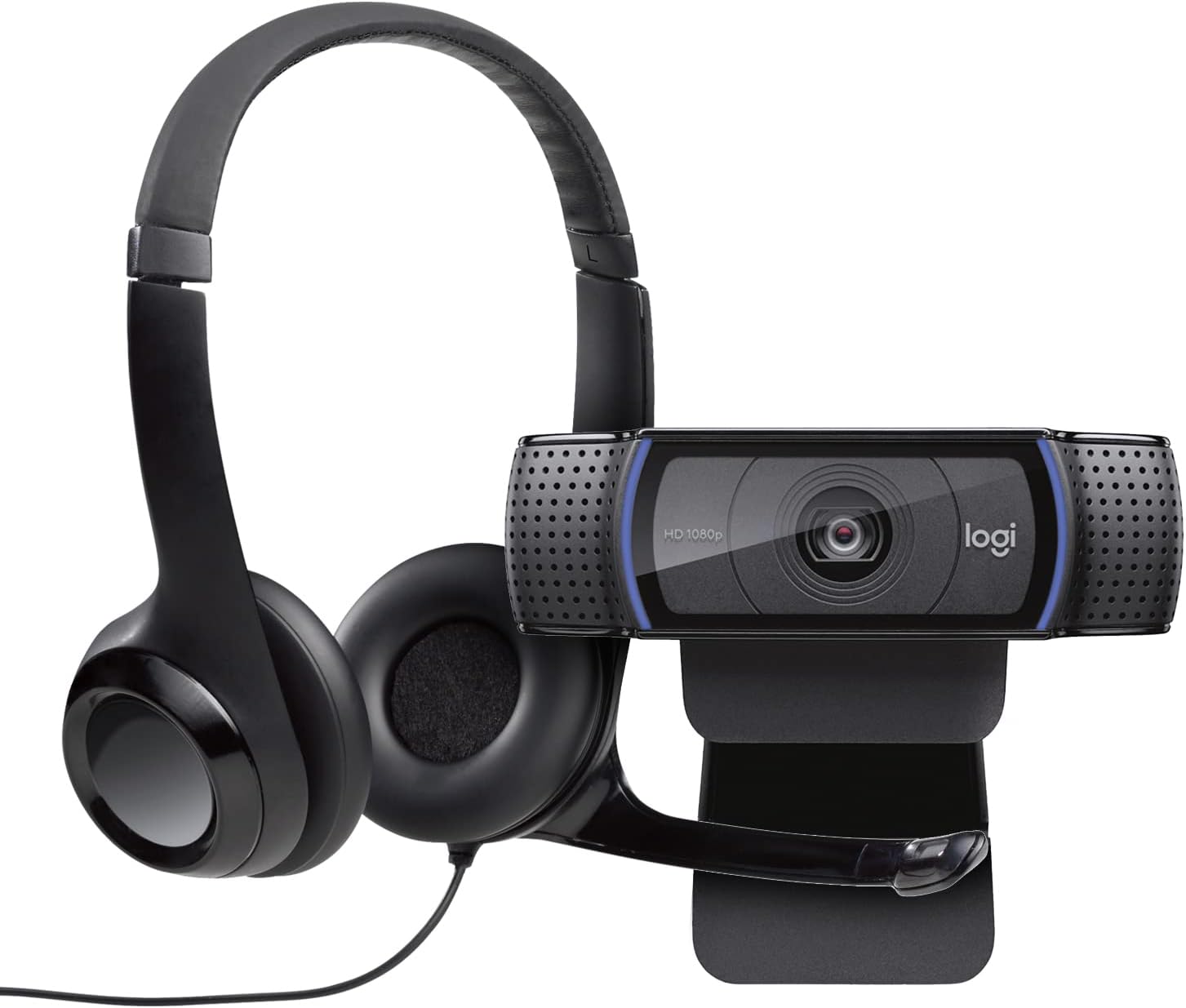
You’re getting two useful components that tend to cause the most frustration in streaming: inconsistent audio and average video framing. The webcam is pitched for smooth video capture (including 1080p/60 fps), and the headset is there to help you hear yourself and others clearly while keeping mic control simple.
That said, it’s worth keeping expectations realistic. The bundle description mentions ultra-detailed facial capture “in 4K”, but the webcam details provided also emphasise 1080p/60 fps. If you’re specifically chasing a guaranteed 4K workflow, you’ll want to double-check the exact capture output behaviour for your use case before buying.
Also, if your main priority is top-tier audio for music production, this may sit more in the practical streaming category than audiophile territory.
What you’ll notice day to day
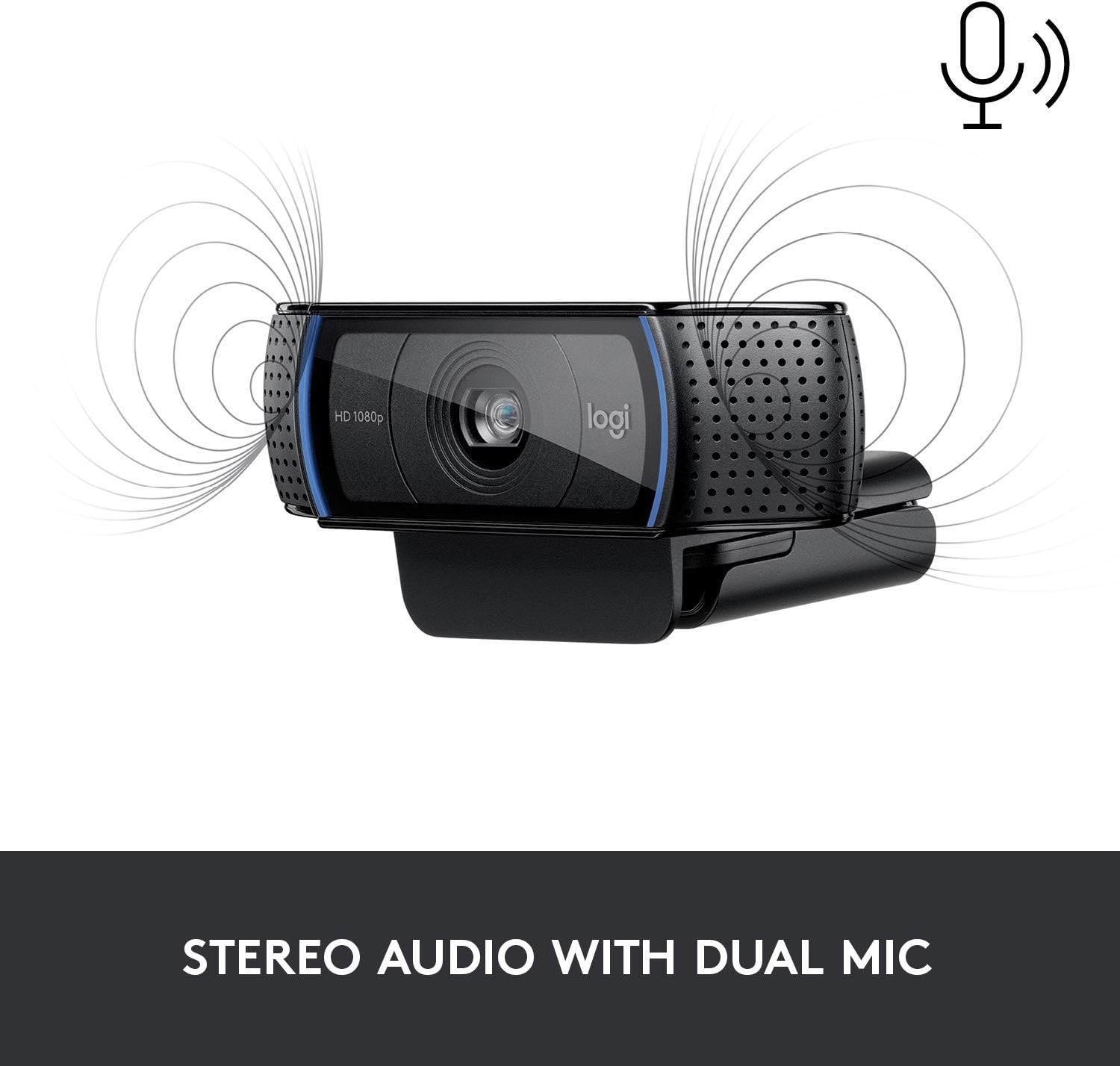
The webcam’s value is in everyday usability. Auto-focus helps keep you from looking sharp only when you’re perfectly still. And with the included microphone suppression of background noise, voice clarity is likely to hold up better in normal rooms (the kind with a TV on, some door noise, or everyday household sound).
A small but genuinely helpful touch: the webcam description includes microphone-related controls and a layout that lets you adjust placement of the mic. You’re not locked into one position, which matters because desk setups vary a lot.
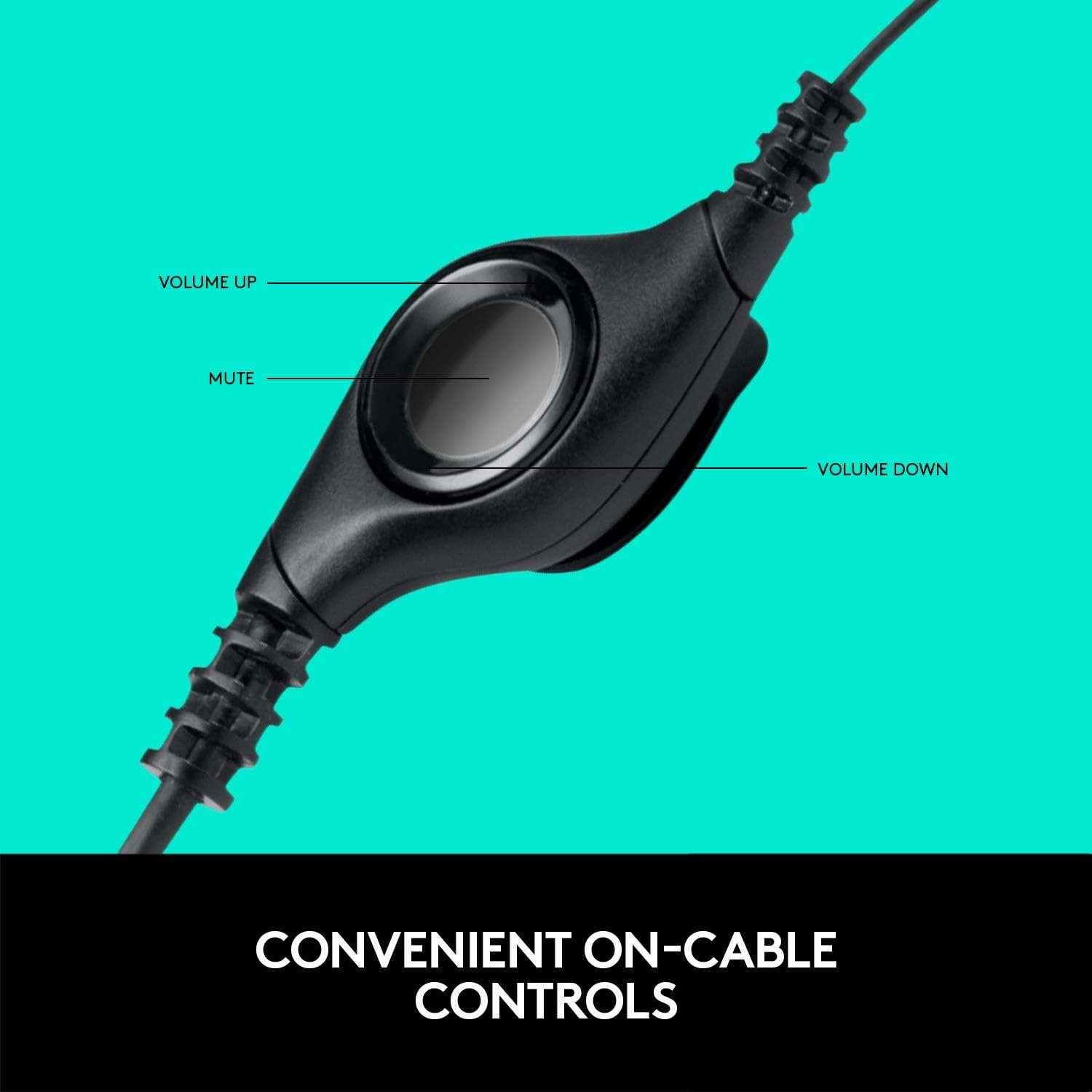
For the headset side, the H390 approach is “set it and forget it”. The inline controls on the cable let you adjust volume or mute calls without interrupting what you’re doing. In practice, that’s the difference between quickly silencing yourself mid-stream versus hunting settings.
Example: you’re recording a quick YouTube segment, you bump your desk, and your voice gets slightly quieter. With the inline controls, you can nudge volume or mute instantly, then carry on while the webcam keeps streaming.

Where it shines (and where it may not)
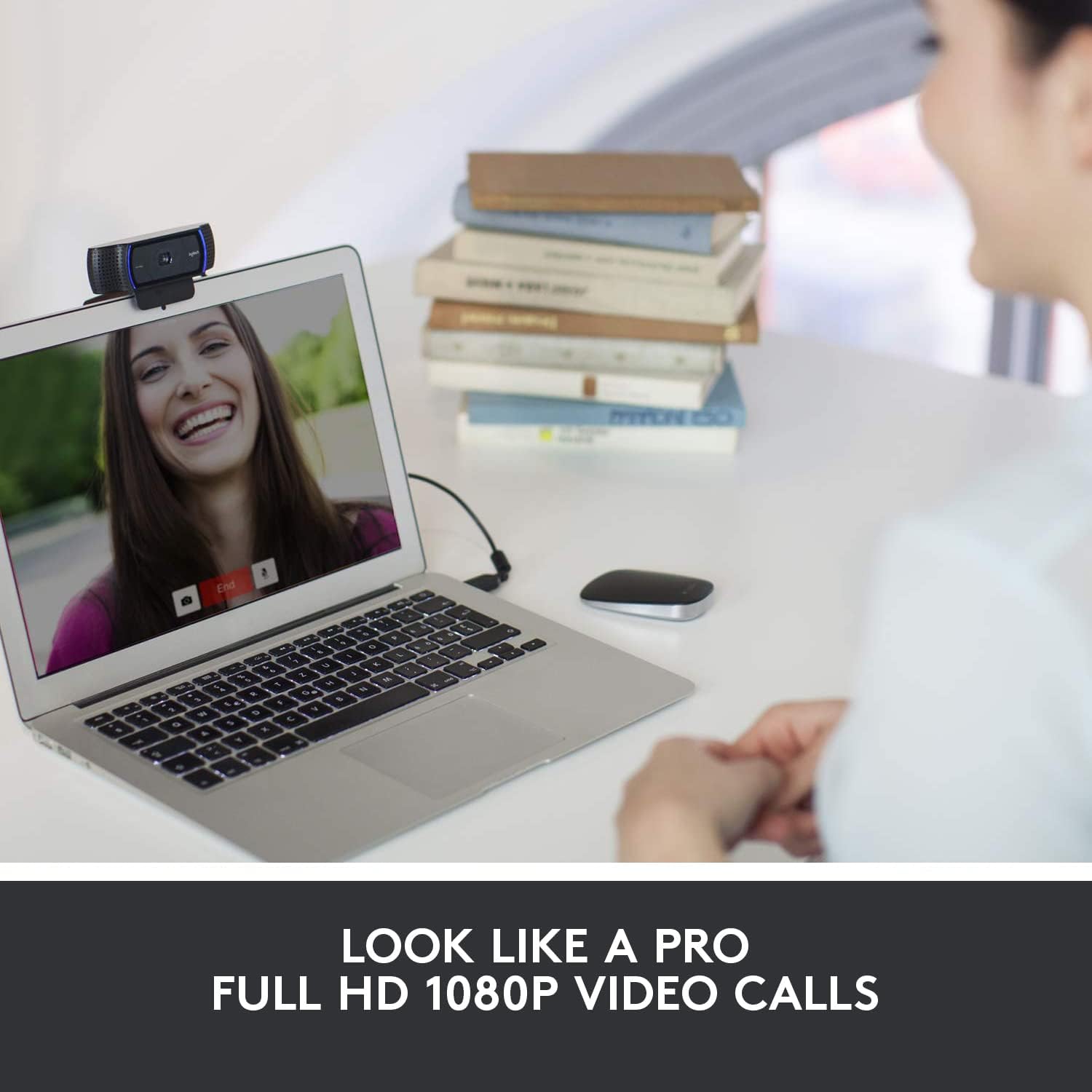
If you stream on YouTube or Twitch, or you regularly take part in video calls where you want clear facial expression capture and tidy voice, this bundle makes sense. The smooth webcam capture (1080p/60 fps) is particularly relevant if you like the “fluid” look during fast moments or plan to review clips.
However, it may not be the best match if you need complex, high-end audio features or advanced monitoring options beyond simple mute/volume. Likewise, if your setup depends on very specific lighting or you’re aiming for a cinema-grade look, a webcam bundle can only go so far—at that point you’d typically budget for more controlled lighting and positioning.
The essentials in tech terms (without the fluff)
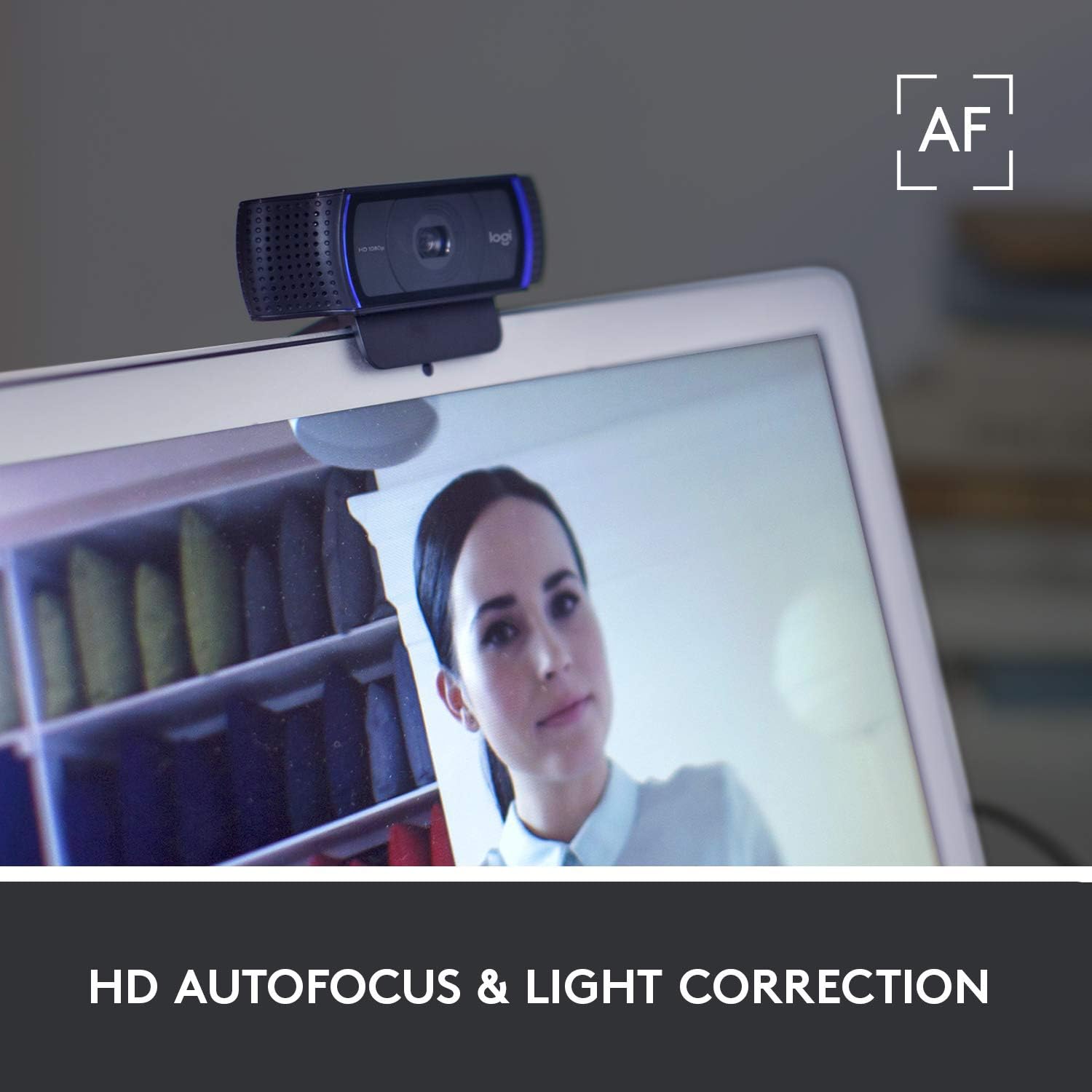
What’s explicitly mentioned in the product description: - Webcam intended for streaming-style capture, with support for 1080p/60 fps - Auto-focus for keeping you reasonably sharp while moving - Built-in microphone with noise suppression to reduce unwanted background sound - Included software benefit: a 12-month Premium XSplit licence is mentioned - Headset with adjustable headband and padded ear pieces - Inline cable controls for volume and mute - Noise handling is framed as “suppression of background noise”, which helps conversational clarity
Compatibility & requirements
This is a USB webcam and a USB headset bundle, so it’s designed for plug-in streaming and calls through your computer and your chosen apps. The C920 part is described as starting transmissions in your application with an optimised default streaming setup, and the XSplit licence is included for 12 months.
Is it worth it?
Buy it if you want a sensible, all-in-one starting setup for Twitch/YouTube streaming and video calls, especially if you value auto-focus, smoother 1080p/60 fps capture, and a headset that keeps mute/volume within easy reach.
Skip it if you’re chasing guaranteed 4K capture performance in your workflow (the wording is a bit mixed), or if you’re expecting high-end audio monitoring beyond basic controls and padded comfort.
Who it suits best: people upgrading from a basic laptop camera, creators who want clearer voice in day-to-day rooms, and anyone who prefers simple gear they can control on the fly.
Who should be cautious: buyers who strictly need specific capture/output targets or advanced audio features, and anyone who’s already set on a separate pro microphone/headset setup.
Quick FAQ
How does the webcam help with background noise?
The microphone on the webcam is described as having noise suppression to minimise unwanted background sound, which should help your voice cut through more consistently.
Does the headset let me mute quickly?
Yes. The headset description states there are simple controls built into the cable for adjusting volume or silencing calls without interrupting your use.
Is this bundle aimed at streaming?
It’s clearly framed around streaming use (YouTube/Twitch are mentioned) and includes an XSplit Premium licence for 12 months.
Will it definitely be 4K for my streams?
The description references ultra HD 4K facial detail, but it also highlights 1080p/60 fps capture. If 4K capture is a must-have for your workflow, it’s worth confirming the exact output modes in your streaming software setup before purchasing.