

Logitech C920S HD Pro Webcam (Full HD 1080p/30fps) with Clear Stereo Audio & Privacy Shutter
Reviews
Price
Product description
The essentials
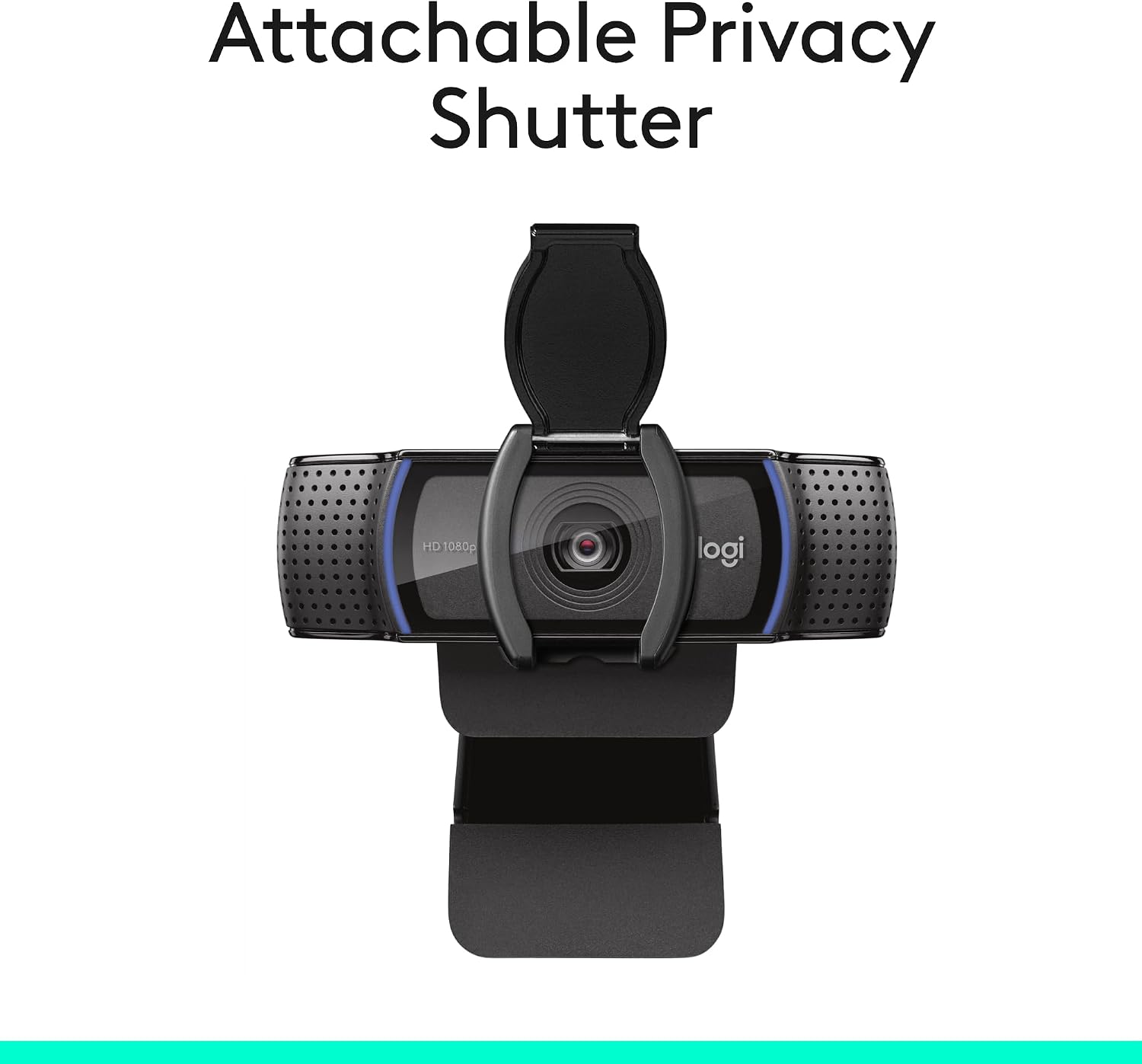
If you’re setting up for video calls, streaming, or recording demos, the Logitech C920S is built around one clear promise: dependable Full HD calling. On paper it runs at Full HD 1080p video at 30fps, so it’s geared towards a smooth, more detailed look than basic HD webcams. It’s also designed to be straightforward to live with day to day, with auto-focus, light correction, and a privacy shutter you can actually slide into place.
That said, it’s not perfect for every situation. If you’re expecting razor-sharp performance in very low light with no fuss, you may find that lighting still matters more than you’d like—light correction helps, but it won’t magically replace good room illumination.
Key features that matter in real use
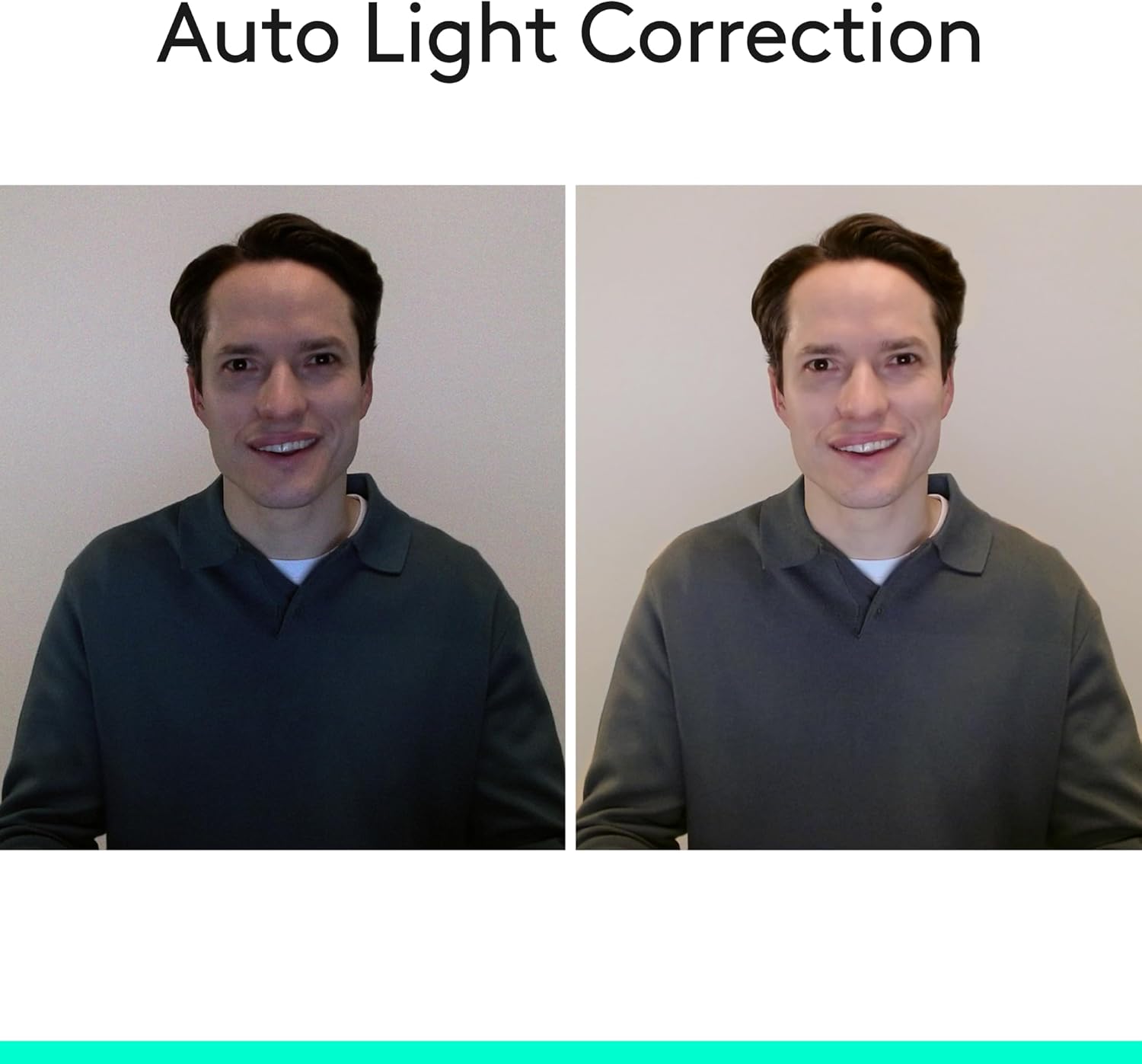
The C920S focuses on the practical stuff you notice during calls and recordings. The lens uses a wide 78-degree field of view, which is handy if you want your face and some background context, or if you’re presenting something on your desk. The auto-focus and HD light correction are there to help the camera adjust to your lighting as you move around, which is useful if your desk faces a window or if your room brightness changes during the day.
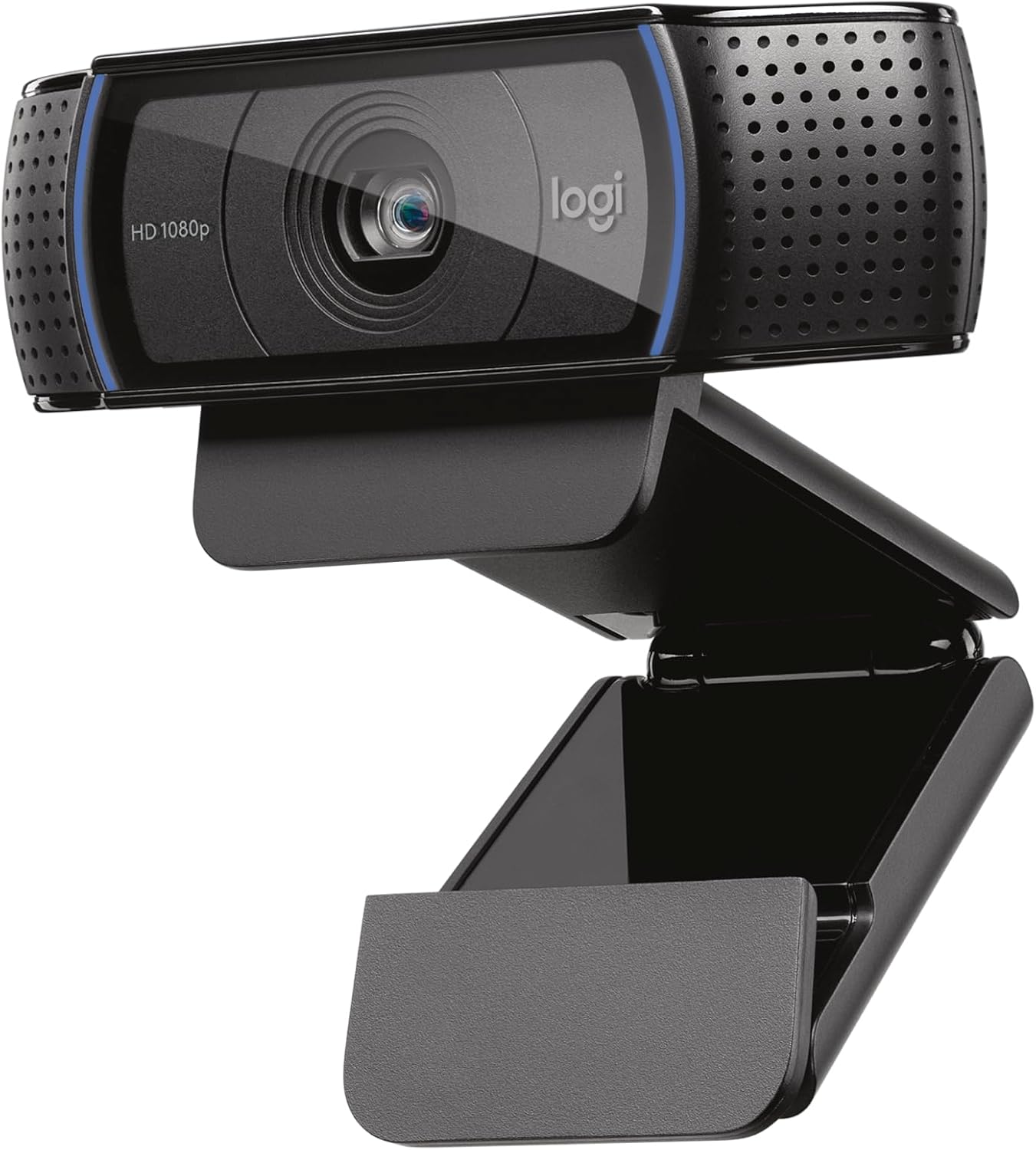
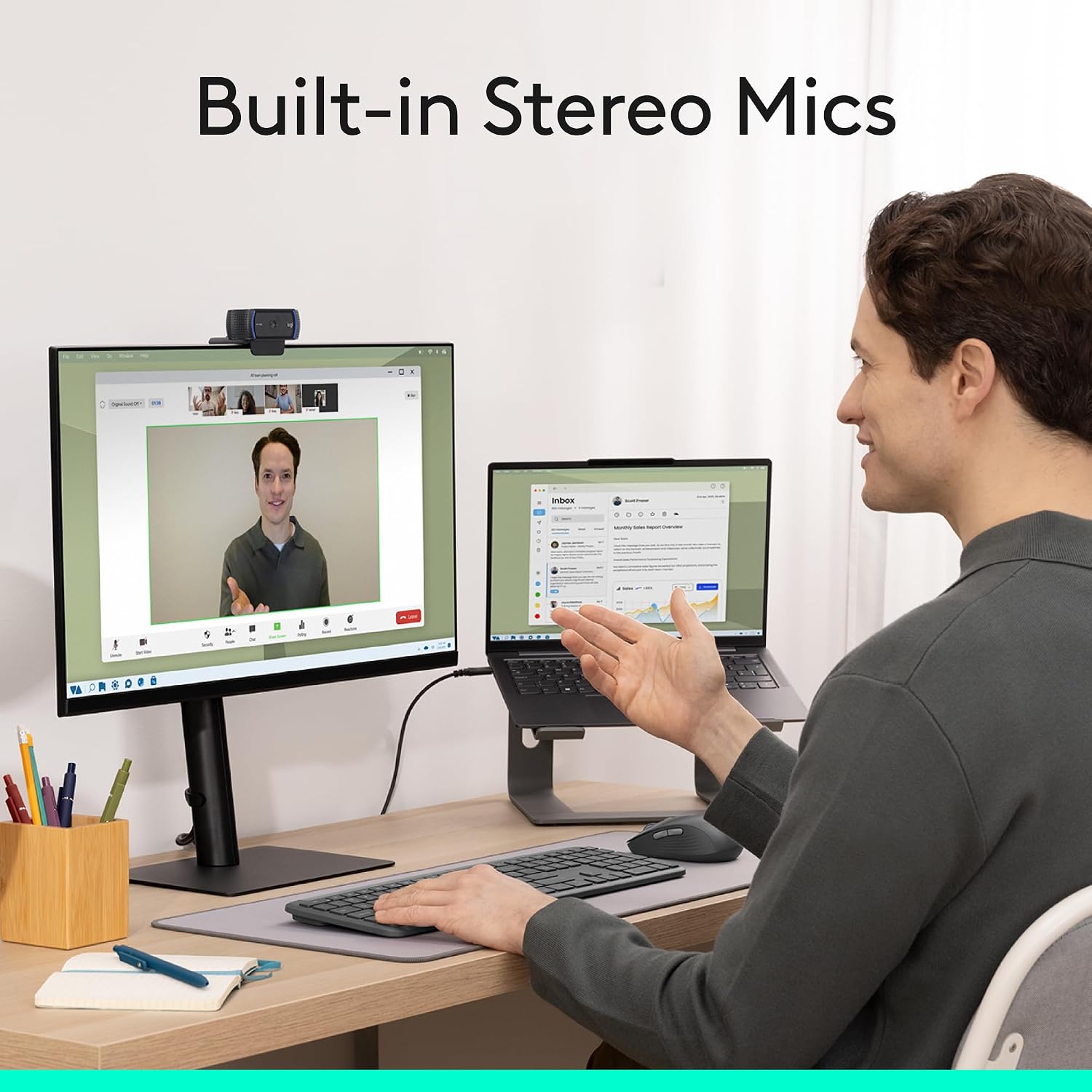
Audio is handled by a dual-microphone setup, positioned on each side of the lens. The idea is natural stereo audio while filtering out background noise, which is particularly relevant for home offices where there’s always some low-level sound going on.
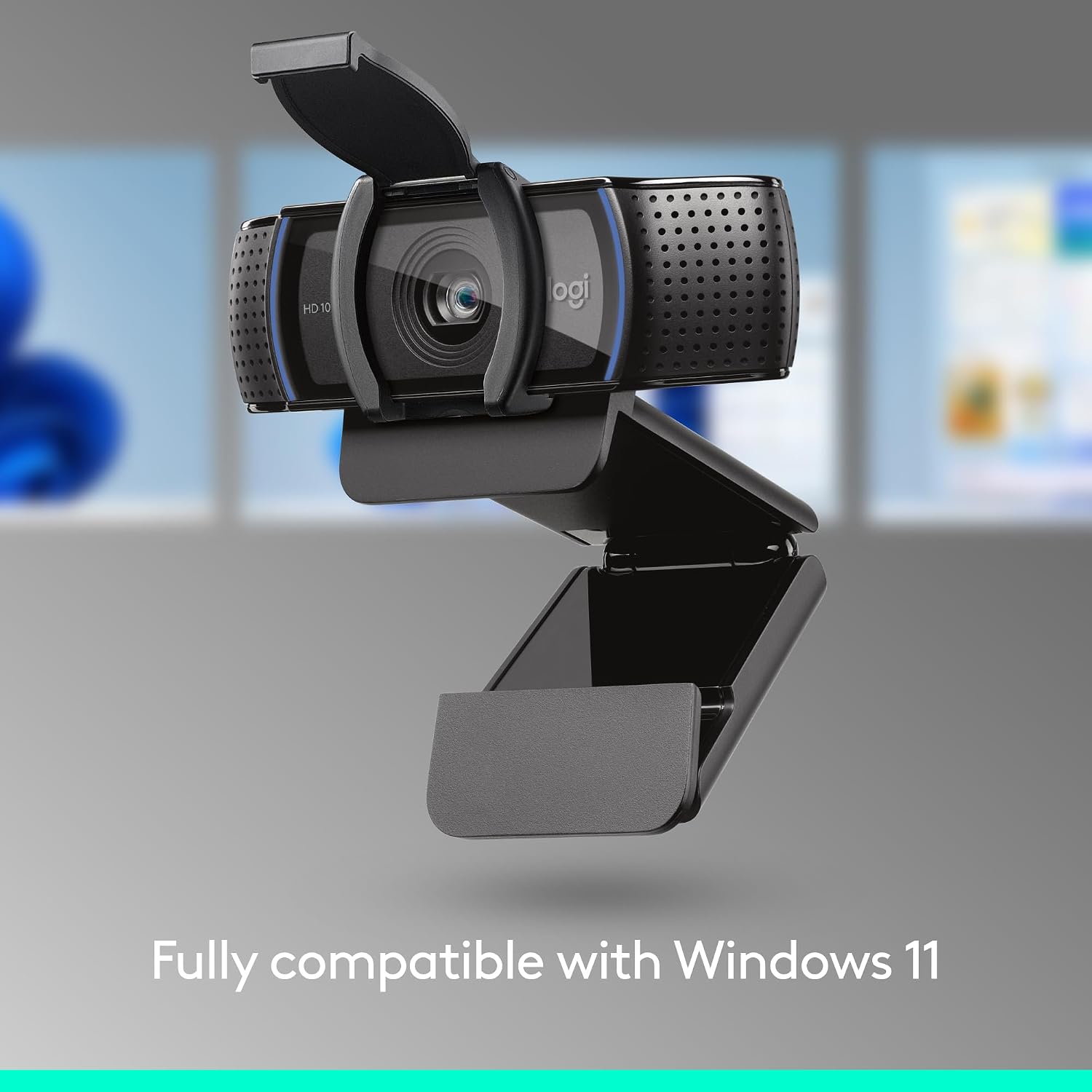
And then there’s the privacy shutter. It’s a small feature, but for many people it’s the difference between feeling comfortable having a camera plugged in all the time and feeling uneasy.
Video and audio performance: what to expect
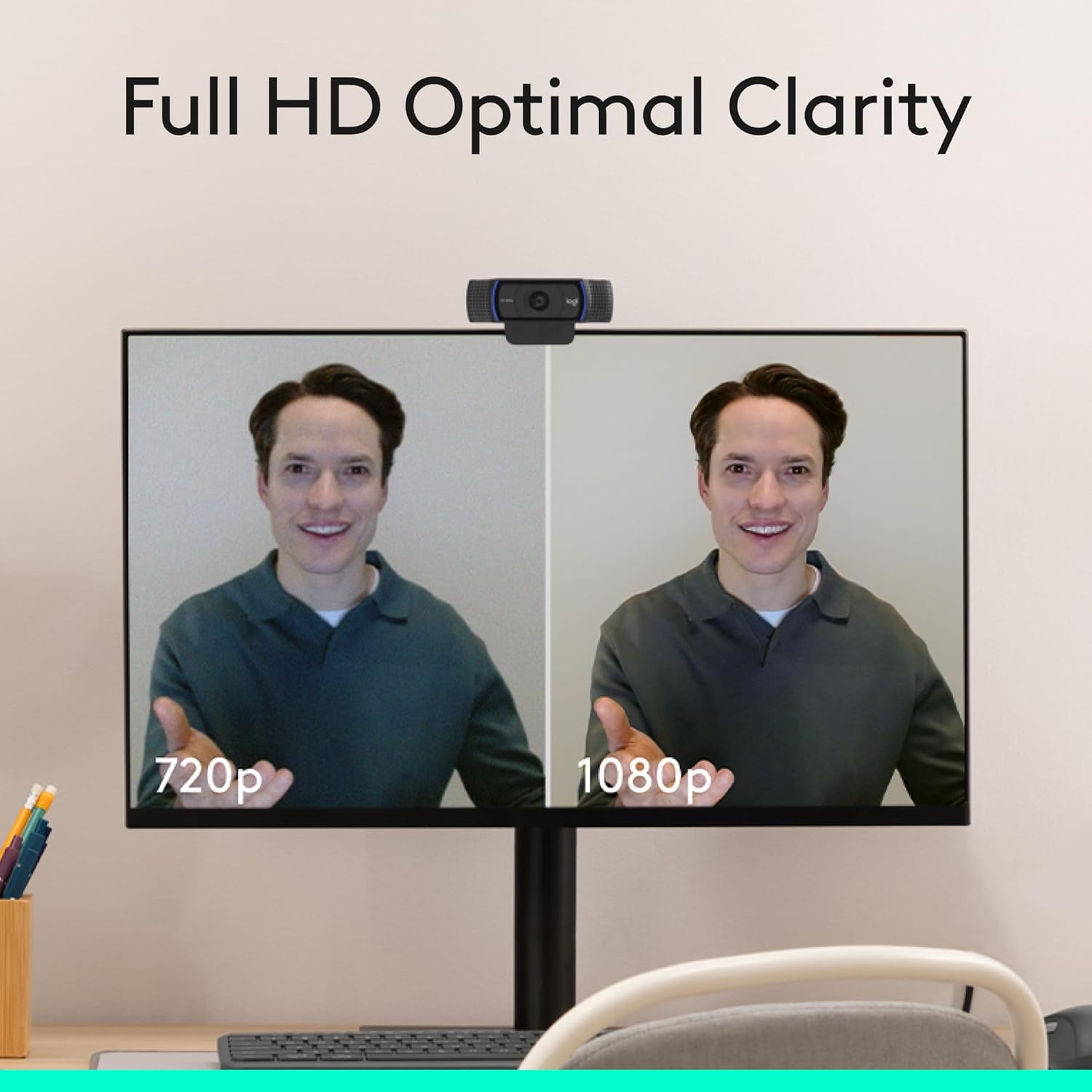
With Full HD 1080p/30fps video calling, this webcam targets clarity and fluid motion for everyday video communication. Over compatible platforms, it should look crisp for things like explaining what you’re doing, joining meetings, or capturing gameplay footage at a basic streaming level.
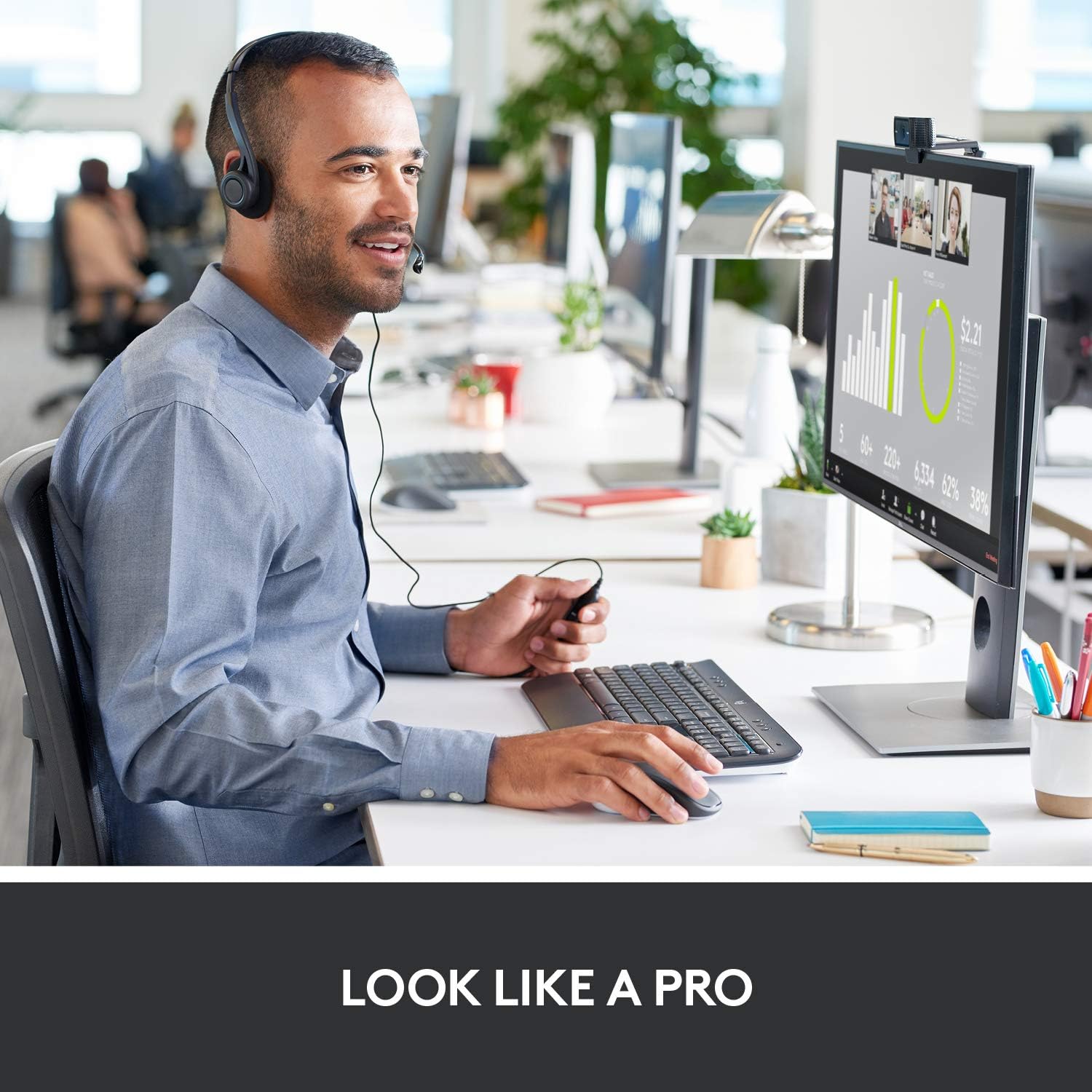
The audio side aims to capture speech clearly using the dual microphones. It’s not the same as a dedicated microphone setup, but for most casual calls and recorded clips, it’s a sensible approach—especially if you tend to be speaking in front of the camera from a consistent position.
A good mental model is: this is a webcam that’s trying to cover the basics properly rather than chase extreme performance. If your main requirement is “works well enough for regular calls and simple streaming”, it fits that brief.
Where it shines (and where it might not)
It makes sense if you want one webcam that can handle a mix of tasks: standard video calls, recording demonstrations, and light streaming. The wide field of view plus auto-focus makes it easier to stay in frame without constant tweaking, and light correction helps keep images brighter and more contrasted as your lighting shifts.
It may not suit you as well if you’re very picky about image quality under harsh, dim, or highly uneven lighting. Light correction can improve things, but the camera still depends on your environment to look its best.
It’s also worth noting that the product description mentions “operates with Wi‑Fi” in the broader context, but the actual day-to-day experience will still be about your device connection and software setup. So it’s sensible to check you’re happy with how you intend to connect and use it.
Compatibility and setup considerations
The C920S is described as working across common setups: Windows 7/8/10 or later, Mac OS 10.10 or later, and also Android/Chrome OS, with compatibility noted for Xbox One. For software, it’s stated to work with Skype, Zoom, FaceTime, OBS and XSplit.
On the buying side, that broad compatibility is a real advantage if you’re moving between a laptop and a desktop, or if different people on your setup use different systems.
What’s included in your decision-making
Before you buy, double-check two practical things: where you’ll place the camera and what you need for your use case. A wide 78-degree view is great if you want more of the room or desk included, but if you only want a tight head-and-shoulders framing, you might end up cropping later (or relying on distance).
Also, think about lighting. The webcam’s light correction and autofocus are designed to help, but it’s still easier to get consistently good results if you face a light source rather than sit with a bright window directly behind you.
Pros
- Full HD 1080p at 30fps for clearer video calling
- Wide 78-degree field of view for capturing more than just a tight portrait
- Auto-focus and HD light correction to adapt to your lighting conditions
- Clear stereo audio using two microphones
- Privacy shutter for control and lens protection
- Broad compatibility across Windows, Mac, and mentioned platforms/apps like Skype, Zoom, FaceTime, OBS and XSplit
Cons
- It’s not aimed at “no matter what the lighting is” perfection, very dim setups may still look less flattering
- The wide view can be a mixed blessing if you prefer tight framing
Final verdict
Worth considering if you want a straightforward Full HD webcam for everyday calls, presentations, and casual streaming, especially with the comfort of a privacy shutter and stereo audio that’s built for home use. It suits people who want an easy setup and sensible image/audio behaviour without needing to fine-tune everything.
You may want to skip it if your main goal is consistently excellent output in difficult low-light conditions or if you specifically need a very tight, close-up framing without adjustment. For most normal desk setups, though, it looks like a sensible, mid-range style choice that prioritises day-to-day reliability over gimmicks.
Mini FAQ
How good is the video quality for video calls?
It’s specified as Full HD 1080p at 30fps, which should be a clear step up for typical video calling compared with basic HD webcams.
Does it help if my room lighting isn’t great?
The webcam includes HD light correction and auto HD autofocus, so it’s designed to adjust to lighting changes, though your results will still depend on your environment.
Is the privacy shutter useful?
Yes, the privacy shutter is explicitly included and is meant to give you physical control over what the camera shows and to cover the lens when not in use.
Will it work with Zoom or Skype?
Compatibility is stated for Skype and Zoom, along with FaceTime and also OBS/XSplit mentioned for streaming use.
Is it compatible with a Mac or Windows laptop?
The description states support for Windows 7/8/10 or later and Mac OS 10.10 or later.