

Kouric 2K Webcam with Microphone and Privacy Cover (USB plug-and-play) for PC, Laptop and Mac
Product description
What it is and why people buy it
The Kouric 2K webcam is aimed at anyone who needs a dependable camera for everyday video calls, online classes and basic content creation, without faffing around with complicated setup. On paper, the main draw is the move up from “1080p-style” clarity to a 2K resolution approach, plus software-assisted noise reduction and a physical privacy cover.
If you’re working from home, joining meetings from a laptop, or you occasionally stream or record yourself, having a face camera that looks reasonably sharp matters more than you might think. Cheap webcams can look soft or a bit blocky on screen, this one is pitched as being more detailed, with the expectation that it keeps facial features and finer details clearer.
That said, it’s not the kind of webcam you’d choose if you’re chasing a high-end studio look, super-low-light performance, or advanced pro features. For those scenarios, you’d typically expect more from optics, sensor performance and controls than the product description alone suggests.
Key takeaways (the practical bits)
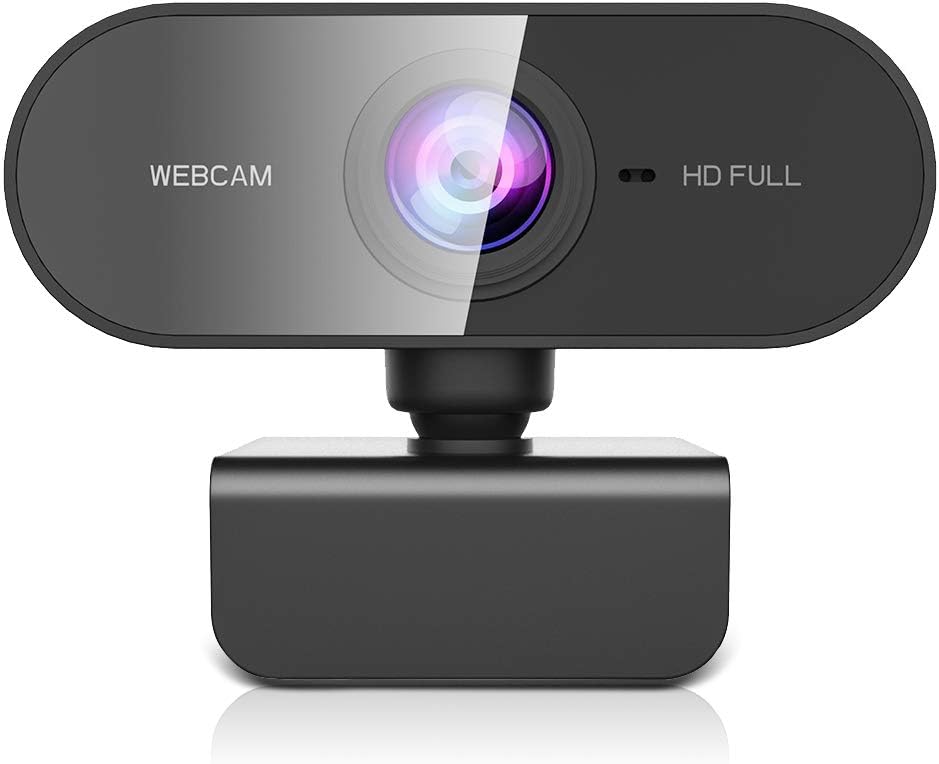
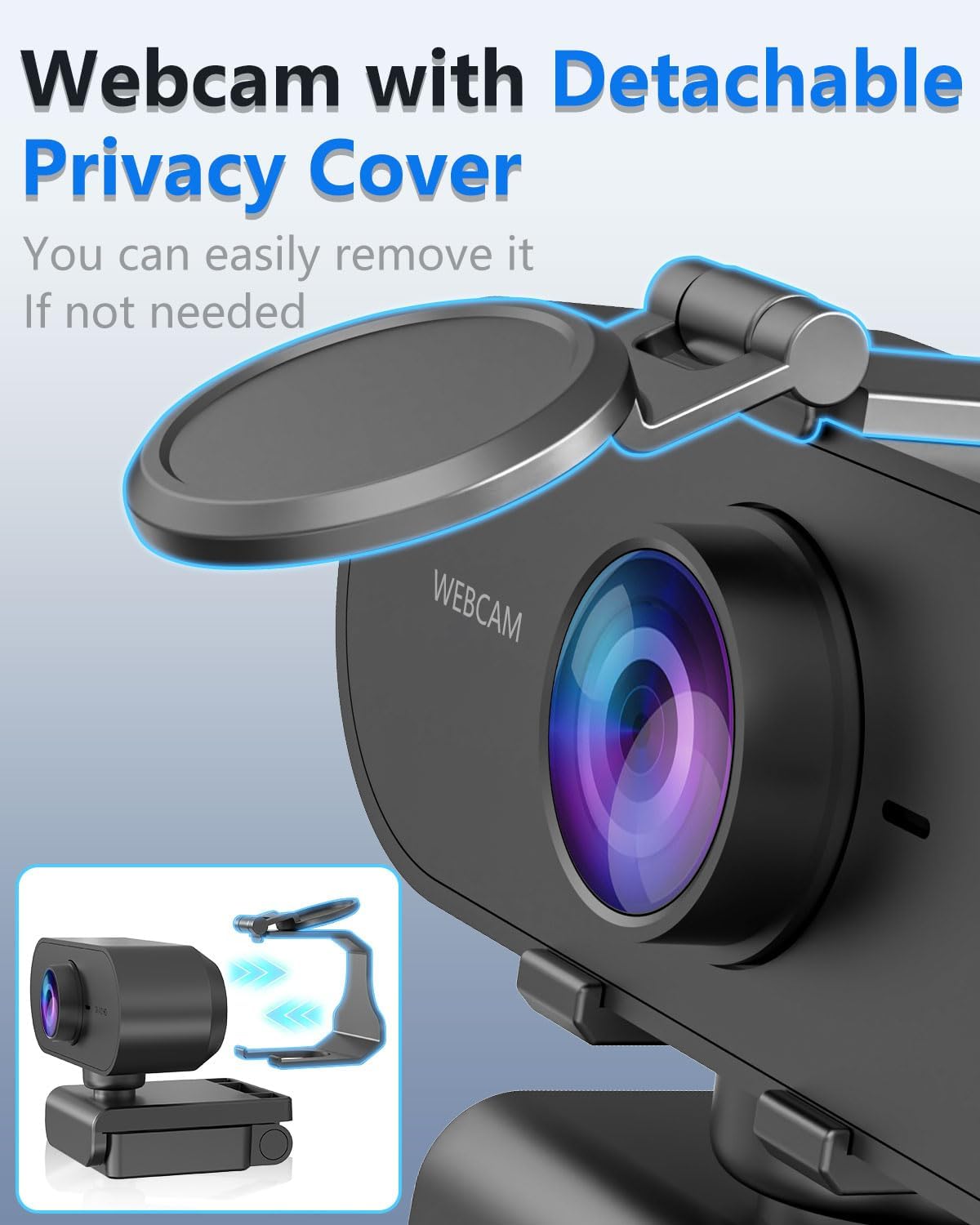
The privacy cover is a small but genuinely useful inclusion. When you’re not using the webcam, you can physically block the lens rather than relying purely on software. That’s the kind of reassurance that tends to get noticed the moment you set the camera up in a shared room, office, or any space where others might come and go.
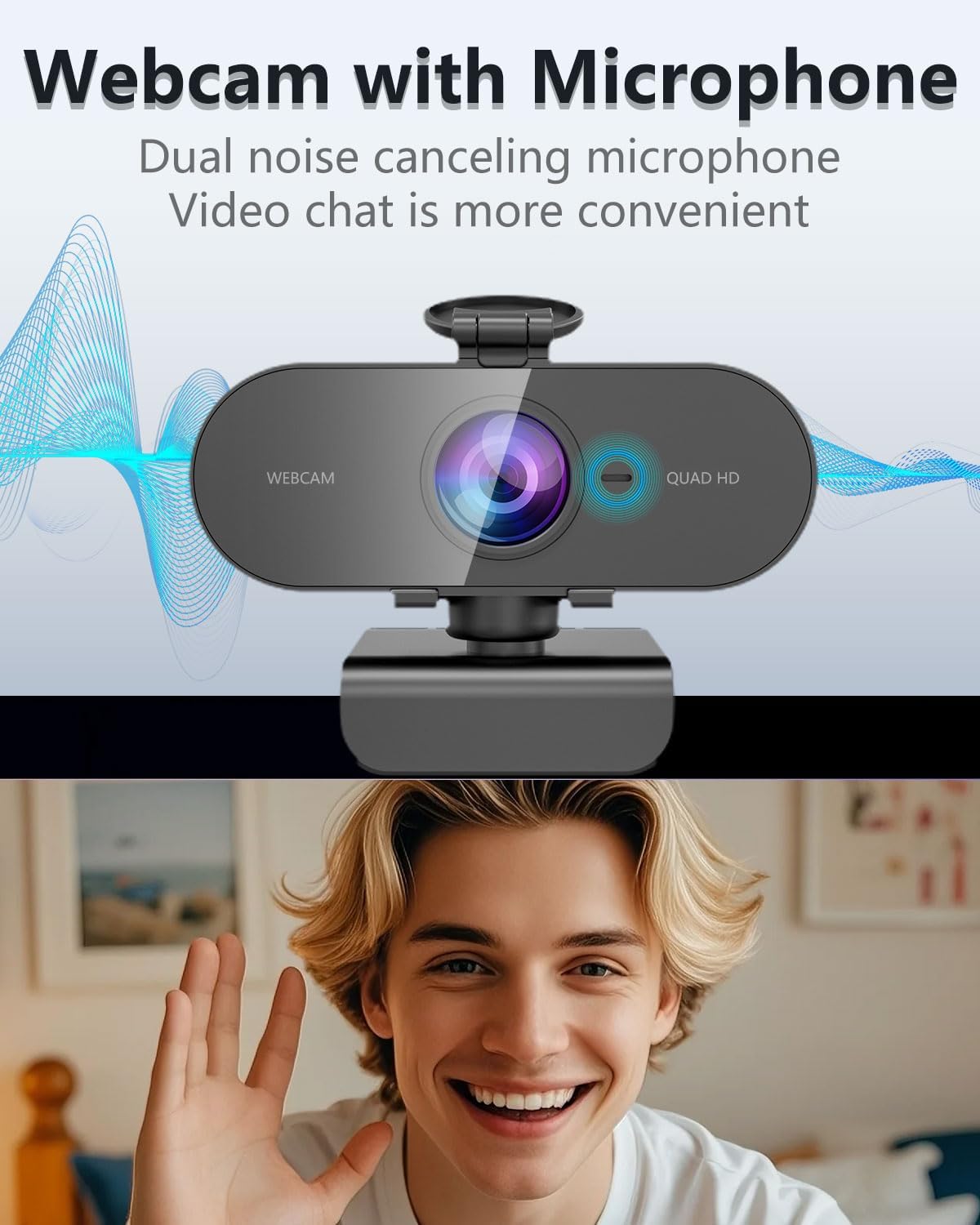
The other “day-to-day” angle is the claim around noise reduction. The description mentions dual noise reduction combining hardware infrared filters with AI-powered software. In practice, that’s designed to help keep video looking cleaner when lighting is less than ideal—think dim rooms or backgrounds with awkward light behind you.
Where it shines in use
This webcam looks best for home use and casual creator workflows where reliability and clarity are your priorities.
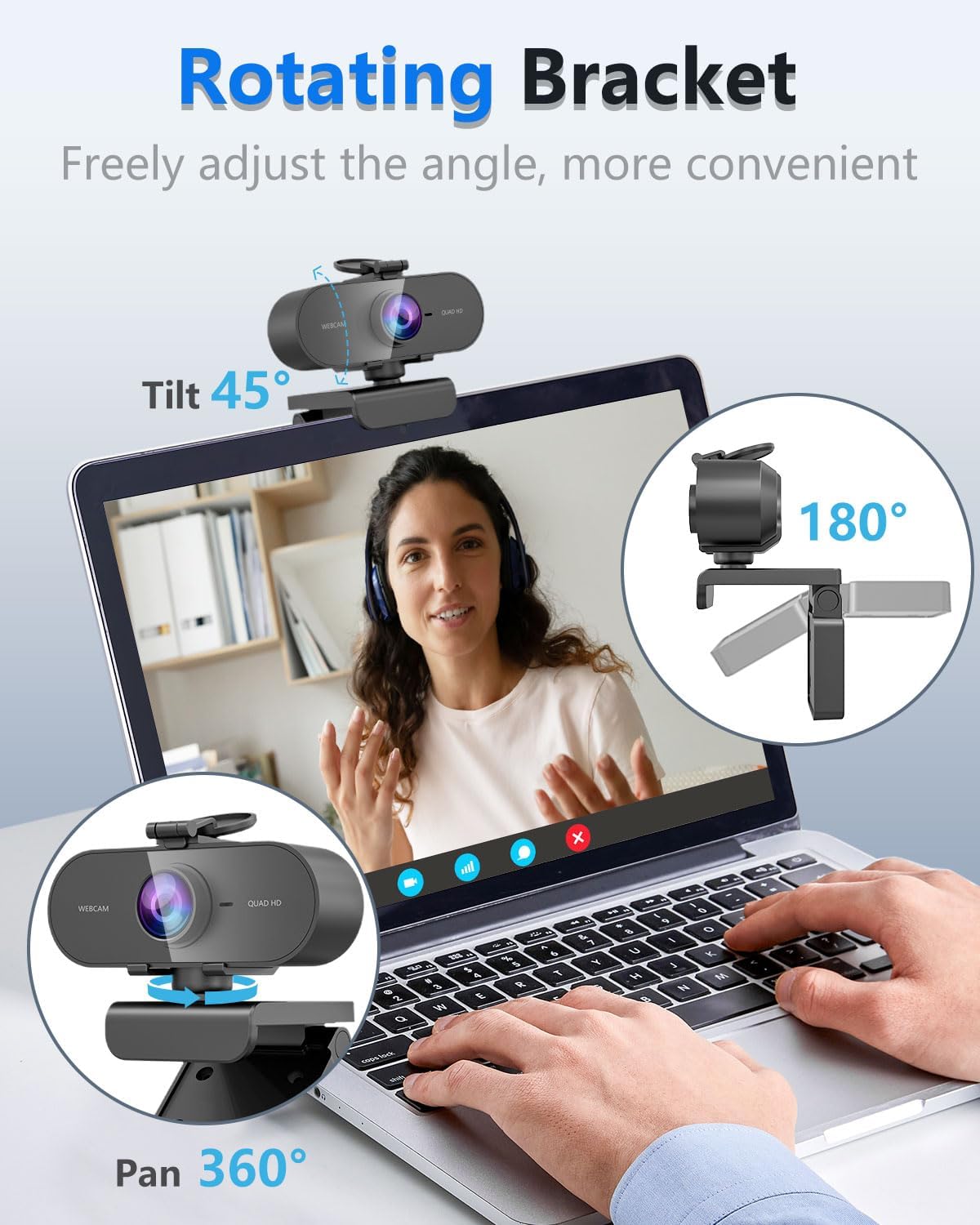
A realistic example: you sit at your desk, plug the webcam into USB, switch your laptop or PC input to the webcam, and join a call. With the physical privacy cover on when you step away, you don’t have to worry about leaving the lens exposed. During the call, the higher pixel density and noise reduction are meant to translate to a steadier, clearer picture rather than blurry edges and obvious grain.
What to consider before buying
A couple of things are worth keeping in mind.
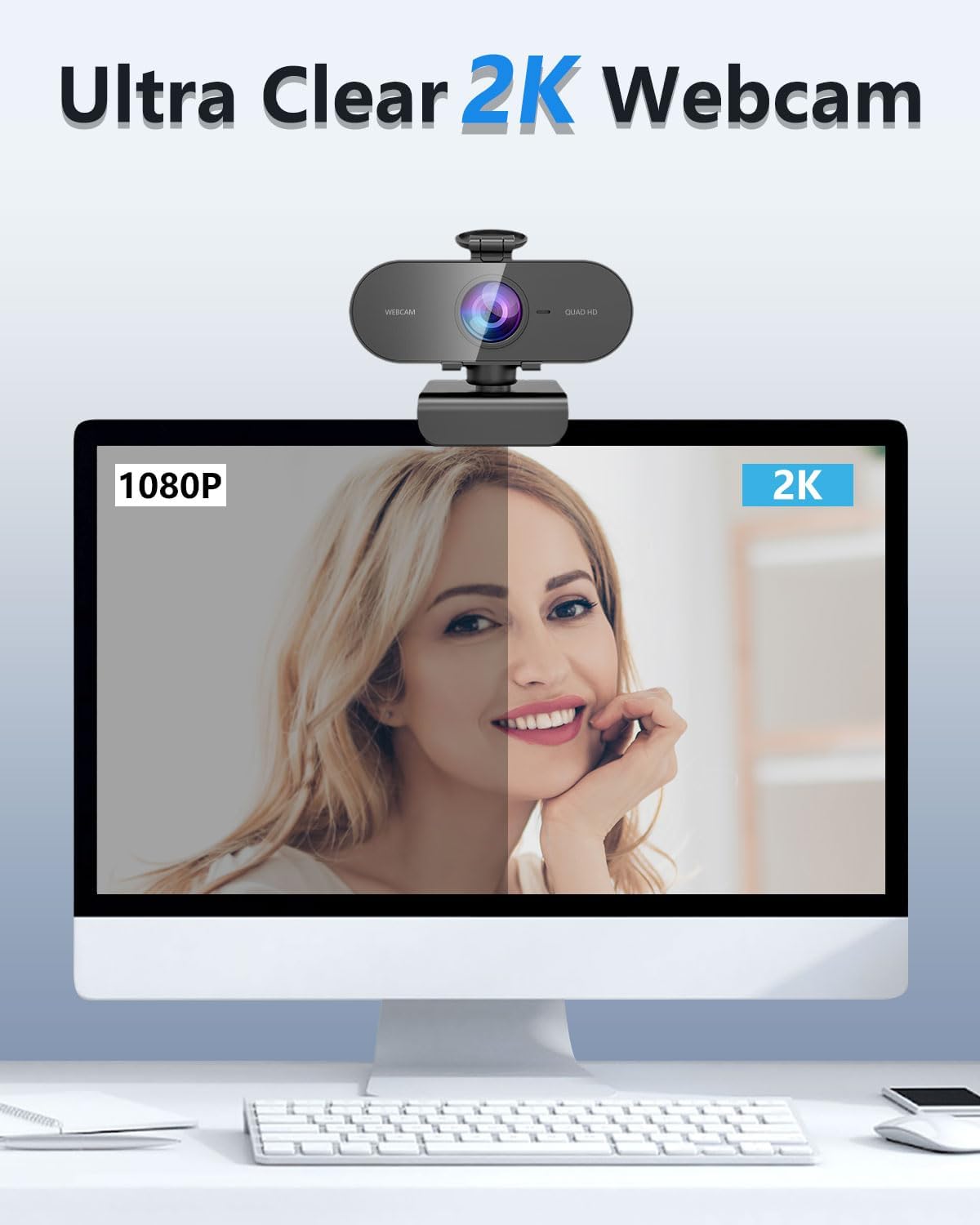
First, “2K” is a marketing term in a crowded webcam market, and the actual difference you’ll see depends heavily on lighting, your screen and how your videoconferencing app handles the feed. In bright, even light you’ll likely get more noticeable benefits, in very challenging lighting, even the best noise reduction can’t work miracles.
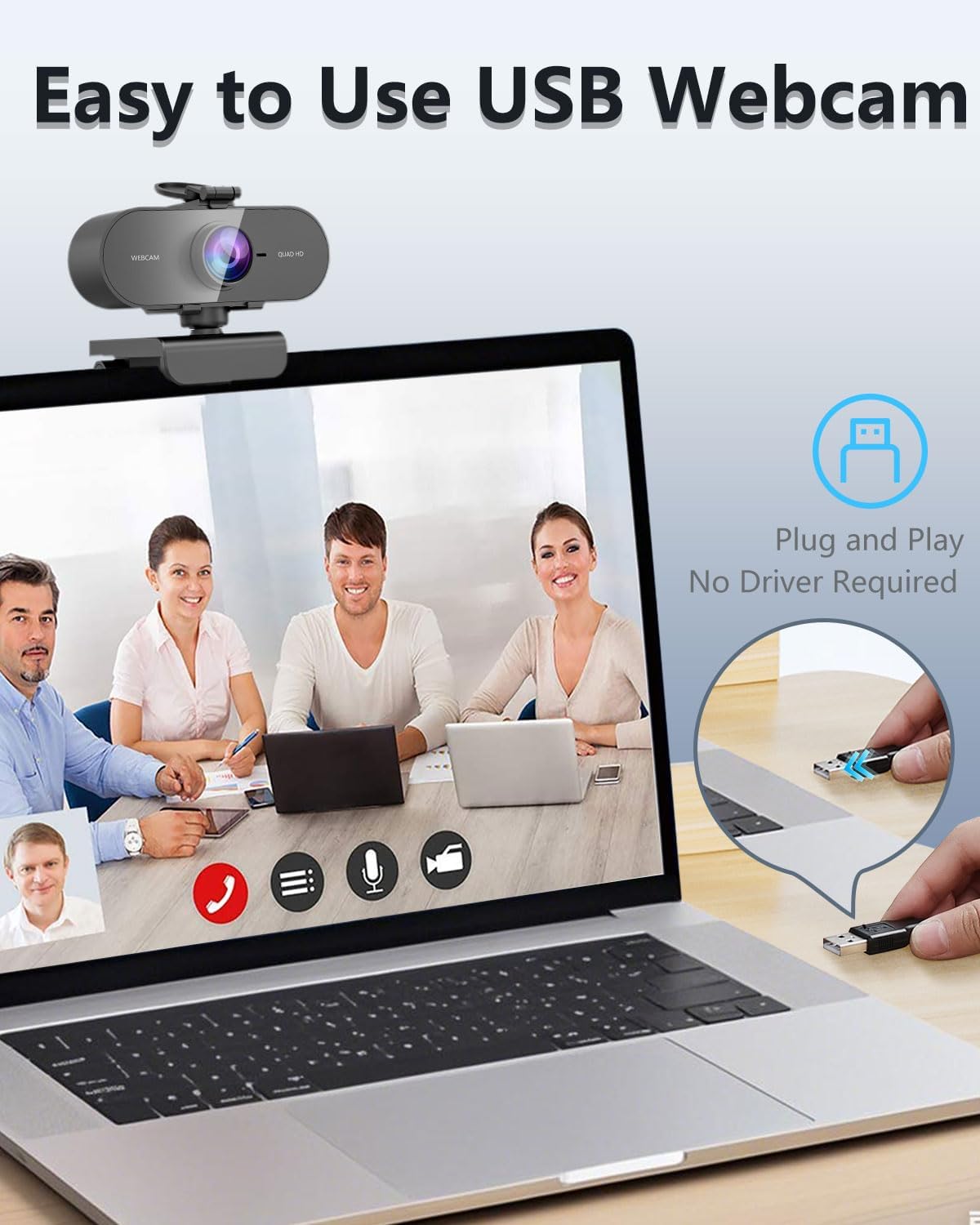
Second, the listing states that it’s plug-and-play with no driver required, but it also notes that you should switch your input device to the USB webcam. So if you’ve ever bought a webcam that “worked” but only after changing settings, this is basically the same story—plan for a quick input selection.
Tech specs
- Name: Kouric 2K Webcam with Microphone and Privacy Cover
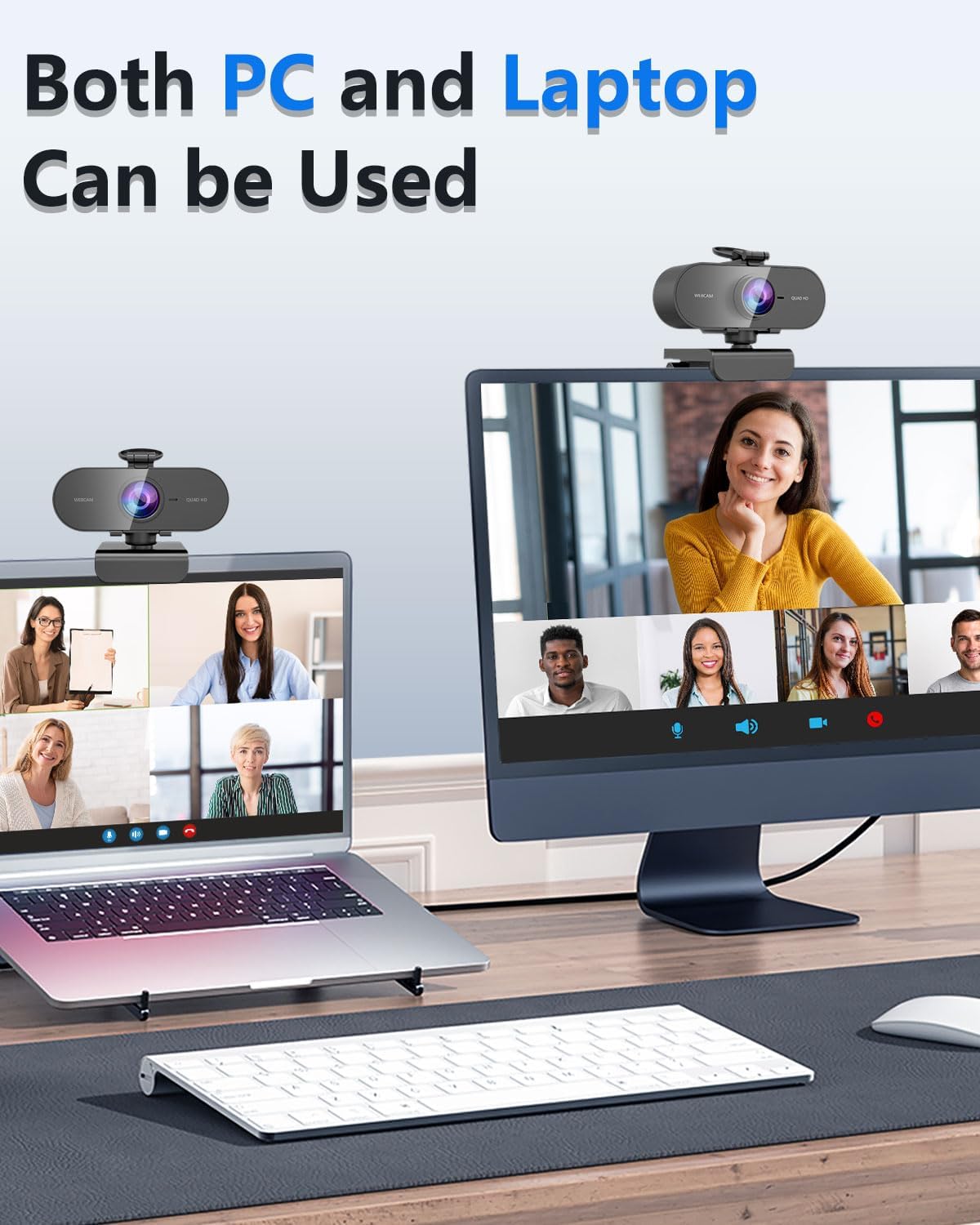
- Type: USB plug-and-play face webcam for PC, laptop and Mac
- Format: FHD streaming camera (also marketed as adjustable 2K HD)
- Privacy cover: Detachable physical lens cover
- Audio: Built-in microphone (microphone included)
Note: the description doesn’t list other hard specs such as exact sensor size, field of view, frame rate or autofocus behaviour, so if those matter to your use, you’ll want to double-check the listing details before committing.
Is it worth it?
It makes sense if you want a straightforward USB webcam for regular video calling or livestream-style use, and you specifically care about having a physical privacy cover you can slide on and off.
You may want to skip it if you’re expecting a truly premium “pro streaming” camera experience—because the information provided focuses on resolution and noise reduction, but not on the deeper performance factors (for example, low-light ability, lens characteristics or advanced controls) that often separate mid-range from high-end.
You’ll likely be happiest with this if you’re in the “works out of the box, looks clean enough for calls, and stays covered when not in use” camp. If you’re more demanding about image quality consistency in tough lighting, or you need specific camera features beyond what’s stated here, it’s better to look for a model with more clearly documented performance details.
Mini FAQ
Does it need a driver?
The description says it’s plug-and-play with no driver required. You may still need to switch your video input to the USB webcam in your settings.
Is the privacy cover real, or just a software option?
It’s a detachable privacy cover that physically blocks the lens when not in use.
Will the microphone work for video calls?
The webcam includes a microphone, and it’s positioned for use in video calling and streaming.
Is it compatible with Mac?
The listing mentions PC, Laptop and Mac usage, along with Windows and Microsoft contexts, plus broad device compatibility.
What kind of lighting is it meant for?
The noise reduction approach is designed to help with ambient light interference and pixel noise, which should be useful in dim home offices or backlit meeting rooms—though extreme lighting can still limit results for any webcam.