

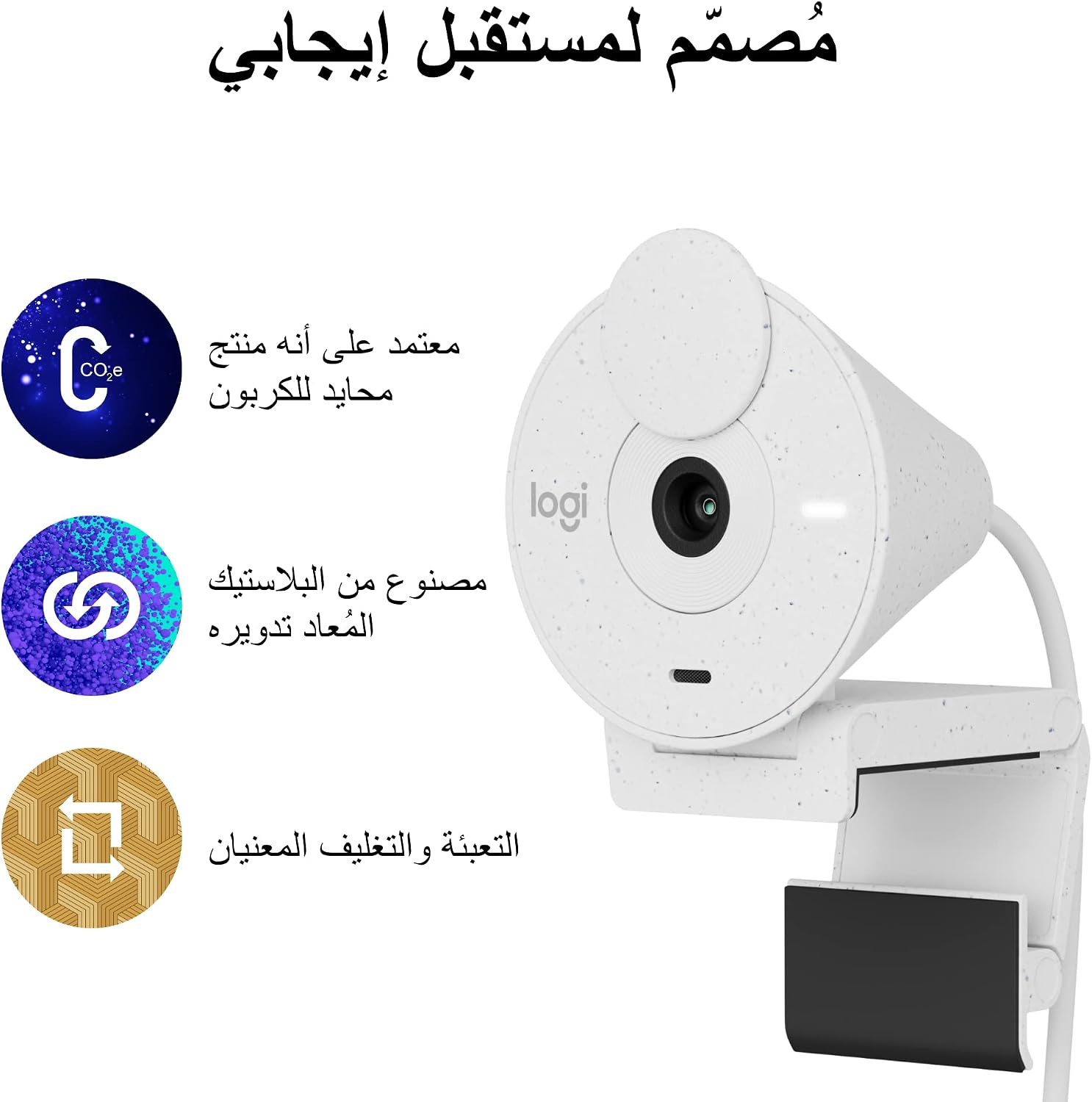
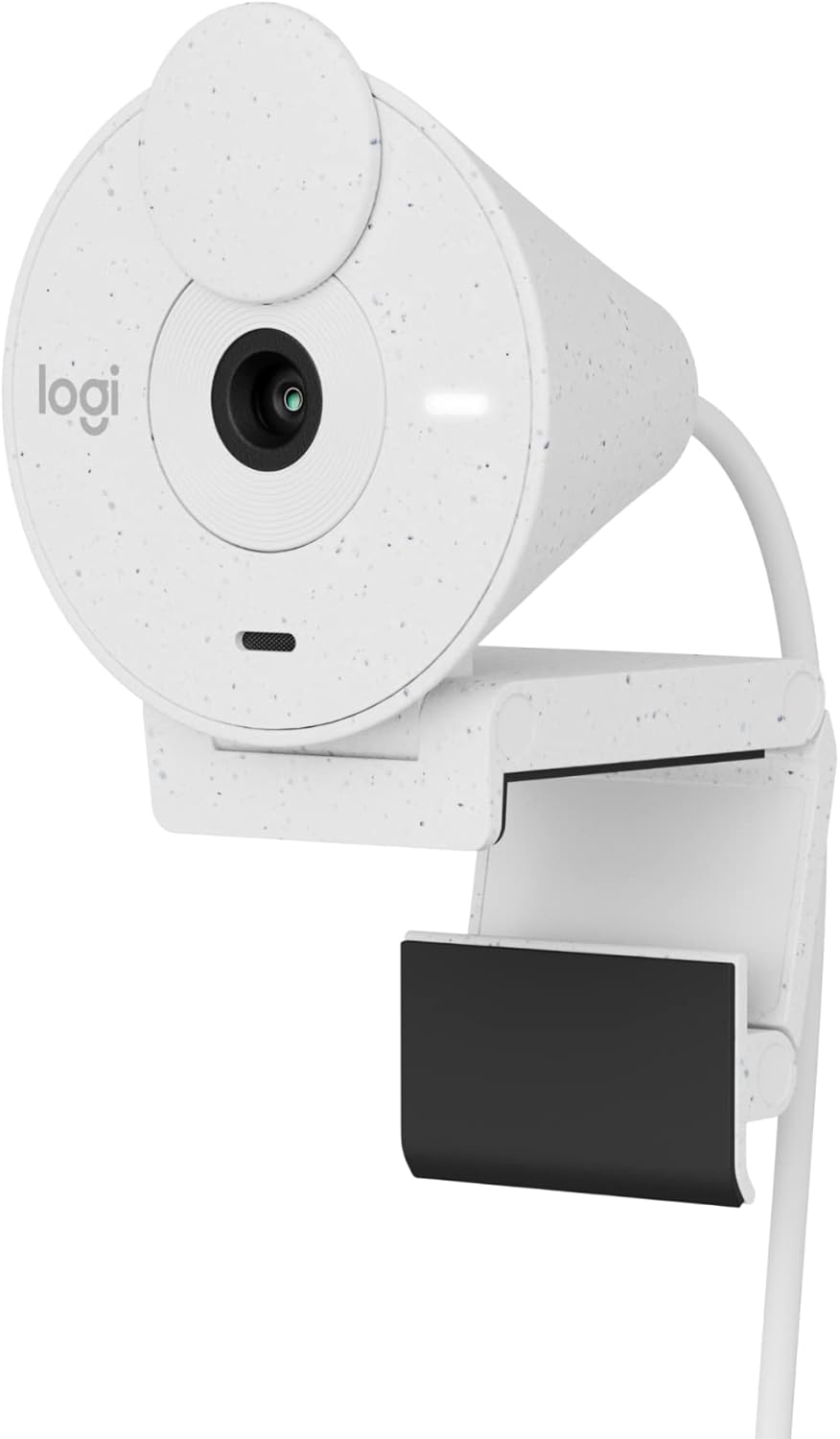
Logitech Brio 300 Full HD Webcam with Privacy Shutter, USB-C mic and RightLight 2 (white)
Product description
Key takeaways
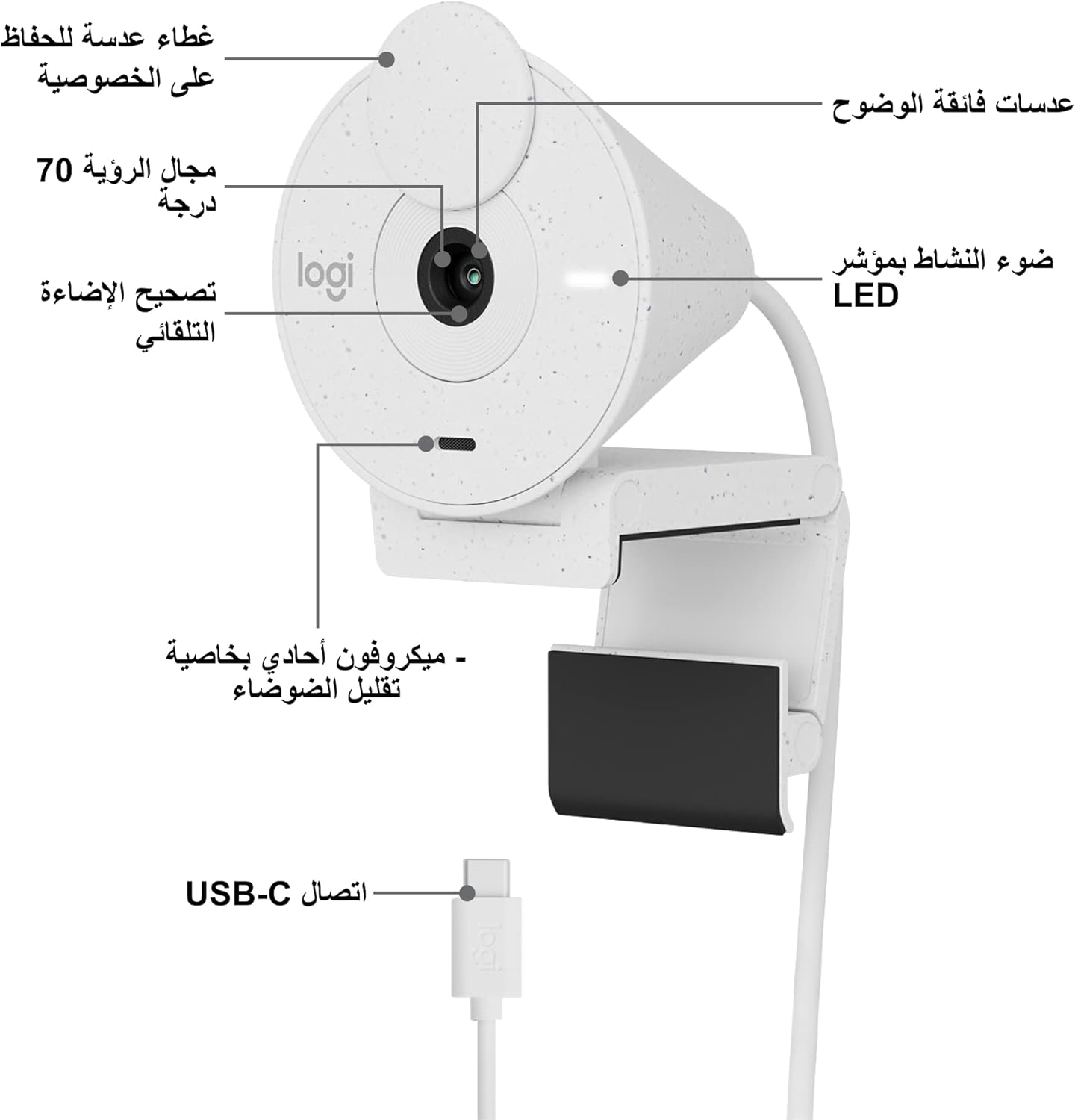
If your video calls are more “basic and awkward” than “clear and professional”, the Logitech Brio 300 is designed to smooth out the common pain points: lighting, audio, and privacy. On paper it’s a straightforward Full HD webcam with an inbuilt privacy shutter, plus a microphone that aims to reduce distracting background noise. It’s also positioned as a meeting webcam, and it’s certified for Zoom, Microsoft Teams and Google Meet.
It’s not trying to be a studio camera replacement. Instead, it’s the sort of webcam you buy when you want to look reasonable in everyday lighting and sound fine without spending ages tweaking settings.
What it’s for (and what you’ll notice)
This webcam is built for video calls where you want your image to stay readable, even if your room lighting isn’t great. The Auto Light Correction uses RightLight 2 technology to compensate when the light is poor or uneven, which is a big deal for typical home setups—dim corners, evening calls, or sitting near a window with mixed light.
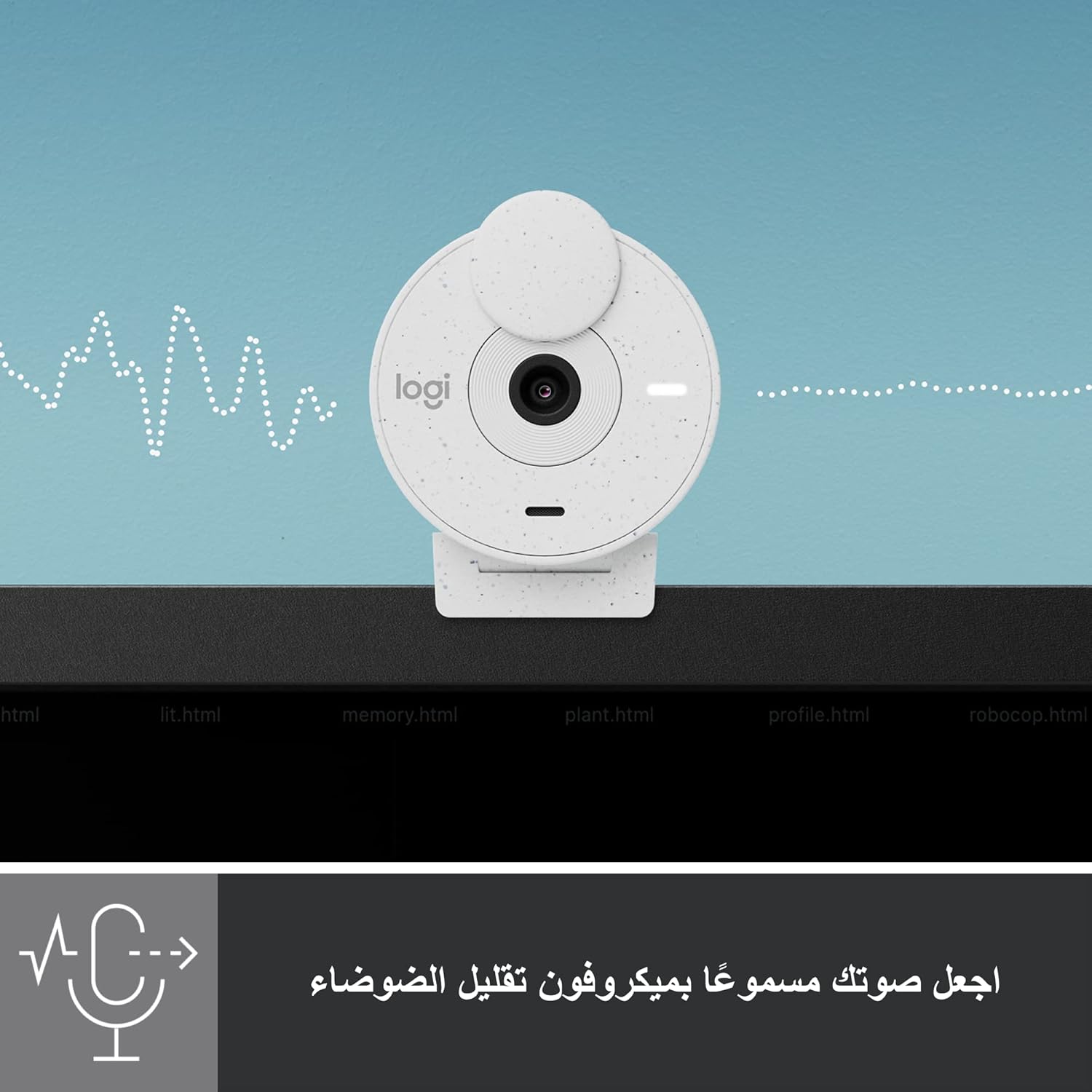
For audio, there’s a noise reduction microphone intended to suppress background sound so people on the call can hear you more clearly. In practical terms, that means fewer “can you repeat that?” moments if there’s some general noise in the room.
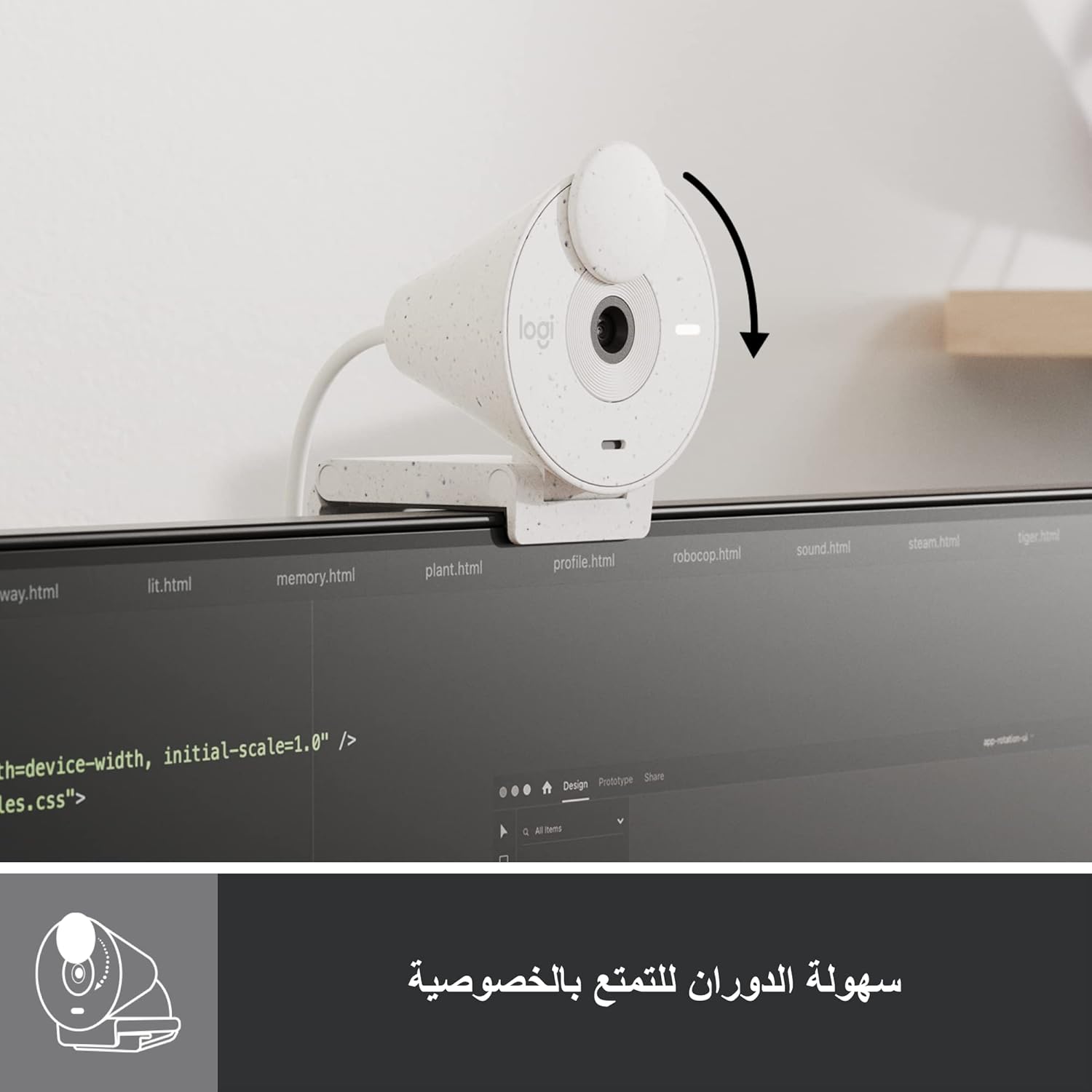
A small but genuinely useful feature is the privacy shutter. You can spin it to block the camera lens when you don’t want to be on screen. It’s a simple mechanism, but it helps with the “are they watching?” worry that never quite disappears with laptop webcams.
Key features that drive the value
Picture clarity with Full HD
The Brio 300 offers 1080p Full HD resolution, aimed at providing natural image quality for video calls. It’s the kind of spec you’d expect for mainstream meeting use—clear enough for most desks, study rooms and home offices.

Auto Light Correction (RightLight 2)
Lighting is one of the main reasons video calls look worse than they feel. RightLight 2 is there to automatically compensate for poor video lighting conditions, so you can be seen more clearly without constantly adjusting your lamp or angle.
Noise reduction microphone
The microphone includes noise reduction, with the goal of suppressing background sound. It’s a sensible approach for everyday environments, but it won’t magically remove loud, close-up noise (think shouting or sudden, very dominant sounds). Still, for typical home/office chatter and low-level noise, it should help.
Privacy shutter you can physically control
On-demand lens blocking is often overlooked—until you want it. The privacy shutter spins to block the camera lens when you’re not on screen, giving you a more tangible layer of control than relying purely on software.
Meeting-friendly certification
The product is described as compatible with most video conferencing platforms and is certified for Zoom, Microsoft Teams and Google Meet. That matters if you want fewer surprises when joining calls on different services.
What to know before buying
Logitech also mentions the Logi Tune free app, which is used to customise video experiences such as adjusting colour and image quality. If you’re the kind of user who likes small improvements (or simply wants things to look right without endless fiddling), that’s a plus.
There’s also a sustainability angle: the webcam is made with minimum 48 percent post-consumer recycled plastic, which is a nice detail for buyers who care about materials.
One limitation to keep in mind: this is a Full HD webcam aimed at meetings, not content creation at the level where you’d start worrying about advanced lighting rigs, high-end sensors or professional audio processing. If you’re after maximum cinematic detail or multi-mic studio performance, you may find it sits closer to the “reliable everyday” end of the market.
Care & setup in real life
Getting decent results with any webcam depends heavily on your environment. The auto light correction should help, but you’ll usually get the best experience by facing the webcam and keeping it at roughly eye level. For example, during an evening team call, try to put a light source in front of you rather than behind you—RightLight 2 can compensate for poor conditions, but it can’t fully replace good positioning.
Audio-wise, keep your mouth at a normal speaking distance and avoid placing the webcam too far away from where you sit. The noise reduction microphone is there to help, but it’s still best when you’re speaking in a typical, consistent spot.
Final verdict
It’s a solid pick if you want a meeting-focused Full HD webcam with clearer visibility in tricky lighting and a microphone designed to reduce background noise, plus a physical privacy shutter for peace of mind.
It may not be the best match if you’re expecting high-end creator-grade performance or you work in a very noisy environment where noise reduction alone won’t be enough.
Worth considering if you mainly use Zoom, Microsoft Teams or Google Meet and you want a plug-in-and-join webcam that should behave consistently across common call platforms.
Quick FAQ
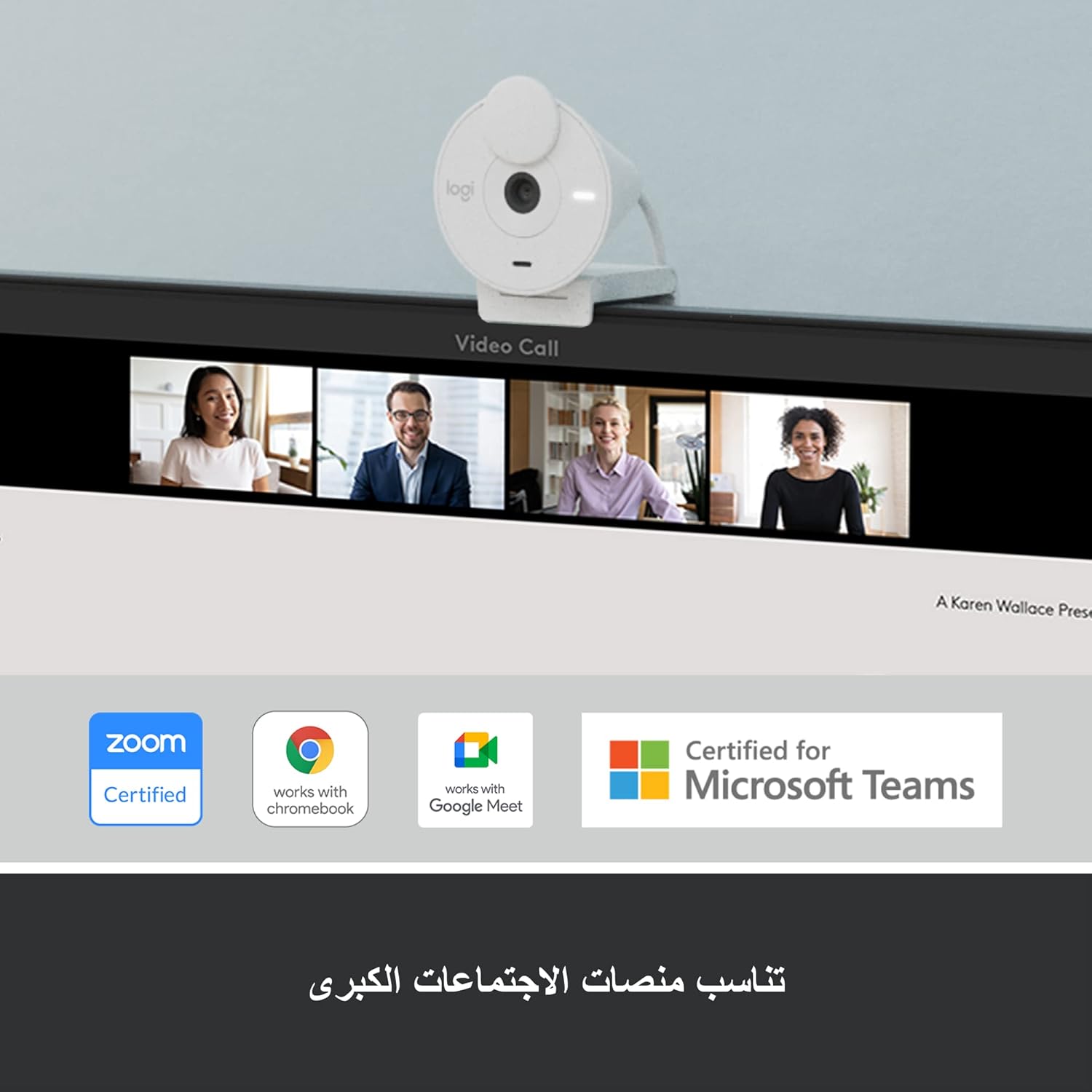
Is it certified for Zoom, Microsoft Teams and Google Meet?
Yes—Logitech states it is certified for Zoom, Microsoft Teams and Google Meet.
Does it have a privacy shutter?
Yes. You can spin the privacy shutter to block the camera lens when you don’t want to be on screen.
Will it handle bad lighting automatically?
It includes Auto Light Correction using RightLight 2, intended to compensate for poor video lighting conditions.
Does it work with an app for video tweaks?
Logi Tune is mentioned as a free app that can help customise colour and image quality.
What does “noise reduction microphone” actually mean?
The microphone is designed to suppress background sound so people on the call can hear you more easily, although it won’t solve every situation where the room noise is extremely loud or close to the mic.