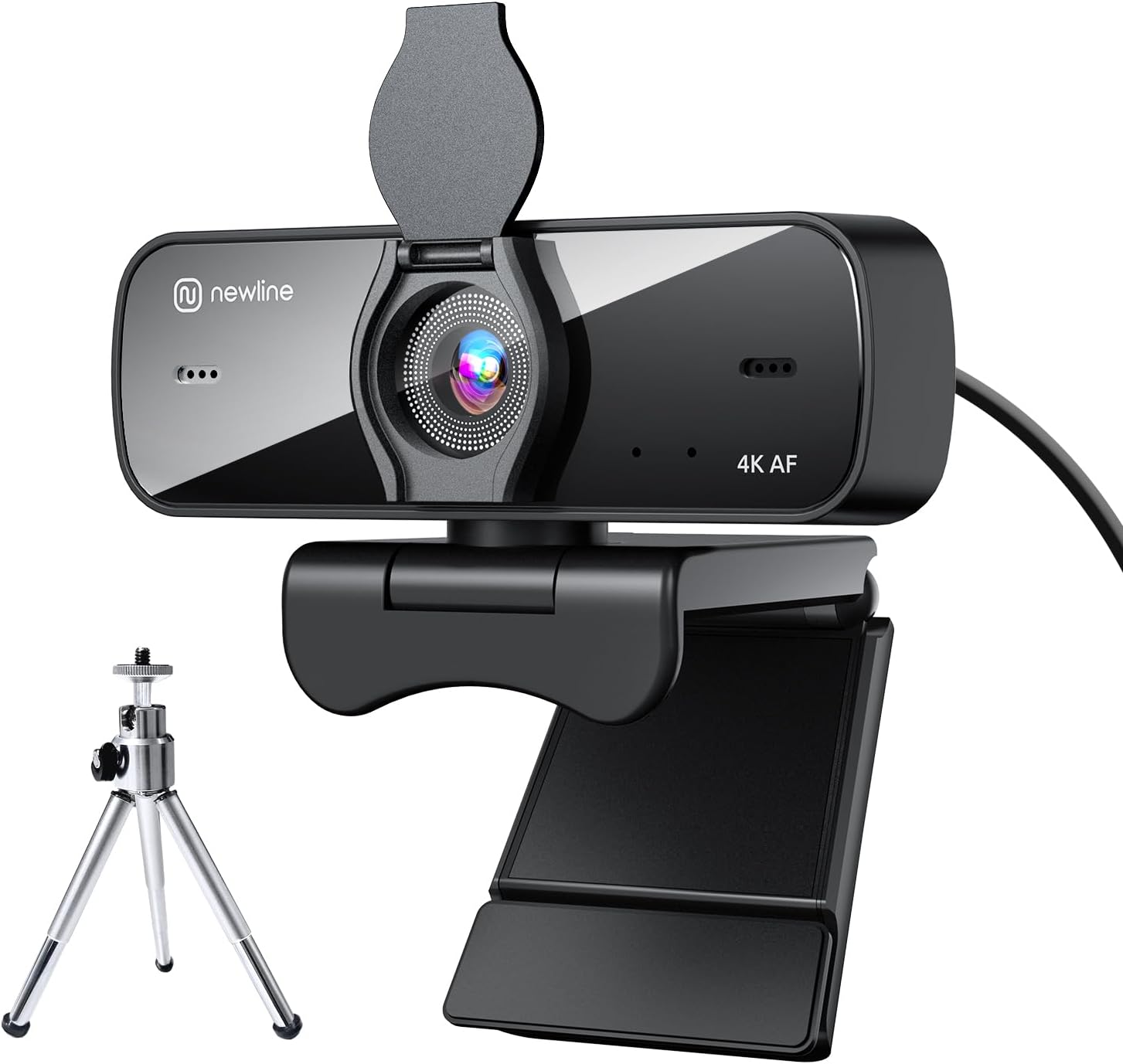
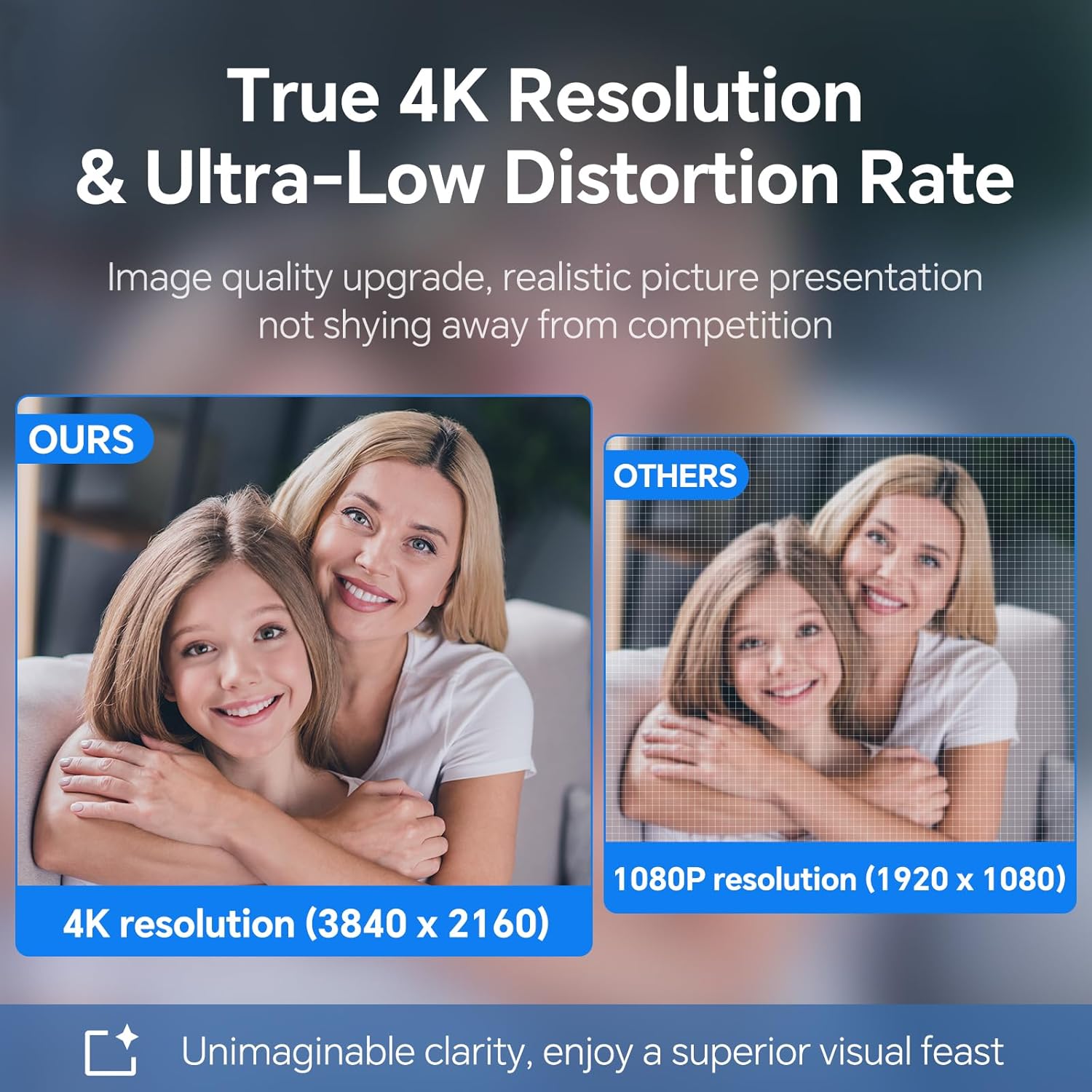
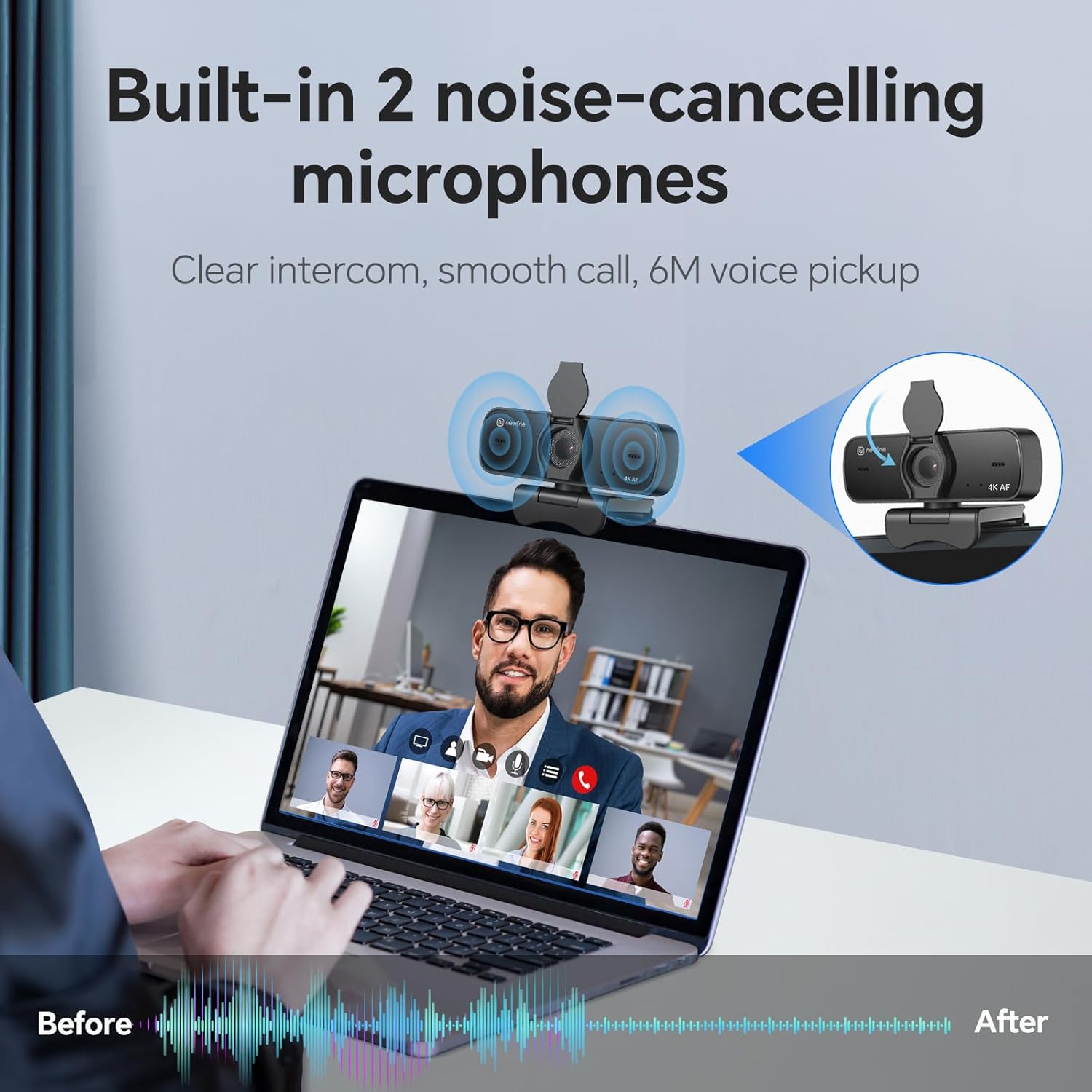
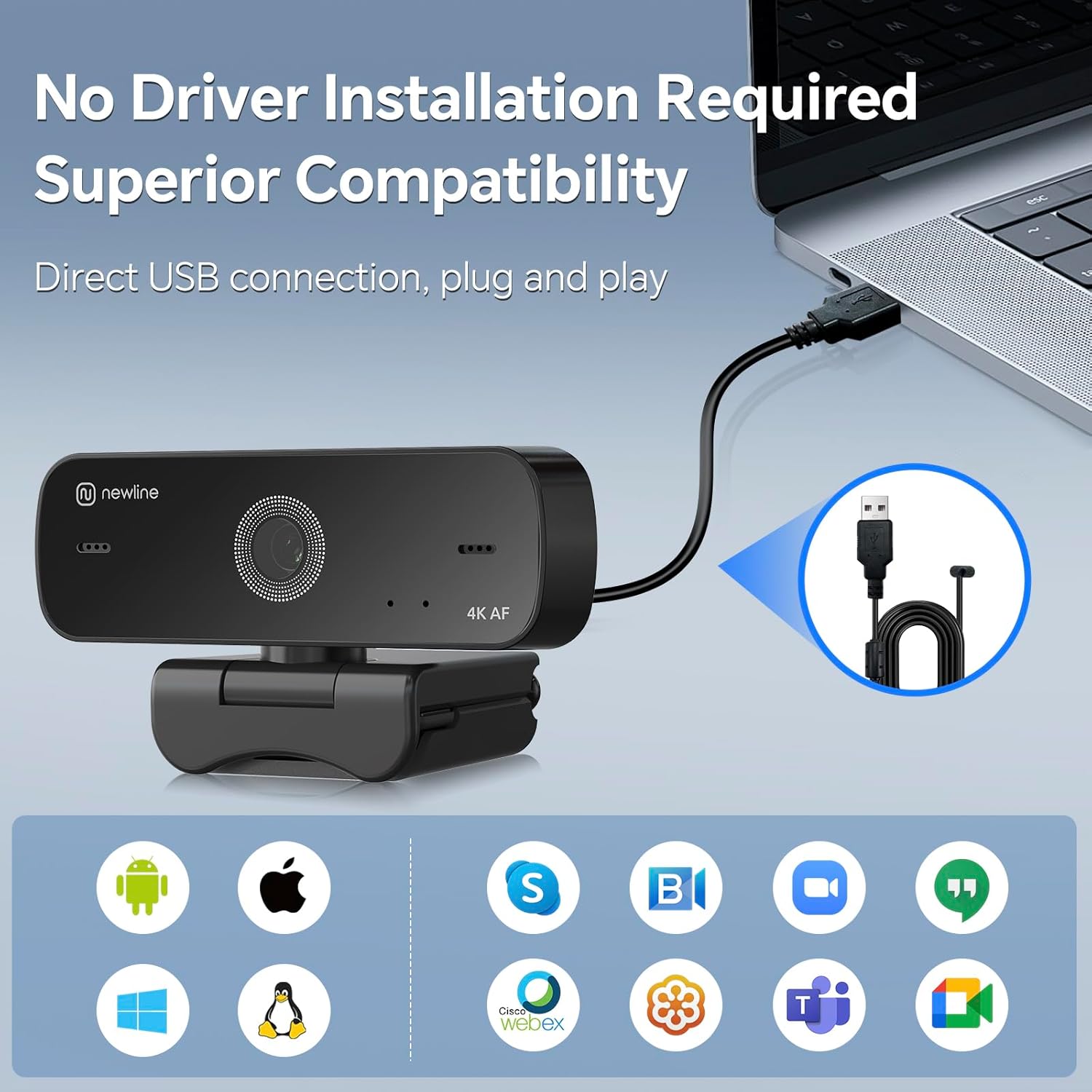
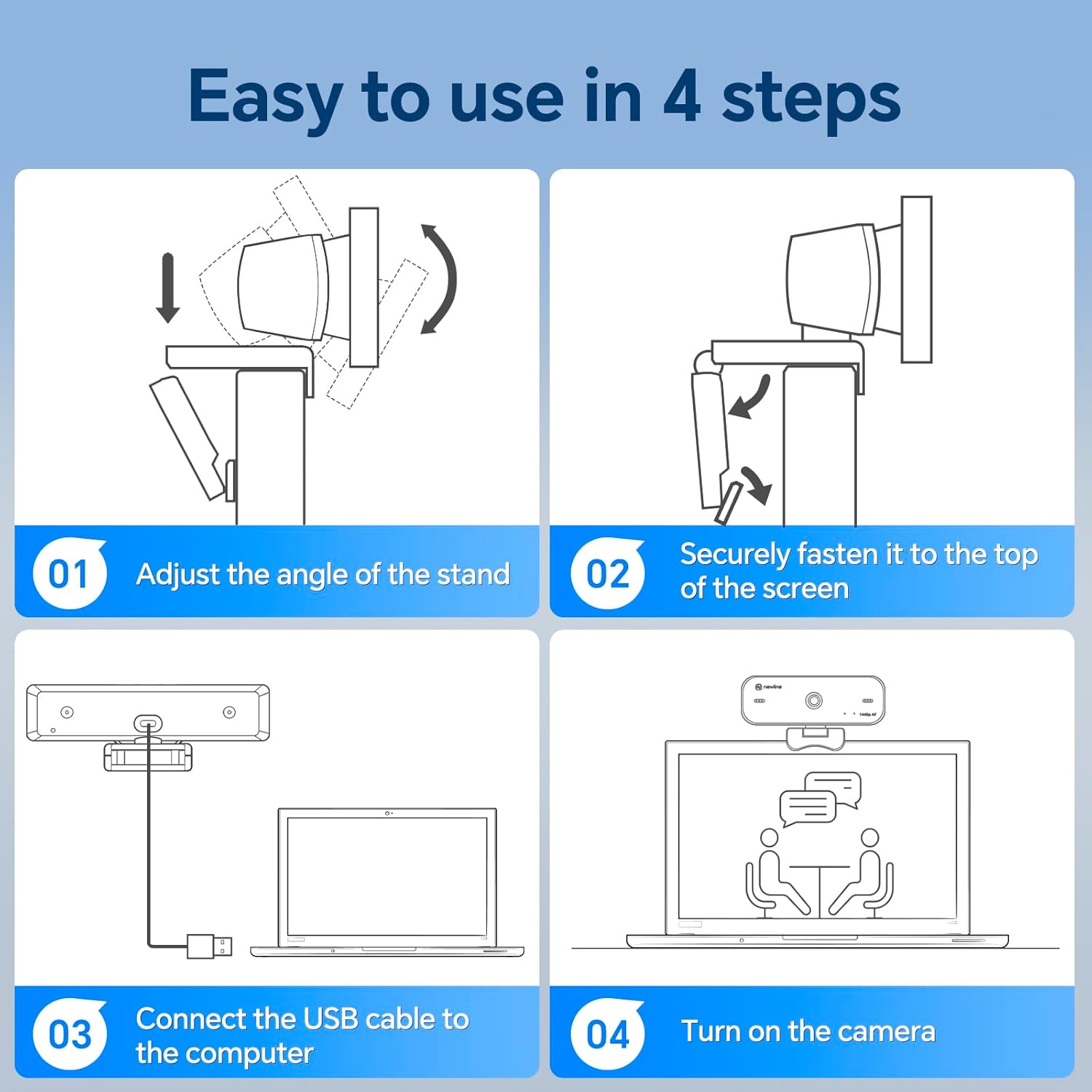
What this is and what it helps with\n\nIf you’re after a capable webcam for webinars, video calls and streaming, the N newline 4K Webcam for PC offers 4K@30fps recording with a 12‑megapixel sensor. On paper it promises clear detail and virtually no distortion, which can matter when you’re presenting to clients or teaching online. The autofocus and light correction aim to keep faces sharp and properly exposed, even when lighting isn’t ideal. It’s a plug‑and‑play USB camera, so you can avoid extra software headaches and use it straight away with common video apps.\n\n### What stands out in everyday use\n- Dual ultra‑clear microphones on each side of the body pick up voices within a few metres, which helps reduce the need to crowd the mic with shouted dialogue.\n- The built‑in privacy cover is a practical safety feature, it folds closed when you’re done, offering a quick assurance against camera mishaps.\n- A metal tripod is included, which helps you position the camera for a more stable shot whether you’re at a desk or presenting from a different setup.\n- Broad compatibility across Windows, macOS, Linux and Android means it’s not tied to a single ecosystem, making it a convenient choice for mixed environments.\n\n### Strengths and limitations\nOn the plus side, 4K capture and autofocus can deliver crisp, detailed imagery, particularly useful for professional presentations or streaming where image quality matters. The noise‑cancelling mics and auto light correction contribute to clearer voice and better exposure in varying lighting. The privacy cover is more than a gimmick, it is a tangible reassurance for home offices and shared spaces.\nHowever, the reality of 4K streaming depends on your bandwidth and software. If you’re primarily doing casual calls or screen sharing at 1080p, you may not notice a dramatic difference versus a good 1080p webcam. Also, some users may find setup smoother with a dedicated camera app, which isn’t required but can enhance control.\n\n### Who it’s best for\n- Professionals who regularly host video conferences, webinars or online classes and want a high‑detail image.\n- Streamers or content creators who value 4K capture and a straightforward, clutter‑free setup.\n- Teams beyond a single OS or device, thanks to broad compatibility.\n\n### Who might want to choose differently\nIf you already have reliable 1080p video and don’t need 4K, or if you work in environments with inconsistent bandwidth, a lower‑resolution camera may feel more practical and responsive. If you need whisper‑quiet, studio‑grade audio or higher frame rates for action‑heavy streams, you might want to compare alternatives with enhanced microphones or higher FPS.\n\n### What to check before buying\n- Do you actually have the bandwidth to take advantage of 4K@30fps in your calls or streams?\n- Is the mic placement and coverage adequate for your typical speaking distance?\n- Do you need the privacy cover to be easily deployable in the way you work?\n- Will the included tripod fit your usual desk height and space, or will you rely on a different stand?\n\n### Practical usage example\nImagine joining a remote client call: you settle the camera on the included metal tripod, keep the privacy cover closed when not in use, then flip it open for the meeting. Your voice comes from both sides, reducing the chance of muffled dialogue when you’re a few metres from the mic, while your face remains well lit thanks to automatic light correction.\n\n### FAQ (based on available data)\n- Does it work with Zoom and Skype? Yes, it’s compatible with common video conferencing software.\n- Can I use it for streaming in 4K? It supports 4K@30fps recording.\n- Is there any required driver installation? It’s plug‑and‑play with USB, no extra software required.\n- What’s included in the box? The webcam and a metal tripod are supplied, plus a privacy cover.\n- How far can the microphone pick up sound? Voices within about 6 metres are described as being captured clearly.\n\n## Final decision\nIs it worth it? Yes, if you prioritise higher image detail, clear dual‑mic audio and a practical privacy feature in a plug‑and‑play package that works across multiple platforms.