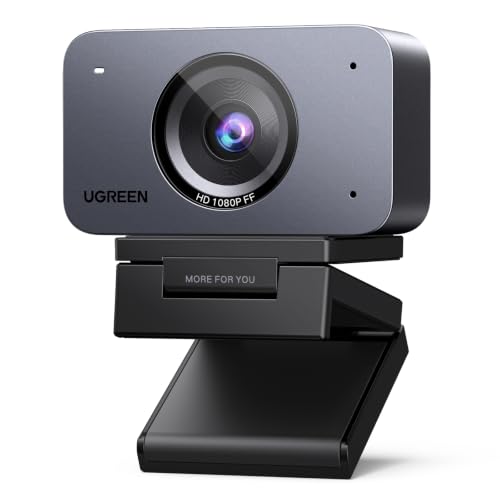
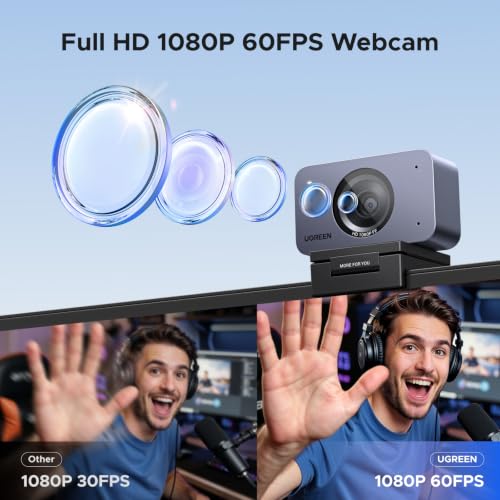
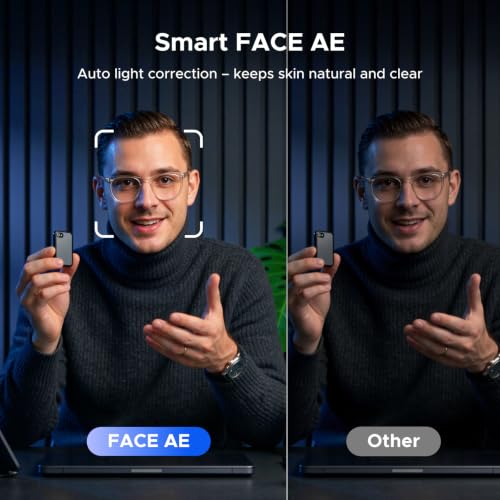
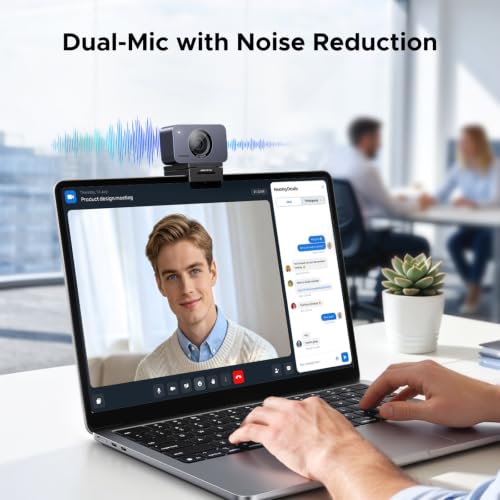
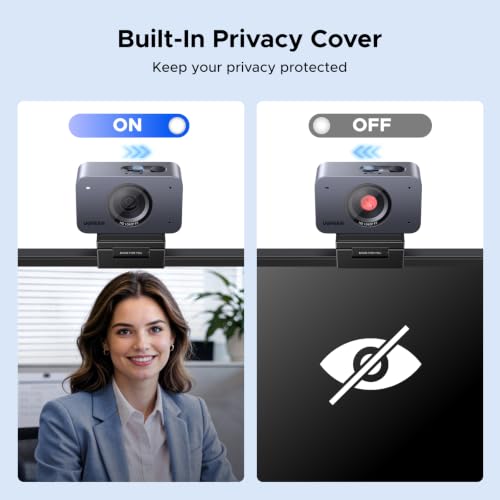
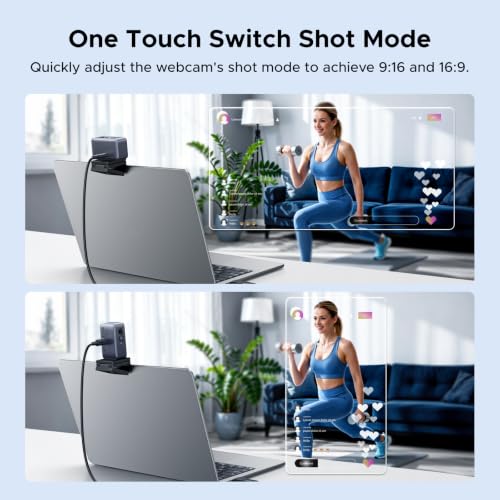
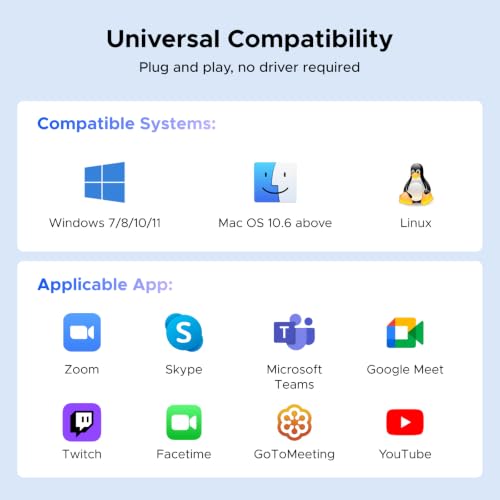
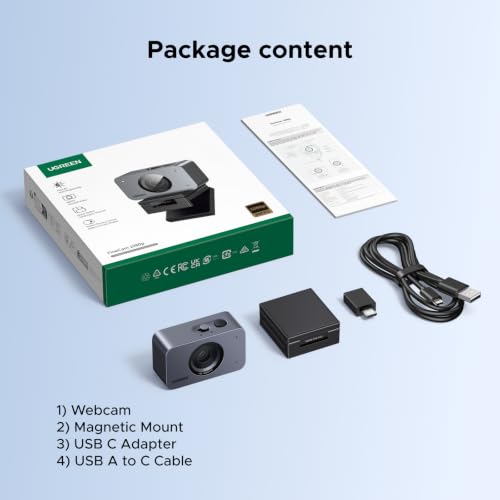
What it is and what it solves\nThe UGREEN FineCam is a compact webcam designed to deliver smooth 1080p video at 60fps for live streams, video calls and online conferences. Built around a 2MP lens, it aims to balance clearer detail with stable frame rates, helping you look more natural on camera. If you’re working from home, teaching online or staying connected with friends, this device targets the everyday need for reliable, sharp video without complicated setup.\n\n## Core features in practice\nA key appeal is the 1080P@60FPS capability, which should translate to smoother motion during movement-heavy scenes or fast-paced gameplay. The auto light correction, driven by Face AE technology, is intended to keep your face well-lit even when lighting isn’t ideal, reducing the risk of appearing washed out during backlit calls. The dual noise-cancelling mics are positioned to capture your voice clearly while suppressing background chatter, which can make a difference in calls from busier rooms or shared spaces. A built-in privacy cover provides a simple physical barrier when the camera isn’t in use, a small but meaningful reassurance for many users. The one-button portrait mode adjustment allows you to switch between 16:9 and 9:16 ratios, which is handy for traditional video calls or mobile‑friendly streams.\n\n## Practical use cases and what you’ll notice\nFor video meetings on Zoom, Teams or Skype, you’ll likely appreciate the consistent frame rate for talking heads and a relatively quiet audio backdrop. In live streaming or content creation, the 16:9 standard works well, while the 9:16 option supports vertical formats for mobile audiences. The plug‑and‑play nature means less time fiddling with settings and more time producing content. A concrete micro‑experience: you can start a call, notice your exposure improves as you move from dim to slightly brighter room light, and your voice sounds clear without leaning into the microphone.\n\n## Who it’s for\nThis webcam is suited to remote workers, students and casual streamers who want dependable 1080p video with straightforward controls and a privacy feature. If you prioritise smooth motion in video and a simple light balance, it aligns with everyday needs in home offices or shared spaces. It may appeal less to enthusiasts seeking professional-grade low‑light performance or multi‑camera setups.\n\n## Limitations and what to watch out for\nOn paper, 1080p60 is solid for standard video tasks, but performance depends on your lighting, CPU load and software. The base description doesn’t detail low‑light capability beyond Face AE, if your environment is frequently dim, you might notice room for improvement compared with higher‑end options. Also, while dual mics help, they’re built‑in and not a full studio mic setup, so expectations should stay measured if you compare to dedicated audio gear.\n\n## When to buy and when to hold off\nConsider purchasing if you need a reliable webcam for regular video calls, online classes or casual streaming and you value a privacy cover and easy mode switching. If you demand top‑tier low‑light performance, professional audio from separate hardware or a highly customisable feature set, you may prefer more advanced setups. For temporary users or those who rarely use video, a budget alternative with simpler features might suffice.\n\n## What to review before buying\n- Lighting: a modest improvement in brightness can significantly affect perceived quality.\n- USB bandwidth and CPU headroom: 60fps streaming benefits from adequate system resources.\n- Privacy and physical build: verify the cover’s glide action feels sturdy.\n- Compatibility: confirmed for common OS families, but ensure your primary video app supports 1080p60.\n\n## A note on comparison and value\nCompared with basic 1080p60 webcams, FineCam’s strengths lie in the combination of light correction, dual mics and a straightforward portrait mode. For users who value an uncomplicated setup and reliable everyday performance, this approach often represents sensible value for money, particularly in a home office context where simplicity matters more than a few marginal gains in extreme low light.\n\n## Is it worth it?\nIf you’re after dependable 1080p60 video with practical features and a privacy cover, the FineCam makes sense for day‑to‑day remote work and casual streaming. It may not be the best option if you require professional audio, superior low‑light performance or extensive manual controls.\n\n## FAQ\n- Q: Does it work with Windows, Mac and Linux? A: The product description notes broad compatibility, including Windows and Mac environments, exact software compatibility should be verified with your preferred apps.\n- Q: Can I use it for gaming streams at 1080p60? A: Yes, the 1080p60 output suits standard streaming, subject to your PC performance and streaming software.\n- Q: How effective is the auto light correction? A: It helps brighten faces in backlit or dim scenes, but results vary with room lighting and camera position.\n- Q: Is the privacy cover mandatory to operate? A: The cover is a simple one‑button slide, designed to enhance privacy when not in use.\n- Q: What’s the portrait mode good for? A: The 9:16 vs 16:9 switch supports different framing for desktop vs mobile-friendly streaming.