

OBSBOT Tiny 2 Lite 4K AI Tracking PTZ Webcam for PC (Gesture Control, 60 FPS, HDR)
Reviews
Price
Product description
If you want your webcam to do more than just “sit there”, the OBSBOT Tiny 2 Lite 4K is built around AI tracking and PTZ-style movement. On paper it aims to keep you framed for meetings, streaming, and recorded clips without you constantly adjusting the camera. That said, it’s not a one-size-fits-all upgrade: it’s best when you like the idea of automated framing, not when you just need a basic 4K camera.
The essentials
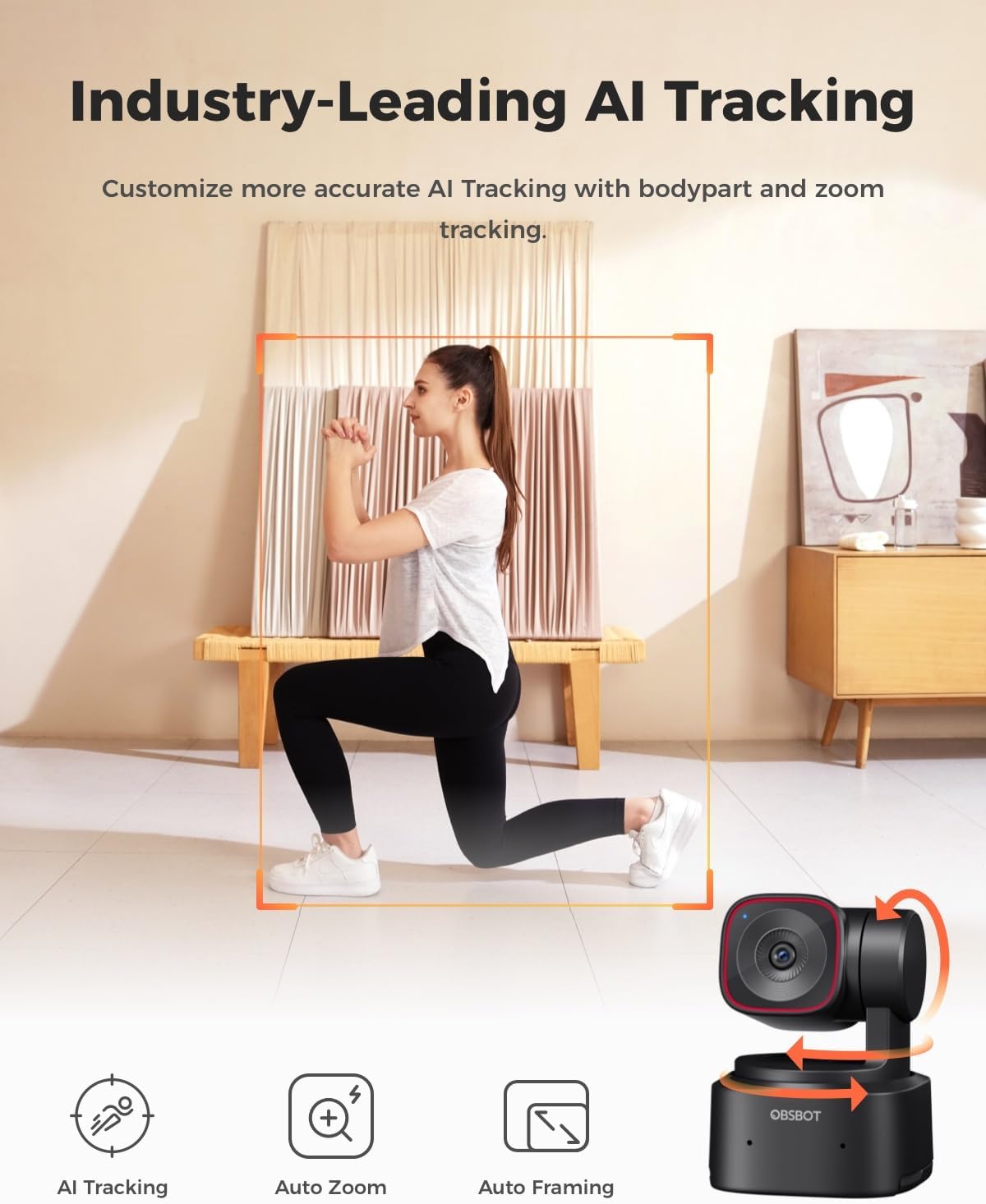
The OBSBOT Tiny 2 Lite is a 4K webcam for desktop PCs and laptops, designed for video calls, streaming, and recording. Its standout concept is AI tracking with multiple framing modes (full body, mid body, and close-up). Rather than relying purely on software cropping, it uses a 2‑axis PTZ gimbal (horizontal 300° and vertical 180°) so the camera can reframe as you move.
Key features that actually matter in use
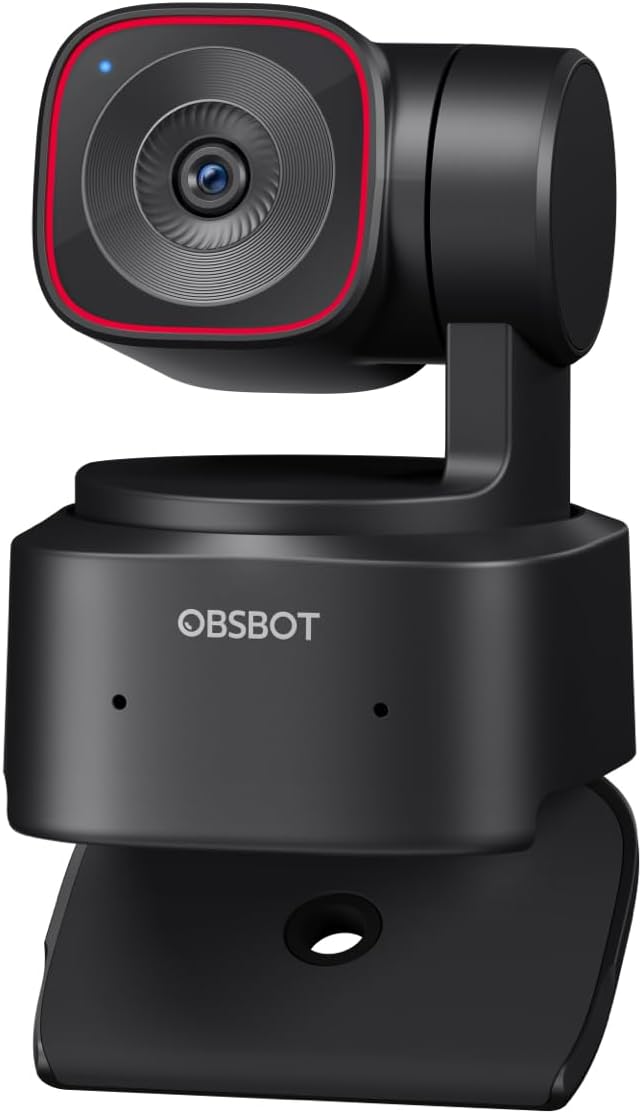
Where this webcam earns its keep is in how it handles framing during live conversation.
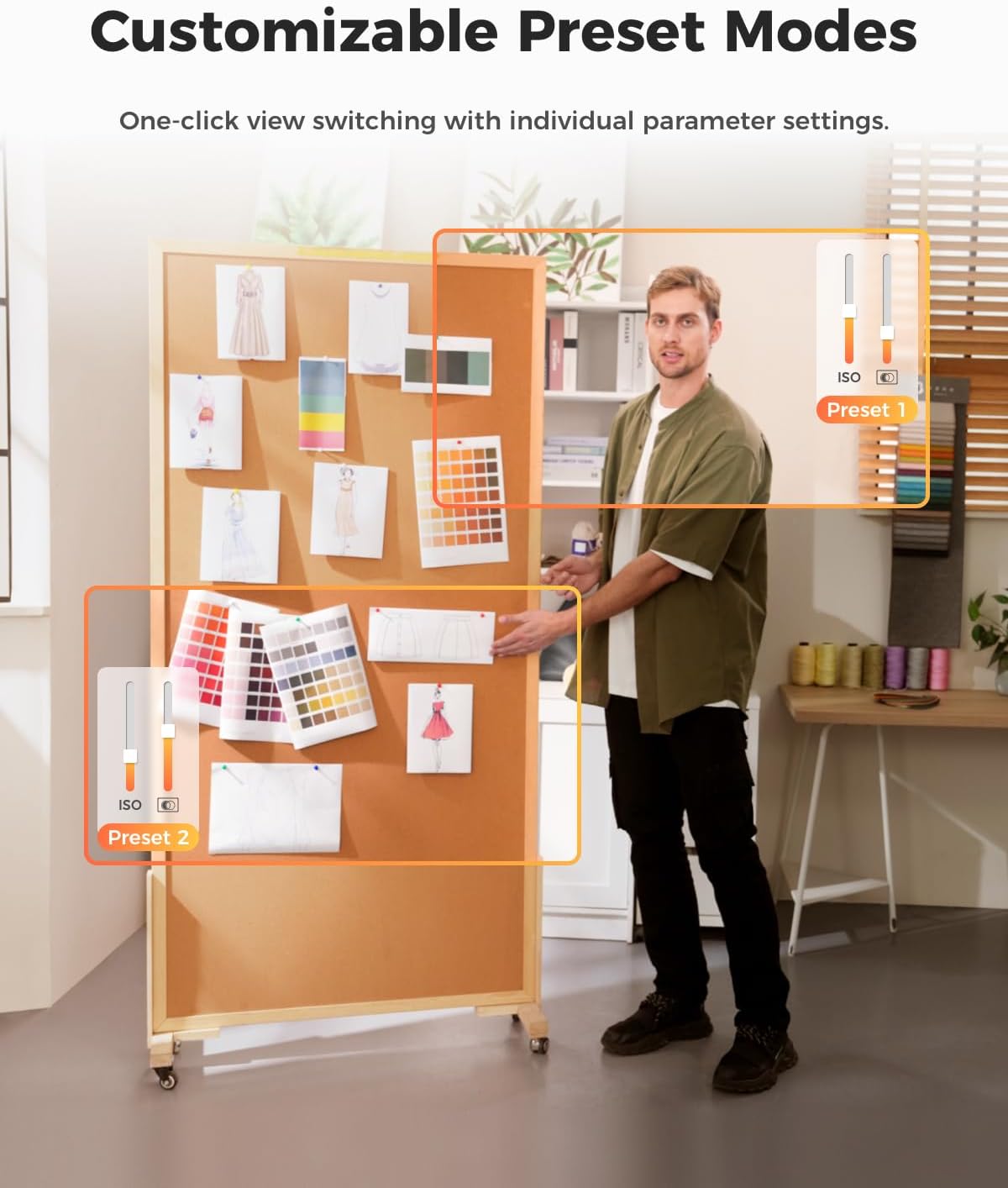
In a typical video call, you can move around a bit—grab notes, step slightly to the side, or lean in—and the camera’s AI tracking modes are intended to keep you in shot across different distances. It also includes preset positions, so you can set multiple viewpoints and switch between them to match what you’re doing (for example, a wider “talking” framing and a closer “presentation” framing). The preset approach is useful if your workflow changes during a session.
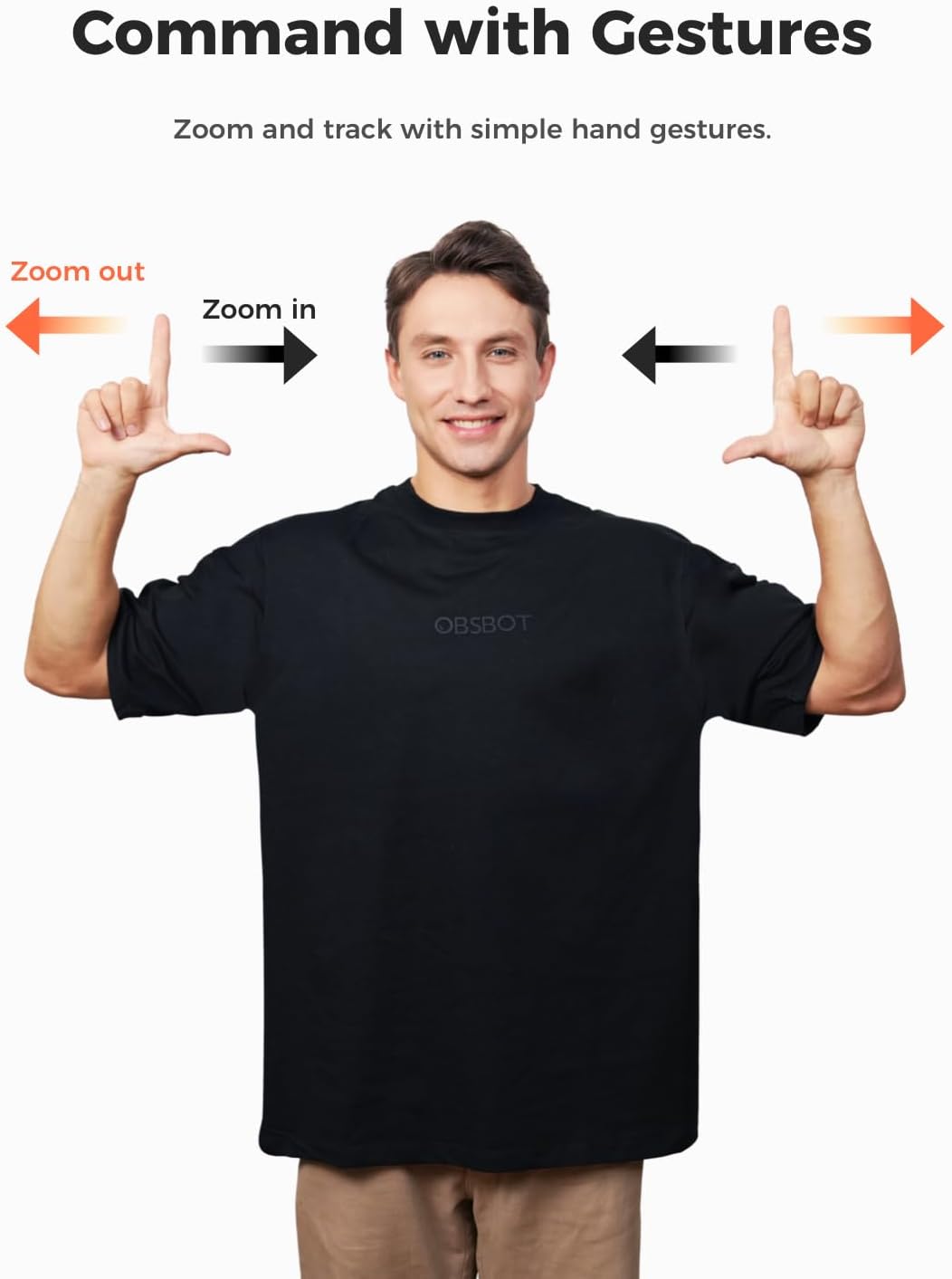
There’s also gesture control, including a hand gesture to lock the portrait tracking target and another gesture to control zoom. It’s a nice idea for hands-busy scenarios, but it does come with a practical limitation: avoid covering your face with your hand, because that can stop the camera detecting it.
Tech specs
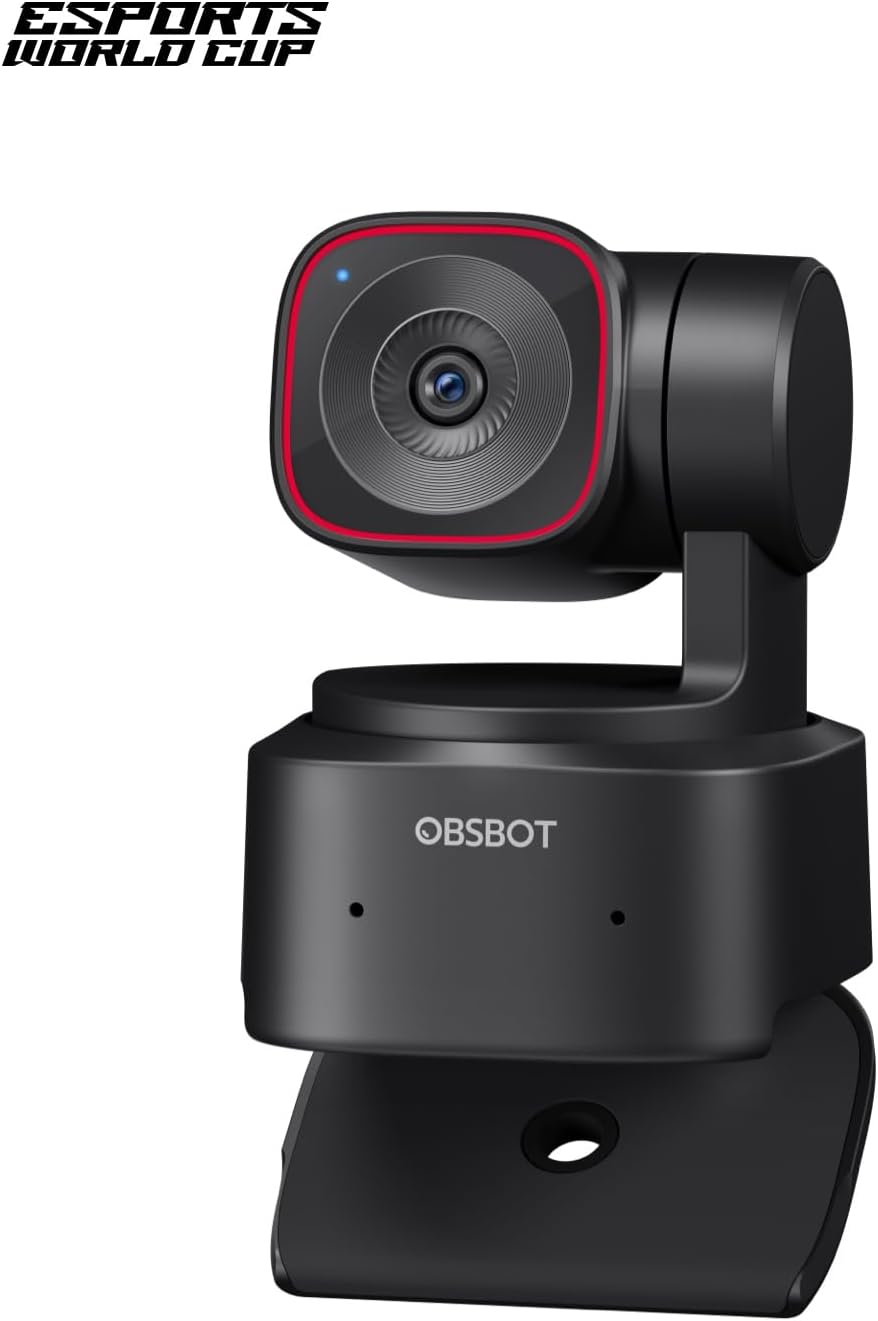
- Name: OBSBOT Tiny 2 Lite 4K Webcam for PC, AI Tracking PTZ Streaming Camera
- Type: AI tracking PTZ webcam with gesture control
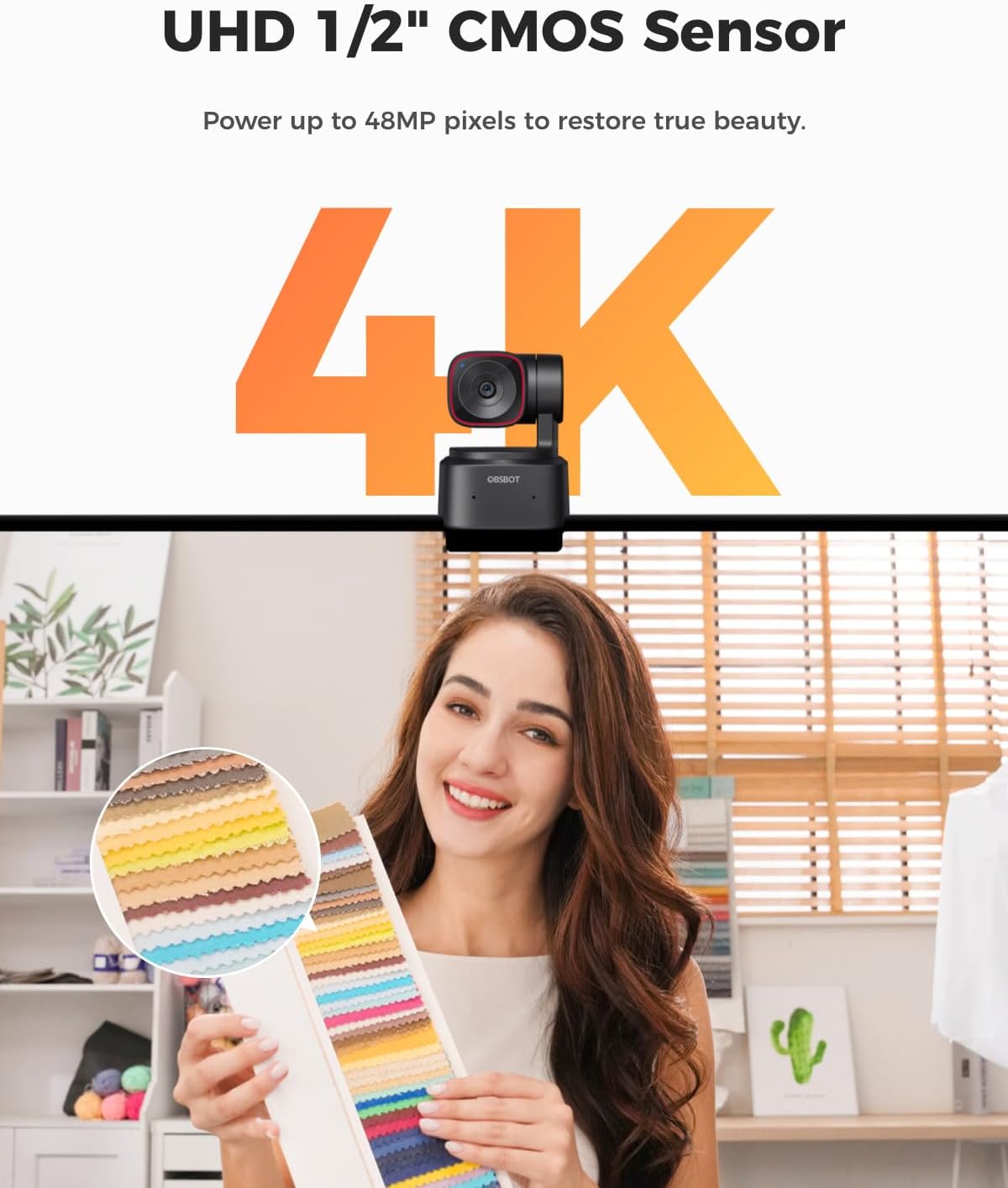
- Sensor: 1/2" sensor
- Resolution: Ultra HD 4K
- Frame rate: 60 FPS
- HDR: Yes
- Microphones: Included
- PTZ movement: 2-axis gimbal (300° horizontal, 180° vertical)
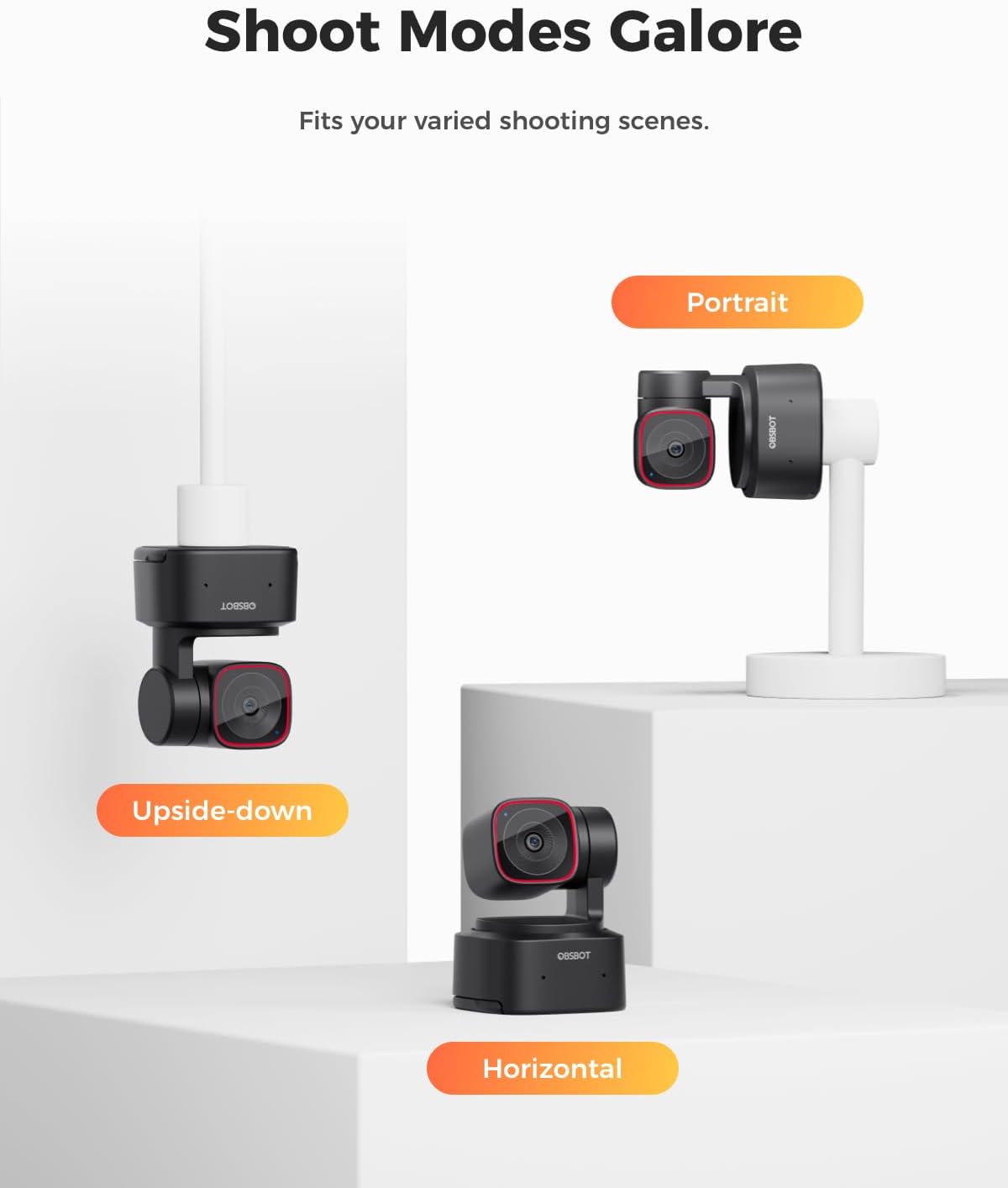
- Shooting/rotation modes: Horizontal, vertical and upside-down
What to know before you buy
A couple of things are worth thinking through so you don’t end up disappointed.
Firstly, this is an “active” webcam. If you mainly want a static top-down or fixed-angle view (for example, desk-only recordings where you won’t move), a tracking/PTZ camera can be more complexity than you need.
Secondly, the controls and presets only help if your setup allows the camera to see you properly. If your lighting is poor or your face/target is frequently blocked, tracking will naturally be less reliable. The instructions also explicitly note that the camera can get warm during use, and you shouldn’t touch it after extended use—so plan for that if your desk setup is cramped.
Who it suits (and who should skip it)
It’s a good fit if you run video calls from a home office, do streaming where your position shifts, or you want the camera to stay framed for you without manual adjustment. The preset positions and AI tracking modes make most sense if you actively change how you sit or where you stand.
It may not be a great match if you need a simple webcam for fixed framing, or if you dislike movement/automation from your camera. Also, if you’re very hands-off and prefer no gesture-based interaction, it might feel like you’re paying for features you won’t use.
Getting the most from it
Start by setting up your environment so tracking has an easy job: place the camera so your usual speaking position sits well within the tracking area. Then create presets for the two most common views you’ll use (for instance, one for full body or half body, and one closer framing for discussion). During a session, the gesture lock and zoom controls can be handy—just remember not to cover your face when using your hand.
There’s also a workflow angle to consider. The base description indicates you can access video feed without downloading an application, and that it’s compatible with SDK, OSC, Stream Deck, and global hotkeys. That suggests it’s aimed at people who like tweaking their setup—if you don’t plan to customise anything, you might not make full use of it.
Final verdict
Should you buy it?
It makes sense if you want AI tracking and PTZ-style reframing for meetings and streaming, and you’re happy to lean into presets and gesture controls to keep your shot consistent. It’s especially compelling when you expect to move—because that’s where automated framing tends to feel more “worth it” than a static camera.
Skip it if you mainly need a fixed webcam angle, or if you’d rather avoid any camera movement and gesture interaction. And do take the warm-up note seriously: if you’re sensitive to hot-touch devices or have a tight enclosure, plan your placement accordingly.
Mini FAQ
Does it work for video calls and meetings?
Yes—it's positioned for video calls, desktop/laptop use, streaming, and recording.
How does AI tracking help?
It includes tracking modes for full body, mid body, and close-up, plus PTZ movement intended to keep framing aligned as you change position.
Can I set my own camera positions?
Yes, it includes improved preset positions that you can customise for different AI tracking parameters/modes.
Are gestures a full replacement for controls?
Gesture control is part of the design (including a portrait lock and zoom gesture), but you’ll still want to avoid blocking your face for reliable detection.
Does it get hot during use?
The description says warming during prolonged use is normal, and you shouldn’t touch the camera after extended use.