

Gawervan 8MP USB Document Camera for Teaching & Classroom
Product description
What it is and why people buy it
The Gawervan 8MP Visualiser is a USB document camera designed for teaching and classroom-style demonstrations. In plain terms, it’s a way to show paper, diagrams, or small objects to a live audience without needing separate software workflows. You place your material under the lens, connect via USB, and you can output a feed for online lessons, staff meetings, or any situation where a clear overhead view helps.
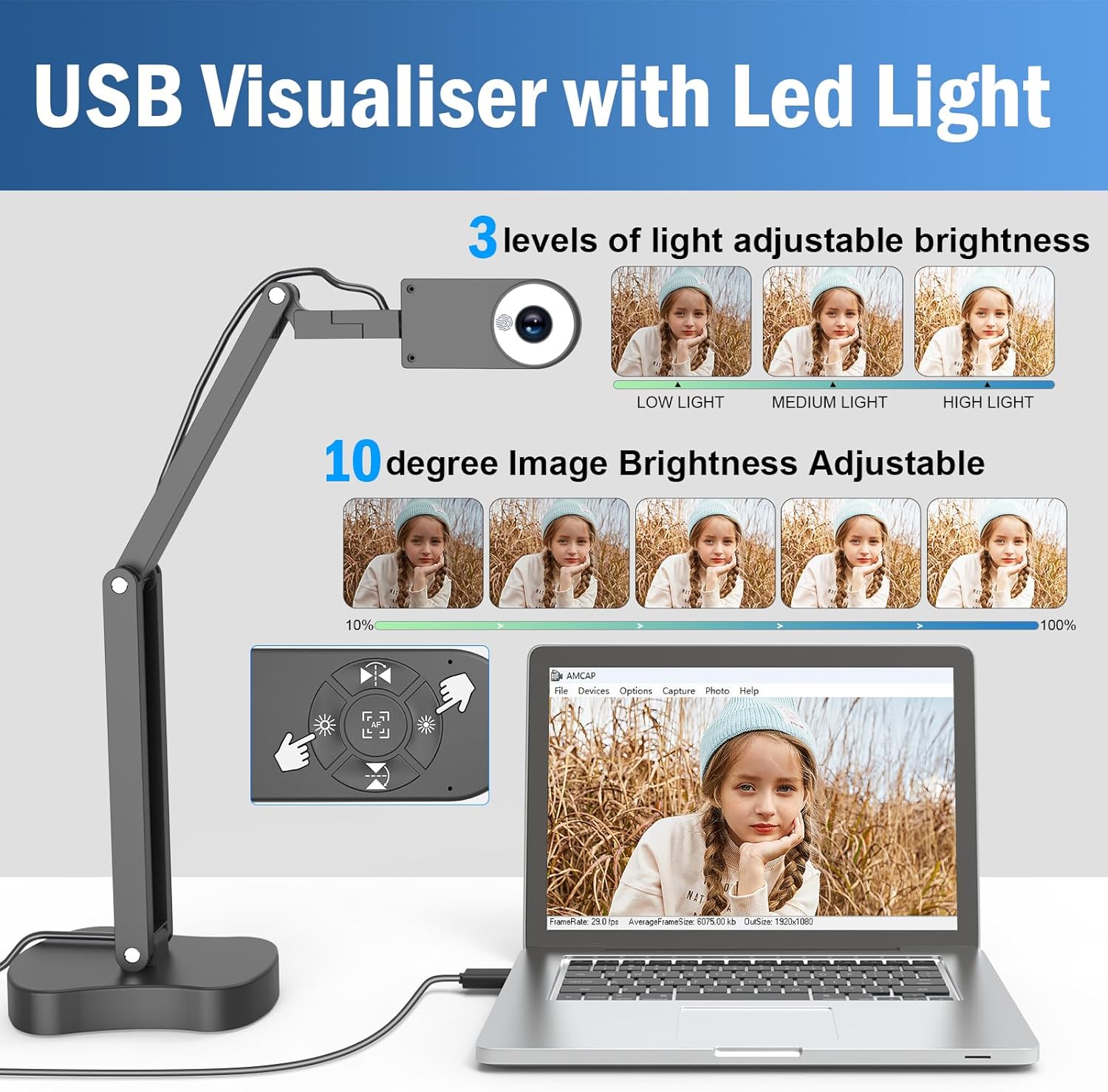
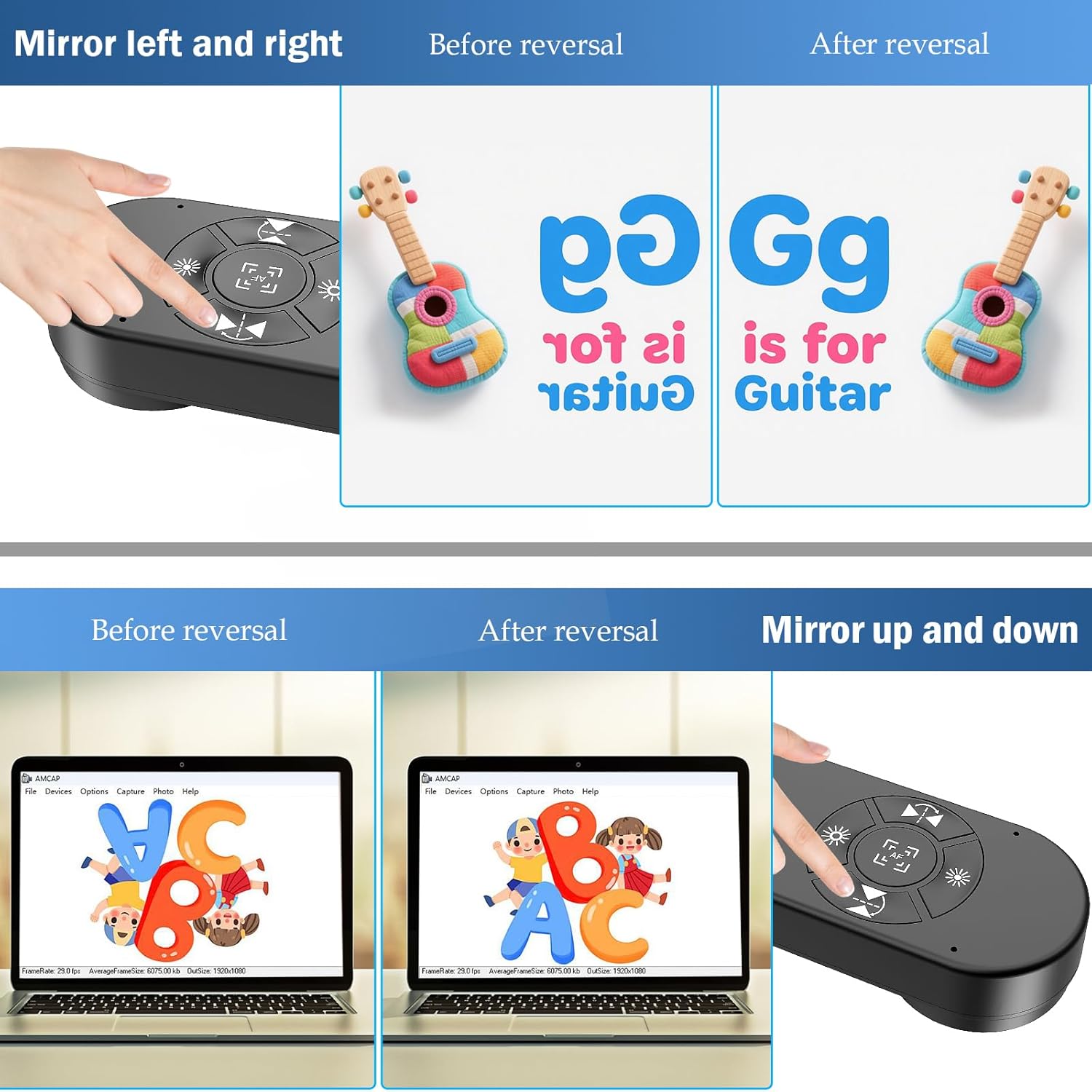
It also leans into teaching practicality: the unit includes left/right/up/down image reversal controls, plus brightness and exposure adjustments. That matters because the “camera view” is only useful if it’s readable on screen, and if you’re moving slides, worksheets, or real objects around during the session.
The experience in use (where it really helps)
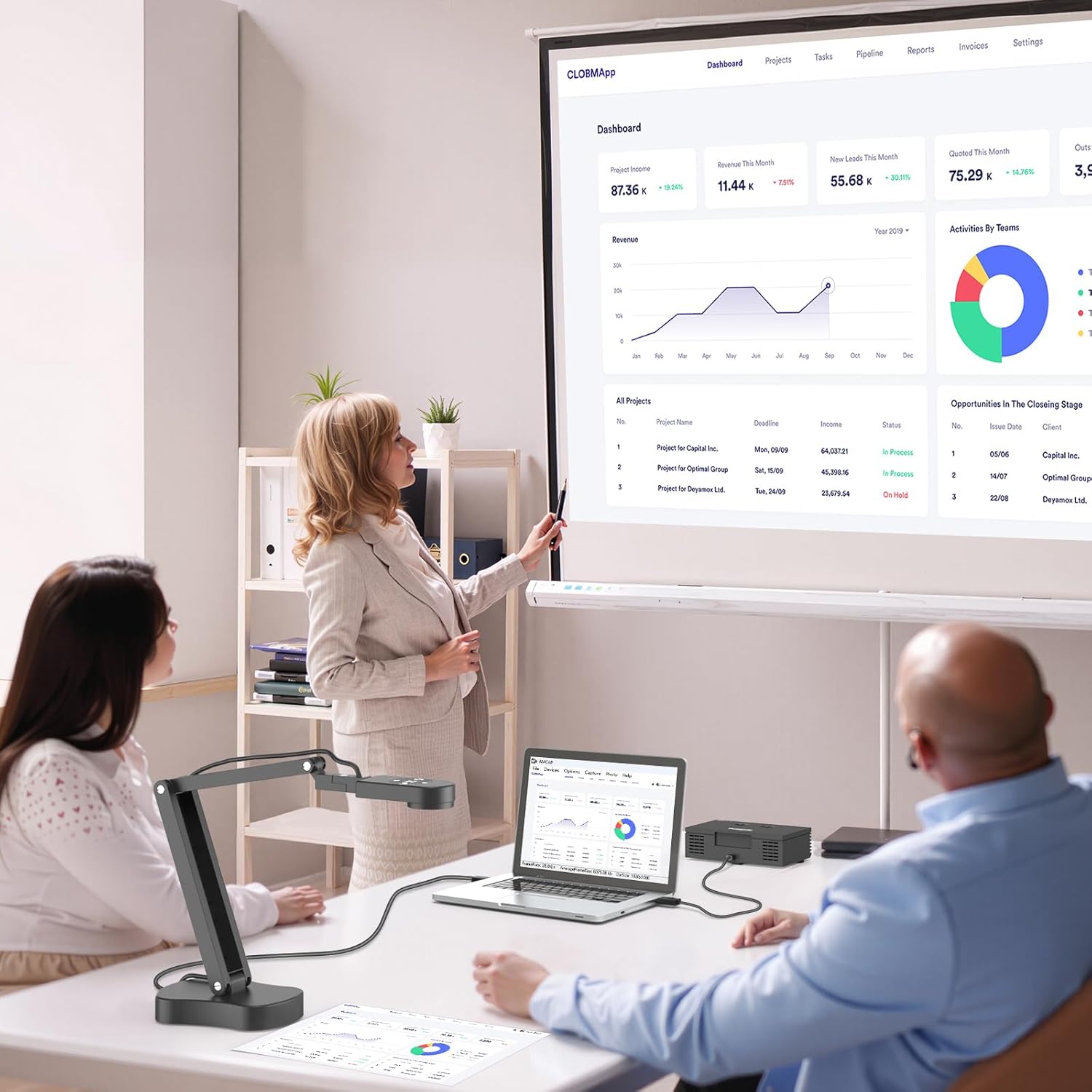
On a lesson, it’s the sort of tool that can turn a messy board moment into something students can actually follow. For example, you can put an A3 handout under the camera, press the autofocus button once to lock focus, and then talk through a section while the image displays smoothly to remote attendees. If you’re presenting in a way where the orientation might look odd (for instance, depending on how you position the paper), you can flip the image up/down or left/right using the dedicated buttons.
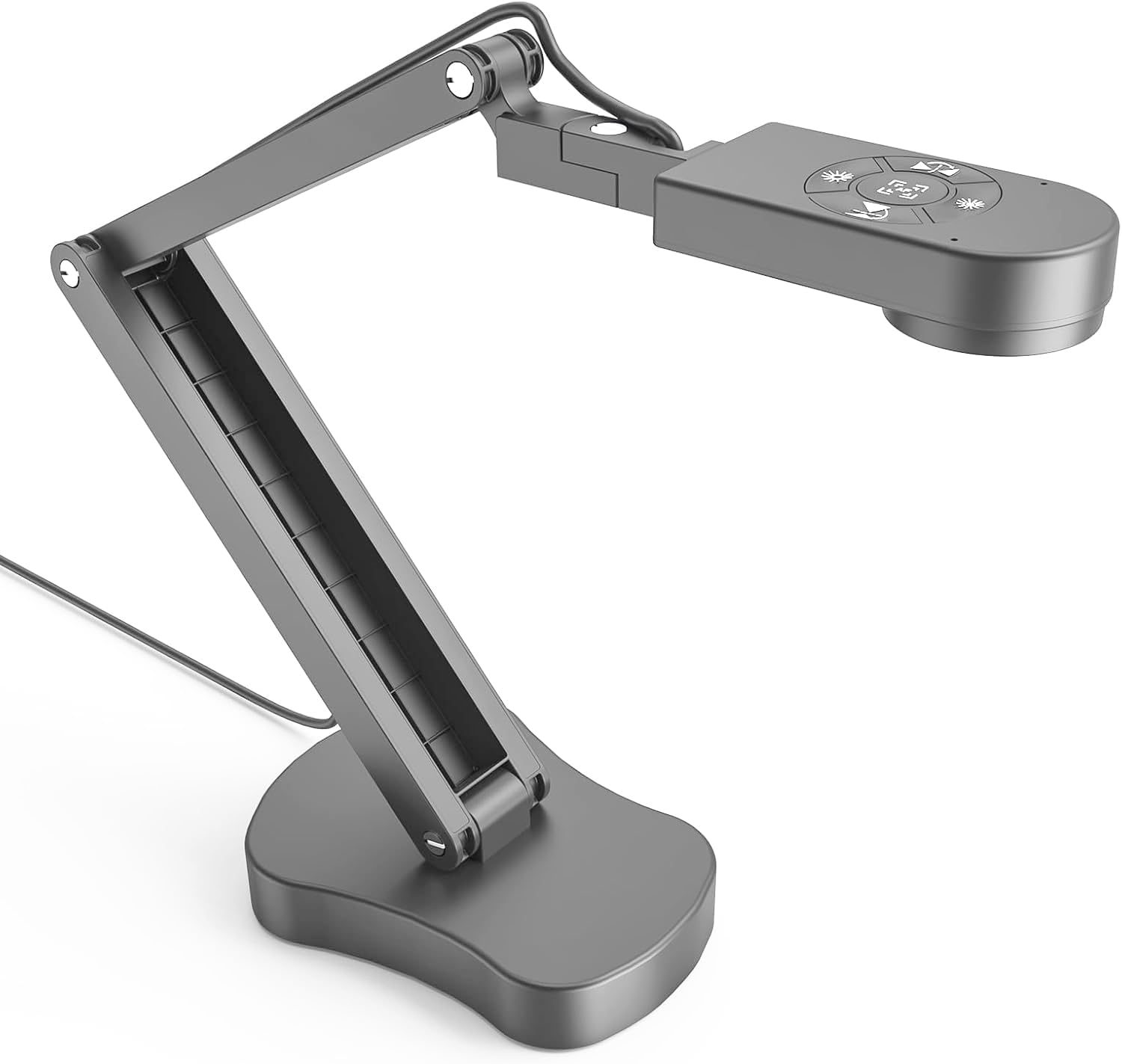
There’s also a macro-style capability stated as reaching objects as close as 10 cm, which can be handy for small items, textures, or close-up inspection. And because there are 3 brightness LED light levels, it’s not automatically dependent on bright room lighting.
Key features that affect day-to-day teaching
A document camera stands or falls on details you notice repeatedly: focus, orientation, and lighting.
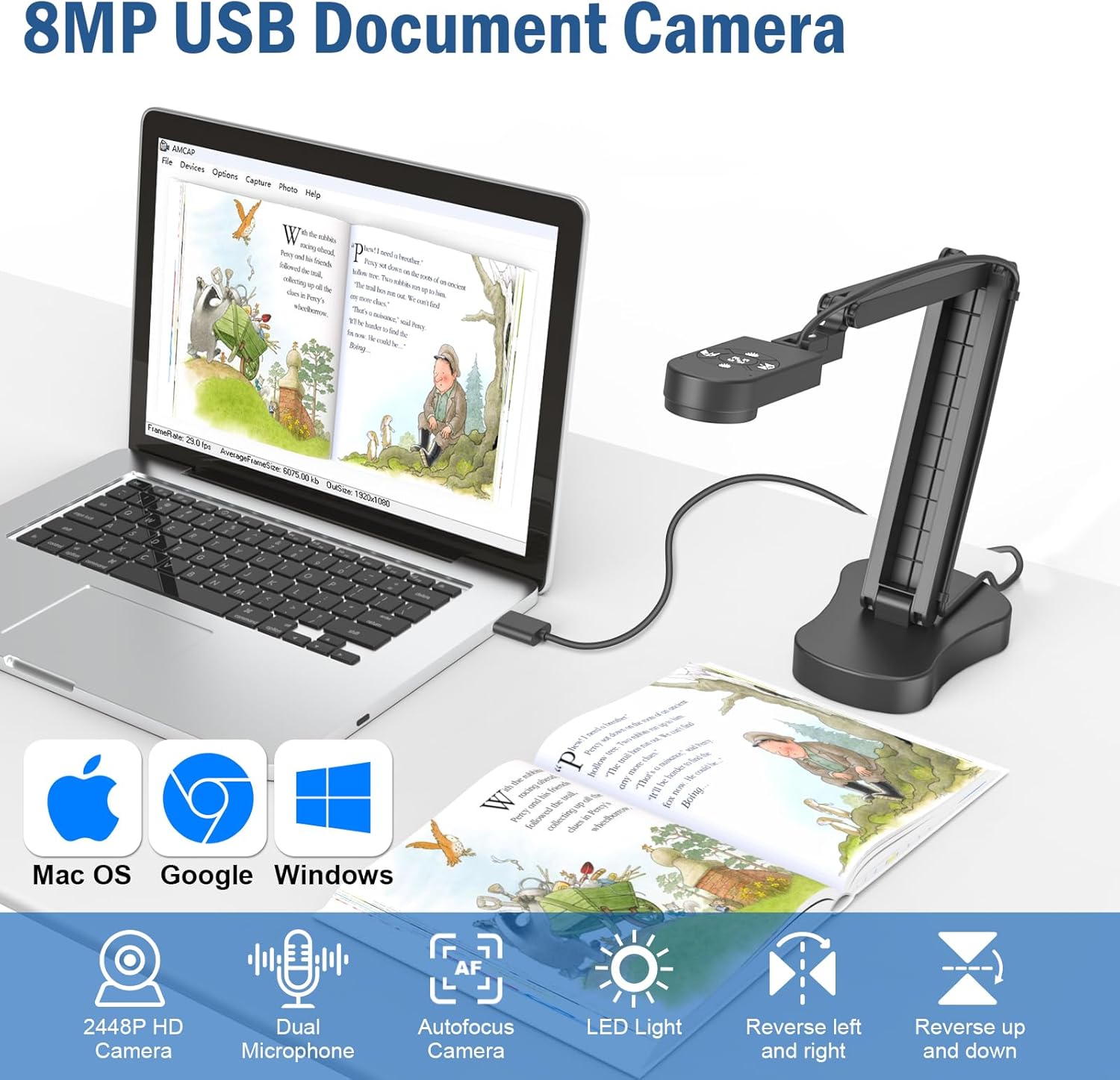
- Flip controls for learning-friendly orientation: the up/down and left/right reverse image functions can be flipped freely during video chat or image output. If your audience sees the content mirrored or rotated, you’ve got a quick fix.
- Lighting and exposure controls: the brightness can be adjusted across 3 LED levels, while exposure offers 10 levels. The idea is to keep images clear even in darker environments—useful if your classroom lighting isn’t always consistent.
- A3-size capture with a flexible stand: it can photograph up to A3 paper. The multi-articulated support with free rotation in multiple angles helps you position the camera over different layouts.
- Built for live sessions and common apps: it’s described as compatible with Windows PC, Mac and Chromebook, and it supports common platforms such as TikTok, Google Meet, Skype-Microsoft Teams, and Zoom.
- Portable design: the integrated, foldable design is meant to take up less space, which is a real consideration if you’re moving between rooms.
Worth noting: it includes an autofocus (AF) button where you press once to focus. That’s great for quick changes, but if you expect continuous autofocus behaviour for constantly moving subjects, you may want to manage expectations—based on the description, it’s a press-to-focus approach.
Tech specs you should care about (without getting lost)
Tech specs
- Name: Gawervan 8MP Visualiser for Teaching/Classroom
- Type: USB document camera
- Resolution: 8MP
- Max paper size: A3
- LED light levels: 3 levels
- Exposure adjustment: 10 levels
- Reverse image controls: up, down, left, right
- Autofocus: button-based (AF)
- Macro distance: up to 10 cm
- Recording/output mention: video recording
- Connection/compatibility: USB, works with Windows PC, Mac and Chromebook
What stands out vs more basic setups
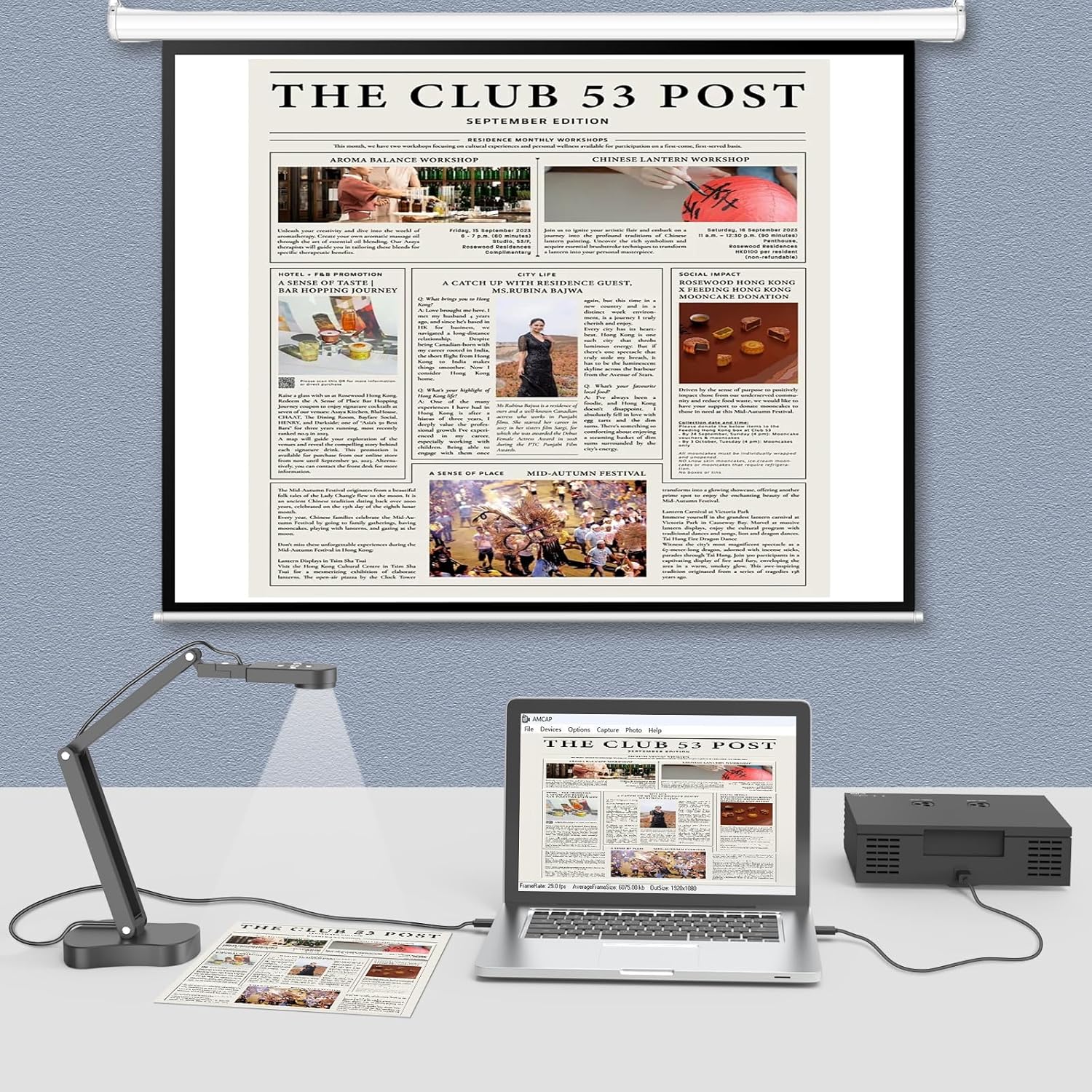
If you’re currently relying on a tablet camera, a bulky webcam pointed at a desk, or a simple overhead phone setup, this kind of dedicated visualiser can be much more straightforward. The flip buttons for learning orientation, plus brightness and exposure control, are exactly the sort of “small things” that reduce faff during live sessions.
That said, it’s not positioned (in the provided info) as a specialist studio product. It looks aimed at education and everyday remote teaching needs, rather than pushing the very highest-end imaging performance for professional broadcasting.
Who it’s for (and who should skip it)
It makes sense if you: You’ll likely like it if you teach, tutor, or run frequent classroom-style sessions where showing printed materials clearly matters. It suits you if you need something portable, connectable through USB, and quick to orient correctly using the reverse up/down and left/right controls.
It may not suit you if you: It might not be a great match if your main goal is precision for rapidly moving objects where autofocus and lighting changes need to happen constantly without any user input. Also, if you only ever present at one fixed angle and never need to adjust exposure or flip orientation, you could end up paying for features you don’t use.
Is it worth it?
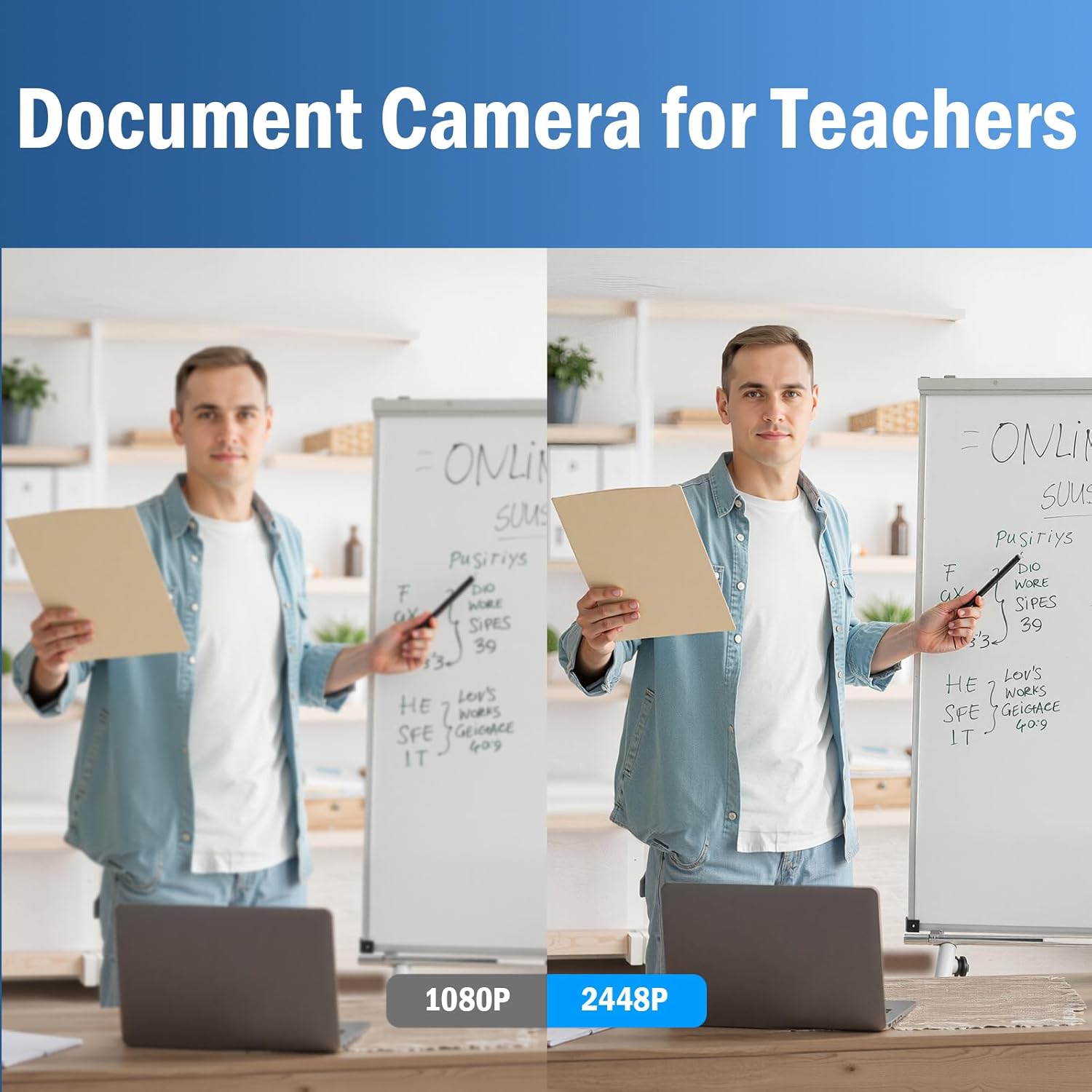
If you want a classroom visualiser that’s practical for remote lessons and live teaching, the Gawervan is worth considering on its setup-focused features: A3 support, LED brightness levels, exposure adjustment, autofocus on a button press, and the ability to reverse the image in all four directions.
You shouldn’t buy it if you’re after a purely hands-off experience for continuously moving subjects, or if you already have a workflow that covers brightness, orientation, and camera stability without needing extra controls.
In short: it’s the kind of tool that earns its keep when you need the view to stay readable and correctly oriented while you’re actually teaching.
Mini FAQ
Mini FAQ
Can it be used for remote teaching platforms? Yes, it’s described as supporting platforms like Google Meet, Skype-Microsoft Teams, and Zoom, along with other mentioned services.
Does it work with Windows, Mac, and Chromebook? The description states it’s available for Windows PC, Mac and Chromebook.
What paper size can it capture? It can photograph up to A3.
Is the image reversal manual? Yes—there are buttons for reversing the image up, down, left and right, and you can flip it during video chat or image output.
Does it have a way to improve lighting? It includes 3 LED light levels and brightness control, plus exposure adjustment with 10 levels.