

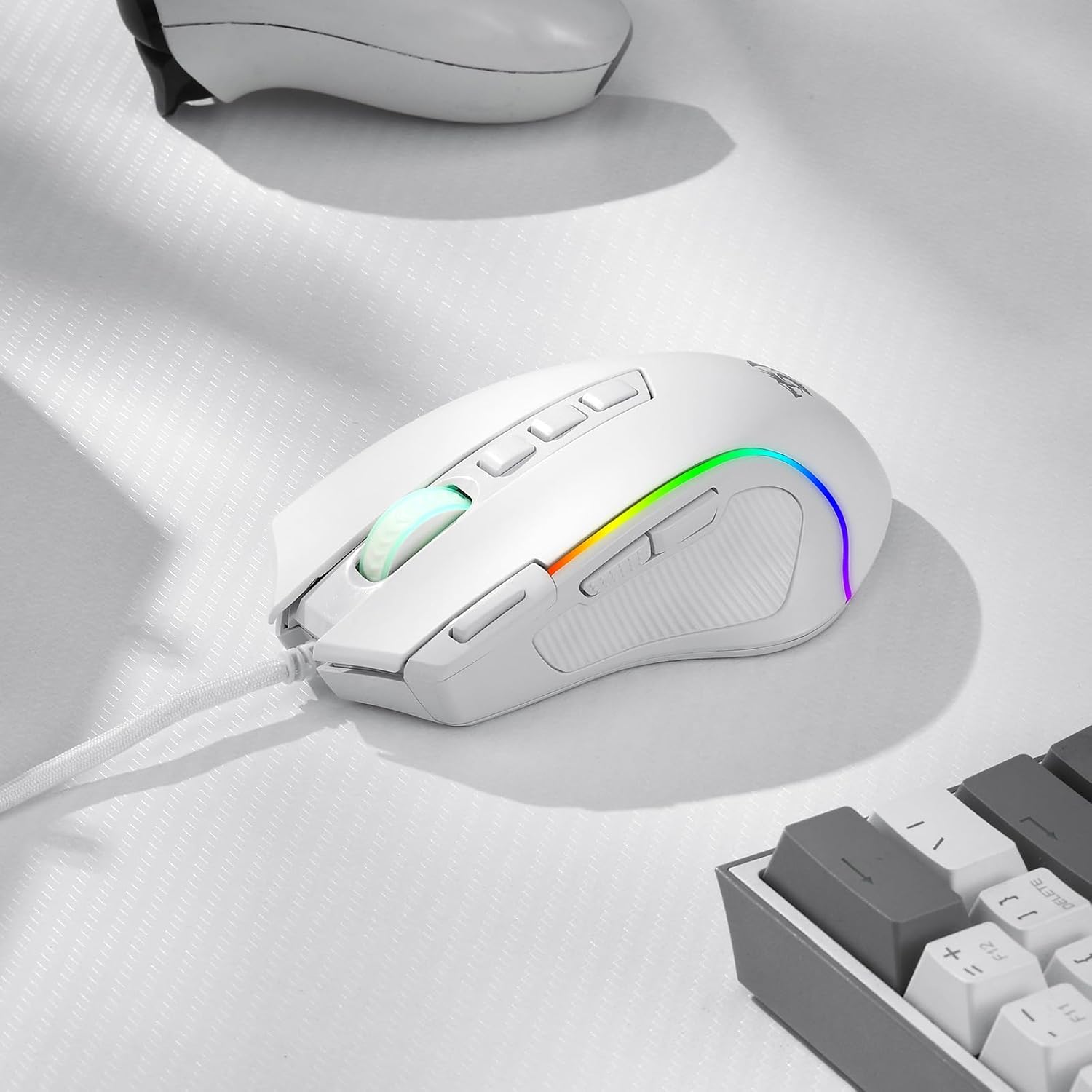
Redragon M612 Predator RGB wired gaming mouse with 8000 DPI, 11 programmable buttons and Rapid Fire
Reviews
Price
Product description
At a glance
If you’re after a wired gaming mouse that leans into customisation, the Redragon M612 Predator is worth a look. On paper it brings up to 8000 DPI optical performance, 11 programmable buttons, and a Rapid Fire option, all wrapped in an ergonomic claw-grip shape with a grippy, frosted-style surface.
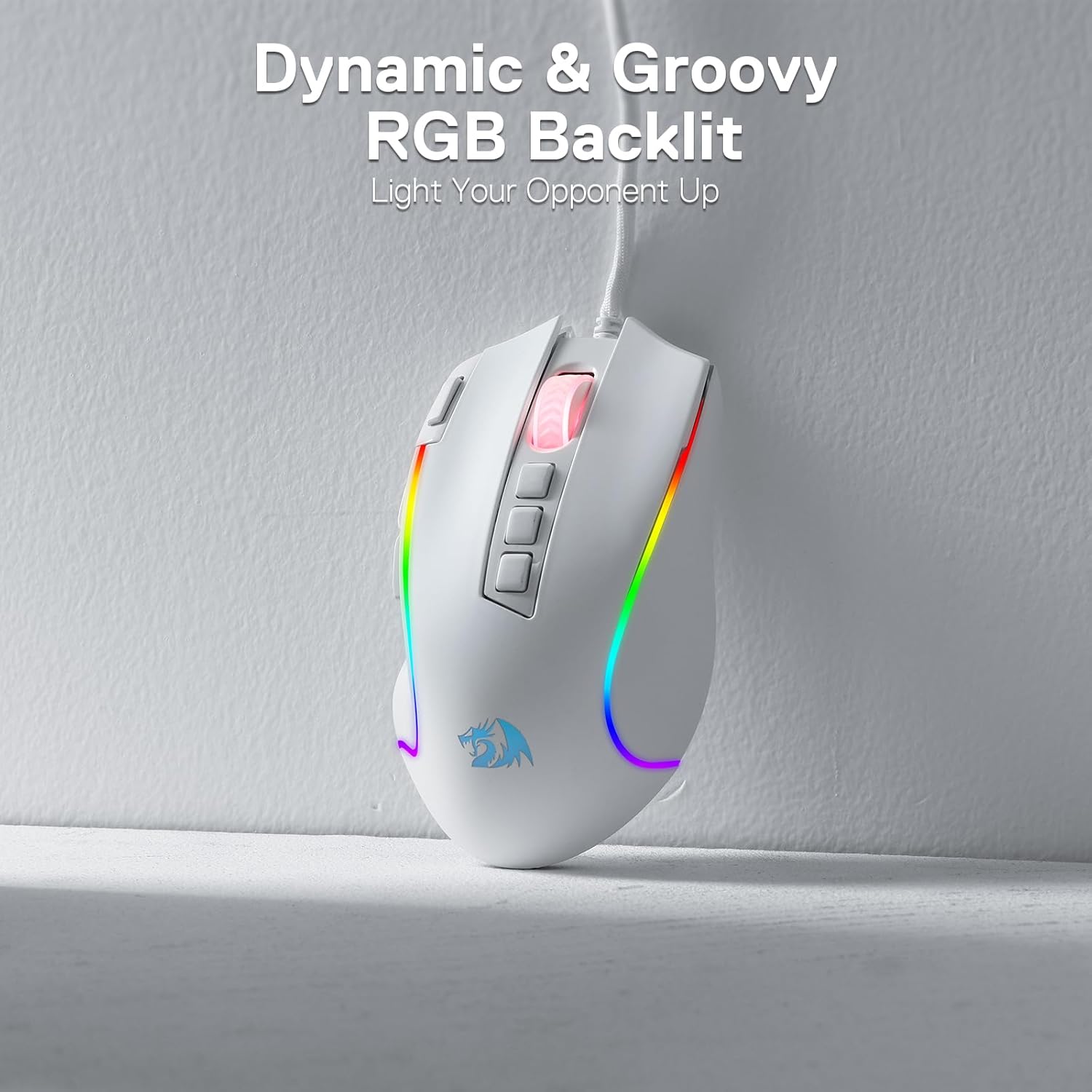
The RGB side is present too, with 5 backlit modes, so it’s aimed at gamers who want something that looks part of their setup rather than a purely functional office mouse. That said, it’s not a “one-size-fits-everyone” buy: whether it makes sense depends heavily on how much you’ll actually use the extra buttons and quick DPI shifts.
What’s on offer (and how it helps in play)
The headline features here are the adjustable DPI and the programmable controls.
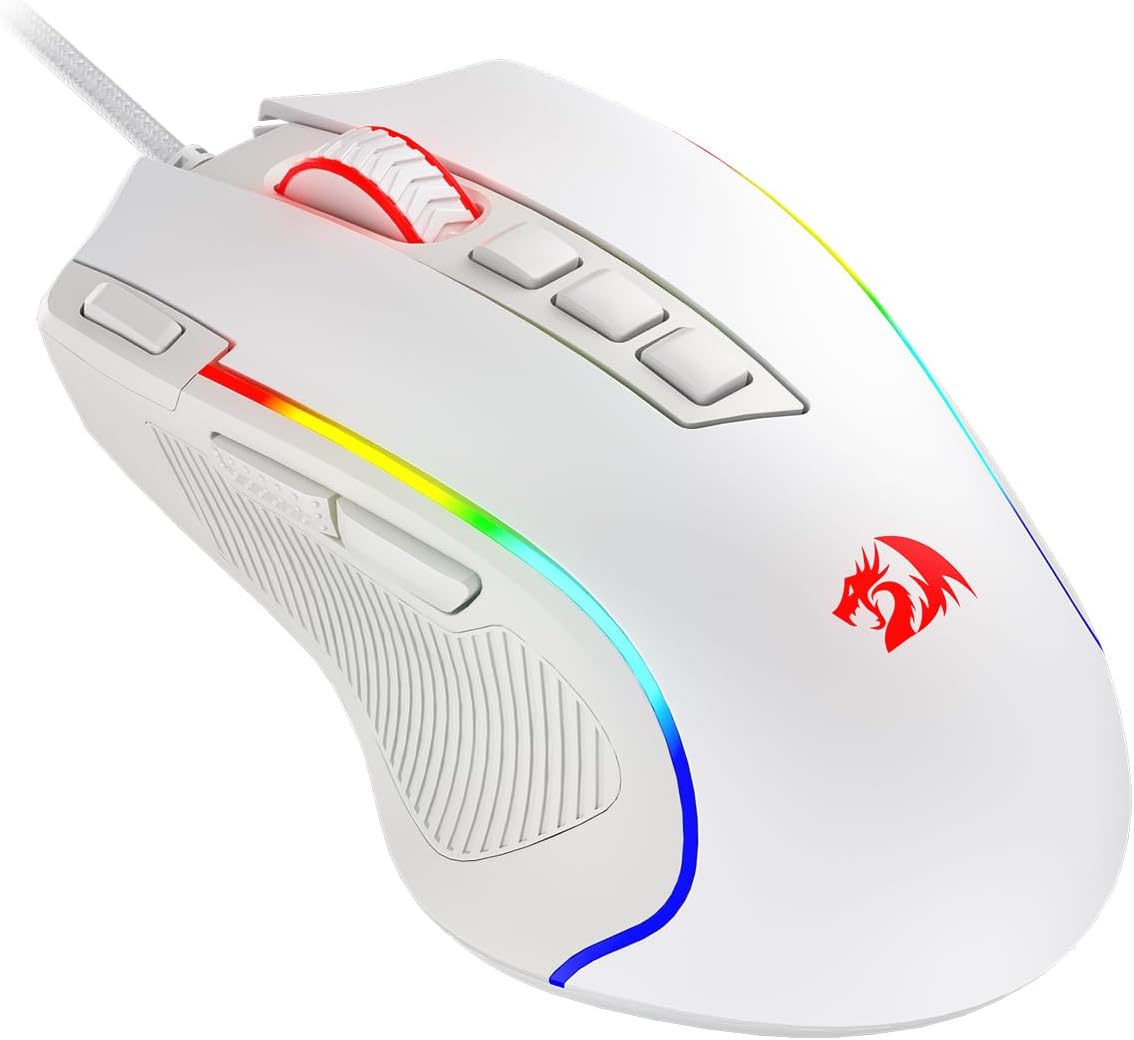
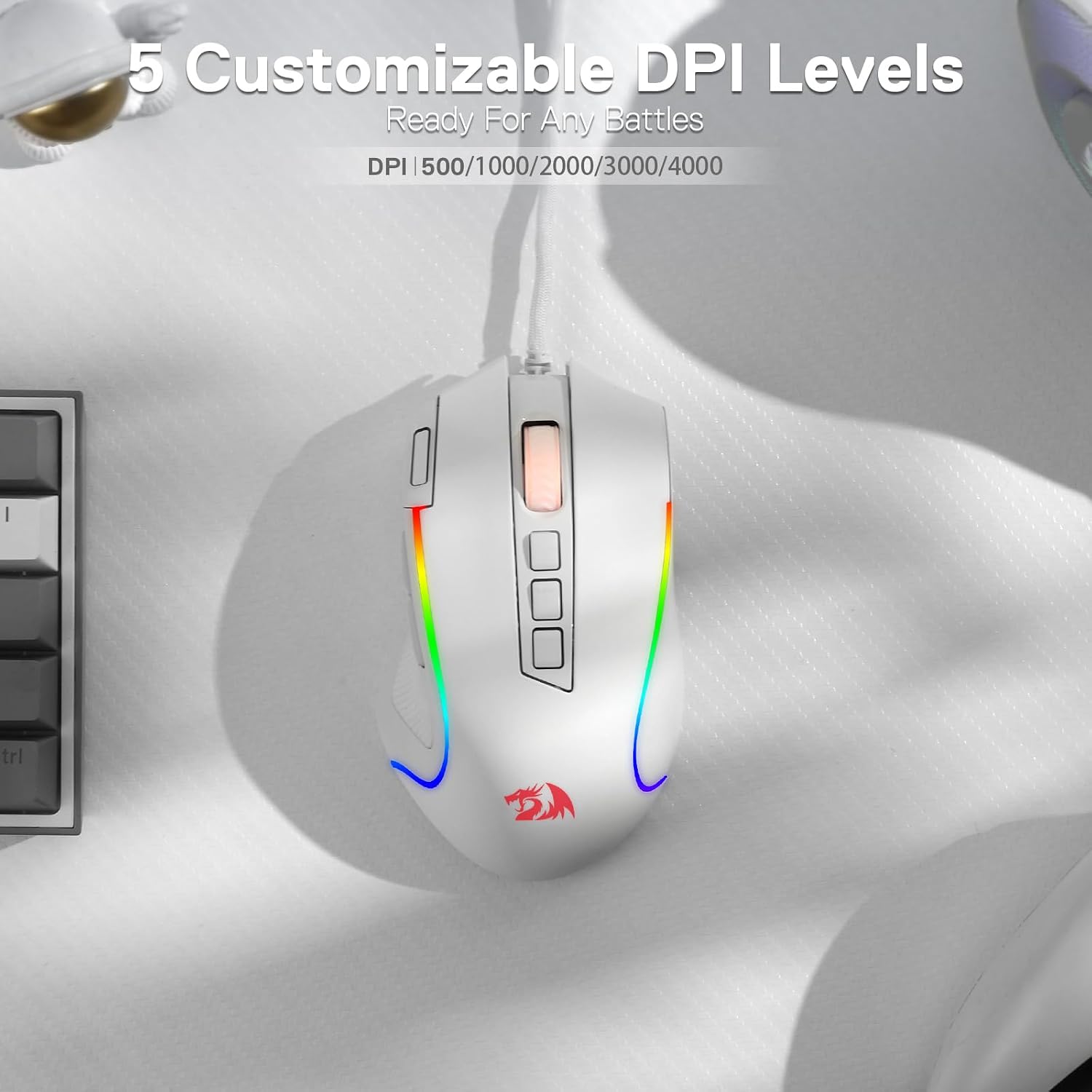
DPI switching is designed around game needs: there are 5 redefinable DPI levels, with defaults listed as 500/1000/2000/3000/4000. The idea is that you can swap between those levels when you move from low-sensitivity precision moments to faster, sweeping tracking. The entry also mentions a software-supported demand of DPI options between 500 and 8000, which is useful if you prefer fine-tuning rather than sticking with presets.
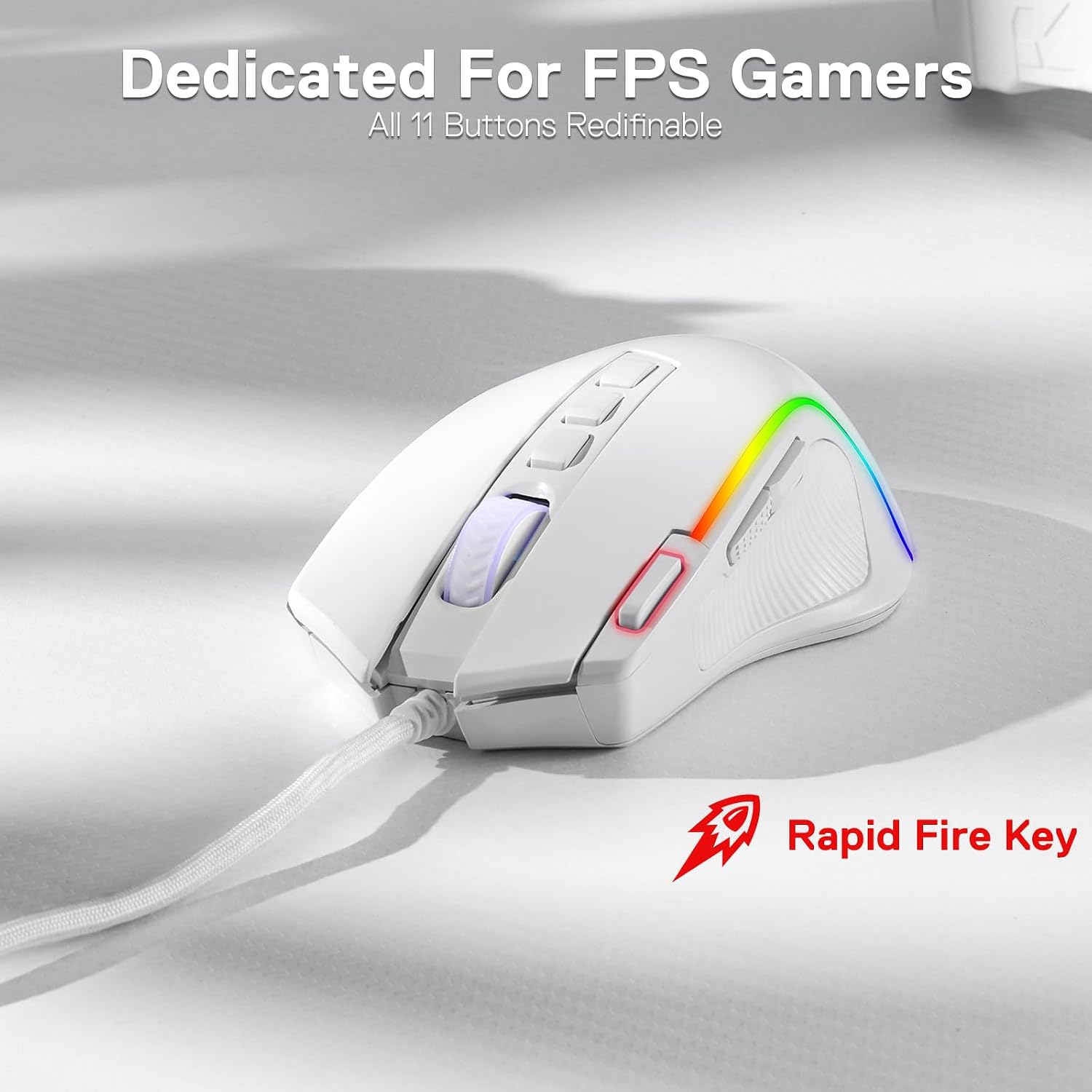
For controls, the M612 includes 11 programmable buttons. The wording suggests you can reassign them with tactical keybinds in whatever you’re playing or doing. It also calls out a Rapid Fire button plus two side macro buttons, which is the kind of feature that can feel great for certain shooters or repetitive actions—but it also relies on you using it deliberately rather than just expecting it to make you instantly better.
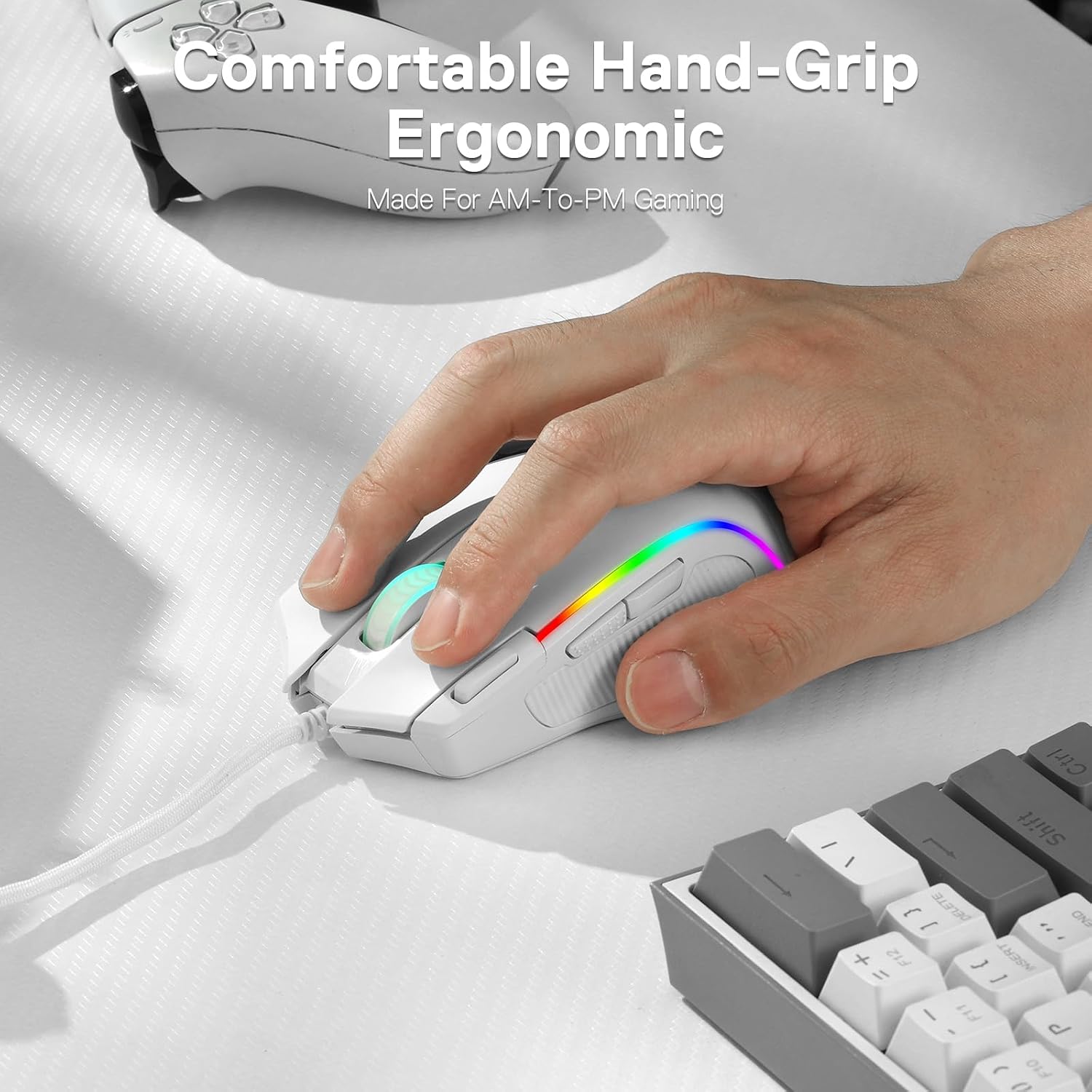
A small but tangible comfort choice is the frosted, skin-friendly coating on the main grip area, described as helping with a “fingerprints-free” feel and easier control. On the left side, there’s an extra texture to improve friction, which can matter if your hands get warm during longer sessions.
Key features you’ll notice day to day
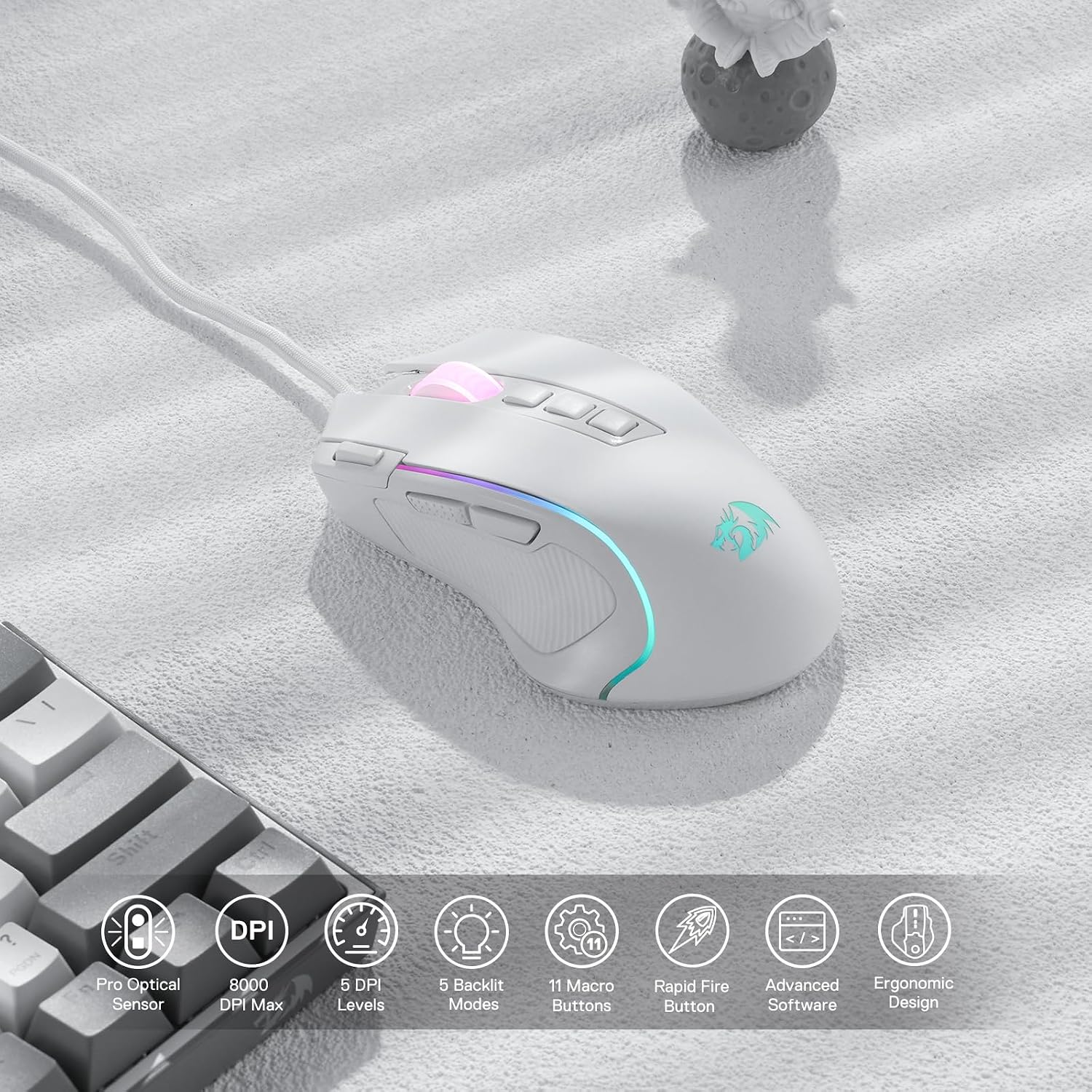
This mouse is built around three things you feel in use: switching sensitivity, using extra inputs, and maintaining grip.
First, DPI levels are meant to be easy to swap, so you can respond quickly without opening menus mid-match. If you play titles where you switch between flick shots and tracking, being able to jump between sensitivity tiers is genuinely practical.
Second, the extra programmable buttons are there for more than decoration. If you tend to bind things like reload, utility, melee, weapon shortcuts, or macros, 11 buttons gives you more room to stop cramming multiple functions onto the same key.
Third, the “claw-grip design” and textured left side are meant to reduce fatigue over hours, at least by supporting a stable hold. It’s not a guarantee for everyone, but if your grip style matches what the design calls out, you’ll likely get a more natural feel than with a mouse that only suits palm or fingertip.
Tech specs
- Type: Wired optical gaming mouse
- DPI levels: 5 redefinable DPI levels
- Default DPI levels: 500 / 1000 / 2000 / 3000 / 4000
- Max DPI mentioned: up to 8000 DPI (with software-supported options between 500-8000)
- Programmable buttons: 11
- Rapid fire: Dedicated rapid fire button
- Backlit modes: 5
- Software support: Supports DIY keybinds and rapid fire button
- Grip: Comfort grip with skin-friendly frosted coating and textured left side
- Colour: White
Who it suits (and where it may fall short)
It makes sense if you want a wired mouse that offers real customisation for both gaming and “work” tasks, and you’re happy to use multiple programmable buttons rather than leaving most of them idle. It’s also a decent fit if you like sensitivity presets you can switch between quickly, with the option to go beyond the defaults via software.
It might not be the best choice if you’re very sensitive to shape and grip feel, because the design is specifically described as a claw-grip style. If you prefer palm grip above all else, you could find it less comfortable than a mouse designed around your grip.
Also, keep expectations grounded: RGB and extra features can be fun, but the real value depends on whether you’ll set up your keybinds and actually use the Rapid Fire / macro buttons. If you only want a basic mouse with straightforward DPI, it may feel over-specified.
Compatibility & requirements
The product description refers to software support for DIY keybinds and processing DPI changes between 500 and 8000. If you’re buying without intending to use the software side, it’s worth considering that you may not get the full benefit of the adjustable DPI range and programmable controls.
Getting the most from it (practical tips)
If you’re setting this up for shooters, a sensible starting point is to treat the 5 DPI levels like a quick toolkit: use the defaults as a baseline and map one lower DPI for close-range precision, one mid DPI for general aiming, and a higher DPI for movement-heavy moments. Then bind the Rapid Fire and macro buttons only after you’ve confirmed what actions you actually repeat often.
For strategy or utility-heavy games, use the 11 programmable buttons to reduce keyboard strain: for example, bind frequently used abilities or consumables to the side buttons so you can react without lifting your hand position. You’ll get more out of the “programmable tactical keybinds” idea if you plan your binds around the way you play rather than copy a generic layout.
Should you buy it?
It’s a solid pick if you want a wired RGB gaming mouse with up to 8000 DPI support, 11 programmable buttons, and a Rapid Fire button—especially if you like claw-grip mice and you’ll take time to set keybinds.
You may want to skip it if you prefer a different grip style, or if you’re not planning to use the software features for remapping and DPI tuning. And if you only need a simple, plug-and-play mouse without extra controls, this model may end up feeling like more complexity than you actually want.
Mini FAQ
How many DPI levels does the Redragon M612 Predator have?
It has 5 redefinable DPI levels, with default values listed as 500/1000/2000/3000/4000. Software support is also mentioned for DPI options between 500 and 8000.
Are the buttons fully programmable?
Yes—according to the description, all 11 programmable buttons are editable for custom keybinds.
Does it include a Rapid Fire button?
Yes, it’s described as having a dedicated rapid fire button, along with two side macro buttons.
How many RGB backlit modes are there?
There are 5 backlit modes.
Is it comfortable for long sessions?
The design is described as ergonomic with a streamlined claw-grip shape and a comfort grip surface meant to help reduce fatigue over extended use, but comfort can still depend on your hand size and preferred grip.