

ATTACK SHARK X11 SE Wireless Gaming Mouse (White) with PAW3311 sensor, BT/2.4G + 22000 DPI
Reviews
Price
Product description
What it is (and why people buy it)
The ATTACK SHARK X11 SE is a wireless gaming mouse that also works properly as a daily office mouse. It’s built around a PixArt PAW3311 optical gaming sensor and supports three connection modes: USB-C wired, 2.4GHz wireless, and Bluetooth. That mix matters if you regularly swap between a laptop, desktop, or even a console setup, because you can switch modes using the button on the underside.
On paper, it’s aimed at gamers who want a responsive feel without making the mouse heavy or awkward to use for hours. At the same time, the practical touch is that it doesn’t demand a single specific ecosystem—its stated compatibility includes Windows (up to Windows 11), Linux, macOS, and it also mentions Xbox and PS.
The essentials at a glance
This model is fairly specific in what it offers: adjustable DPI, a high polling rate, and a lightweight ergonomic shape.
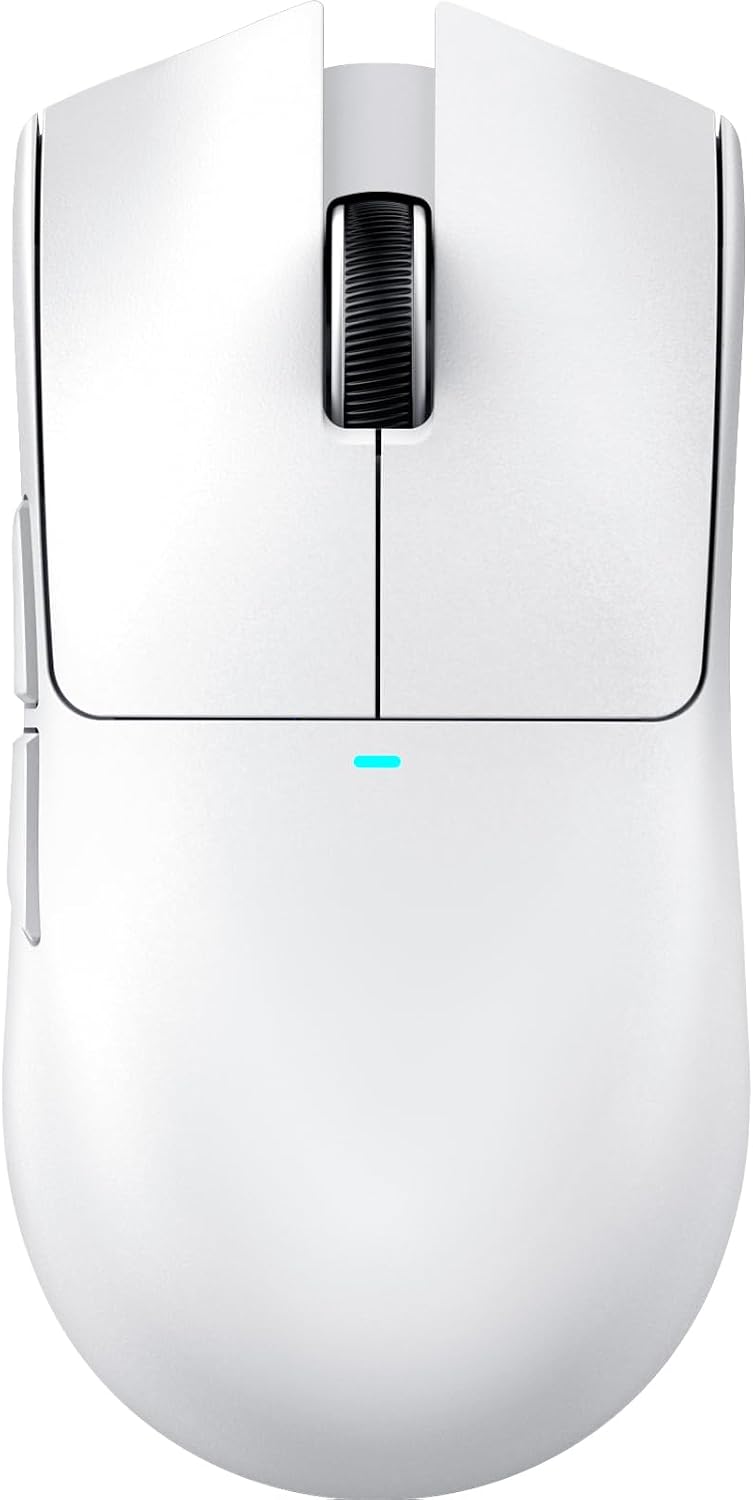
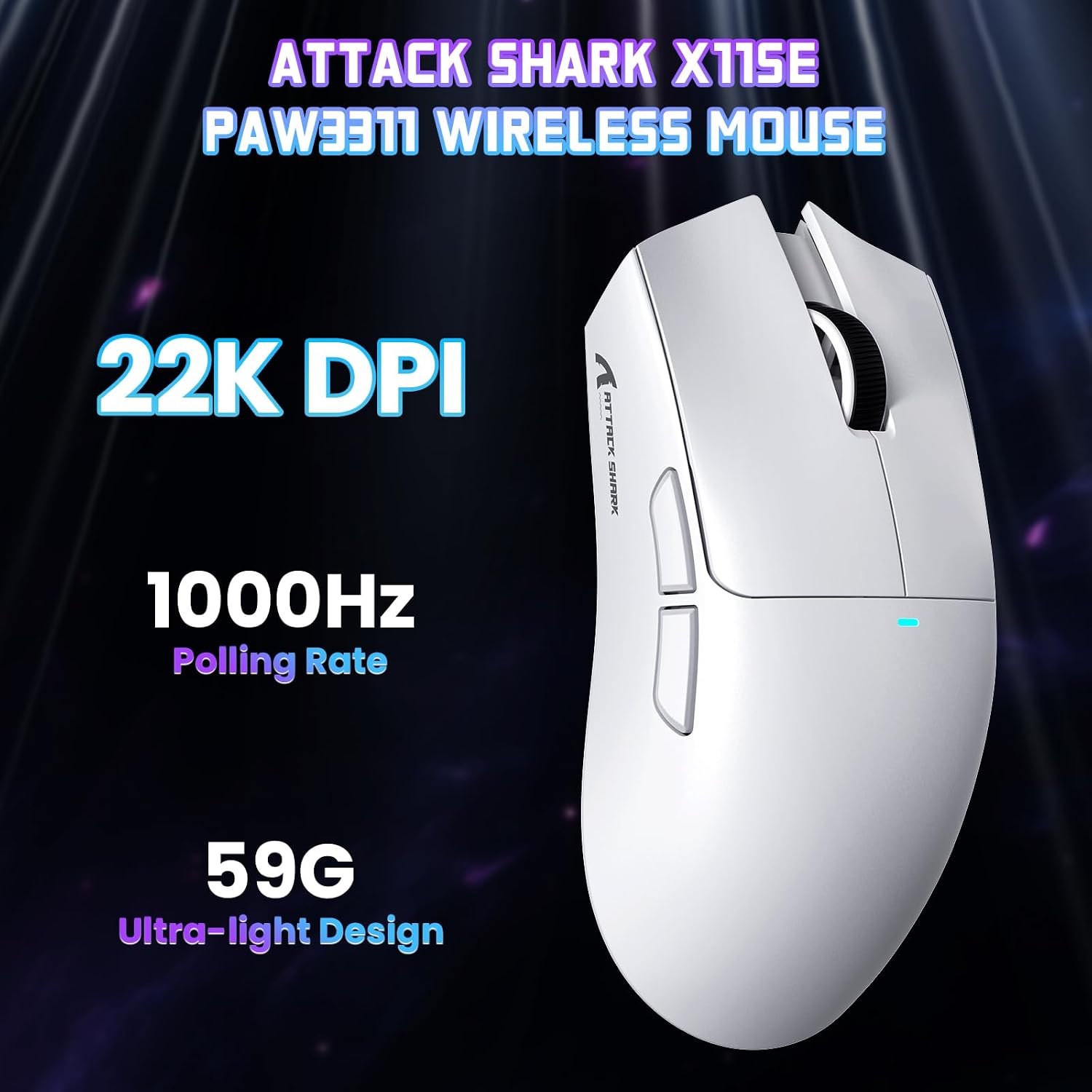
- DPI steps run from 800 up to 22000, with six adjustable levels listed.
- Tracking and responsiveness are supported by figures like 300 IPS and a 1000Hz response/polling rate.
- It’s very light at 59g, which is the sort of weight that tends to suit people who prefer faster, less “draggy” mouse movement.
It also includes 5 programmable buttons, and you can configure features such as DPI, polling rate, lift-off distance, shortcuts, and macros via its controller software.
One small caveat: without seeing how the included software behaves on every OS version, the “tweak everything” promise may feel smoother on some systems than others. Still, the product’s own positioning (including an online software version for Linux and macOS) suggests ATTACK SHARK is trying to keep customisation workable.
What stands out in day-to-day use
The best thing about the X11 SE is the combination of wireless flexibility and a gaming-grade core spec set.
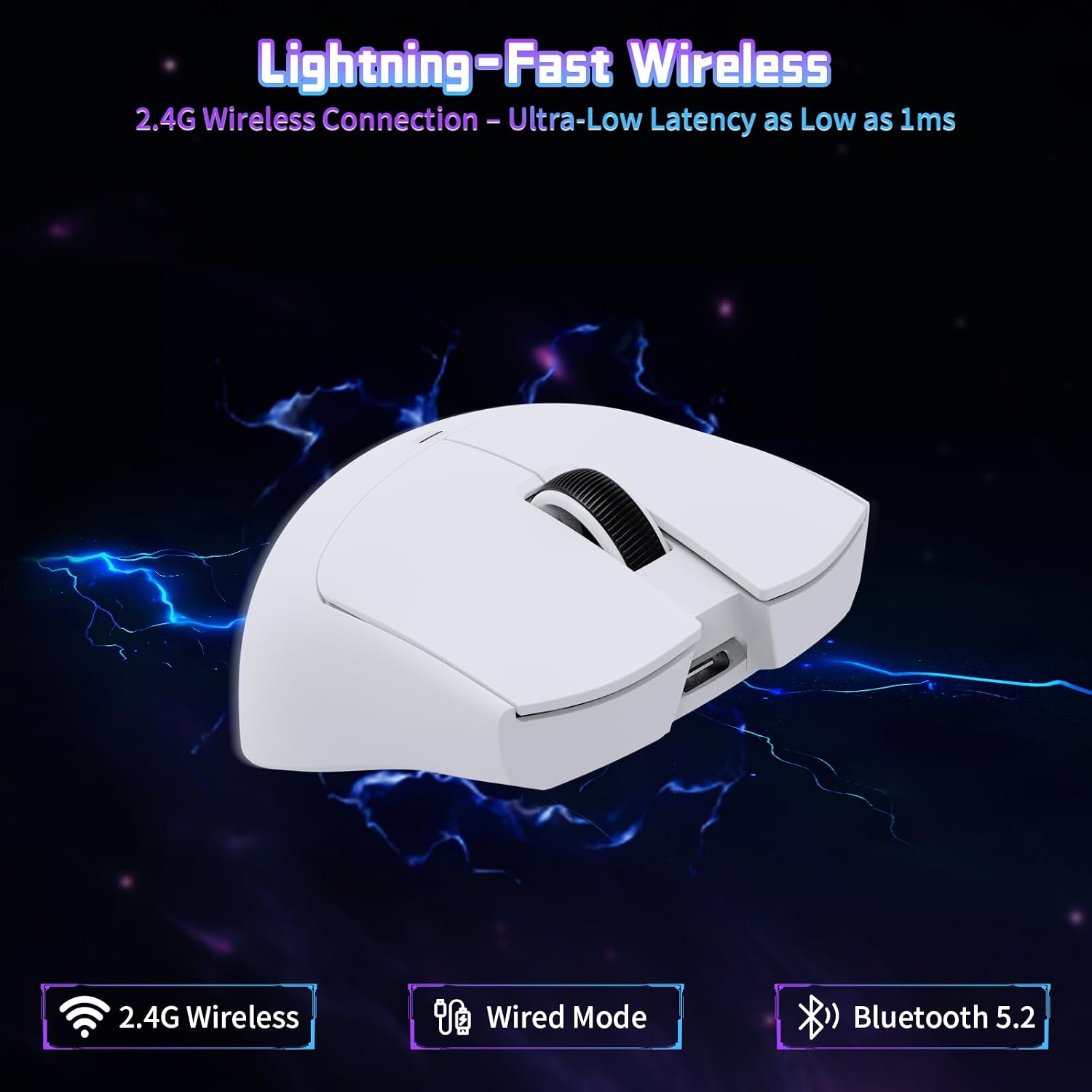
Switching between connection types is straightforward: you can go wired via USB-C when you want maximum consistency, use 2.4GHz for low-latency gaming, or use Bluetooth when you’re short on ports or want a simpler connection. That gives it more “real-life” usefulness than many mice that are basically one-mode devices.
In a practical example, imagine working at your desk using 2.4GHz for a game night later, then heading to the sofa and pairing via Bluetooth to your laptop. If you can stick to one mouse shape and one set of buttons, it’s less faff than resetting peripherals each time.
Sensor, performance, and feel (based on the stated specs)
The included PAW3311 optical sensor is the headline part of the performance story, and the stated movement figures support a mouse that’s meant to be responsive: 300 IPS tracking speed and up to 1000Hz response rate.
DPI adjustment is split into six levels (800, 1600, 2400, 3200, 5000, 22000). If you want a higher DPI for quick flicks but a lower DPI for more precise work, those steps can help you profile your use.

It’s also listed as having up to 35G acceleration and a claim of ultralow latency (up to 1ms) for wired and 2.4GHz modes. That’s encouraging for gaming, though in real life the “feel” can also depend on your surface and settings.
Buttons, switches, and long-term confidence
Build for reliability is one of the more reassuring parts of this mouse. It uses HUYU switches (as stated) and an indicated lifespan of up to 20 million clicks, alongside a TTC encoder.
The 5 programmable buttons are useful if you play games that benefit from quick DPI changes or have actions you can map to side buttons. For office work, the same mapping can be less about macros and more about shortcuts—think changing DPI for different tasks or assigning common commands.
A small nuance to keep in mind: programmable features depend on software support, so if you prefer “no software” setups, you may still get basic cursor control, but the deeper customisation will be the part you need to plan for.
Tech specs (what you’ll want to check before buying)
Tech specs
- Name: ATTACK SHARK X11 SE Wireless Gaming Mouse
- Type: Wireless gaming mouse (also usable wired)
- Sensor: PixArt PAW3311 gaming sensor
- Connection modes: USB-C wired, 2.4GHz wireless, Bluetooth
- DPI range: 800–22000 (6 adjustable levels)
- Tracking speed: 300 IPS
- Response/polling rate: 1000Hz
- Max acceleration: 35G
- Weight: 59g
- Buttons: 5 programmable buttons
- Battery life: up to 65 hours (continuous use, stated)
- Charging time: approximately 2–3 hours (stated)
- Click lifespan: up to 20 million clicks (stated)
- Colour: White
Battery and charging reality check
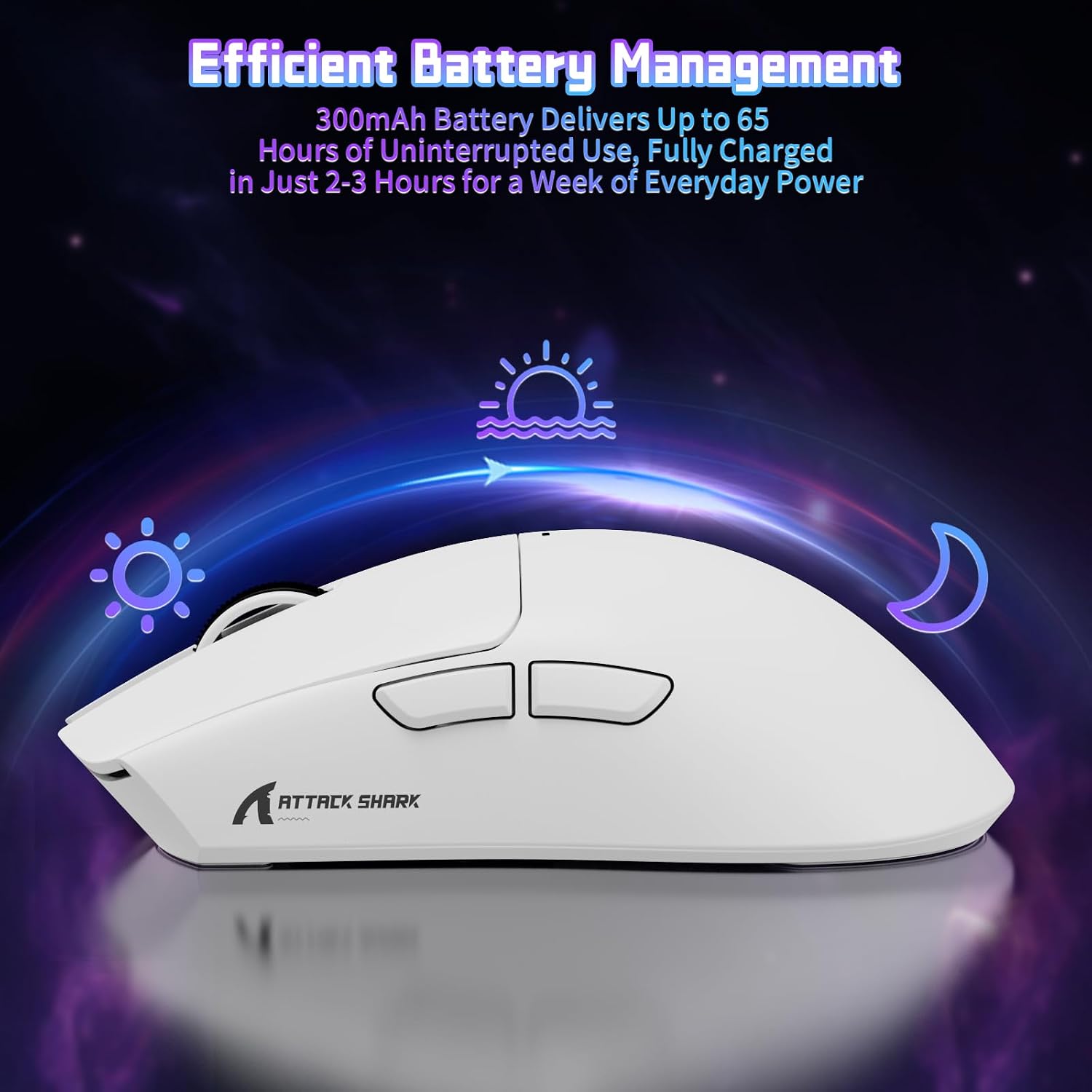
The stated battery life is up to 65 hours per charge, with a full recharge taking around 2–3 hours. In normal use, that’s the kind of figure that should keep you away from frequent top-ups.

If you’re someone who forgets to charge peripherals until the last minute, it may still pay to get into a simple routine—because once you run it flat, your options will depend on whether you’re happy switching to wired mode.
Is it worth it?
Is it worth it?
Buy it if you want one mouse that can genuinely move between work and gaming, and you value connection flexibility (USB-C wired, 2.4GHz, and Bluetooth) rather than having to dedicate separate peripherals to different devices. The 59g weight, 1000Hz polling rate, and the PAW3311 sensor on paper point towards a fast, responsive setup, while the 5 programmable buttons give you room to tailor both gaming and everyday shortcuts.
Avoid it or think twice if you specifically want a mouse that’s “set and forget” with no reliance on software for deeper control. Also, if you’re only ever using a single device in one connection type, the multi-mode approach might be more than you need.
Finally, it’s a solid pick if your priority is a lightweight, multi-connection gaming mouse with good stated endurance. Just be realistic: the headline numbers don’t replace personal preferences in grip, surface choice, and how much you’ll actually use programmable features.
Mini FAQ
Mini FAQ
Does it connect via Bluetooth and 2.4GHz? Yes. The mouse supports three modes: USB-C wired, 2.4GHz wireless, and Bluetooth, with a mode switch button on the underside.
How many DPI levels does it have? It lists six adjustable DPI levels, from 800 up to 22000.
Is the mouse suitable for long sessions? It’s very light (59g) and the design is described as ergonomic to reduce fatigue over longer periods, so it should suit people who prefer lighter mice.
How long does the battery last? The battery is rated up to 65 hours continuous use, with a full charge taking roughly 2–3 hours.
Can it be used with Windows and macOS? The product description states compatibility with Windows (including Windows 11), Linux, and macOS, and it also mentions Xbox and PS.