

Redragon M916AK PRO 3-Mode Anime gaming mouse with ergonomic natural grip
Reviews
Price
Product description
What it is and why people buy it
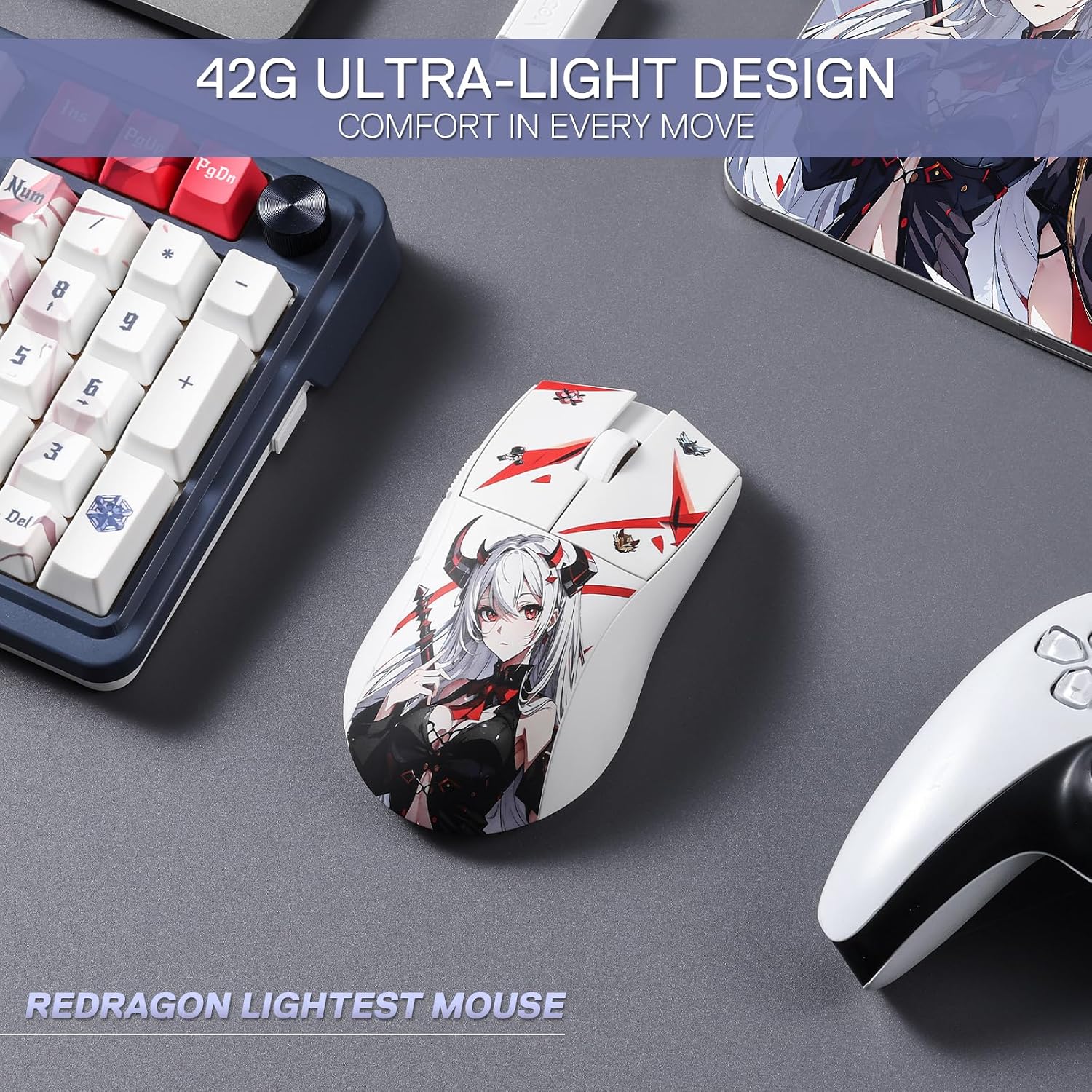
The Redragon M916AK PRO is a gaming mouse aimed at players who want a light, responsive feel and simple customisation without going too deep into complicated setups. On paper, it’s built around a lightweight 42g design, an ergonomic natural grip meant to reduce hand fatigue, and a high-end DPI range that can be switched depending on what you’re doing in-game.
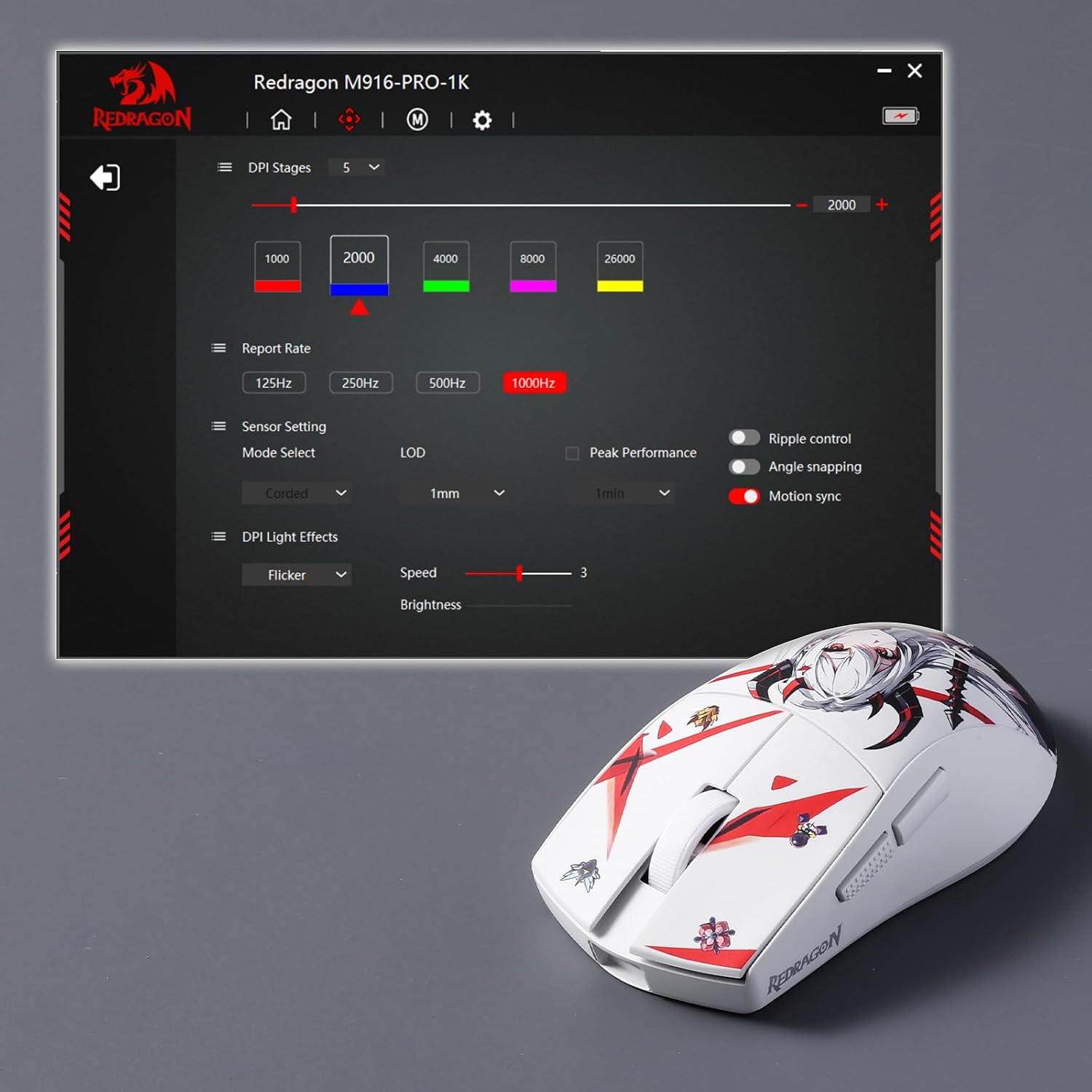
It’s also a mouse that leans into flexibility: there are full programmable buttons, plus software support for DIY keybinds and DPI processing. So if you like tweaking your controls (or you simply want the ability to), this model is designed to meet you halfway.
At a glance: the main features that matter
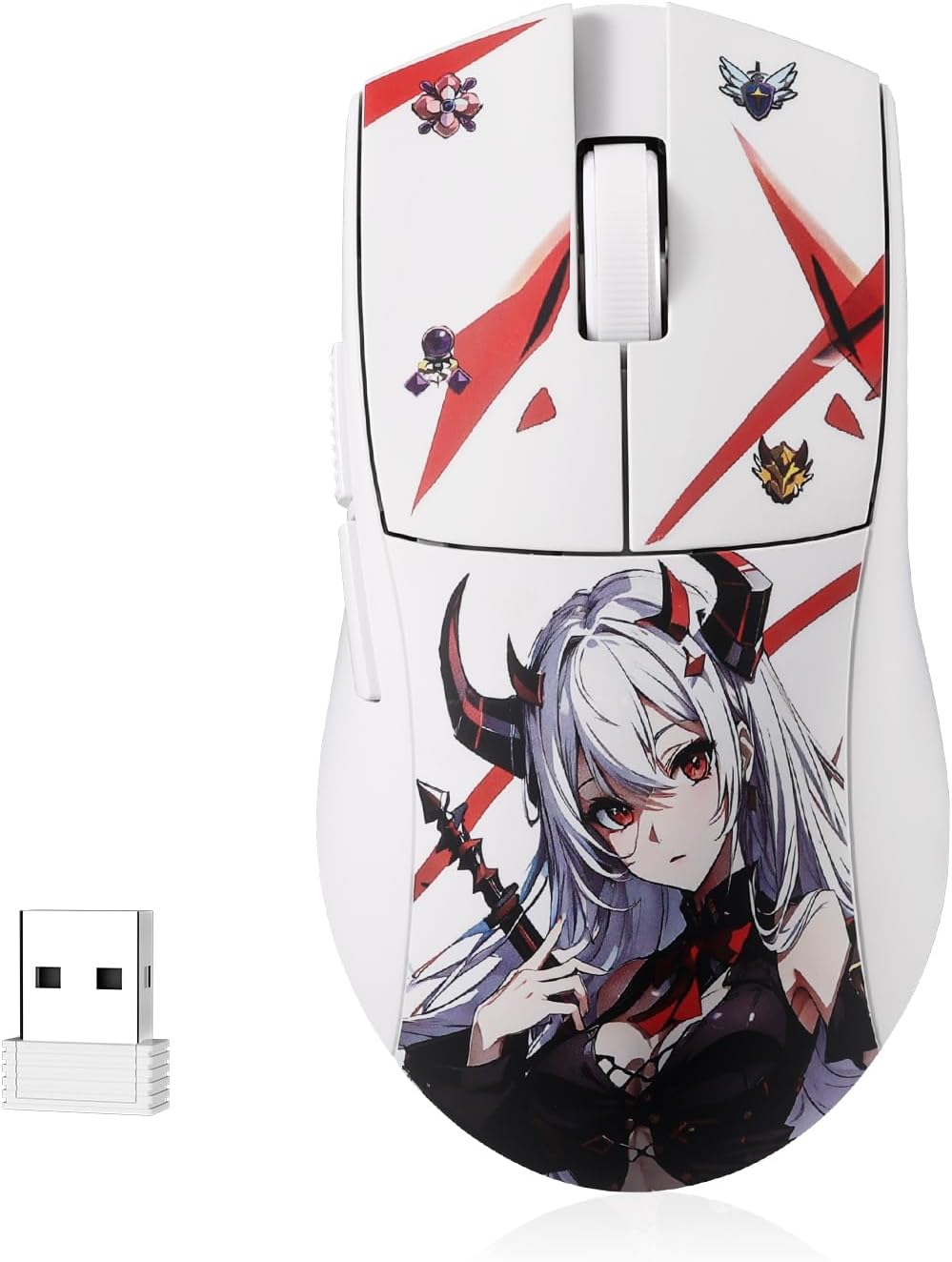
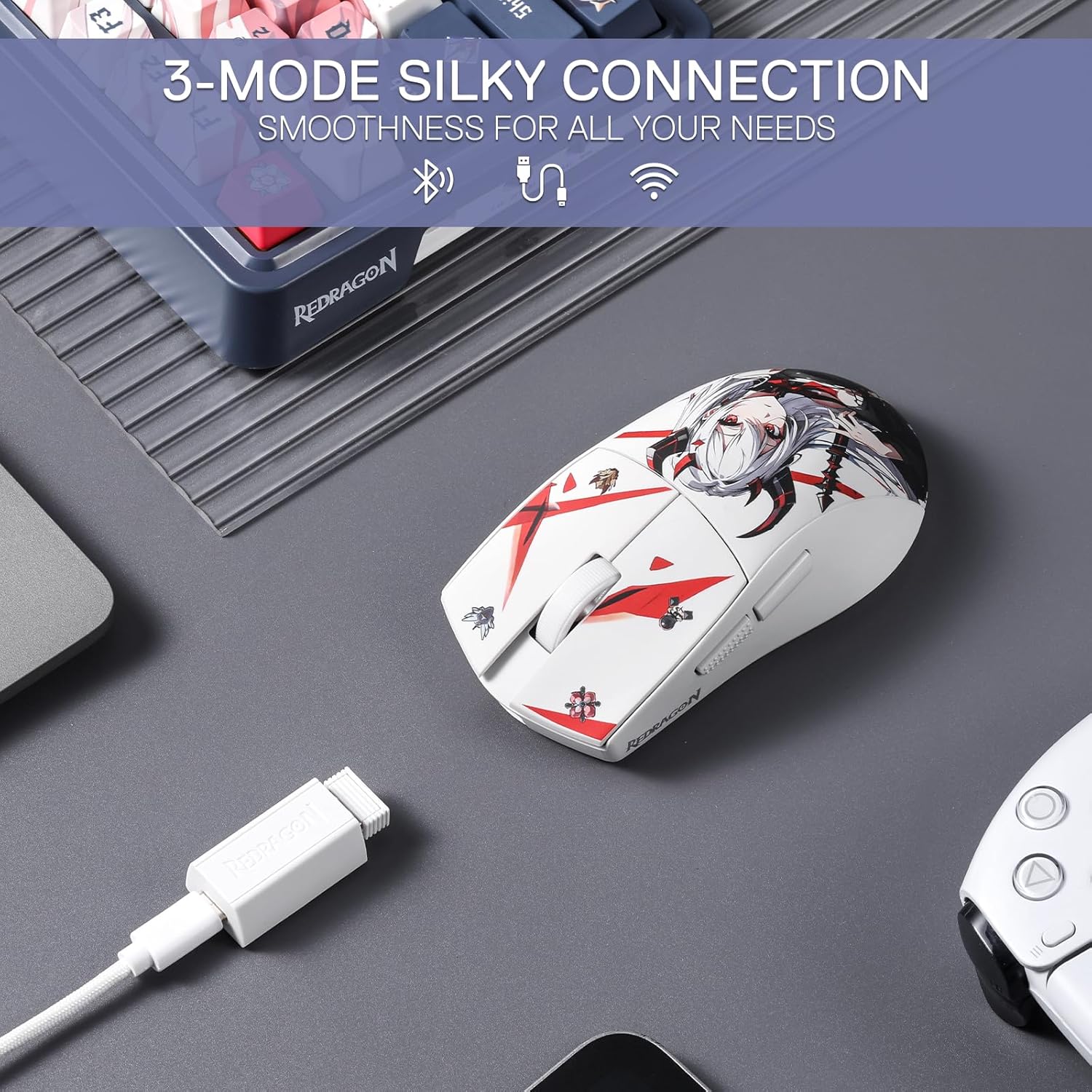
This mouse is described with a 3-mode connection approach, using BT and a 2.4GHz nano receiver. The idea there is pretty clear: you’re not limited to one setup style, and the mouse can be used in different ways depending on your device.
DPI switching is another big part of the appeal. The listing mentions 5 redefinable DPI levels with defaults at 1000/2000/4000/8000/26000, plus a more specific range between 100-26000 that can be handled via software.
Finally, it includes 5 programmable buttons. The default two side buttons are positioned for quick access to hotkeys, and the whole set is described as editable with custom tactical keybinds.
Key takeaways for everyday use
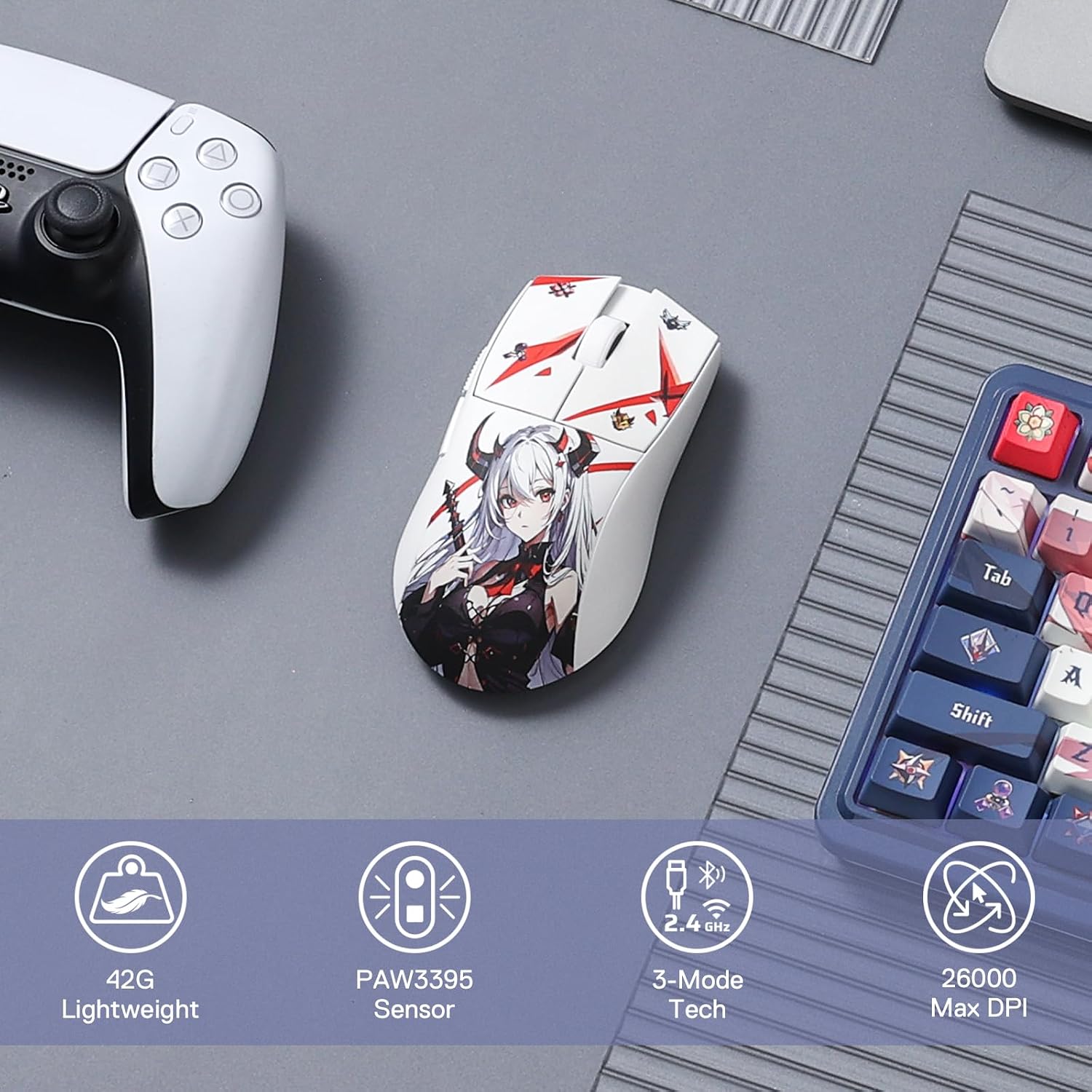
The most “buy-in” part here is the weight and grip. At 42 grams, it should feel quick to move compared with heavier options, and that can be a real advantage in games where you frequently flick, micro-adjust, or move the mouse constantly. The ergonomic natural grip shape is also pitched for long sessions—“less fatigue” is the stated goal—so it’s the sort of mouse you’d consider if you game in longer stretches or do extended desk work.
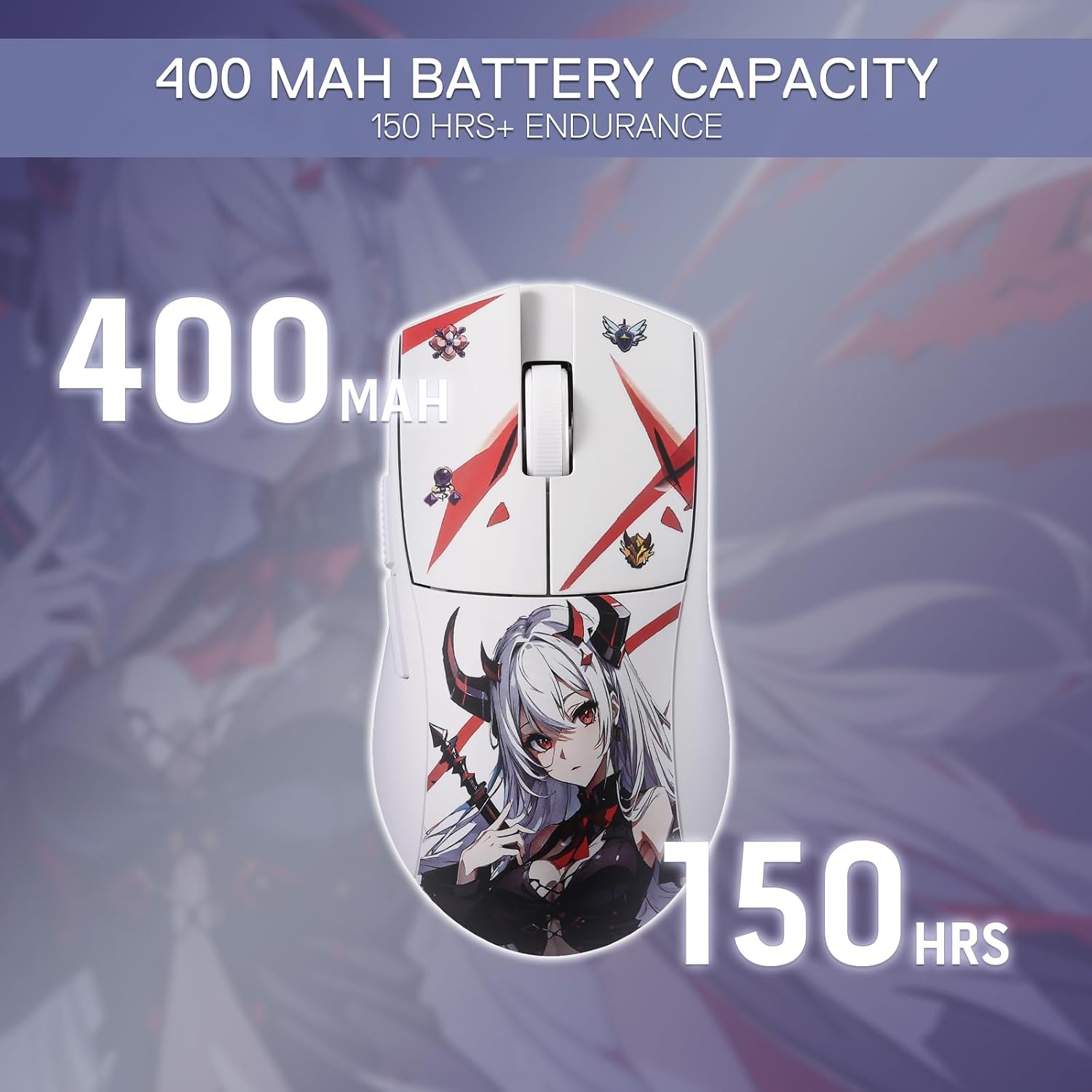
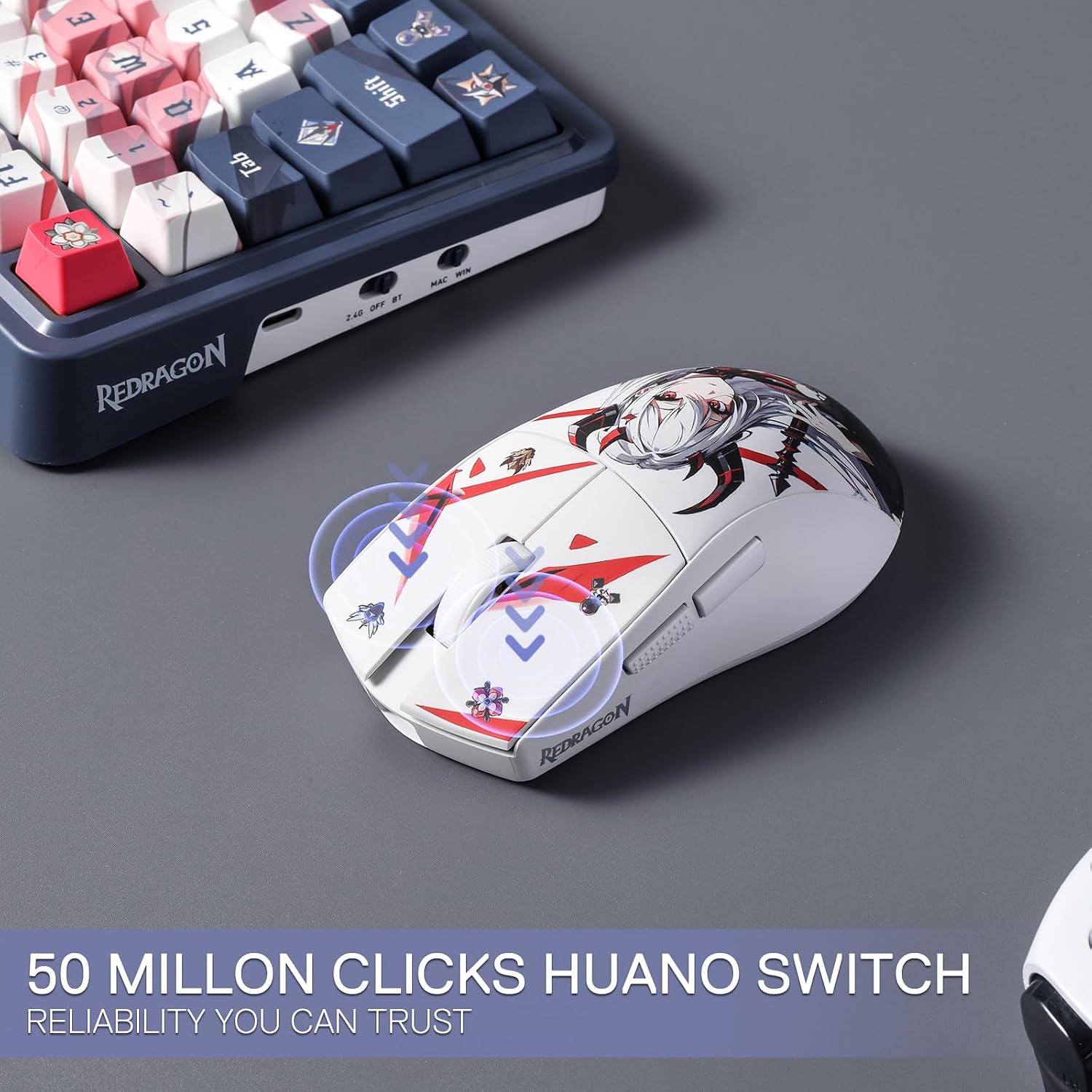
The anime-themed look is obviously a personal choice. It won’t change performance, but it does change whether the mouse feels like “yours” or just a tool.
One small limitation to keep in mind: if you prefer a very minimal, no-software approach, this one is more of a “use the driver and set it up your way” type.
Tech specs (only what’s stated)
- Type: 3-mode gaming mouse
- Weight: 42g ultra-light
- Connection modes: BT and 2.4GHz nano receiver
- DPI levels: 5 redefinable levels (defaults: 1000/2000/4000/8000/26000)
- Software-controlled DPI range: 100–26000
- Programmable buttons: 5 programmable buttons (customisable keybinds)
- Grip: ergonomic natural grip (designed to match the human hand)
What to like, and where it might not suit
What stands out: - A lightweight 42g build that should feel agile for fast, controlled movement. - A natural grip shape intended for comfort over longer sessions. - 3-mode connectivity (BT plus 2.4GHz nano receiver), which is handy if you swap between setups. - Full programmability via software, including DIY keybind support. - High DPI availability, with defaults and a software-adjustable range.
Where it may not be the best match: - The very high DPI ceiling (with defaults including 26000) is there, but you may not use it often. If you only care about moderate DPI and never touch software, it could be more than you need. - As with most programmable mice, the “value” depends on whether you’re actually going to set your binds and DPI levels. If you don’t want to tinker, you might prefer a simpler mouse.
Practical scenarios: how it could feel in real use
Imagine you play a shooter where you switch between precision aim and faster turning. With the 5 DPI levels, you can map a DPI change and jump between a lower DPI for fine aiming and a higher DPI when you need quick rotation. The listing also mentions tactical keybinds on the programmable buttons, so you could bind common actions to side buttons for faster in-game inputs.
For longer days at the desk, the “natural grip” idea is meant to keep the hand comfortable. It’s not a guarantee, of course—everyone’s hands are different—but the shape-first approach is a sensible direction for avoiding that numb, tired feeling after extended sessions.
Should you buy it?
Final verdict
It’s worth considering if you’re after a light, ergonomic gaming mouse with software support for DIY keybinds and DPI control, and you want 3-mode connectivity using BT and a 2.4GHz nano receiver.
You may want to skip it if you strongly prefer plug-and-play and don’t plan to use the software to set DPI levels and programmable buttons. It also might not suit you if an ultra-high DPI range doesn’t match how you actually play—on paper it’s impressive, but you still need to set it up in a way that feels right.
FAQs
Is the M916AK PRO suitable for long gaming sessions?
The listing specifically mentions comfort and a natural grip designed to reduce fatigue, so it’s built with long sessions in mind. However, personal hand shape still matters.
How many DPI levels does it have?
It’s described as 5 redefinable DPI levels, with default values listed as 1000/2000/4000/8000/26000.
Can the side buttons and other buttons be customised?
Yes—5 programmable buttons are stated as editable, with tactical keybinds supported via Redragon dedicated software.
What connection options are available?
The mouse is described with 3-mode connectivity using BT and a 2.4GHz nano receiver.
Does it include DIY keybind support?
The listing says software supports DIY keybinds and DPI processing, which is the main reason to consider it if you like custom setups.