

Redragon K618 Horus Wireless RGB Low Profile Mechanical Keyboard (Tri-Mode: Bluetooth/2.4Ghz/Wired) with Linear Red Switch
Product description
What it’s for
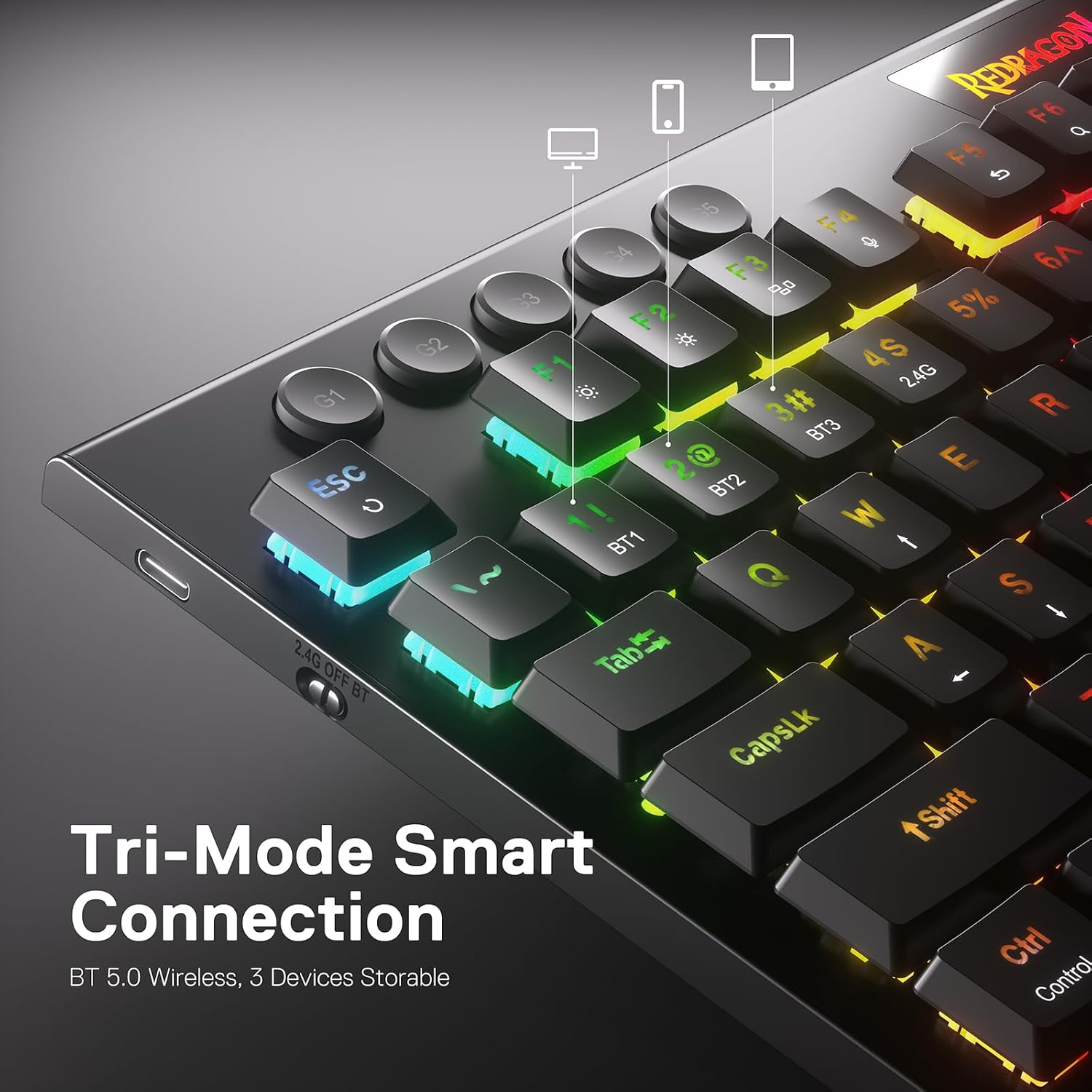
If you want a gaming-style mechanical keyboard but you also switch devices a lot, the Redragon K618 Horus is built around that idea. It supports three connection modes: USB-C wired, plus Bluetooth (3.0/5.0) and 2.4Ghz wireless. On paper, that means you can move between a laptop, a tablet/phone setup that accepts Bluetooth, and a gaming PC without having to “re-pair” every time.
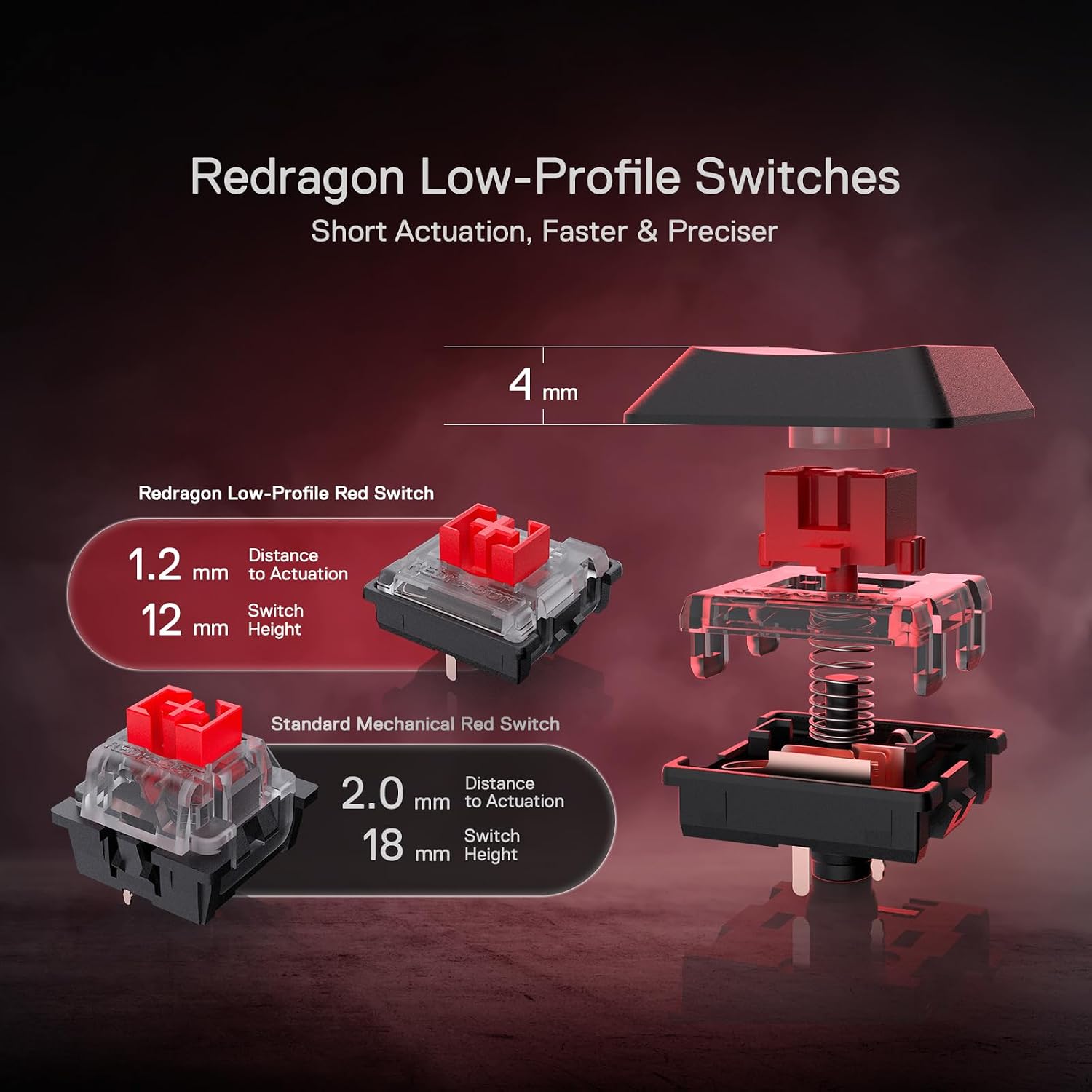
It’s also clearly designed for people who like a low-profile feel. The keyboard uses low profile red switches (with an actuation force of 40g) and low-profile keycaps, aiming to reduce the distance to actuation. That’s the sort of detail that matters if you prefer quicker responses and a flatter layout compared with taller mechanical boards.
The essentials: connection, feel, and controls
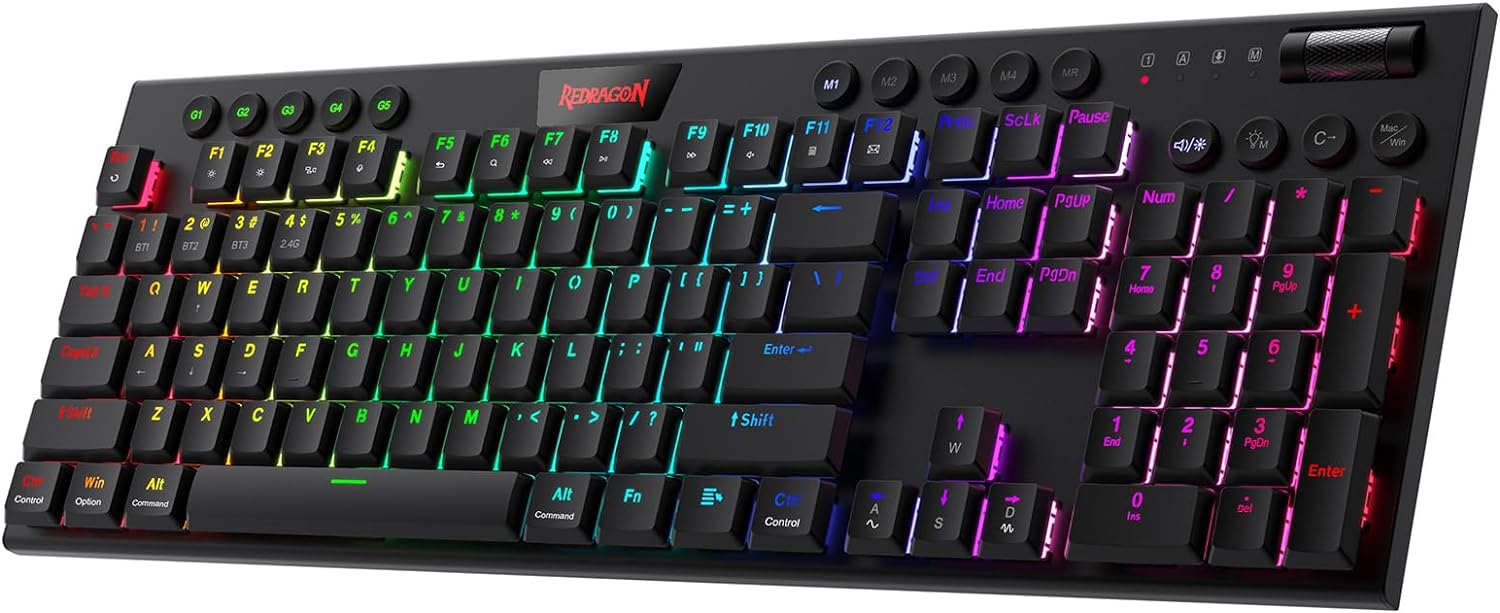
The standout element here is the tri-mode approach. Instead of choosing one lifestyle—always wired, or always wireless—the K618 Horus lets you toggle between modes so your desk setup can stay more fluid.
In everyday use, that tends to translate into small but real convenience. For example: you could be typing notes on a laptop via Bluetooth, then switch to a desktop using the 2.4Ghz mode for lower-latency gaming, then plug in via USB-C when you want maximum stability or charging while you work. It’s not a guarantee that every device will behave identically, but the design intent is clearly to make multi-device switching practical.
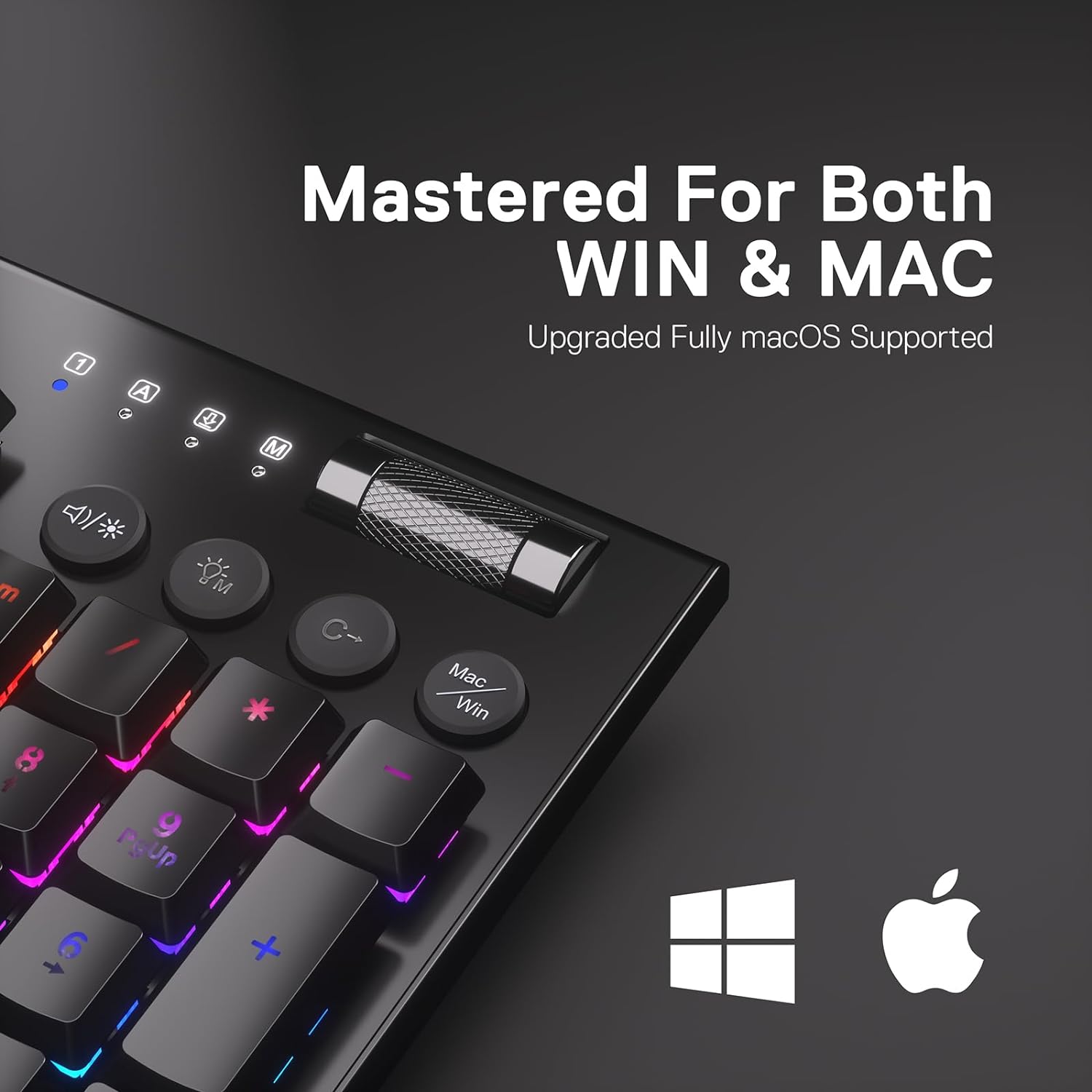
Beyond the connection, there’s a dedicated media control area and four-by-five on-the-fly macro keys. The macros are meant to be used without software for frequent actions—things like playing the next song or adjusting volume via scrolling.
Where it shines (and where it may not)
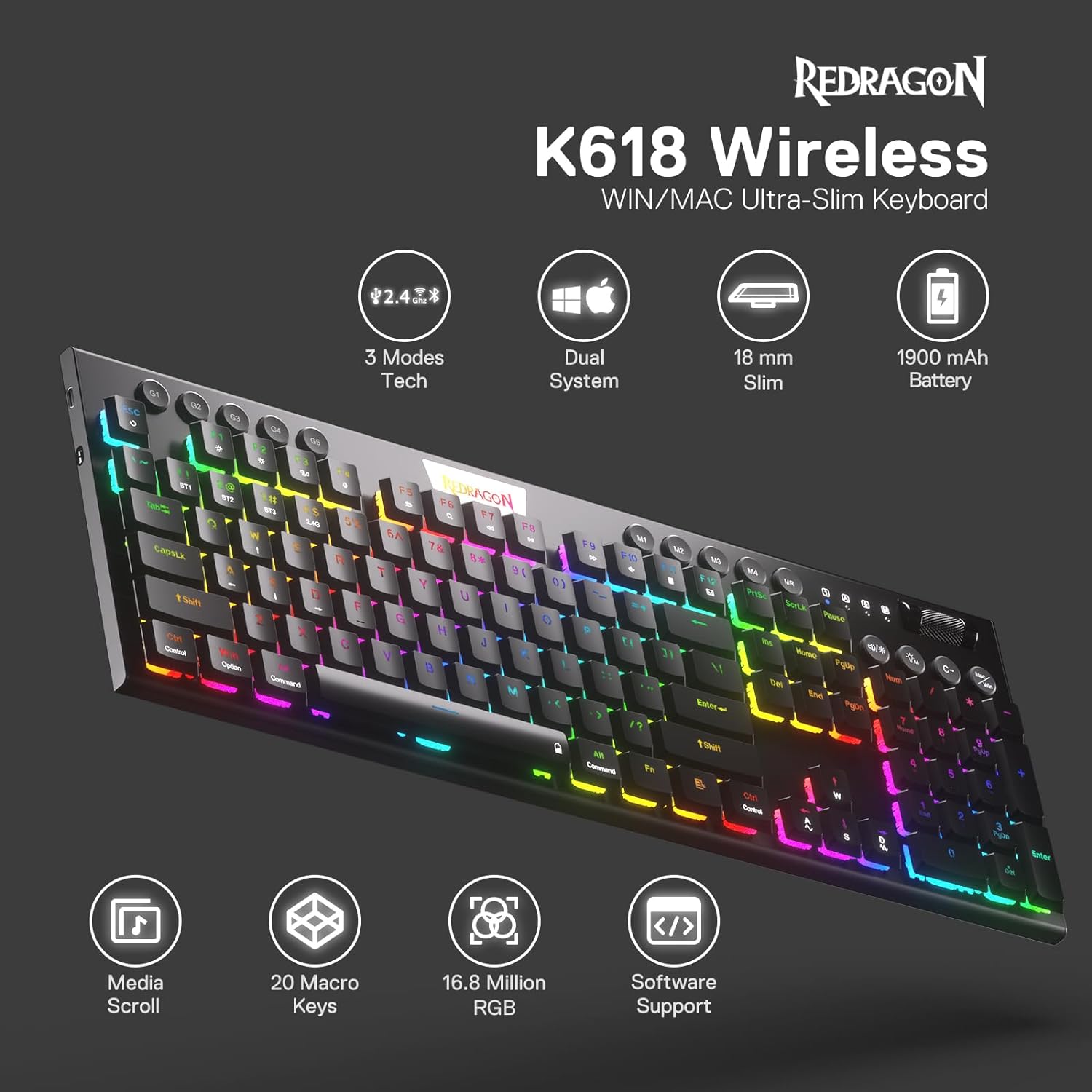
A good way to put it: this is a value-focused low-profile gaming keyboard with wireless options that aim to reduce latency concerns. The backlighting is RGB with 16.8 million colours, so it’ll look more “alive” than basic monochrome boards, while still fitting a slimmer footprint.
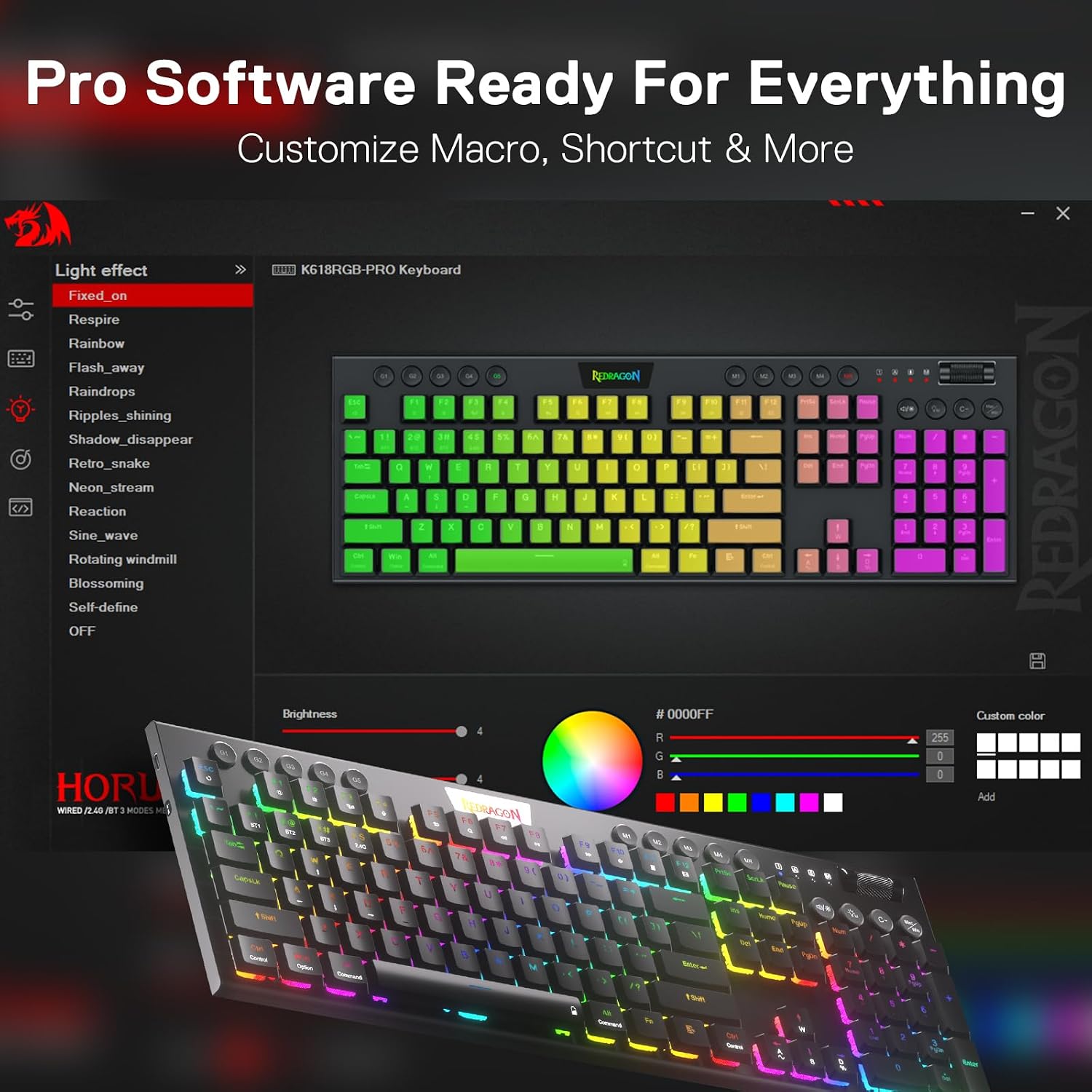
It also offers remapping and keybinding flexibility through a core software driver, including standard key remapping and “infinite keybindings” as described. That’s useful if you want the keyboard to behave more like a personal tool rather than a fixed layout.
That said, it may not be the best match if you’re the sort of buyer who expects ultra-refined software, seamless cross-device behaviour every single time, or a premium enthusiast build. There’s no mention here of hot-swap switches, advanced per-key lighting features beyond the RGB figure, or any kind of high-end tuning beyond the low-profile switch and general design—so it sits more in the mid-range “do a lot for the money” category than the top tier.
Also, if your main priority is purely wired gaming and you never swap devices, the extra wireless features may not add much value for you.
What to know before you buy
There are a few practical checks worth doing before committing.
First, confirm the layout requirement: the description specifies “US Layout”. If you’re in the UK and need a specific regional key mapping, it’s worth making sure the US layout is what you actually want.
Second, consider how you plan to connect. Tri-mode is great, but you’ll get the best experience when you choose one mode per device and stick to it. Constant mode switching can be fiddly even with good implementations.
Third, think about your preferred switch feel. These are linear red switches with a 40g actuation force mentioned. Linear switches are usually chosen for smooth, consistent keypresses, but if you prefer tactile feedback or higher actuation force for typing endurance, it might feel different from what you’re used to.
Tech specs (quick but useful)
- Type: Mechanical keyboard (low profile design)
- Connection modes: USB-C wired, Bluetooth 3.0/5.0, and 2.4Ghz wireless
- Switch type: Linear red switches
- Actuation force: 40g
- Backlighting: RGB with 16.8 million colours
- Macro & controls: 4×5 on-the-fly macro keys and a dedicated media control area
- Software support: Core software driver for remapping and keybindings
Is it worth it?
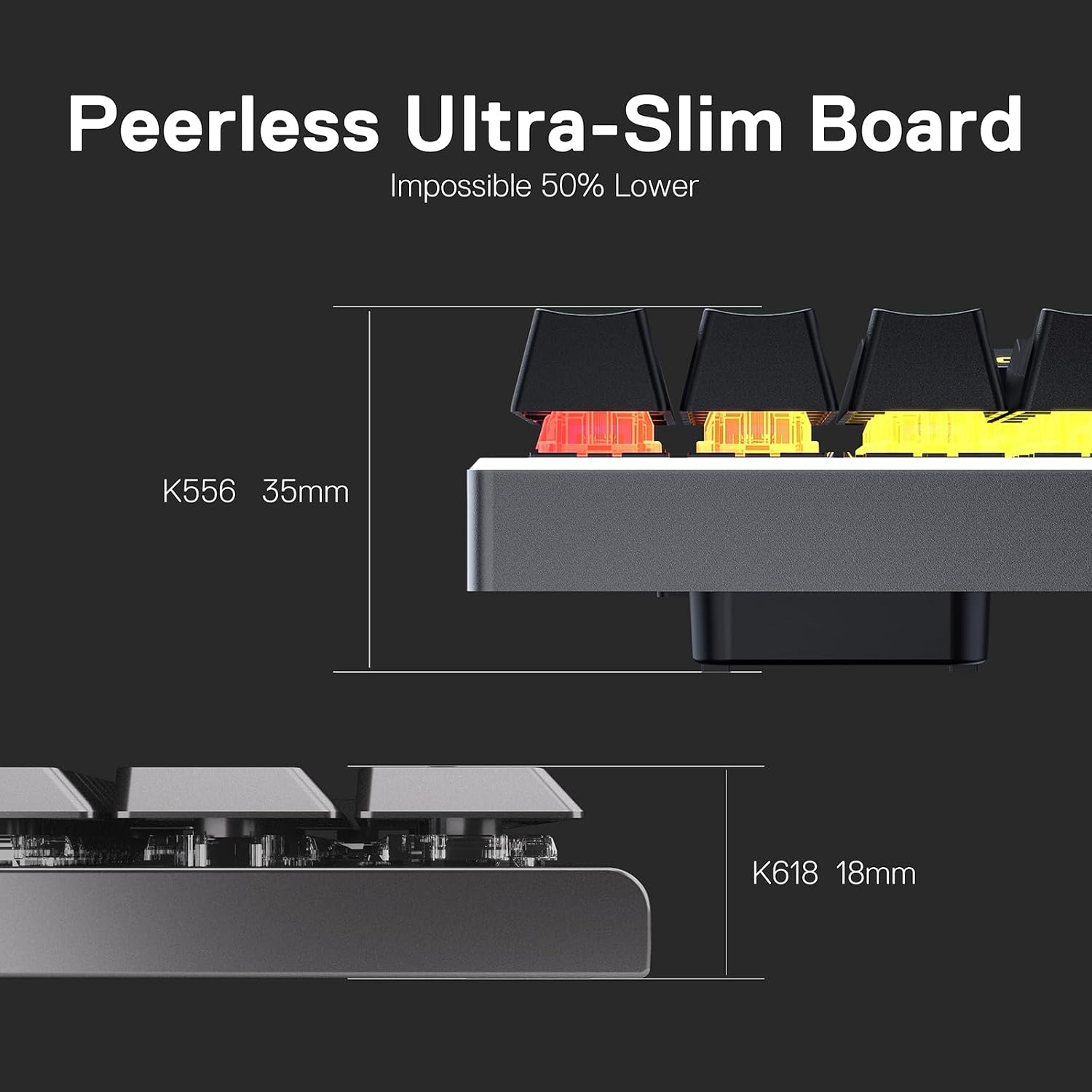
It’s worth buying the Redragon K618 Horus if you want one compact low-profile mechanical keyboard that can handle more than one device thanks to Bluetooth and 2.4Ghz, plus a wired fallback via USB-C. The dedicated media controls and on-the-fly macros without software also make it feel more practical for day-to-day use, not just gaming.
You may want to skip it if you specifically need a UK layout rather than US, or if you dislike low-profile boards and prefer a taller key feel. And if you only ever use a single machine on a permanent wired connection, the tri-mode features could be extra rather than genuinely useful.
Mini FAQ
Does the K618 work in wired mode as well?
Yes. It supports USB-C wired mode alongside Bluetooth (3.0/5.0) and 2.4Ghz wireless.
Can you use macros without software?
The description says the macro keys are for on-the-fly macros without software, for frequently used actions.
Is there RGB lighting?
Yes, it has RGB backlighting with 16.8 million colours stated.
What layout is it?
The information provided specifies “US Layout”.
Are these switches suitable if you like a lighter feel?
They use low profile linear red switches with a 40g actuation force, so if you prefer lighter, quicker actuation, that’s the direction it’s aiming for—but if you want tactile feedback or heavier resistance, it may not suit.