

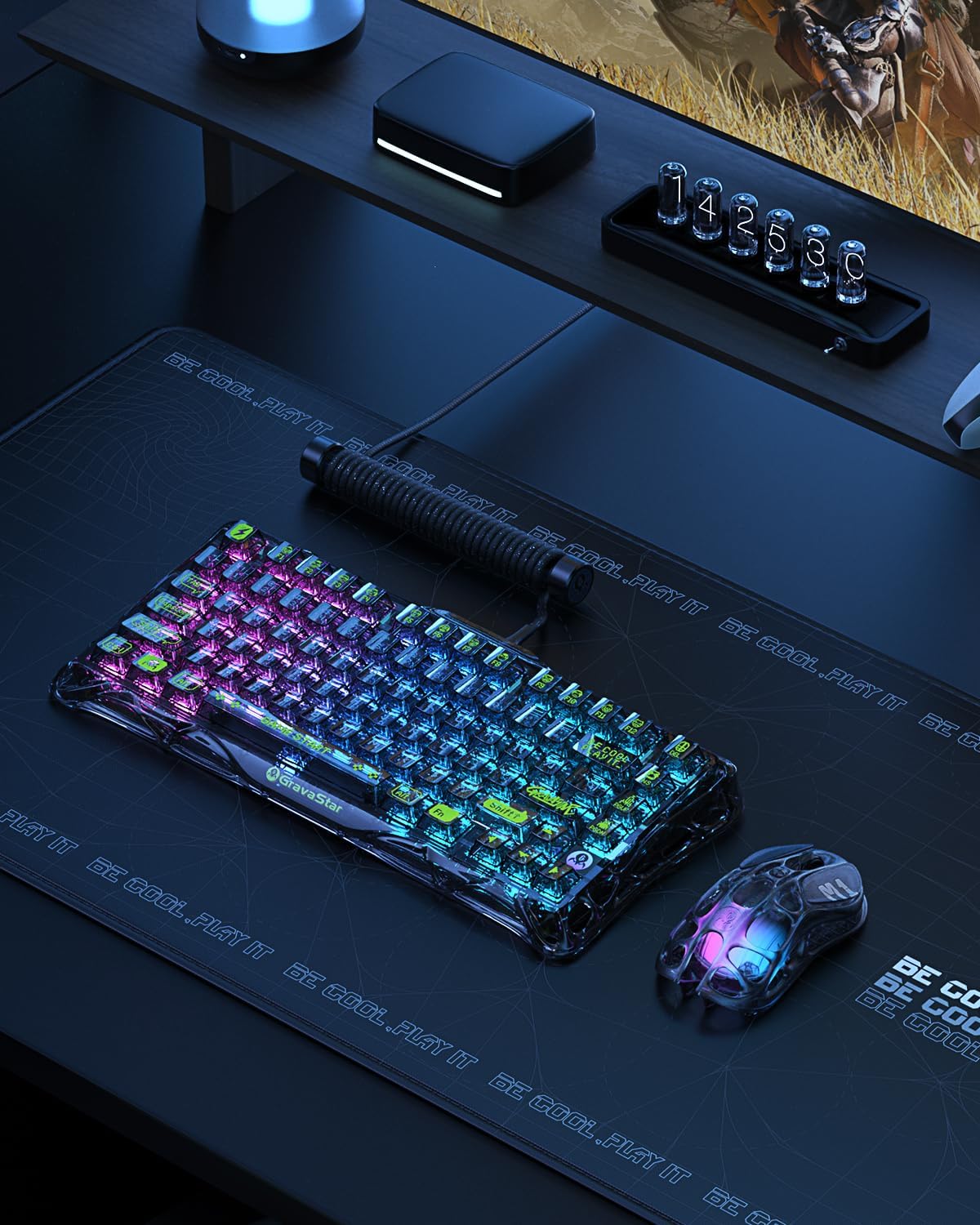
GravaStar Mercury K1 Lite 75% Tri-mode Gaming Keyboard (2.4GHz/BT/Wired) with RGB and Hot-swap switches
Product description
The essentials
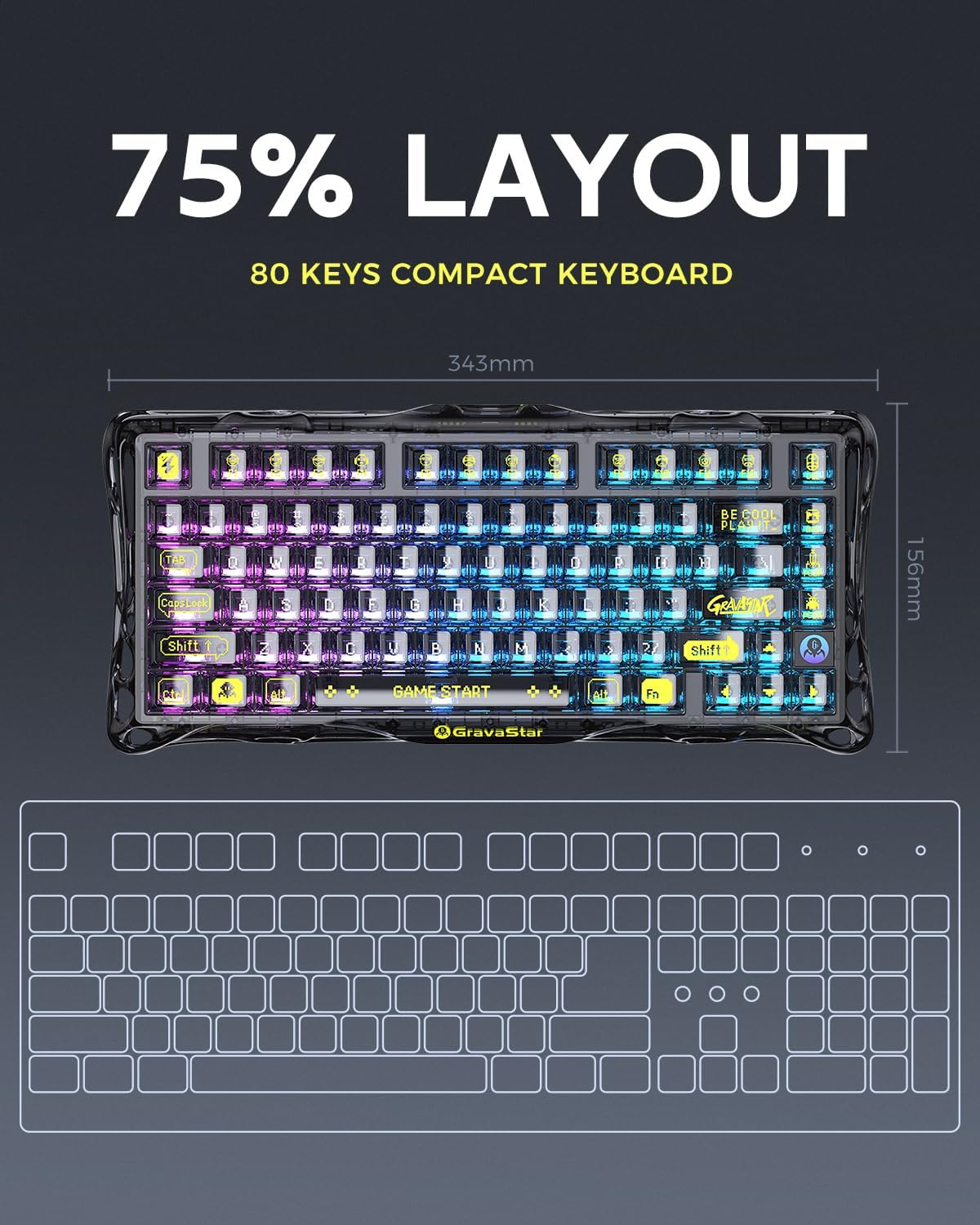
The GravaStar Mercury K1 Lite is a 75% gaming keyboard built around a standout, skeletal look and a tri-mode connection setup. On paper it’s aimed at people who want something that looks different on a desk, but still carries the basics you need for both gaming and everyday typing. You also get RGB backlighting with multiple modes, plus hot-swap mechanical switch support (so you can swap switches without soldering).
A big part of the appeal here is flexibility. You can run it via 2.4GHz wireless, Bluetooth 5.0, or wired, and you can connect up to three devices at the same time, switching between them using function/key combinations. That makes it a decent candidate if your setup spans a laptop plus a desktop, or you just like not having to unplug and re-pair.
It’s not a heavyweight, all-out enthusiast board in terms of raw “spec bragging” from the information provided. But it does look like a practical mid-range style option, particularly if you care about the feel of a gasket-style build and the convenience of wireless + multi-device switching.
What you’ll notice day to day
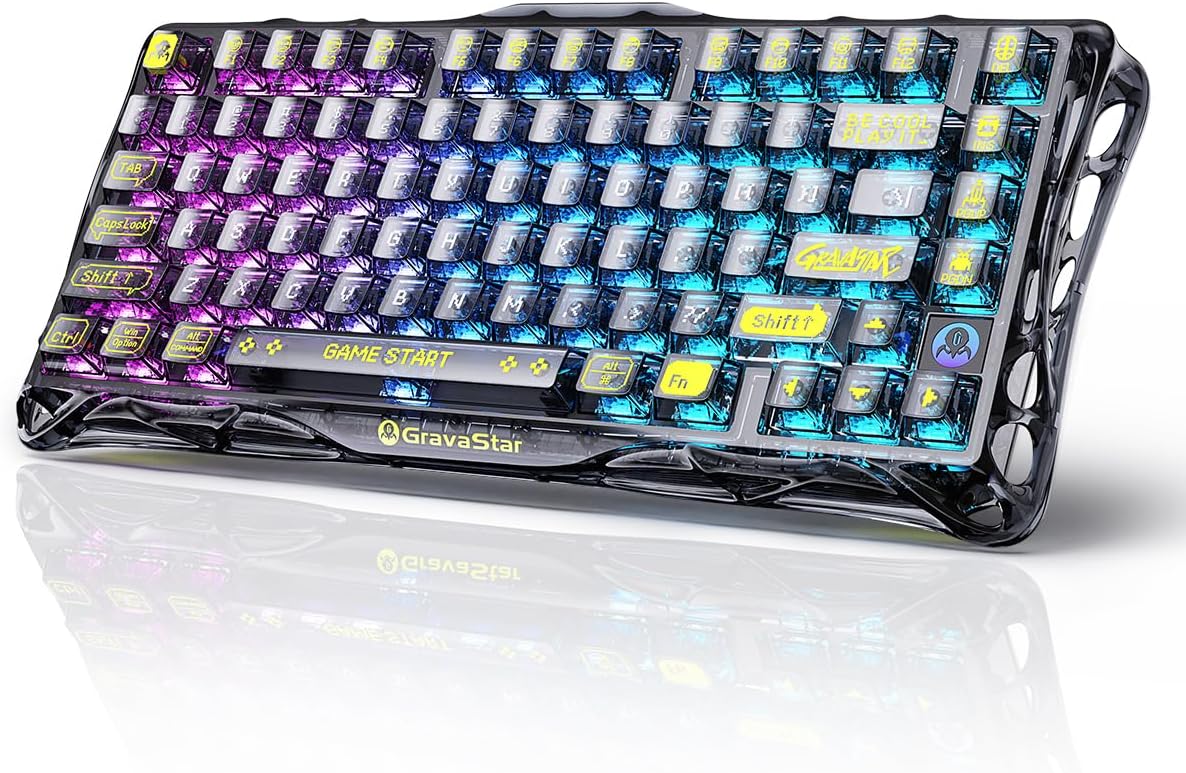
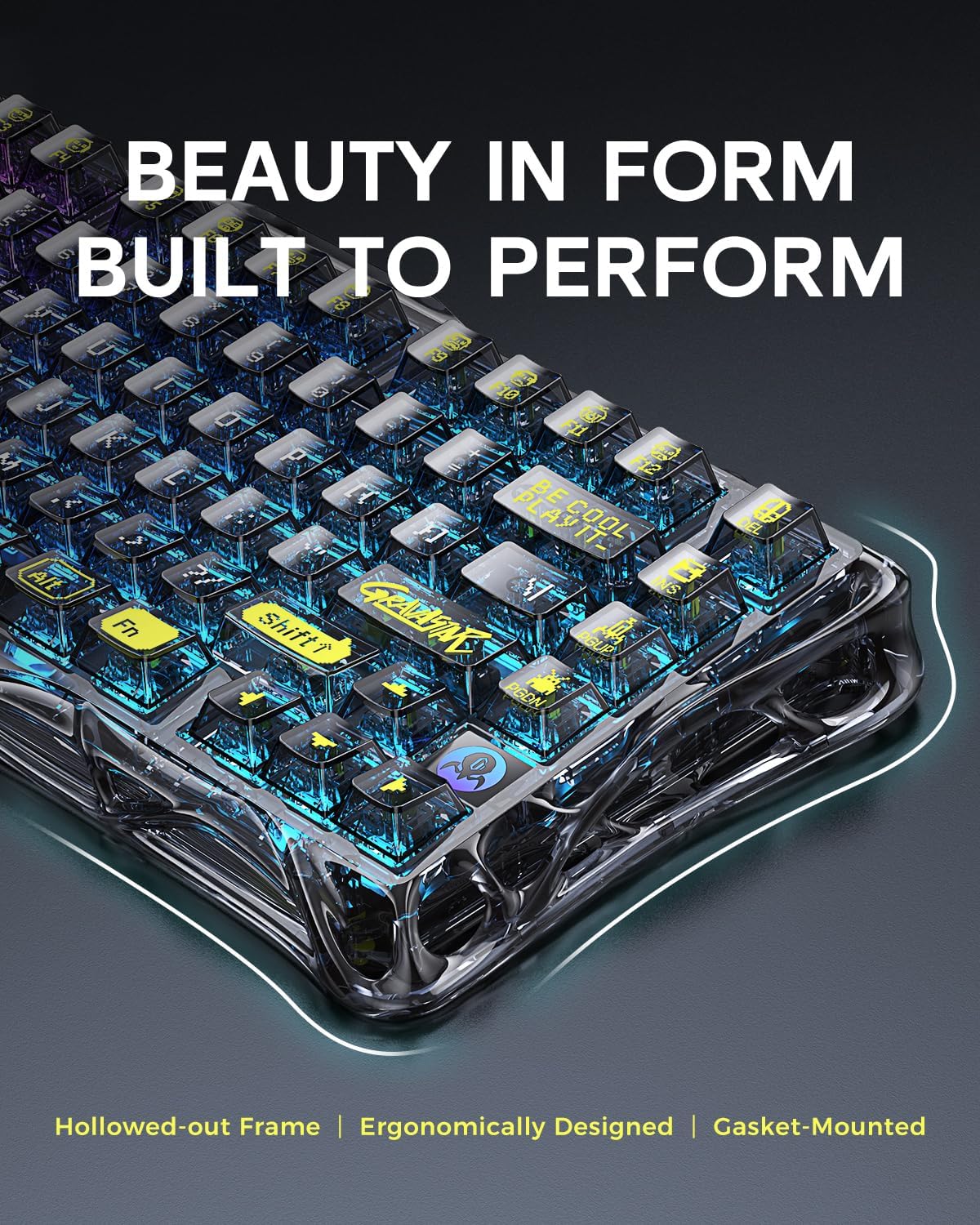
The most immediate “on first glance” difference is the hollow, skeletal design with a transparent frame and keycaps. The point of this kind of design is mainly aesthetic, but it also means the RGB lighting can show through more visibly than on fully solid cases.
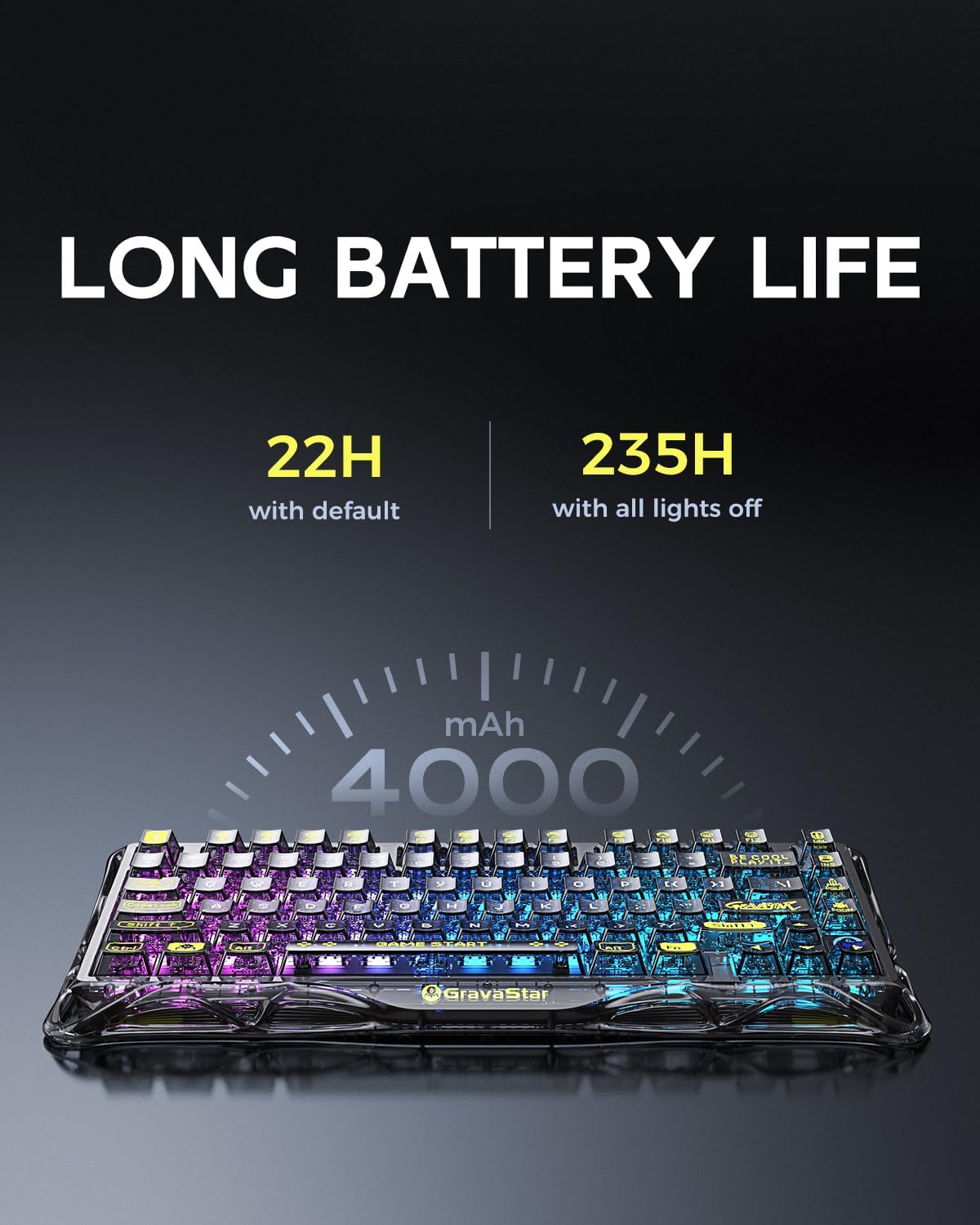
For typing and gaming feel, the keyboard uses a mainstream gasket structure and custom GravaStar x BSUN switches (described as pre-lubed linear switches). The intent is a softer, more comfortable key response, rather than a clicky, sharp switch character.
There’s also mention of a five-layer internal design for keypress sound, described as crisp and concentrated. That’s one of those details that can make a keyboard feel more “put together” than cheaper hollow boards—though of course sound perception varies a lot from room to room.
One question worth asking yourself before buying: do you actually want a transparent, open-style keyboard? It looks great, but it also tends to be more visually “present” on your desk than a traditional black aluminium-style build.
Tri-mode connectivity and multi-device switching
This is where the K1 Lite earns its keep for mixed-use. You can use: - 2.4GHz wireless (with a stated 1K Hz polling rate) - Bluetooth 5.0 - Wired connection (with a stated 8K Hz polling rate)
The keyboard is designed to connect to up to three devices simultaneously. Switching is done via FN and key combination controls, which is handy if you move between work calls, study, and gaming.
Do you need all three modes? Not necessarily. If you only ever game from one desktop and keep the keyboard plugged in, you may not benefit much from the Bluetooth side. But if you often share one keyboard between devices, tri-mode is exactly the sort of convenience that makes a keyboard feel less “one setup only”.
RGB backlighting and software control
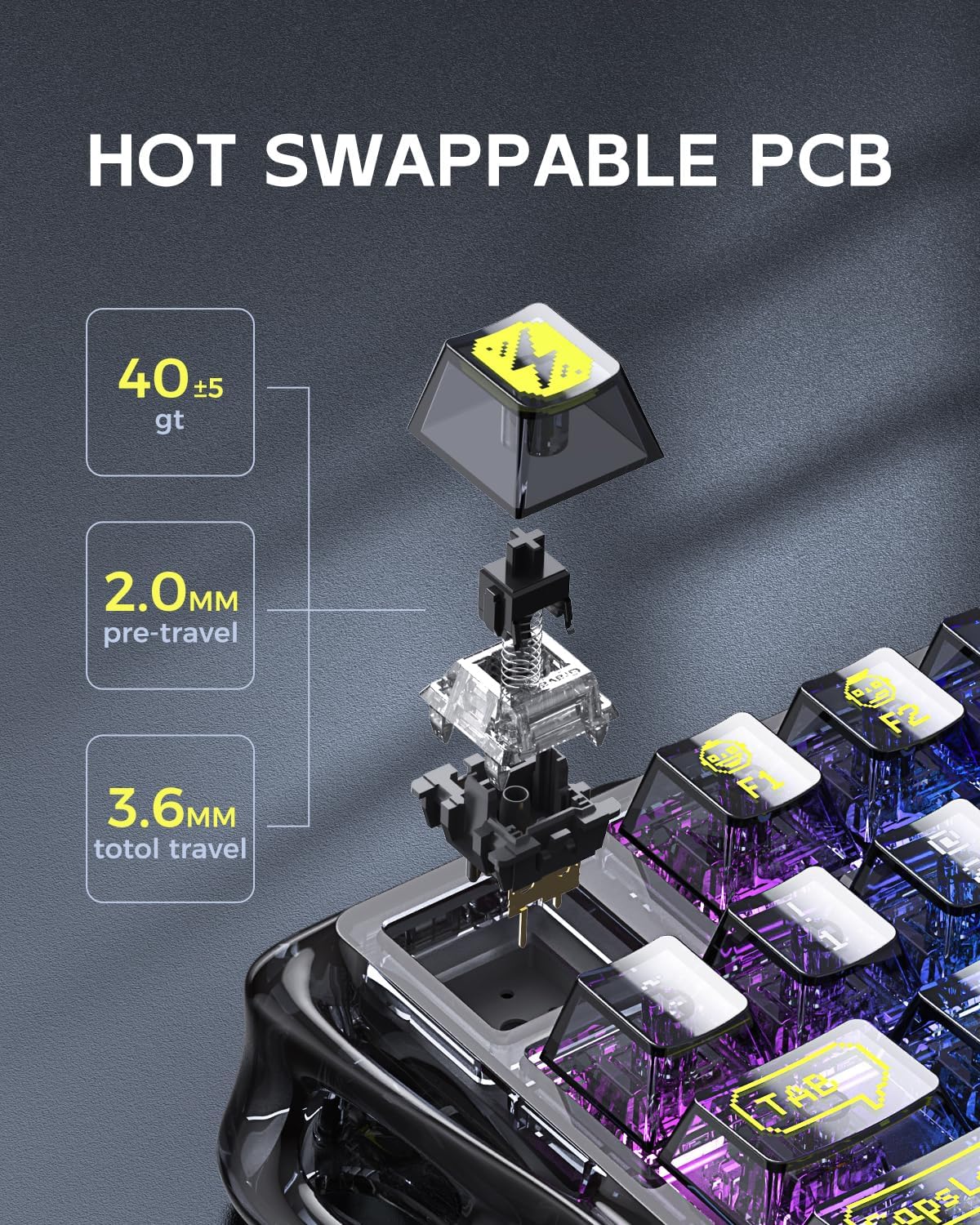
The K1 Lite includes RGB backlit lighting with 13 different lighting modes. You can also customise brightness and lighting effect speed and colour.
For control, the GravaStar Control Center software is mentioned, along with a compatible GravaStar app for Windows (including Windows XP, 7, 8, 8.1, 10 and 11). That’s an unusually broad Windows support claim, and it’s useful if you’re not on the latest OS.
If you’re someone who prefers minimal distractions, note that RGB usually isn’t something you leave on all day without thinking. The good part is you should be able to tone it down or switch modes—just check the software support and whether you’ll actually use it.
Battery life and charging in real terms
This is a wireless-focused keyboard, so battery life matters. It uses a lightweight 4000mAh lithium-ion battery, with an advertised up to 235 hours between charges. The claim is that it should cover long sessions without constant charging.
When it does need power, you connect an included USB-C cable to recharge. That’s the kind of setup that helps you keep using it when your gaming schedule runs long.
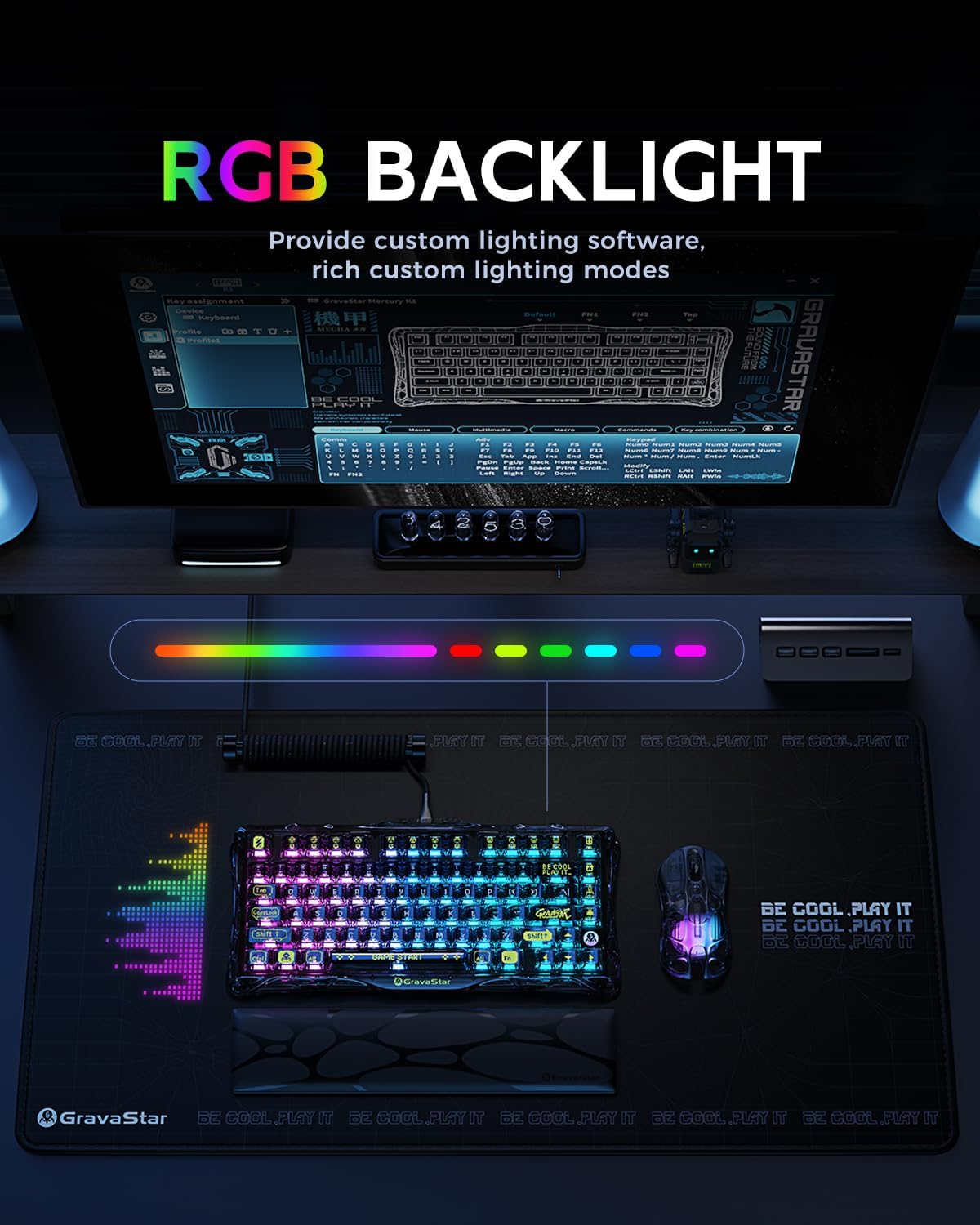
A practical limitation to keep in mind: “up to” battery numbers can depend heavily on brightness, RGB usage, and how often you’re on wireless rather than wired. Still, the presence of a meaningful capacity is reassuring for a multi-mode board.
Tech specs
- Type: gaming keyboard
- Layout size: 75%
- Connectivity: 2.4GHz wireless, Bluetooth 5.0, wired
- Polling rate (2.4GHz): 1K Hz
- Polling rate (wired): 8K Hz
- Multi-device support: up to three devices
- Battery capacity: 4000mAh lithium-ion
- Advertised battery life: up to 235 hours
- Backlighting: RGB
- RGB modes: 13 different lighting modes
- Switch system: gasket hot swappable mechanical keyboard with pre-lubed linear switches
- Material (frame described): PVC
Careful buying checklist
Before you commit, it’s worth checking whether this board’s style and switch approach suit your taste.
If you’re after a “mainstream” typing feel with linear switches, gasket-style comfort and hot-swap flexibility, the K1 Lite looks like it should fit. The tri-mode setup also supports different working and gaming contexts without constantly re-pairing.
It may not suit you as much if you prefer a more traditional solid-case look, or if you dislike transparent designs. It can also feel like more features than you need if you only ever use one device with the keyboard in wired mode.
Finally, if you’re planning to customise switches, hot-swap is a benefit—but you’ll want to know you’re comfortable making that kind of change rather than leaving everything stock.
Is it worth it?
This is worth considering if you want a 75% gaming keyboard that blends a distinctive skeletal aesthetic with tri-mode convenience, multi-device switching, and hot-swap linear switches. The combination of wireless options, RGB modes, and a stated battery capacity makes it a sensible choice for shared home setups, study desks, or anyone who alternates between work and play.
You may want to skip it if your priority is a plain, understated keyboard look, or if you’ll never use Bluetooth and multi-device switching. It’s also the sort of keyboard that depends on your preference for linear switches and the gasket-style feel—if those aren’t what you like, no amount of RGB and design will make it a perfect match.