

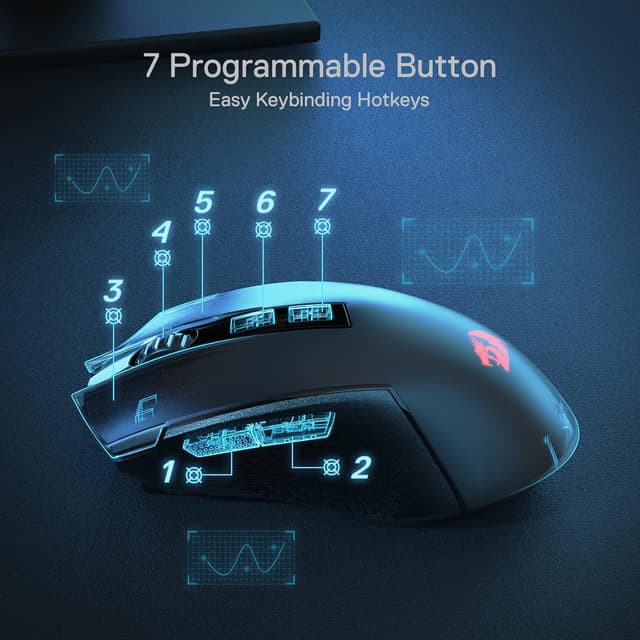
Redragon M693 Wireless Gaming Mouse (Bluetooth & 2.4G) with 8000 DPI, 7 Macro Buttons and RGB
Product description
What this mouse is for
If you’re after a wireless gaming mouse that can work with different setups, the Redragon M693 is aimed squarely at people who want Bluetooth and 2.4G in one package. It’s described as the brand’s first three-mode wireless gaming mouse, with a nano receiver for 2.4G and Bluetooth for when you’d rather not rely on a USB dongle.
On paper, it leans towards responsive, “twitchy” play thanks to an 8000 DPI setting and a listed 1000Hz polling rate in each connection mode. At the same time, the 7 programmable macro buttons and RGB backlight suggest it’s not only for gaming—there’s an explicit nod to working use too.
Key takeaways (and where it may fall short)
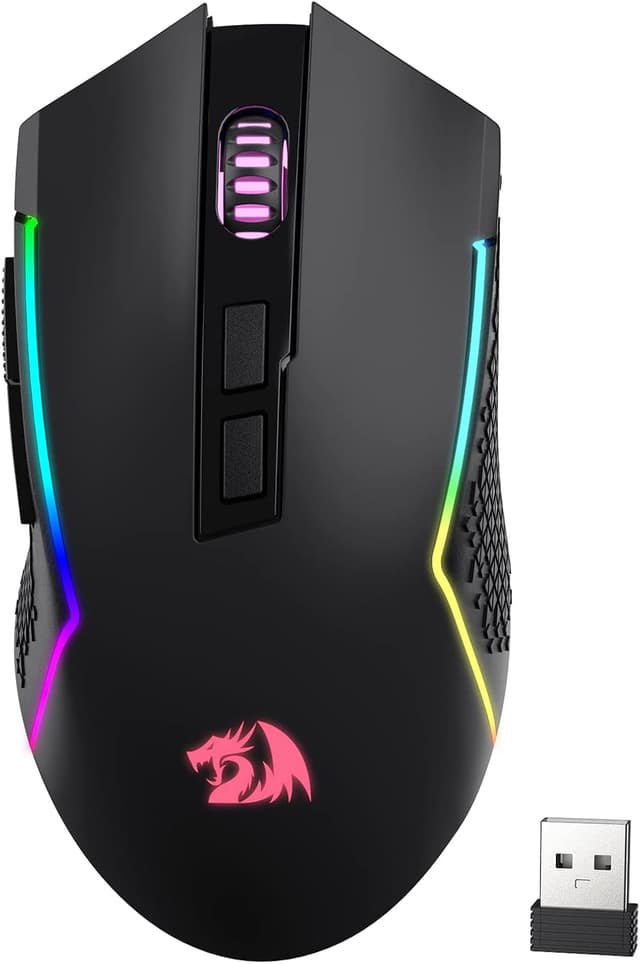
The standout features here are the three connection modes (Bluetooth + 2.4G via nano receiver + a third wired option is implied by the “wired/wireless” wording), adjustable DPI up to 8000, and programmable macros across seven buttons. If you often swap between laptop and desktop, having Bluetooth alongside 2.4G can be genuinely convenient.
That said, it’s worth keeping expectations realistic. The DPI options include 1000/1500/2000/2400/4000 and the product text mentions software for DIY changes, so you’ll want to check how the software experience fits your routine. Also, battery life is stated as up to 35 hours in eco-mode, if you run at full brightness or ignore power-saving, your real-world runtime may not match that top figure.
What you’ll notice day to day
In everyday use, the M693’s promise is about switching quickly and staying consistent in your aim settings. The listing mentions 5 on-board DPI levels (1000/1500/2000/2400/4000) with switching “swiftly in game”, plus the ability to adjust those levels further with software.
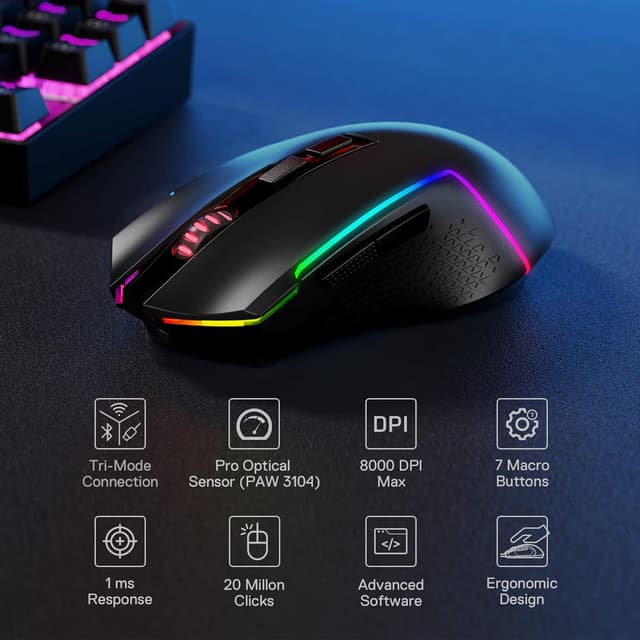
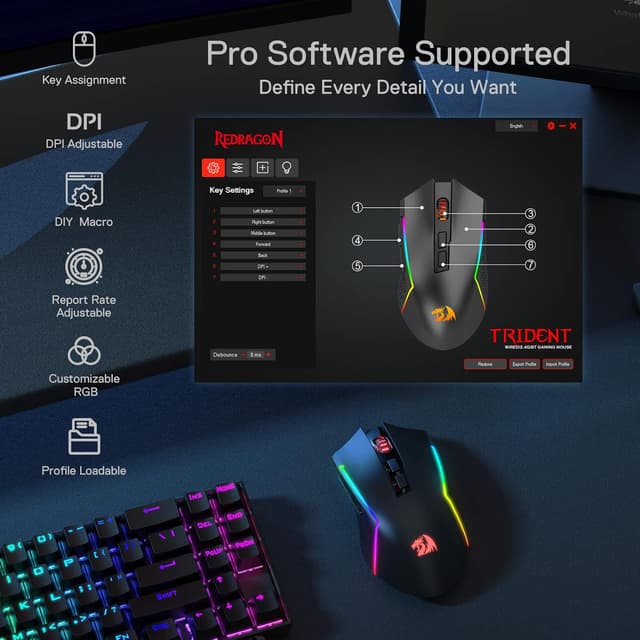
It also brings programmable controls into the mix. You get 7 macro buttons total, including two side macro buttons, and the text says they’re editable with custom keybinds. In practical terms, that could mean setting a side button for push-to-talk or weapon swap in a shooter, or assigning a shortcut action for a workflow you repeat all the time.
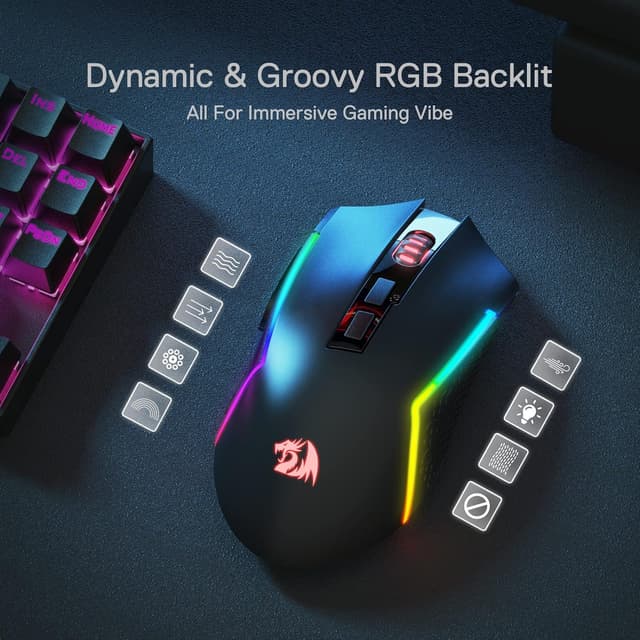
One small limitation to be aware of: the spec text calls out multiple RGB behaviours, but without details on whether all effects are available across modes. If lighting control matters to you, it’s sensible to verify it before committing.
Tech details that matter for choosing
Here are the core specs that are explicitly stated in the product information.
- 8000 DPI adjustable with 5 on-board DPI levels (1000/1500/2000/2400/4000) and DIY adjustments via software
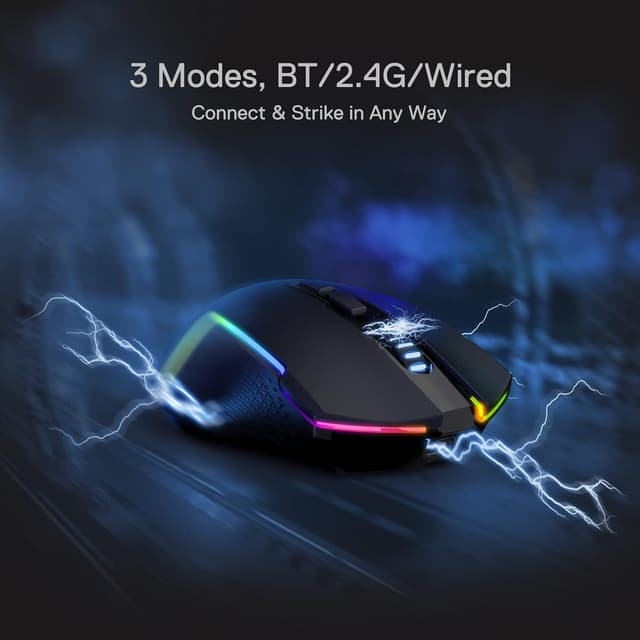
- 3-mode connection: Bluetooth and 2.4G with a nano receiver (plus wired is implied by “wired/wireless” wording)
- 7 programmable macro buttons, editable keybinding, including 2 side macro buttons
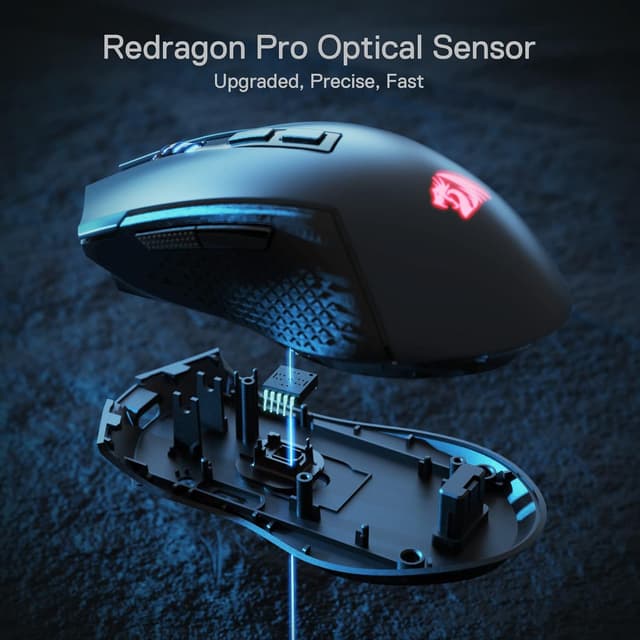
- Optical Pixart PAW3104 sensor listed
- 1000Hz polling rate stated in each mode
- Rechargeable 700 mAh battery, up to 35 hours in eco-mode
- RGB backlight with adjustable “true colour” effects using the Redragon Pro driver
Comfort and control: is it a good fit for you?
It’s a good fit if you want a wireless gaming mouse that can connect in more than one way, especially if you move between a laptop and a desktop. You’ll like it if you regularly use multiple DPI settings and want quick switching, and if you care about programmable side buttons for both in-game actions and everyday shortcuts.
It’s not a great match if you mainly want the simplest possible setup and don’t plan to tweak DPI or macros. You may want to skip it if battery life at higher power use is a top priority, since the stated up-to-figure is specifically tied to eco-mode.
Should you pair it with a laptop or desktop setup?
This mouse reads as a “one mouse, multiple machines” approach. With Bluetooth support and a 2.4G nano receiver, you’ve got two different connection styles depending on what you’re doing. For example, you might use Bluetooth for quick laptop sessions (no USB dongle), then switch to the 2.4G receiver when you want a more traditional gaming setup.
If you mainly stay on one PC and never unplug anything, you may find a simpler wired-only mouse easier to live with. But if you’re the type who travels with your laptop and still wants mouse controls that feel consistent, the M693’s multi-connection design is exactly the reason people buy this category.
Mini FAQ
How many buttons can I program on the M693?
The listing states there are 7 programmable macro buttons, with 2 side macro buttons described as offering a better gaming and working experience.
Does it come with Bluetooth and 2.4G wireless?
Yes. The product description explicitly mentions Bluetooth and a 2.4G nano receiver.
What are the DPI options?
It lists 5 on-board DPI levels: 1000/1500/2000/2400/4000, with DIY adjustments possible via software.
Is the battery life stated for normal use?
The listing mentions up to 35 hours in eco-mode, which suggests real-world battery life may vary depending on settings.
What lighting effects are available?
The description says you can DIY style and mentions lighting modes such as dynamic streaming, breathing, and waving, using the Redragon Pro driver.
Final verdict
Should you buy it? You should consider the Redragon M693 if you want a wireless gaming mouse with Bluetooth and 2.4G in one, plus 7 programmable buttons and an 8000 DPI ceiling for quick sensitivity changes. It suits buyers who like tweaking DPI and macros and who bounce between laptop and desktop.
Skip it if you prefer a no-fuss setup, don’t care about DPI switching or macros, or if you need battery life that’s guaranteed under brighter, high-performance settings (the top figure is tied to eco-mode).