

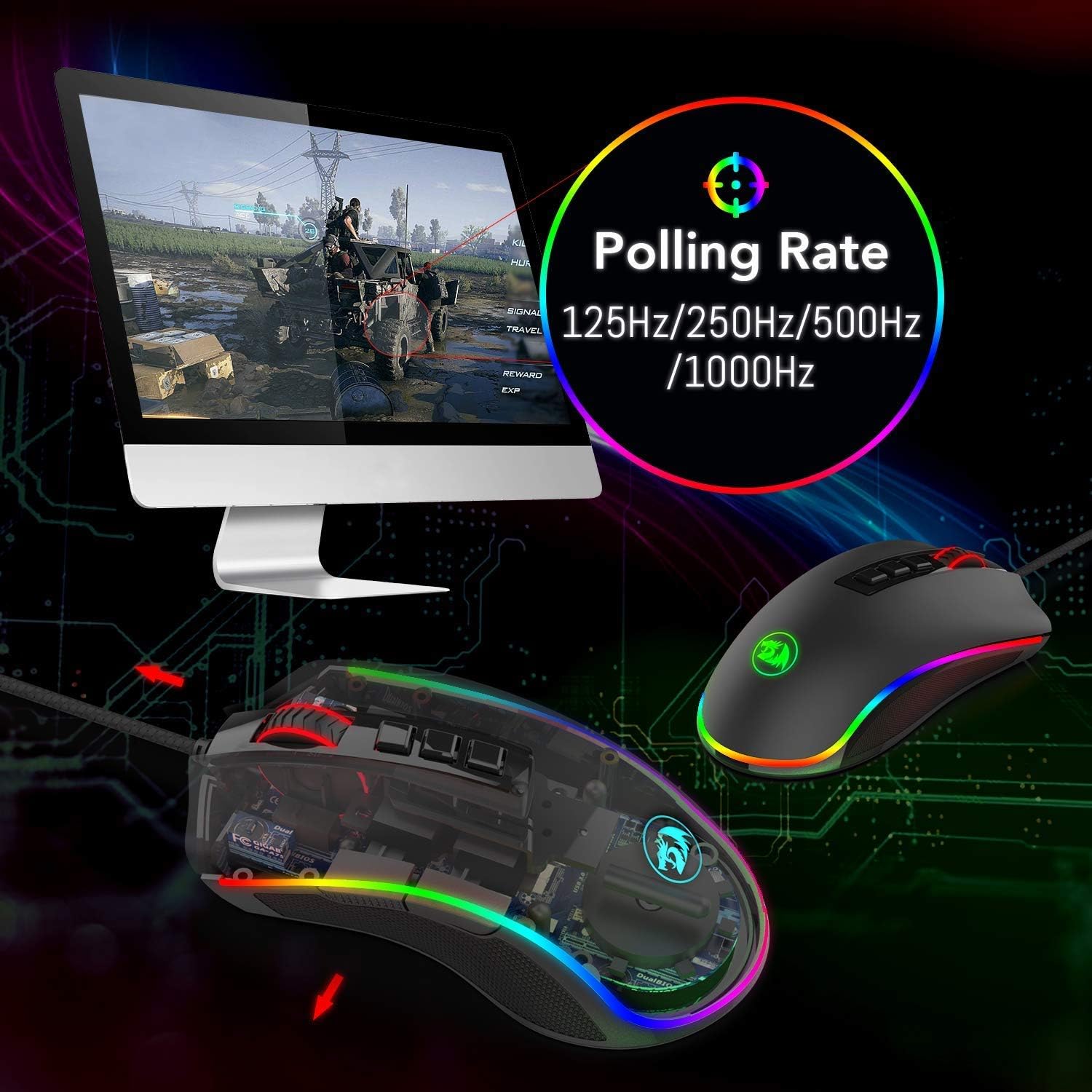
Redragon M711 wired gaming mouse with 10,000 DPI and customisable RGB lighting
Reviews
Price
Product description
If you want a wired gaming mouse that’s flexible for different play styles, the Redragon M711 is a sensible option on paper. It combines adjustable DPI, 7 programmable buttons and customisable RGB lighting, so you’re not stuck with a single “one size fits all” feel.
That said, it’s not trying to be the most minimal or the most premium-feeling mouse. For a lot of people it’ll sit firmly in the mid-range of gaming accessories: practical features, straightforward control, and lighting you can use without going over the top.
The essentials: what the M711 is for
The Redragon M711 is a wired gaming mouse aimed at desktop and laptop users who want more control than a basic office mouse. The headline is the ability to adjust tracking speed (DPI) on the fly, alongside 7 programmable buttons for shortcuts in games and productivity.
In everyday terms, it’s the kind of mouse you might reach for when you swap between tasks: a spreadsheet at home or work, then back to a game later. Being wired can also make it feel more consistent for gaming, because you’re not thinking about battery life.
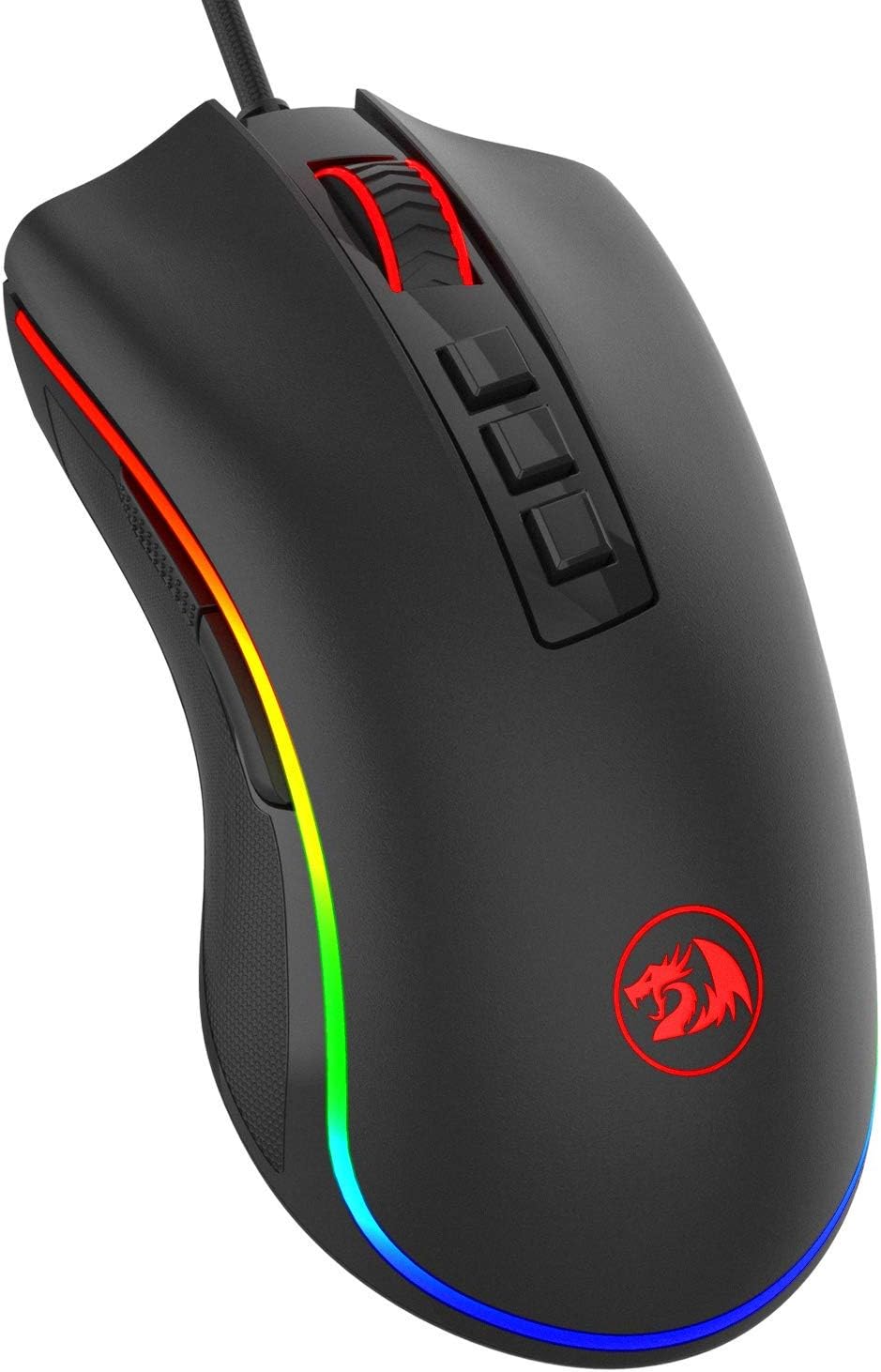
Key features that you’ll actually notice
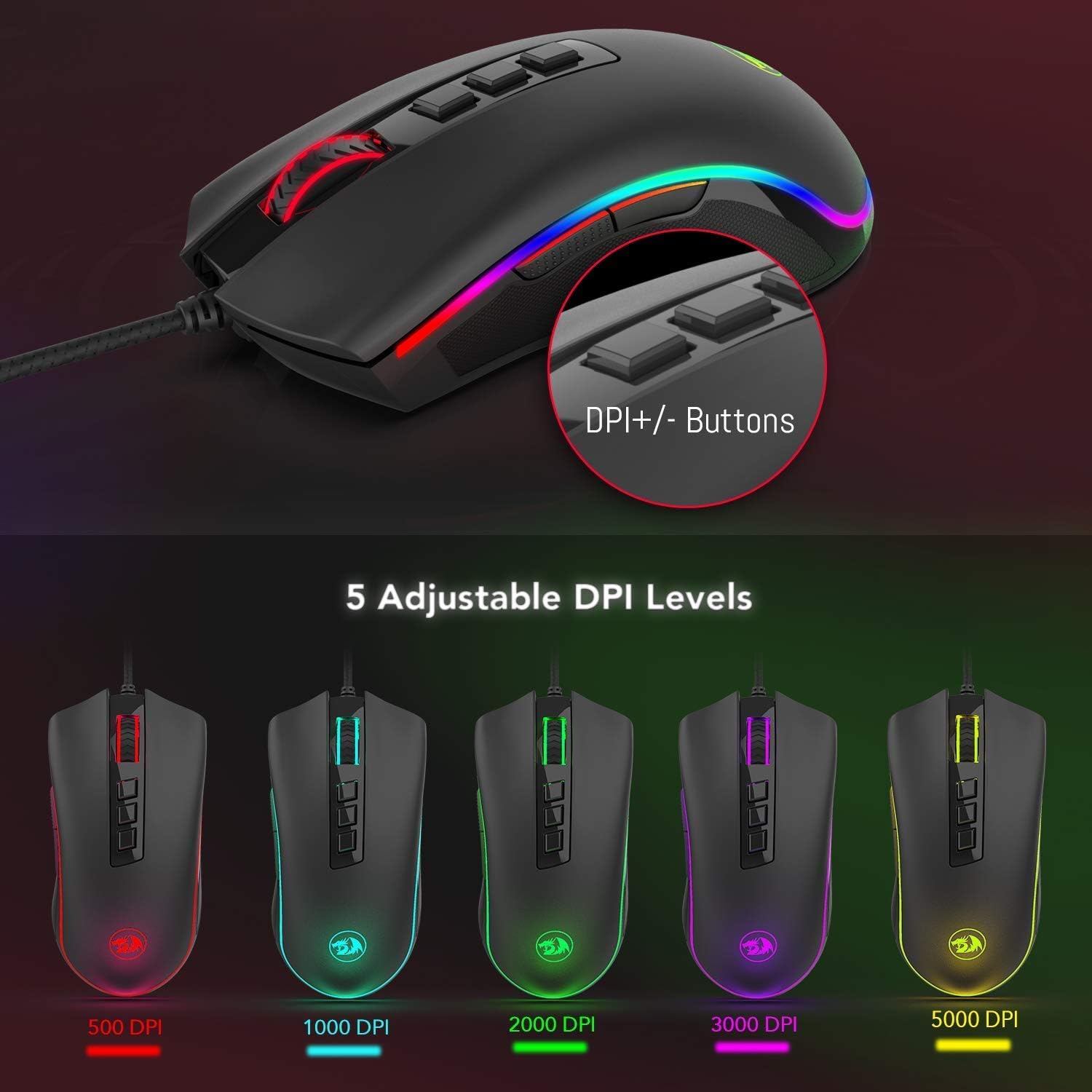
On the sensor side, the M711 offers 5 adjustable DPI settings (500, 1000, 2000, 3000, 5000) plus fine adjustment from 100 up to 10,000 in steps of ±100. The goal is to match cursor movement speed to what you’re doing, rather than forcing you to accept one sensitivity for everything.
For controls, there are 7 programmable buttons. Depending on how you set them up, this can reduce menu-hunting and speed up common actions—particularly in games where quick abilities, weapon swaps, or UI toggles matter.
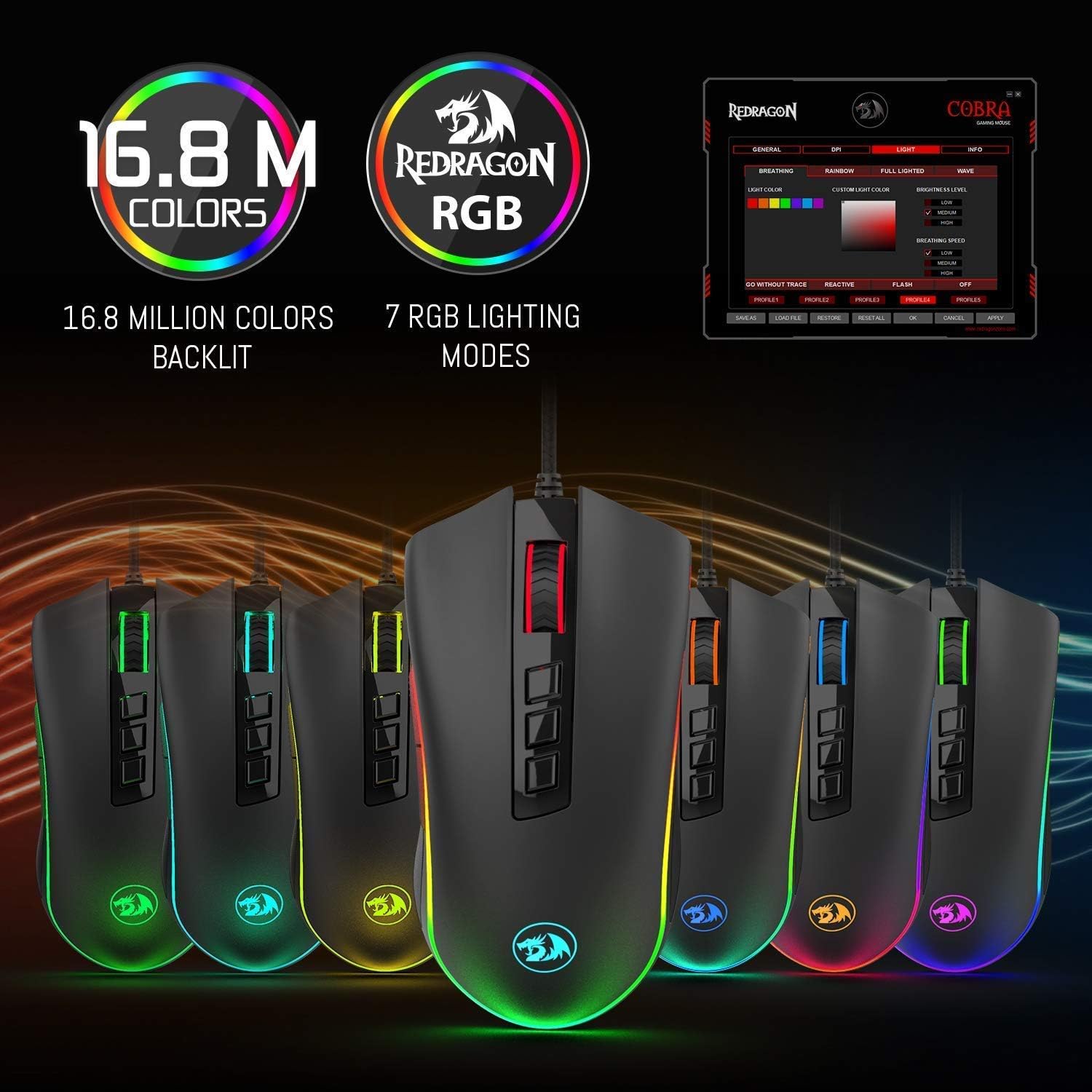
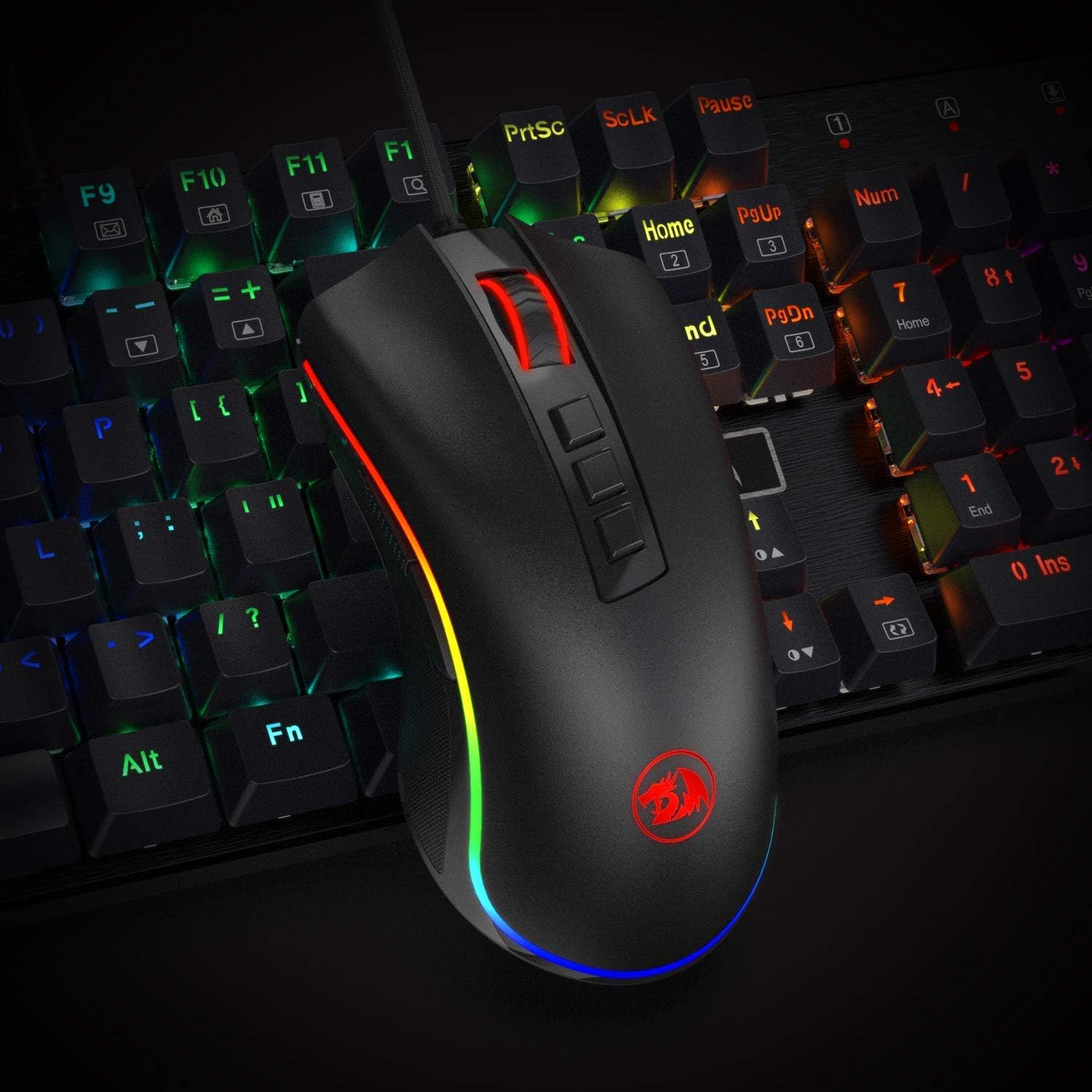
Lighting-wise, it includes Chroma RGB with a “Breathing” effect, described as 16.8 million colours. There are also 5 memory profiles, each associated with a light colour, which is a useful idea if you switch between setups (for example, a faster profile for shooters and a calmer one for other genres).
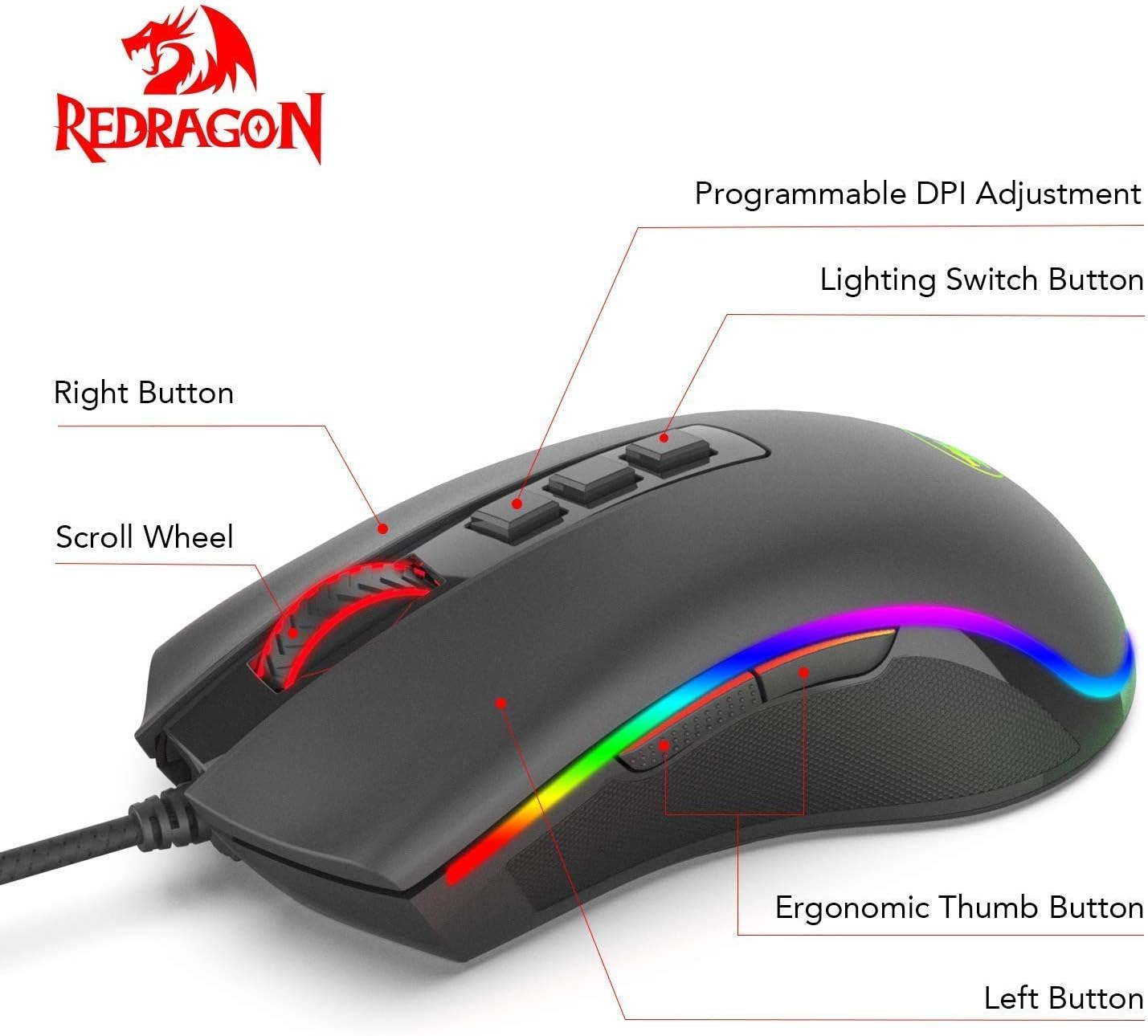
A small limitation to keep in mind: lighting effects are nice, but they don’t help aim. If you only care about performance, the RGB is more of a bonus than a deciding factor.
Tech specs, in plain English
Here’s what stands out from the provided details:
- Adjustable DPI range is listed up to 10,000 DPI, with multiple preset levels (500/1000/2000/3000/5000) and fine tuning by ±100.
- 7 programmable buttons.
- RGB lighting is described as 16.8 million colours with a breathing effect.
- It’s stated to use “AVAGO” gaming chip technology for accurate, fast movement.
- Tracking performance is listed as up to 5000 fps and up to 100IPS tracking speed.
- Acceleration is listed as 20 g.
Note: the product information mentions Windows compatibility for programmed use, and Mac OS for normal use. If you want to customise button mapping and behaviour, it’s worth checking that the software side is what you expect for your setup.
What it’s like to use day to day
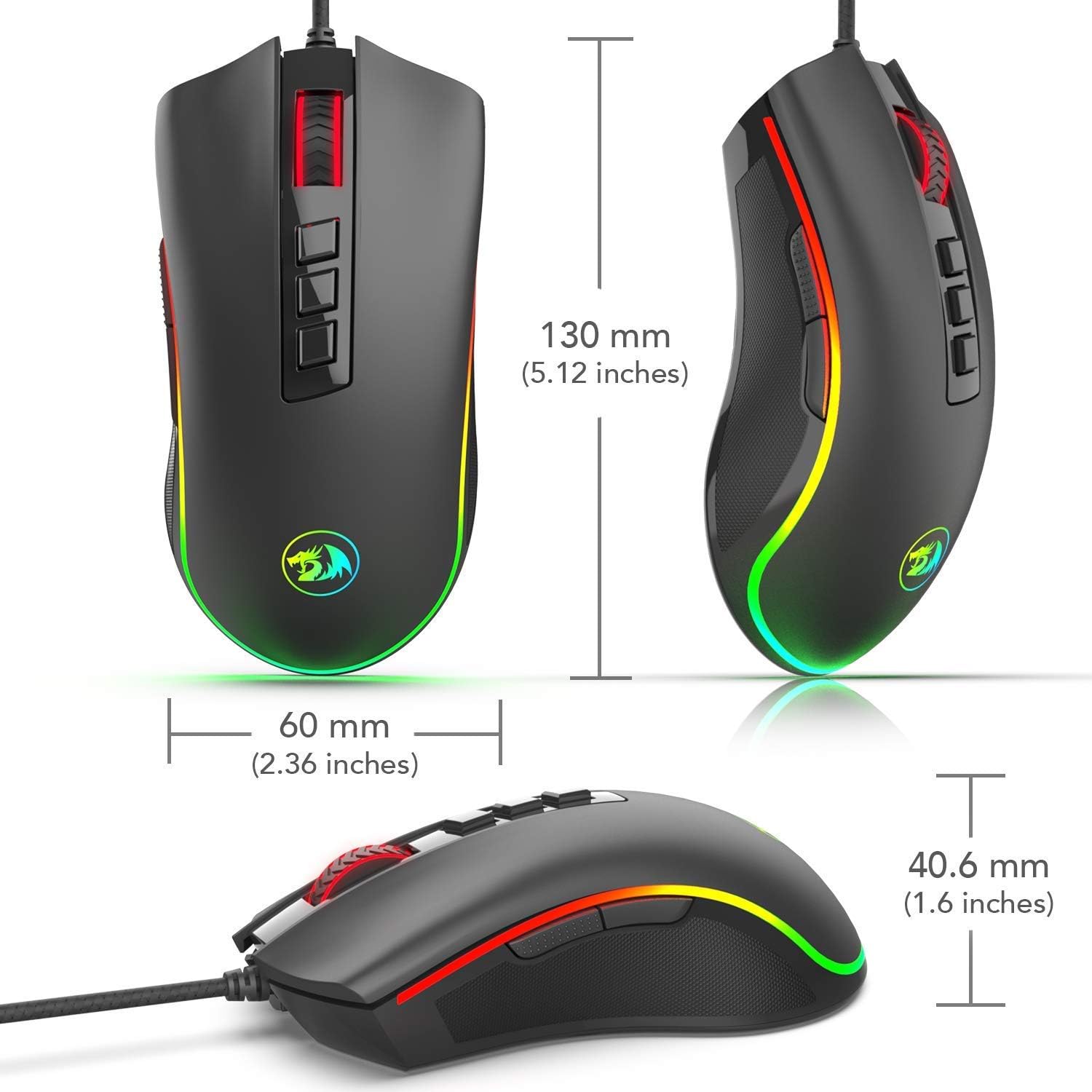
Because it’s designed for both laptop and desktop, the M711 is the sort of mouse that can work as a “single desk companion”. In a practical micro-scenario: you could keep one DPI profile for general work scrolling and pointer movement, then swap to a higher-speed profile before a match where you need quicker flicks and wider movements.
The programmable buttons also make a difference over time. Even if you don’t set up everything, assigning just a couple of common actions can reduce the cognitive load mid-game. And with 5 memory profiles, you’re not necessarily reliant on the software every time you sit down.
Still, if you’re very sensitive to shape or weight, this is one area you’d want to consider carefully—“lightweight” is mentioned, but the actual weight isn’t provided here, so you can’t compare it directly to other models without checking elsewhere.
Where it shines, and where you might want to skip it
It makes sense if you want: - Adjustable DPI for different game situations and general cursor control - 7 programmable buttons for shortcut-style productivity or gameplay actions - Customisable RGB lighting and profile switching - A wired mouse you can use across a laptop or desktop setup
It may not suit you if: - You’re mainly after a very simple office mouse replacement (the feature set may be more than you need) - You care about absolute top-end esports-level performance above everything else (the spec sheet is encouraging, but the information given doesn’t position this as a flagship) - You need deep software support on Mac for customisation—normal use is mentioned, but programmed use is described for Windows
As with any gaming mouse, the best value tends to come when you’ll actually set the buttons and switch profiles instead of leaving everything at default.
Buying verdict
Worth considering if you want a wired gaming mouse that combines adjustable DPI up to 10,000, 7 programmable buttons and RGB breathing lighting, with the convenience of memory profiles for quick switching. It’s the kind of mouse that fits people who play and work on the same computer, and who like having control over sensitivity rather than living with one fixed setting.
You may want to skip it if you only want basic pointing and clicking, or if your priority is “guaranteed” software customisation on Mac—based on the details provided, Windows programming support is the clearer match.
Mini FAQ
Is the Redragon M711 wireless?
No. It’s described as a wired mouse.
What DPI options does it have?
It’s listed with 5 preset DPI levels (500, 1000, 2000, 3000, 5000) and fine adjustment from 100 to 10,000 in steps of ±100.
How many programmable buttons are there?
Seven programmable buttons are included.
Does it save profiles?
Yes, it’s stated to have 5 memory profiles, each linked with a light colour for quick identification.
Is it compatible with Mac?
The information says it’s compatible with Windows 2000/ME/XP/03/Vista/7/8/10 for programmable use, and Mac OS for normal use.