

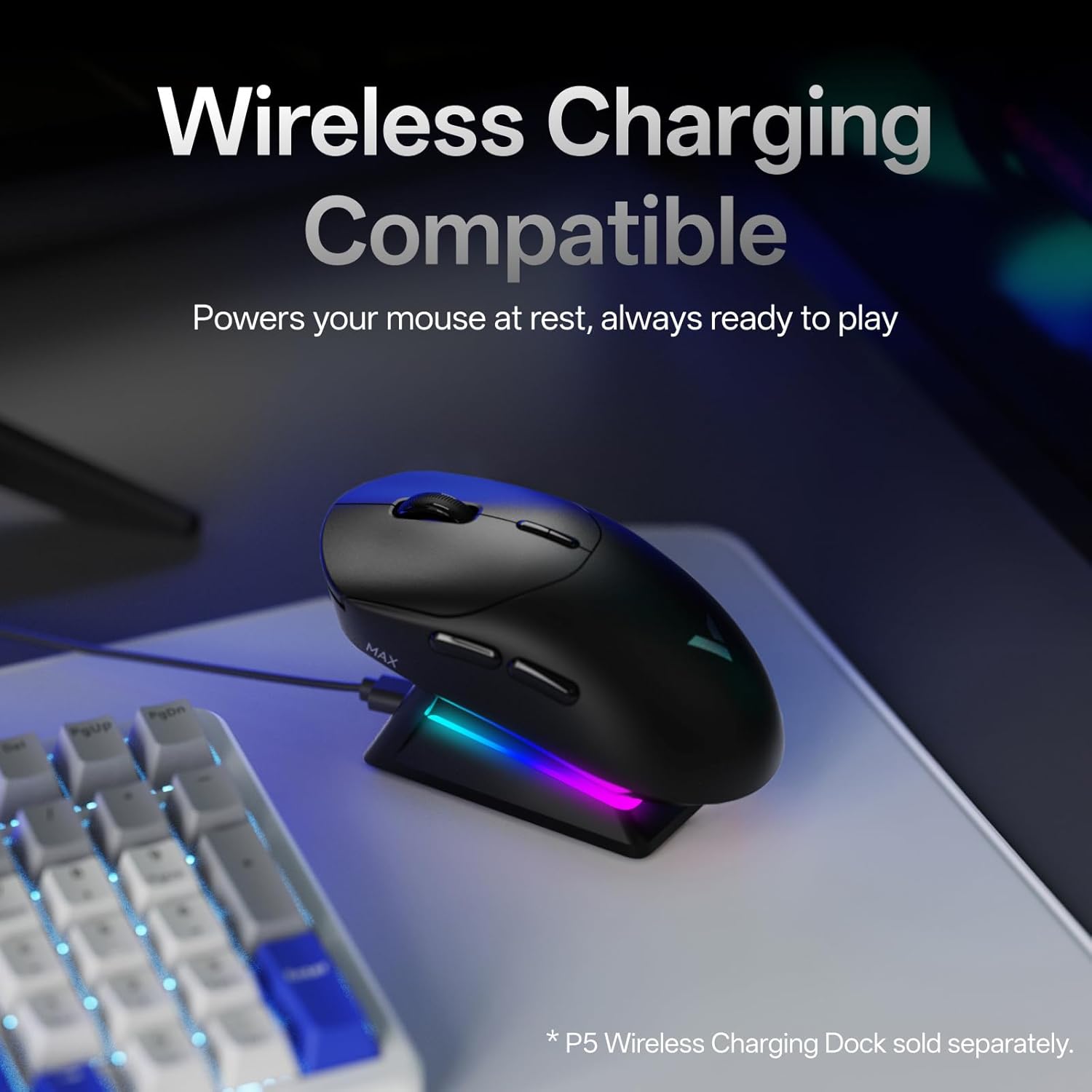
Rapoo VT2 MAX Wireless Gaming Mouse (True 8K, 53g, up to 750 hours, 10 programmable buttons)
Product description
What it is and what it’s aiming to do
The Rapoo VT2 MAX is a wireless gaming mouse designed for people who care about responsiveness and low annoyance day to day. On paper it leans into three areas: a very light 53g build for reduced hand and wrist strain, long battery life (claimed up to 750 hours at 1000Hz), and an 8K “native” wireless polling approach (8000Hz) rather than relying on a workaround.
It also brings optical switching (120-million lifespan claimed) and a fairly involved feature set: 10 programmable buttons, macro support, and onboard memory so you don’t have to reconfigure every time you switch devices or operating systems. There’s also mention of an “A HUB” driver for Windows and Mac OS to unlock the full programmable/macro functionality.
That combination makes it feel more “performance-focused” than a typical everyday wireless mouse, but it still isn’t perfect for everyone—especially if you’d rather avoid installing drivers at all.
Where it stands out in practice
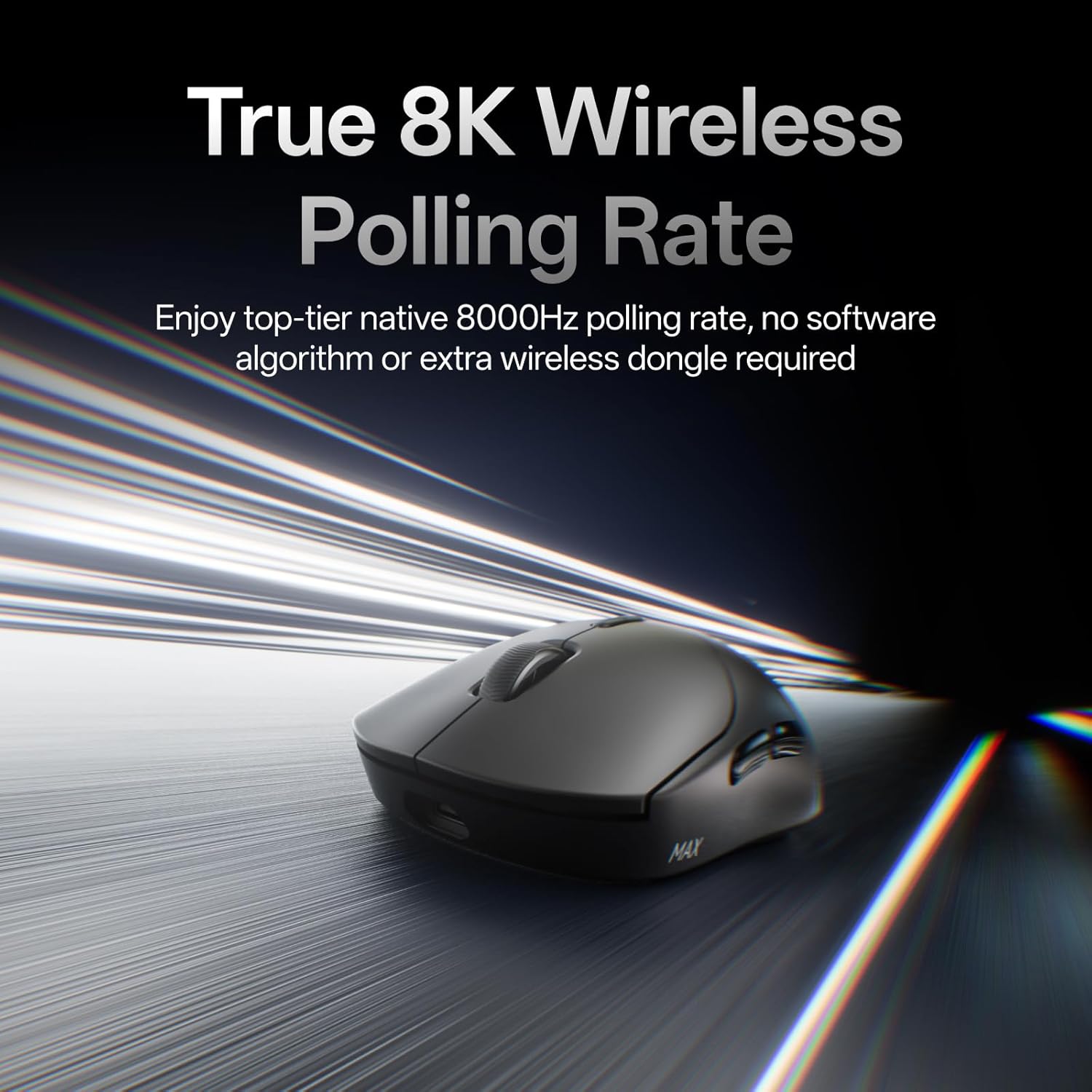
If you mostly play fast-paced PC games and you’re chasing smoother movement and quick reactions, the VT2 MAX’s headline specs are there for a reason. The “True 8K wireless polling rate” claim matters more in theory if your setup can actually benefit from it, but in general it’s the sort of feature players look for when they want consistent timing rather than a software illusion.
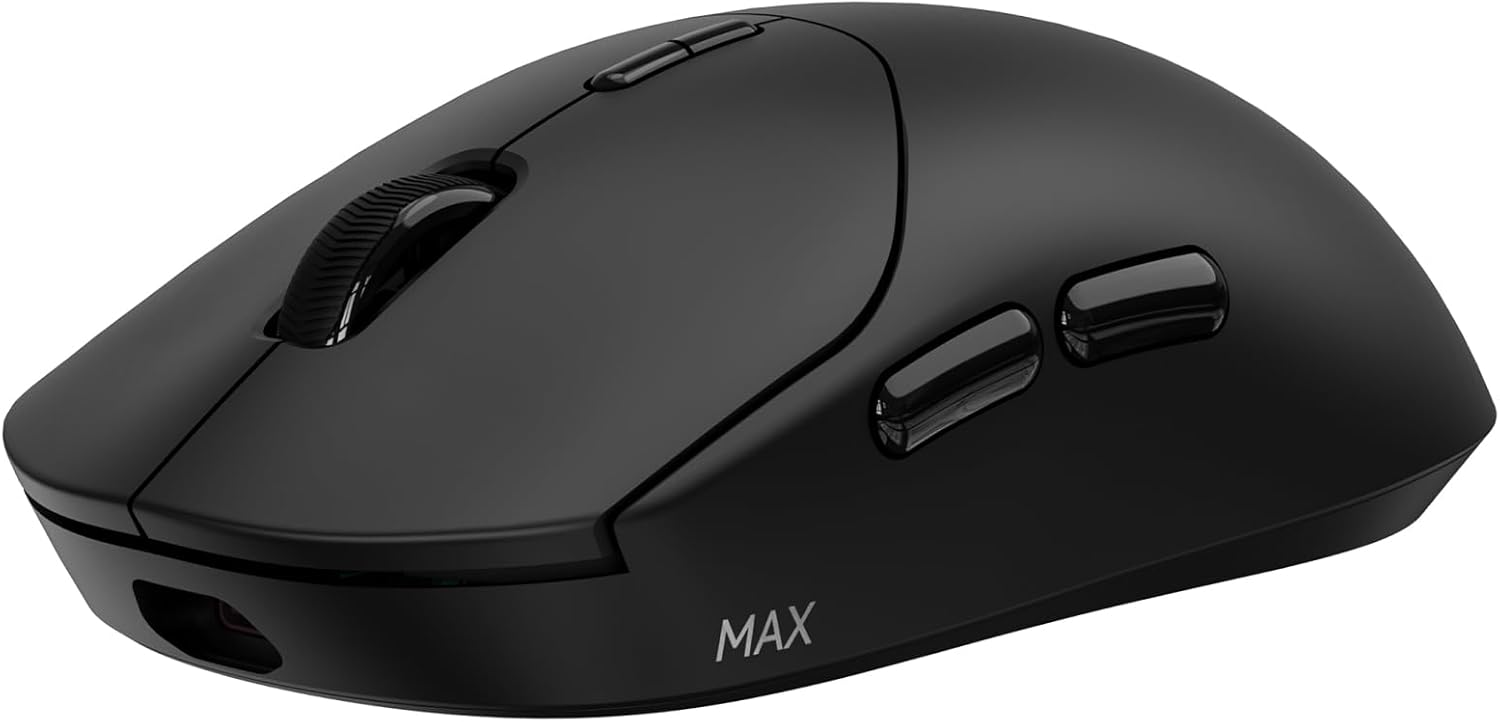
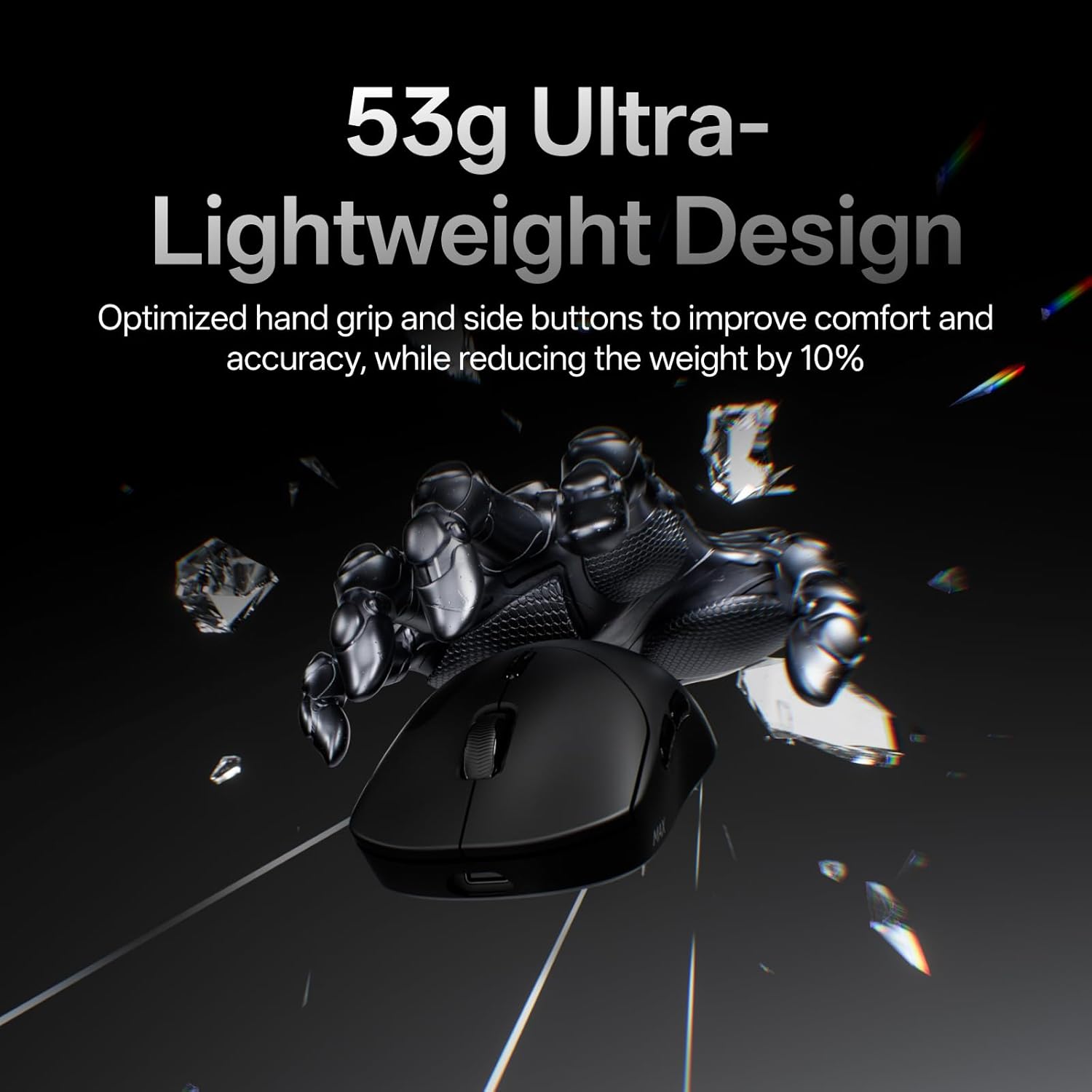
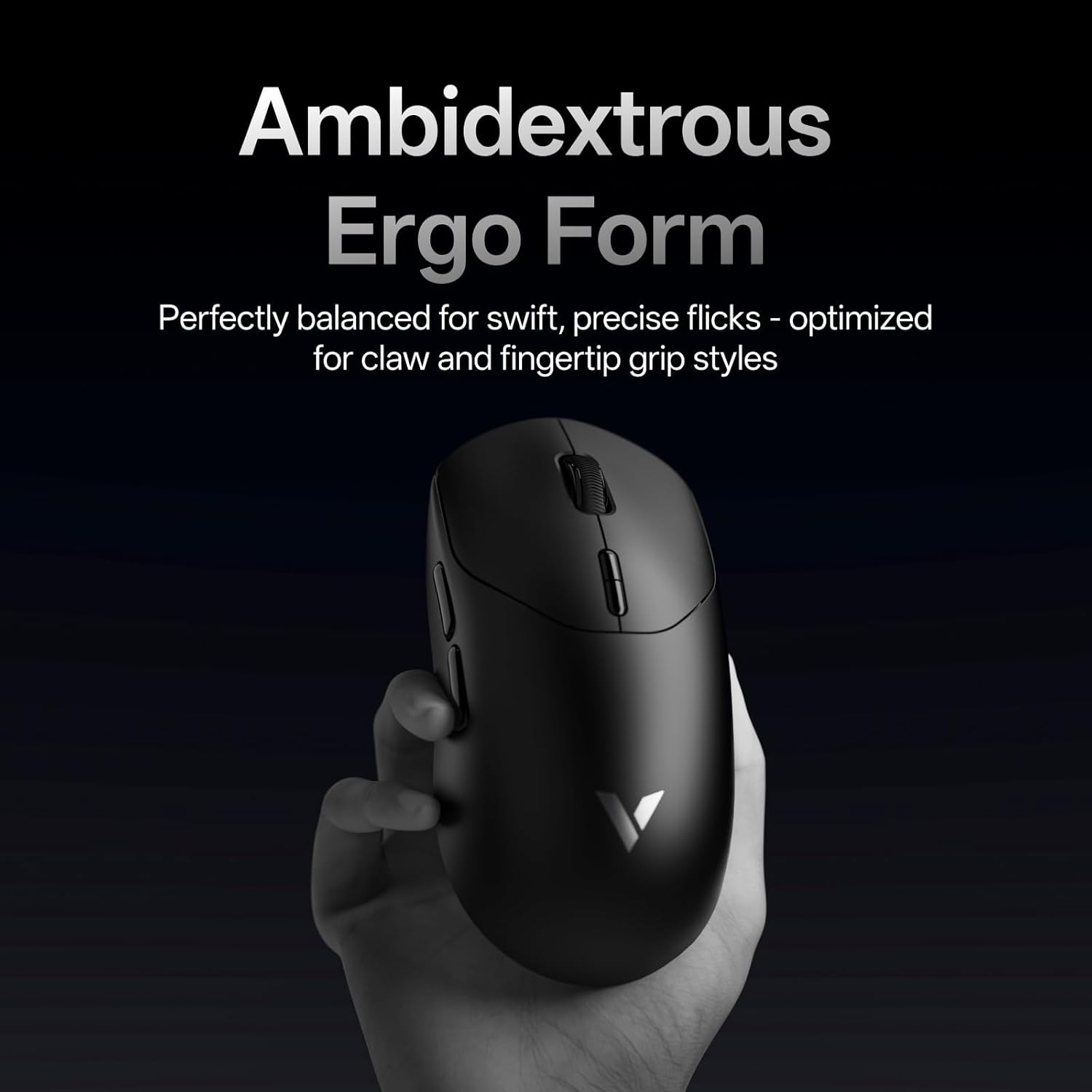
The 53g weight is the more universally relevant part. Even without benchmarking, a lighter mouse often means less fatigue during longer sessions. The description also points to an optimised hand grip and easier-to-access side buttons, which is exactly the sort of comfort detail that can quietly improve accuracy—especially if you frequently use side buttons for abilities.
A micro example: imagine you’re mid-match and need an instant reset on a side-button skill. With a lighter mouse and buttons positioned for quicker access, that action tends to feel more controlled, with less “fight” in your hand when you flick and reposition.
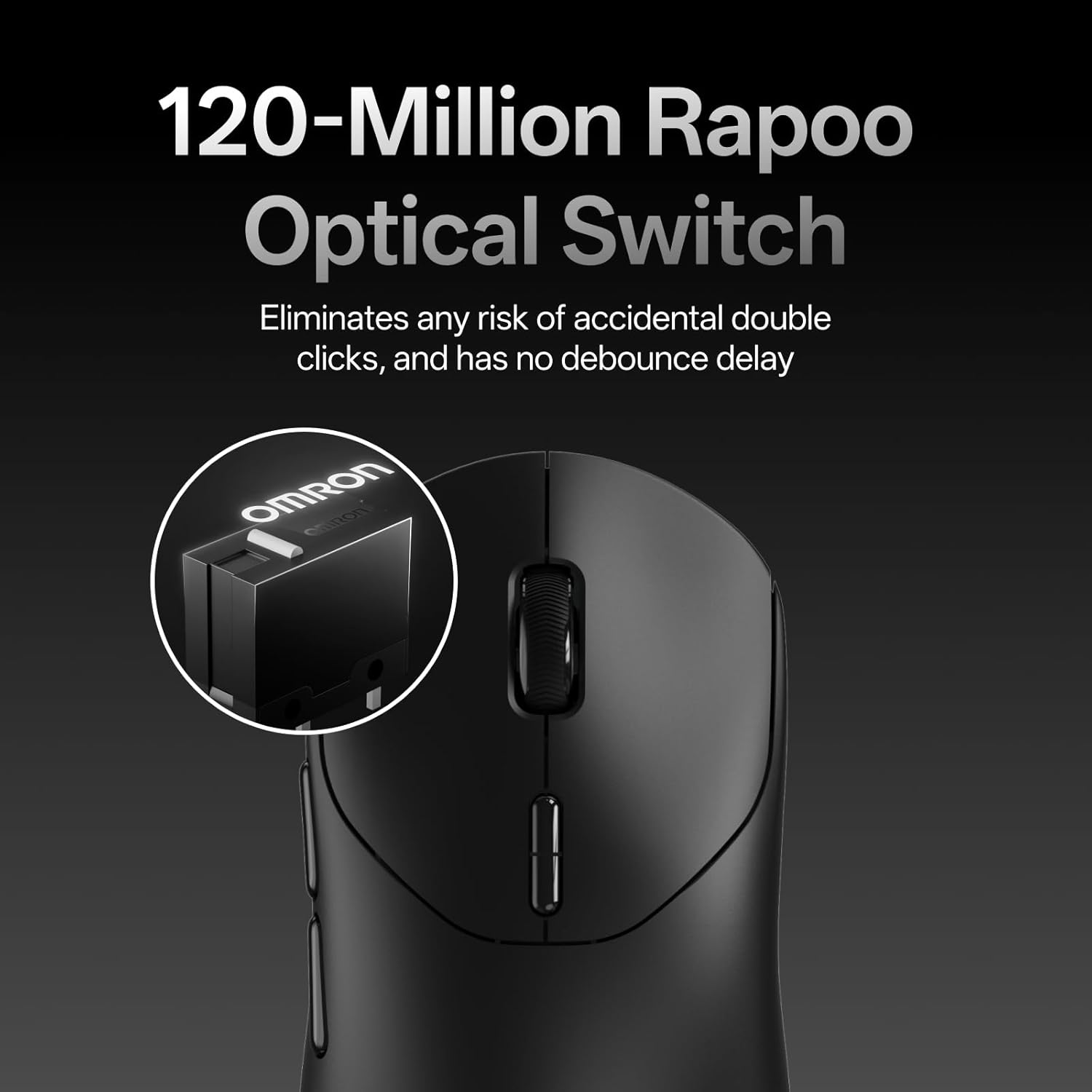
The optical switch angle is also worth noting. It uses infrared light rather than mechanical contact, and it claims to remove accidental double-click risk and avoid debounce delay (though it also uses the same “120-million” lifespan idea as the spec target). If you’ve ever had a mouse develop click issues over time, this is the kind of attempt at future-proofing that can be appealing.
What matters most if you’re buying for gaming
There are a few decisions to make before you commit.
Polling rate and system reality
The VT2 MAX is marketed around native 8000Hz wireless performance and mentions a “noisy tournament environments” style use case. Still, you should treat the real-world benefit as dependent on your overall setup (PC performance, game support, and whether the features are being properly enabled in the driver). If you’re expecting “it will feel instantly better” regardless of your hardware, it may disappoint.
Battery life: the caveat is the mode
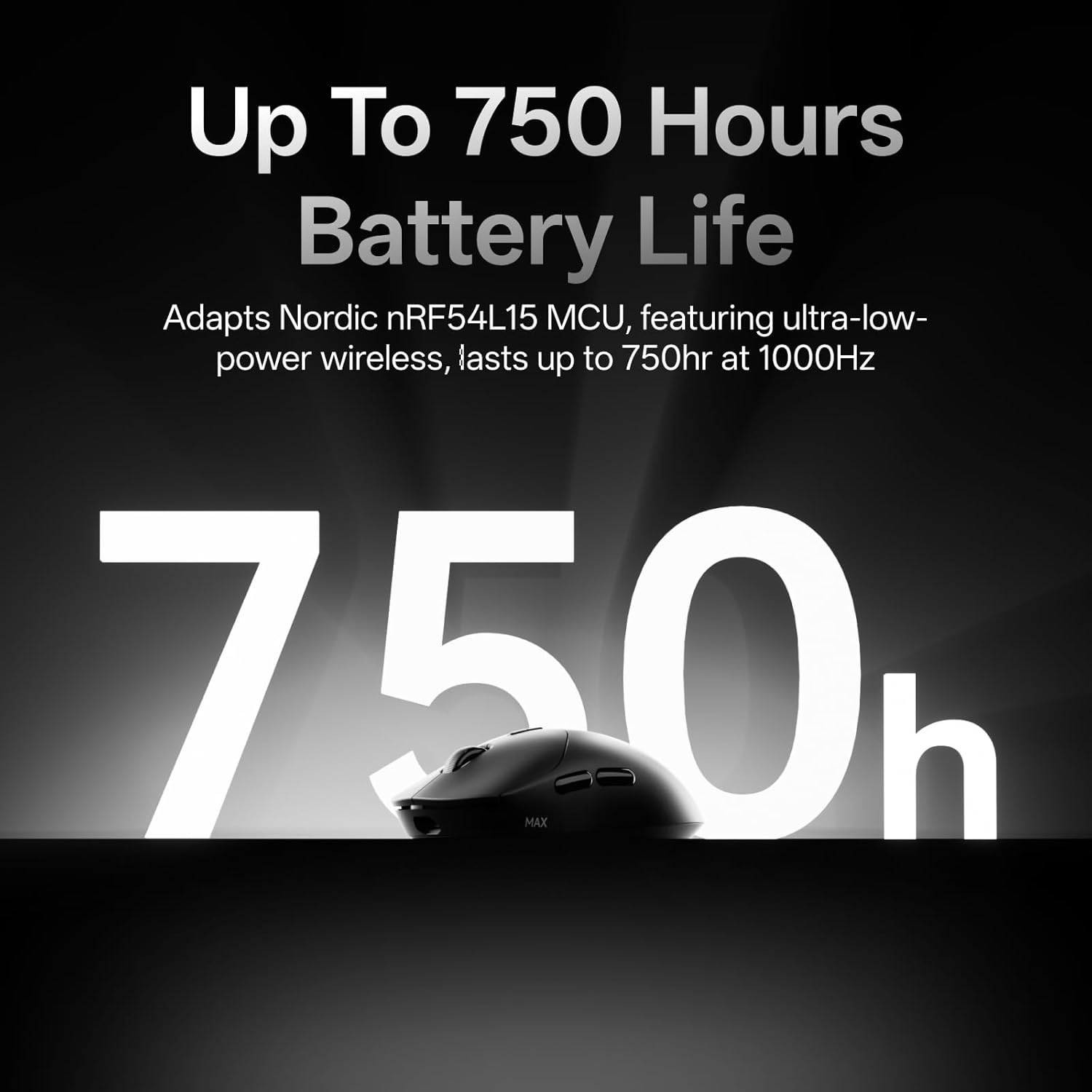
Battery life is claimed as up to 750 hours at 1000Hz, and it explicitly asks you to update the mouse driver to the latest version to unlock a low power mode. So it’s a strong spec, but it isn’t a “set and forget forever” promise unless you’re willing to keep the driver up to date.
Switching and lifespan vs click feel
The optical switch is positioned as eliminating accidental double-click risk and avoiding debounce delay, but the brand also notes that if you prefer traditional mechanical feedback, you may want the VT2 version with a 100-million mechanical switch. That tells you the VT2 MAX is aiming for reliability over the exact feel of mechanical clicking.
Control, DPI tuning, and macros
On sensitivity, the mouse supports 30K DPI and claims 99.9% resolution accuracy. It also allows independent X/Y DPI settings, which can be handy if you like different sensitivities for horizontal and vertical movement. You can switch DPI levels on the fly using the DPI +/- buttons.
The configuration side is equally important. The VT2 MAX includes 10 programmable buttons and macro enabled support. It also uses onboard memory so you can keep settings without having to re-set across devices and operating systems.
What you should not ignore here is the driver requirement. The description says the “A HUB” driver is for Windows and Mac OS users to make full use of advanced features. If your setup or workflow is very strict about software installs, you may find that a deal-breaker. On the bright side, the text mentions a future web-based driver approach, but that’s not something you can bank on today.
Tech specs (only what’s stated)
Tech specs
- Name: Rapoo VT2 MAX Wireless Gaming Mouse
- Type: Wireless gaming mouse
- Weight: 53g
- Buttons: 10 programmable buttons
- Wireless polling rate: True 8K native wireless (8000Hz stated)
- Battery life: Up to 750 hours (at 1000Hz, claimed)
- Chipset/MCU: Nordic nRF54L15 MCU
- Switch: 120-million optical switch (infrared light)
- DPI: 30K DPI, independent X/Y-axis DPI
- Accuracy claim: 99.9% resolution accuracy
- Driver software: “A HUB” for Windows and Mac OS (to unlock advanced features, onboard memory mentioned)
Who it suits (and who should be cautious)
It’s a good fit if you want a lightweight wireless gaming mouse with 10 programmable buttons, macro support, and strong spec focus on 8K polling and optical switch reliability. It also suits you if you’re the kind of player who tweaks DPI and wants independent X/Y settings, plus the ability to switch DPI on the fly.
It’s not for you if you want a fully driver-free experience from day one, because advanced features are tied to the A HUB driver. It may not suit you either if you’re very sensitive to “click feel” and strongly prefer traditional mechanical feedback—Rapoo’s own wording suggests the VT2 version (mechanical) could align better with that preference.
Worth keeping in mind: the VT2 MAX is firmly positioned as a gaming mouse with performance features. If you mainly want something for office work or casual browsing, you might not use enough of what you’re paying for.
Is it worth it?
The Rapoo VT2 MAX looks like a solid pick on paper for gamers who want a lightweight wireless mouse with 8K native wireless polling, optical switching, and configurable controls (including macros). The battery life claim is a highlight too, but it’s tied to updating the driver to unlock low power mode.
If you’re building a setup that can actually make use of the higher polling approach and you’re comfortable installing/updating the required driver, it’s one of those mice that should make sense for competitive play and long sessions.
But if you’re chasing a simple wireless mouse with minimal software fuss, or you want a specific mechanical click feel, you may want to look elsewhere.
Mini FAQ
Do I need the driver to use the macros and programmable buttons?
The description indicates that the A HUB driver for Windows and Mac OS is used to make full use of advanced features such as programmable buttons and macros.
Is the 8K polling rate software-based?
It’s described as “True 8K” and “native 8000Hz wireless”, and the wording says it doesn’t rely on a software algorithm or an extra wireless dongle.
How long does the battery last?
Battery life is claimed up to 750 hours at 1000Hz, with a note to update the mouse driver to unlock low power mode.
Does the optical switch prevent double-click issues?
The description claims it eliminates any risk of accidental double clicks by using infrared light instead of mechanical contact.
Can I keep settings on the mouse for different devices?
Onboard memory is mentioned to avoid re-setting across devices and OS.