

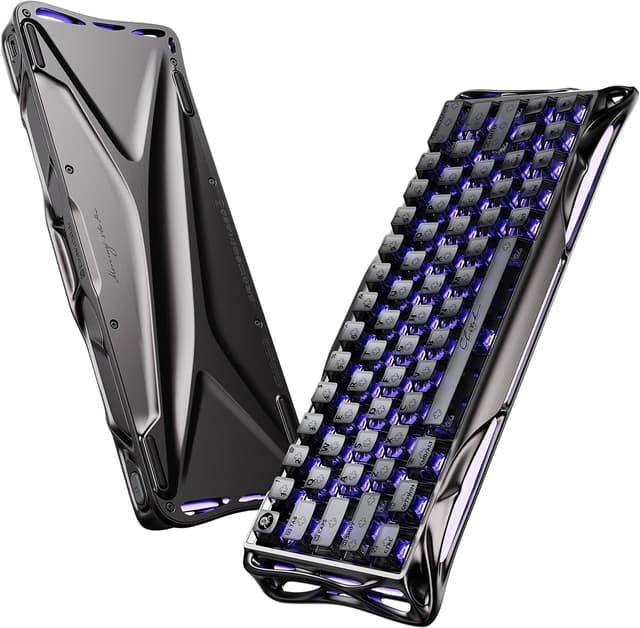
Gravastar Mercury V60 Pro 60% Hall Effect Gaming Keyboard (Gunmetal Smoke) with Rapid Trigger & RGB
Product description
The essentials (and why it’s not just another 60% keyboard)
If you’re shopping in the “I want faster inputs” corner of the keyboard world, the Gravastar Mercury V60 Pro is clearly built around gaming feel. It uses Hall Effect magnetic switches and leans into Rapid Trigger-style precision with very fine actuation tuning. That’s the headline.
On paper, it targets players who care about repeatable key timing (especially in fast FPS scenarios) and also want the desk to look good without complicated setup. The 60% layout is the practical trade-off: you save space, but you’re expected to be happy with a more compact keymap and controls via layers/gamepad mapping.
Worth knowing: the most impressive numbers here are about responsiveness and polling, but the “real world” outcome still depends on your PC setup, how you configure the keyboard, and your own playstyle. If you mostly play slower titles or you type more than you game, it may feel like overkill.
What stands out in everyday use
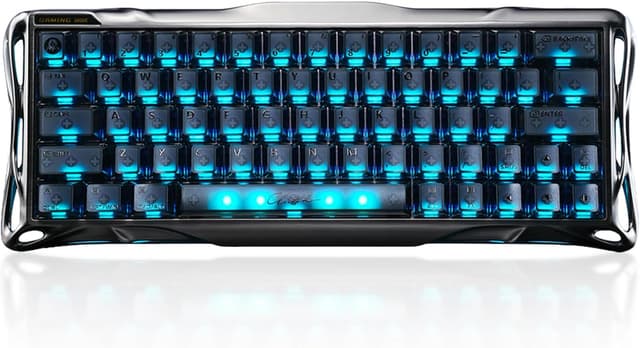
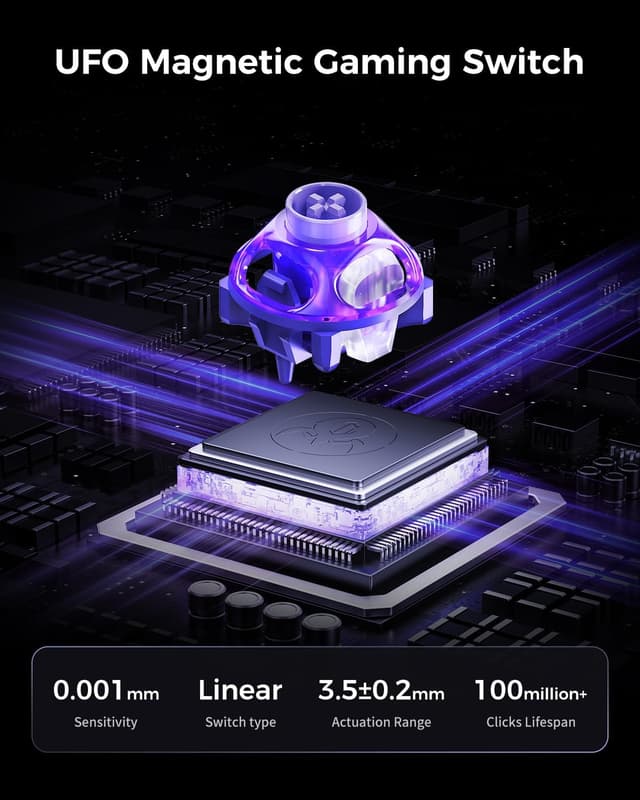
A key differentiator is the adjustable actuation point on the UFO Hall Effect magnetic switches, described as ranging from 0.005mm to 3.5mm. That’s a huge adjustment window, and it’s exactly the kind of control that can matter if you’re tuning for quick taps versus deliberate holds.
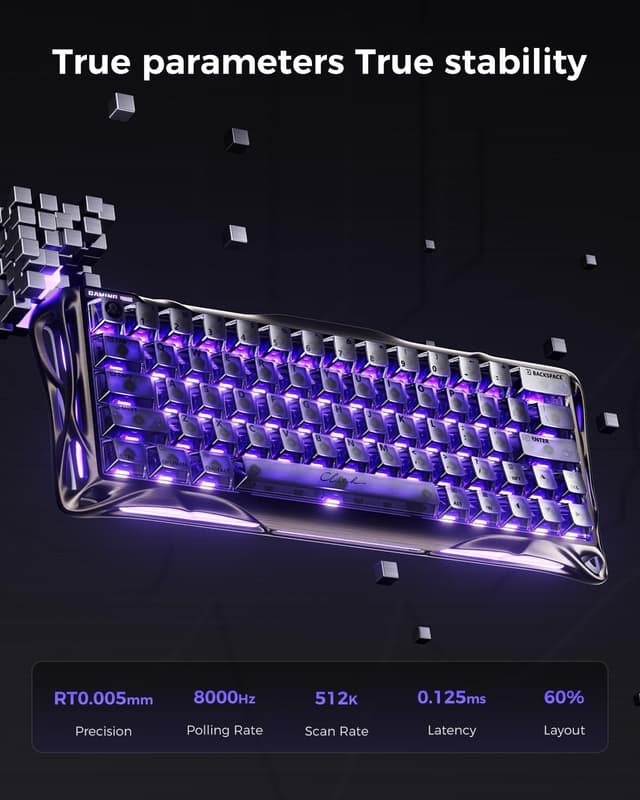
The keyboard is also positioned around Rapid Trigger precision (stated as 0.005mm RT) and a listed 8K polling rate. In practical terms, that’s aimed at reduced delay between your action and what the game registers.
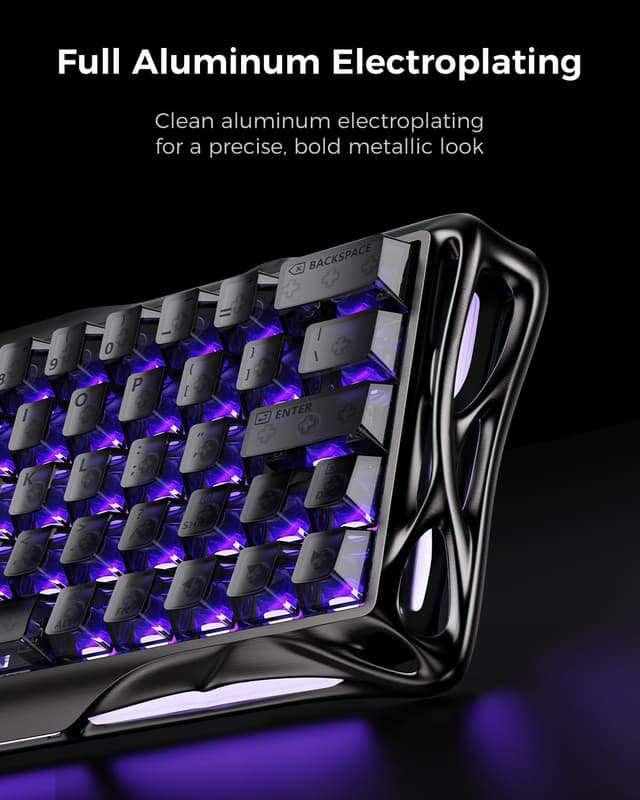
For desk feel, the Mercury V60 Pro uses a CNC aluminum skeleton design (6063 aluminum is mentioned) with a top-mount structure and 5-layer internal padding for sound damping. So it isn’t just about speed: it’s trying to deliver a more controlled typing tone than you’d typically expect from a barebones-looking frame.
Key features you’ll actually configure
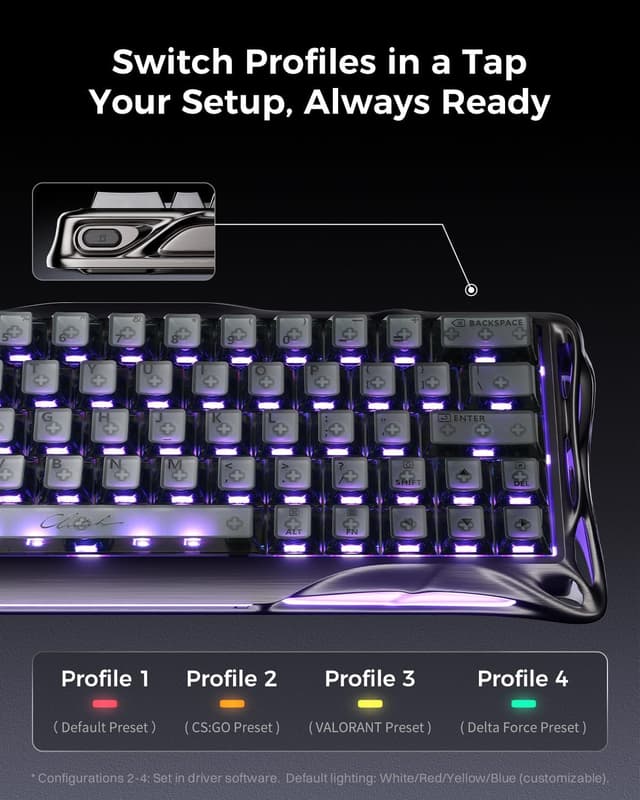
This model comes with a web-driver approach, described as a way to customise macros and lighting without installing bulky software. If you like tweaking on your schedule (or you simply don’t want another program running), that can be a genuinely useful design choice.
It also lists several pro-gaming functions: DSK (Dynamic Keystroke), MT (Tap/Hold), TGL (Toggle), and SnapKey. These are the kinds of tools that help you compress commands into a 60% layout—useful if you want one keyboard that can switch roles between normal gameplay and more complex control schemes.
There’s also mention of support for full gamepad mapping for versatile control. That suggests the keyboard isn’t locked to one “standard keyboard” style, which is handy if you’re trying to translate controller-like inputs into something more precise.
Where it shines, and where it may not
It’s a strong fit if you: - prioritise gaming input feel and want to experiment with very fine actuation tuning - prefer a compact 60% keyboard that saves desk space - care about low-latency style performance on paper, and plan to configure things rather than leave them stock - enjoy adjustable lighting and translucent keycaps for a clean visual setup
It may not be for you if: - you want a simple, “no tweaking required” keyboard for mostly office typing (the gaming-focused feature set may feel wasted) - you dislike 60% layouts or you don’t want to manage layers/mapping - you’re expecting the actuation and polling figures to magically fix everything—your settings, keycap switches feel preferences, and your own technique still matter
Tech specs snapshot (as stated)
- Type: 60% Hall Effect gaming keyboard with magnetic switches
- Actuation range: 0.005mm to 3.5mm
- Rapid Trigger: 0.005mm RT precision (as stated)
- Polling rate: 8,000Hz
- Latency: 0.125ms (stated)
- Frame: CNC-milled 6063 aluminum skeleton design
- Mount style: top-mount
- Sound/damping: 5-layer internal padding (stated)
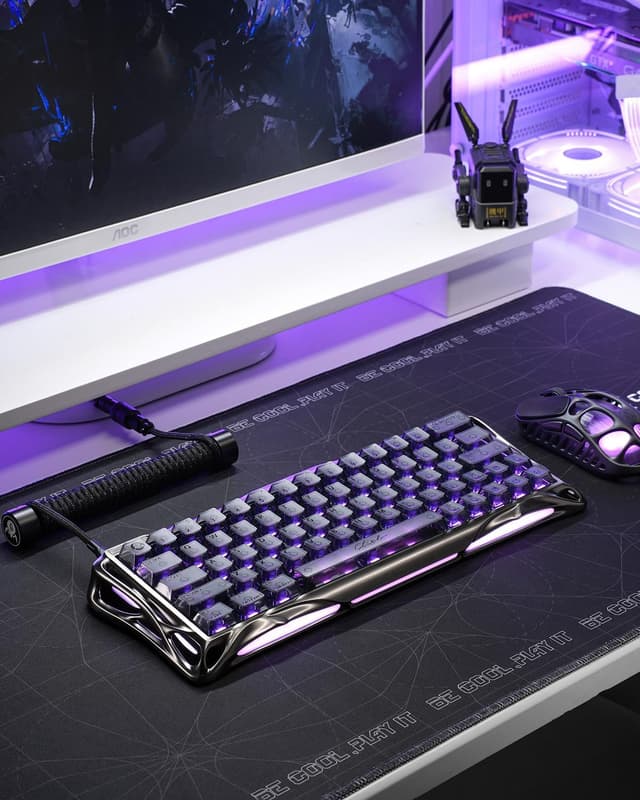
- Lighting: 3-sided surround RGB with translucent PC keycaps
- Software approach: web-based driver for macros and lighting (described)
Should you buy it?
Choose the Gravastar Mercury V60 Pro if you’re actively looking for a gaming-first 60% keyboard with Hall Effect magnetic switching, very fine actuation adjustment, and Rapid Trigger tuning. The web-driver angle also makes it appealing if you want custom macros and RGB control without extra desktop software.
Skip it if you mainly type, you’re uncomfortable with compact 60% layouts, or you’re hoping for a set-and-forget experience. The “value” here is in the tuning and gaming features—if you won’t use those, the spend can be hard to justify.
A simple way to decide: if you’re the sort of player who experiments with tap/hold behaviour (MT), toggles (TGL), and actuation settings, this kind of keyboard makes sense. If you just want dependable keys and don’t care about fine-grained trigger behaviour, you may be better off with a more straightforward option.
Mini FAQ
Is this keyboard mainly for gaming?
It’s positioned as a gaming keyboard: Hall Effect magnetic switches, Rapid Trigger precision, and multiple gaming-focused functions are explicitly mentioned.
What’s the point of the actuation adjustment?
The actuation point is described as adjustable from 0.005mm to 3.5mm. That’s meant to let you tailor when a key registers, which can matter for fast tapping versus holding.
Do you need to install software?
The description says you can customise macros and lighting via an intuitive web-based driver, without installing bulky software.
Will the 60% layout be a problem?
It could be, depending on your preferences. The text notes it saves desk space and supports gamepad mapping, but 60% layouts typically rely on layers and alternative mappings.
What about sound and build?
It uses a CNC aluminum skeleton frame and top-mount design, with 5-layer internal padding for dampened typing sound, according to the provided details.