

Logitech POP Icon Keys Wireless Bluetooth Keyboard (QWERTY UK English) – White
Product description
Key takeaways
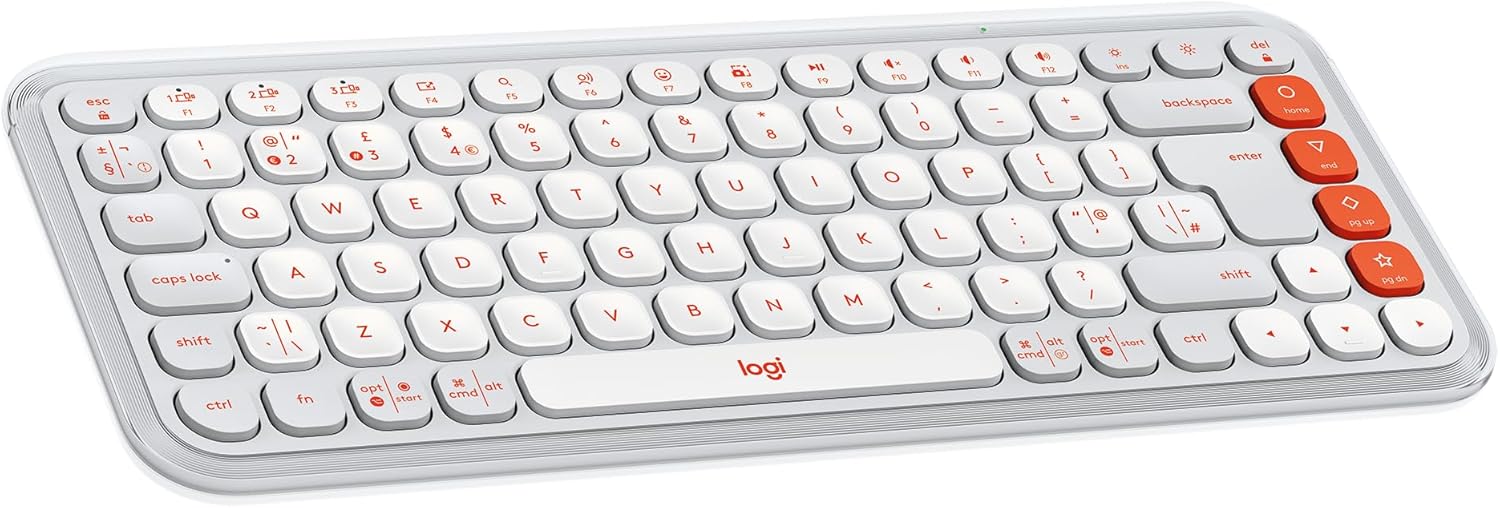
The Logitech POP Icon Keys is a compact, wireless Bluetooth keyboard aimed at people who want comfortable laptop-style typing, plus shortcuts without digging through menus. On paper, it stands out for its programmable Action Keys, the ability to switch between up to three devices, and a design that’s more personal than most “office beige” keyboards.
It’s not trying to be the most feature-heavy keyboard ever made, but it does cover a lot of real day-to-day needs: typing on a laptop, replying on a tablet, and keeping one keyboard usable across different devices. If you like the idea of having quick access buttons and switching device connections with one press, it’s the kind of keyboard that can feel surprisingly practical.
That said, it’s still a compact layout, so if you rely on a full-size keypad or prefer lots of dedicated keys for every shortcut, you may find yourself wanting more. And since some functionality depends on software support, it’s worth checking you’re happy to use the companion app if you want the Action Keys to do exactly what you want.
What matters most for everyday use
Comfortable, familiar typing
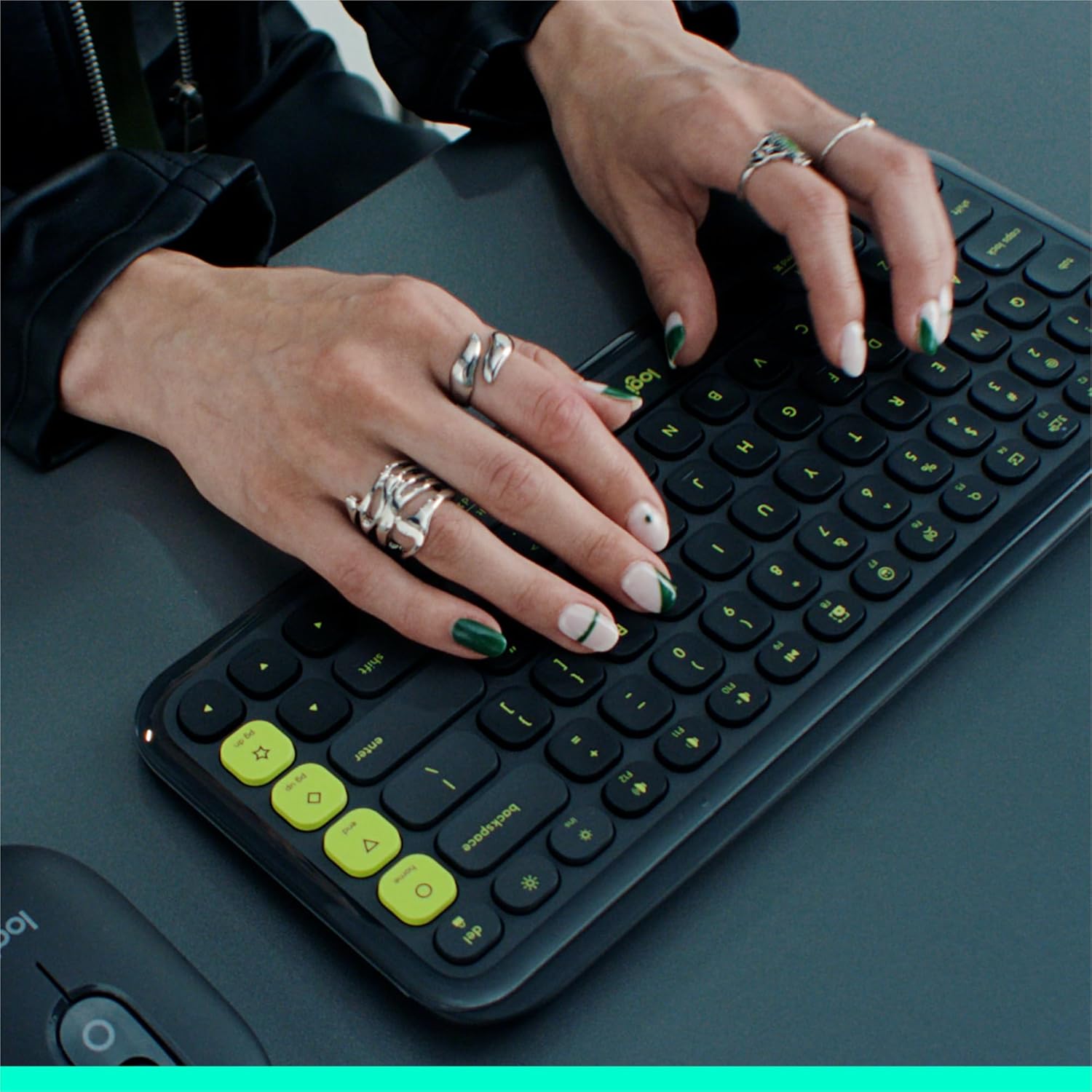
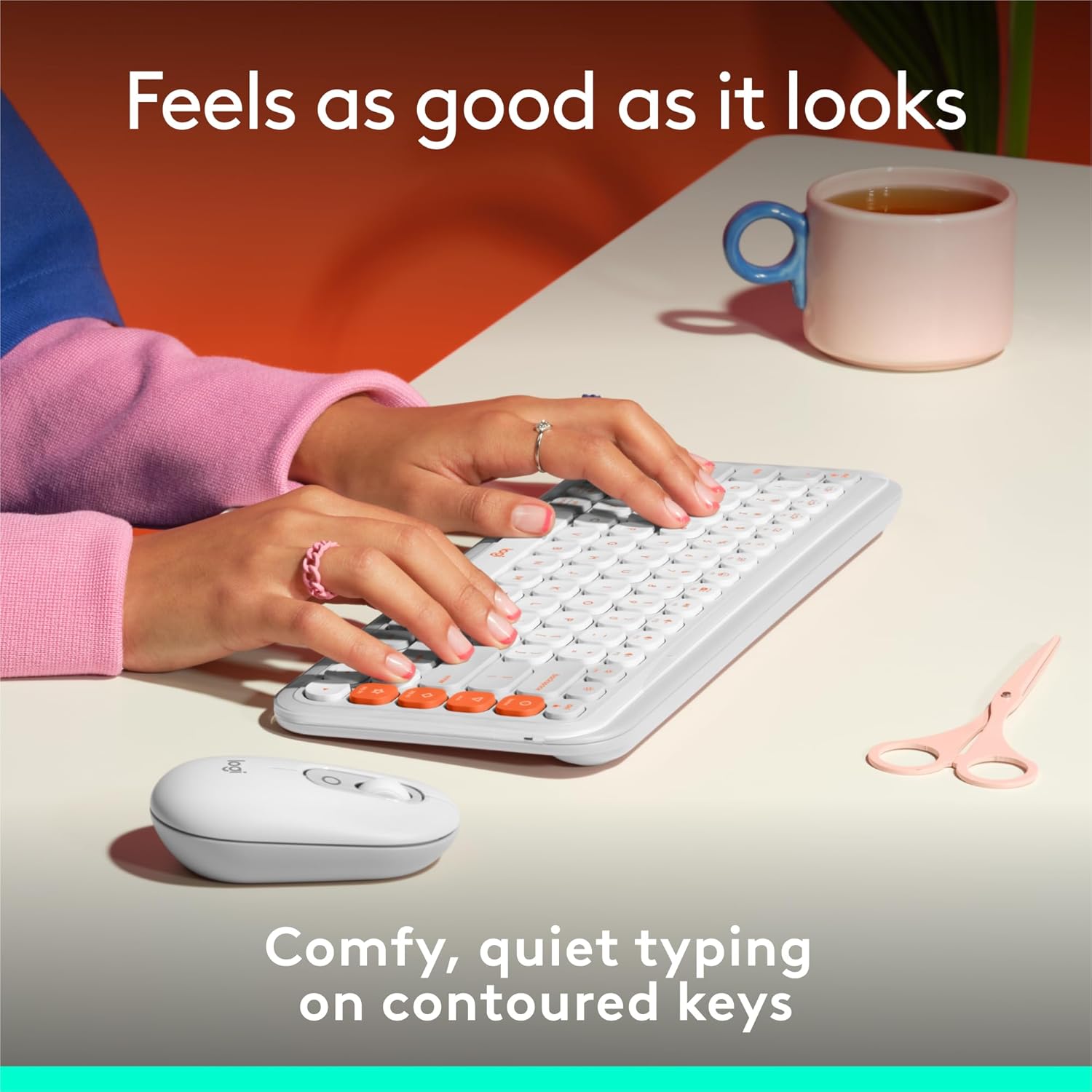
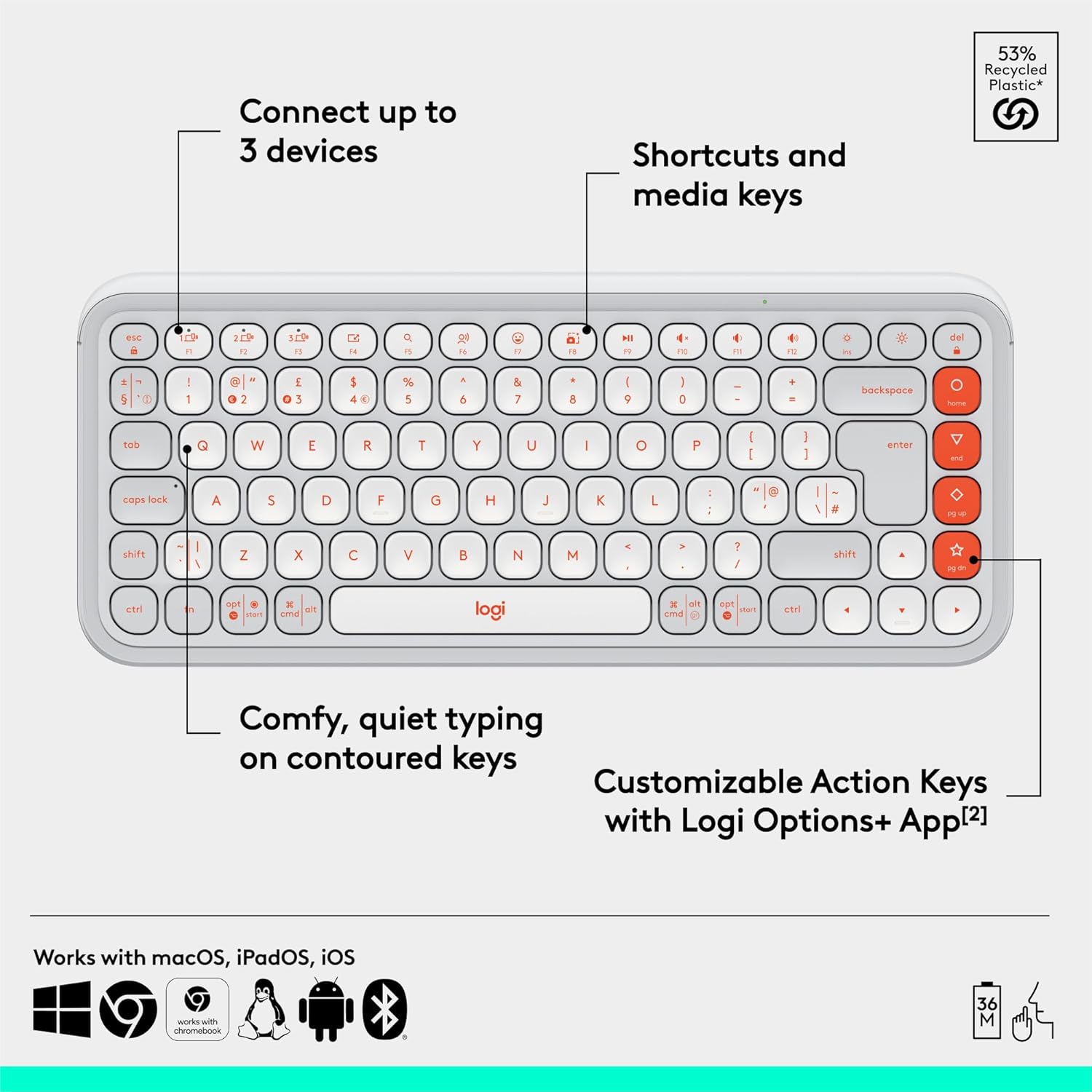
A key selling point is the “laptop-like” experience. The keys are contoured and low-profile, designed to sit naturally under your fingers for comfortable, quiet typing. If you’re coming from a flatter, clickier keyboard or you simply want something that feels less fatiguing during longer sessions, this is the direction it’s aiming for.
In use, you can picture a typical scenario: you’re working in the morning on your laptop, then you switch to a tablet for messages or watching something. The keyboard is compact enough to travel with, and the typing feel is meant to be familiar rather than overly mechanical or cramped.
Shortcuts that don’t slow you down
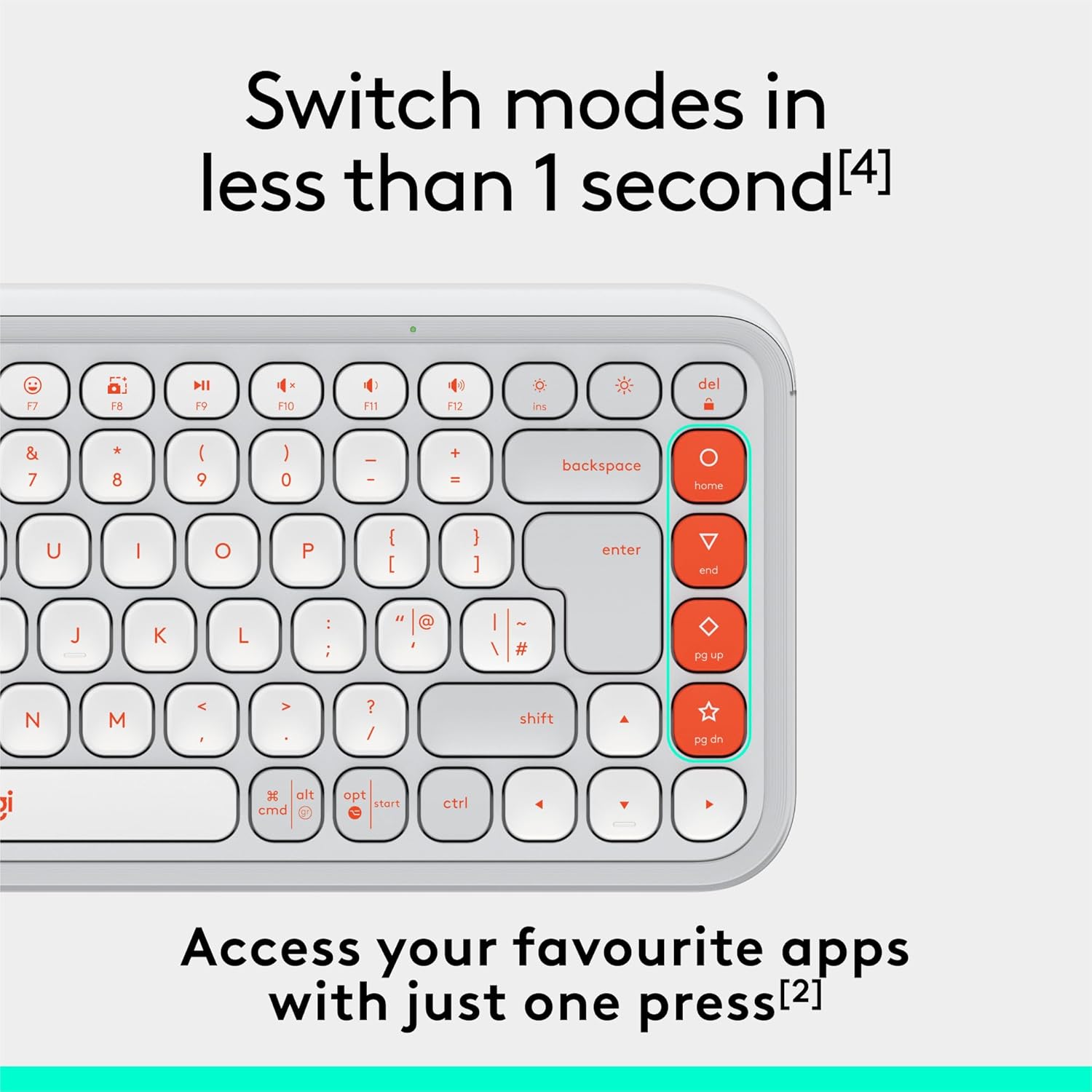
The Action Keys are designed for quick access—things like modes for work, social, or breaks. The description also mentions reaching AI tools in less than 1 second, but that will depend on what you choose to set up through the Logi Options+ app. If you want instant keyboard-based shortcuts rather than a mouse-driven routine, these keys are where a lot of the “why bother” benefit comes from.
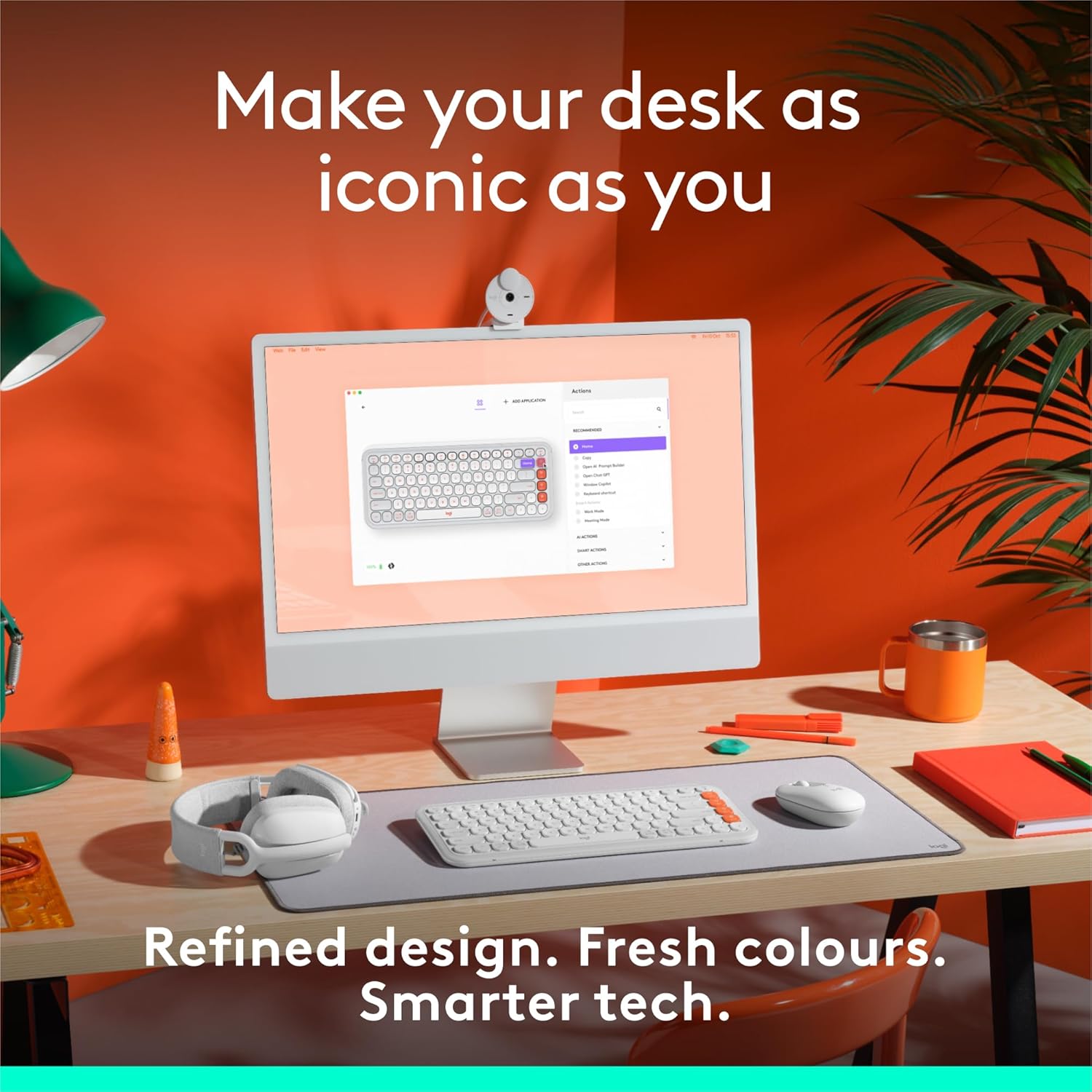
A gentle limitation to bear in mind: shortcut workflows are only as good as the setup you create, and you’ll likely want a bit of time to get the mapping feeling right.
Easy-switch between multiple devices
Designed for the “one keyboard, many screens” habit
With Bluetooth connectivity, this keyboard can connect to up to three wireless devices, and you can hop between them using the Easy-Switch button. That’s a big deal for anyone who alternates between work and personal devices—say laptop for typing, tablet for reading or streaming, and PC for something else.
The listing states compatibility across Windows, macOS, iPadOS, iOS, and ChromeOS (as supported by its Bluetooth setup). The real-world advantage is reduced friction: you’re not hunting for the right keyboard pairing or constantly changing settings.
Key takeaways that go beyond typing
Battery life and how it behaves
The keyboard is described as having a 3-year battery life, plus an auto-sleep power-saving mode. Two AAA batteries are included. If your priority is “set it up and forget it”, that’s a sensible spec direction for a wireless keyboard.
Still, battery claims are only useful if the actual usage matches your expectations—heavy daily use with lots of switching can change real-world experience, so it’s worth treating the 3-year figure as a best-case expectation rather than a promise.
Sustainability angle

Some plastic components are said to include between 37% and 70% recycled plastic depending on the colour, and the packaging (including product wrap) comes from FSC-certified forests and other controlled sources. If sustainability matters in your purchasing decisions, this is a nice added note rather than a marketing-only detail.
Tech specs
- Type: Wireless Bluetooth keyboard
- Layout: QWERTY UK English layout
- Colour: White
- Power: 2 AAA batteries included
- Battery life: Up to 3-year battery life (as stated)
- Connectivity: Bluetooth
- Device switching: Easy-Switch between up to 3 devices
Pros
- Comfortable, quiet, low-profile key feel aimed at laptop-like typing
- Action Keys for shortcuts, with setup via the Logi Options+ app
- Easy-switch button for faster movement across up to 3 Bluetooth devices
- Includes 2 AAA batteries and includes an auto-sleep mode
- Recycled plastic content (varies by colour) and FSC-certified packaging stated
What might not suit everyone
It may not be the best choice if you need a full-size, number-pad layout, because this is positioned as a compact keyboard. It could also feel like “more hassle than it’s worth” if you don’t plan to use programmable shortcuts or you’d rather not rely on app-based configuration.
Finally, if you’re mainly gaming or doing highly latency-sensitive work, the listing only describes Bluetooth and daily productivity features—so you may want to consider a more specialised setup if that’s your primary use.
Is it worth it?
A solid pick if you want a comfortable compact Bluetooth keyboard that can jump between up to three devices without constant re-pairing, and you like the idea of programmable Action Keys for quick modes and shortcuts.
It might not be for you if you expect a full-size layout, or if you prefer a keyboard with minimal setup and no need for app-driven customisation.
Worth considering if your routine mixes laptop typing with tablet or phone-adjacent tasks, and you want the keyboard to feel familiar rather than disruptive to your fingers.
Mini FAQ
Does it work with multiple devices at the same time?
It can connect to up to three devices via Bluetooth, and you switch between them using the Easy-Switch button.
Are the Action Keys programmable?
Yes, the description indicates customisable Action Keys, with configuration supported through the Logi Options+ app.
What layout does it use?
It’s listed with a QWERTY UK English layout.
How is the typing comfort described?
The keys are contoured and low-profile, designed to provide a comfortable, quiet, laptop-like typing experience.
How long does the battery last?
The listing states up to 3-year battery life and includes power-saving auto-sleep mode, with two AAA batteries included.