

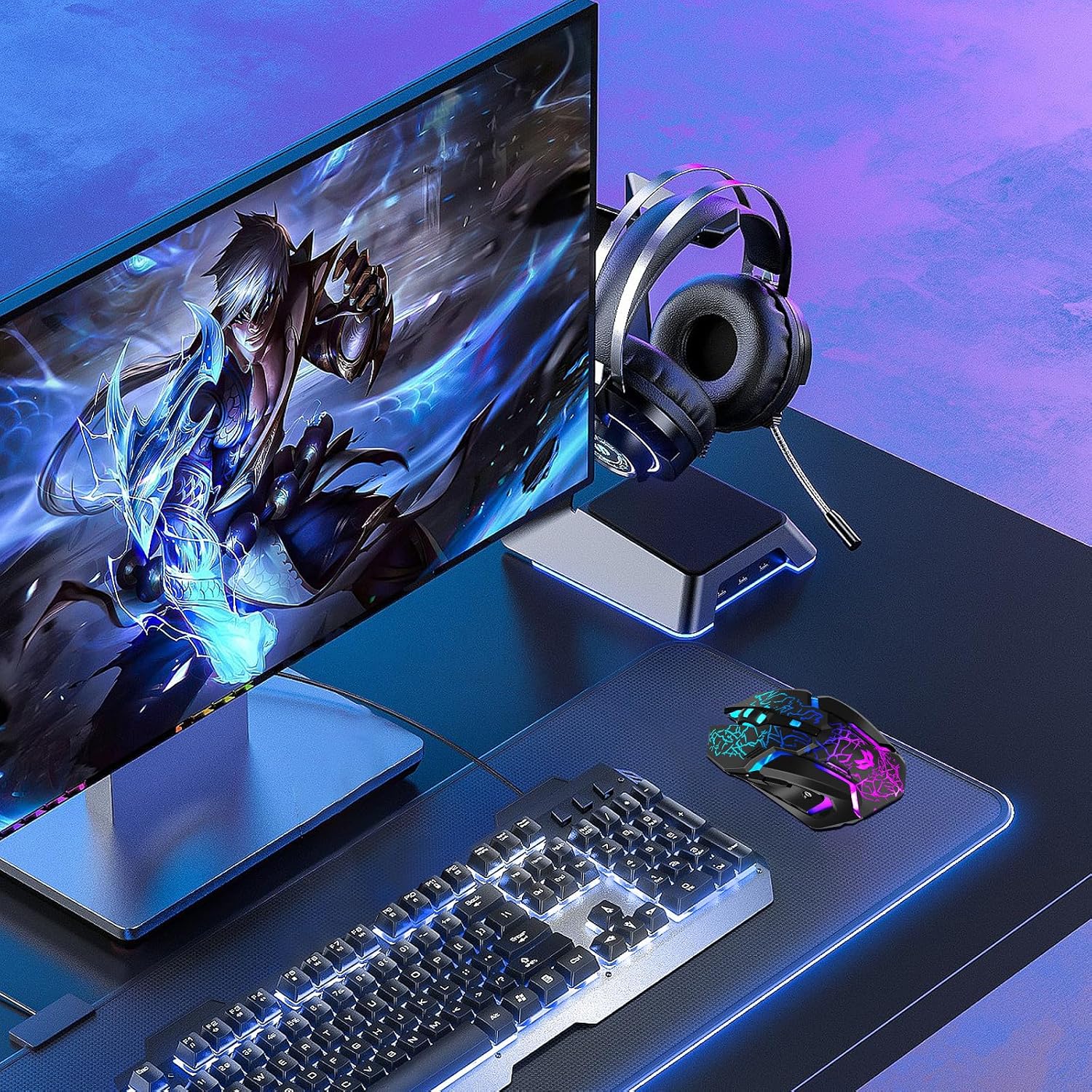
Wireless Gaming Mouse (Rechargeable) with Type-C Fast Charging, 3 DPI Levels & 6 Silent Buttons
Reviews
Price
Product description
Key takeaways
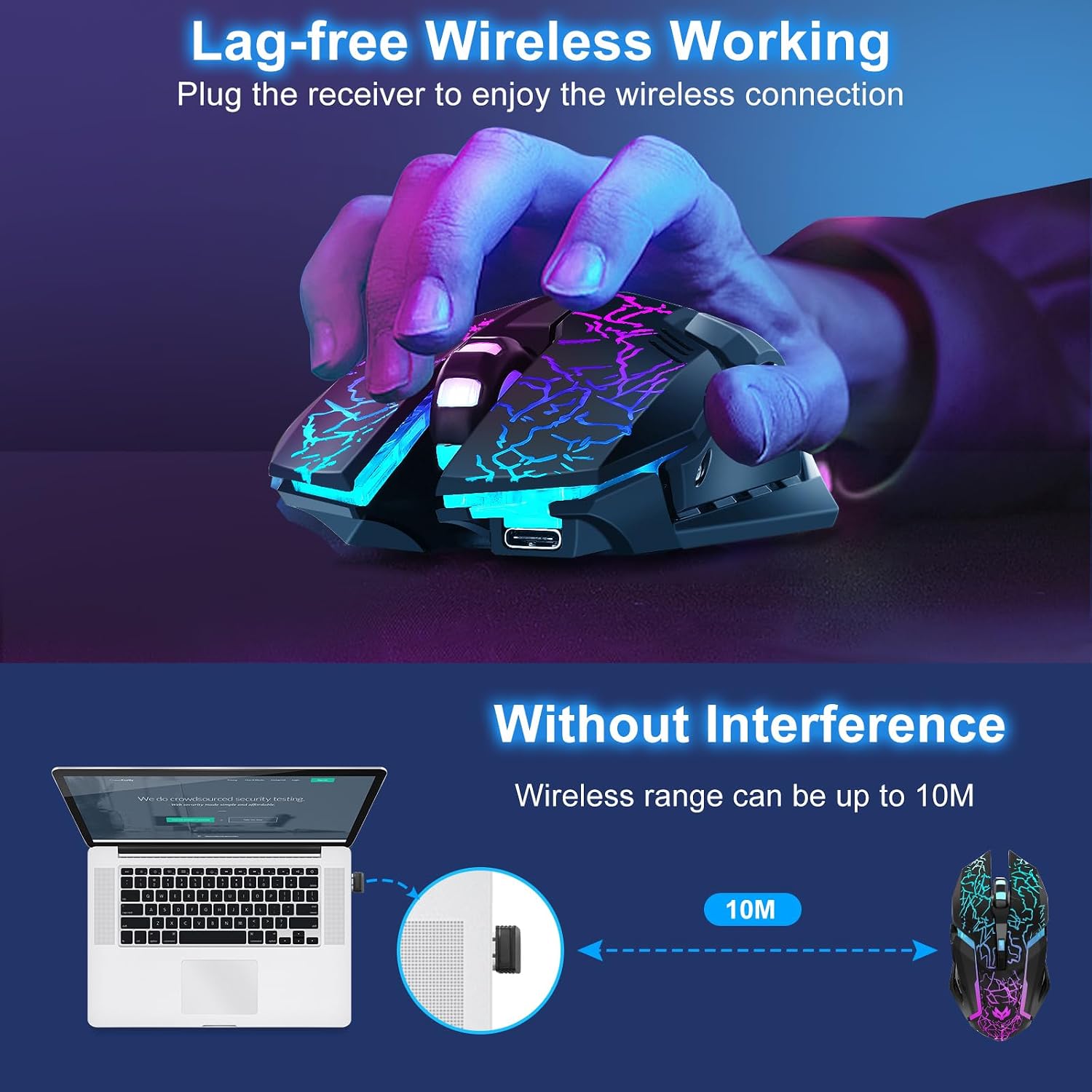
A rechargeable wireless gaming mouse like this one is all about getting rid of the cable hassle without feeling like you’ve dropped down to a basic office mouse. On paper, the 2.4GHz wireless connection reaches up to 10 metres, it has three adjustable DPI levels (800, 1200 and 1600), and you get six silent buttons plus RGB lighting that you can switch off if you care more about runtime than looks.
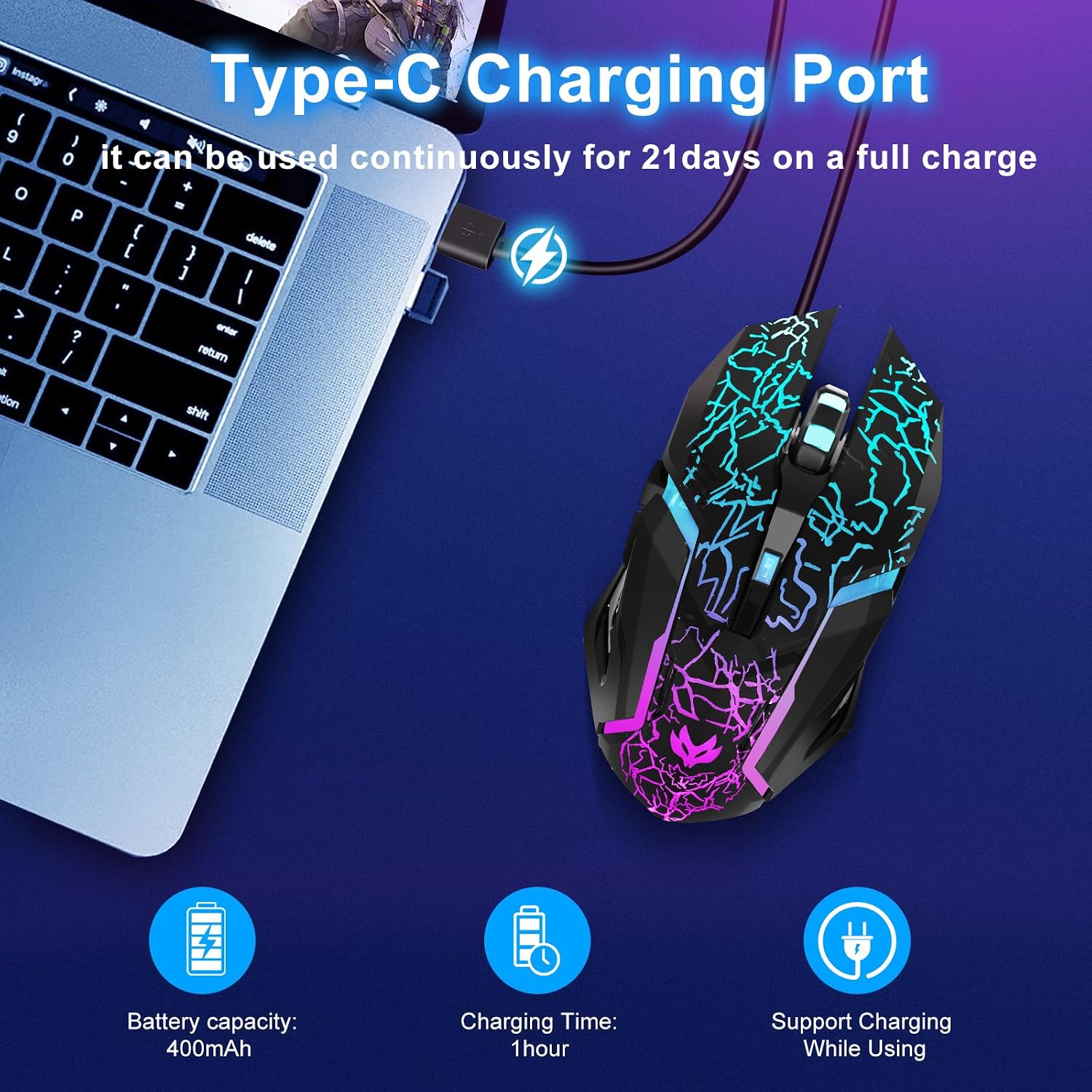
The Type-C fast charging angle is particularly practical: it’s designed to charge 50% faster than “standard mice”, and it also supports charging while in use, so there’s less risk of having to stop mid-session. Still, it’s worth keeping expectations realistic—1600 DPI isn’t aimed at people who chase maximum sensitivity, and “gaming” features don’t always mean the smoothest competitive feel on every desk setup.
It’s a sensible pick if you want a comfortable, ergonomic, everyday-to-gaming mouse for a laptop or desktop, especially if you dislike constantly swapping batteries.
What it is and what it’s for
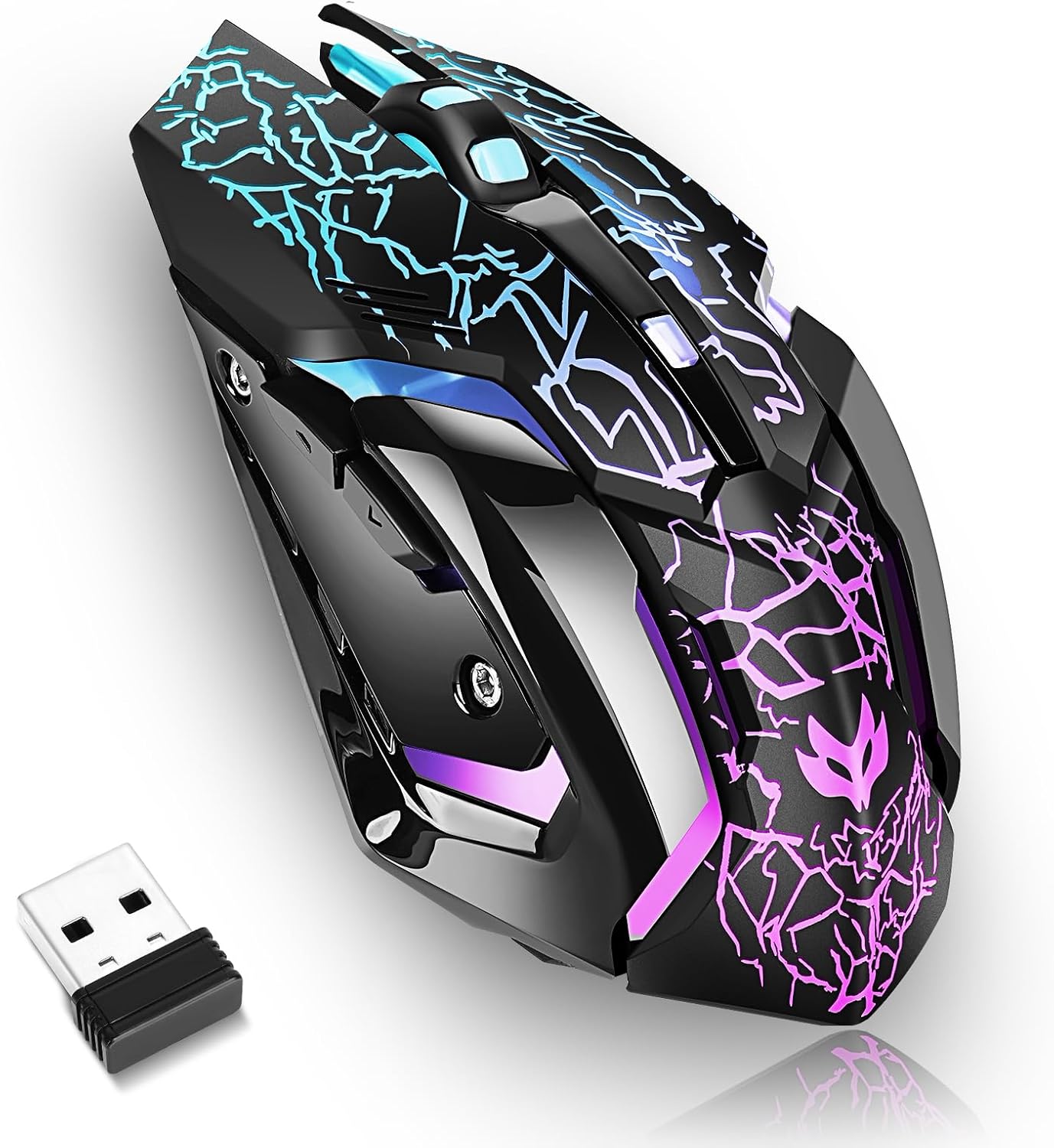
This is a wireless gaming mouse with a rechargeable battery, built for using with a PC or Mac and for general laptop use. The core idea is straightforward: you get a stable 2.4GHz connection, an ergonomic shape for longer sessions, and quick control options (DPI switching and multiple buttons) without needing to run a cable.
A typical example: you’re working on a laptop in the evening, then jump into a game. With a rechargeable wireless mouse, you can keep the setup clean, use the DPI levels to move between more precise aiming and faster movement, and rely on the silent buttons for less disruptive clicking. If you’re in a shared space, turning off the LED lighting can also make a difference.
Where it shines in daily use
What stands out here is the mix of convenience features:
- Wireless freedom without battery anxiety: rechargeable design plus “over 21 days” of use on a full charge (as stated), which is the sort of runtime that usually covers normal weekly use without you thinking about charging every few days.
- Type-C charging that’s meant to be quick: Type-C fast charging is pitched as charging 50% faster, and the mouse supports charging while you’re using it. That’s useful if you forget to top up and still want to keep playing.
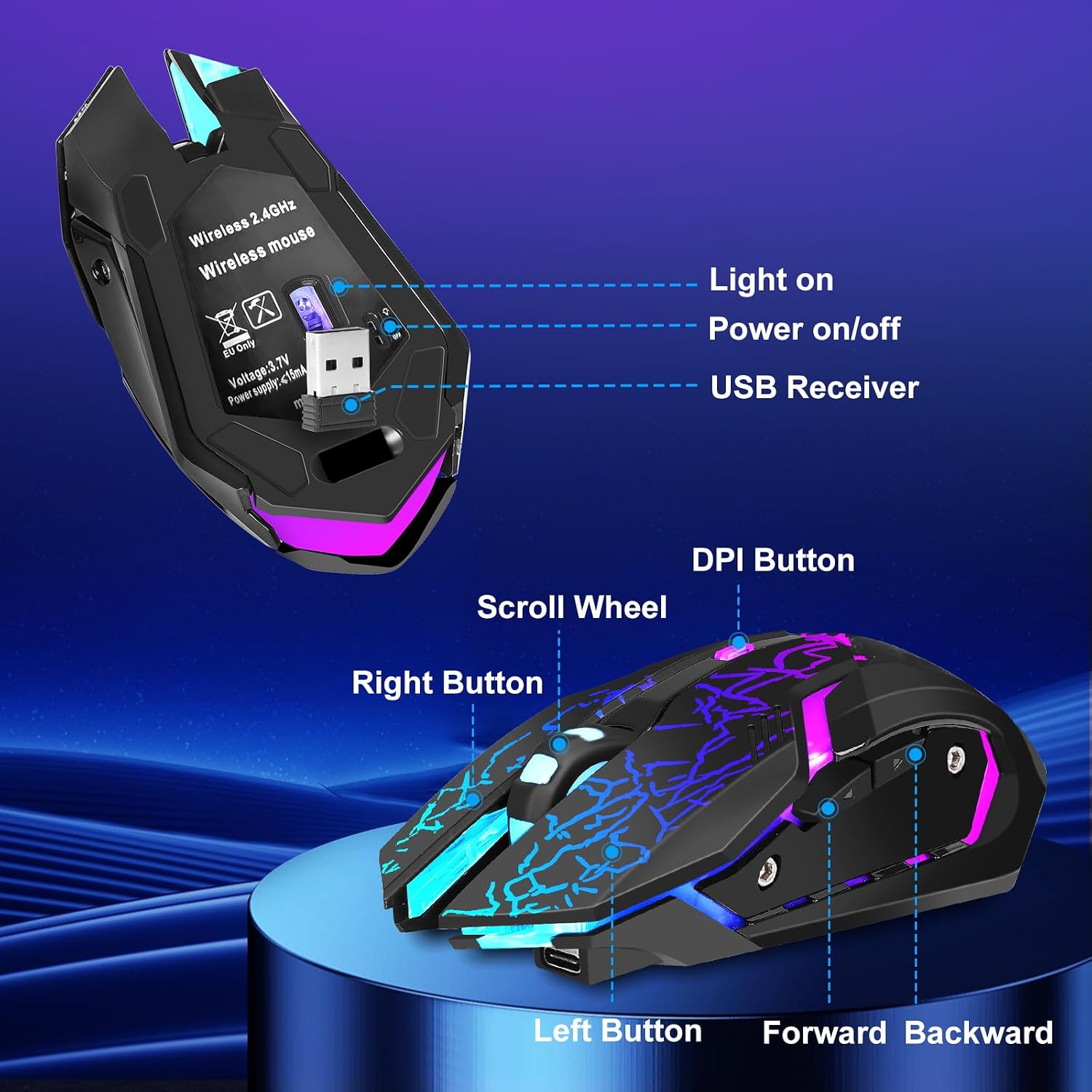
- Controls that don’t rely on menus: six buttons with an emphasis on customisation for gaming and multitasking.
- Reduced click noise: it’s described as having six silent buttons, which is a nice fit for late-night gaming or an office environment.
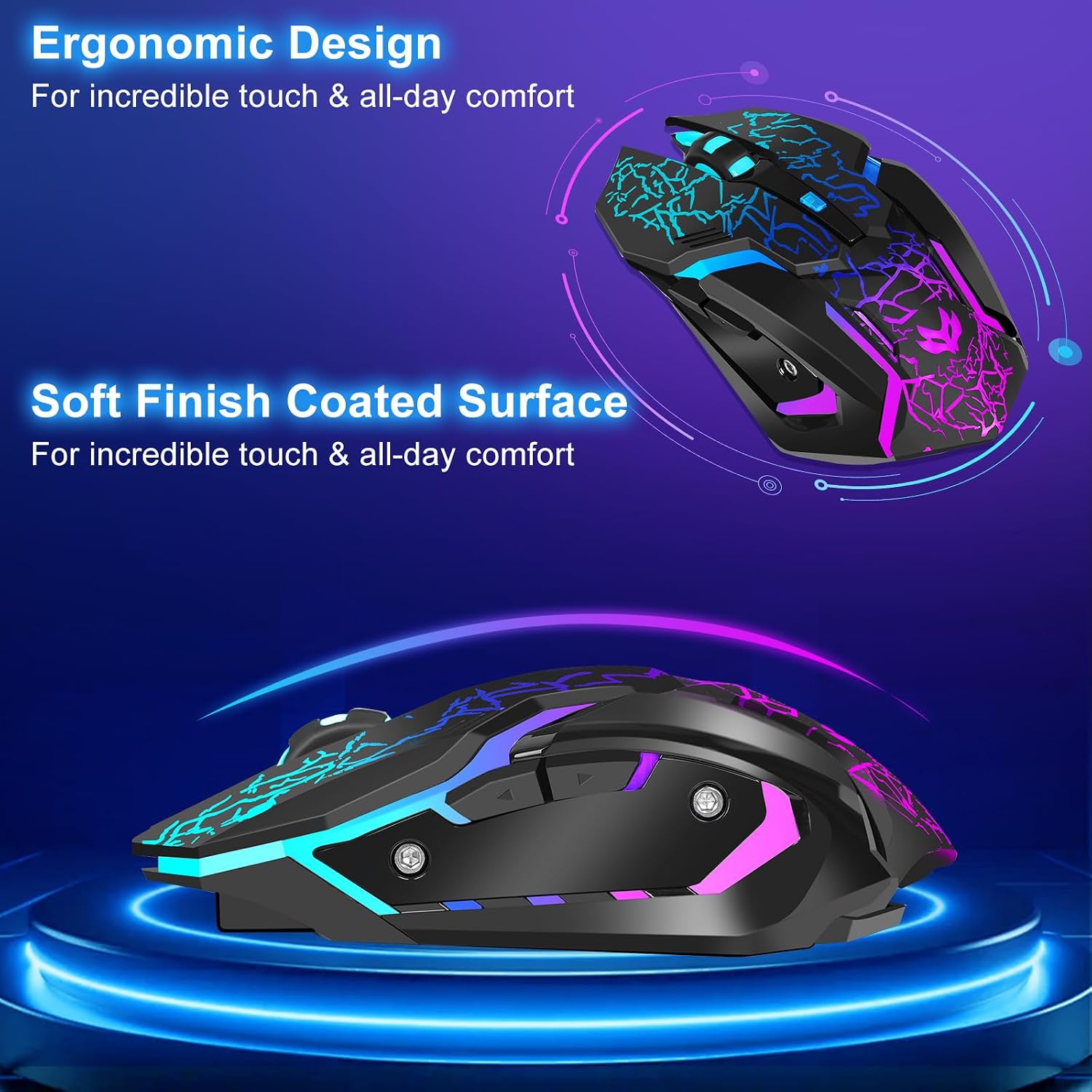
- Ergonomic comfort: the curved design is intended to reduce strain during long sessions.
There’s also the LED lighting: it can make your desk look more “setup-like”, but you can turn it off to save battery, depending on what you value.
Key features that matter most
This mouse’s core feature set is built around three things—connection, control, and comfort.
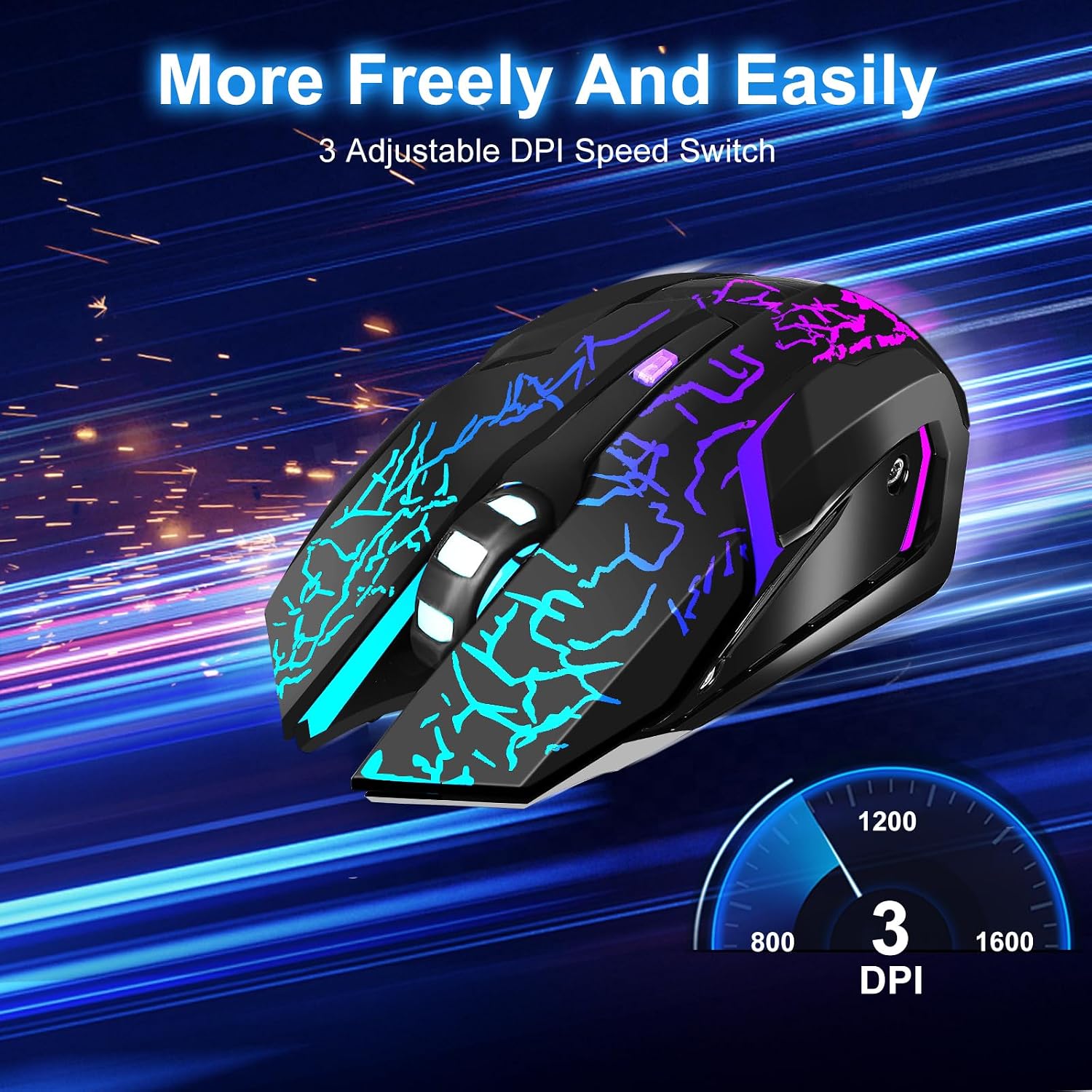
The 2.4GHz wireless setup is designed to keep things responsive, with a stated stable range of up to 10 metres (33 feet). DPI switching is set up as a simple three-step adjustment (800/1200/1600), which can be enough for many casual games and everyday cursor control. If you prefer one consistent feel, you can just leave it on your usual DPI.
On the comfort side, the ergonomic shape and curved profile are aimed at long use, and the overall design is described as reducing fatigue. The bottom-mounted USB receiver is stored in a slot at the base, which is genuinely convenient—worth checking that you’ll remember to place it back there when you travel, because it’s easy to misplace a small dongle otherwise.
What you should watch out for
A few limitations are worth noting before you decide.
First, the DPI range tops out at 1600 (with only three steps). That may be perfectly fine for many people, but if you’re used to much higher DPI settings or you play games where fine-grained sensitivity changes are a big deal, it might feel a bit limiting.
Second, while the mouse is positioned as “gaming”, the details provided focus more on connectivity, silent buttons, and DPI switching than on advanced sensor performance or ultra-competitive tracking. If you’re shopping with the mindset of squeezing out the most competitive edge, you may end up wanting a mouse with specs that go further than this.
Finally, the stated battery life is “over 21 days” on a full charge, which sounds good, but actual runtime can vary a lot with LED use and charging habits—so it’s a good benchmark rather than an iron promise.
Final verdict
It’s worth buying this Wireless Gaming Mouse if you want a rechargeable wireless mouse with a stable 2.4GHz connection, three practical DPI levels, and six silent buttons—plus the convenience of Type-C fast charging and the ability to charge while using it. The ergonomic shape and the RGB lighting you can switch off make it more of an all-rounder than a gimmicky gaming peripheral.
You may want to skip it if you’re chasing the highest sensitivity options, or if you expect performance to be defined by advanced sensor tech rather than comfort and convenience. In other words: it’s a strong “everyday gaming” choice, but it’s not clearly aimed at players who want the most extreme spec-led setup.
Mini FAQ
Is it suitable for laptop and desktop use?
It’s described for use with laptop, PC and Mac, so it’s aimed at everyday setups rather than only one device type.
Can you use it while charging?
Yes—charging while in use is stated, which helps if you need to top up without stopping.
How far does the wireless connection reach?
The wireless range is stated as stable up to 10 metres (33 feet).
Can the LED lighting be turned off?
Yes, the lights can be turned off easily if you want to prioritise battery life.
How many DPI levels are there?
There are three adjustable DPI levels: 800, 1200 and 1600.