

Razer Tartarus V2 gaming keypad with 32 programmable buttons and 8-way thumbpad (black)
Reviews
Price
Product description
If you play games where the next action needs to happen fast, a standard keyboard can feel like it’s fighting you. The Razer Tartarus V2 is built for quick access and control from one side of your setup, using a compact keypad layout with a thumbpad and a programmable button count aimed at command-heavy play.
It’s not a “one size fits all” device, though. Depending on what you’re using it for, you may find you still want a full keyboard for typing-heavy moments or very broad keybinds. But if you’re focused on gaming controls and want something more specialised than a generic keypad, this one is worth a proper look.
The essentials
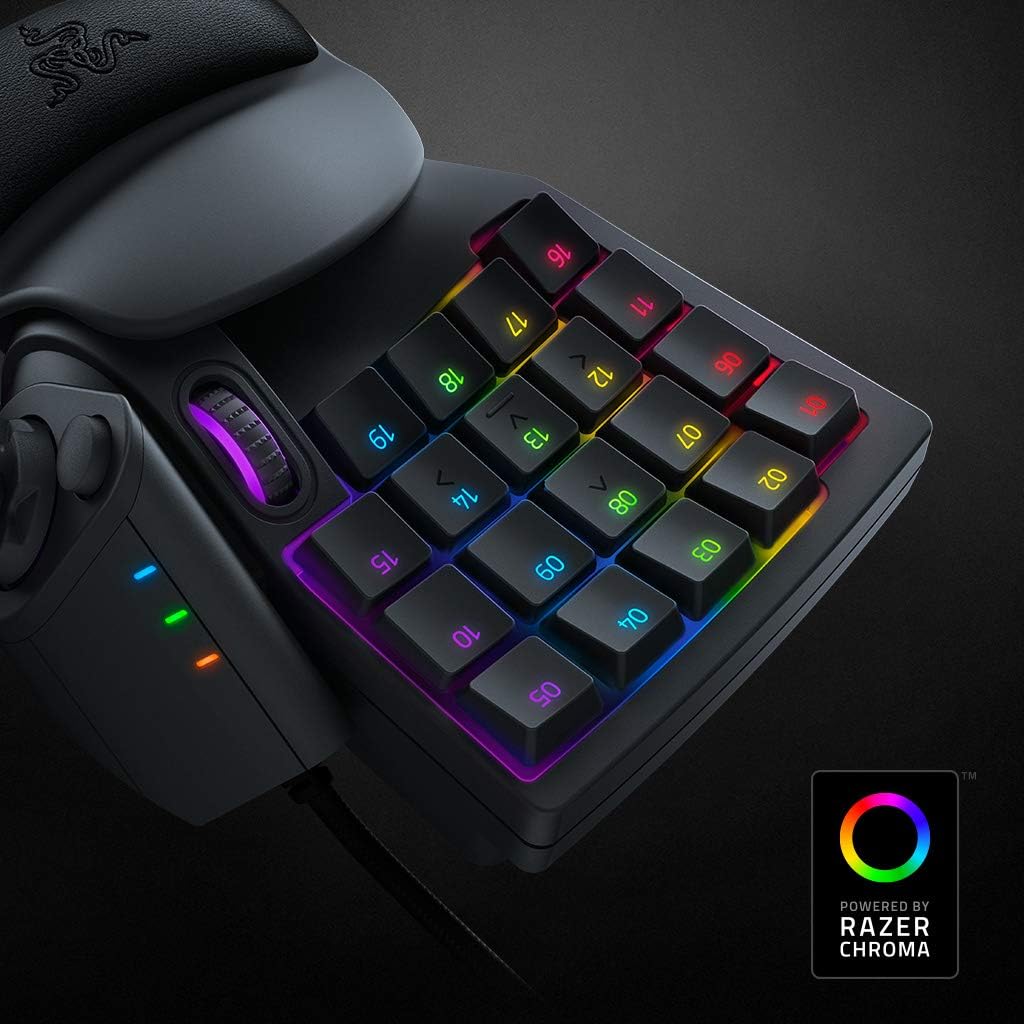
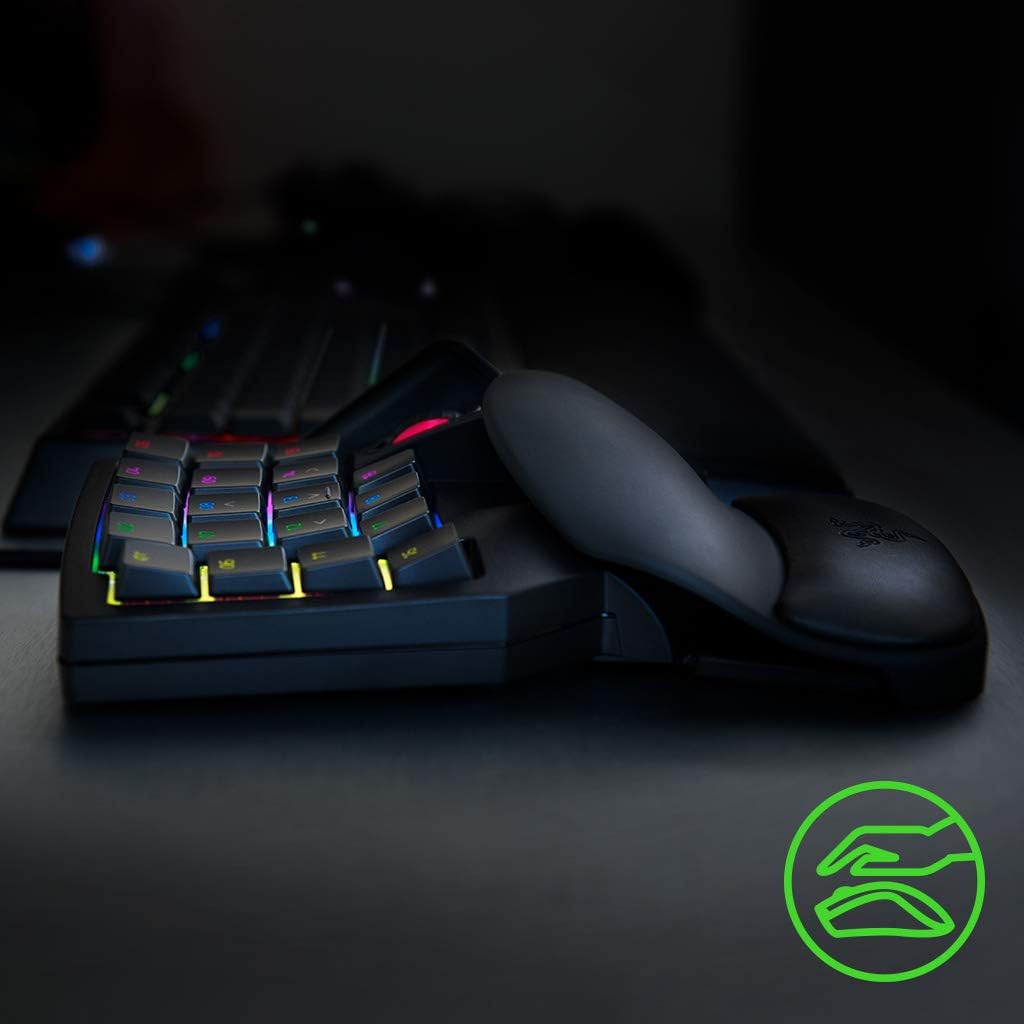
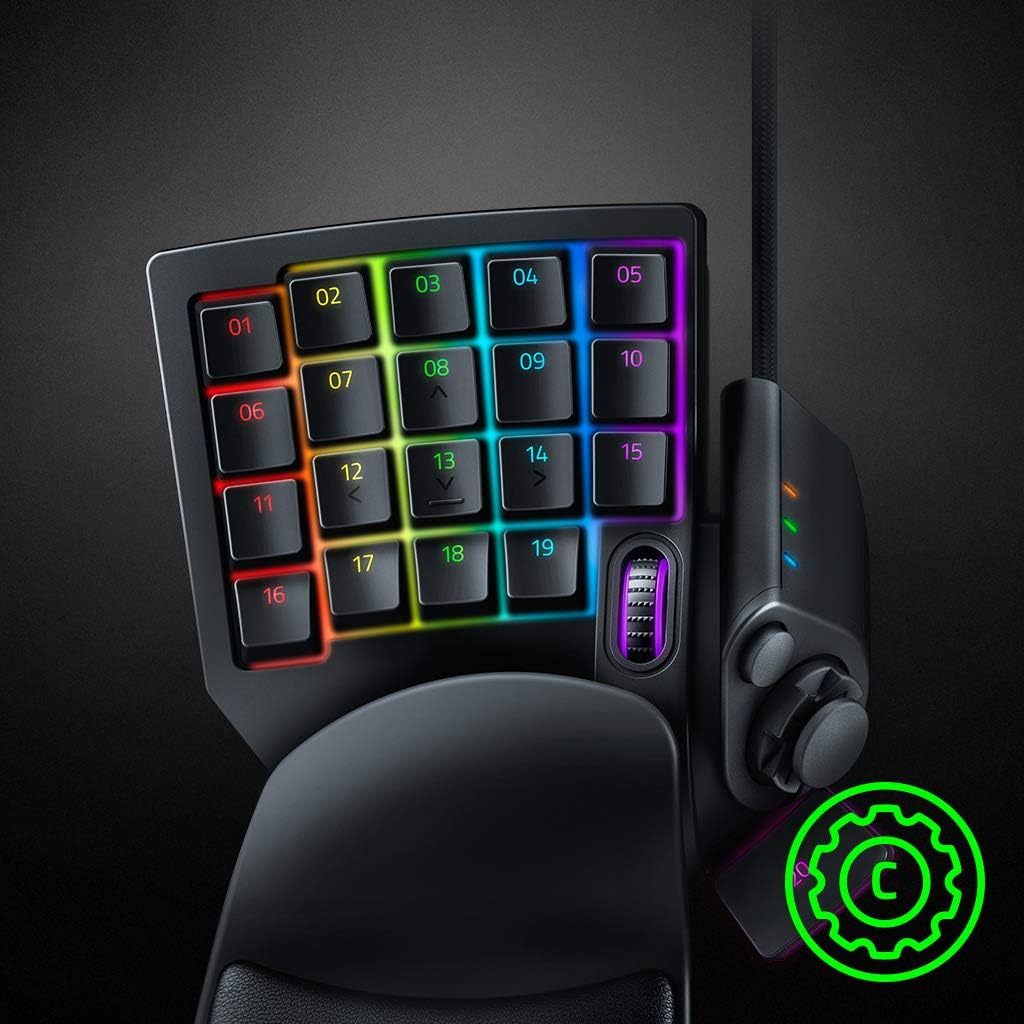
The Tartarus V2 is a gaming keypad with a mecha-membrane style button approach and a numpad-sized layout. In practical terms, that means you get a block of 32 programmable keys rather than relying purely on keyboard shortcuts. There’s also an 8-way thumbpad for extra movement or ability mapping, plus a palm rest to keep your wrist and hand in a consistent position during longer sessions.
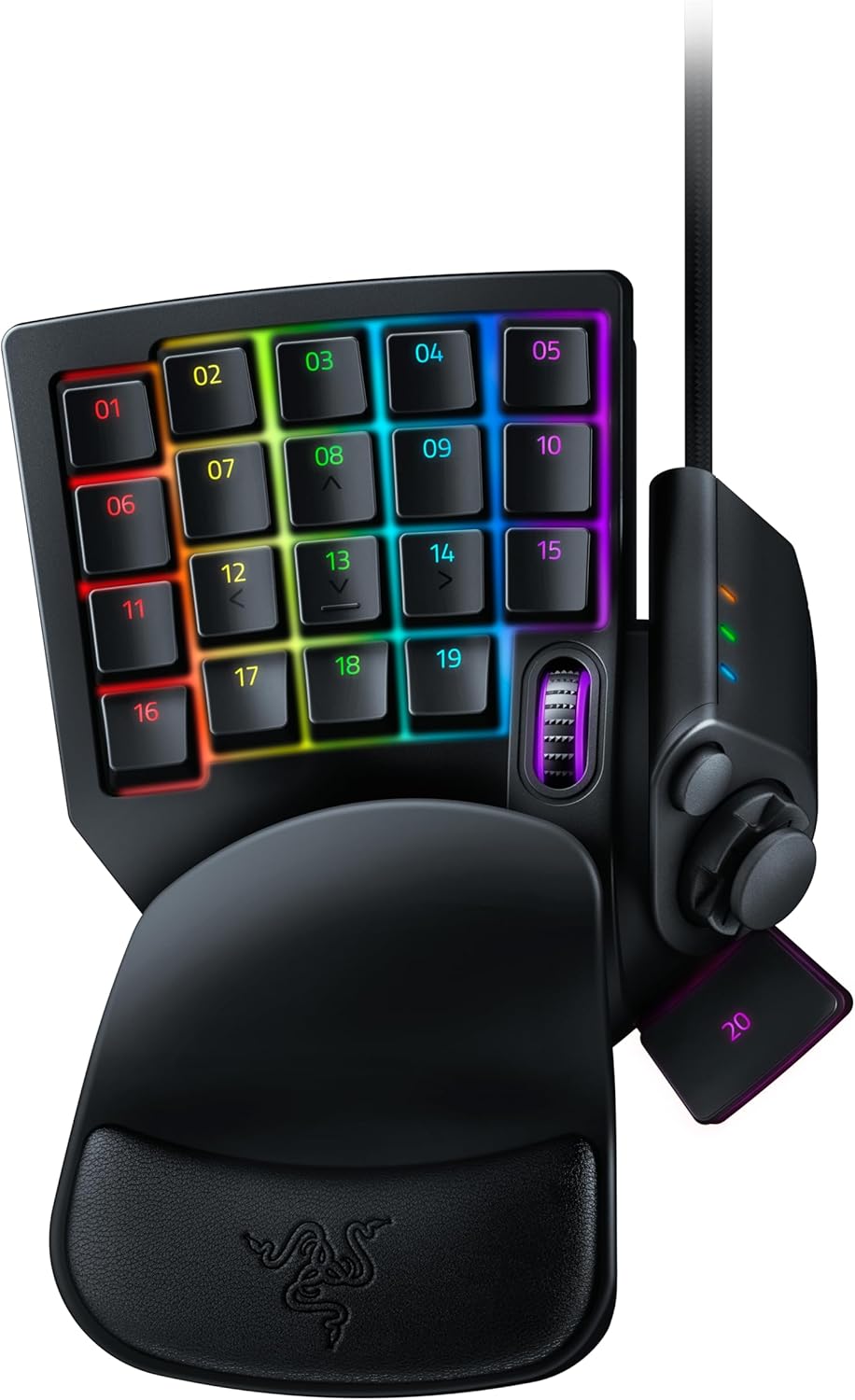
You also get hypershift and profile switching, which is the kind of feature that can either be a game-changer or feel like a faff—depends how much you like organising controls. The idea is simple: you can reuse button positions by switching modes so more commands fit under your fingers.
What you’ll notice day to day
Where this keypad tends to make sense is when your hands want predictability: left side stays stable, thumb does the quick work, and the rest of your actions sit in the same physical place each time. Imagine jumping between a combat loadout and utility skills—on paper, the instant profile swapping and hypershift approach is designed for that kind of “switch on the fly” gameplay.
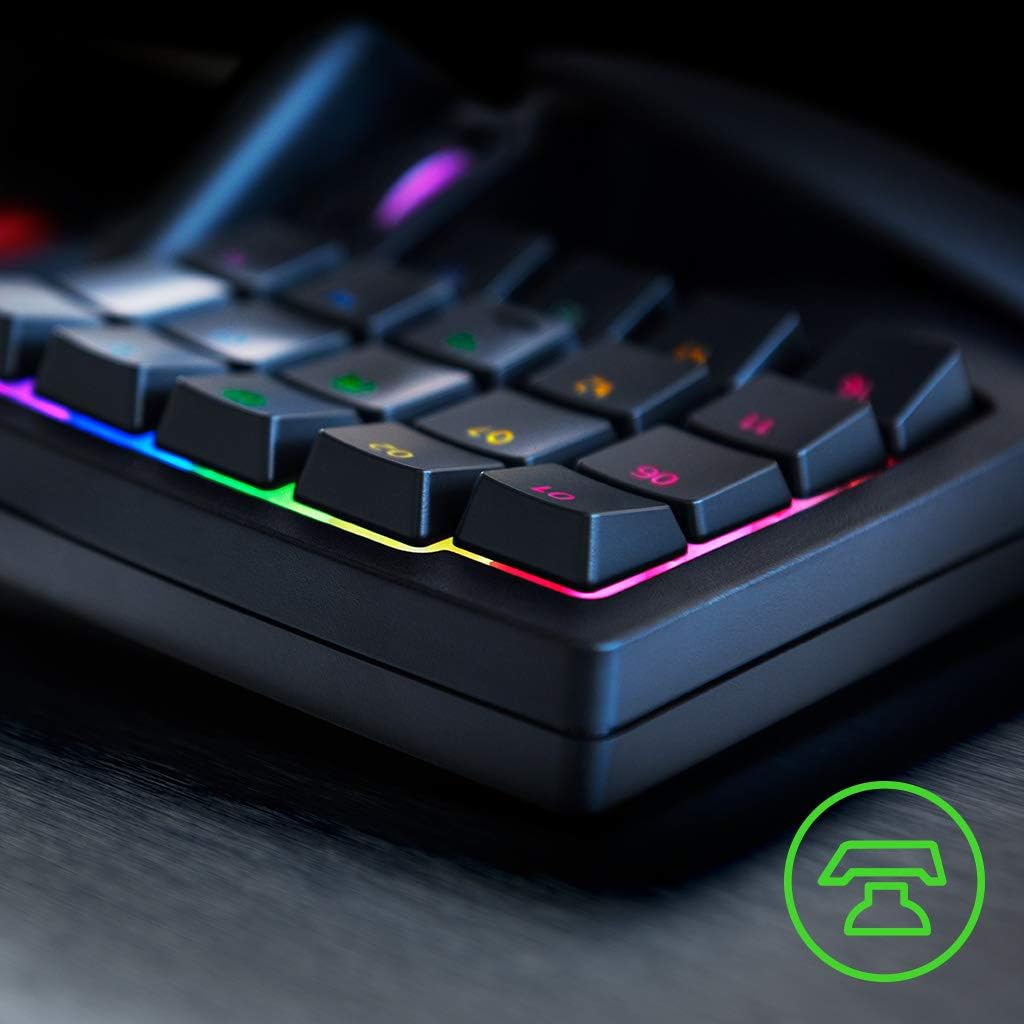
The palm rest is also more than decoration. Even if you don’t love using keypads, having a consistent resting point can make long sessions feel less awkward. Not everyone will care, but for people who dislike hovering their hand, it can be genuinely helpful.
Where it shines
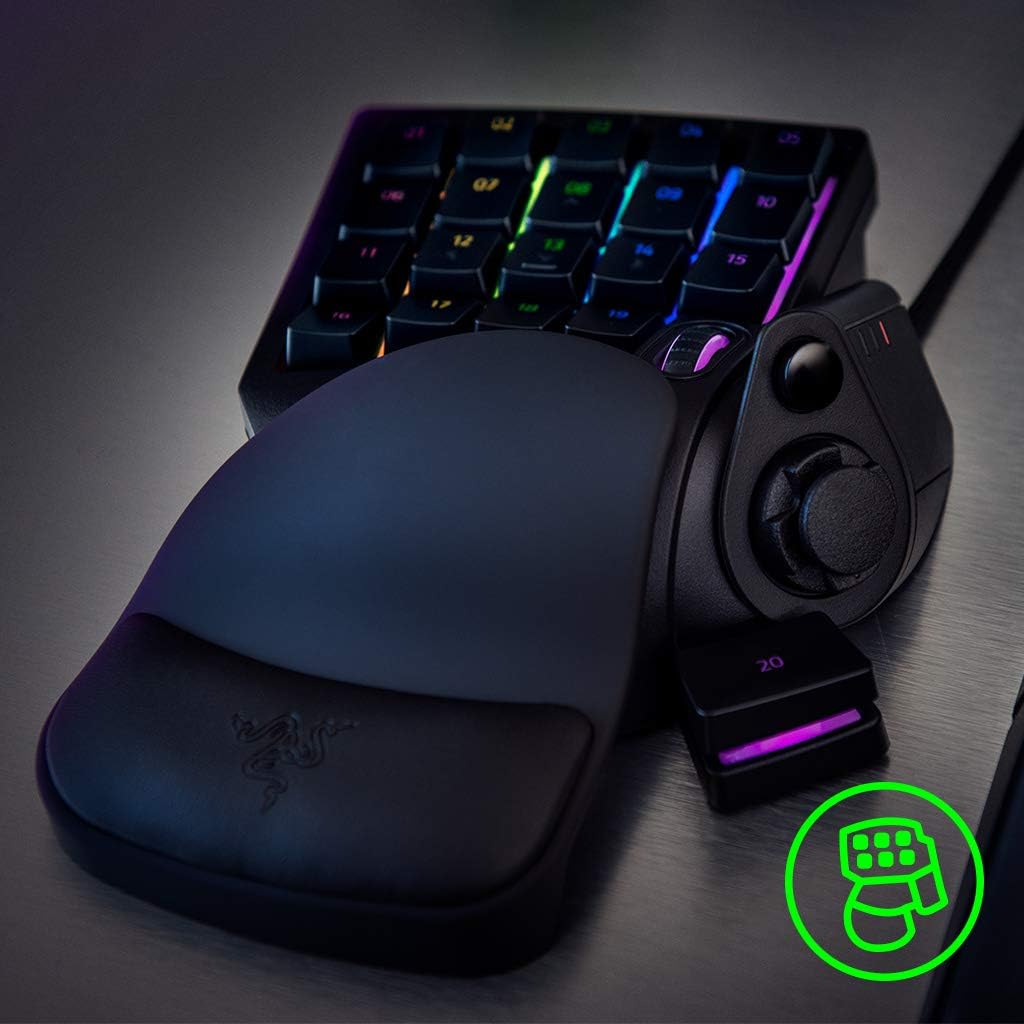
There are a few things this device clearly leans into: - Command-heavy control layouts: 32 programmable buttons give you room to map abilities, consumables, and game actions without reaching for the keyboard. - Quick mode changes: the product mentions 8 profiles with fast switching, which should help if you swap between playstyles. - Long macro support in principle: unlimited macro length and profile storage are listed, so you’re not supposed to be constrained just because a sequence gets lengthy. - RGB lighting: if you like your setup to look a certain way, the lighting is included (and may help you visually confirm key zones).
A small nuance: you’re only going to get the benefits if you actually take the time to set up profiles and controls. If you prefer plug-and-forget mapping, you might not feel the payoff as quickly.
Limitations and who should be cautious
This is a specialised gaming keypad, so it won’t replace everything you might do on a full keyboard. If your sessions involve lots of chatting, general computing, or you rely on many keys spread across the keyboard, the Tartarus V2 may feel like an add-on rather than a complete solution.
It’s also worth noting that the description mentions a mecha-membrane style approach and adjustable sensitivity for the keys. That can be a plus for custom feel, but if you’re very sensitive about switch feel (for example, you want a very specific mechanical “click” character), you’ll want to read up carefully on how the experience is described by buyers rather than trusting the headline.
Specs at a glance
- Name: Razer Tartarus V2
- Type: Gaming keypad
- Format: Gamepad with 32 programmable buttons
- Size: Numpad size
- Thumbpad: 8-way thumbpad
- Profiles: 8 quick-switch profiles
- Hypershift: Mentioned for added control layers
- Macros: Unlimited macro length and profile storage
- Lighting: RGB lighting
- Action/sensitivity: Optical analogue Razer switch is mentioned, with adjustable action/sensitivity
- Colour: Black
Getting the most from it
This keypad makes most sense if you already think in “keybind layers” and want your main actions close together. A practical example: for an MMO-style setup, you could keep your core abilities on the 32 keys, map movement-adjacent functions to the 8-way thumbpad, then assign a separate profile for a different role. When you switch profiles quickly, you’re not relearning positions every time.
If you’re the sort of player who only uses a handful of binds and leaves everything else on default keyboard layout, you may find it’s more effort than it’s worth. In that situation, a simpler keypad could do the job with less setup.
Is it worth it?
You should consider the Razer Tartarus V2 if you want a dedicated gaming keypad with plenty of programmable buttons, an 8-way thumbpad, and features geared towards fast profile switching and layered controls. It fits best if you play genres where mapping multiple actions and swapping modes mid-game is part of the routine.
You may want to skip it if you need a device that handles everything from gaming to general typing, or if you don’t enjoy configuring controls and macros. Also, because the listing references adjustable sensitivity and a particular switch approach, it’s a good idea to double-check how that feels to other users before committing—switch feel is one of those things you only truly judge once you’re used to it.
Quick FAQ
How many programmable buttons does the Tartarus V2 have? It’s listed with 32 programmable buttons.
Does it include a thumb control? Yes, there’s an 8-way thumbpad.
Can you switch between setups quickly? The product description states there are 8 profiles for rapid switching.
Are macros limited by length? The description says macros have unlimited length and you can store profiles.
Is there RGB lighting? Yes, RGB lighting is mentioned in the listing.