

QUUGE Steam Deck Dock Dual Monitor (7 in 1) with HDMI 2.0, DisplayPort 1.4, 4K60Hz and 100W charging
Product description
If you want your Steam Deck to feel less like a handheld and more like a proper little PC setup, this QUUGE dual monitor dock is built for that. On paper it’s a 7 in 1 docking station that focuses on two things: dual external displays and a more complete desk-friendly hub. The catch is that some limitations depend on whether you’re in desktop mode or handheld mode.
The essentials
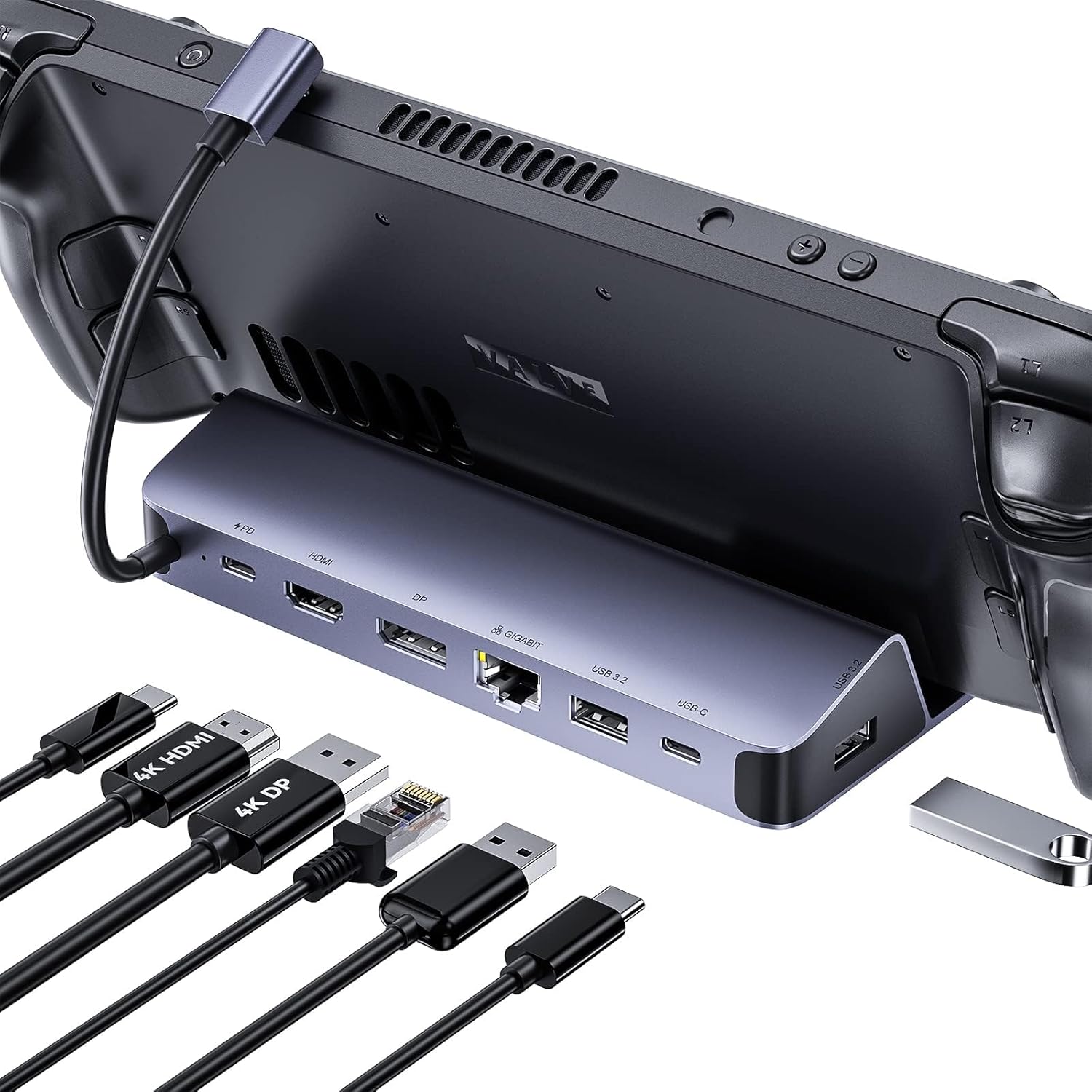
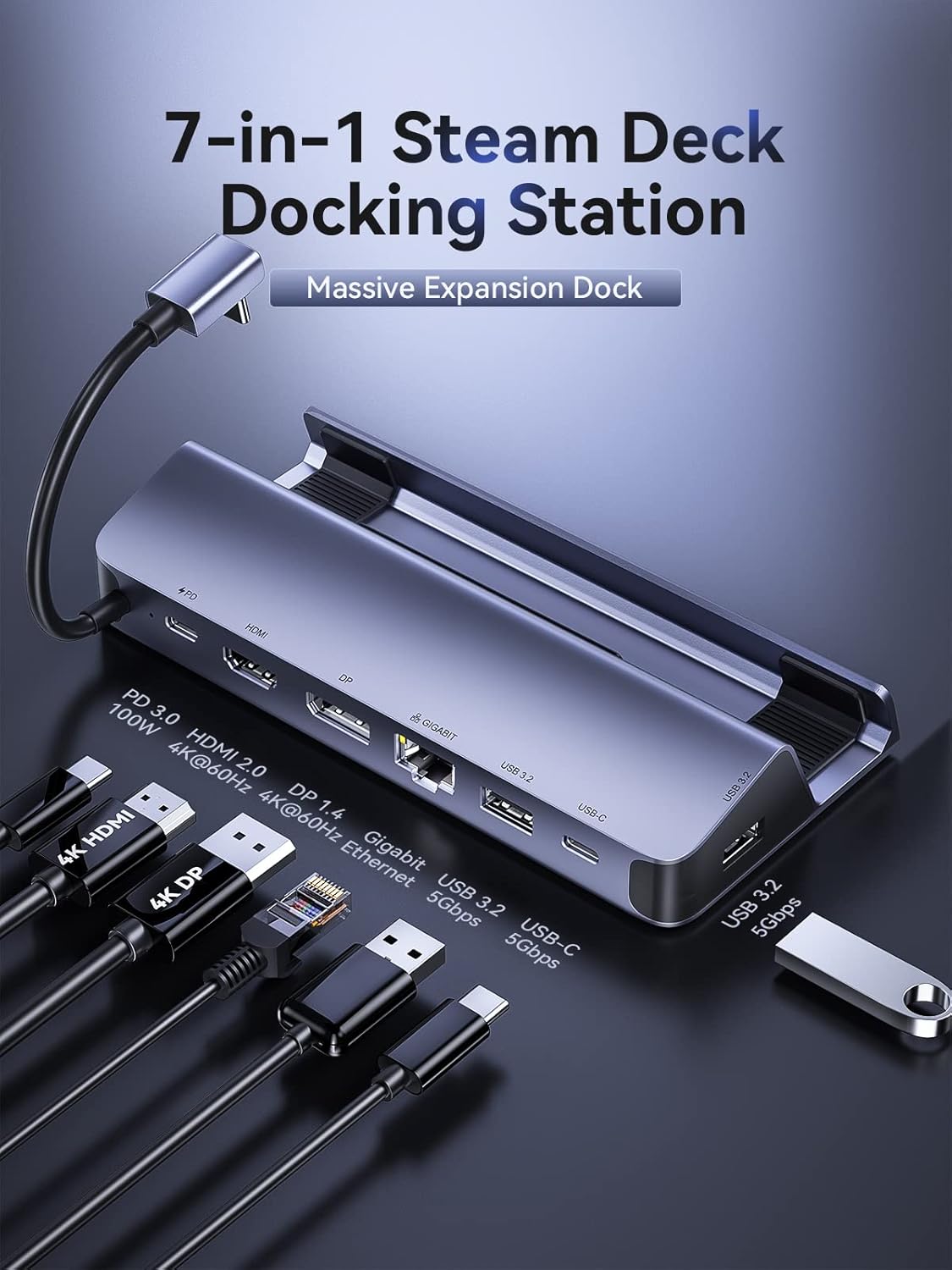
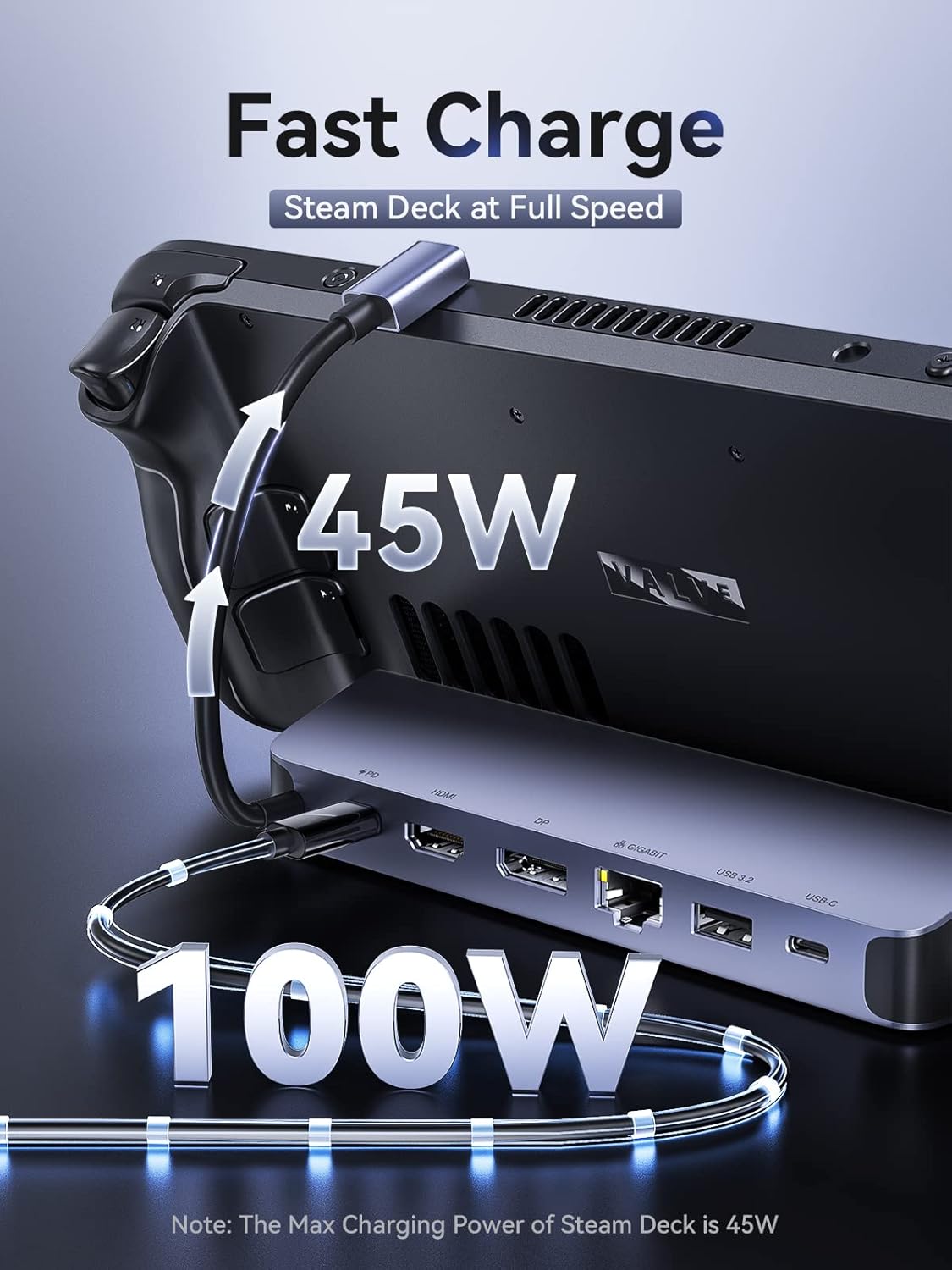
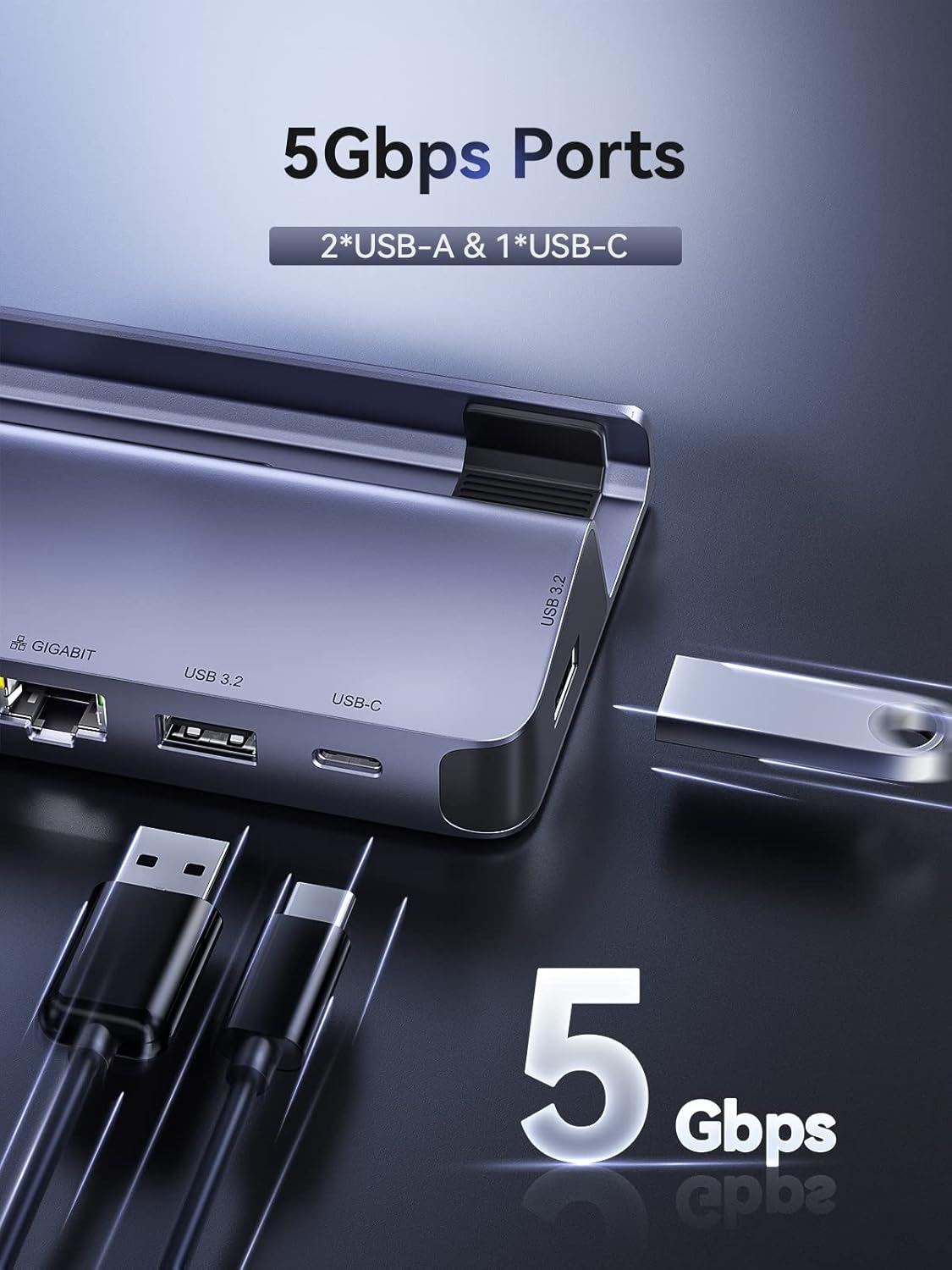
This docking station is designed specifically for the Steam Deck, letting you connect peripherals and run dual screen output. It includes DisplayPort 1.4 and HDMI 2.0 for simultaneous output, plus two high-speed USB ports (USB-A and USB-C rated at 5Gbps) and a 1000M Gigabit Ethernet port. There’s also a PD 3.0 charging port rated up to 100W maximum, intended to charge the Deck fast when paired with the original charger.
A practical way to think about it: it’s the sort of dock you plug in once, then leave at your desk. You could come home, drop the Deck into the dock, connect two monitors, and carry on gaming with network stability (and fewer cable swaps than doing everything on the handheld screen).
What matters for dual monitors
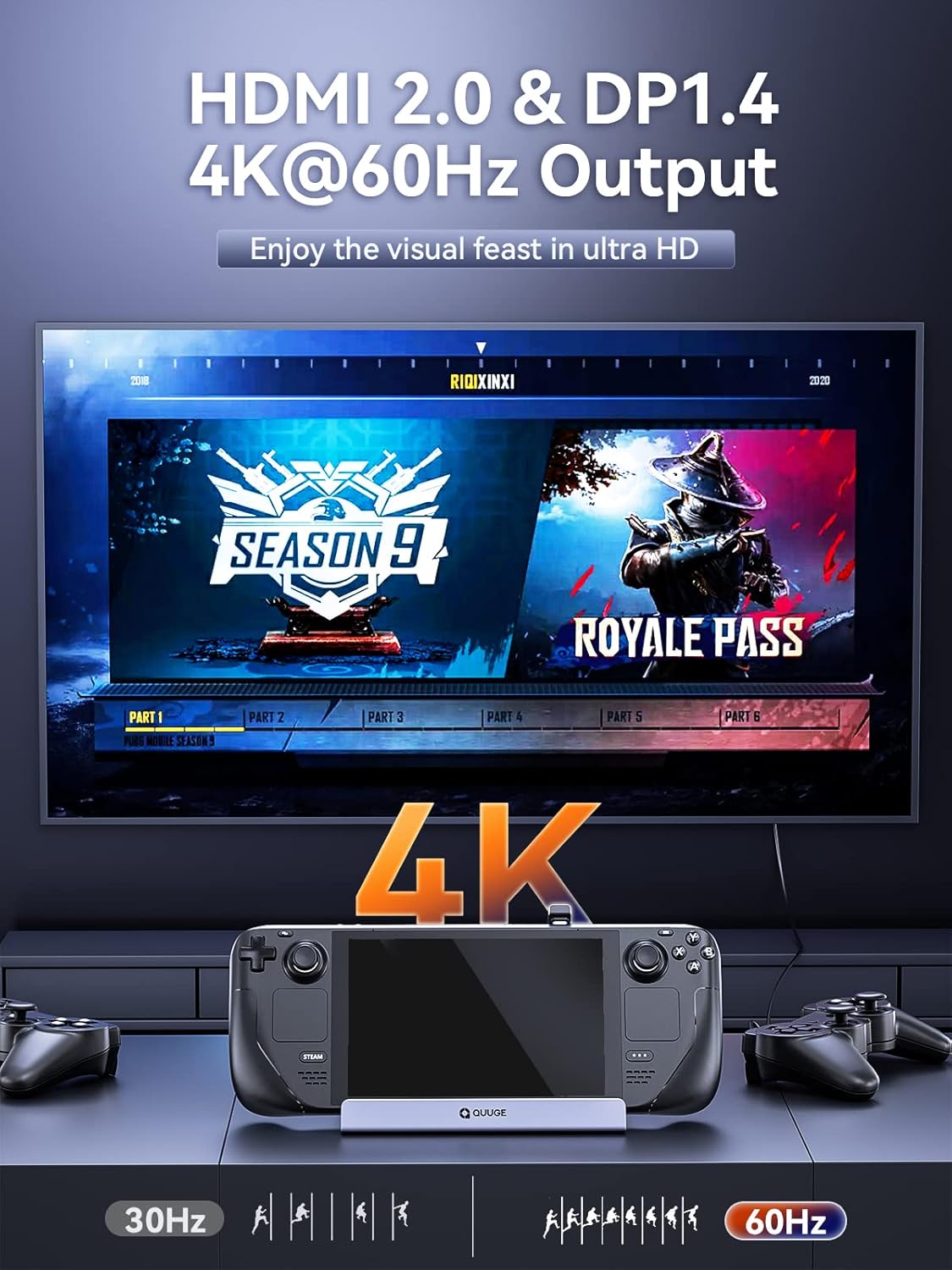
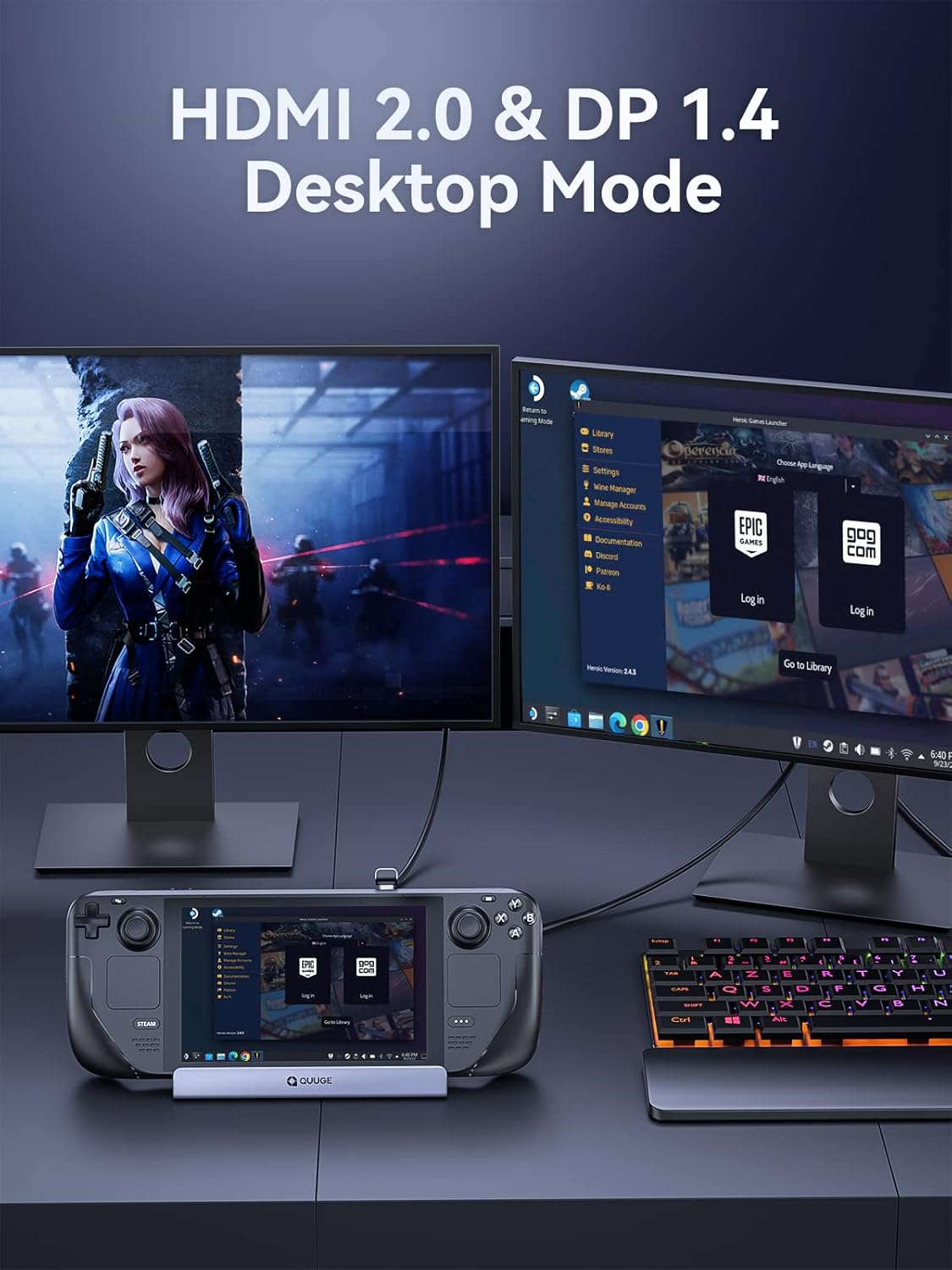
The dock’s dual display setup is the headline feature. It supports simultaneous output using the DisplayPort 1.4 and HDMI 2.0 combination. The important nuance is the mode you’re using:
- In desktop mode, you can get 4K 60Hz output on two 4K monitors at the same time.
- In handheld mode, only a single video output is supported.
That last bit matters if you’re expecting a “one-dock-does-it-all” experience while keeping the Deck as a handheld. You can still use it, but don’t assume the dual-screen behaviour will carry over into handheld mode.
Connectivity and daily usability
For gaming sessions and general home-office use, the port selection is fairly sensible. You get:
- USB-A and USB-C ports (both rated at 5Gbps) for peripherals or storage
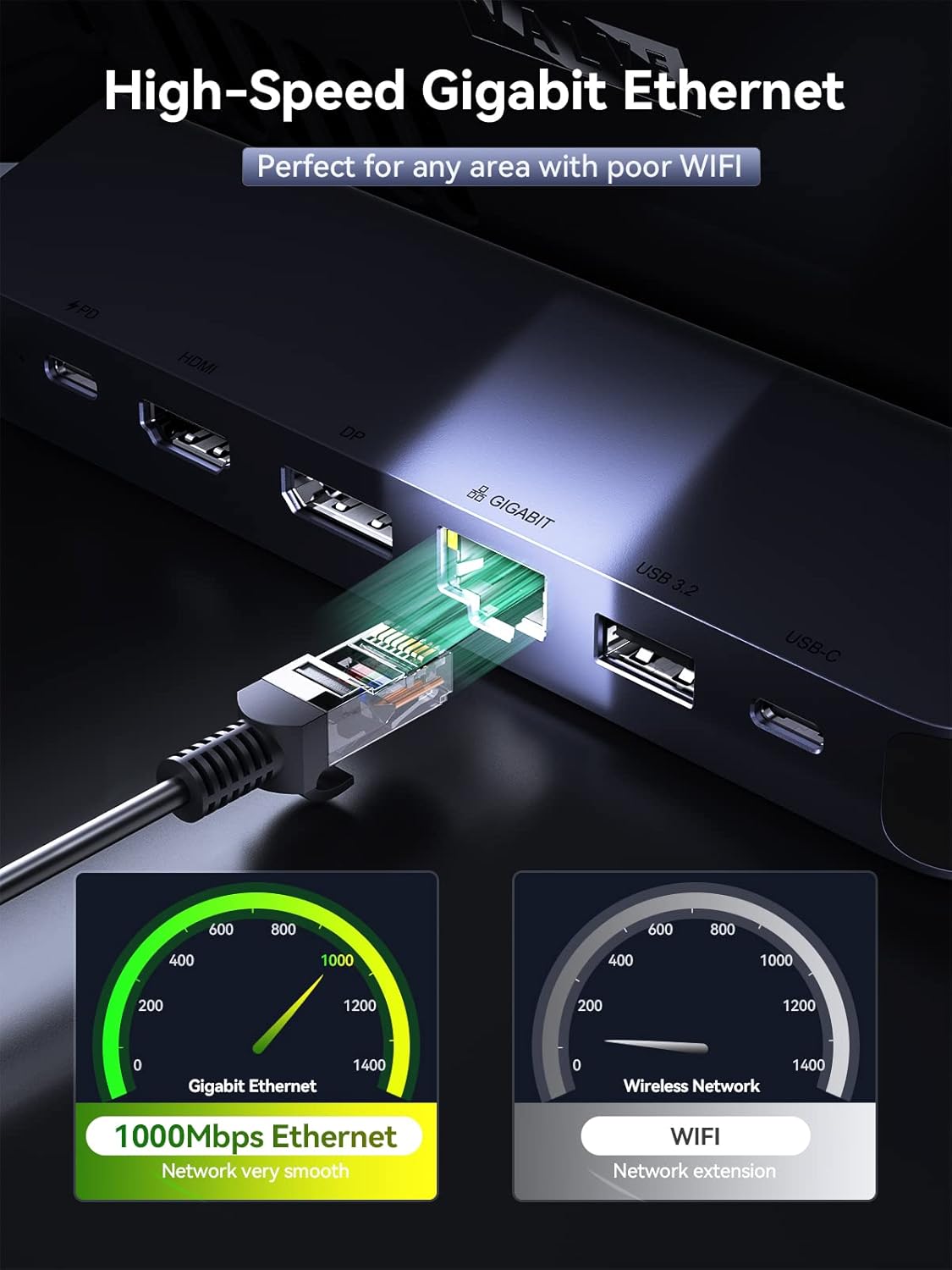
- 1000Mb Gigabit Ethernet for a more stable connection than relying purely on Wi‑Fi
One thing worth noting from the design details: the dock has a more compact layout with the network port moved to the back, and the height is lowered to avoid blocking the Deck’s vents. The USB-C connection also uses a fitted buckle design and an anti-slip pad at the bottom, aimed at keeping the Deck steady.
Charging: useful, but read the limits
The dock supports PD 3.0 charging up to 100W max. However, the description also states the Deck’s maximum charging speed is 45W. So, while the 100W figure sounds impressive, the realistic takeaway is that this should be sufficient to charge your Steam Deck quickly when you use the original charger.
It’s not a dock built purely for charging, but as a desk dock it makes sense that power is handled through the docking connection. Just bear in mind that charging “at full speed” is still limited by the Deck’s own charging ceiling.
Design details you’ll notice in use
QUUGE has tried to address the small irritations that come with dock setups. The USB ports are described as vertical to take up less space, and the placement of the Ethernet port is designed to keep the dock more compact. There’s also a caution about case compatibility: it’s not recommended to use both a full Steam Deck case and the dock at the same time.
That’s one of those gotchas that can save you time before you buy. If you use a protective shell or case consistently, it’s worth double-checking whether it’ll interfere with the docking connection.
What to check before you buy
Before you commit, it helps to align your expectations with how this dock behaves:
- Will you mainly use desktop mode? If yes, the dual 4K 60Hz claim in desktop mode is the key reason to consider it.
- Do you rely on handheld mode with dual output expectations? In handheld mode, the dock supports only a single video output.
- Are you using a case on your Steam Deck? The dock isn’t recommended to be used with both fuselage case and dock.
And finally, consider your setup: dual monitor docks are great when you already have the displays and a desk arrangement ready. If you don’t, a simpler single-screen dock could be the more sensible route.
Buying verdict
This QUUGE dual monitor dock makes sense if you want a Steam Deck desk setup with simultaneous dual-screen output, plus Ethernet and everyday USB connectivity. It leans more towards “home/desk gaming” than “grab-and-go handheld use”, and the mode-based video output limitation is the main trade-off.
It may not be the best match if you mostly play in handheld mode and expected dual video output, or if you strongly rely on keeping a case on the Deck while docking. If those points sound like your situation, you may want to skip it and look at a dock approach that better fits your everyday routine.
Quick FAQ
FAQ
Can it run two monitors at 4K 60Hz?
In desktop mode, the description says you can achieve 4K 60Hz on two 4K monitors at the same time. In handheld mode, it only supports a single video output.
Does it include Ethernet?
Yes. There’s a 1000M Gigabit Ethernet port included for a faster and more stable connection.
How fast does it charge the Steam Deck?
It supports PD 3.0 up to 100W max, but it also notes the Steam Deck’s maximum charging speed is 45W. Using the original charger is mentioned as the relevant pairing.
Will it work with a protective case?
The note says it’s not recommended to use both a fuselage case and the dock together.