

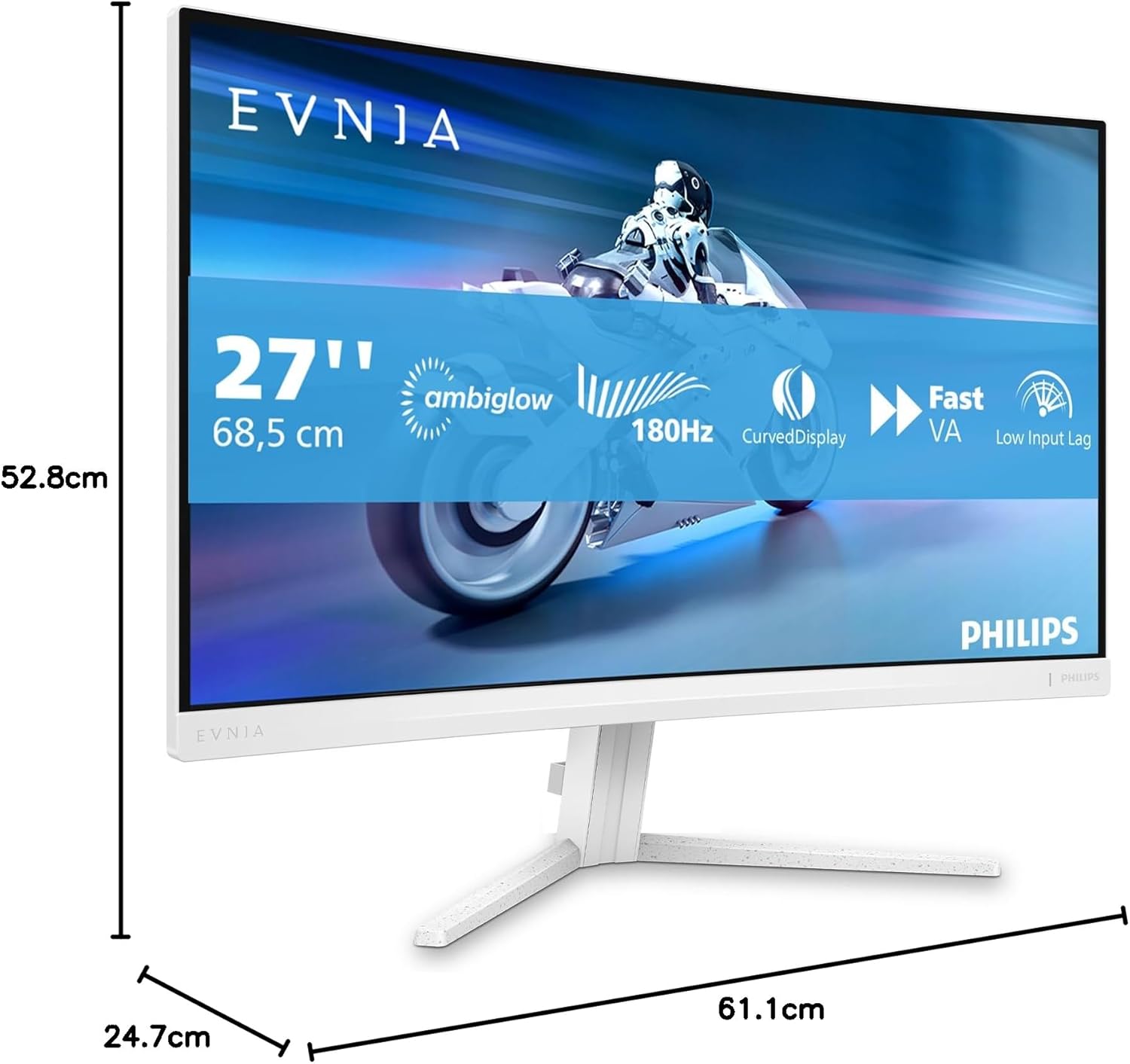
Philips Evnia 27M2C5201L 27-inch FHD Curved Gaming Monitor (180 Hz, 1 ms GtG, FreeSync Premium)
Product description
Curved gaming monitor for smoother gameplay
The Philips Evnia 27M2C5201L is a 27-inch curved FHD gaming monitor built around the bits that typically matter when you’re chasing smoother motion: a high refresh rate, fast response, and AMD FreeSync Premium to help keep the picture steady during gameplay. On paper, it’s the kind of setup you choose when you want gaming to feel more fluid without jumping into higher-resolution territory.
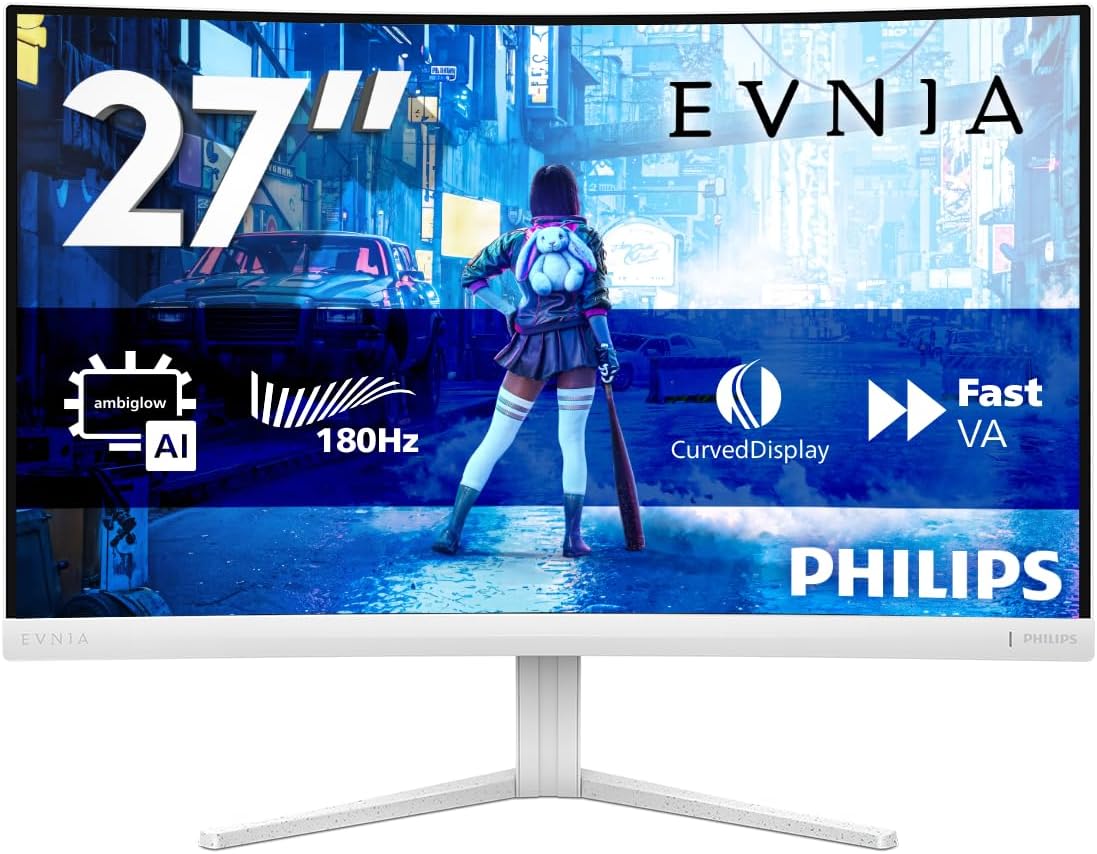
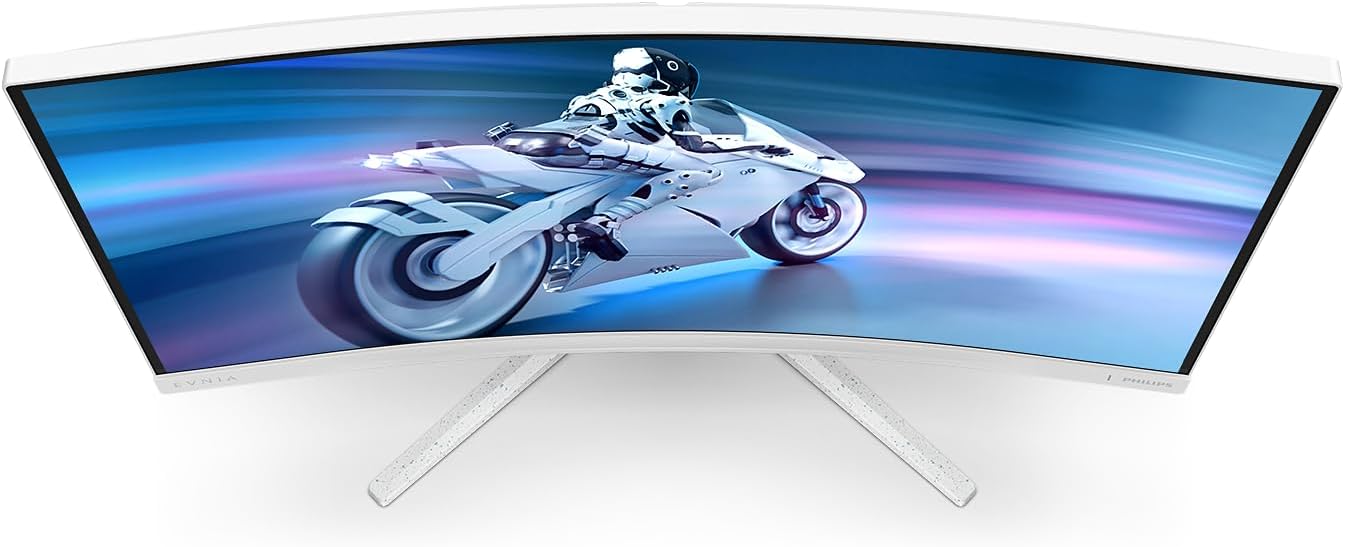
The curved panel design is there to create a more immersive viewing experience. In day-to-day use, it can also help the screen feel a little more “wrapped” around you compared with flat panels—though whether you love the curve depends a lot on how you sit and how wide your desk setup is.
Key features that affect how it feels
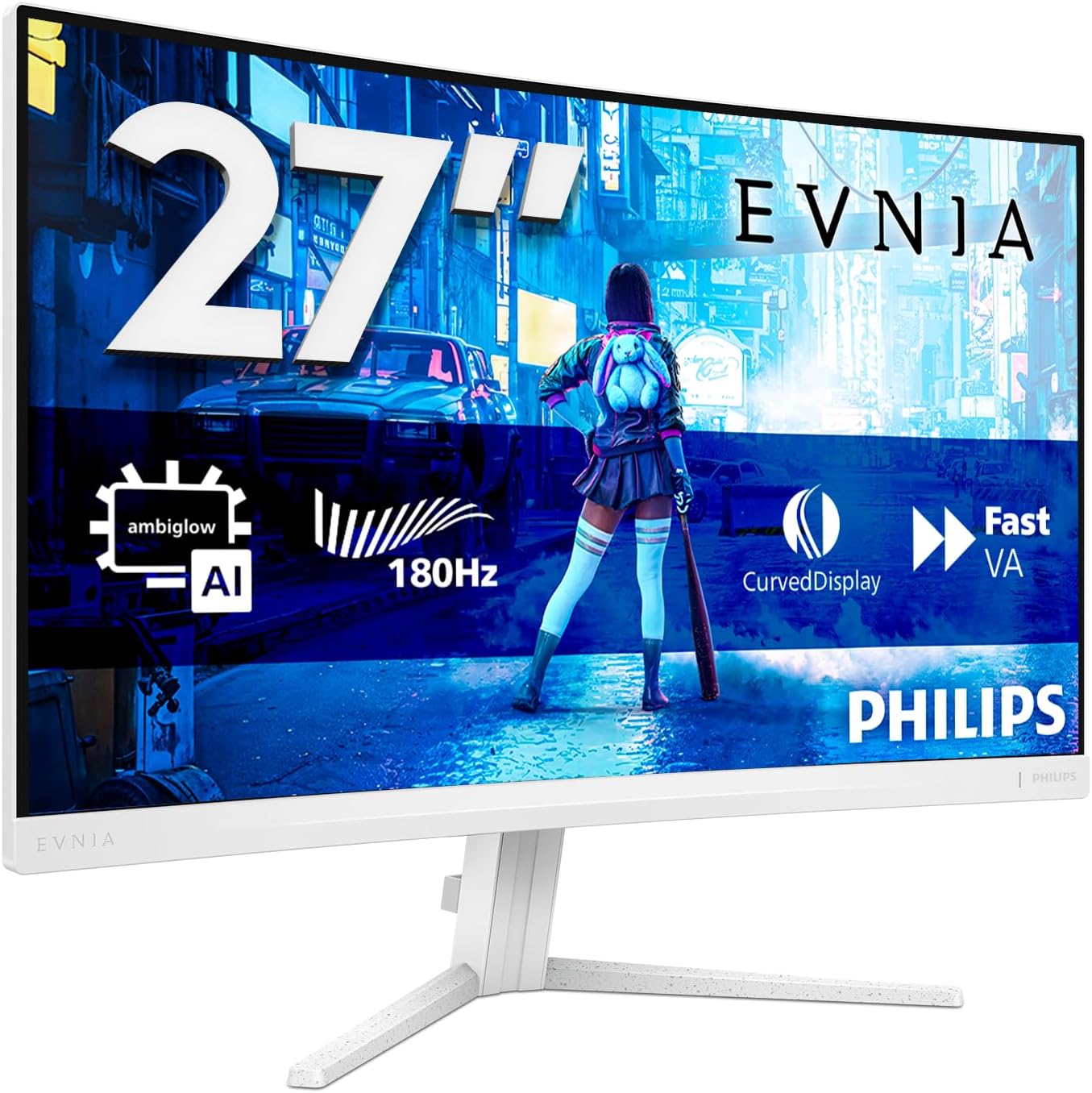
A big part of the appeal here is the motion stack. The monitor syncs the display refresh rate with the graphics card to help reduce screen tearing and stuttering, and that’s exactly the sort of thing that makes gameplay feel less distracting when frame rates fluctuate. AMD FreeSync Premium is part of that approach, aiming for tear-free, smoother gaming.
It also claims reduced screen flickering to minimise eye strain during longer sessions. That’s one of those features that’s hard to judge from specs alone—people can be sensitive to flicker differently—so if long play sessions are your norm, it’s worth paying attention to this particular design goal.
Finally, the headline numbers are straightforward: 180 Hz refresh rate and 1 ms GtG response. If your current monitor feels a bit “laggy” or your gameplay has micro-stutters, this spec set targets that directly. That said, you should still think realistically: high refresh rates shine most when your PC/GPU can keep up in your games.
What to expect from the ports and connectivity
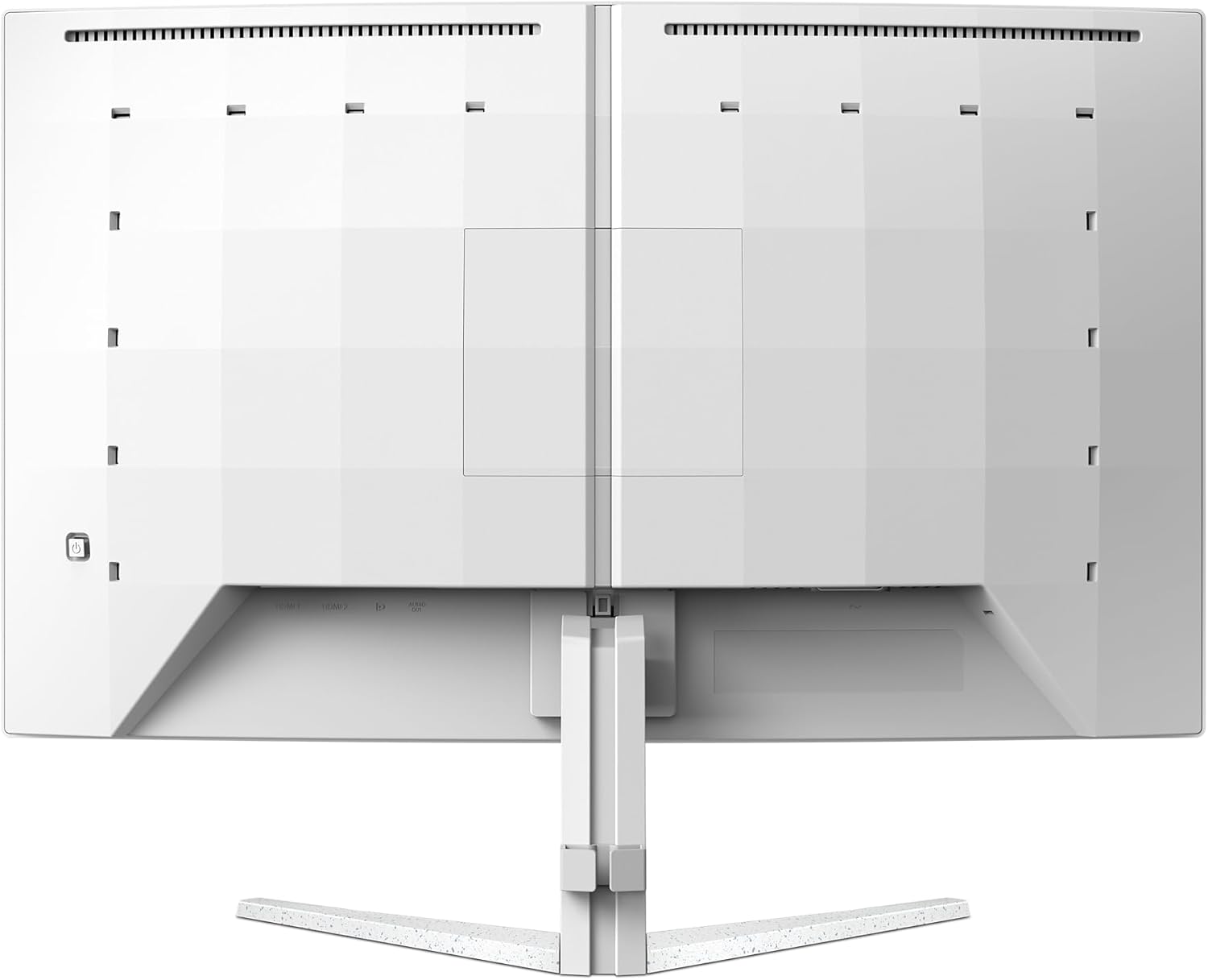
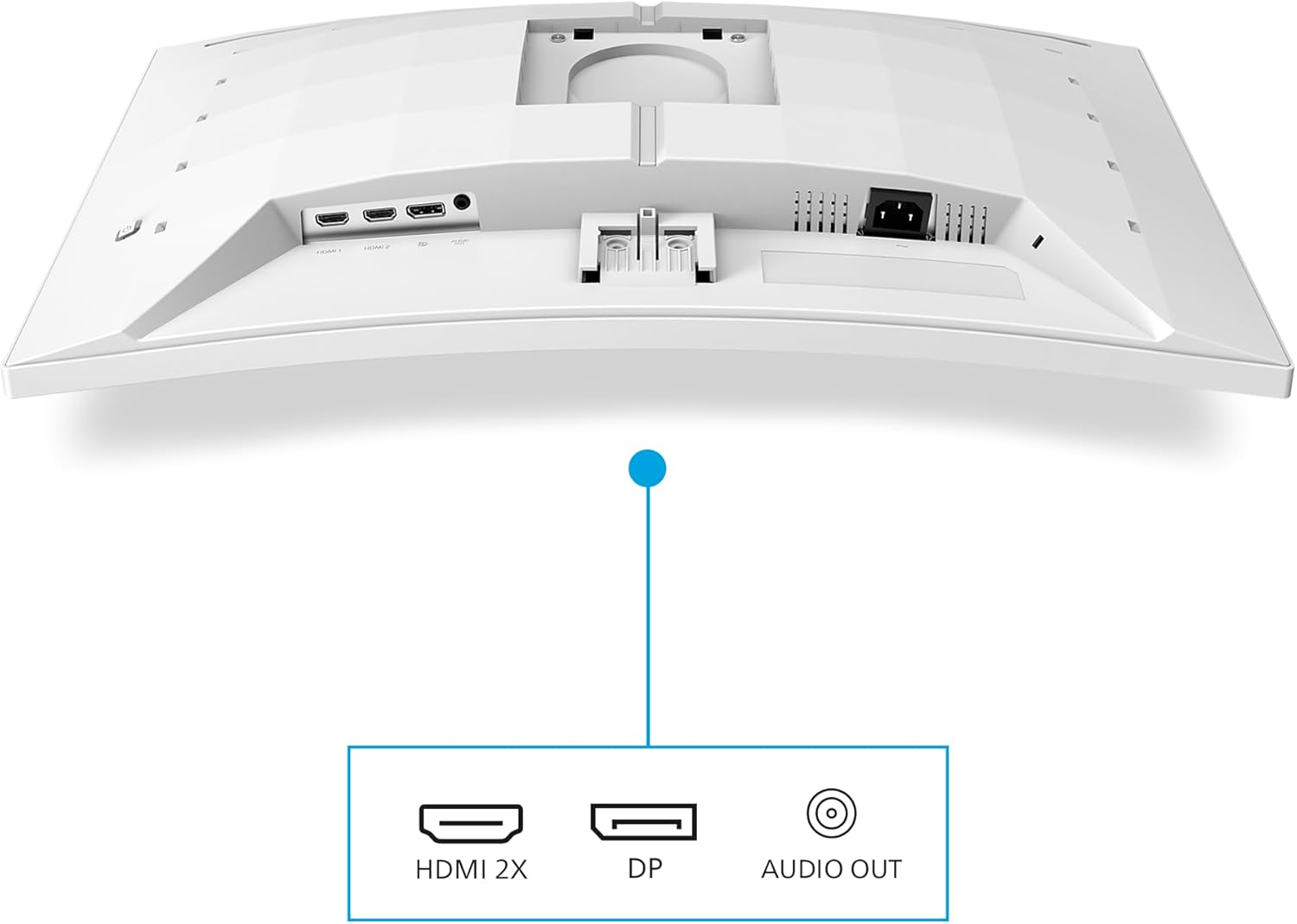
For connections, the Philips Evnia 27M2C5201L includes 2x HDMI 2.0 and 1x DP 1.4. That’s a sensible spread for typical setups: HDMI is handy for consoles or a secondary device, while DisplayPort is often the go-to for PC monitors when you want straightforward high-refresh gaming.
If you’re planning to use multiple sources, having both HDMI and DP reduces the need for adapters. Just keep in mind that the “best” configuration can depend on the device you’re connecting—so it’s smart to check that your gaming device supports the refresh rate and features you care about through the chosen port.
Tech specs worth noting (and what they mean)
Here’s the quick technical picture you can use to sanity-check fit and expectations: - Type: Gaming monitor with curved display - Size: 27 inch - Resolution: 1920x1080 (FHD) - Refresh rate: 180 Hz - Response time: 1 ms GtG - Sync tech: AMD FreeSync Premium (aims for smoother, tear-free gaming) - Ports: 2x HDMI 2.0, 1x DP 1.4 - Colour: White
As a practical consequence, you’re looking at a 1080p panel. That can be a good match if you’re aiming for higher frame rates or you’d rather prioritise speed over sharpness. If you’re after crisp desktop text or lots of fine detail, you might find yourself weighing this against higher-resolution screens—especially if you spend many hours on productivity rather than gaming.
Who it suits best (and where it may fall short)
It’s a good fit if you want a curved FHD gaming monitor focused on motion smoothness, with FreeSync Premium handling the tearing/stutter side. It makes sense if you play fast-paced games where responsiveness and consistency matter—think competitive shooters or action-heavy titles where you notice frame pacing.
Worth considering if you’re the sort of gamer who plays for long stretches and would rather have a monitor that explicitly aims to reduce screen flickering. That’s not a guarantee for everyone, but it’s at least aligned with what you’d want for comfort.
It might not be a great match if you mainly use your monitor for office work and care more about text sharpness and document clarity than high refresh rates. Also, if you regularly run at performance levels that can’t sustain high frame rates, the extra refresh headroom may not feel as dramatic as the spec sheet suggests.
Getting the most out of it in real use
A quick example: imagine you’re switching from a standard 60 Hz display to this one for a match. After you enable the higher refresh rate in your PC display settings and ensure your games are compatible with adaptive sync, you should notice the motion feeling more stable—especially in scenes with lots of movement. The goal here is less tearing when the graphics load spikes, and fewer distracting hiccups when your frame rate shifts.
For evening sessions, if you’re sensitive to flicker, the monitor’s intention to reduce flickering could be the difference between “fine for an hour” and “bearable for longer”. Of course, comfort varies, so it’s worth treating this as a “designed for” feature rather than a universal fix.
Should you buy it?
Buying verdict
Buy the Philips Evnia 27M2C5201L if you’re after a 27-inch curved FHD gaming monitor with a 180 Hz refresh rate, fast 1 ms GtG response, and AMD FreeSync Premium to reduce tearing and stuttering. It’s especially compelling if you want smoother gameplay and you spend enough time at your desk that eye-comfort features matter.
You may want to skip it if you primarily care about ultra-crisp detail for work, or if you know your setup won’t reliably hit the kind of frame rates that make 180 Hz feel worthwhile. Also, double-check your device outputs—HDMI 2.0 and DP 1.4 are included, but the “best experience” still depends on what your console/PC supports.
Mini FAQ
Is this monitor better for PC gaming or consoles? It can work for both thanks to 2x HDMI 2.0 and 1x DP 1.4, but it’s typically a straightforward choice for PC gaming if you’re using DisplayPort.
What does FreeSync Premium do here? It synchronises the display refresh rate with your graphics card to help prevent screen tearing and stuttering for smoother gameplay.
Does 180 Hz automatically make games look better? It helps, but you’ll only fully benefit if your games and graphics performance can keep up enough to take advantage of a higher refresh rate.
Is curved a deal-breaker? Not necessarily, but it depends on your viewing distance and desk space. If you don’t like curves, it might feel unnecessary.
Is FHD a limitation for a gaming monitor? It can be a sensible choice if you’re prioritising frame rate and speed. If you’re focused on maximum sharpness for both work and play, you may want to consider higher-resolution alternatives.