

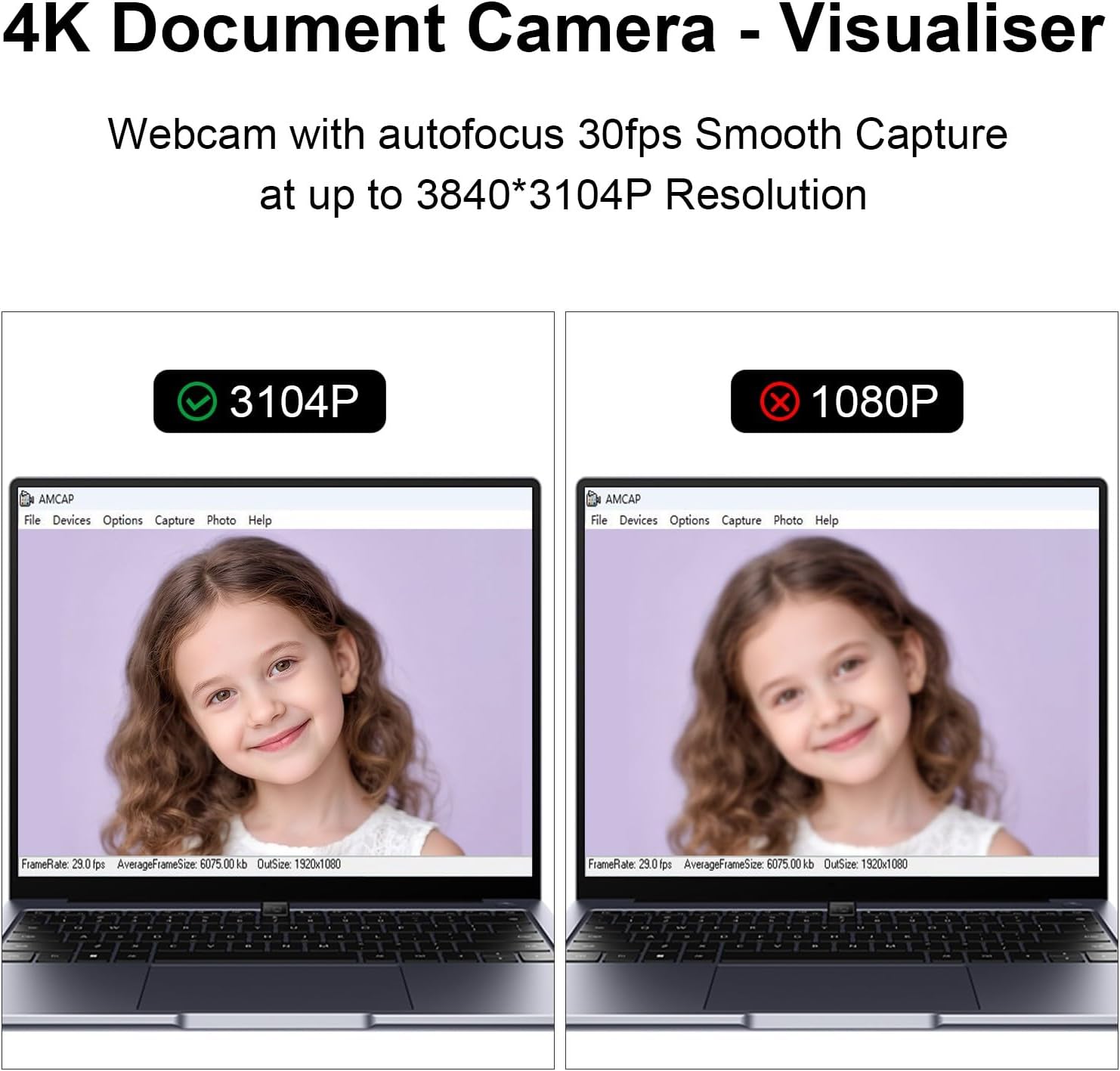
Gawervan Visualiser for Teaching and Classroom: 12MP/4K USB Document Camera (A3) with Smart Zoom & LED Light
Product description
What is it
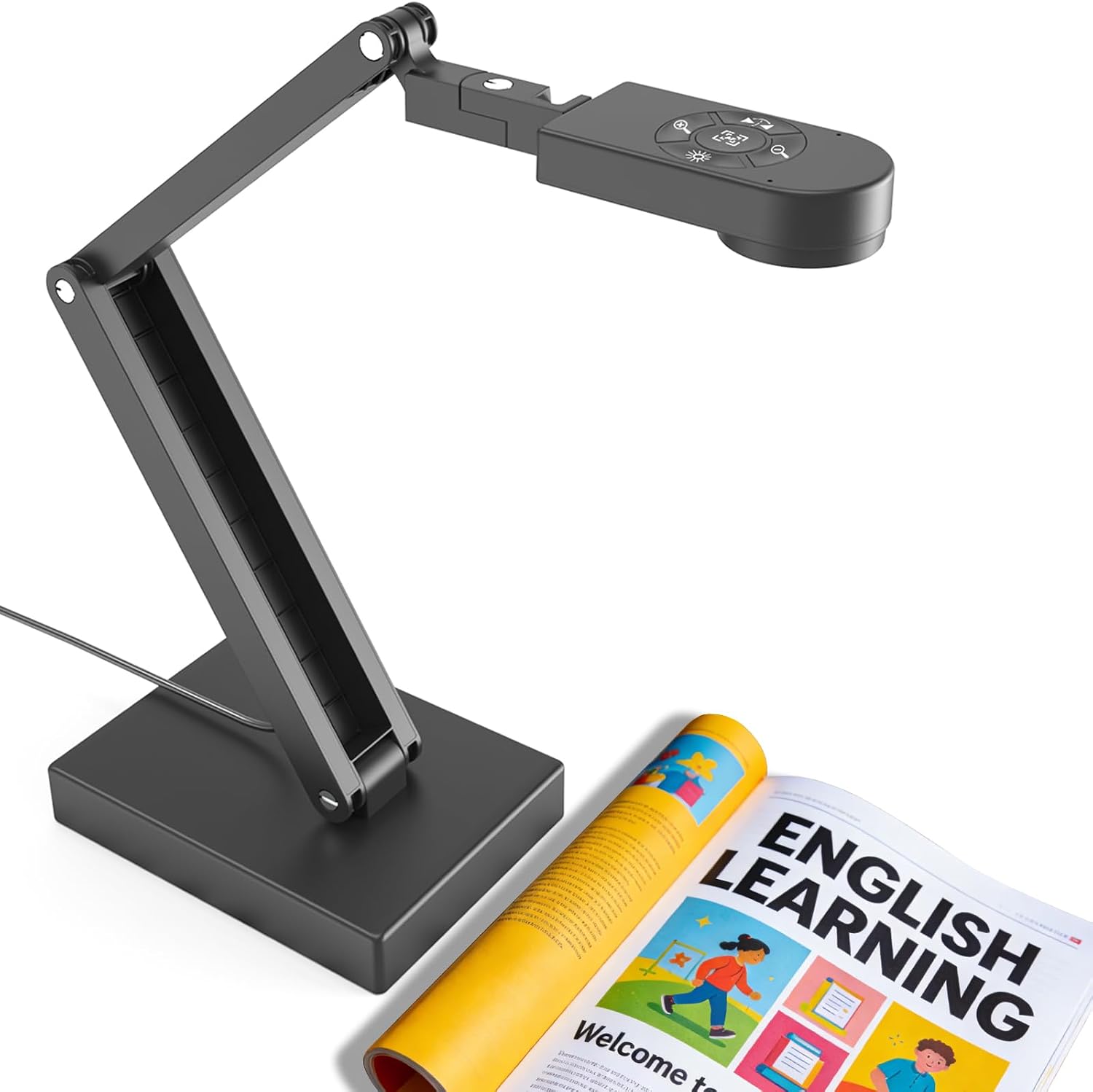
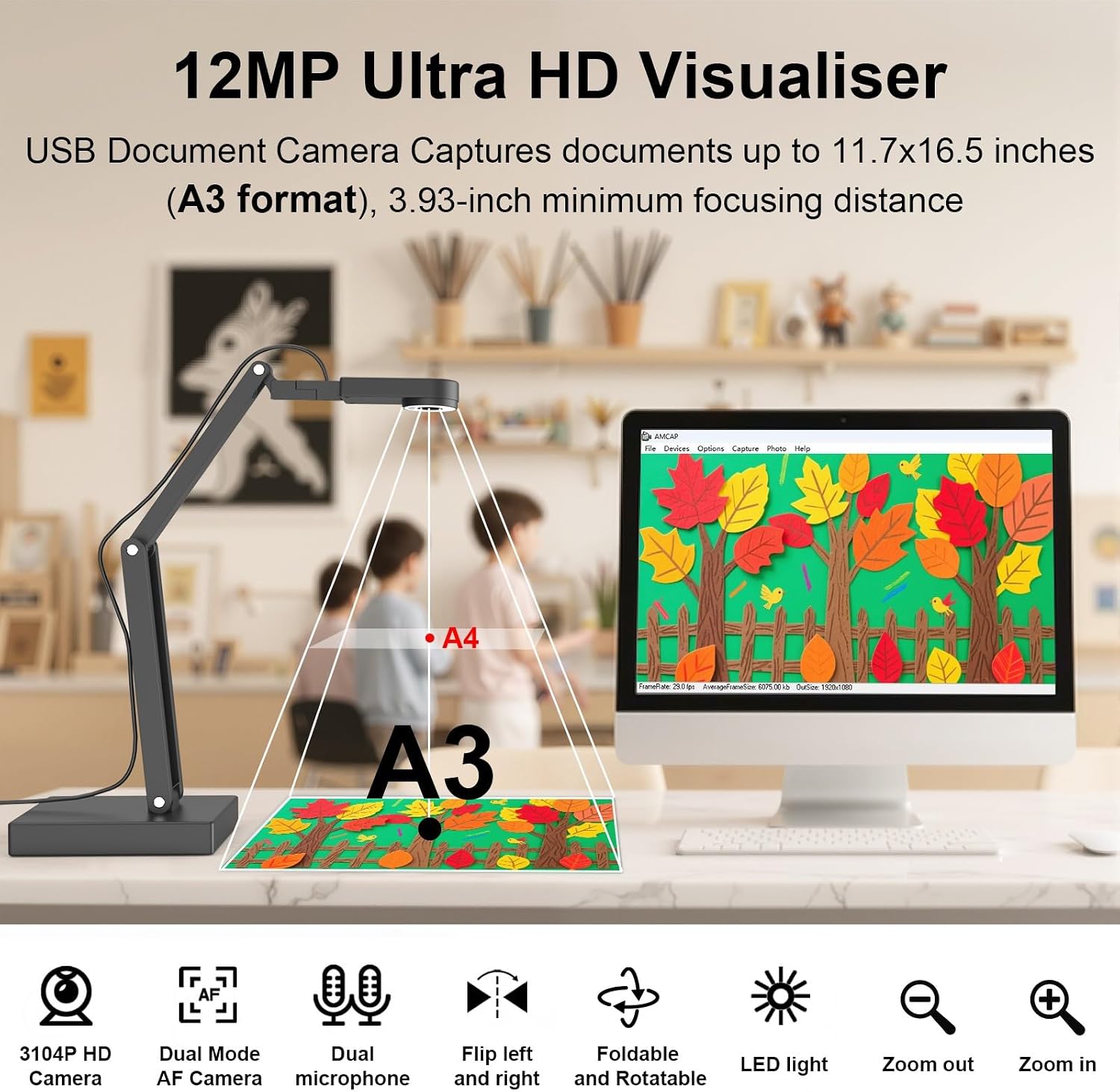
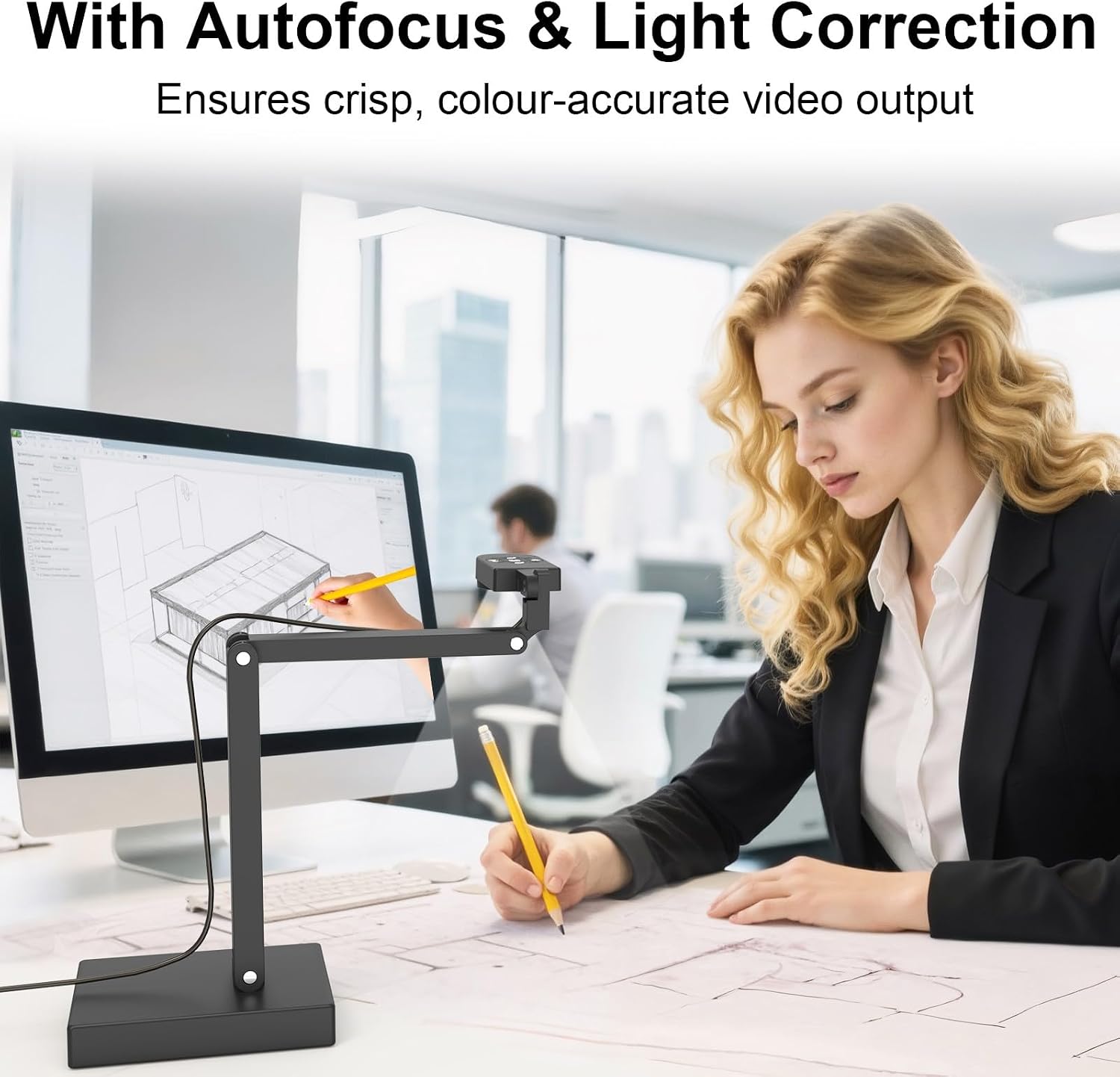
The Gawervan Visualiser is a USB-connected document camera designed for teaching and classroom use. It captures documents and 3D objects up to A3 size with a 12MP sensor, delivering 3840×3104 resolution at 30fps. It also includes an adjustable LED light, auto focus, a built-in microphone, and a foldable, multi-joint design for flexible placement.
How it helps in class
On paper, this visualiser aims to replace or supplement traditional overheads by providing a clear, live view of handouts, models and experiments. The USB-only connection and automatic driver installation keep setup straightforward on Windows, Mac and Chrome OS devices, which is handy for schools that use mixed devices.
What stands out in use
- High-resolution capture helps reveal fine print and small details on documents.
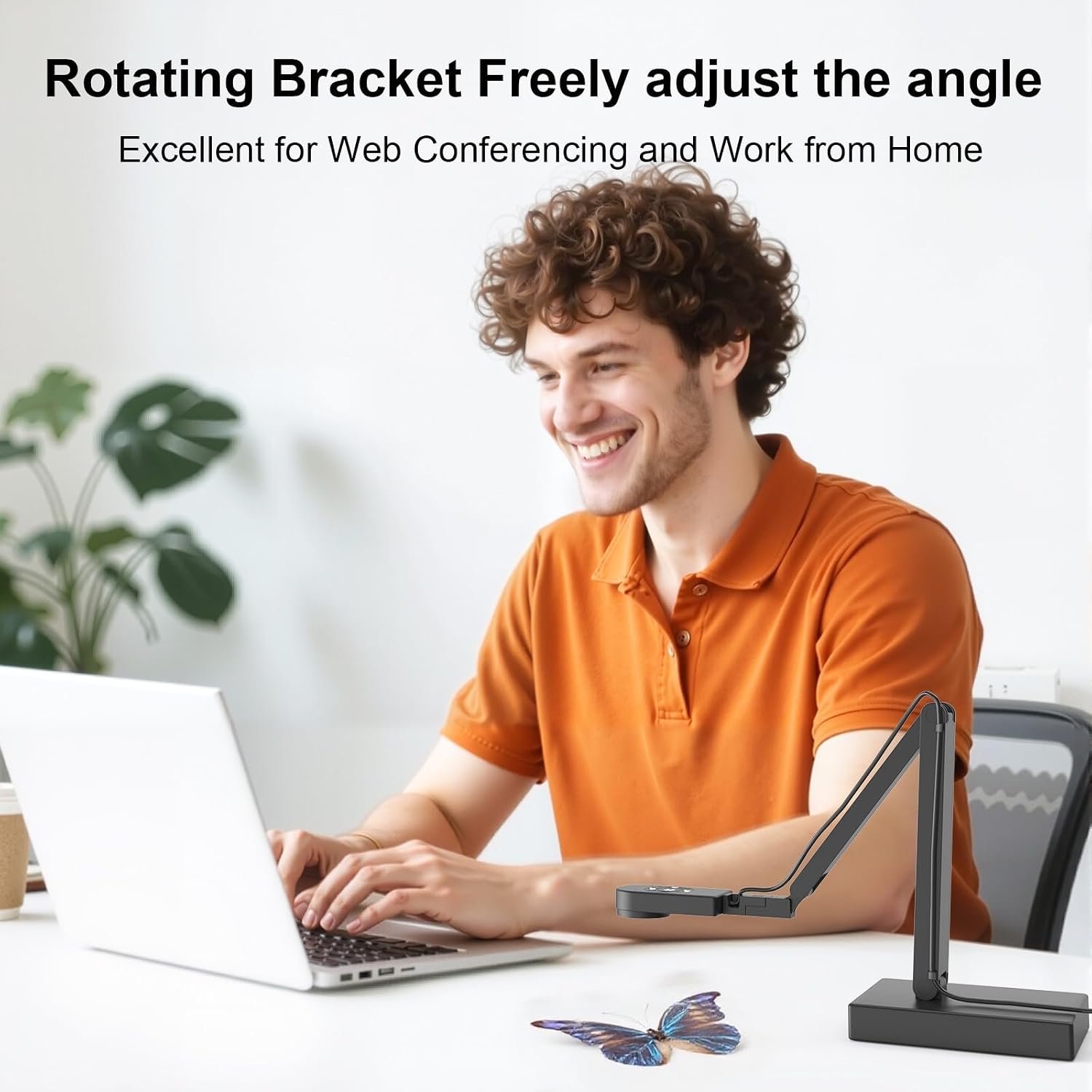
- The foldable, multi-joint frame allows positioning for direct scanning of pages or large objects, and the image can be flipped left-right to suit lesson flow.
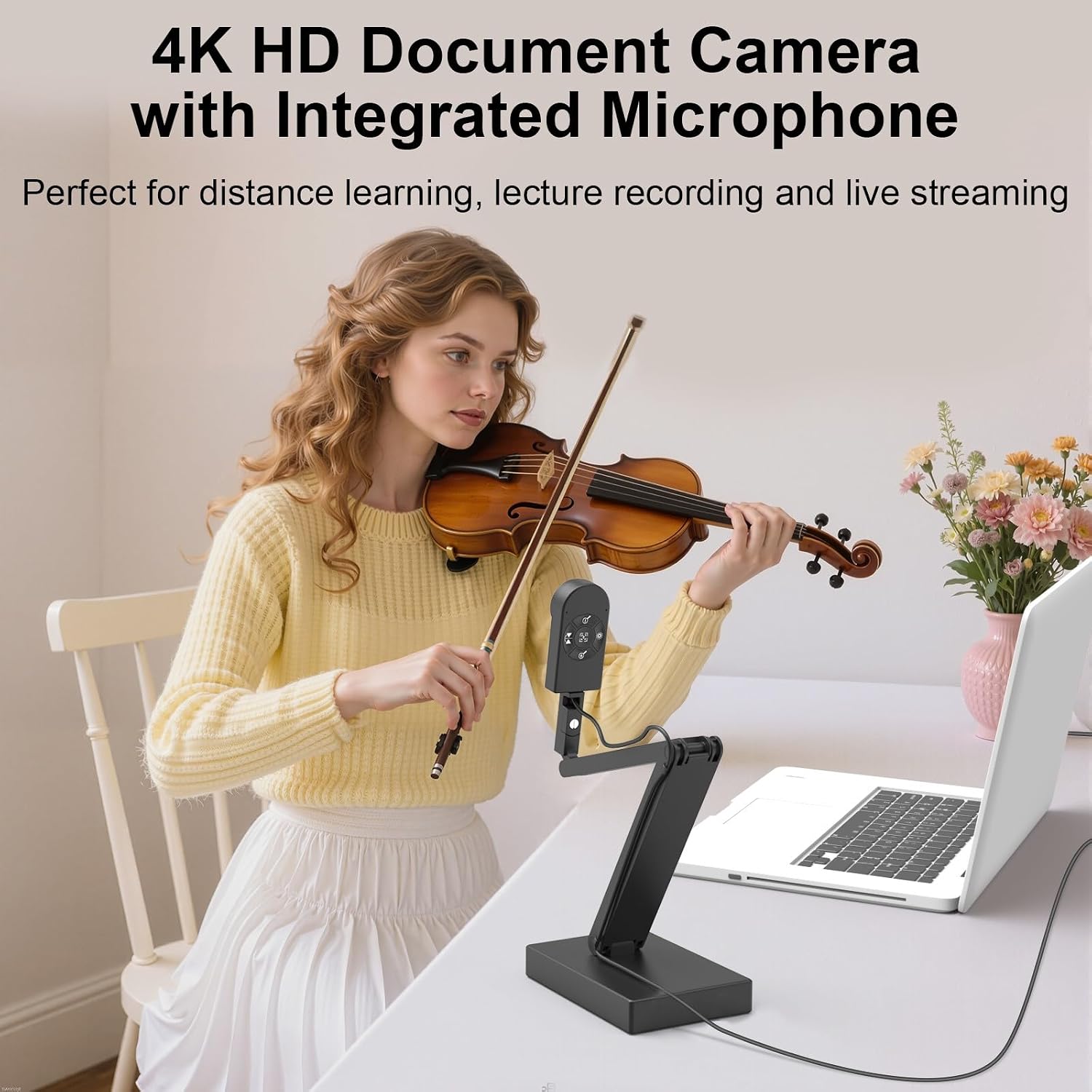
- A built-in noise-cancelling microphone plus LED fill light improves visibility and audibility in variable lighting, which is useful for remote teaching or hybrid classrooms.
- A3-size coverage is a practical middle ground for worksheets, experiments, and display of 3D items.
Limitations and cautions
- It does not support HDMI output and cannot connect to an iPad. For teachers wanting HDMI or iPad integration, this model may fall short.
- The device connects via USB to a computer, any software used for teaching should support USB visualisers and allow easy switching between sources.
- While the build aims for durability, the reliance on a foldable frame means calibration and positioning might require occasional adjustment during busy school days.
Who it’s for
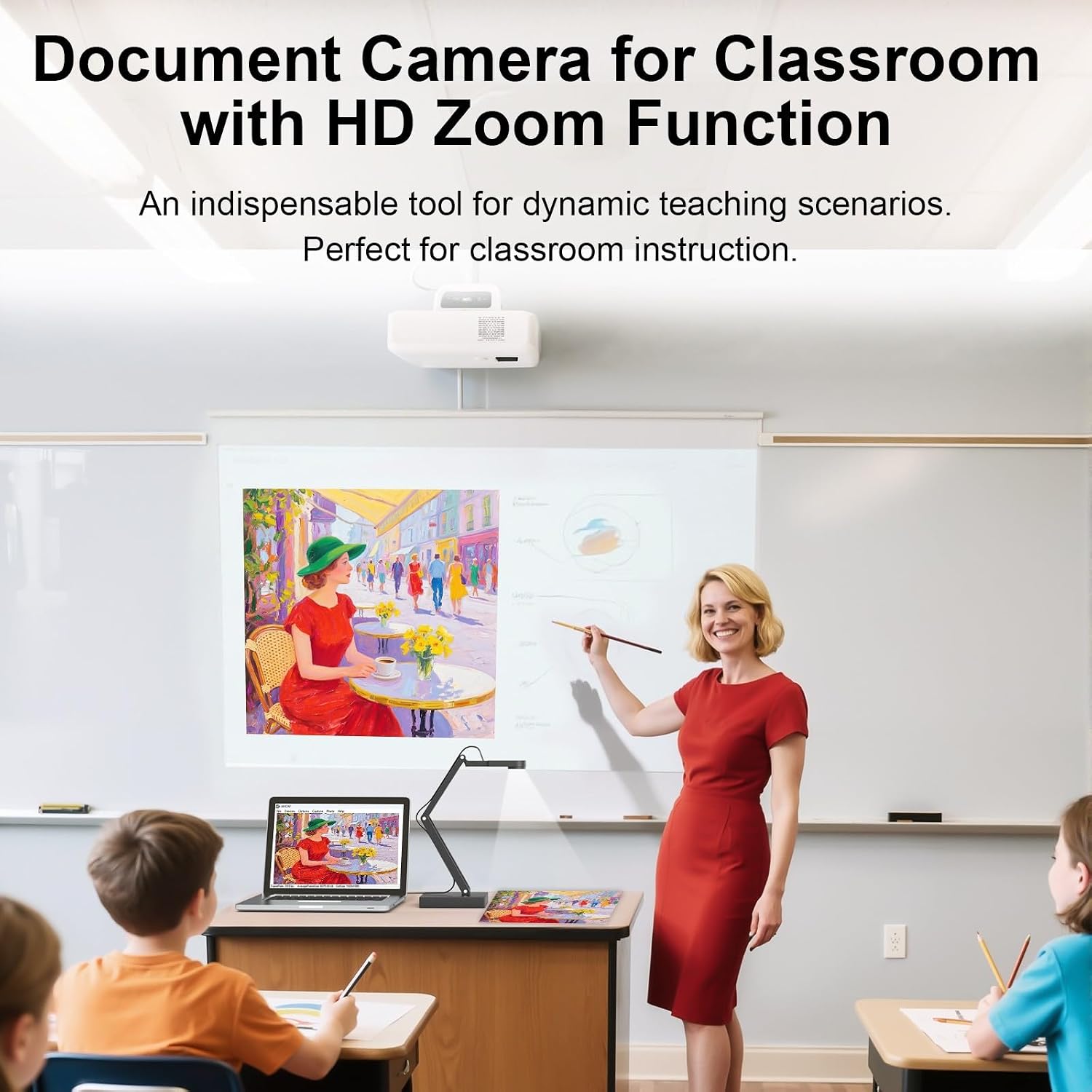
- Educators and schools looking for a practical, USB-based visualiser to share documents or demonstrations in small-to-medium classrooms.
- Teams hybrid environments where a clear document view and live object capture enhance online lessons.
- Settings where a straightforward, driver-free setup is valued and Windows/Mac/Chrome OS compatibility is important.
Who it’s not ideal for
- If you need HDMI output or iPad compatibility, this model isn’t the right choice.
- For users requiring stationary, non-folding rigs or ultra-portable solutions, alternatives with different form factors might be preferable.
When it makes sense to buy
- When your priority is a straightforward plug-and-play visualiser with decent resolution, flexible mounting, and a built-in microphone for hybrid sessions.
- If you frequently teach with printed pages or small parts and need an enlarged, easy-to-view display for the class.
- If your institution values a single, durable device with a long warranty on bulk orders (VAT invoices available for UK schools).
When to hold off
- If your setup relies on HDMI, iPad compatibility, or extremely high-speed live video without USB constraints.
- If you require higher than 12MP resolution or >30fps for fast action demonstrations.
What to check before buying
- Confirm your computer’s USB interface and the video software you plan to use supports USB visualisers.
- Consider the classroom lighting, although the LED helps, very dark rooms may still benefit from additional lighting.
- Think about room layout: the foldable design should fit your desks or podiums without obstructing sightlines.
Practical example of use
A science teacher uses the Gawervan to display a layered exploded view of a small model. Through the zoom, students observe connector points, while the LED light reduces shadows on the display. In a remote session, the built-in microphone captures questions from the class while the host shares the live view of the page and object on screen.
FAQ (where data allows)
- Does it work with Zoom and Teams? Yes, it’s compatible with common video software as a camera source.
- Can it show A3 pages without cropping? Yes, up to A3 size with magnification via digital zoom.
- Is there a warranty? It is advertised with a 5-year replacement guarantee and lifetime warranty.
Is it worth it?
It makes sense if you need a reliable, USB-connected visualiser that covers A3 documents, 12MP detail and basic classroom audio, without HDMI or iPad requirements. If your priorities include HDMI output or iPad compatibility, you may want to look elsewhere.