

Insta360 Link 2 Black PTZ 4K webcam for PC/Mac with AI tracking and HDR
Product description
What it is and why people buy it
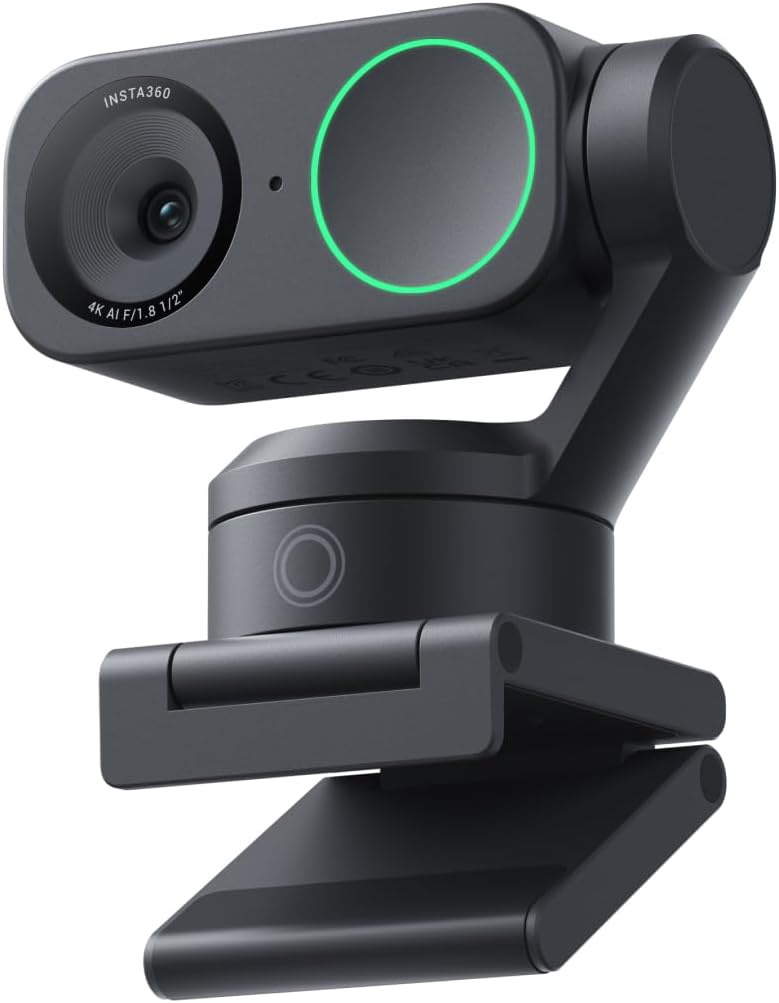
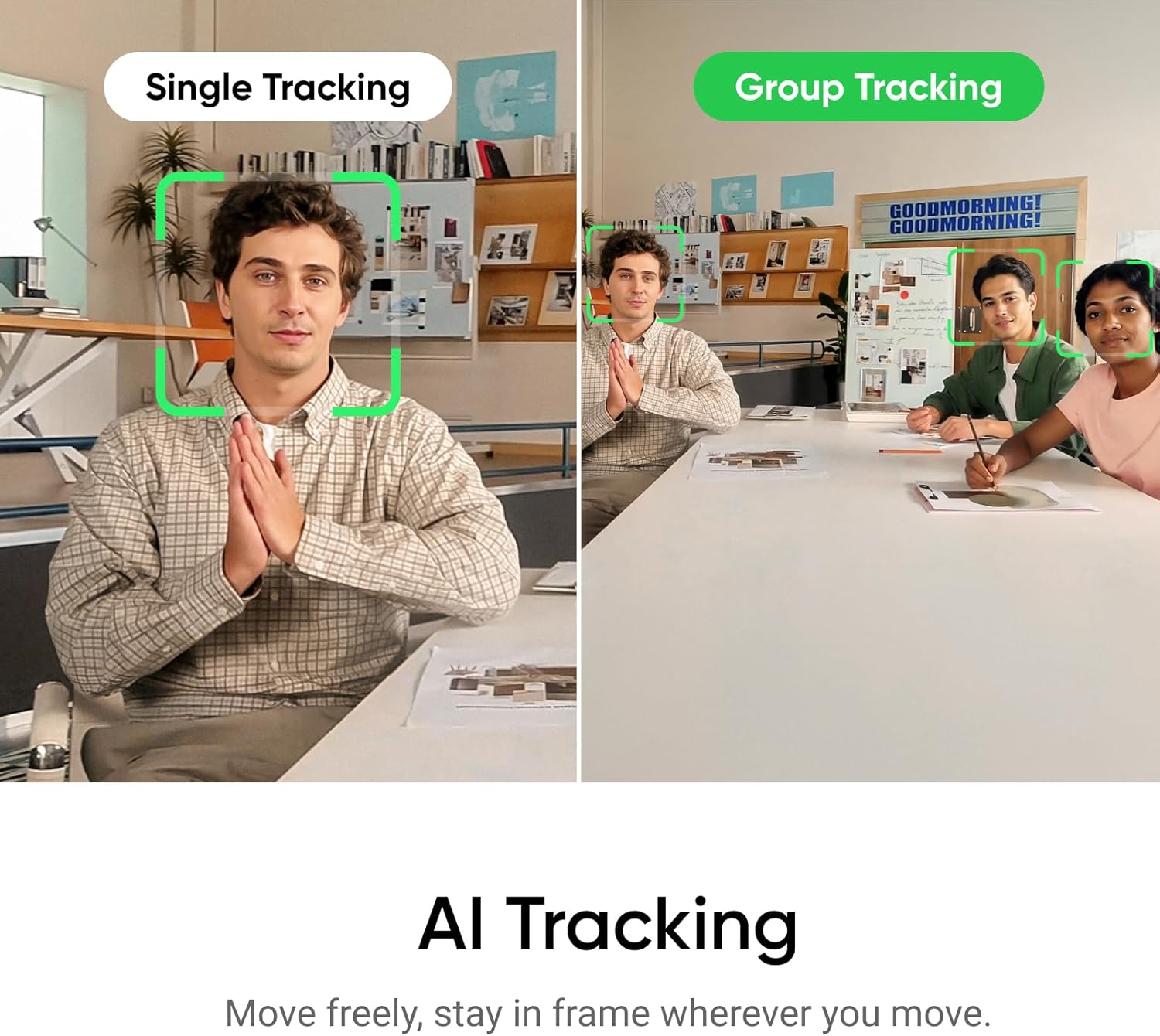
The Insta360 Link 2 Black is a PTZ (pan-tilt-zoom) 4K webcam built for people who want their video calls, streaming, and even casual gaming sessions to look more “set up” without needing a camera operator. Instead of staying fixed, it can physically pan and tilt to keep you in frame, which is a big deal if you tend to move around while talking or presenting.
On paper, it targets a fairly specific workflow: you sit (or stand) in a room, you talk or teach, and the webcam handles framing, focusing behaviour and some smart modes for you. That kind of automation can feel like a quality-of-life upgrade compared with a standard stationary webcam that only ever frames what you happen to do to it.
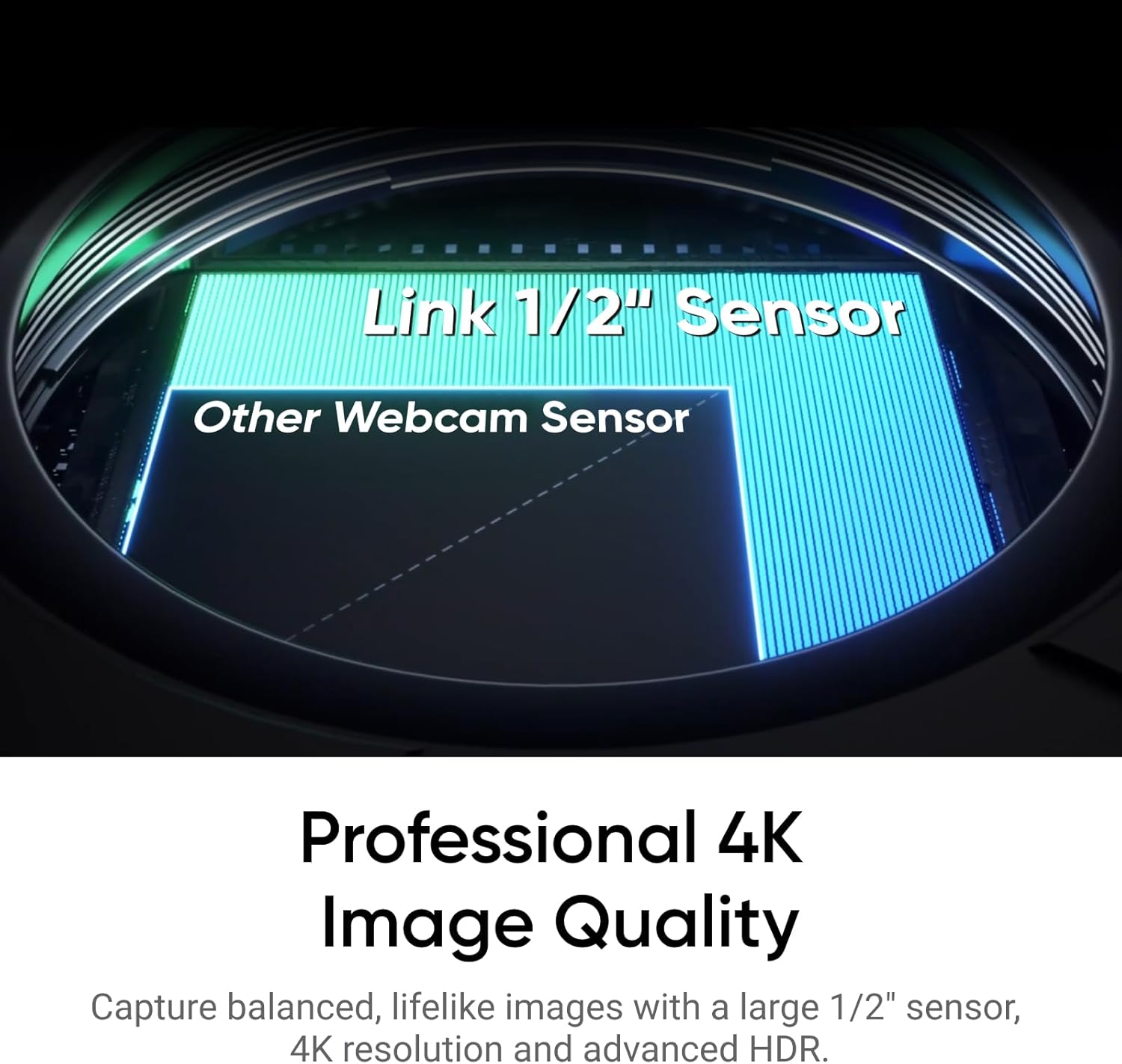
There are also some quality touches mentioned in the product details: HDR for a more balanced picture, a 1/2" sensor for “true-to-life 4K visuals”, and an AI noise-cancelling microphone approach intended to keep your voice clear in busier environments.
It’s not a miracle device, though. If your room lighting is extremely chaotic or your movements take you completely out of the webcam’s view, the tracking can only work within its operating limits.
The essentials: the image and audio approach
For video quality, the manufacturer claims a premium feel: a 1/2" sensor, “balanced” 4K visuals, HDR support, and notable low-light performance. In real-life terms, this usually matters most when you’re not filming in perfect studio conditions—think dim corners, late evening calls, or rooms with mixed light.
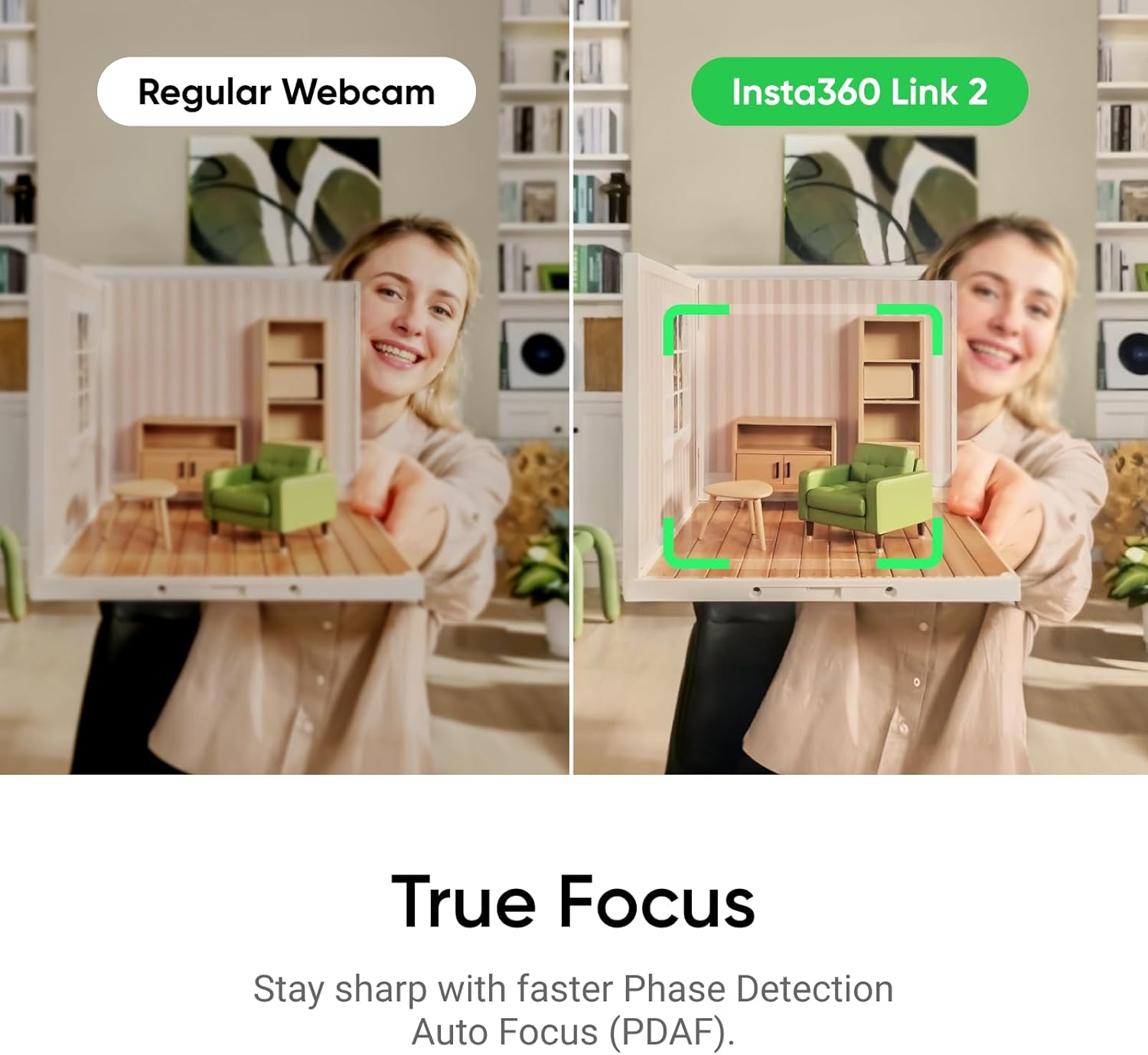
For sharpness, it leans on Phase Detection Auto Focus (PDAF) with a promise of faster, more accurate focusing. The practical benefit is straightforward: fewer soft or blurry moments while you start talking, adjust your position, or lean closer to the screen.
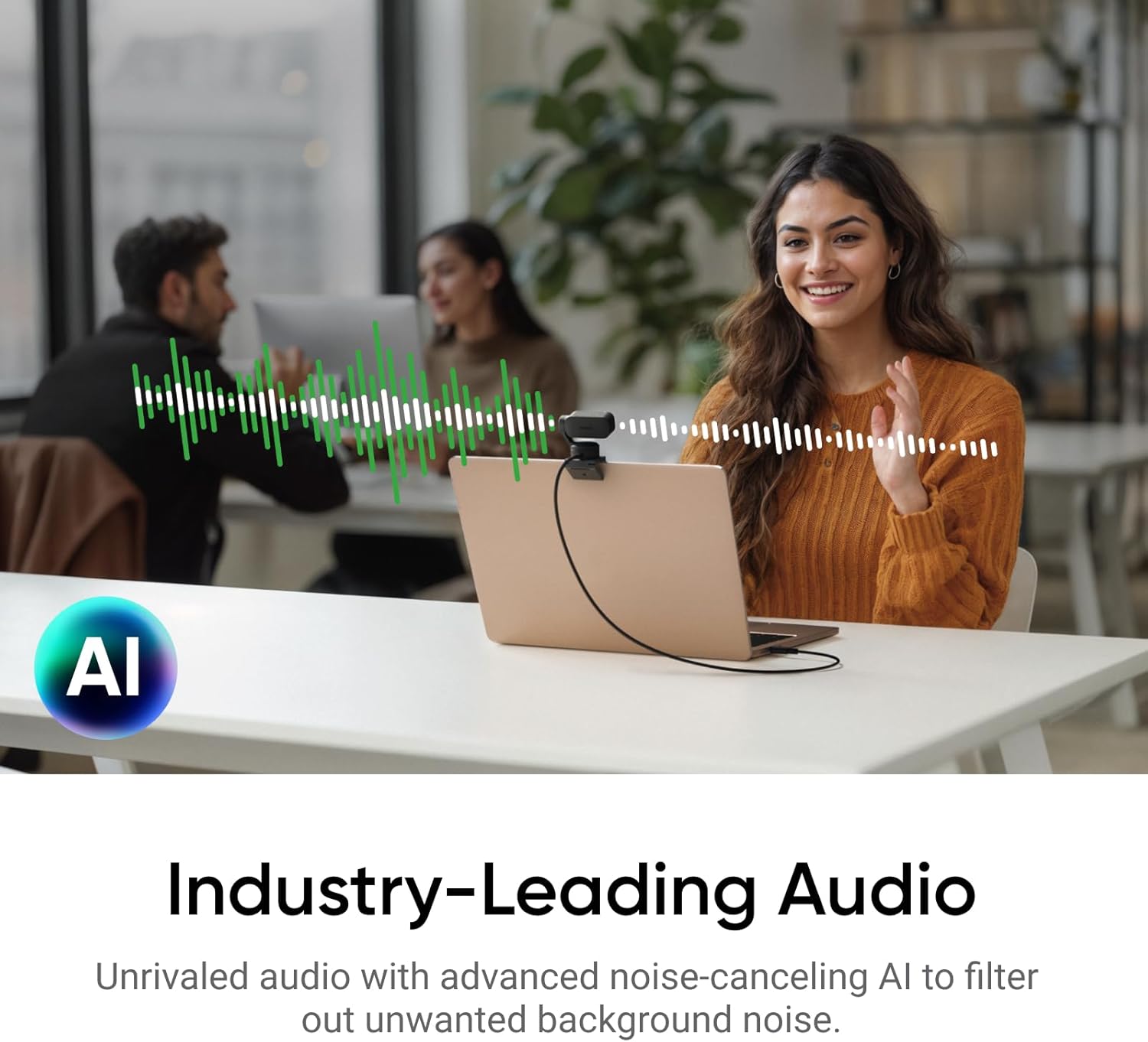
Audio is handled with AI noise-cancelling algorithms designed to filter unwanted background noise. If you live with unavoidable noise (keyboard clicks, a TV in another room, or general household sounds), that’s exactly the kind of scenario where this feature set is supposed to help.
Where it stands out in day-to-day use
The most distinctive part is the AI tracking that physically pans and tilts to follow your movements around the room. If you’re the type of person who doesn’t stay perfectly centred—maybe you pace slightly, reach for notes, or turn towards a second screen—this is the feature set that makes the Link 2 feel different from a typical webcam.
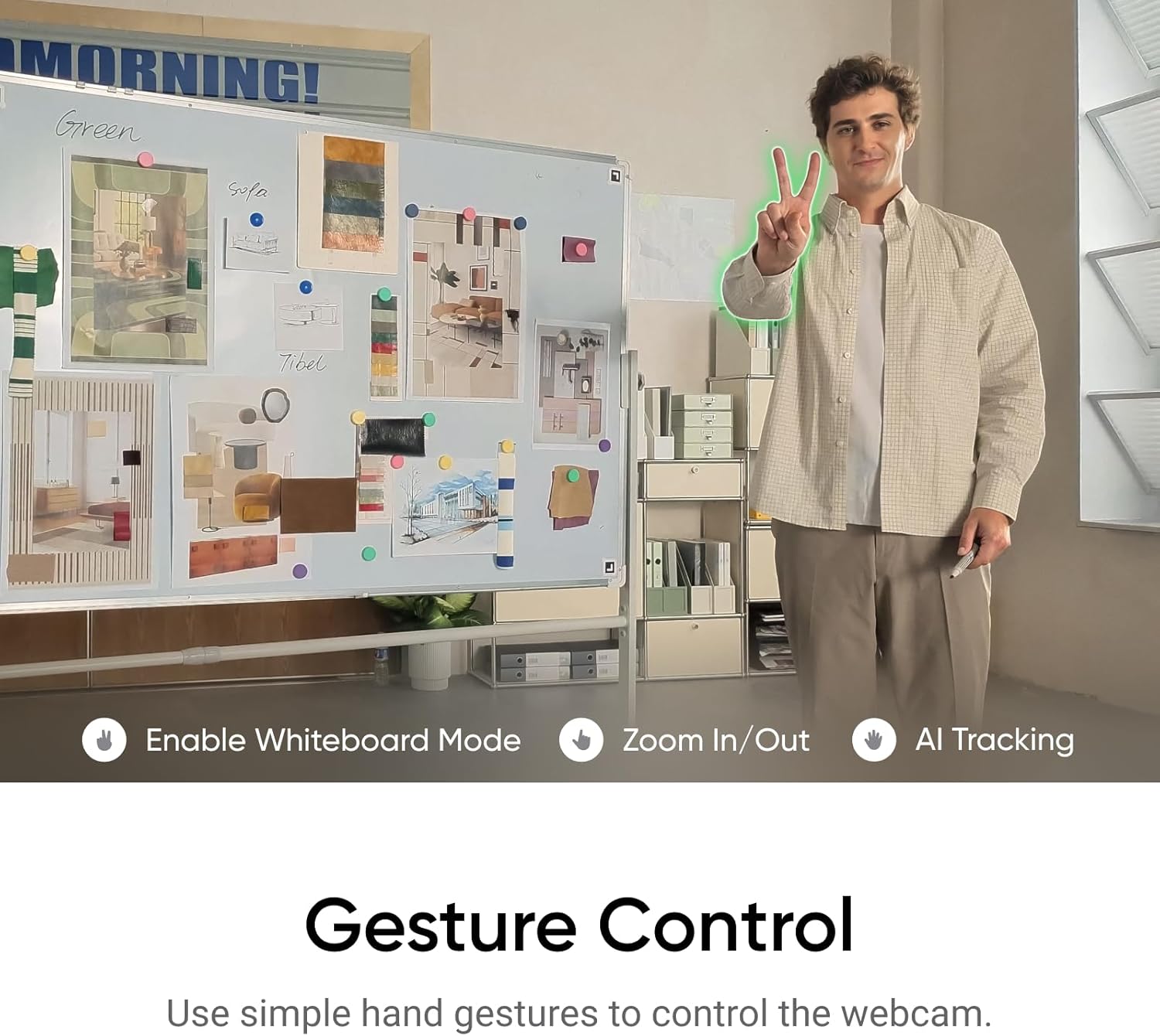
It also includes gesture and remote smartphone control. You can trigger AI Tracking/Auto Framing, adjust zoom in or out, and activate Whiteboard Mode using hand gestures or via a smartphone. There’s something genuinely practical about this for unscripted calls: you don’t need to hunt for controls or keep your hands glued to a keyboard just to reframe.
As an example of how this could play out in a normal UK home office setup: you start a call, the webcam frames you as you sit down, and if you stand to write on a whiteboard, you can use a gesture (or the app control) to switch modes. The goal is fewer awkward “can you wait while I re-seat the camera?” moments.
Modes and creative-looking framing
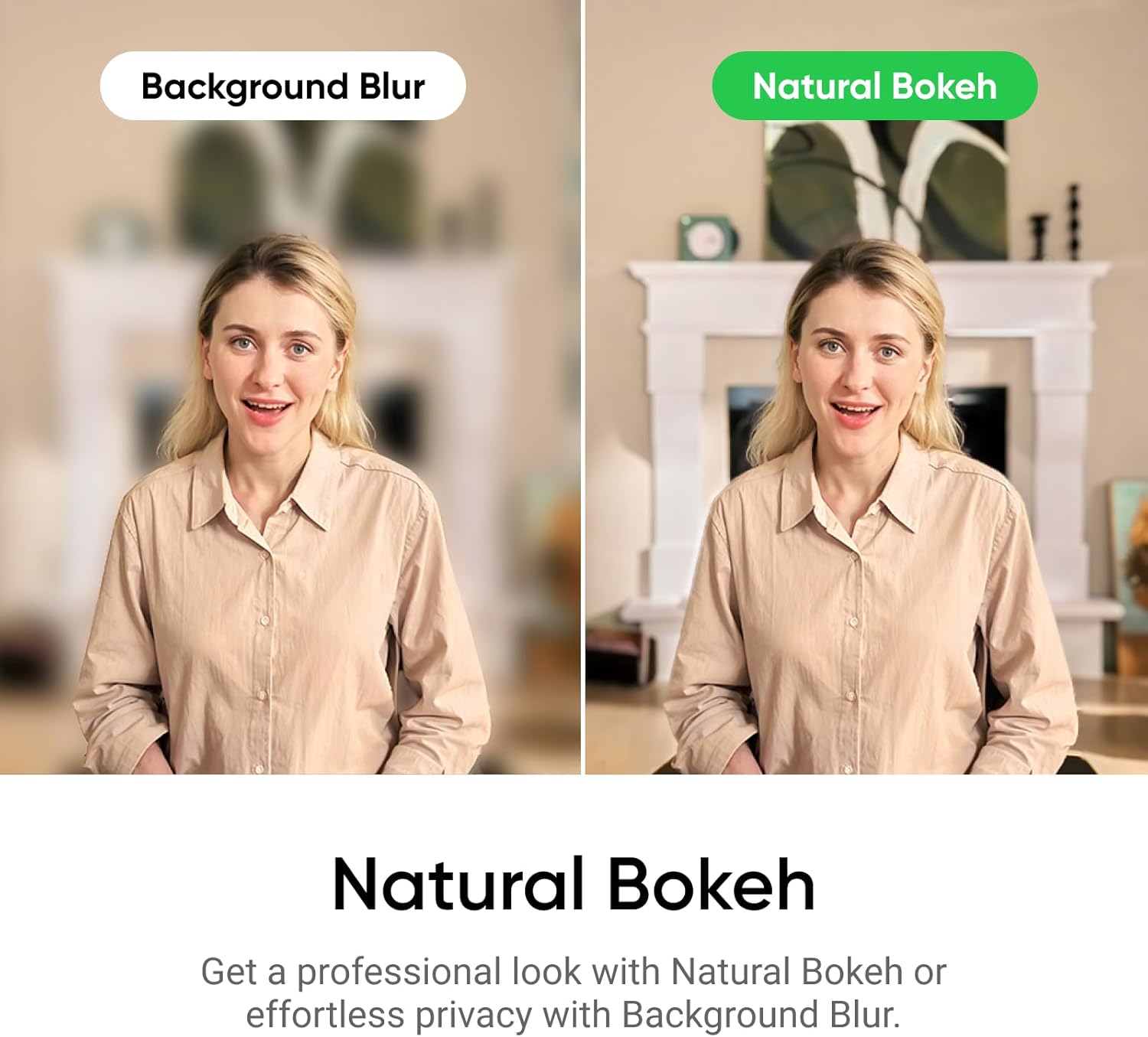
The Link 2 mentions several specialised modes: DeskView, Whiteboard, and a 4K Portrait Mode. It also describes “natural bokeh” intended to replicate a DSLR-like depth of field and produce a realistic, natural bokeh effect “straight from Link Controller.”
For many buyers, this is less about cinematic cosplay and more about making video calls look cleaner—especially when you’re on camera for work and want the background to be less distracting.
That said, it’s worth keeping expectations grounded: depth-of-field effects are software-driven and can be sensitive to lighting and subject distance. If you mainly want a neutral, no-nonsense webcam look for straightforward meetings, you may prefer to run the camera in modes that prioritise consistency over “portrait” styling.
Tech specs, at a glance
Tech specs
- Type: PTZ webcam (physically pans and tilts)
- Resolution: 4K visuals
- Sensor: 1/2" sensor
- Focus: Phase Detection Auto Focus (PDAF)
- Features: AI tracking, HDR, gesture/remote smartphone control
- Audio: AI noise-cancelling microphone approach
- Modes mentioned: DeskView, Whiteboard Mode, 4K Portrait Mode
Who it’s for (and who should think twice)
It makes sense if you want a webcam that helps with framing and presentation. You’ll likely get more value if you:
- regularly move during calls, teaching, or streaming rather than staying perfectly still
- want gesture control and smartphone remote control for quick reframing
- care about clearer audio in less-than-ideal background environments
- like the idea of modes such as Whiteboard and DeskView for work-style video
It may not be the best match if you only need a simple webcam for occasional chats and you’re happy to sit centred. Also, if your priority is maximum flexibility for highly controlled studio production, you might find that a more basic “manual camera and tripod” approach suits you better—because automation and styling can be great, but sometimes you’ll just want predictability.
When it makes sense to buy
If you’re buying specifically for Zoom, Teams, streaming use (Twitch is mentioned), or anything where you want your camera to follow you and support presentation modes, the Insta360 Link 2 Black is the kind of “one device” solution that can reduce setup friction.
Just make sure you’re comfortable with the idea that a webcam that pans and tilts is still dependent on your room layout and how far you move. Tracking can make life easier, but it can’t out-guess every seating position and lighting scenario.
Final verdict
Worth considering if you want a 4K webcam that actively frames you via physical AI tracking, supports gesture/phone control, and targets clearer communication with AI noise-cancelling audio. Skip it if you only need a steady, fixed view for routine meetings and you’d rather avoid any reliance on automated modes and movement.
Mini FAQ
Mini FAQ
Does Insta360 Link 2 keep you in frame automatically? Yes—its AI tracking is described as physically panning and tilting to follow your movements around the room.
Can you control it without touching the PC? It’s designed to support gesture control and remote smartphone control for actions like starting AI Tracking/Auto Framing and switching modes.
Is it suitable for video calls and streaming? The description specifically calls out video calls and streaming contexts, with support for Zoom, Teams, and Twitch mentioned.
How does it handle background noise? It uses AI noise-cancelling algorithms intended to filter unwanted background noise for clearer communication.
What kind of picture quality can you expect? The product details focus on balanced 4K visuals with HDR and low-light performance, plus PDAF for faster, more accurate focusing.