


TRAUSI 1080P HD Webcam with Microphone: Clear video, quiet audio and privacy at a great price
Product description
What this is and who it’s for
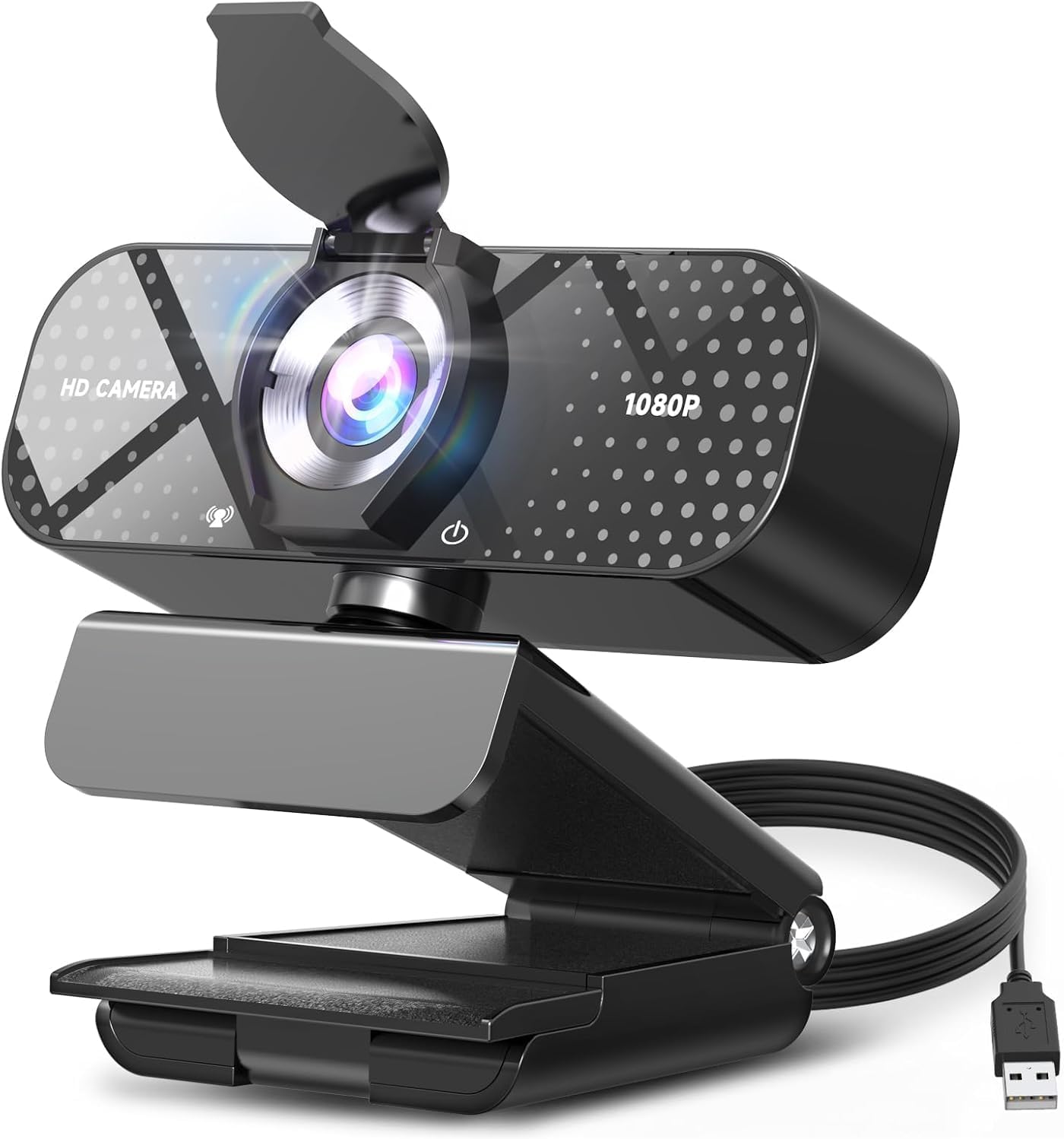
The TRAUSI 1080P HD Webcam is a plug‑and‑play USB webcam designed for everyday video calls, remote work, teaching, streaming and casual content creation. It aims to combine decent image quality, a responsive mic and practical features in a compact, easy‑to‑set up package. If you want a simple upgrade to your laptop or desktop setup without fiddling with drivers, this model is positioned as a practical all‑round option for Zoom, Skype, meetings and light streaming.
Picture quality and field of view
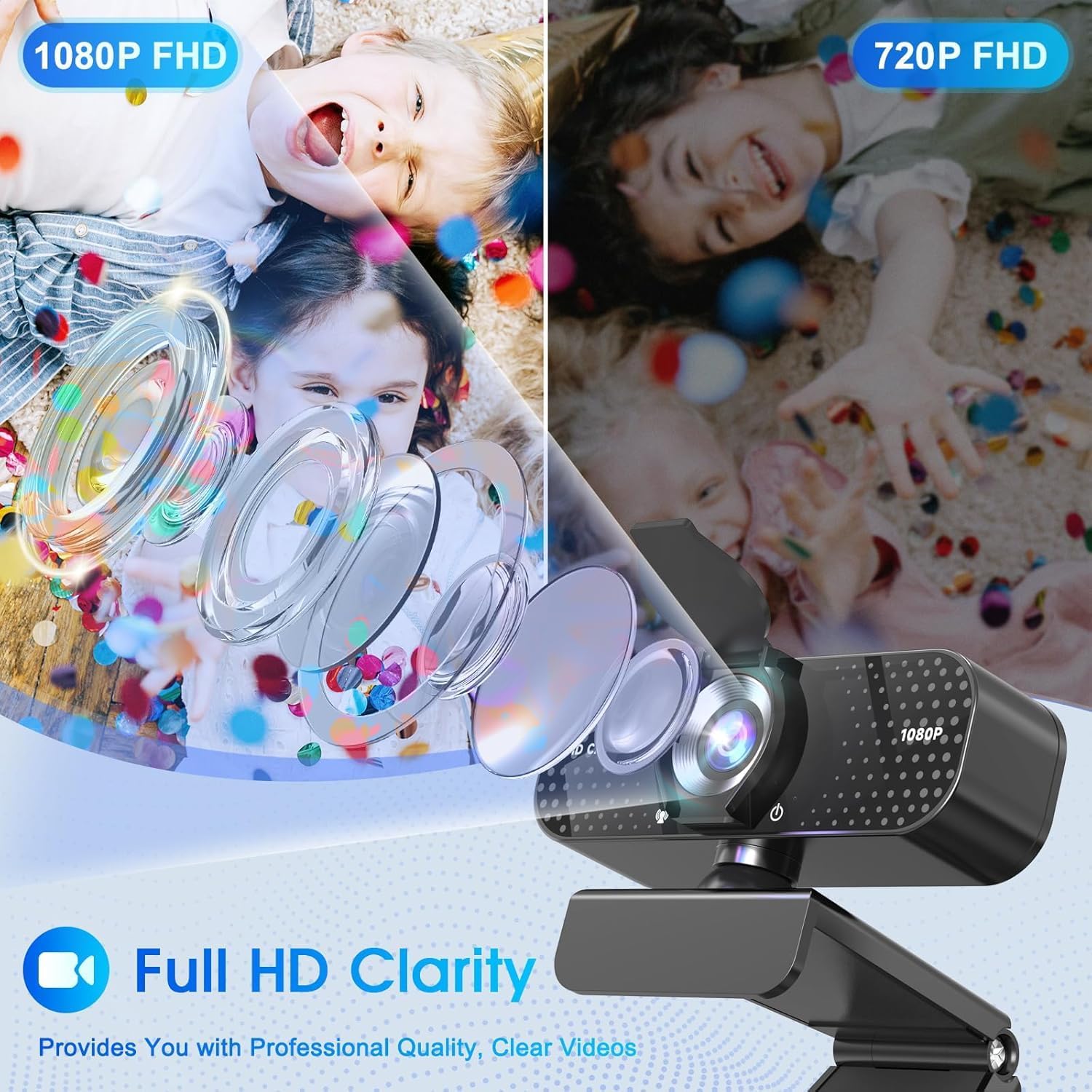
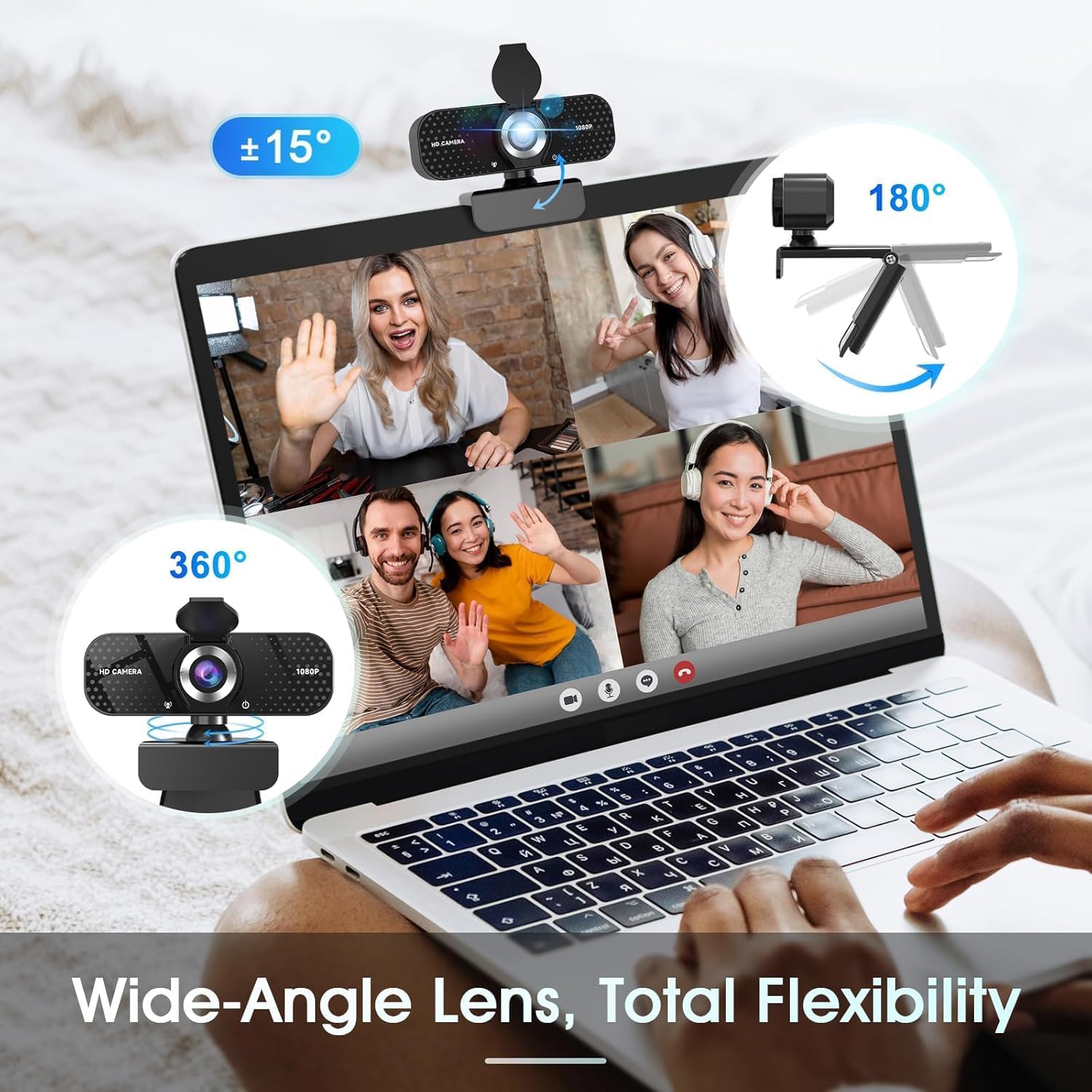
On paper, you get 1080P full‑HD clarity with a wide‑angle lens that promises sharp, vibrant images at 30 frames per second. In real use, the advantage is the wider scene you can capture—useful for group calls or showing more of your workspace. The 1080P resolution is common in this price range, so it’s reasonable to expect crisp detail for standard video calls and casual streaming. If you prioritise ultra‑high resolution or professional studio lighting, you may notice limits when compared with higher‑end models, but for most everyday situations it should be adequate.
Audio performance
The built‑in microphone features noise reduction to help your voice cut through background sounds. This is particularly handy in busy environments or when your setup isn’t in a sound‑treated room. It’s not a guaranteed substitute for a dedicated microphone, but for standard video calls, webinars and quick live streams, the mic should deliver clearer voice capture than a typical laptop mic.
Lighting and image consistency
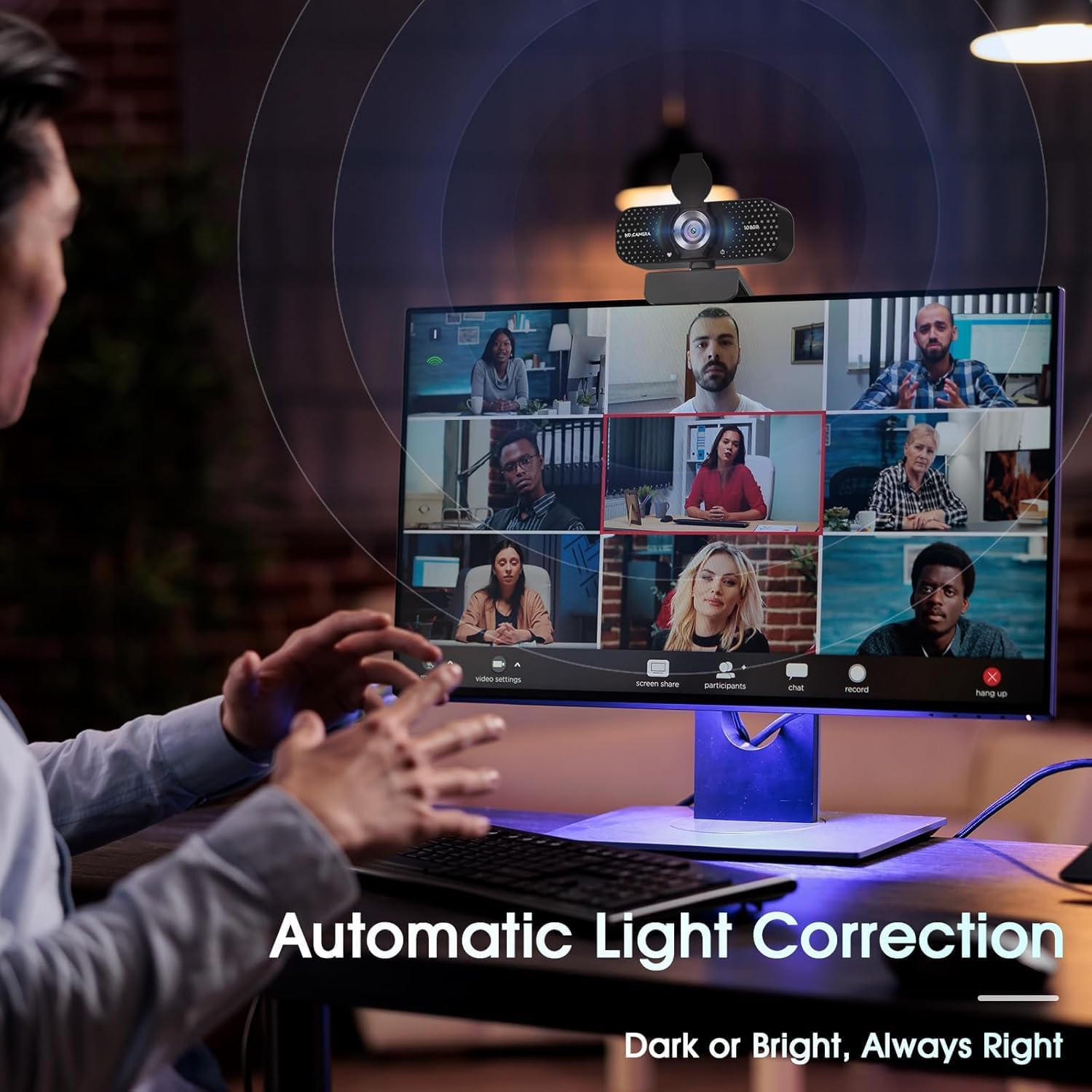
Automatic light correction is designed to adapt to changes in lighting, which can help you avoid being underexposed or washed out when ambient light shifts. In practice, this means you’ll look more even on camera whether you’re facing a window, under ceiling lights, or in a dim room. It’s not a magic fix for all lighting, but it’s a useful baseline improvement that reduces the need for extra gear in most home‑office setups.
Privacy and security
The included privacy cover gives you a straightforward way to obscure the lens when not in use. This is a simple, notable reassurance for people who value personal space and visual privacy, particularly if you’re sharing a space with others or using a shared computer. It’s the kind of feature that may save worry in the long run, even if you don’t use it every day.
Setup and compatibility
Plug‑and‑play is the core promise here. The webcam supports USB 2.0, 3.0 and 3.1 interfaces and is compatible with OTG, so you should be able to use it across a laptop, desktop, PC or Mac without chasing drivers. The included 5ft USB cable offers reasonable reach for most desk layouts. If you frequently switch between devices or use older ports, this broad compatibility reduces setup friction.
Strengths and limitations in context
What stands out is the balanced feature set: 1080P video, a wide‑angle field of view, a noise‑reducing mic, automatic light correction and a privacy shield, all in a plug‑and‑play format. The trade‑offs to watch are common for the price bracket: you won’t get interchangeable lenses, professional‑grade audio, or top‑tier low‑light performance. If you work in a bright, controlled space or primarily use video for routine calls, this webcam delivers reliable, straightforward results. If you’re a demanding content creator or need high‑end streaming features, you might outgrow it and look to pricier models.
Practical considerations before you buy
- Check your main device’s USB ports to ensure compatibility, especially if you rely on USB hubs. - Consider your room lighting, automatic correction helps, but extreme lighting contrasts will still challenge any webcam. - If your use case includes noisy environments, you might want to complement this mic with a dedicated USB microphone for higher fidelity.
Who this is best for
This model is well suited to students, remote workers, casual streamers, and professionals who want a straightforward improvement over a built‑in webcam without extra gear. It also works as a reliable second camera for basic online classes or team meetings where the emphasis is on clear video and audible speech rather than high‑end production values. If you’re after a compact, fuss‑free setup, it could be a sensible match.
Who might want to look elsewhere
If you need multiple angles or high performance in low light, or you rely on premium conferencing features (noise cancellation tuned for voice studios, advanced autofocus, or broadcast‑level image processing), you may find this model a little modest. For those situations, budgeting for a more feature‑rich option is reasonable.

FAQ snapshot
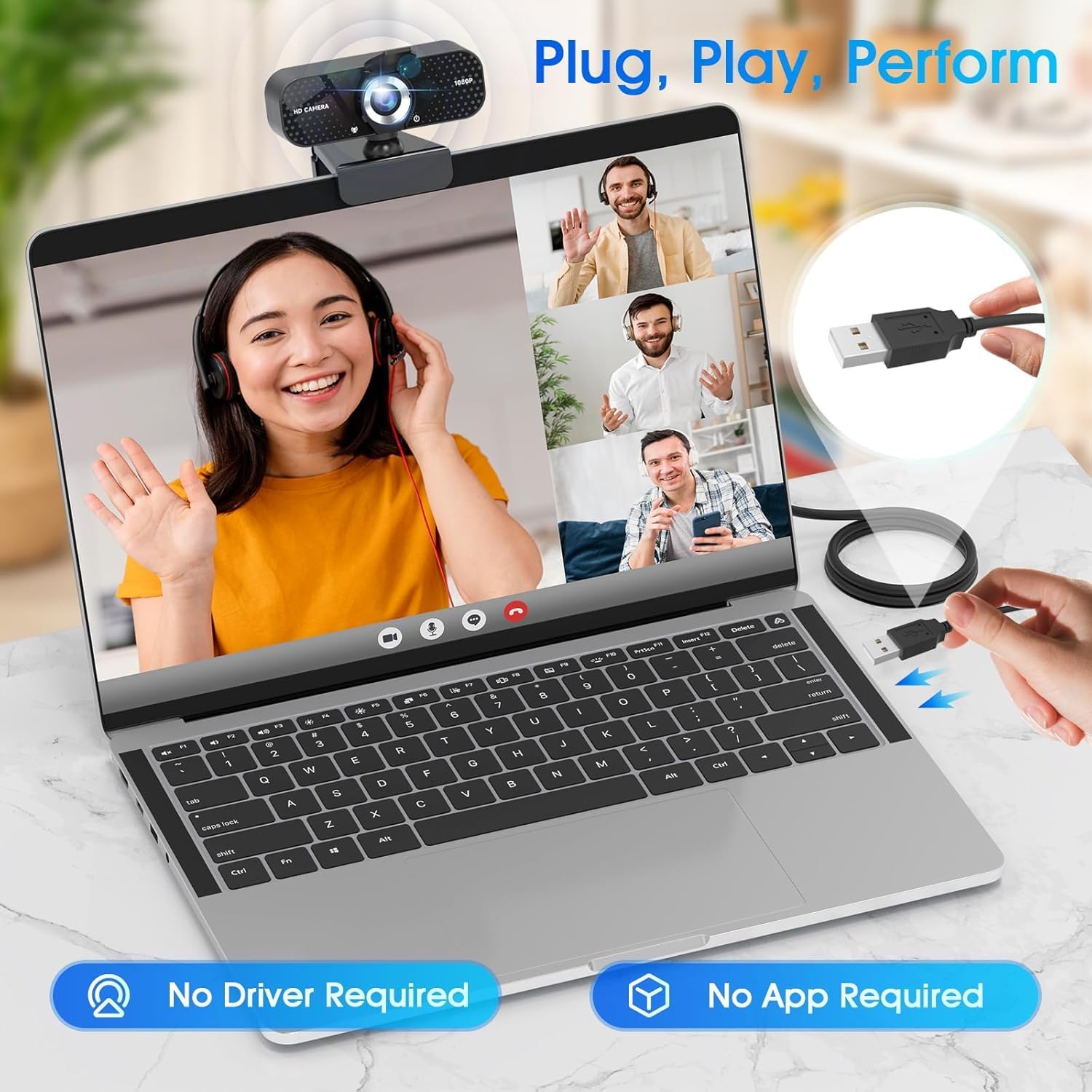
- Does it require software to function? No—it's plug‑and‑play and should work when plugged in. - How good is the noise cancellation in a busy office? It helps, but a dedicated mic may still offer cleaner capture in very noisy environments. - Is 1080P sufficient for streaming? For casual streaming and standard calls, yes, for high‑end productions, consider higher specs.
Is it worth it?
Worth considering if you want a simple, broadly compatible webcam that covers everyday video calls and light streaming with decent image and audio quality, plus a privacy cover. It’s a sensible balance for value‑mavour users who don’t need specialist features.
Final verdict
In day‑to‑day use, the TRAUSI 1080P webcam holds up as a pragmatic upgrade over built‑in cameras. It won’t replace a professional setup, but for most home offices, classrooms and casual content creators, it ticks the essential boxes with a straightforward, no‑nonsense setup. If you prioritise ease of use, broad compatibility and a modest feature set, this is a credible option to consider.
Quick usage example
During a virtual class, the wide angle helps capture slides and presenter, while the noise‑reduced mic keeps your voice intelligible between questions and distractions in the room. When lighting shifts as the sun moves across a window, the automatic light correction helps maintain a steady appearance without fiddling with settings.