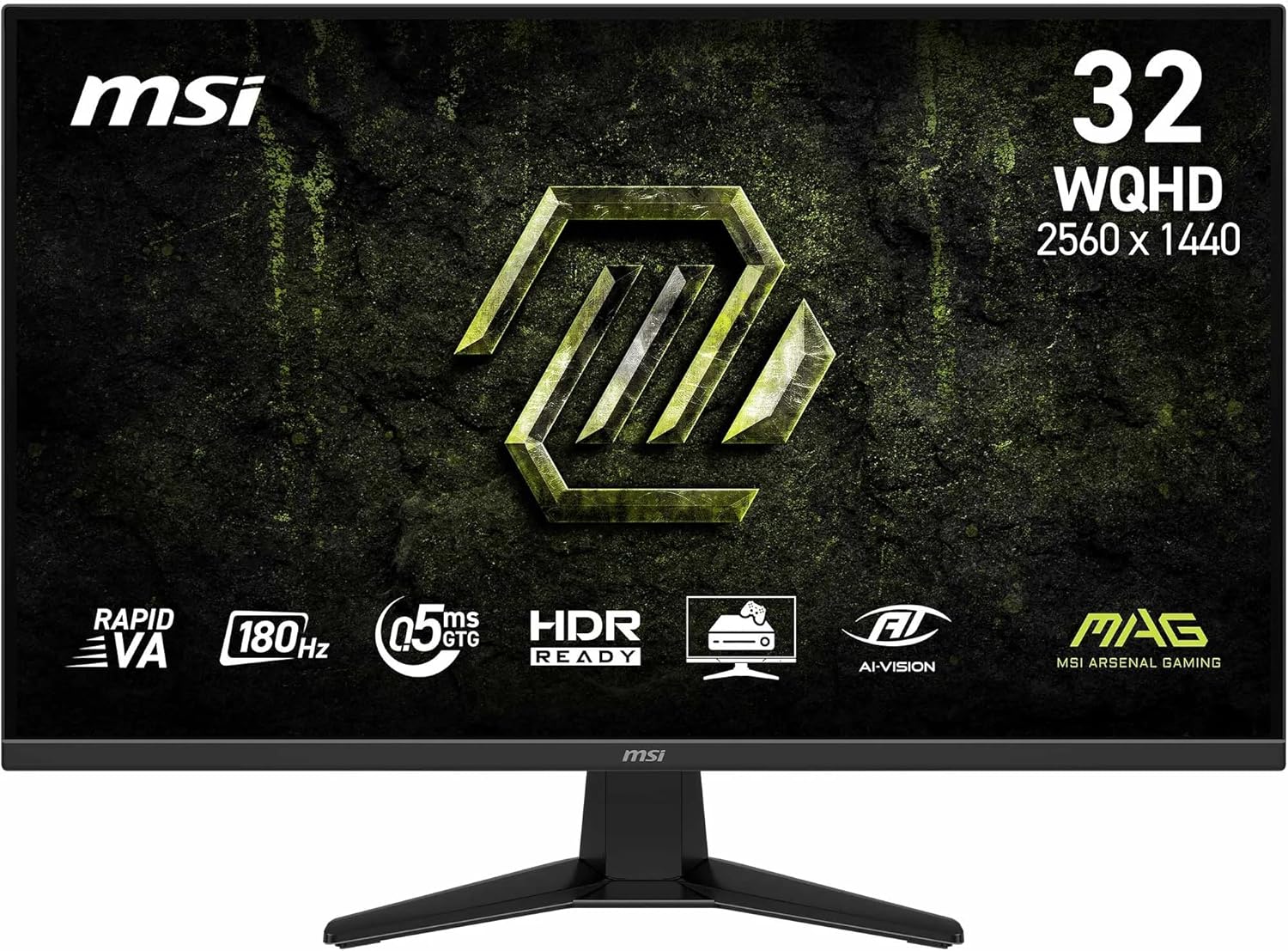
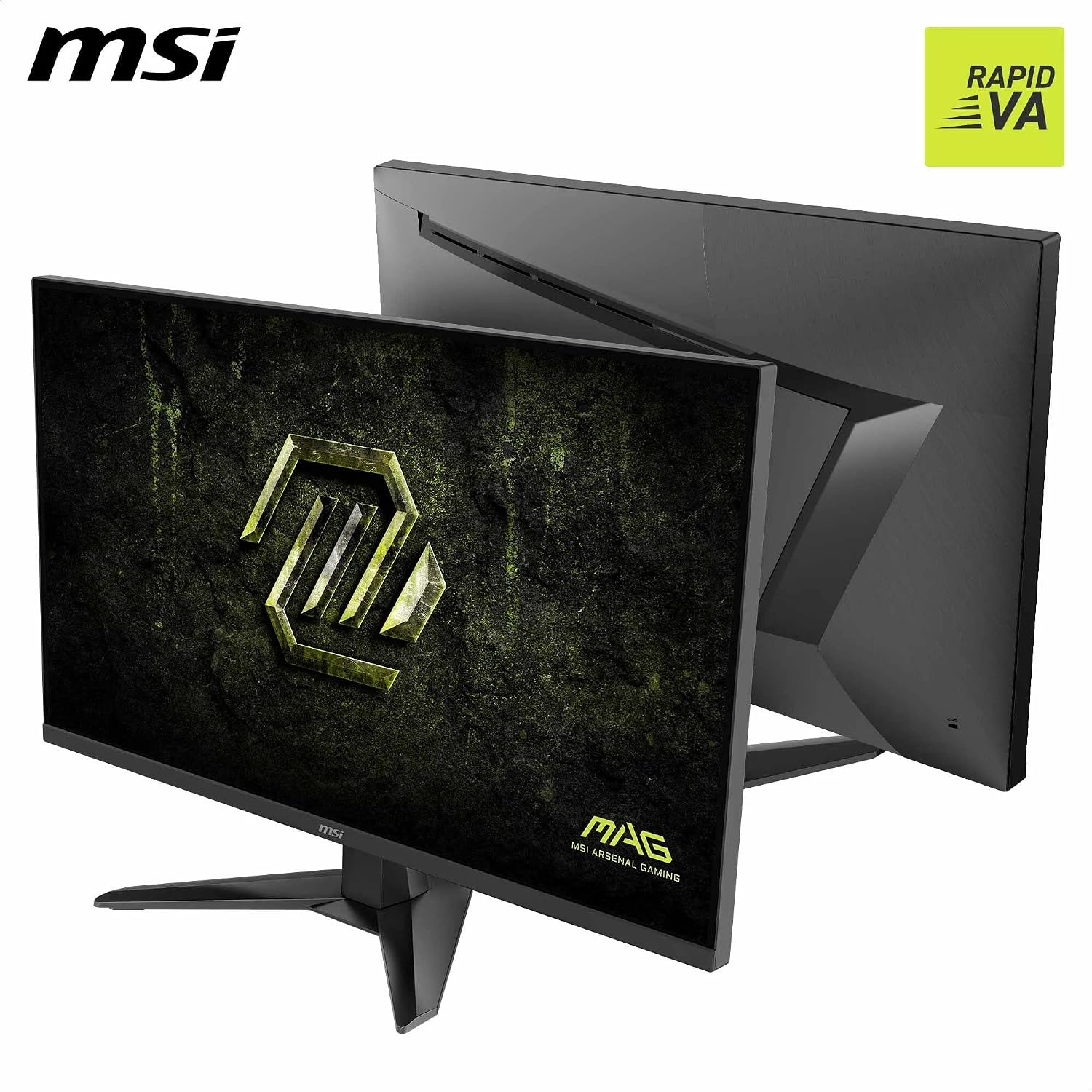
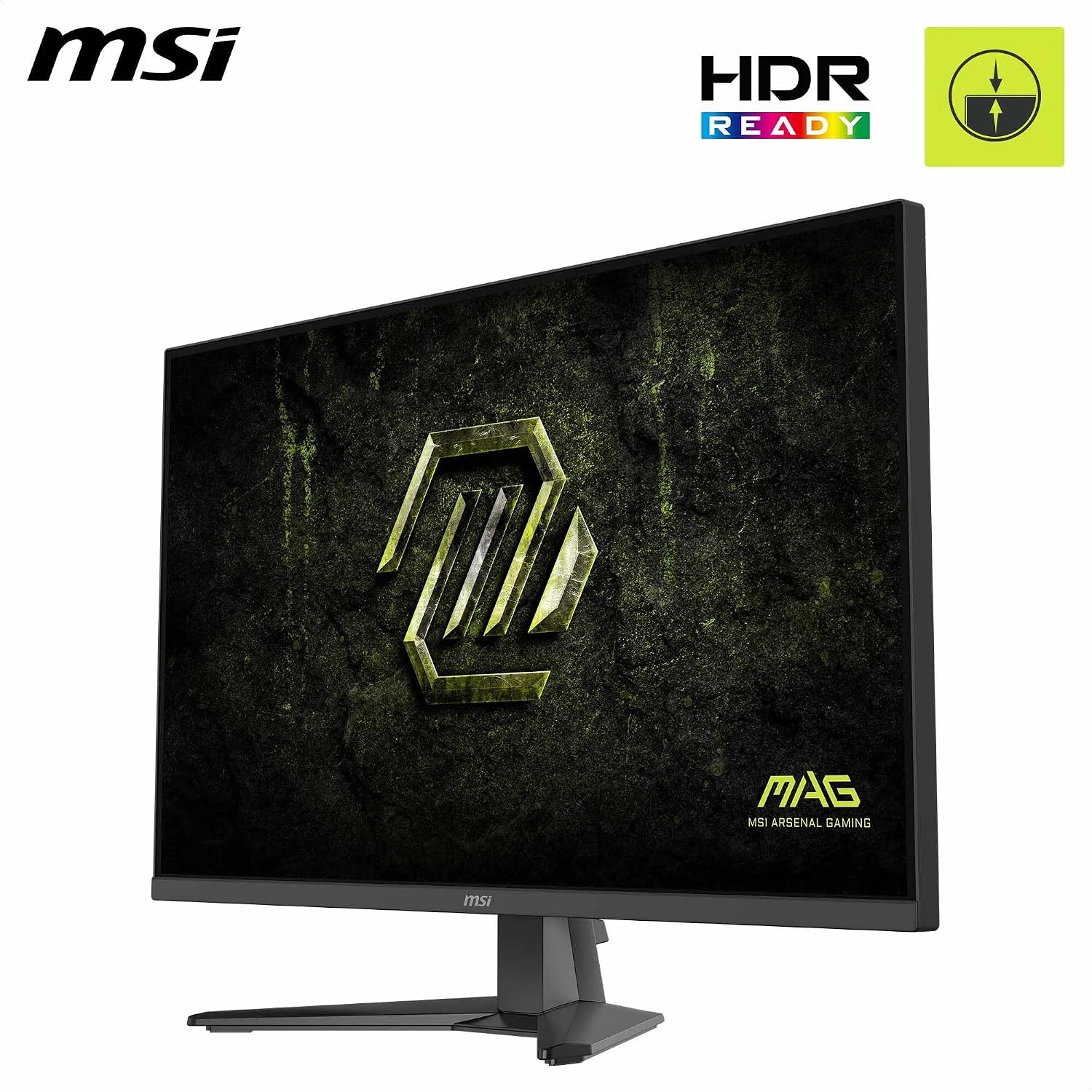
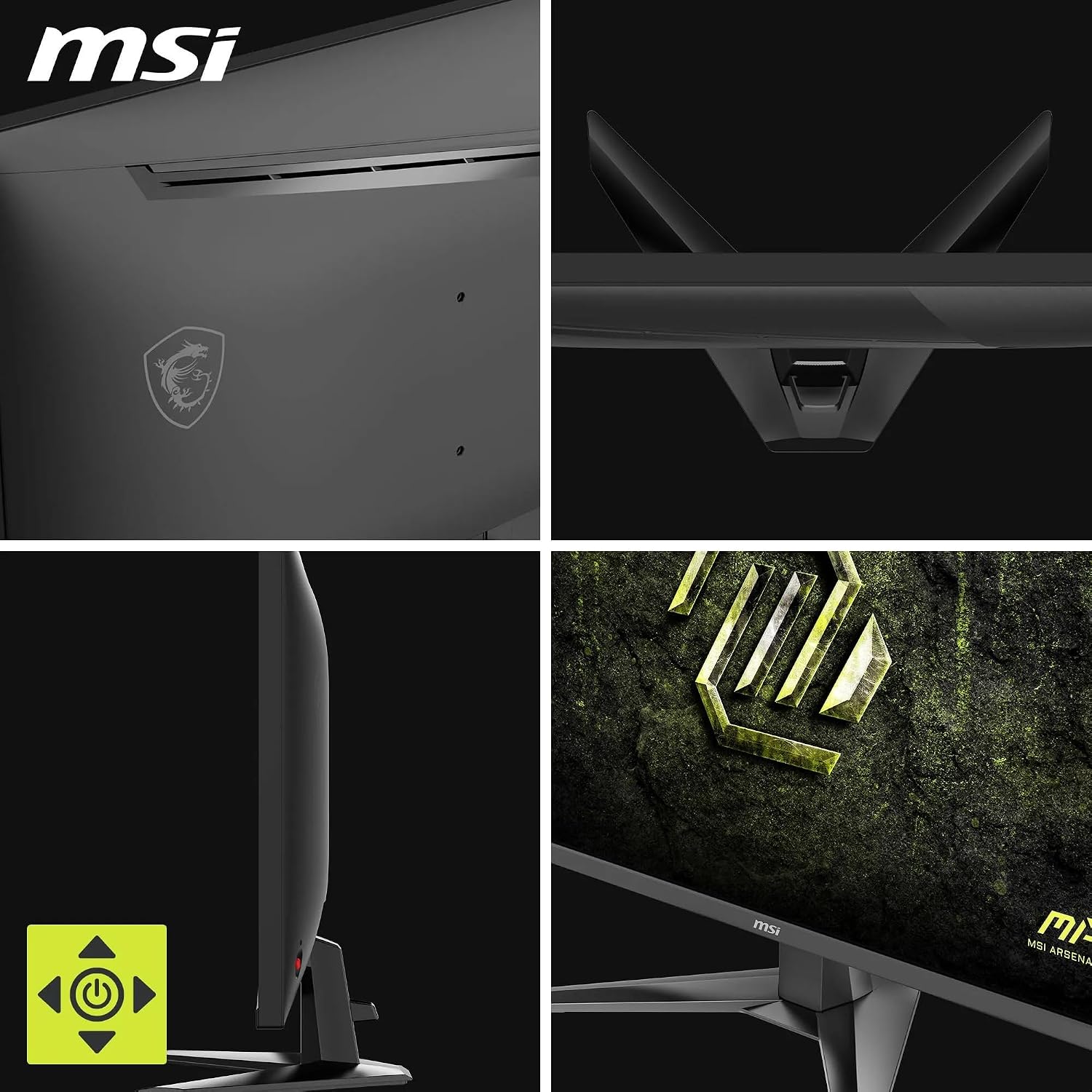
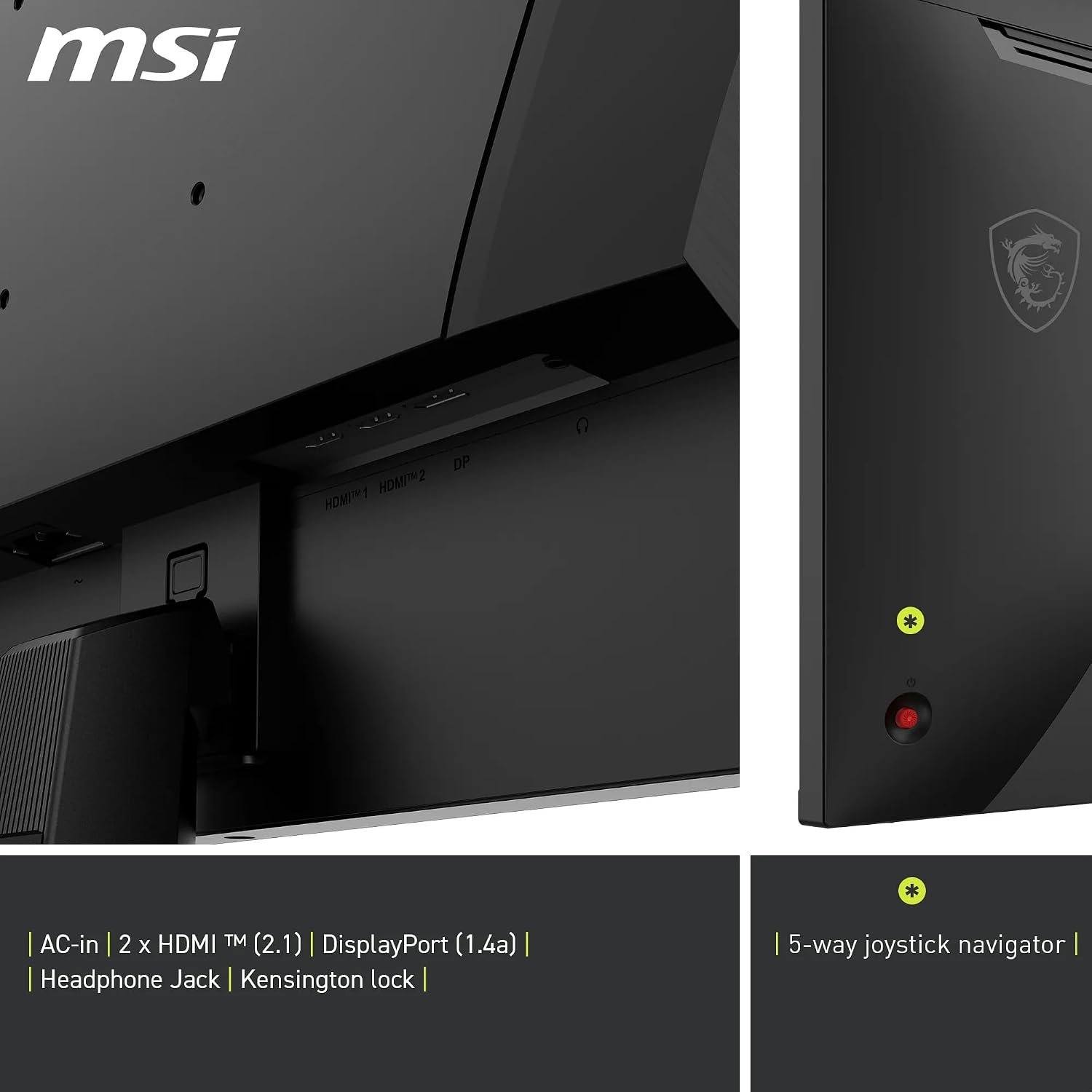
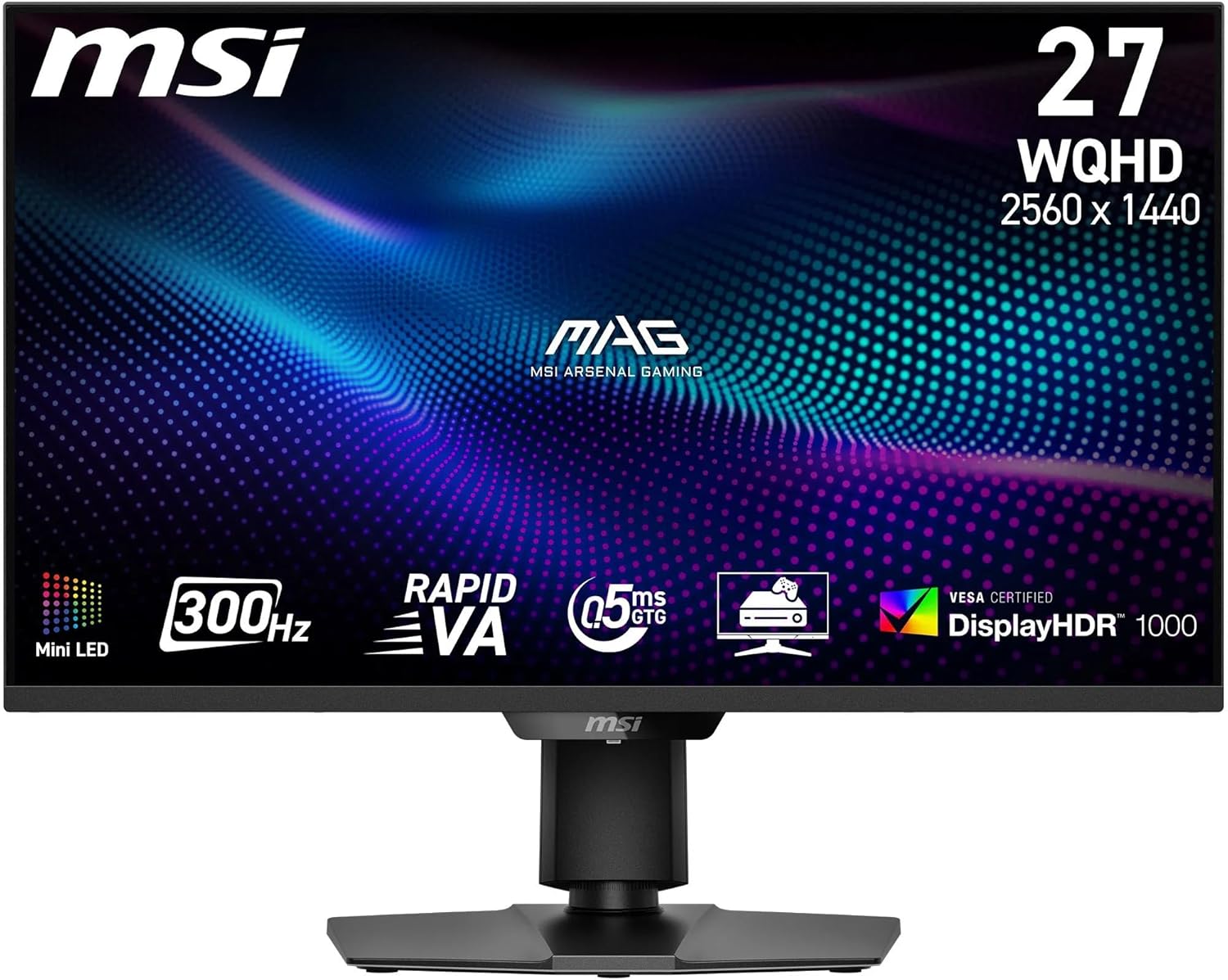
What it is and what it’s for\nThe MSI MAG 325QF E18V is a 32‑inch WQHD gaming monitor designed to deliver smooth motion and wide colour. With a 2560x1440 resolution, a 180 Hz refresh rate and a 0.5 ms response time (GtG, min.), it aims to reduce motion blur and improve clarity during fast‑paced gaming. The panel is described as Rapid VA, which typically focuses on strong contrast and good colour depth, plus wide viewing angles for a shared screen experience. If you’re after a reasonably future‑proof monitor for competitive play and immersive visuals without stepping into high‑end flagship pricing, this model sits in a pragmatic mid‑range space.\n\n## Design and build quality\nA frameless design helps minimise bezel lines between screens, which can be appealing for multi‑monitor setups or a clean single‑monitor look on the desk. The monitor offers tilt adjustment and VESA mounting, giving you flexibility to position it for comfort and ergonomics.\n\n## Visual performance and colour\nThe MAG 325QF supports up to 1.07 billion colours (8‑bit + FRC) with a 109% sRGB coverage target, suggesting decent colour brightness and saturation for typical gaming scenes. MSI also mentions a 3500:1 native contrast, along with Dynamic Contrast up to 100M:1, which should help with darker scenes without washing out brighter elements. It includes features aimed at reducing eye strain, such as Anti‑Flicker and Less Blue Light modes, which can be beneficial for longer sessions.\n\n## Connectivity and inputs\nConnectivity includes DisplayPort 1.4a for high‑refresh‑rate WQHD at 180 Hz and HDMI 2.0b for WQHD at 144 Hz, with an integrated HDMI CEC capability. The rear layout houses a 5‑way joystick for navigation, which many users find more intuitive than a on‑screen menu alone.\n\n## Real‑world usage and value\nOn paper, the combination of a 180 Hz panel with a 0.5 ms response time points to snappy motion handling suitable for esports and fast shooters. The broad 178° viewing angle helps maintain image consistency even when not seated dead‑centre. In practice, you may notice the benefits most in fast scenes and competitive play, while casual gaming will also look fluid and responsive. For those who prioritise colour accuracy and HDR readiness in a monitor at this size, the panel’s spec suggests reasonable performance, though HDR behavior on VA‑based panels can vary by title and optimiser.\n\n## Who it’s for\nIf you prioritise a high refresh rate, low response time and a sizeable screen for both gaming and multimedia, this MSI model aligns with that need. It could be a sensible option for gamers who want a large, immersive display without stepping into premium price brackets. It’s probably less ideal if you rely on top‑tier HDR brightness and award‑winning professional colour accuracy for photo or video work.\n\n## What to check before buying\n- Confirm you have a system capable of pushing WQHD at 180 Hz via DisplayPort 1.4a, and check that your GPU drivers support the same.\n- Consider desk space and viewing distance, 32 inches is large, and the visual sweet spot may vary by seating.\n- If HDR is important, test how the panel handles HDR content in practice, as VA panels may not reach the peak brightness of some higher‑end LCDs.\n- Look at your cable quality and the placement of the 5‑way joystick to ensure comfortable access.\n\n## Practical comparison and what it means in store\nCompared with higher‑end models, this monitor prioritises motion and scale at a more accessible price point, while offering solid core features like a frameless design and comprehensive inputs. It won’t replace a dedicated professional colour workflow or deliver the brightest HDR experience, but it is a practical compromise for gaming and general use.\n\n## FAQ (quick pointers)\n- Does it support PCIe or adaptive sync technologies? The provided data mention HDMI 2.0b and DP 1.4a, the spec list does not specify adaptive sync, so confirm with product pages or retailer details if you rely on variable refresh features.\n- Is it suitable for console gaming? With HDMI 2.0b and a high refresh rate potential, it can work well with consoles that support WQHD at up to 120 Hz or 144 Hz, depending on the connection and title.\n- How is the stand stability and glare handling? The frameless design focuses on aesthetics, for glare, consider room lighting and glare control as with most large panel monitors.\n\n## Decision: Is it worth it?\nIt makes sense if you want a sizeable gaming monitor with a high refresh rate and a frameless look without paying the premium end of the market. Not the best choice if you need peak HDR brightness, exacting professional colour accuracy, or the flattest perceived contrast in a dedicated cinema‑style setup.