

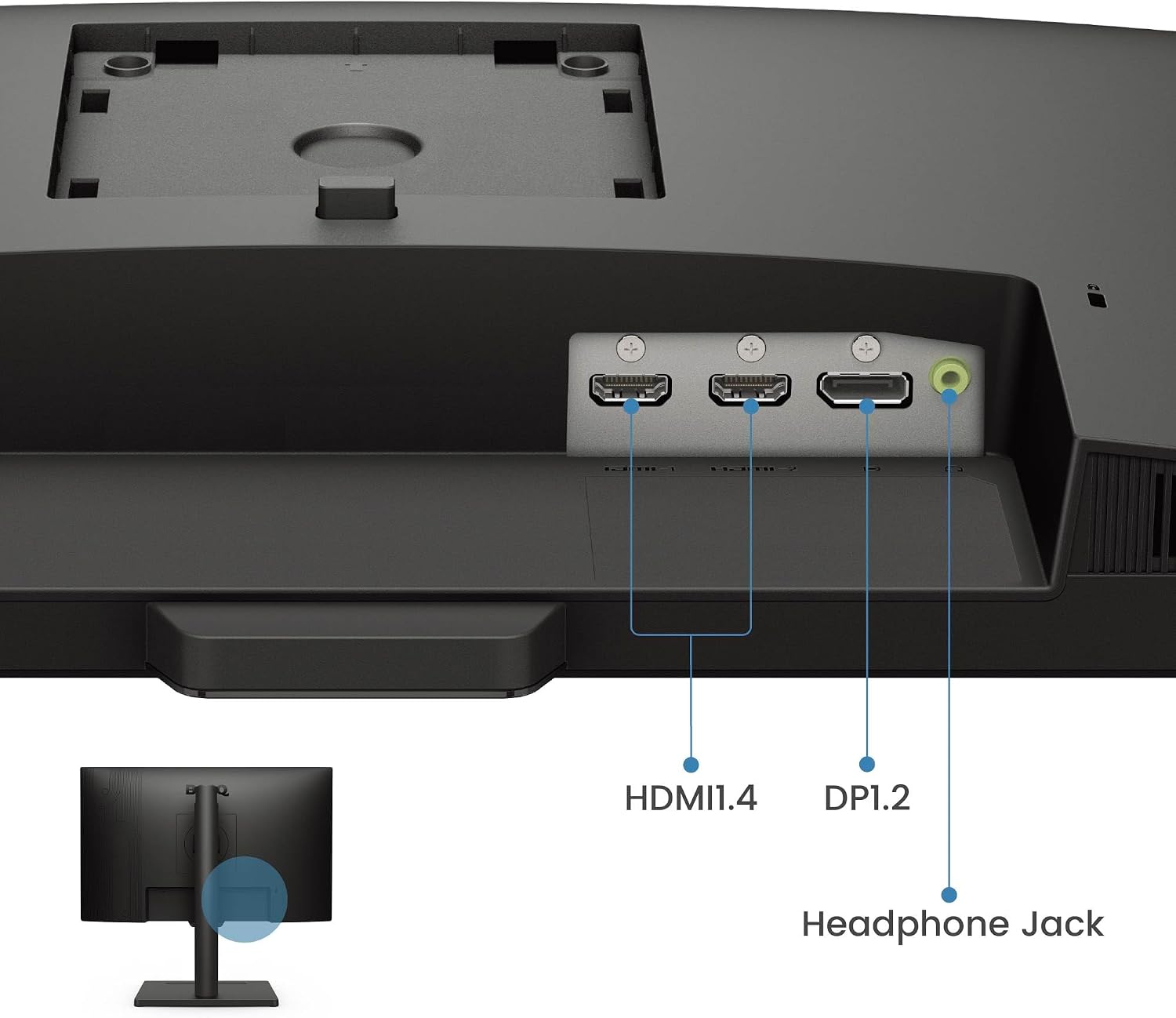
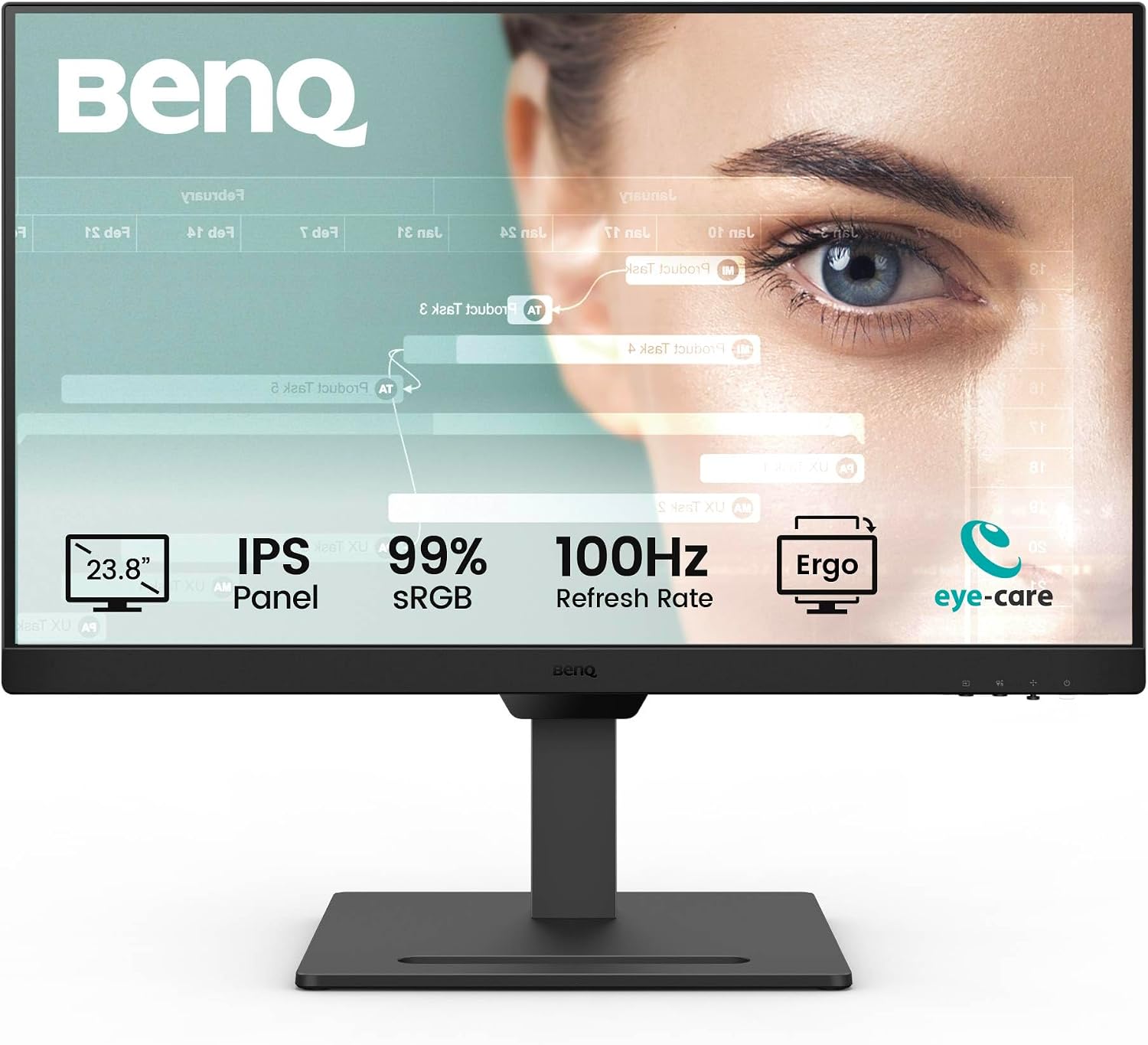
BenQ GW2490T 23.8" IPS FHD 100Hz monitor
Reviews
Price
Product description
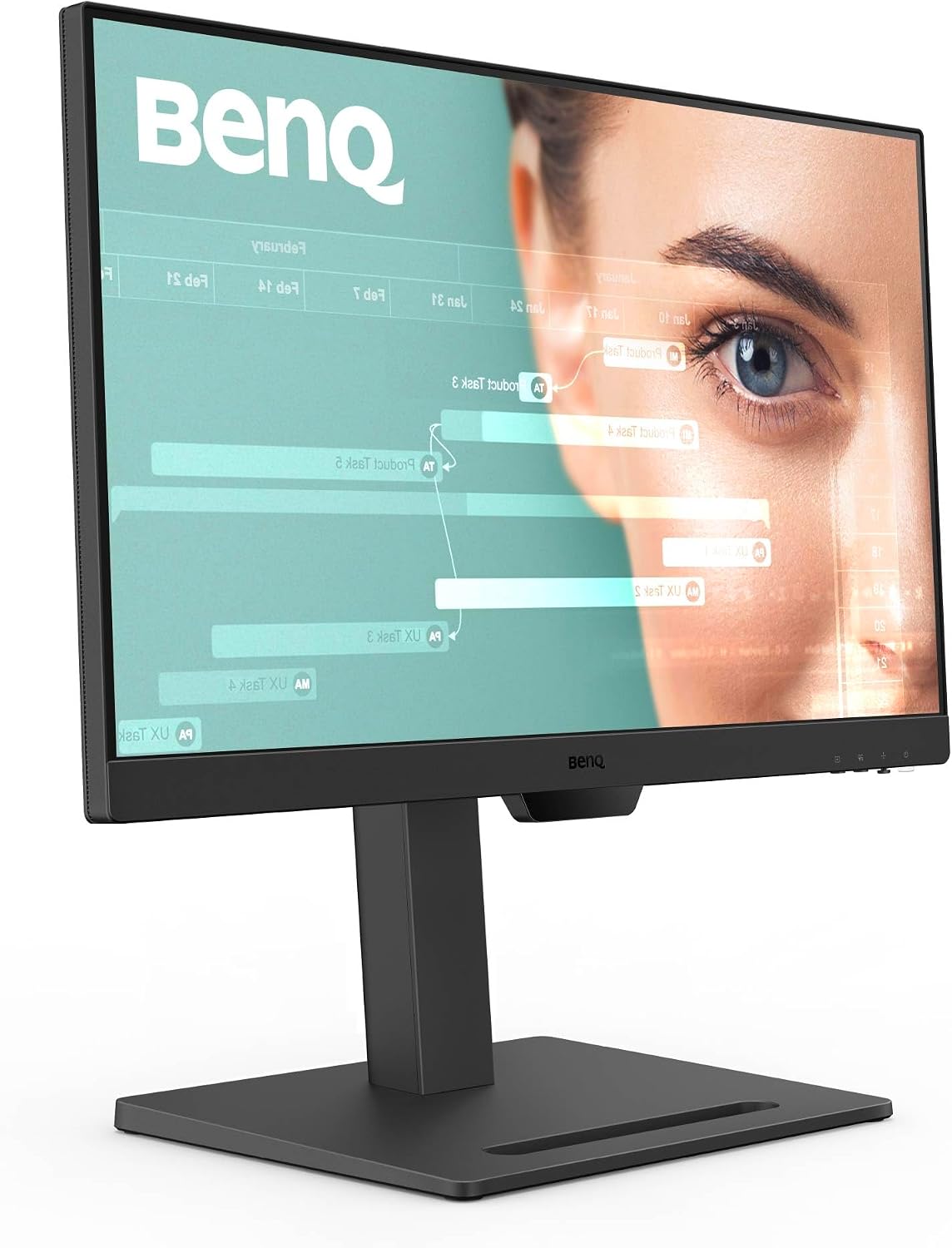
This 23.8 inch IPS monitor from BenQ is built for home office use, combining a fluent 100 Hz refresh rate with an ergonomic stand to support long hours at the desk. It helps reduce eye strain with Low Blue Light Plus and an adaptive brightness system, making reading and coding more comfortable during extended sessions.
Key Points
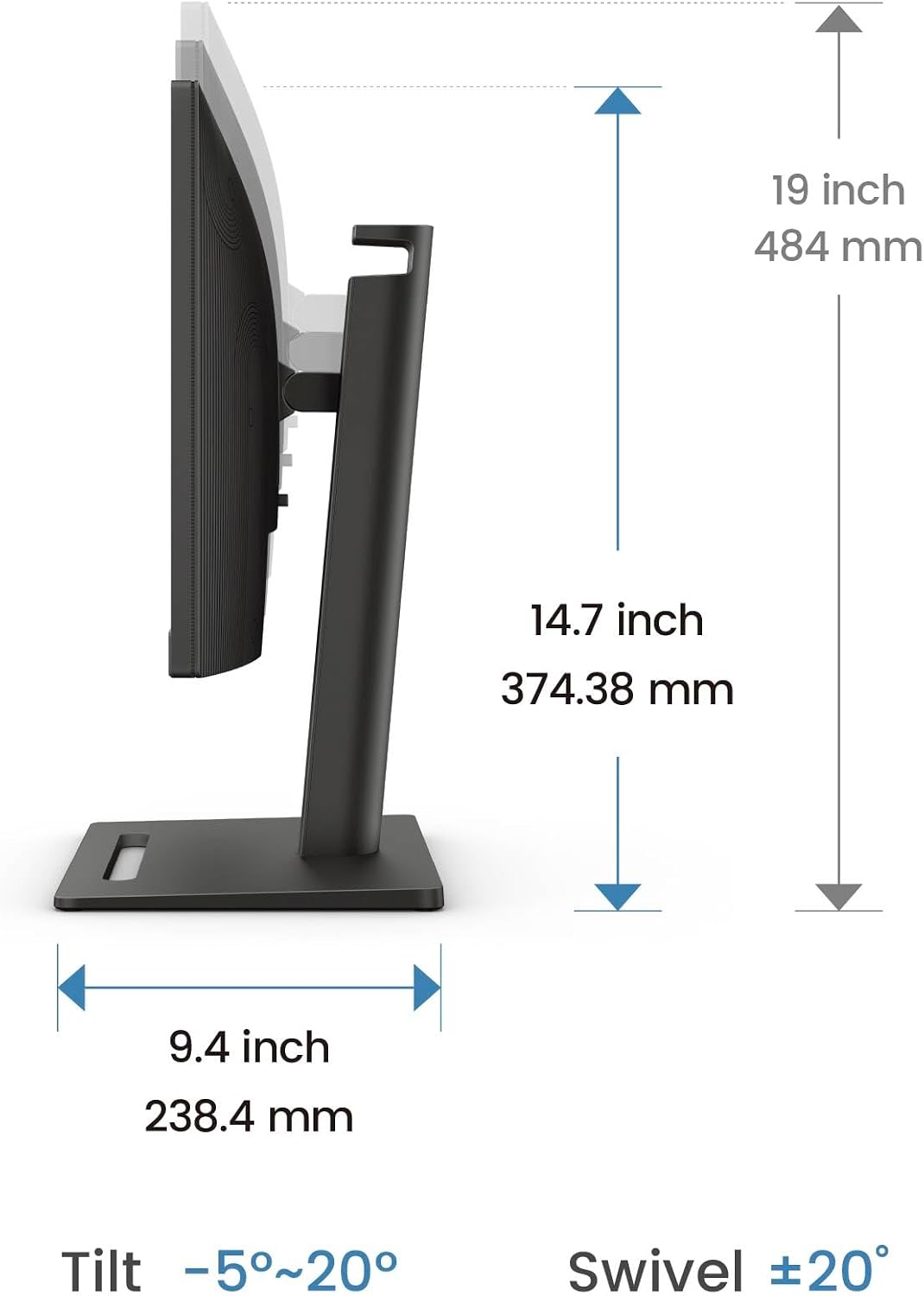
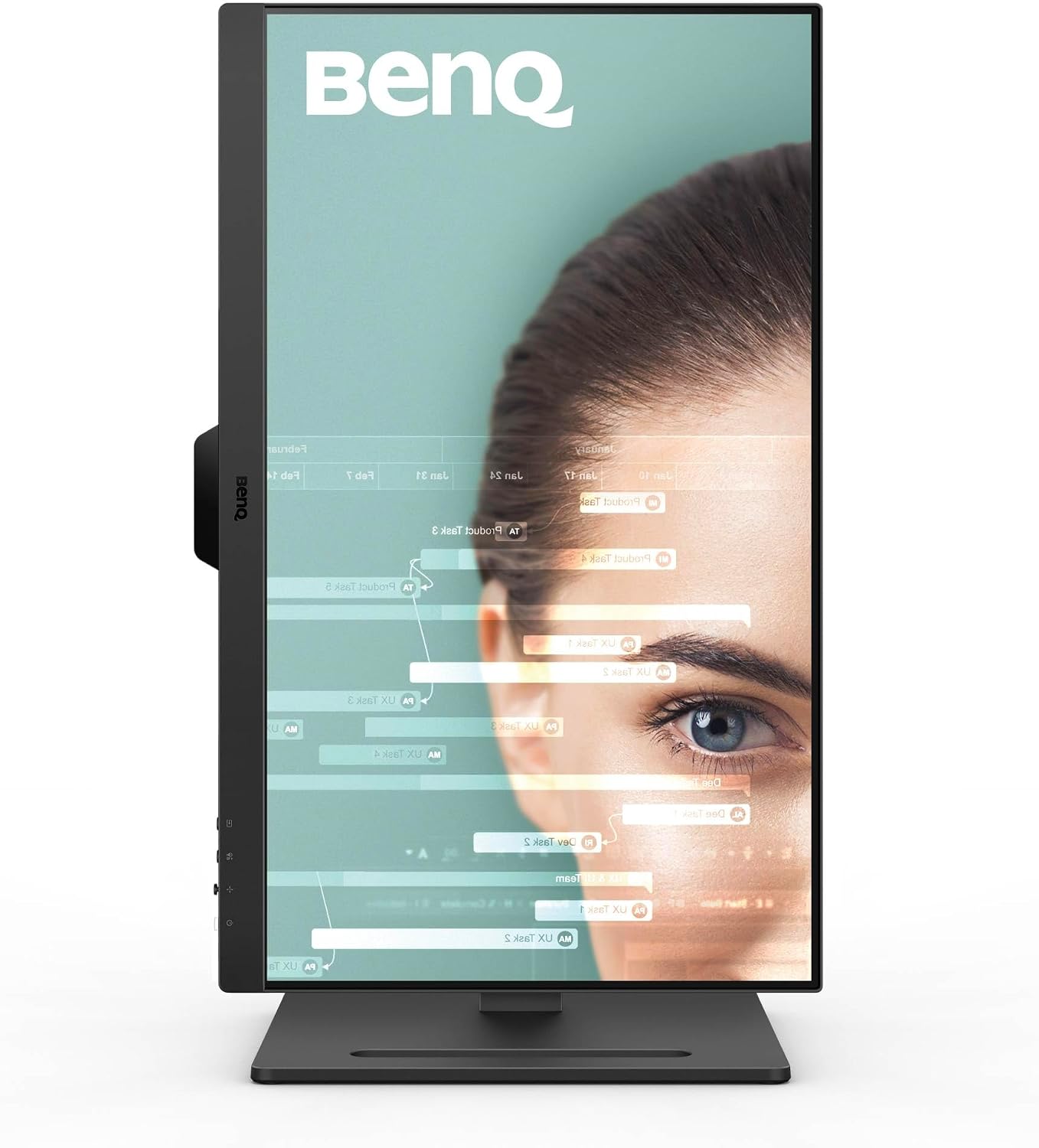
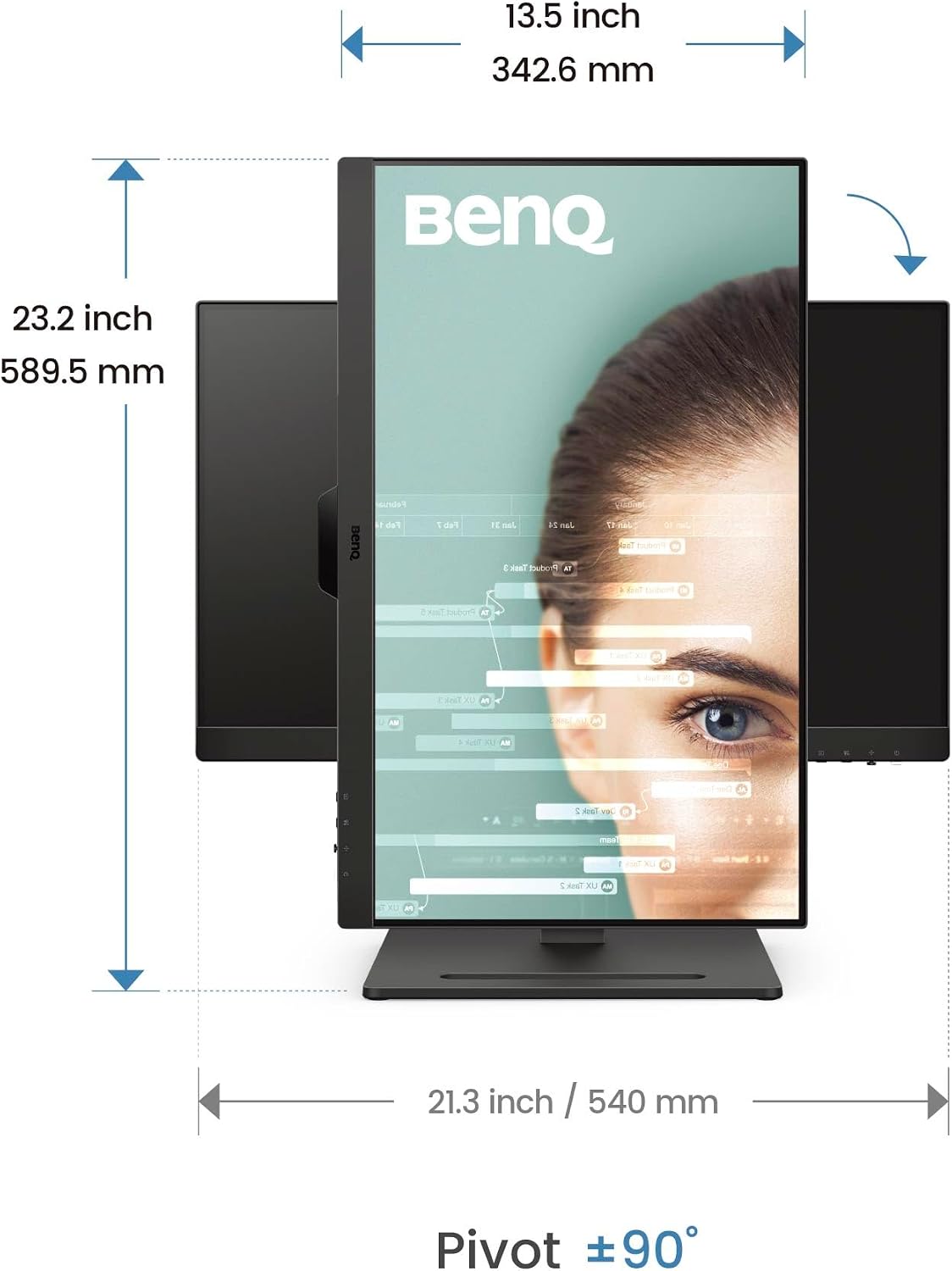
This model places emphasis on comfort and colour accuracy for everyday productivity and multimedia. The ergonomic stand allows height adjustment, tilt, pivot and swivel so you can set up a posture-friendly workstation. Adaptive brightness intelligence adjusts screen luminance according to content and ambient light, while the B.I.Gen2 mode gives options for personal preference. For people who spend long periods reading or writing, the ePaper and Coding modes improve legibility and reduce visual fatigue. 😊
Benefits
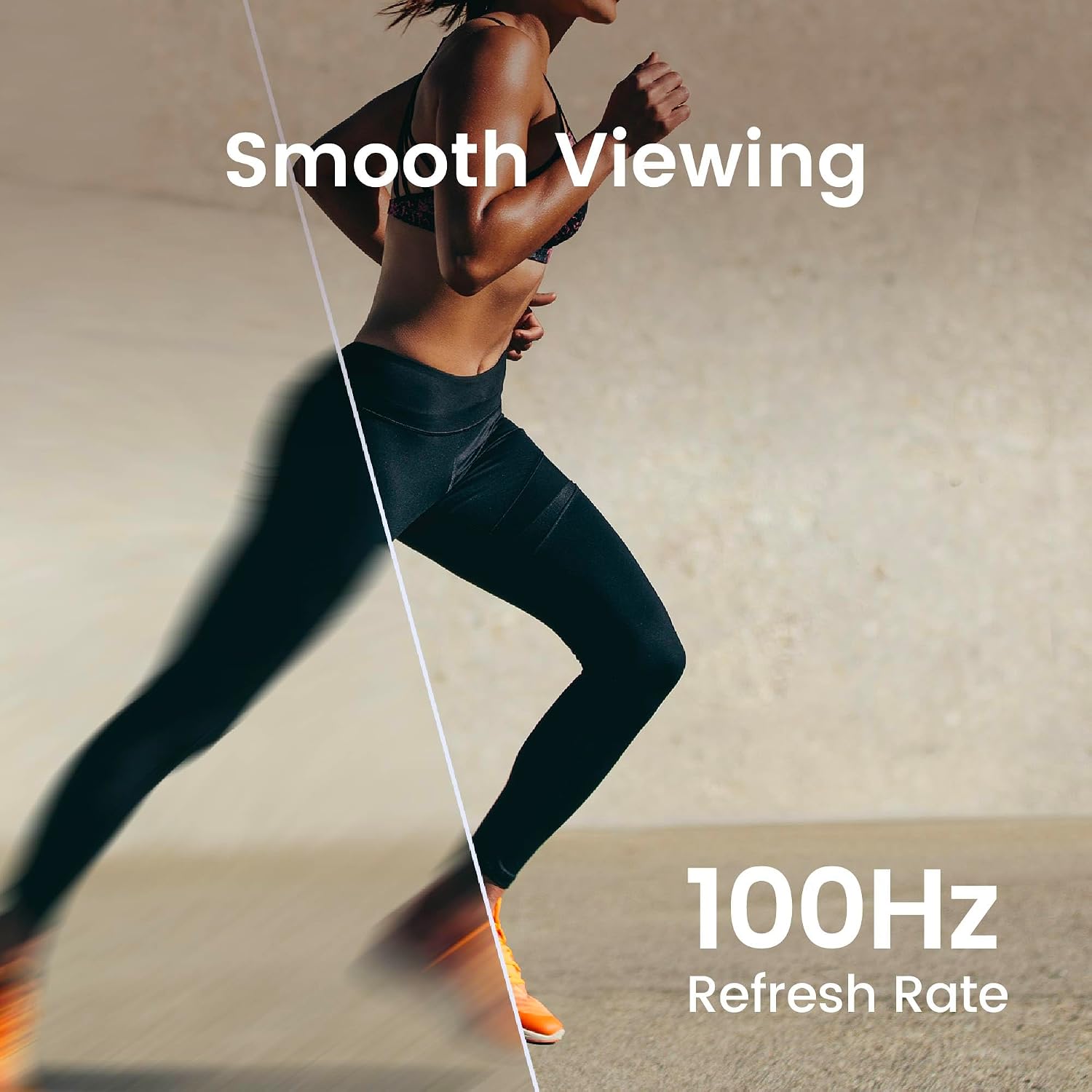
The higher refresh rate means smoother scrolling and a more responsive feel when navigating documents or web pages, which can be noticeable during fast navigation and light motion content. Colour reproduction is also a selling point, with coverage close to wide gamut standards for more faithful visuals when editing images or viewing design work. The Low Blue Light Plus filter reduces higher energy blue-violet light while keeping colour vivid, according to the manufacturer. Flicker-free technology works alongside blue light reduction to offer an easier viewing experience over long shifts. 🖥️
Technical Specifications
- Name: BenQ GW2490T
- Screen size: 23.8 inch IPS
- Resolution: Full HD 1920 x 1080
- Refresh rate: 100 Hz
- Colour gamut: 99% sRGB
- Ergonomics: height adjustment, tilt, pivot and swivel
- Eye care: Low Blue Light Plus, Flicker Free, B.I.Gen2, ePaper and Coding modes
Usage Recommendations
Place the monitor so the top edge is roughly at eye level and use the height and tilt adjustments to avoid neck strain. Use ePaper mode for long reading tasks and switch to Coding mode when working with monochrome or high-contrast text to improve clarity. Consider enabling the intelligence brightness feature in mixed-light rooms to maintain consistent comfort as daylight changes. Note that while 100 Hz gives smoother motion than 60 Hz, this model is focused on office use rather than high-end gaming, and may not replace specialist gaming monitors for competitive play. 😊