

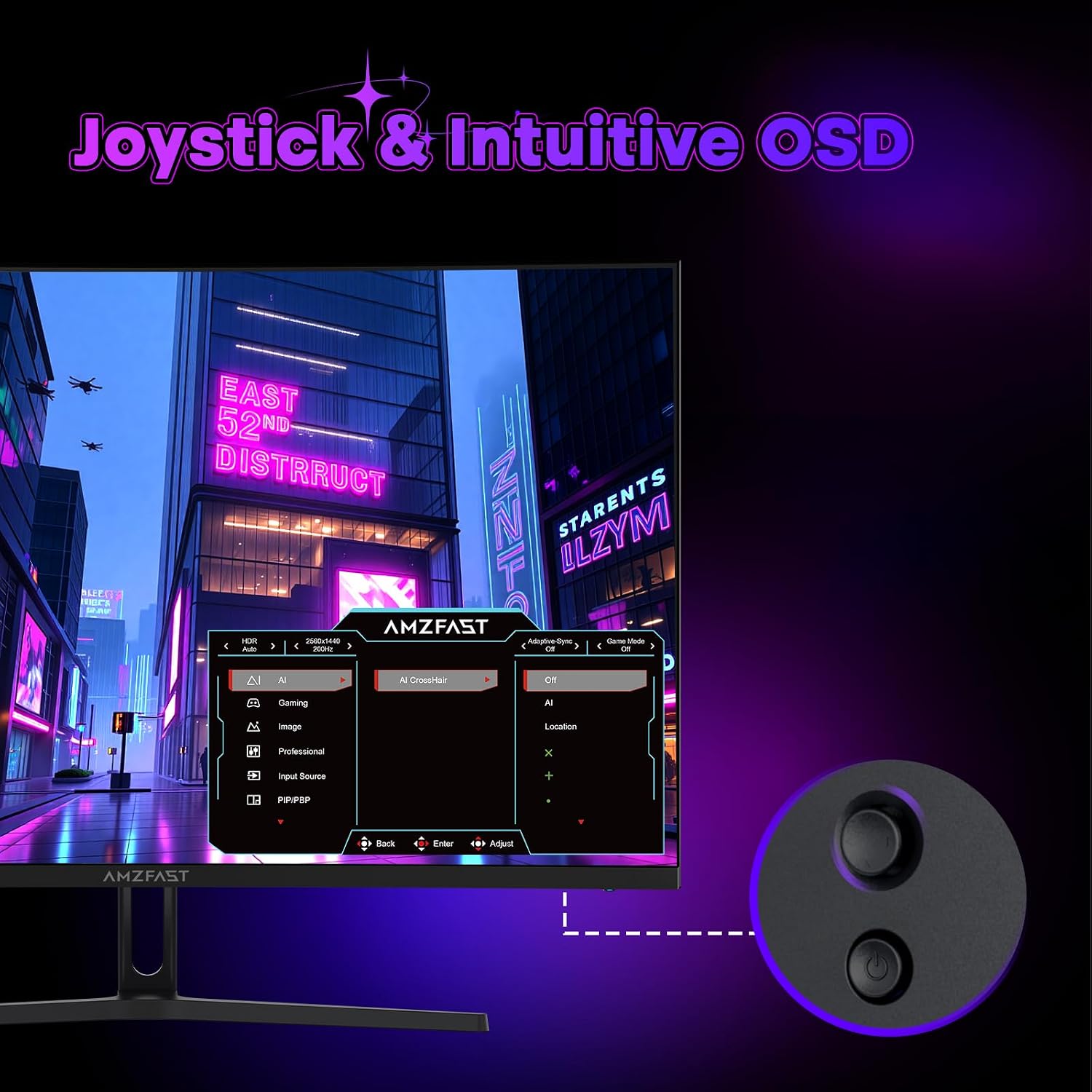
Amzfast AMZG32C1Q 32-inch curved gaming monitor (2K QHD, 180Hz, HDR, Adaptive Sync)
Product description
At a glance
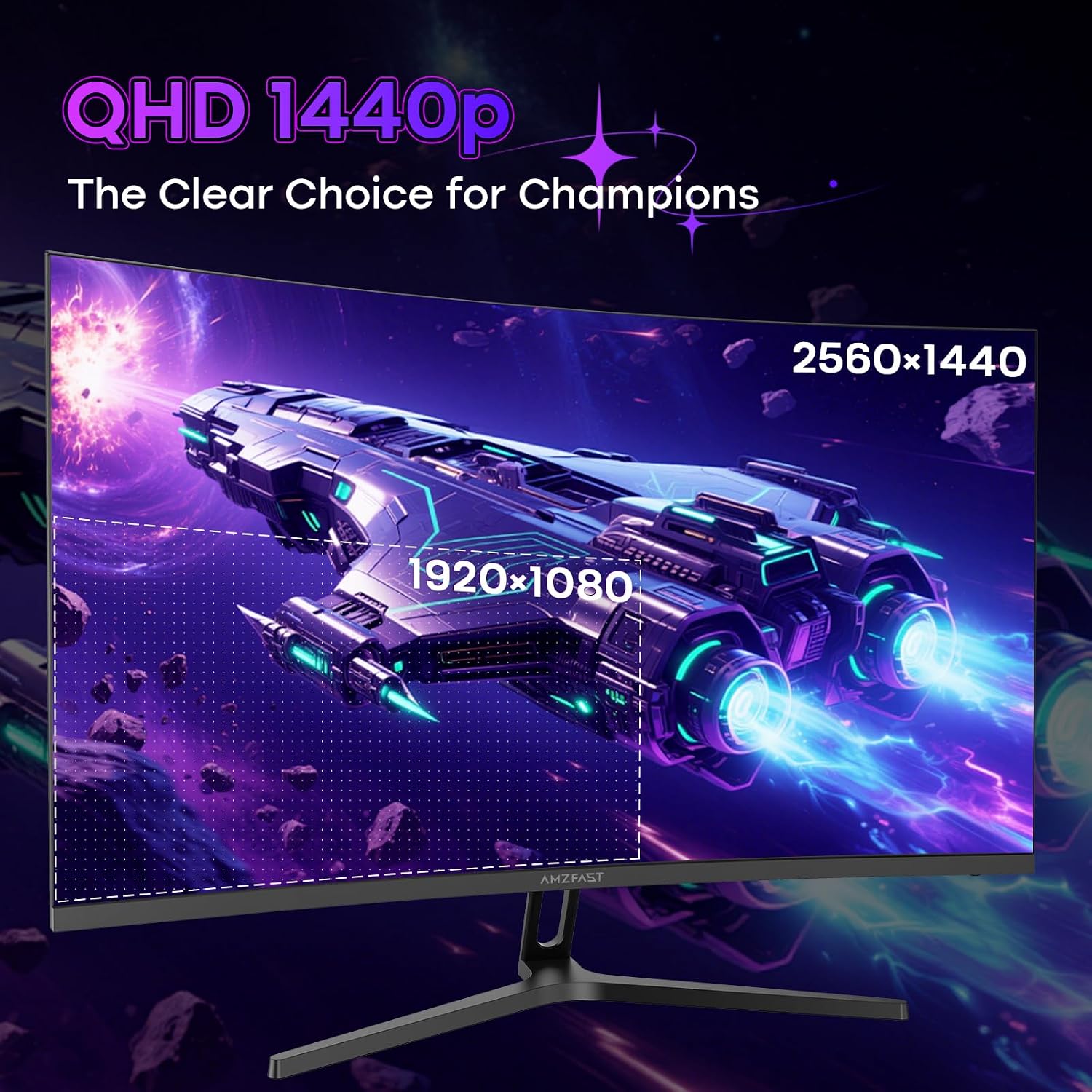
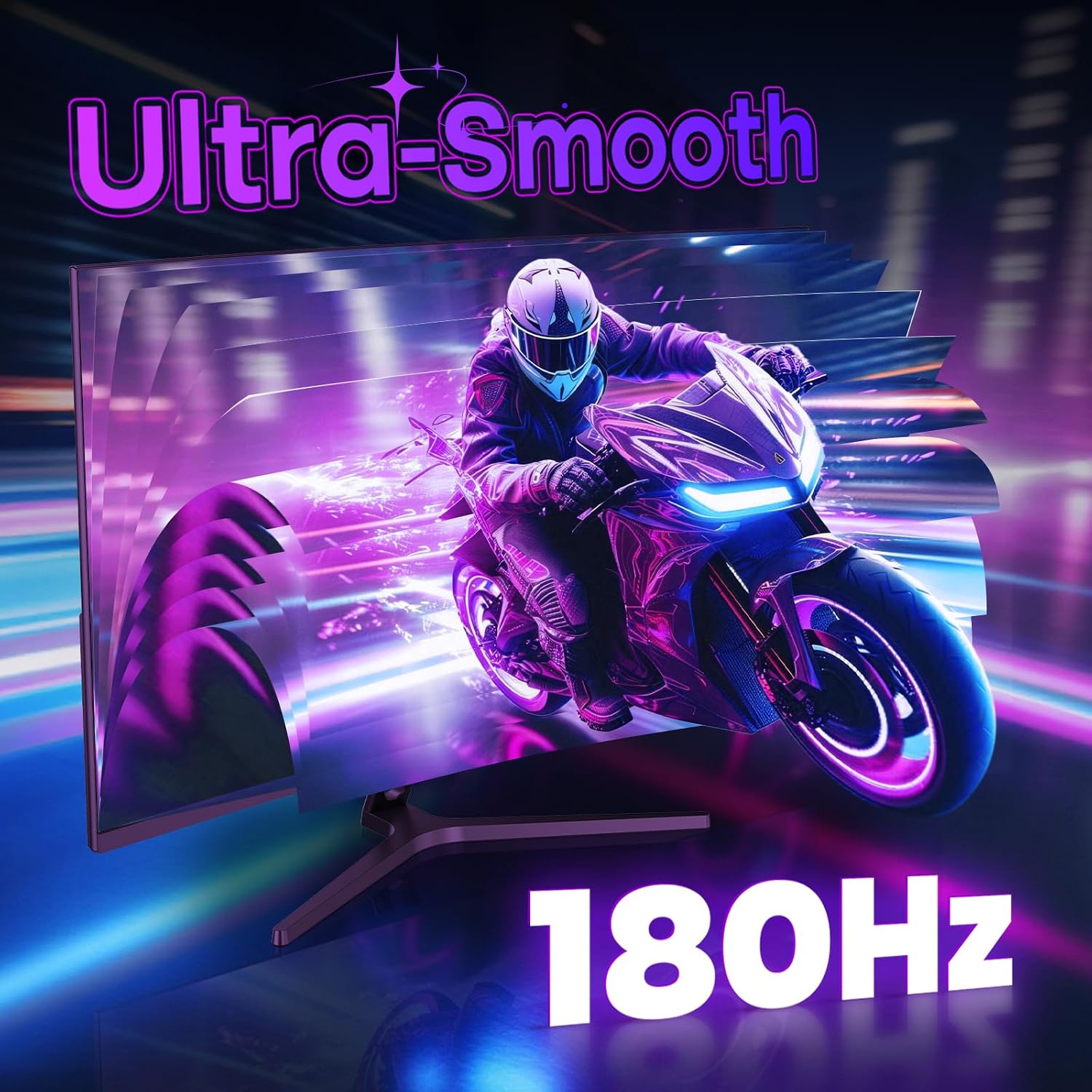
If you’re after a big, curved 32-inch screen for gaming, the Amzfast AMZG32C1Q is built around a fairly straightforward idea: give you a wider, more immersive view and keep motion looking smoother. On paper it combines 2K QHD (2560×1440p) with a 180Hz refresh rate and Adaptive Sync, aiming to reduce tearing and stutter when things get hectic in-game.
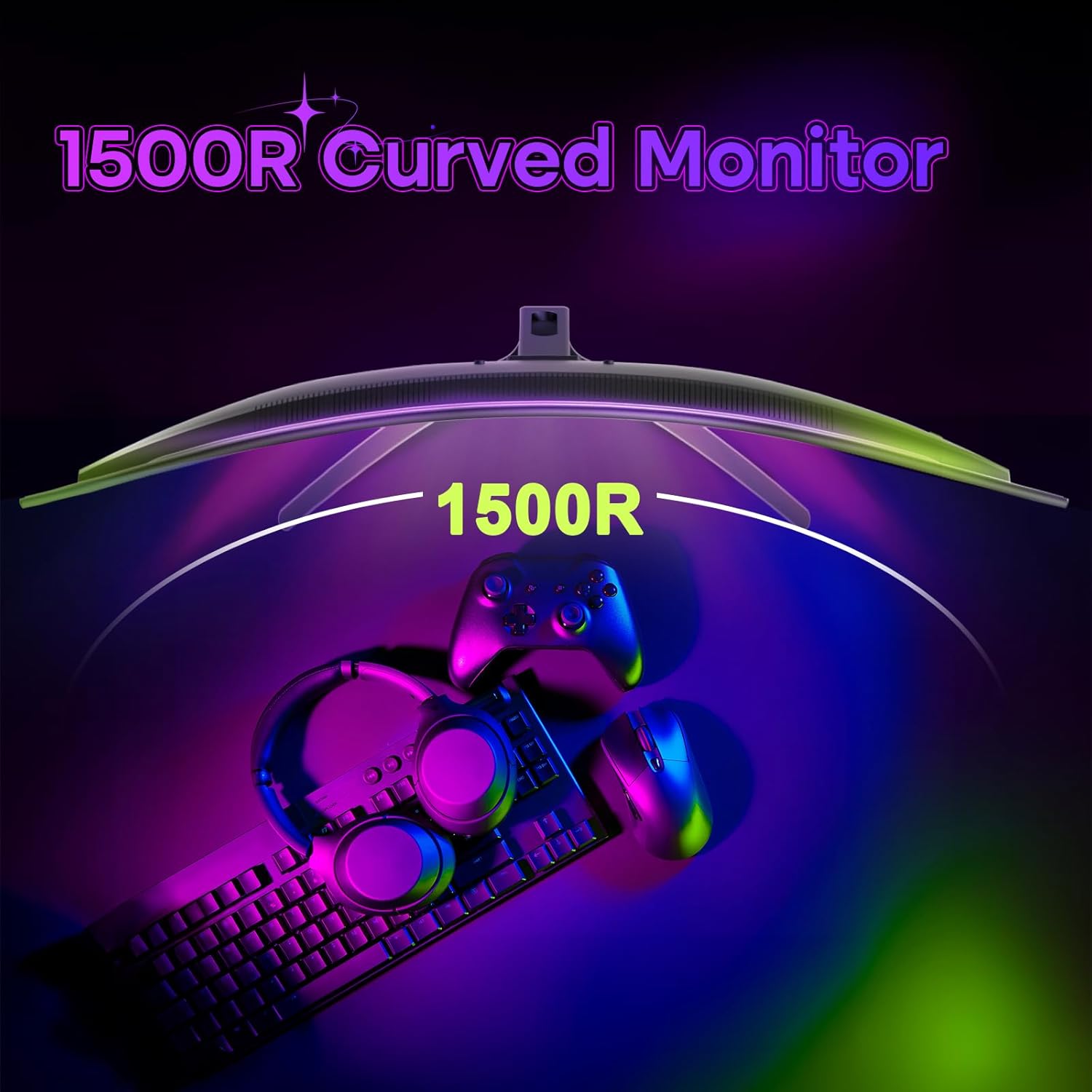
Where it gets interesting is the mix of “speed + presence”. A 1500R curve is designed to wrap your field of view more naturally than a flat panel, and the VA panel type is paired with a quoted 3500:1 static contrast ratio for deeper-looking blacks. It’s not an ultra-premium spec list, but it’s clearly aiming at the practical end of the market: responsive gameplay plus colourful, punchy visuals.
The 1ms MPRT response time figure suggests the kind of performance you’d expect from a gaming-focused monitor, though it’s worth remembering that real-world feel can vary by content and settings.
Key features that matter for gaming
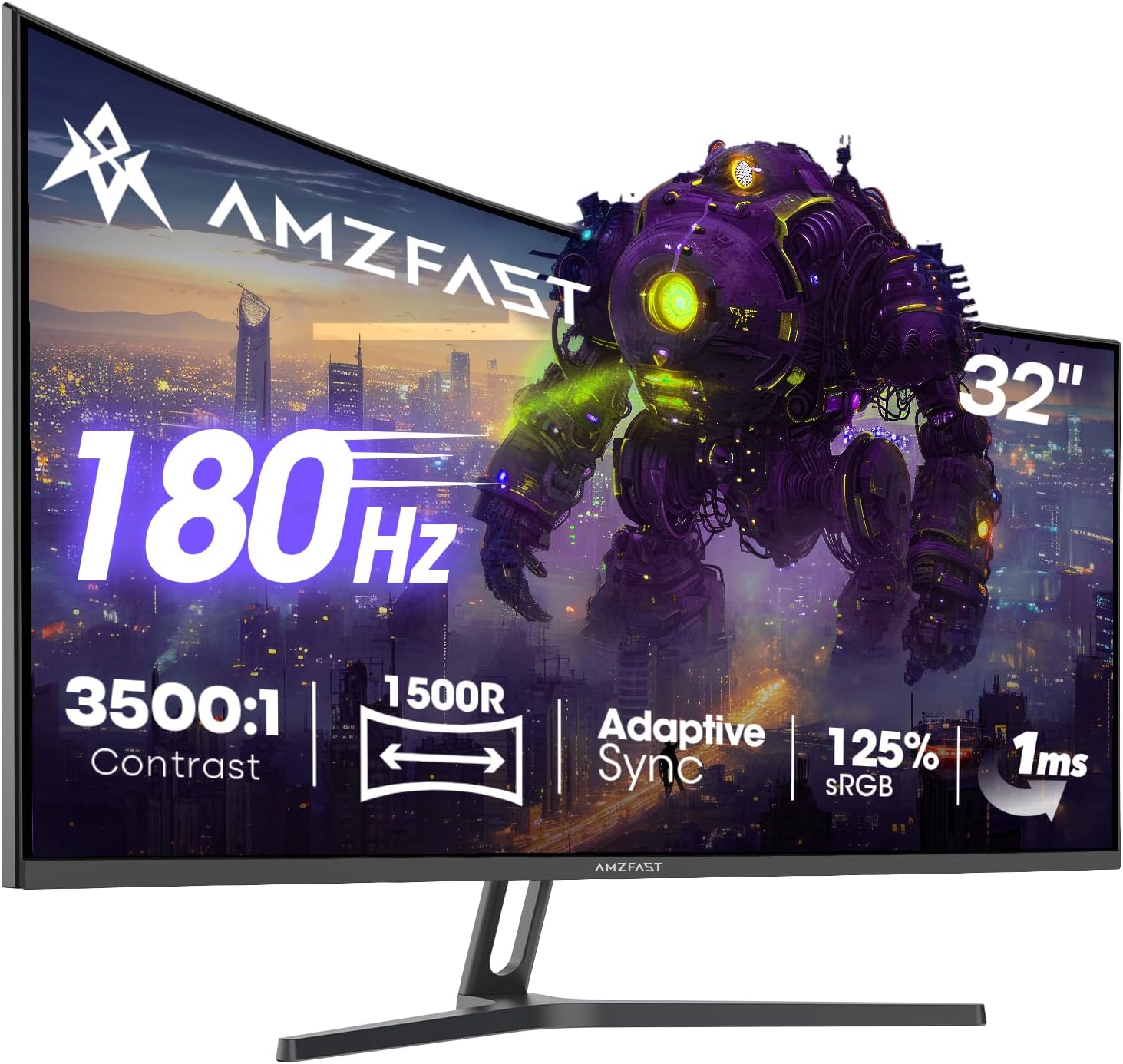
The headline gaming traits here are refresh rate, sync support, and response.
- 180Hz refresh rate: useful if your PC/console can push high frame rates, because it allows gameplay to look more fluid than standard 60Hz setups.
- Adaptive Sync: intended to minimise screen tearing and stuttering, so your movements feel more consistent when frame rates fluctuate.
- 1ms MPRT: a marketed response figure that’s meant to reduce motion blur/ghosting during fast movement.
There’s also the “feel” side of things: the 1500R curved VA panel and a 32-inch size. For many players, that curve helps you keep more of the screen within your peripheral comfort area, particularly during longer sessions or when you like tracking targets across the screen.
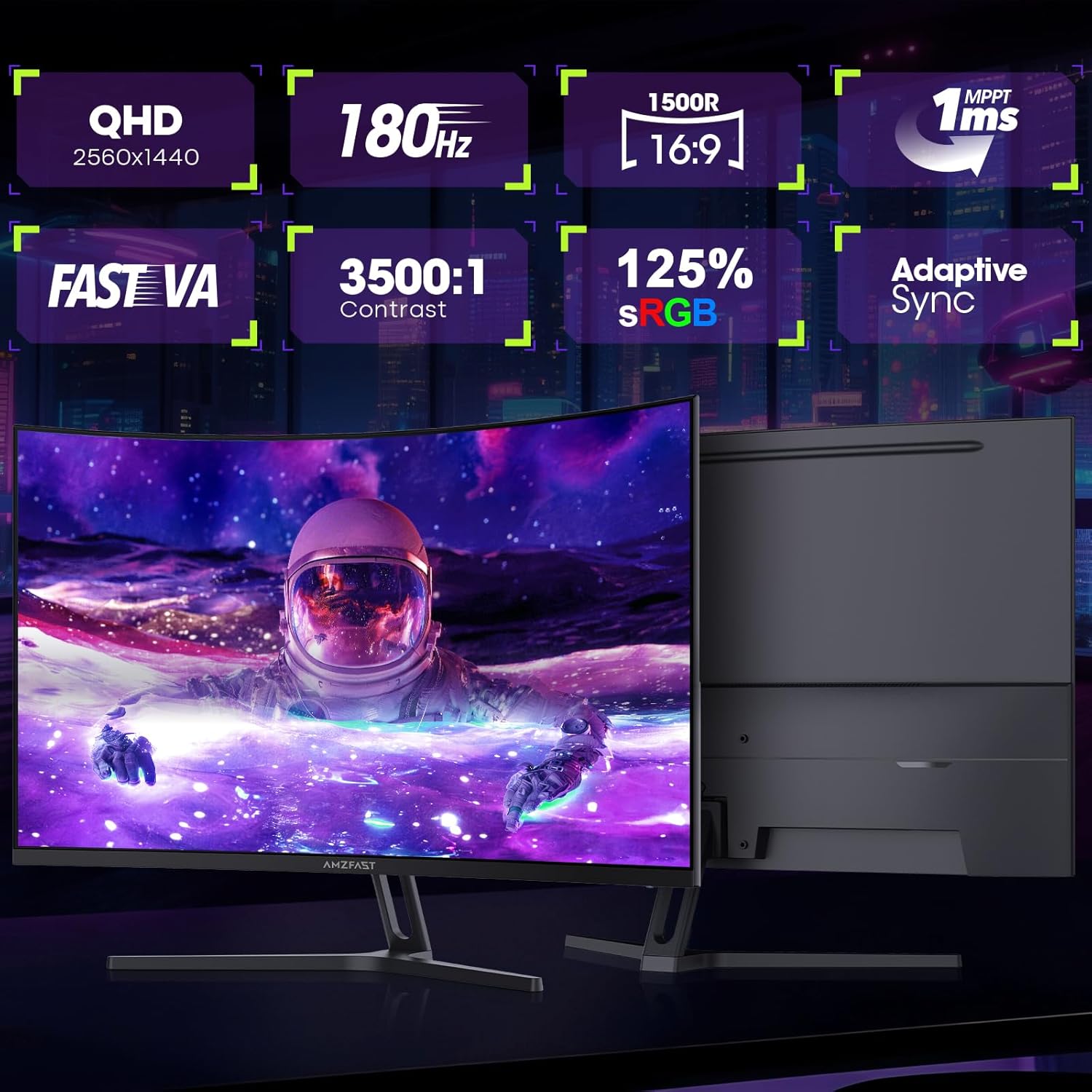
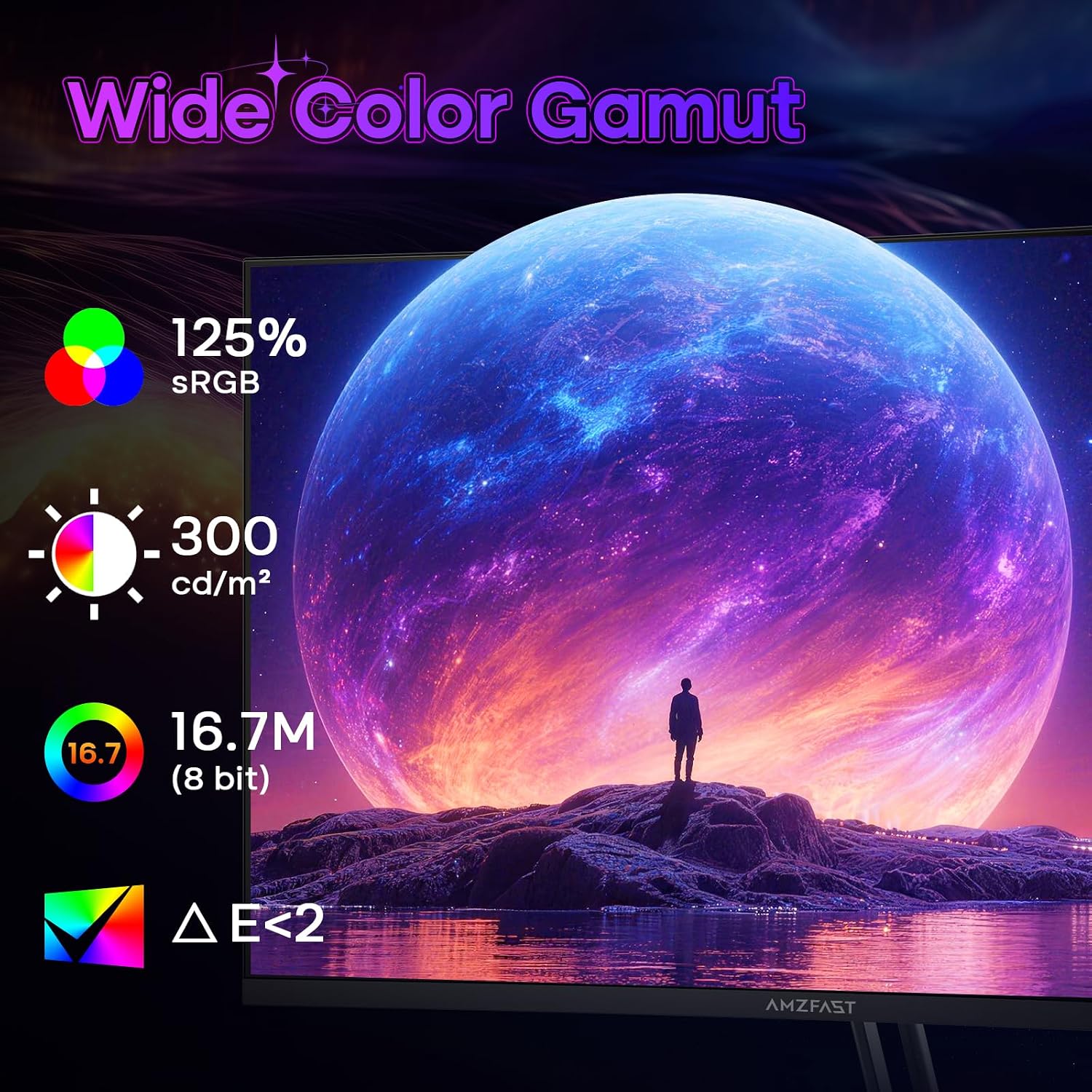
On visuals, it supports HDR and quotes DCI-P3 93% and sRGB 125% coverage, plus an HDR feature. These are the sorts of specs you’d look for if you want colours to look lively without spending for the most expensive class of display.
What stands out day to day
This monitor is positioned as a “set it up and get on with it” display.
First, the curved 32-inch format can feel very tactical in shooters and other action-heavy games—simply because you have more screen real estate to scan. In a typical match, that can mean less head movement while you’re checking angles or reading HUD elements.
Second, the spec mix suggests a panel that’s trying to deliver both contrast and colour. VA panels often bring richer contrast compared with many budget IPS options, and the quoted 3500:1 static contrast ratio leans into that.
Third, it offers multiple gaming-oriented presets: FPS, RTS, Racing, and sRGB. That’s handy if you swap between different game genres or you want a quicker baseline for more accurate-ish colours (the sRGB mode is the one you’d normally pick when you’re concerned about colour consistency).
Tech specs (the essentials)
- Name: AMZG32C1Q
- Type: Curved gaming monitor
- Size: 32-inch
- Format: 2K QHD
- Resolution: 2560×1440p
- Refresh rate: 180Hz
- Response time: 1ms MPRT
- Panel type: Fast VA
- Contrast ratio: 3500:1 (static)
- Curvature: 1500R
- Adaptive Sync: Yes
- HDR: Yes
- Colour coverage: DCI-P3 93%, sRGB 125%
- Inputs/ports: HDMI 2.0 and DP 1.4
- Mount: VESA 100×100mm
Where it shines, and where it may fall short
This is the sort of monitor that makes sense if you want a curved 32-inch gaming screen with high refresh, and you care about smoother motion more than anything else. Adaptive Sync plus 180Hz is a combination that’s worth paying attention to if your gameplay regularly sits above typical standard frame rates.
It also looks a good fit if you value colour coverage for HDR-supported content, and you like the idea of VA contrast for darker scenes.
However, a couple of limitations are worth noting. VA panels can come down to preferences and room conditions—if you’re sensitive to viewing-angle effects, you might find it less forgiving than other panel types. Also, HDR support and colour gamut figures are promising, but without deeper brightness and HDR implementation details, you should treat it as “HDR-capable” rather than “reference HDR”.
In short: it’s more of a mid-range “do a lot well” gaming monitor than a no-compromise enthusiast display.
Setup and practical considerations
Connectivity is fairly complete for a gaming setup: HDMI 2.0 and DP 1.4 are provided, and the DP port is stated to enable the full 180Hz refresh rate. That detail matters—if you intend to run the highest refresh, you’ll want to plan your connection accordingly.
It’s also VESA 100×100mm compatible, so if you’re aiming for a cleaner desk, you can use a monitor arm or stand rather than relying on the included base.
For longer sessions, it includes eye-care features: Flicker-Free, Anti-Glare, and Low Blue Light. Those don’t replace good habits like regular breaks, but they can make extended play feel more comfortable.
Should you buy it?
You’ll likely be happy with the Amzfast AMZG32C1Q if you’re looking to upgrade to a 32-inch curved 2K gaming monitor and you want 180Hz gameplay with Adaptive Sync to reduce tearing and stutter. It suits players who spend serious time in shooters, RTS, racing, or any game where screen scanning and motion smoothness matter.
It may not be the best match if you’re expecting top-tier HDR performance that looks consistently reference-level, or if you’re particularly picky about viewing angles and off-axis clarity. If your main goal is “accurate colour for creators” or “cinematic HDR wow” in a bright room, you may want to check how it performs for you in your specific setup before committing.
One sensible way to decide is to focus on how you’ll connect it (so you can actually make use of 180Hz via DP) and whether the 1500R curve and VA panel style align with your preferences.
Mini FAQ
Is the Amzfast AMZG32C1Q good for fast-paced games? On paper it’s built for motion-heavy gameplay thanks to 180Hz refresh rate, Adaptive Sync, and a quoted 1ms MPRT response time.
Can I run 180Hz over HDMI? The details provided specifically mention that the DP port enables the full 180Hz refresh rate, so you’ll want to use DisplayPort if you’re chasing the maximum.
What does the 1500R curve do in everyday use? It’s intended to wrap your field of view more closely than a flat screen, which can make scanning around the screen feel more natural during long sessions.
Does it include HDR and colour gamut support? It has HDR and quotes DCI-P3 93% and sRGB 125% coverage, which suggests it’s aiming for vibrant visuals, not just basic display performance.
Will it suit work as well as gaming? There’s an sRGB preset and comfort-focused eye-care features, but it’s still fundamentally a gaming monitor, so it may not be the first choice for highly specialised creative grading workflows.