

ASUS ZenScreen MB16ACV 15.6in Portable USB-C Monitor (Full HD, IPS)
Product description
If you’ve ever wanted a proper second screen on the move, this kind of portable monitor is the obvious answer. The ASUS ZenScreen MB16ACV is built around a 15.6 inch Full HD IPS panel and connects via USB (USB 3.0 and USB-C are mentioned), with a slim, travel-friendly design.
It’s not trying to replace a desktop setup. It’s more about adding screen space quickly for laptop work, quick creative sessions, or productivity when you don’t want a bulky external display hanging off your bag.
The essentials
The MB16ACV pairs a 15.6 inch 1920x1080 (Full HD) IPS display with a wide viewing angle (178° is specified). On paper, that’s a sensible combination for a secondary screen: IPS tends to keep colours and contrast looking consistent even when you’re not viewing straight on.
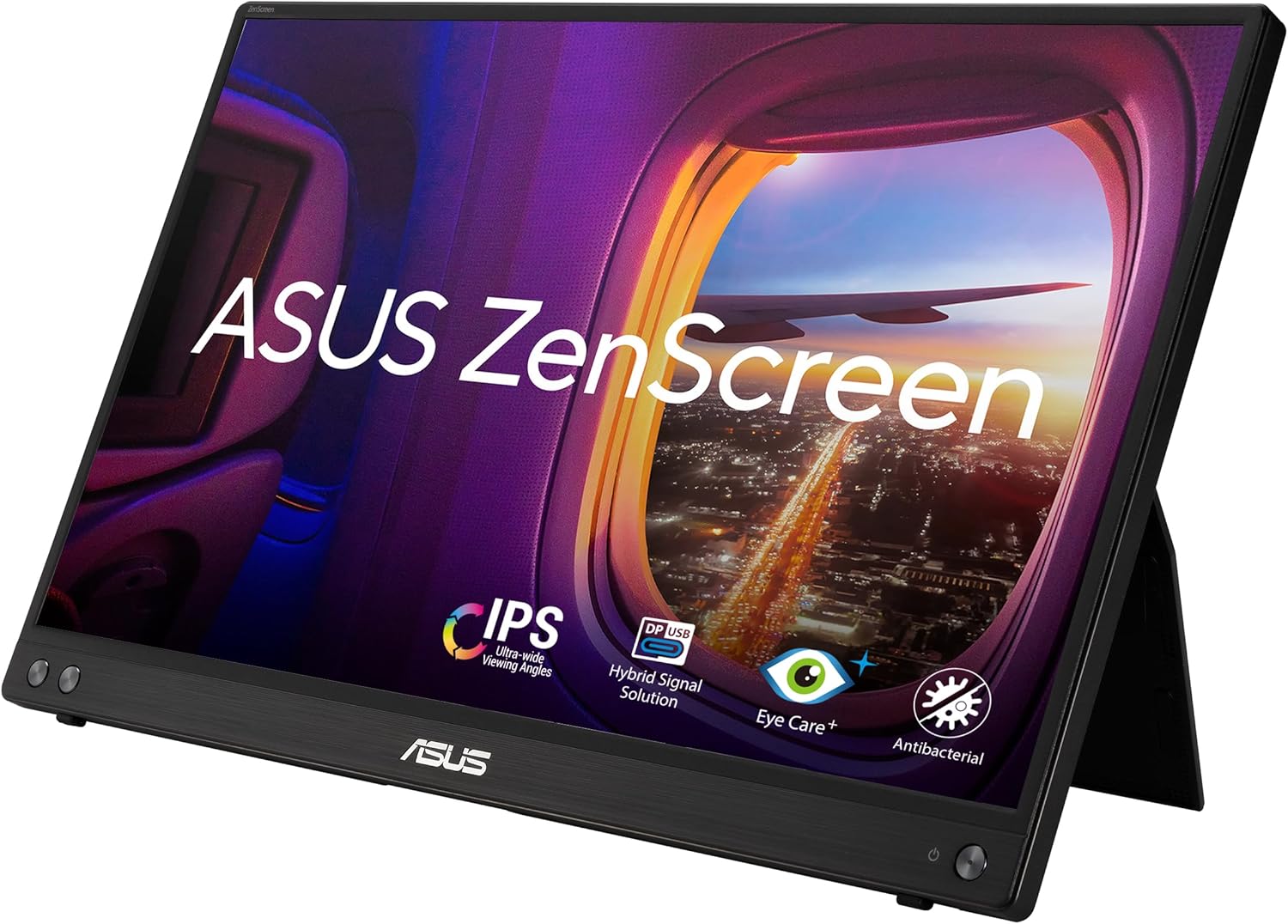
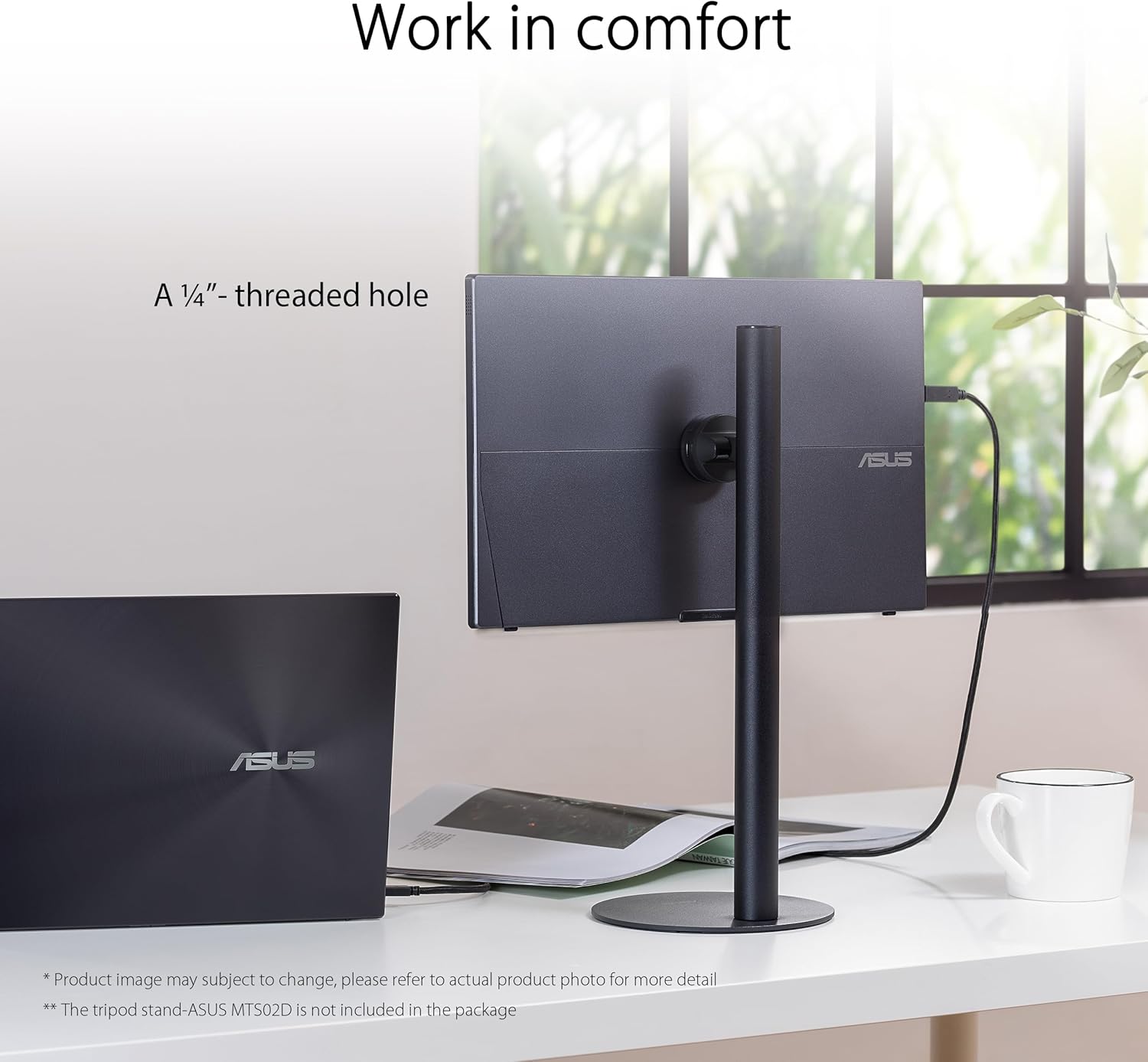
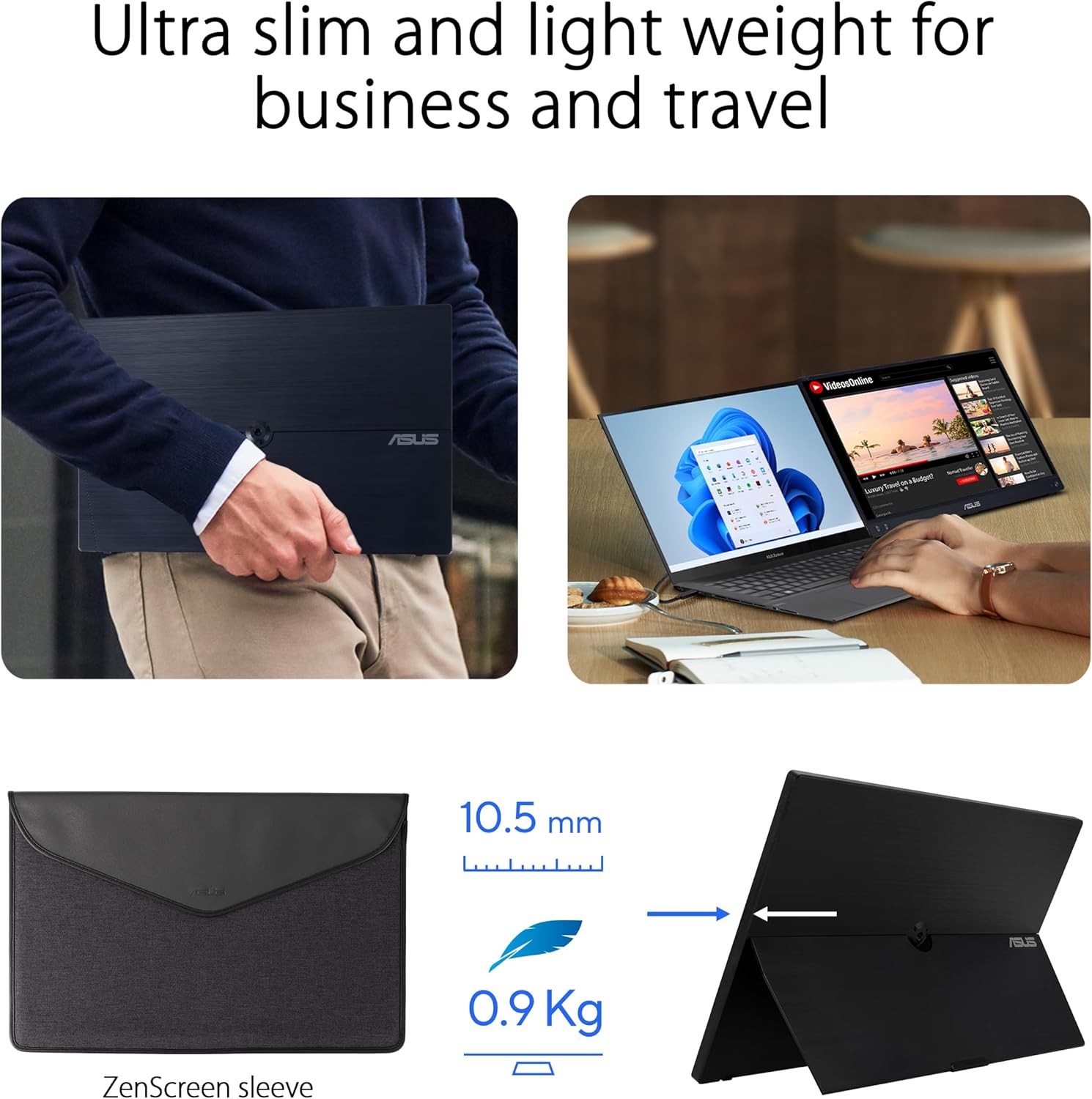
There’s also mention of a built-in kickstand, plus support for portrait use without needing to fold a cover. That’s one of those small features that can genuinely change how useful a portable monitor feels once you’re at a desk.
What you’ll notice day to day
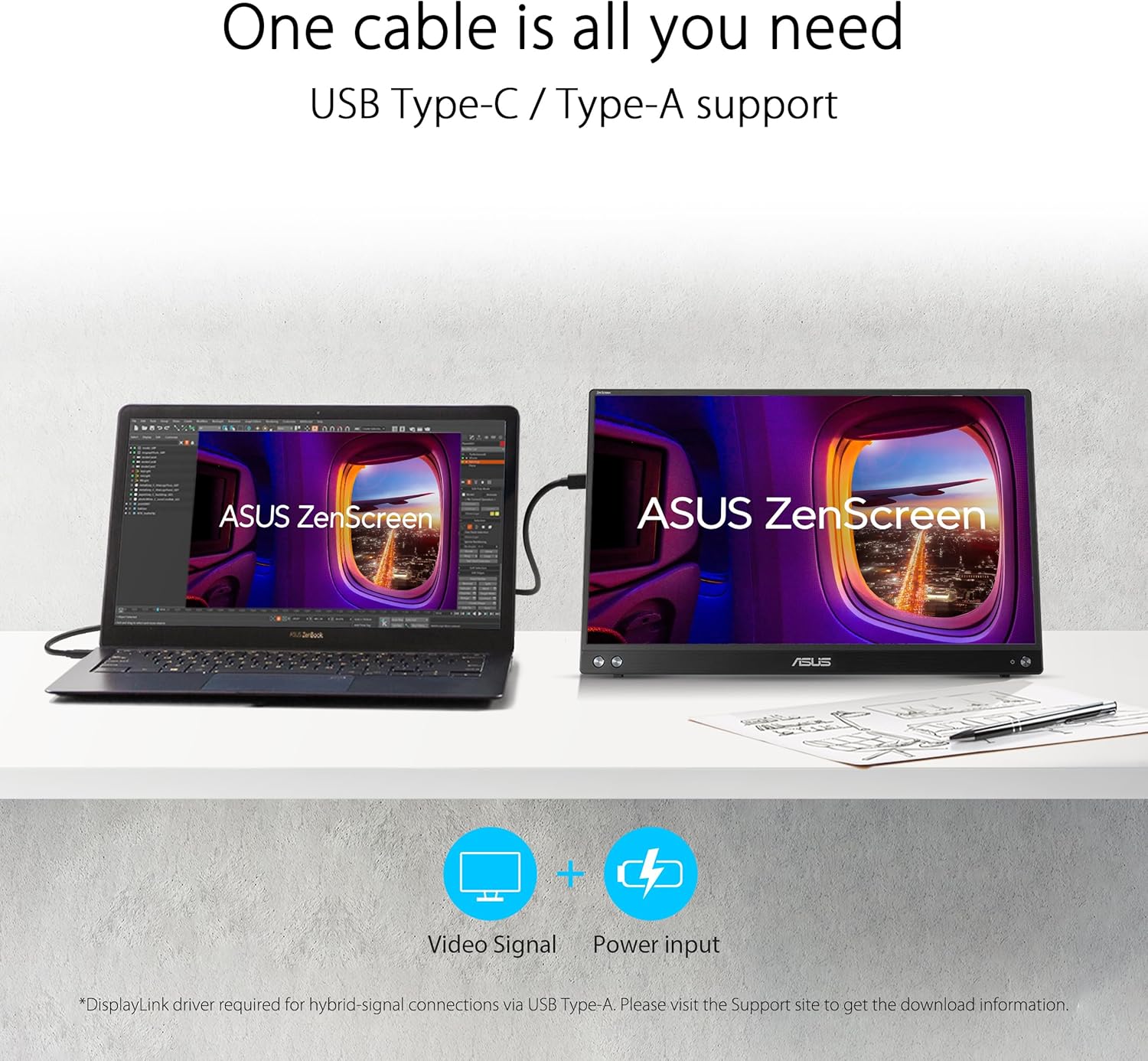
This monitor is designed to be powered and connected through USB (USB Type-C and USB 3.0 ports are referenced). In practical terms, it’s aimed at people who want a simple “plug in and go” second display for a laptop—or sometimes even for other compatible devices.
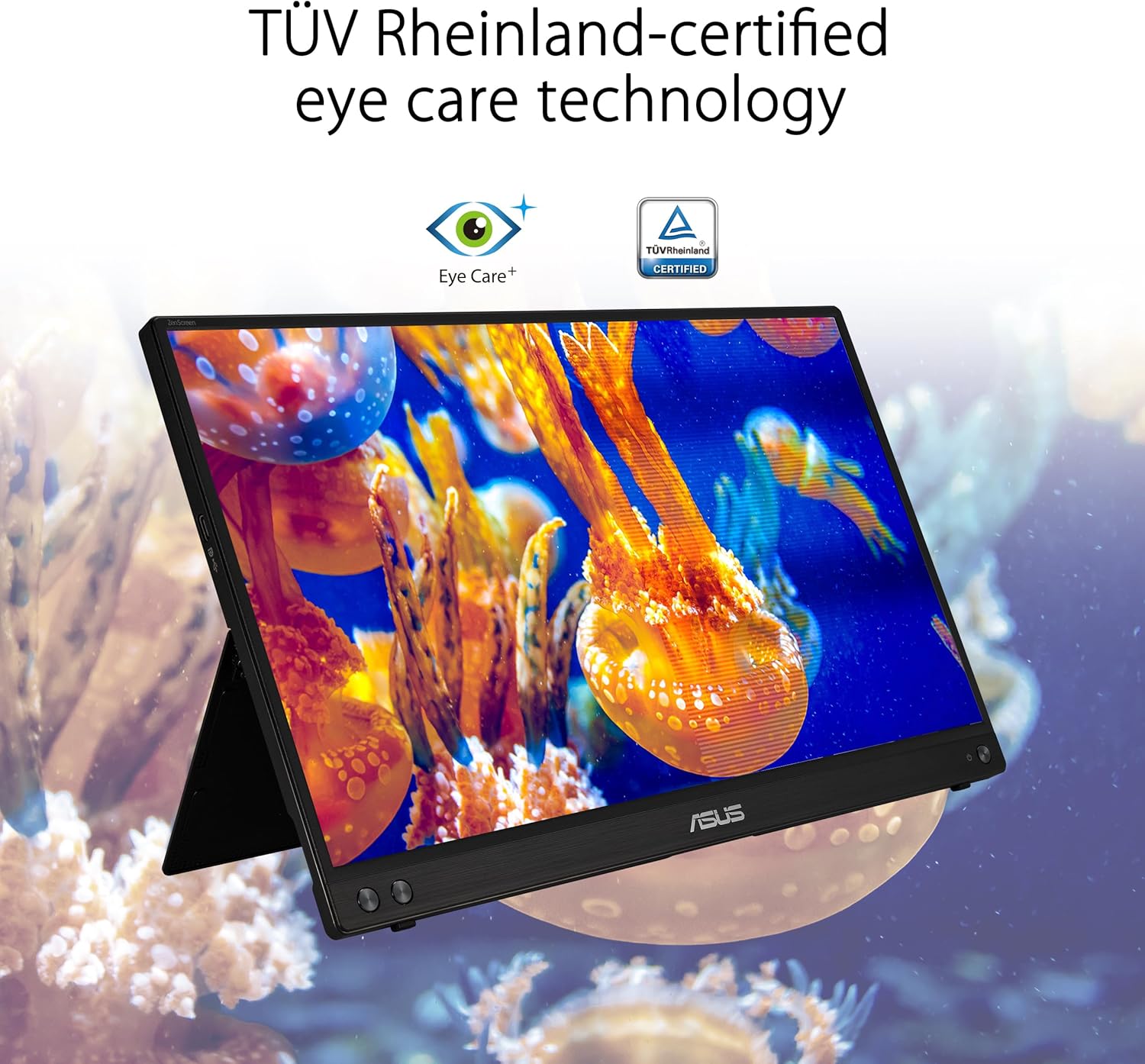
The display-side extras also get a mention: flicker-free viewing, a blue light filter, and an anti-glare surface. Those are the kinds of features you’ll appreciate if you’re planning longer sessions, or if you tend to work under desk lighting where reflections can be annoying.
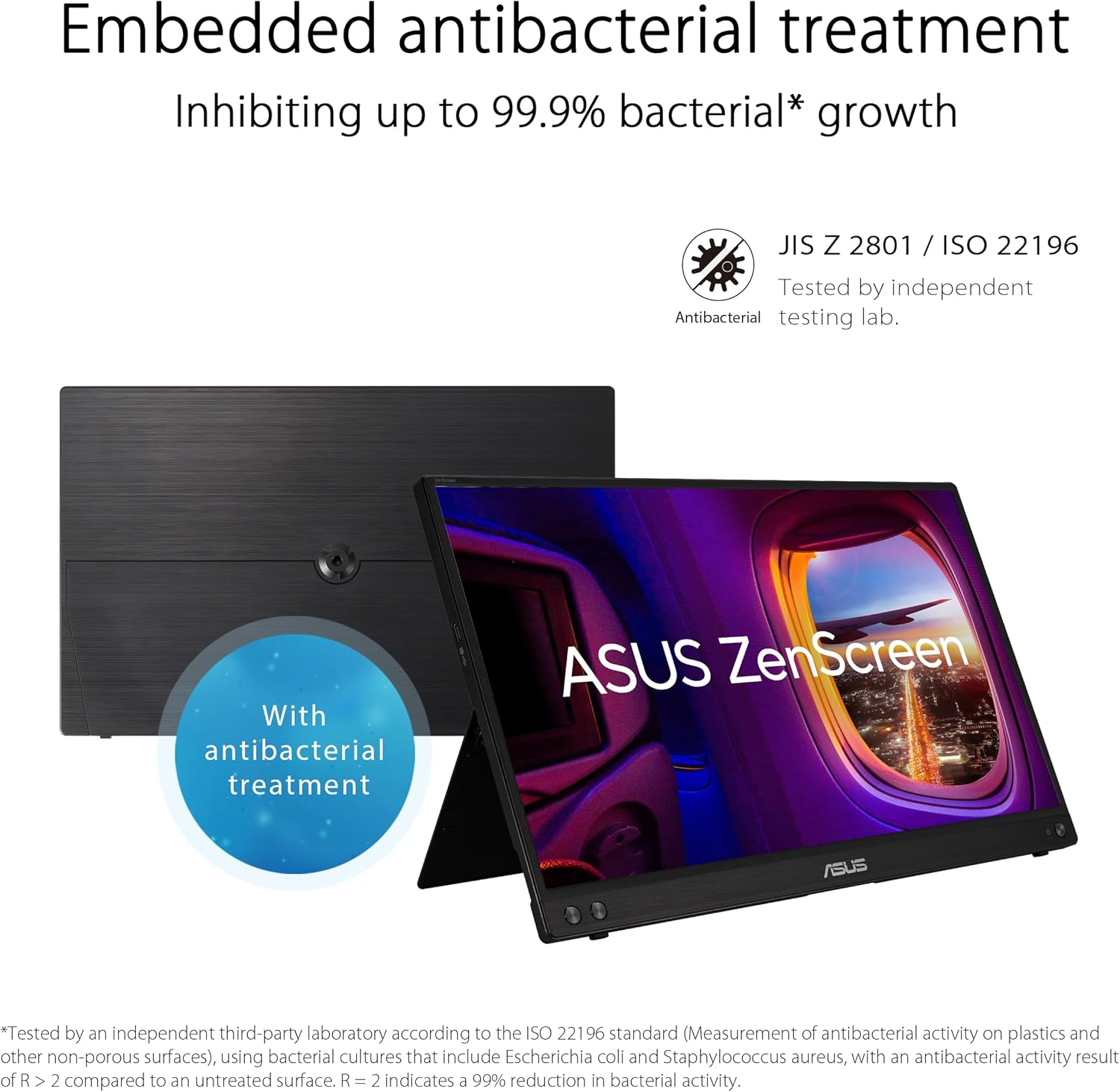
There’s also an antibacterial treatment noted. That’s not something you can easily verify from a listing, but it’s a consideration if the monitor will be shared, used in busy environments, or you just prefer screens that are designed with hygiene in mind.
Key connections and hybrid signal approach
ASUS describes a “Hybrid Signal Solution” alongside USB-C and USB 3.0 ports. The practical takeaway is that it’s built to be flexible with how it receives a signal, rather than relying on one very specific connection style.
That said, “works with laptops, smartphones, and PCs” is a broad claim in the description, and real compatibility can depend on the exact device capabilities (especially around video output over USB). If you’re buying for a particular smartphone or PC setup, it’s worth double-checking your device’s USB video support rather than assuming it will work with everything.
Where it shines (and where it can feel limiting)
Where it looks strongest is in portability: the listing calls it ultra-slim and lightweight, intended as a travel monitor for a secondary display. If you’re doing work on the go—staying in hotels, travelling for meetings, or simply working between desk and couch—this is the sort of screen that makes sense.
However, it’s still a 15.6 inch Full HD portable panel. If your priority is maximum productivity real estate for spreadsheets, heavy multitasking, or demanding creative work, you may find yourself wanting a bigger or higher-spec main monitor. In other words, it’s more “useful extra screen” than “desktop replacement”.
Tech summary (quick specs)
- Name: ASUS ZenScreen MB16ACV Portable USB Monitor
- Type: Portable monitor / laptop extender
- Display: 15.6 inch IPS (A-grade is mentioned)
- Resolution: 1920x1080 (Full HD)
- Viewing angle: 178°
- Connections: USB 3.0 and USB-C (Hybrid Signal Solution is referenced)
- Video modes: Works in both portrait and landscape via built-in kickstand
- Display comfort features: Flicker Free, Blue Light Filter, Anti-glare surface
- Additional treatment: Antibacterial treatment is mentioned
Getting the most from it
A simple use case: imagine you’re working from a small desk in a hotel. With your laptop open, you can place this monitor using the built-in kickstand, run your main app(s) on one screen, and keep a second set of tools (email, a document, or a web page) on the other. Portrait mode can be handy too if you’re reading long text, reviewing pages, or working with narrower layouts.
Just keep expectations realistic. A portable IPS panel can look good, but you’re still dealing with a compact screen size and Full HD resolution—so if you’re used to a larger display, you’ll feel the difference.
In the box / what to check before buying
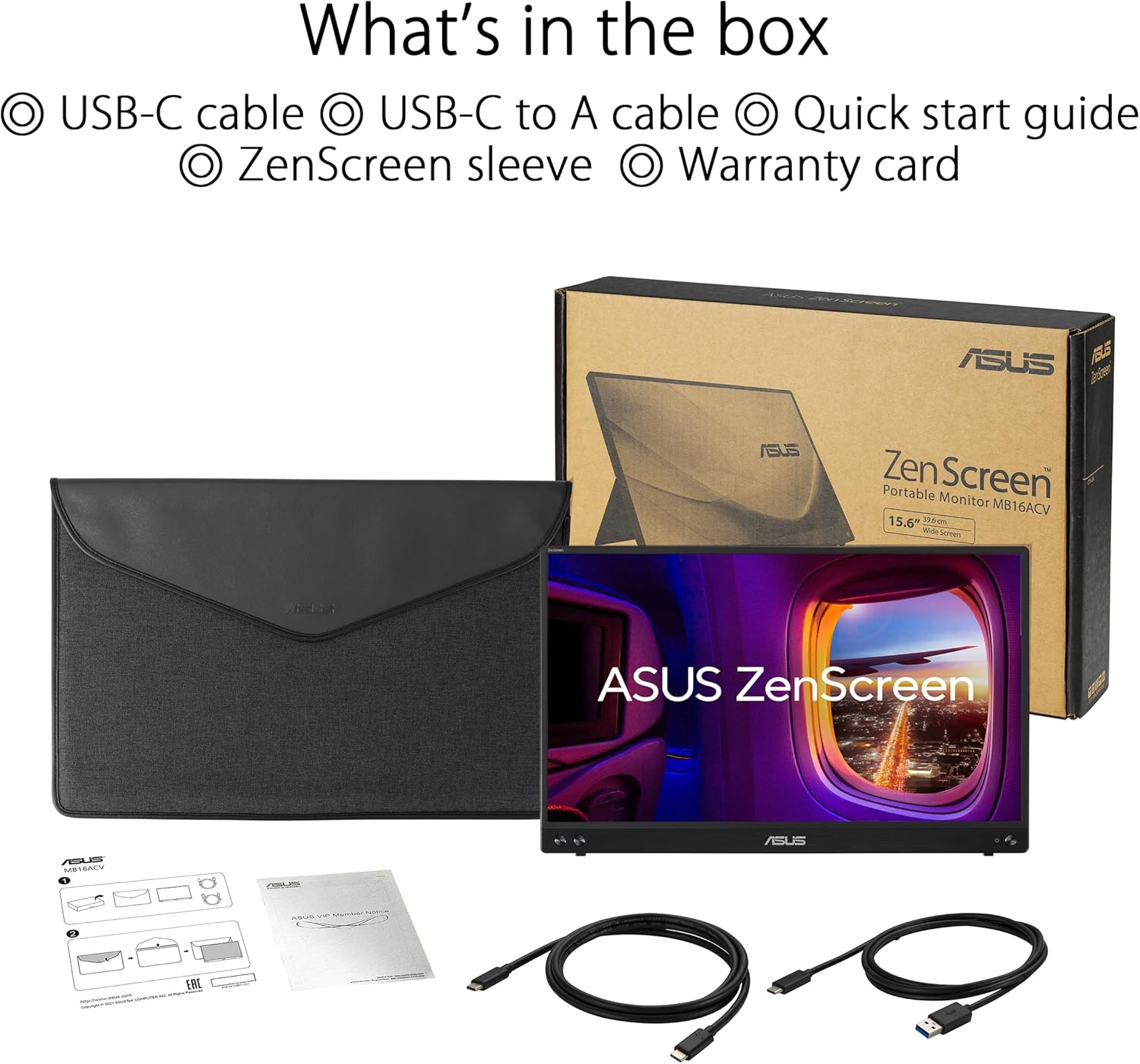
The listing doesn’t spell out bundle contents in the details provided, so it’s worth checking the amazon UK product page for the exact inclusions (cables, power expectations, and anything needed for setup). Also, because it’s described as supporting laptops, smartphones, and PCs, compatibility is likely to depend on your device’s USB video output—so confirm that before you commit.
Final verdict
It makes sense if you want a lightweight 15.6 inch Full HD IPS second screen that’s designed for travel, includes a built-in kickstand, and focuses on comfort features like flicker-free viewing and anti-glare.
You may want to skip it if you’re looking for a true desktop replacement, need a bigger workspace than 15.6 inches, or you’re not confident your specific laptop/smartphone/PC can output video over the USB connection style this monitor uses.
Mini FAQ
Is this monitor good for long work sessions? It includes flicker-free and a blue light filter, which are aimed at reducing common screen-comfort complaints. It’s still wise to take breaks like you would with any display.
Can it be used in portrait orientation? Yes, the built-in kickstand is described as enabling portrait and landscape use without needing to fold a cover.
Will it work with my phone? The listing says it’s designed to be compatible with smartphones, but USB video support varies by device. Check your phone’s USB-C/USB capabilities for video output.
Is it anti-glare? An anti-glare surface is mentioned, which should help with reflections compared with a fully glossy finish.
Is the antibacterial treatment something I should rely on? It’s listed as an antibacterial treatment, but the strength and effectiveness can’t be verified from the provided details alone—so consider it a “nice-to-have” rather than a guarantee.