

Dopesplay 10.5in Portable Monitor: HDR, USB-C/HDMI, 1920x1280
Product description
What it is and the need it meets
The Dopesplay 10.5-inch portable monitor is a compact secondary screen designed to extend and enhance laptop, PC or console setups. It targets users who want extra screen real estate on the go—helping with multi-tasking, creative work, or casual gaming without committing to a larger desk setup.
On‑screen image and colour quality
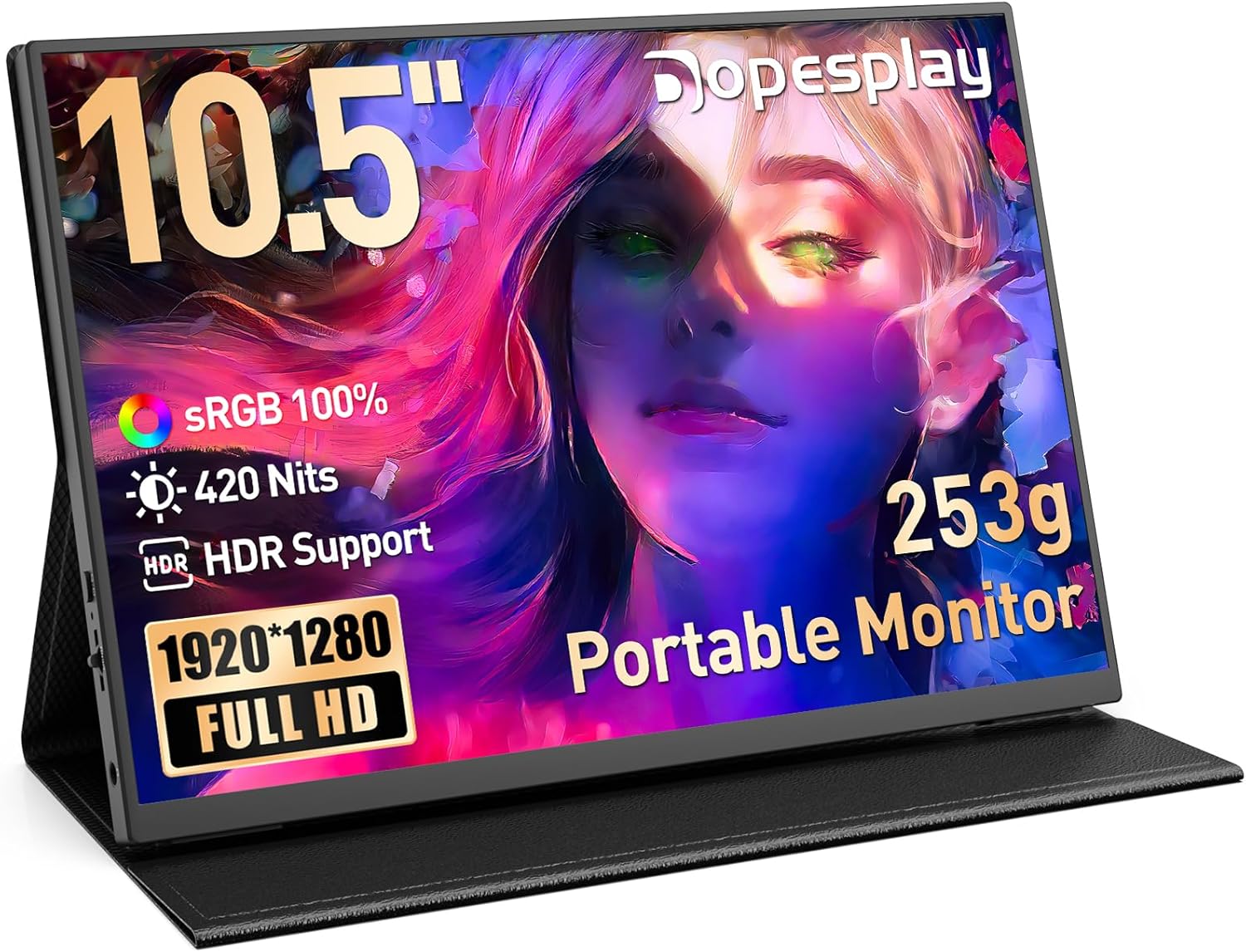
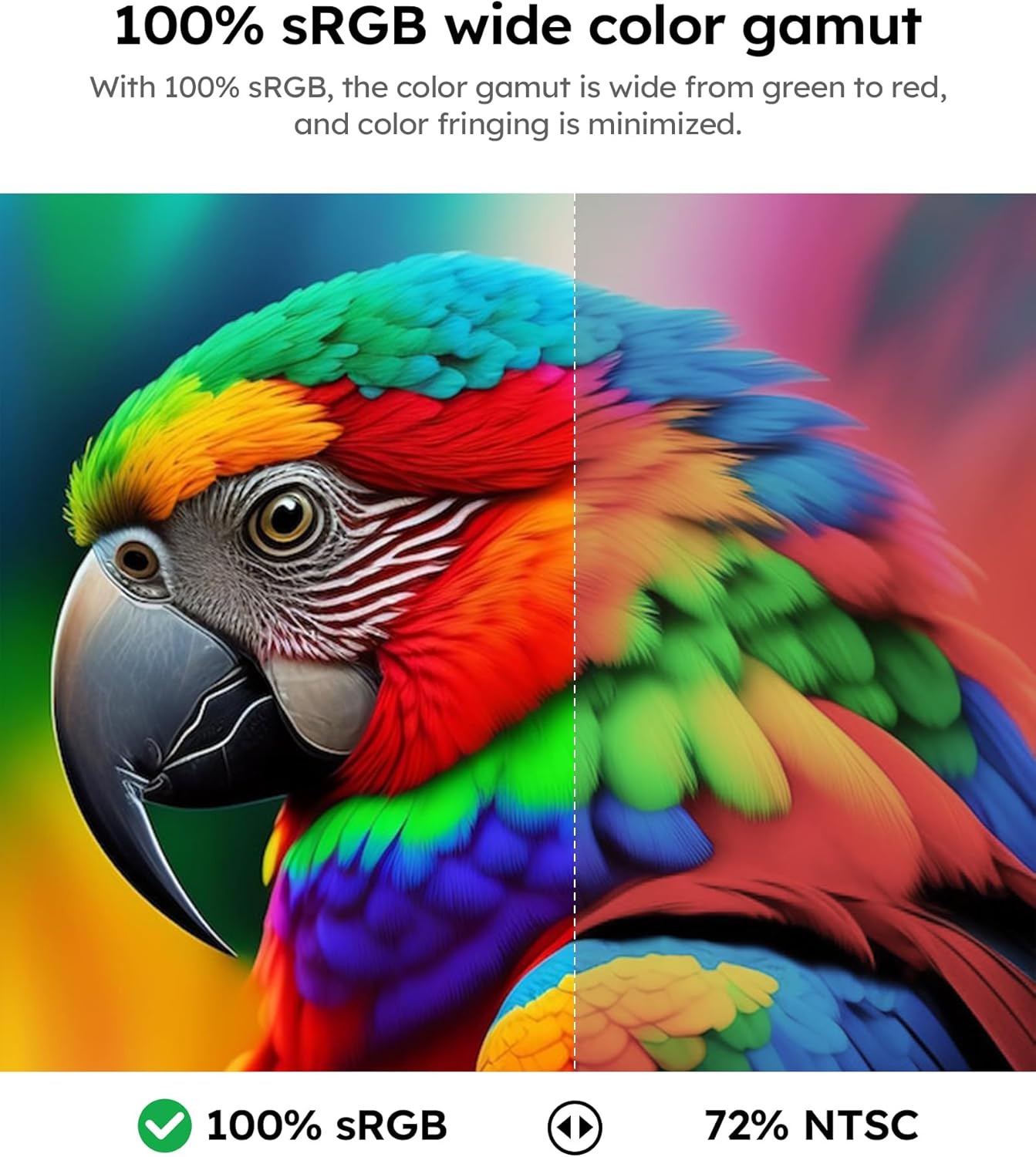
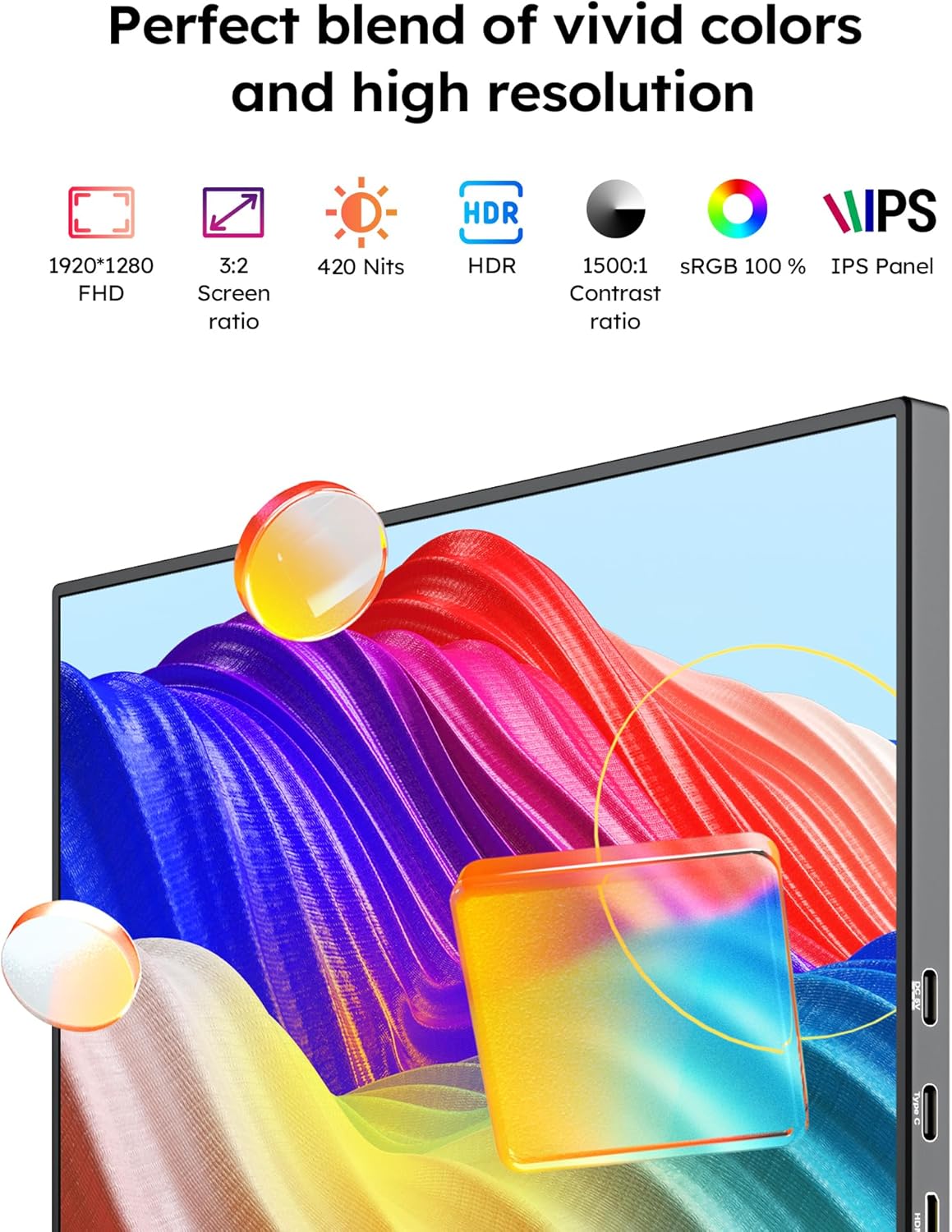
On paper, the panel delivers 1920×1280 resolution with 100% sRGB and 8‑bit colour depth, which should translate to detailed and realistic images for general design and productivity tasks. With a brightness rating of 420 cd/m², visibility stays decent in brighter environments, though you might notice differences outdoors or under direct sun. A blue light reduction mode isIncluded, offering a potential relief for long sessions.
How it connects and powers up
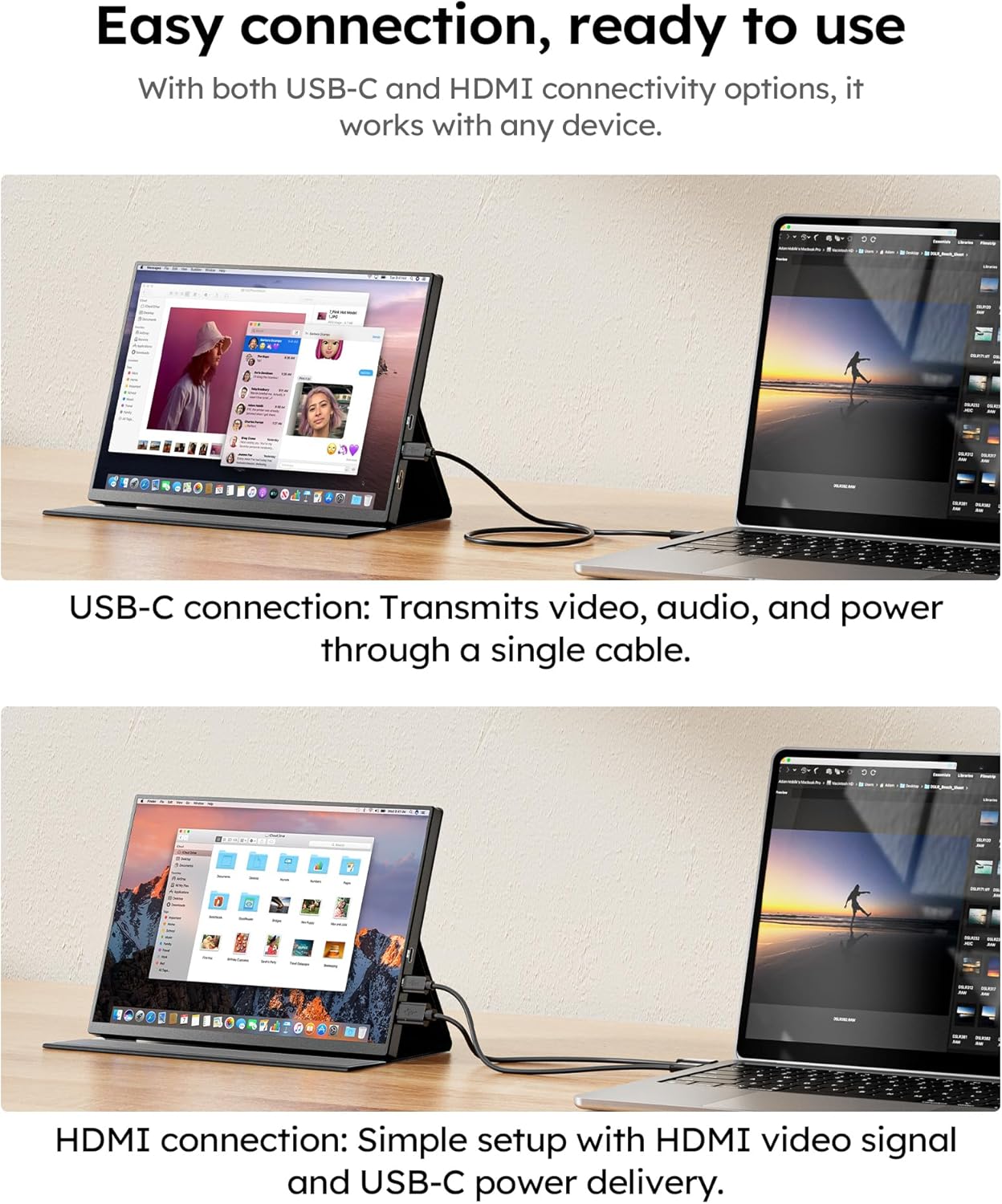
Connectivity is straightforward and pragmatic. The monitor brings dual USB‑C ports and an HDMI port, so you can use a single USB‑C cable for devices that support full USB‑C (video and power) and rely on the included HDMI plus external power for devices without full USB‑C capability. This keeps kit uncluttered in practice and makes it suitable for laptops, Macs, newer PCs, and some game consoles.
Compatibility and practical use cases
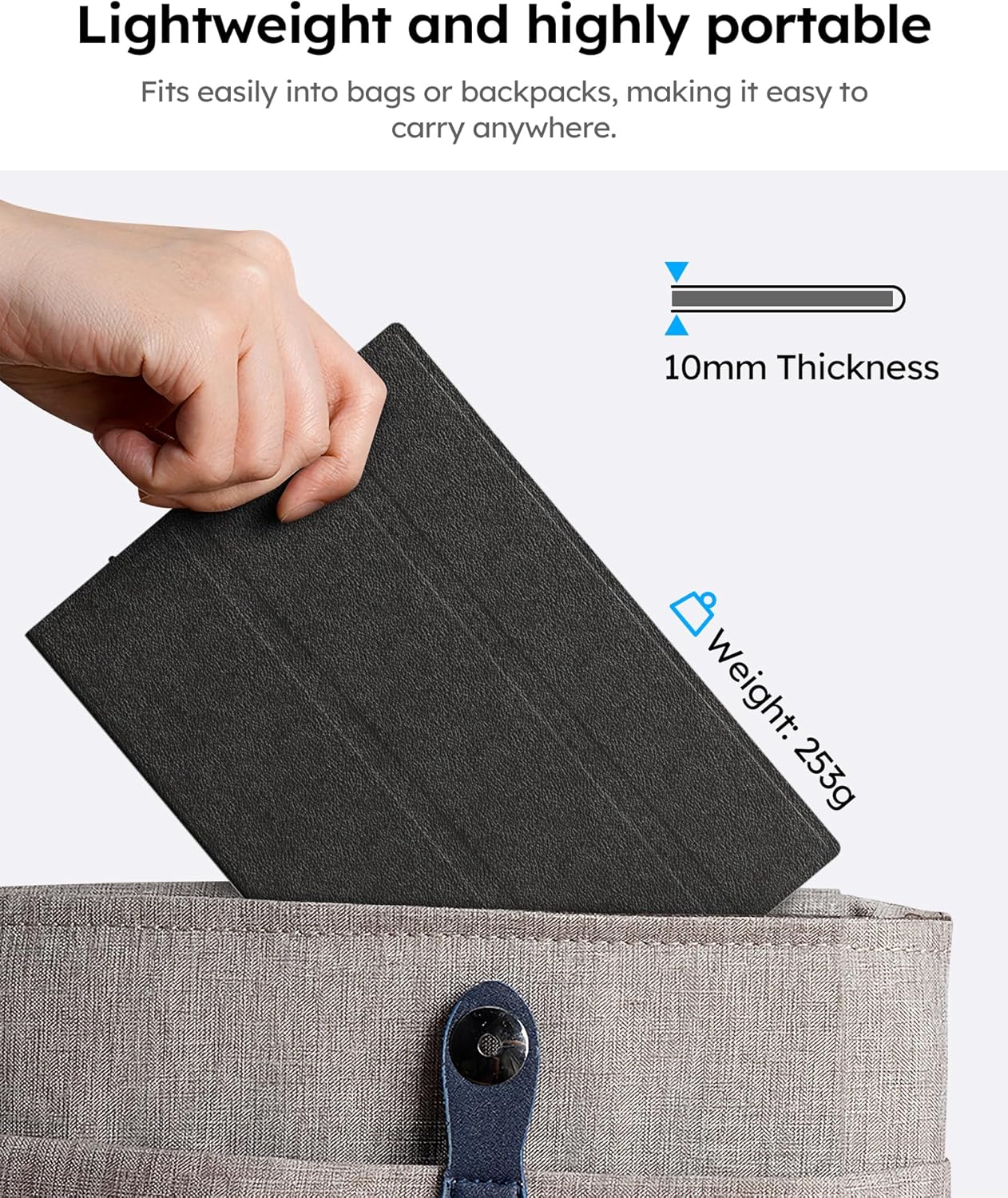
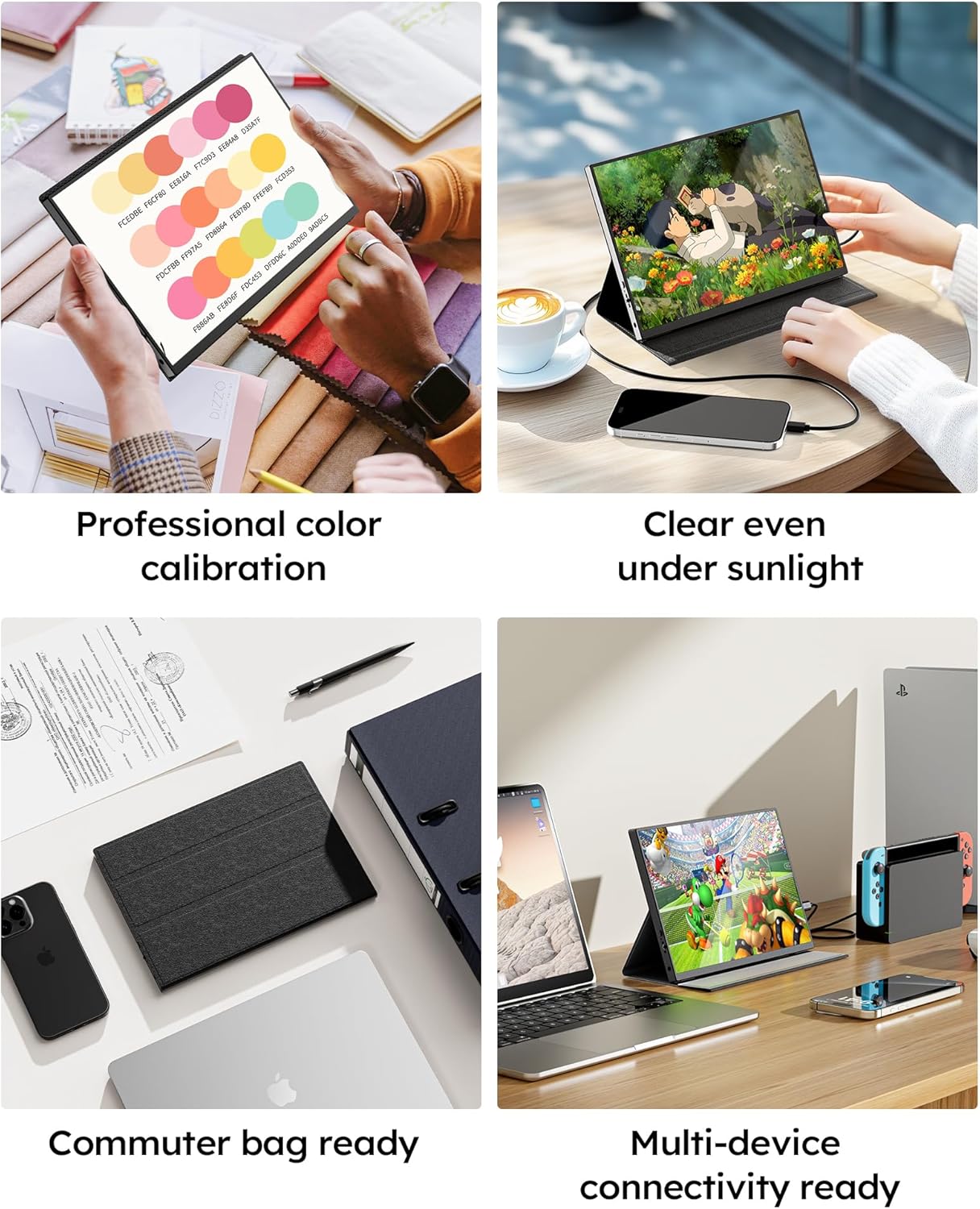
The unit is described as driver‑free and compatible with PCs, MacBooks, Android devices via USB‑C/HDMI. It’s optimised for gaming on consoles (60 Hz) and for tabletop use with Nintendo Switch, which makes it a convenient companion for travel, home office, or casual gaming sessions. The 10.5‑inch size and light weight (about 253 g) prioritise portability, the included magnetic protective case doubles as a stand and helps protect the screen while you’re out and about.
Design notes and what to expect in daily use
The case doubles as a stand and has magnets, but note that if the holes in the case don’t line up correctly, the manufacturer mentions contacting support for guidance. Heat generation is described as minimal and within expected norms, yet it’s sensible to place it where airflow isn’t restricted. Mounting options are available via 75 mm VESA, which can help achieve a comfortable viewing angle in tight spaces.
What stands out and where it may fall short
What stands out is the portability paired with flexible connectivity and a fairly robust feature set in a small footprint. However, as with many portable displays, you should manage expectations about HDR performance on a 10.5‑inch panel and the brightness threshold in extremely bright outdoor conditions. For heavy photo or video editing on the go, you may still prefer a larger display for detailed work.
Who it’s for and who might think twice
It makes sense for mobile workers, students, or gamers who need a compact second screen that can run off USB‑C or HDMI with minimal setup. It may not be the best fit if you rely on high‑end colour accuracy for professional grading or if you require a larger, more immersive display for long sessions.
Before you buy: key checks
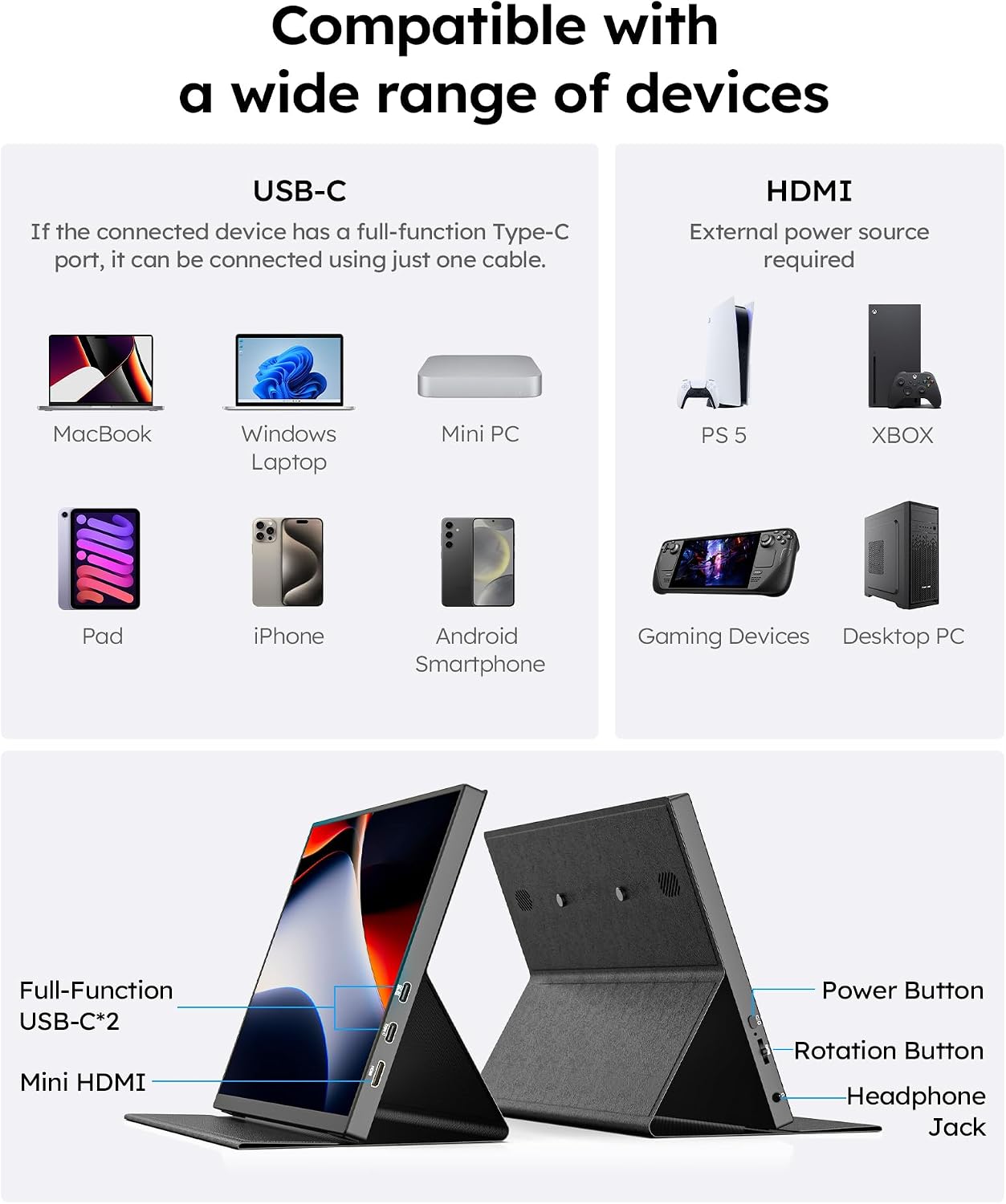
- Confirm your device supports USB‑C with video and power delivery to maximise single‑cable use. If not, you’ll need the HDMI plus external power arrangement.
- Consider how you’ll position it on the desk: VESA mounting is available, but desk space and stand orientation will influence comfort.
- Check whether the 420 nits brightness is sufficient for your typical lighting conditions, it’s adequate for most indoor environments.
Practical usage example
Imagine editing a presentation on the go: you connect the monitor to a laptop via USB‑C and use the extra screen for notes or the chat window, keeping your main screen uncluttered. When you want a quick gaming session, the Switch can sit on the desk with the portable monitor providing a second display, thanks to its compact footprint and included stand.
Quick comparison in practice
This portable monitor sits mid‑range for portable displays. It is more capable than basic USB‑C monitors thanks to its colour gamut and HDR framing on paper, yet it isn’t positioned as a premium 4K external display. If you prioritise portability, a straightforward plug‑and‑play setup and multi‑device compatibility, it’s worth considering, if you need true HDR performance or the largest, most accurate panel available on the move, you might look for alternatives with different brightness or colour coverage.
FAQ snapshots
- Do I need drivers? No, it’s driver‑free for compatible devices.
- Can it power from USB‑C alone? Yes, when connected to a device that supports USB‑C video and power delivery.
- Is there a risk of heat while gaming? Heat is described as normal and minimal, ensure proper ventilation.
Decision: Should you buy it?
It suits you if you want a lightweight, versatile secondary screen that’s easy to carry and use with laptops, Macs, or switches. It may not be the best option if you require top‑tier colour accuracy or a larger display for extended professional work.