

Minifire MFG27F4Q 27-inch QHD 180Hz monitor
Reviews
Price
Product description
If you want a smoother, more responsive gaming monitor without losing QHD detail, the Minifire 27-inch 180Hz QHD Gaming Monitor is a strong contender. It pairs a 2560x1440 IPS panel with a fast 180Hz refresh rate and 1 ms MPRT response, aiming to keep motion clearer during intense gameplay. For everyday desktop use, you also get a practical set of modern inputs and VESA mounting, so it can fit into an ergonomic setup with less fuss. 🎮
With its Adaptive Sync support and eye care features, this monitor is designed to help reduce common distractions like tearing, stutter, and unnecessary eye strain during longer sessions. It also leans into HDR10 for more expressive highlights, and includes AI Crosshair for more focused aim training. Whether you play competitive titles or spend time on multimedia and work, it offers a balanced mix of speed, clarity, and comfort.
Key points
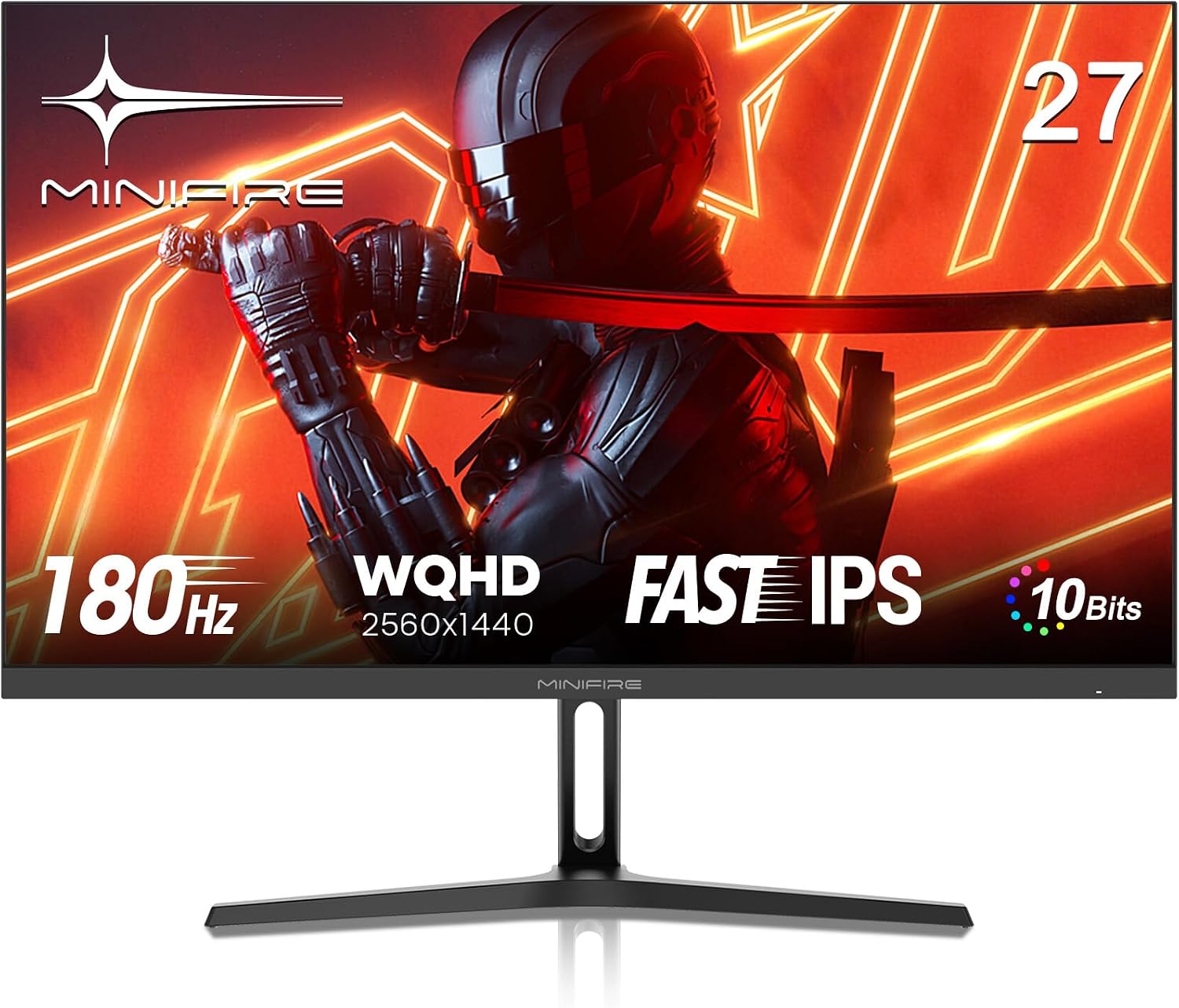
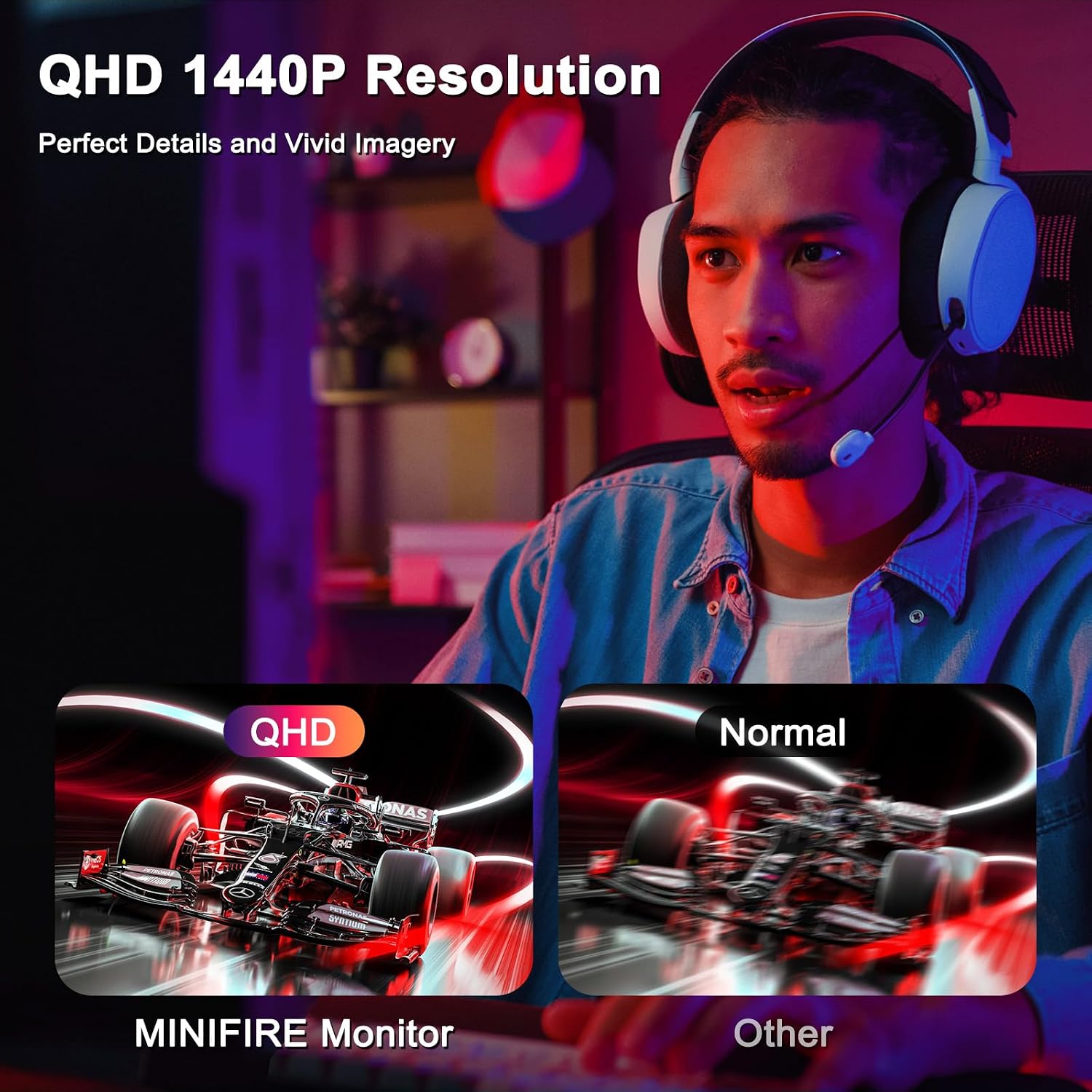
You get QHD resolution with an IPS panel, giving you sharp detail and wide 178° viewing angles for mixed use around the desk. That makes it handy not only for gaming, but also for reading, browsing, and sharing content with others in the room. The refresh rate is where the monitor shifts into a more competitive feel, since 180Hz is built for smoother motion and more responsive transitions.
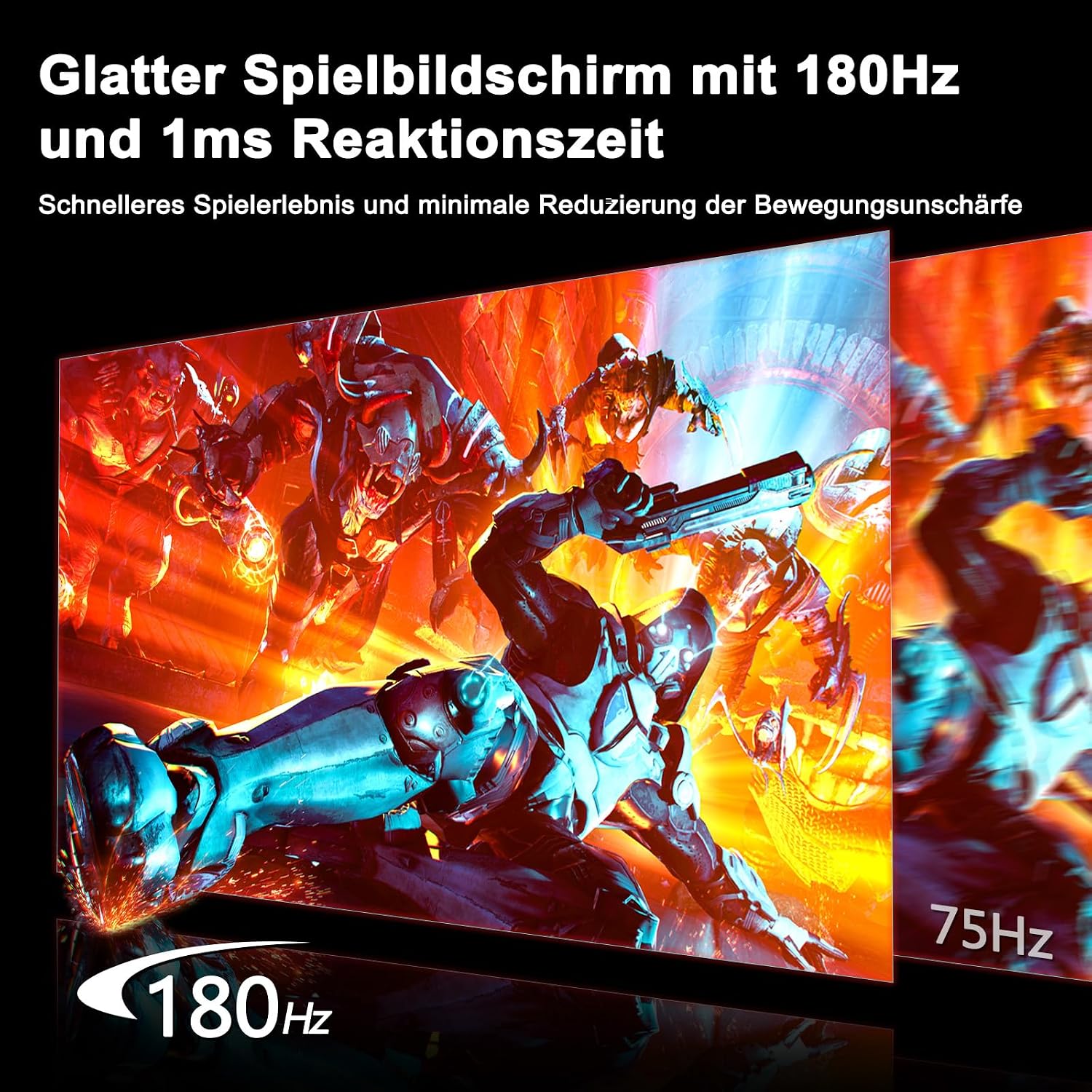
Minimising blur is a key theme here, with 1 ms MPRT and Over Drive support to help keep fast movement visually cleaner. Adaptive Sync is also included to help reduce stuttering and tearing when frame rates fluctuate. If you are the kind of player who notices even small timing issues, the combination of high refresh and sync support can make gameplay feel more consistent.
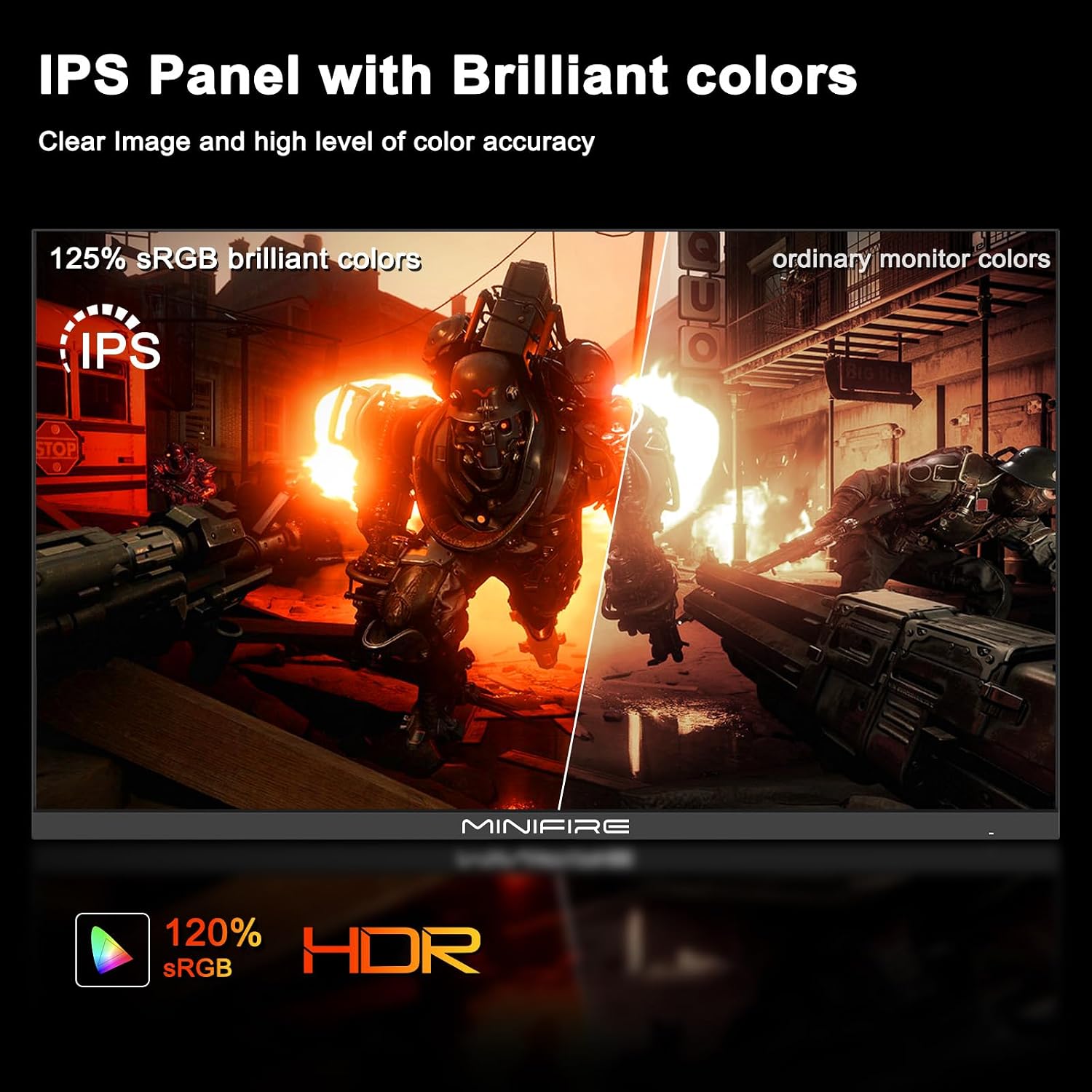
The display coverage figures are there for colour-minded users too, with 90% DCI-P3 and 120% sRGB coverage. HDR10 support and a stated 300 nits brightness are intended to reveal more detail in contrast and brighter scenes. For day to day viewing, the matte anti reflective surface helps cut down reflections so you can stay focused rather than constantly adjusting your screen angle. 👀
Tech specs
- Display: 27-inch QHD IPS (2560x1440)
- Refresh rate: 180Hz
- Response time: 1 ms MPRT and 1 ms OD
- Adaptive Sync: Adaptive Sync support
- Colour depth: 10-bit
- HDR: HDR10
- Connections: HDMI 2.0 and DP 1.2
What stands out
The IPS panel with a 178° viewing angle is a practical choice if you want consistent image quality even when you are not sitting perfectly centre. It is also useful when you switch between gaming and work tasks, because the screen remains readable from different positions. For players, smoothness is supported through 180Hz refresh and MPRT, while Over Drive is used to improve transition sharpness during fast motion.
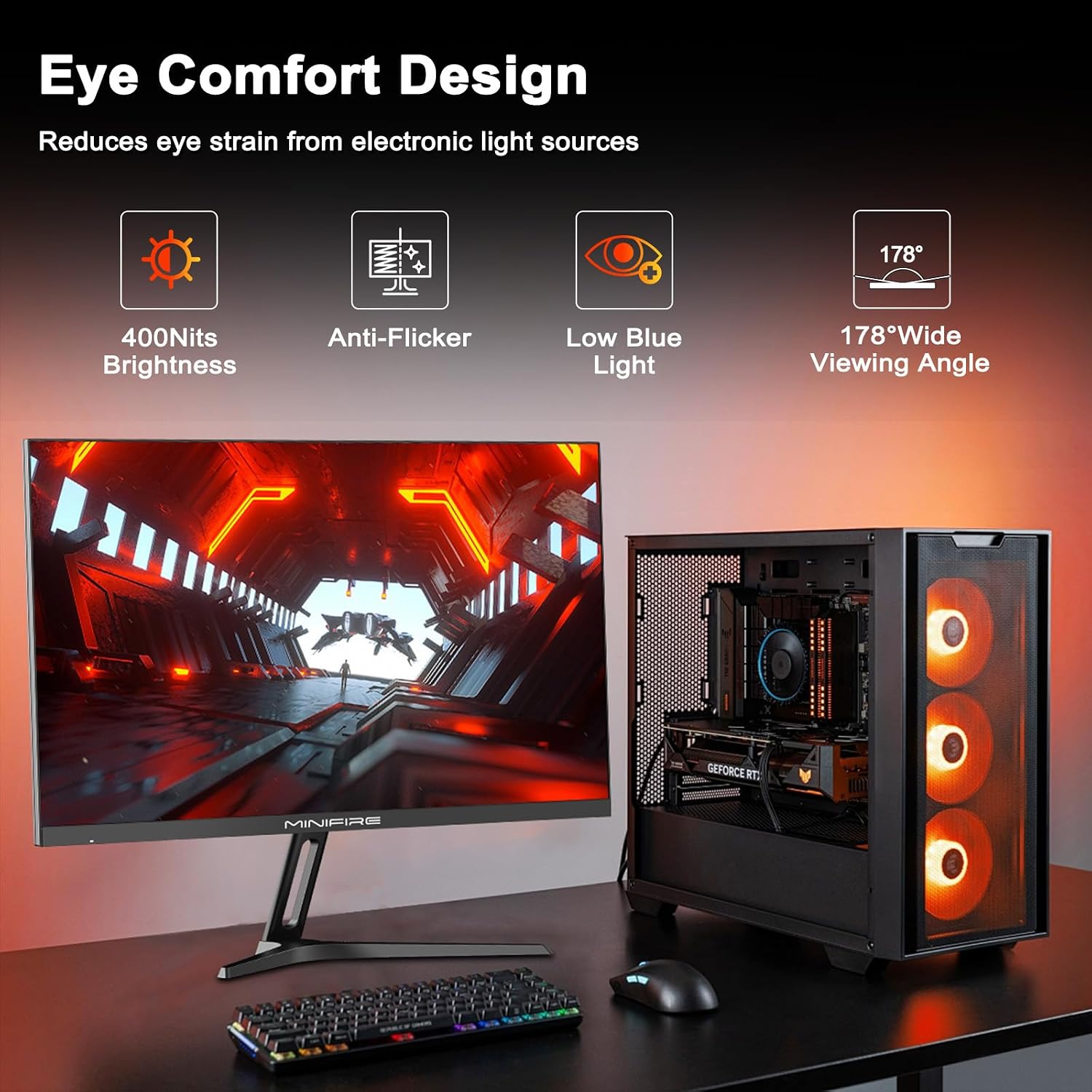
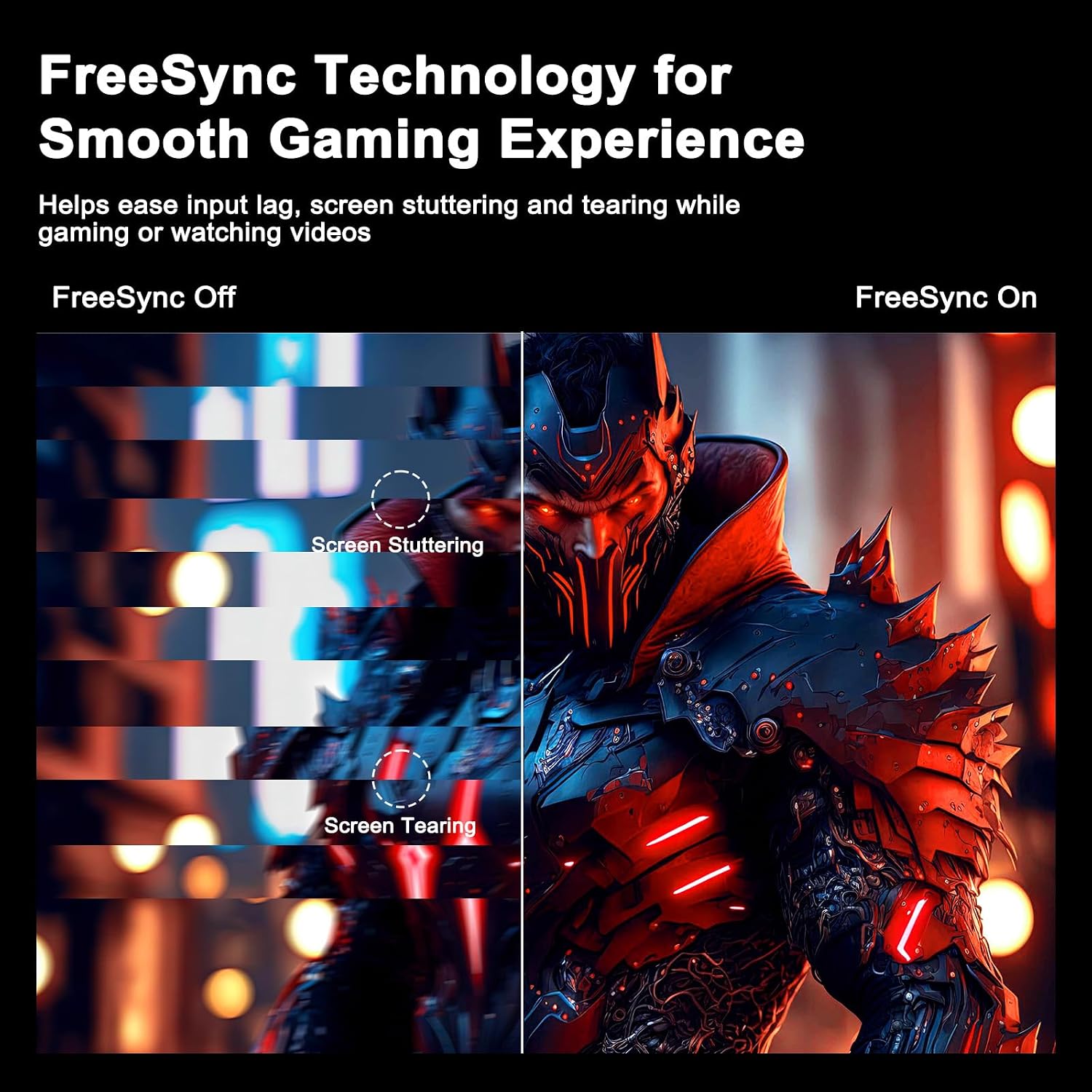
Adaptive Sync helps tackle two common motion issues, stuttering and tearing, by matching the display behaviour to what your system is outputting. At the same time, Eye Care features are aimed at comfort, including anti flicker and Low Blue Light modes to help reduce fatigue during longer sessions. The matte anti reflective coating supports that focus by reducing distracting glare.
There is also a connectivity angle that matters for real life setups. With HDMI 2.0 and two DP 1.2 inputs, you can connect a PC and switch to another device when needed. The inclusion of passthrough monitor support up to 120Hz for 2K suggests it can handle modern console and PC workflows, so it is not limited to one single use case.
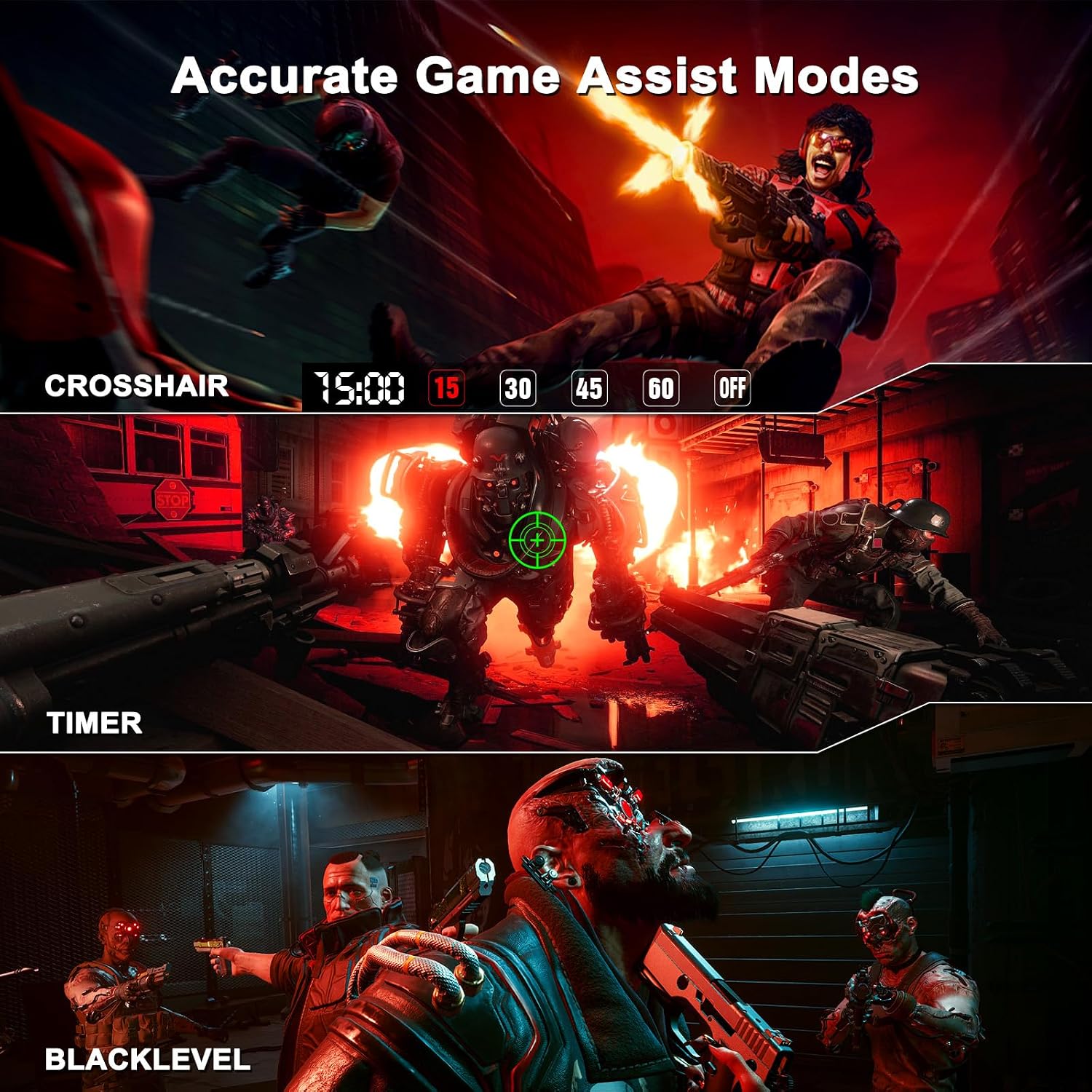
Mounting options are straightforward thanks to VESA 100x100 mm support, and the stand supports tilt adjustment from -5° to 15°. That helps you dial in a comfortable viewing angle without needing complicated desk changes. For aim practice, AI Crosshair is included to overlay a helpful aiming reference, which can be useful as you move between different game styles.
Who it’s for
It’s a good fit if you want a 27-inch QHD gaming monitor with a high 180Hz refresh rate and IPS clarity for everyday desk use. You’ll likely like it if you play fast games where smooth motion and reduced blur matter, and you also want Adaptive Sync for steadier visual output. It also suits people who spend long hours in front of a screen and prefer Eye Care features to support comfort.
It may not suit you if your priority is very specific professional colour workflows that require details beyond the stated DCI-P3 and sRGB figures. You may want to skip it if you need connectivity options outside HDMI 2.0 and DP 1.2, since those are the inputs listed for this model. For most typical gaming and general computing setups, though, the mix of speed, image performance, and ergonomic mounting makes it easy to live with.