

Logitech Pebble Mouse 2 M350s Slim Bluetooth Wireless Mouse (Rose)
Product description
What it is
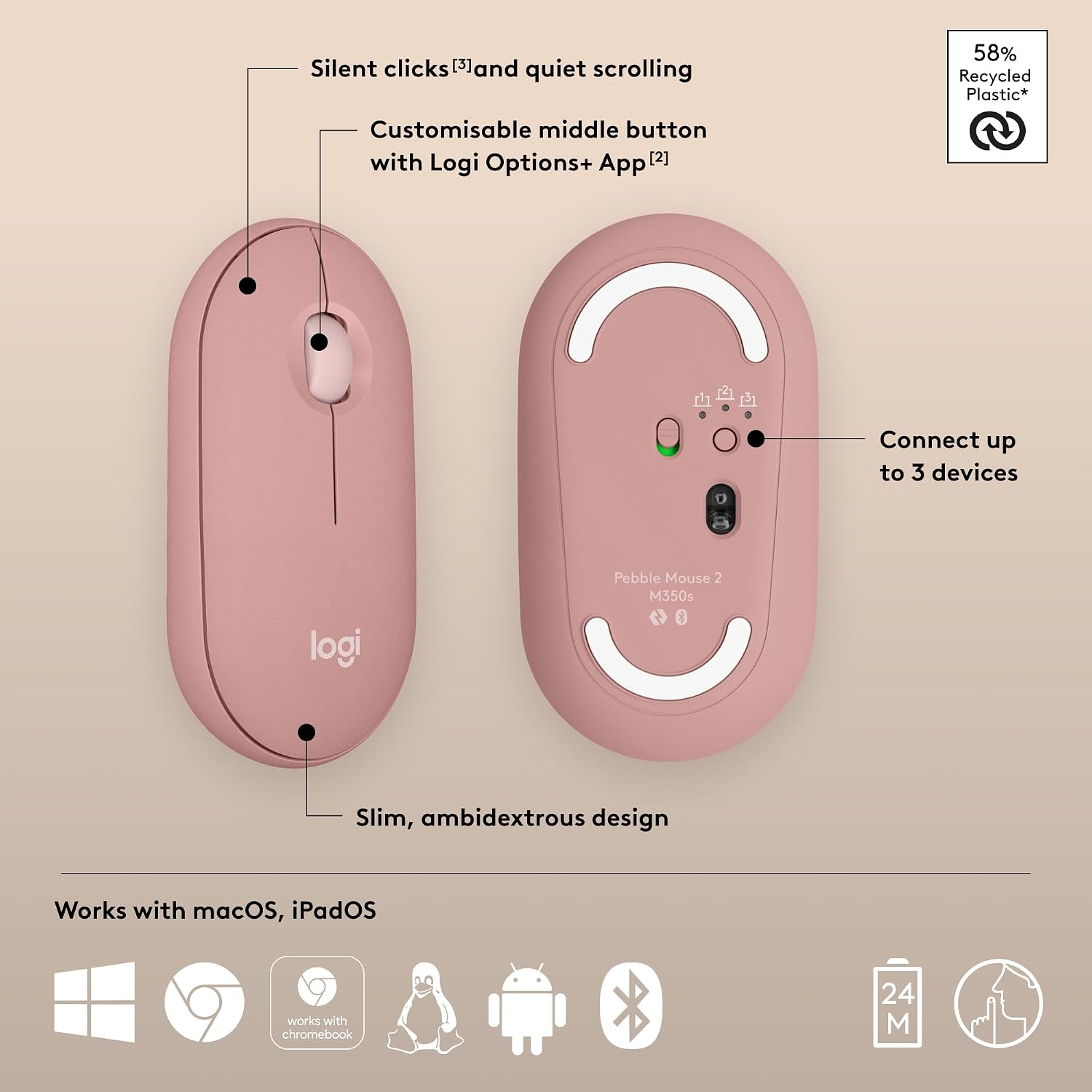
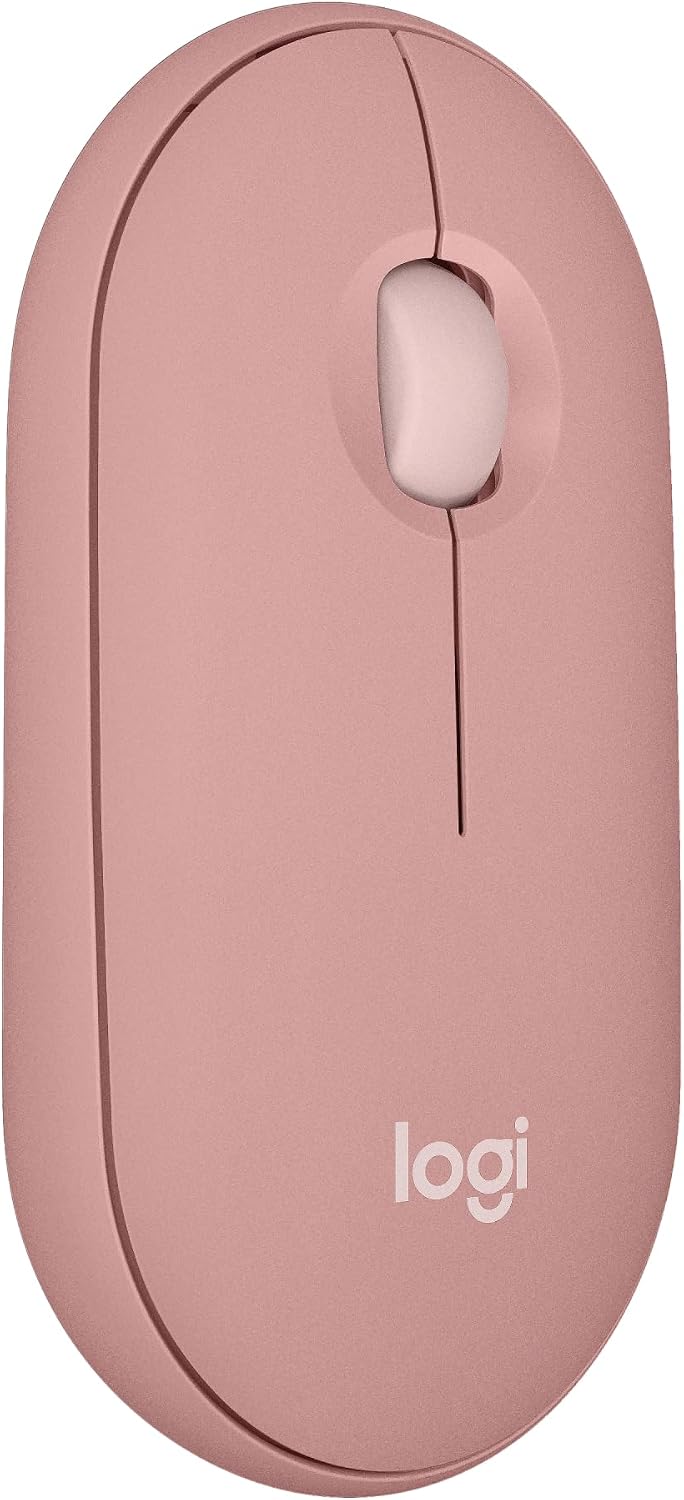
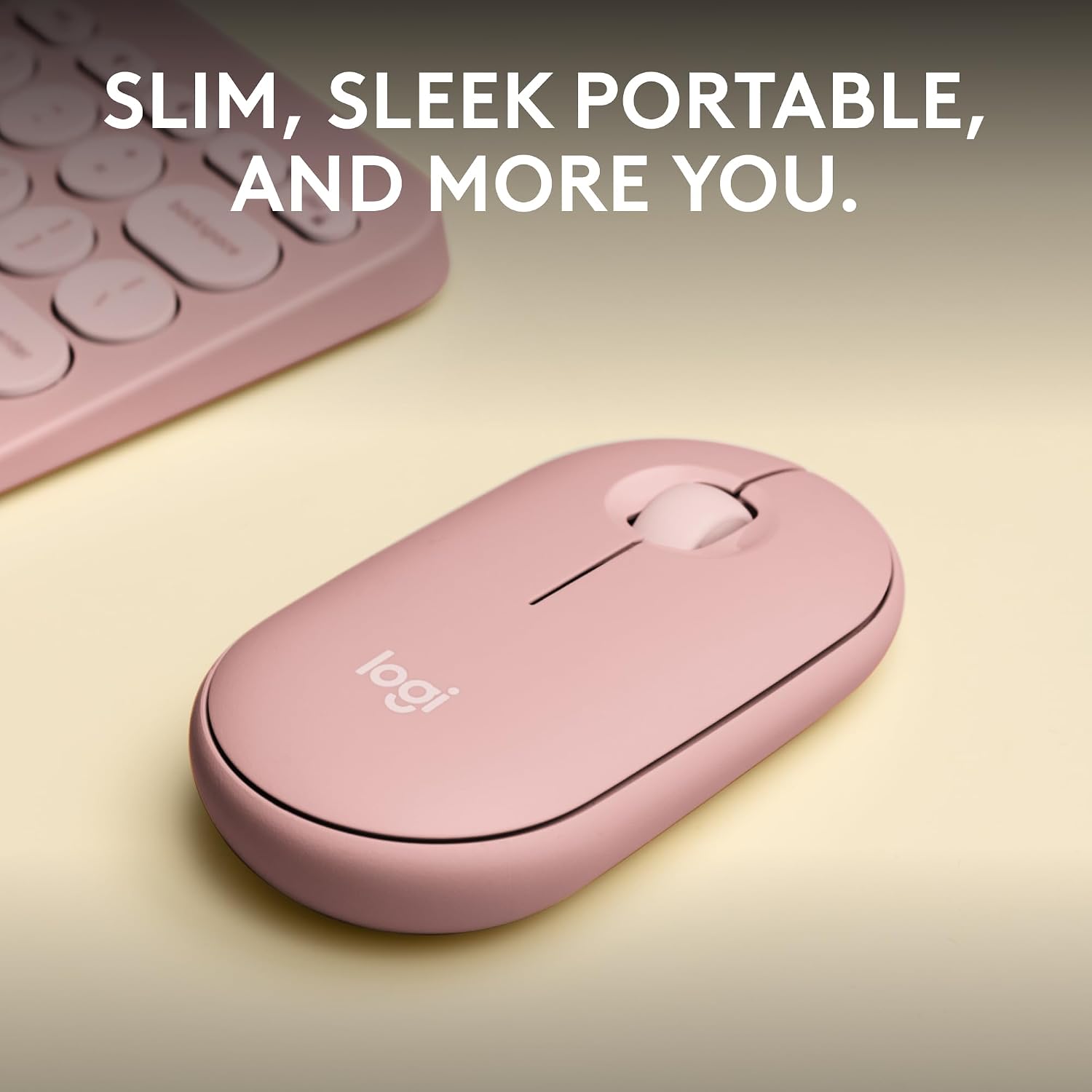
The Logitech Pebble Mouse 2 M350s is a slim, lightweight Bluetooth wireless mouse designed for portable everyday use. It emphasises simple, expressive design and quiet operation, with a round, minimalist shape and a colour option in Rose. It’s built to travel easily and connect across multiple devices without the clutter of wires.
Who it’s for
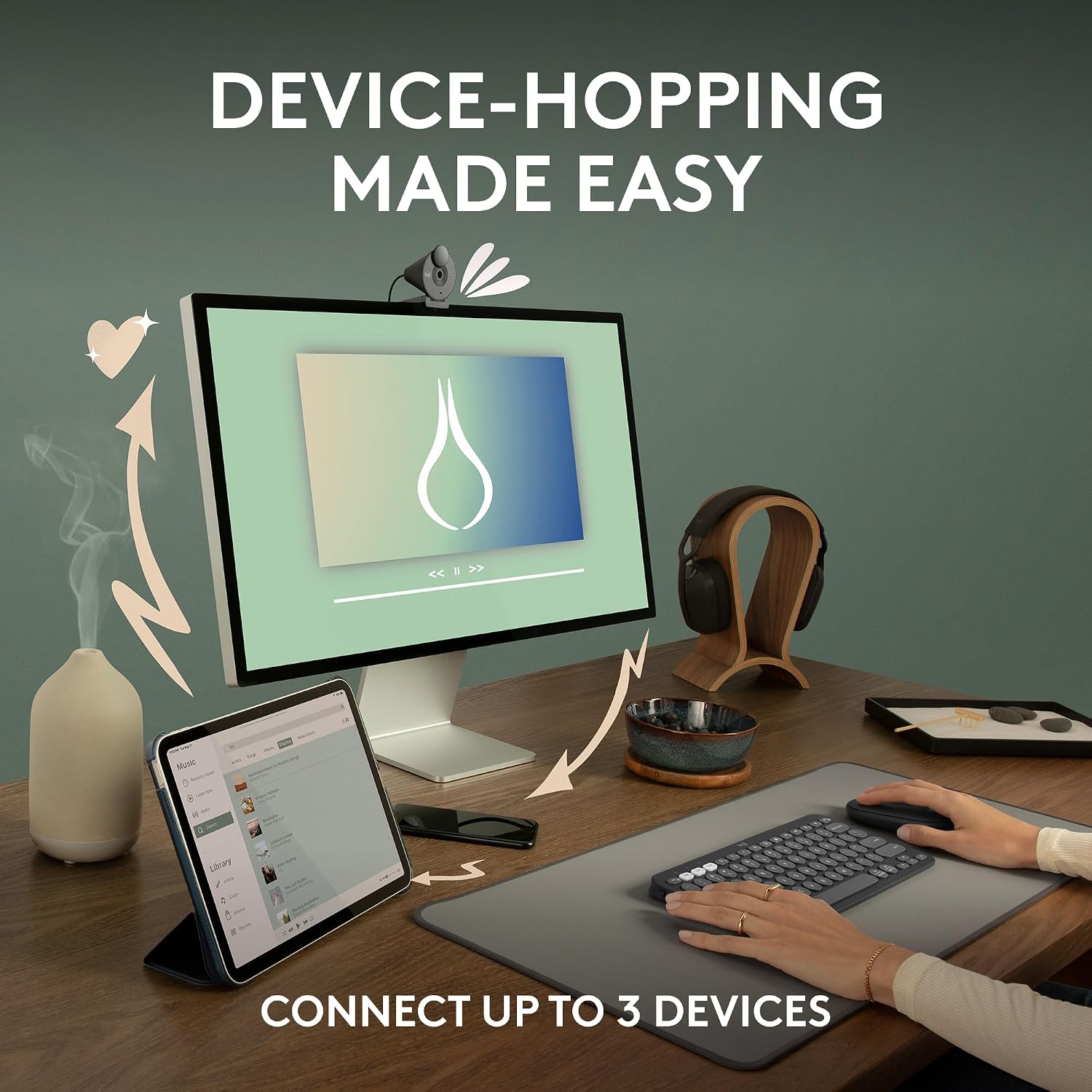
If you work across a few devices and value a compact, unobtrusive mouse that won’t shout on your desk, this model aims to fit that brief. It’s particularly suited to those who switch between Windows, macOS, iPadOS or ChromeOS and want a single mouse that can hop between devices with a quick button press.
How it performs
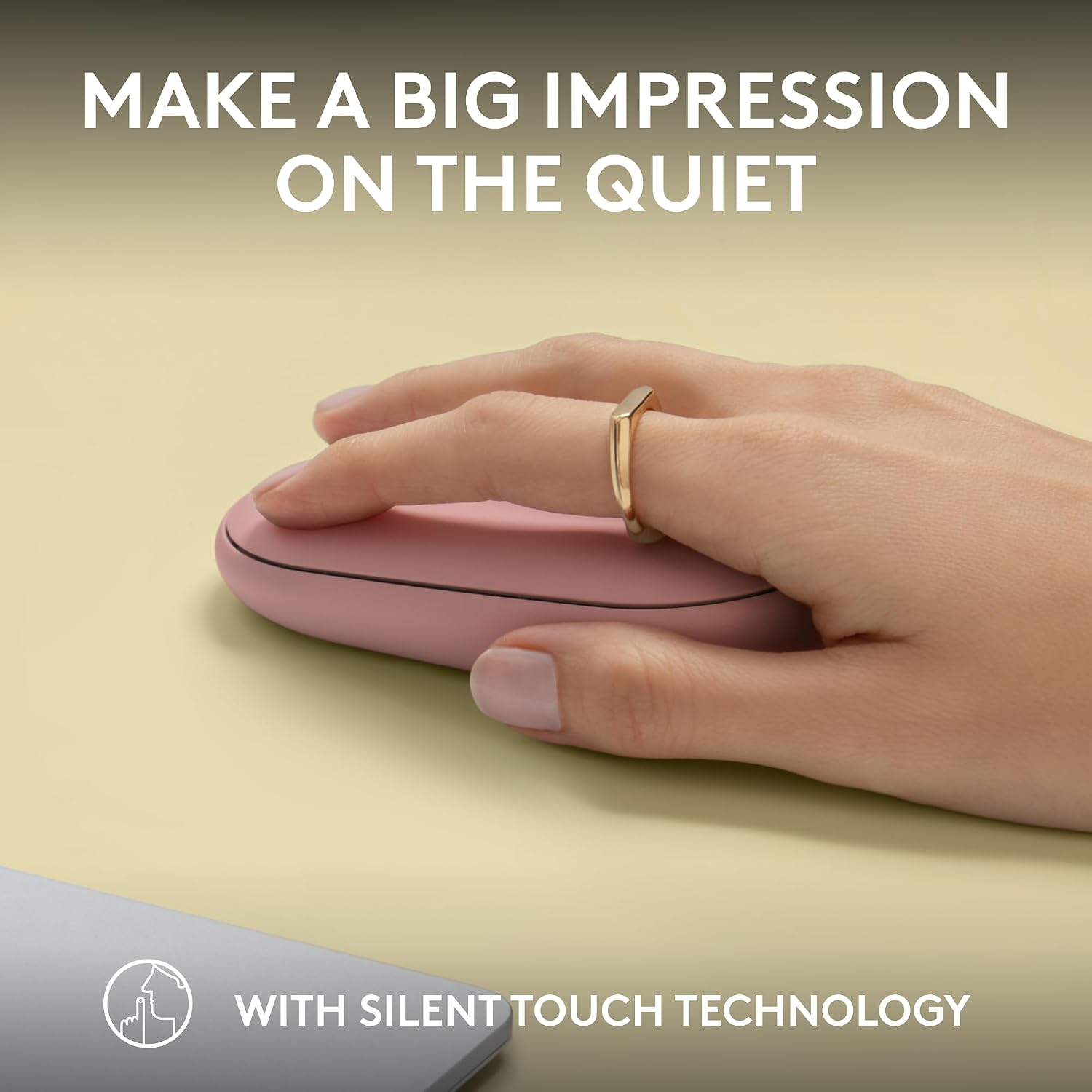
On the surface, it delivers the basics you’d expect from a portable mouse: a smooth, compact footprint and silent clicks that reduce desk noise. The Quiet Touch Technology claims to reduce click noise by about 90%, which may help in shared or quiet environments. Connectivity is Bluetooth, with Easy-Switch allowing you to pair with up to three devices and switch between them as needed. Battery life is advertised at up to two years, which is helpful for low-maintenance use, and there’s an auto-sleep mode to conserve power.
Design and build
The Pebble 2 collection leans into a rounded, friendly aesthetic with recycled materials. In this particular model, Logitech notes that parts of the mouse are made from certified post-consumer recycled plastic, aligning with a more responsible design approach without compromising portability or comfort.
Customisation and software
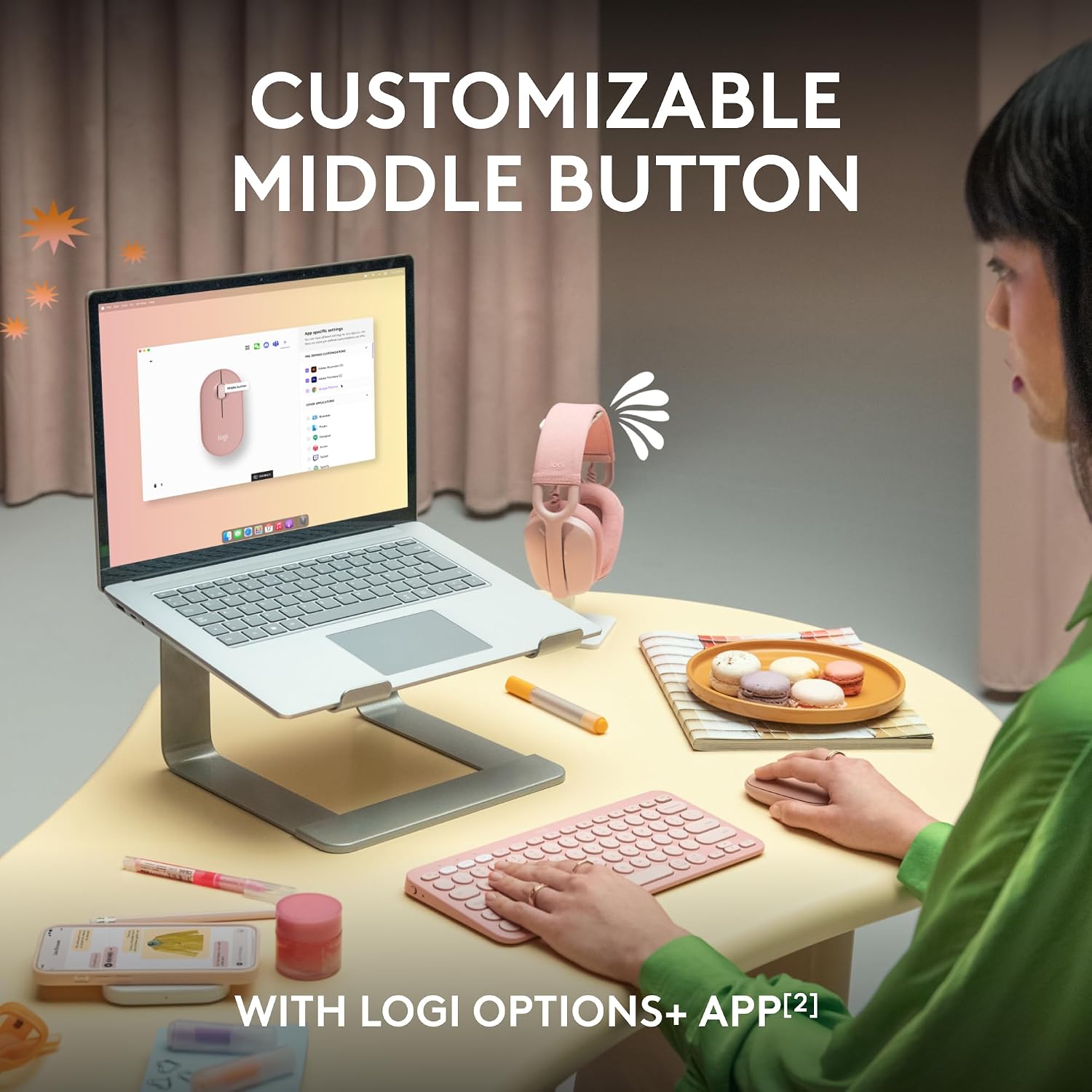
The middle button is programmable through the Logi Options+ app, enabling shortcuts to favoured apps like WhatsApp and Spotify. This level of customisation can streamline daily workflows if you regularly perform quick actions.

What to consider before buying
If you prioritise ultra-long battery life and a feature-rich gaming-oriented sensor, this model might not satisfy every high-demand use case. While the two-year battery claim is attractive, real-world performance varies with usage, battery type, and power-saving behaviour. It’s also worth noting that the primary aim is portability and quiet operation, not necessarily premium precision or speed-focused features.
Practical usage scenarios
For a student or professional who carries a laptop between home, the office and a café, the ability to connect to three devices and switch on the fly is a tangible benefit. The Rose colour adds a personal touch for those who like a bit of colour without compromising a clean setup. A practical moment: you can pair the mouse with a laptop for work, a tablet for reading, and a desktop at a secondary location, all without swapping mice.
Realistic comparison and buying cues
Compared with bulkier Bluetooth mice, the Pebble M350s sits in the lighter, more portable camp. If you often find yourself needing a spare lightweight mouse for travel or a secondary device, this model offers a straightforward solution. For buyers who need more advanced tracking sensors, higher DPI or extra gaming features, this may feel limited.
Final decision: Is it worth it?
It makes sense if you value portability, quiet operation and easy cross-device pairing in a lightweight package, and you’re drawn to a design that leans on recycled materials. It’s less compelling if you require top-tier precision, longer-term custom hardware control, or furiously fast response times for gaming. If your workflow involves switching between three common OS ecosystems and you appreciate a low-noise desk, this model could be a sensible fit.
FAQ
- How many devices can it connect to simultaneously? It supports easy-switch across up to 3 devices.
- Is the click noise noticeable in shared spaces? The design aims to be quiet, with Silent Touch Technology reducing click noise by up to 90%.
- Can I customise the middle button? Yes, through the Logi Options+ software, you can assign shortcuts for common apps.