

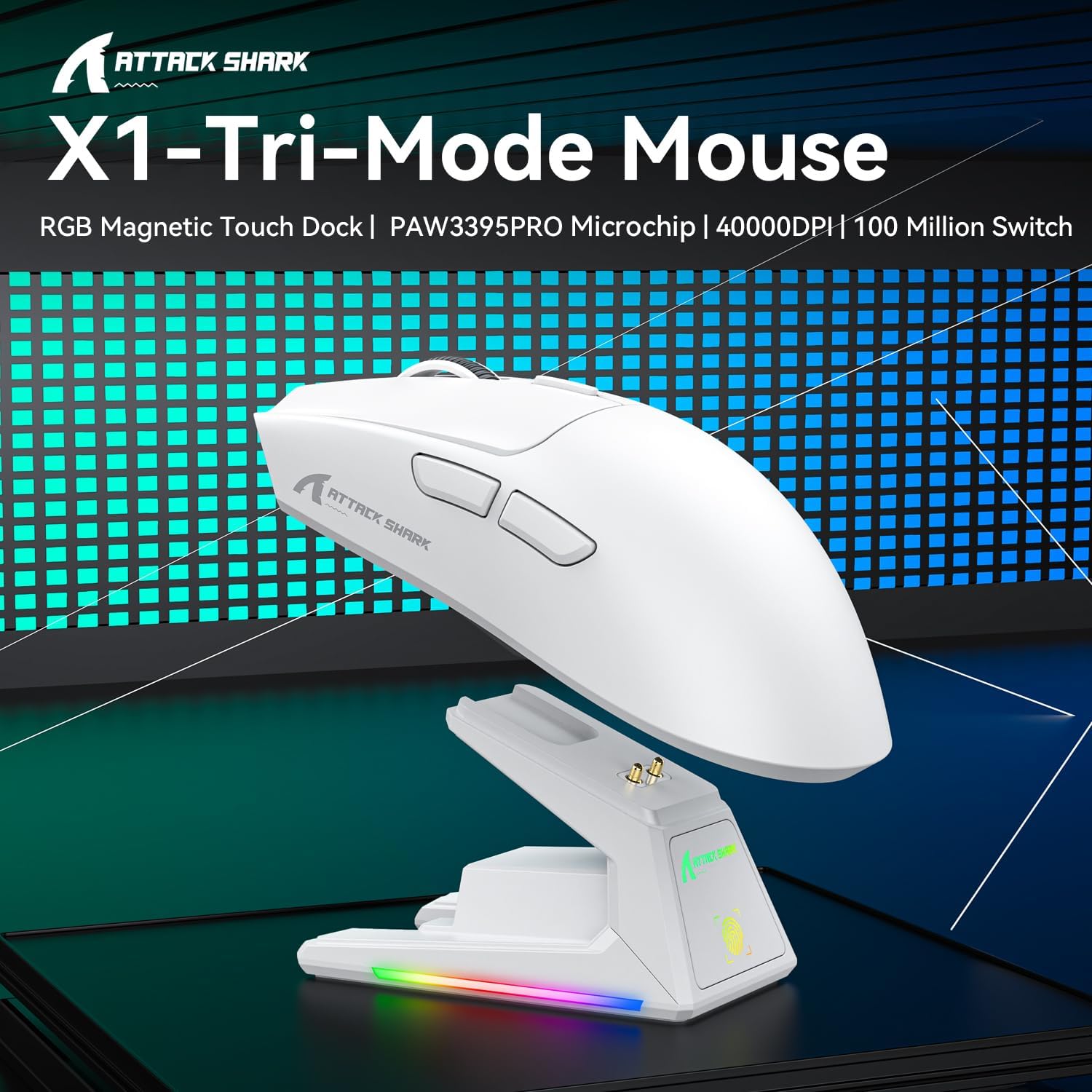
Attack Shark X1 gaming mouse 40,000 DPI
Product description
Key points
A gaming mouse that combines fast charging, precise tracking and flexible connectivity is easier to live with than you might expect. The Attack Shark X1 is built around a touchpad charging dock so you can snap it into place for convenient power without fuss. With a PixArt PAW3395PRO sensor and up to 40,000 DPI, it aims to keep your movement accurate whether you are playing FPS titles or working through productivity tasks. It also weighs just 53 g, which can help reduce fatigue during longer sessions 🎮.
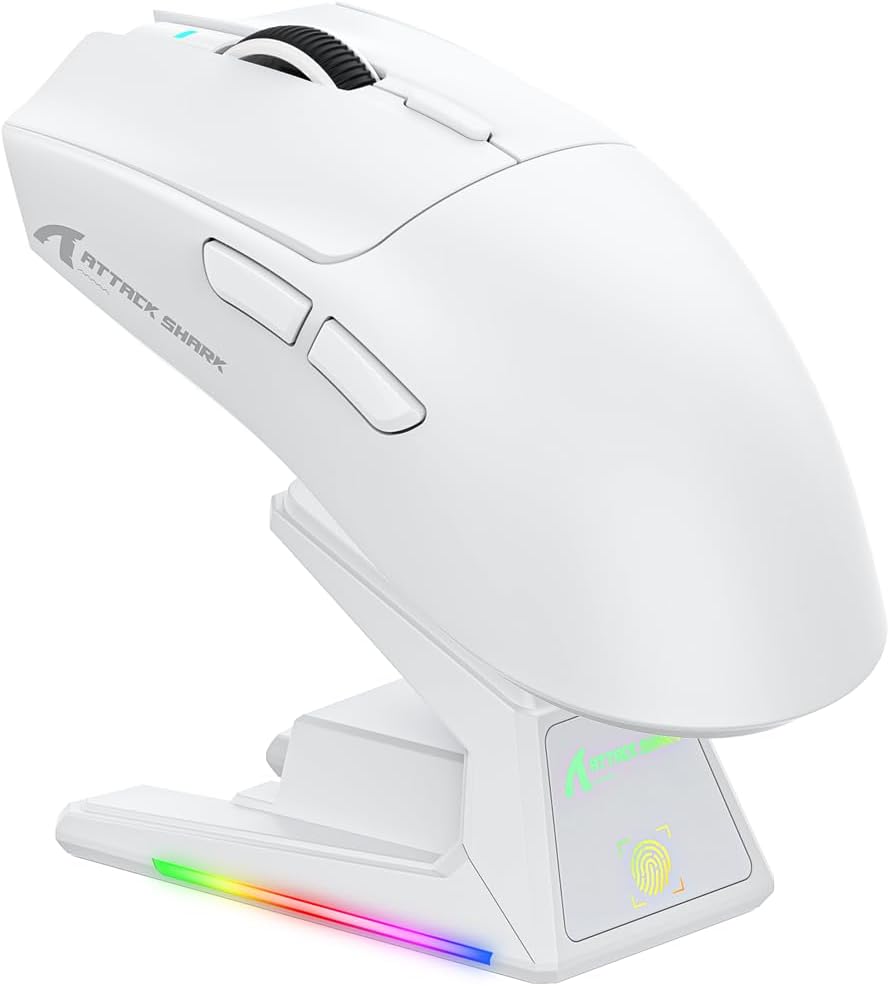
It suits gamers who switch between devices, for example PC at home and console or Mac elsewhere. The included triple connectivity options let you move between wired, 2.4G wireless and Bluetooth pairing with stored device memory. If you care about consistent control, the design adds textured side grips for handling during quick flicks. 🧠
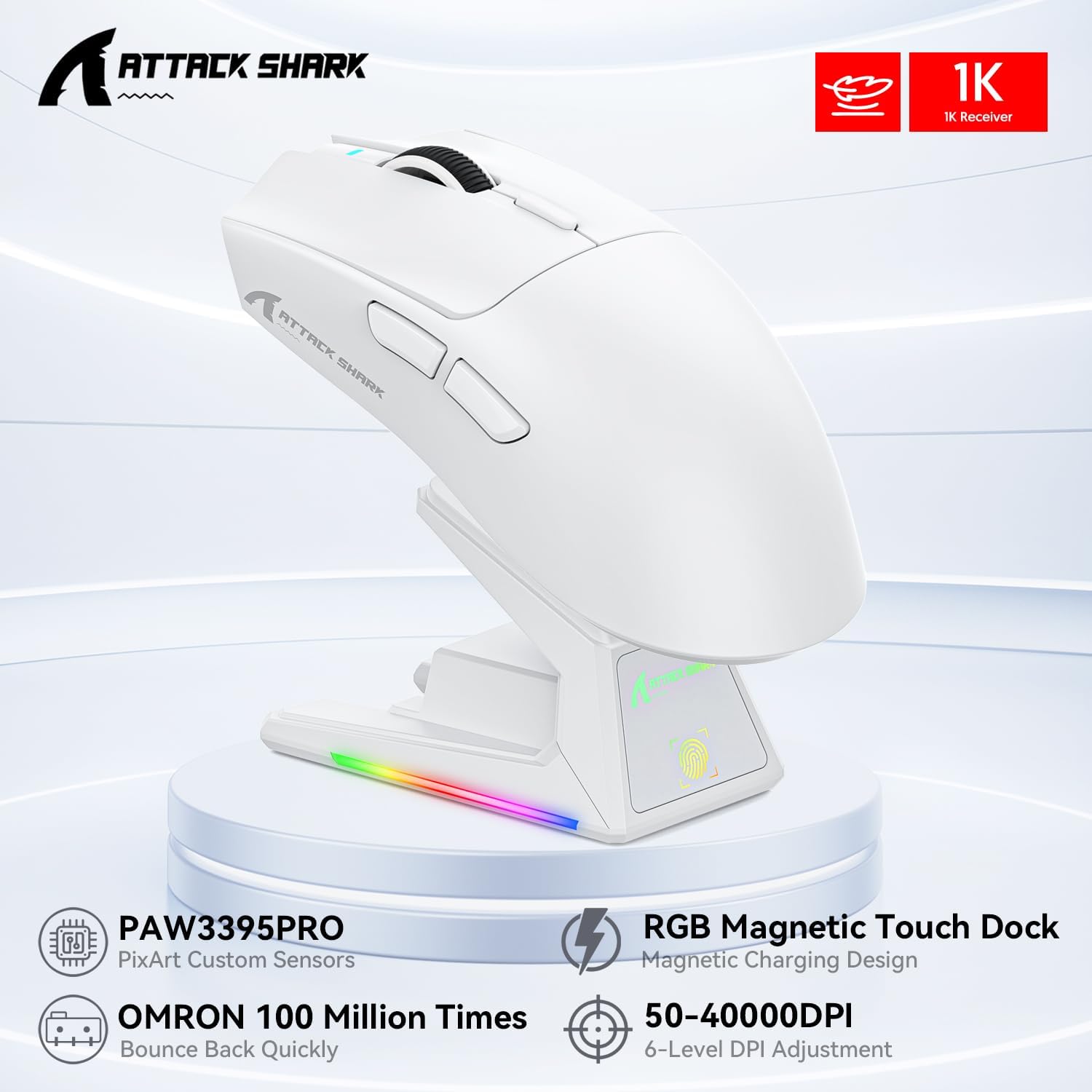
Worth noting that some features, such as the RGB customisation, are driven by the touch sensitive dock panel and how you choose to set your lighting.
Tech specs
- Sensor: PixArt PAW3395PRO
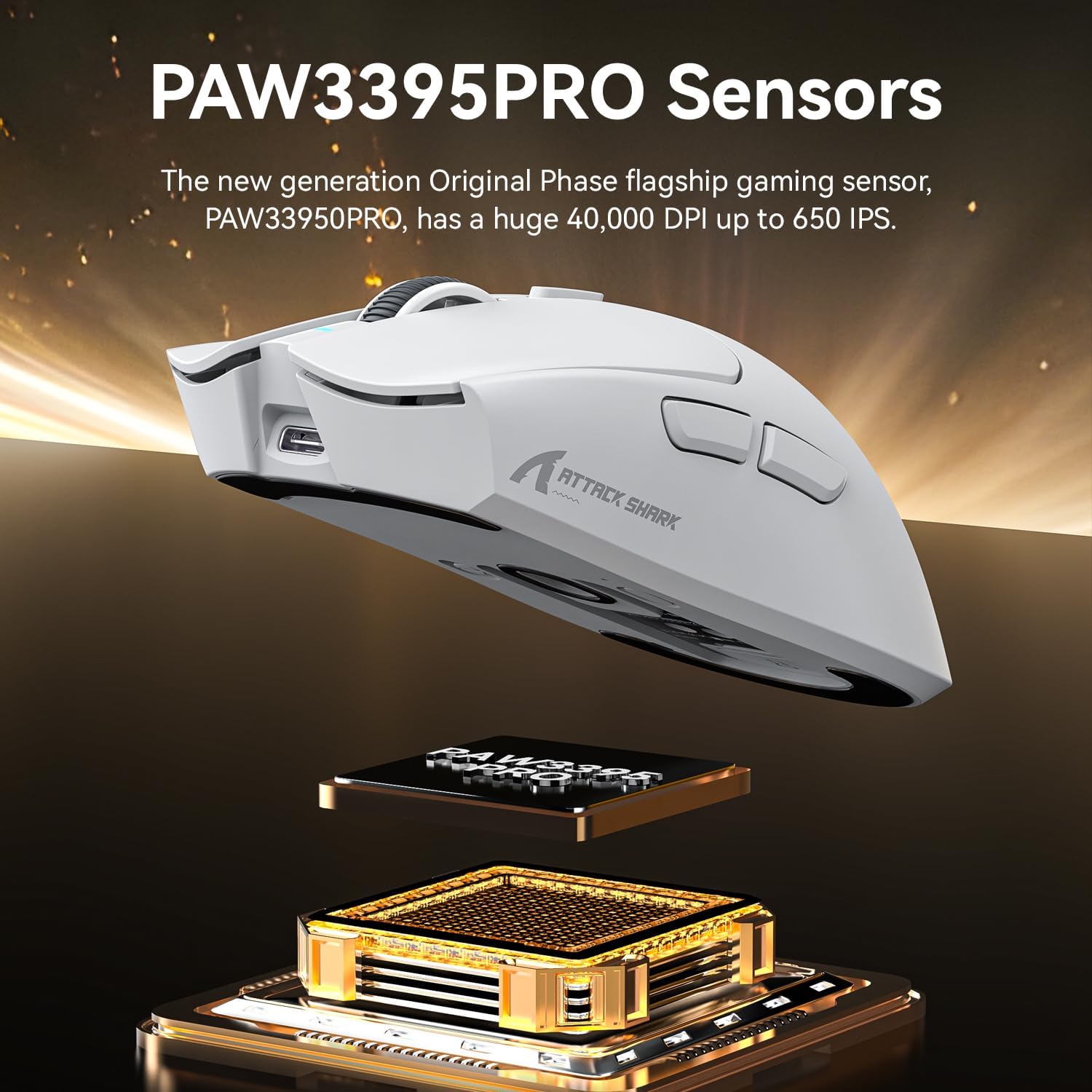
- Maximum DPI: 40,000 DPI
- Tracking performance: 650 IPS
- Switch rating: 100 million clicks
- Weight: 53 g
- Connectivity modes: USB-C wired, 2.4G wireless, Bluetooth
- Wireless response and polling: 1000 Hz wired polling rate, 1 ms 2.4 GHz response, 3 Bluetooth device memory

What stands out
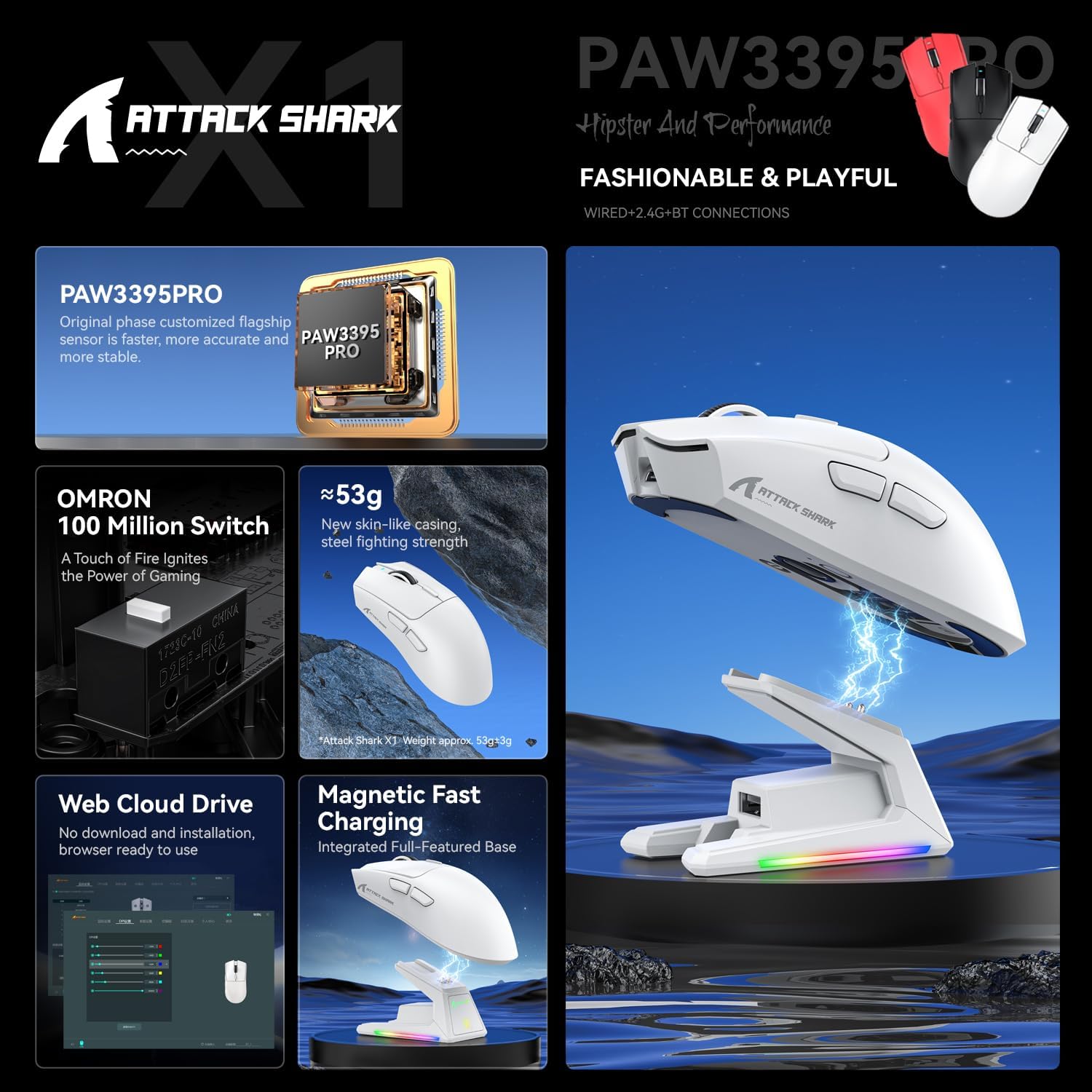
One of the most distinctive elements is the magnetic dock approach. Instead of managing cables or worrying about alignment, you snap the mouse onto the Touchpad Charging Dock for instant power up. The integrated touch sensitive panel is designed to let you customise RGB lighting effects with a fingertip tap, so your setup can look the way you want without extra software steps. This is also the kind of workflow that keeps the mouse ready to go, especially if you game frequently.
On the performance side, the 3395PRO sensor is described as delivering pixel perfect tracking up to 40,000 DPI and 650 IPS. It also references tournament grade precision with zero smoothing or acceleration, which is useful if you prefer direct movement response. There are 6 programmable sensitivity presets, letting you set practical DPI steps for different games or editing workflows. For players who need micro movement control, the emphasis is on translating small motions immediately.

The Attack Shark X1 also focuses on versatility across setups. You can use a fast USB-C wired mode, switch to ultra stable 2.4 GHz wireless using a nano receiver, or pair via Bluetooth with memory for three devices. A dedicated mode toggle is placed on the back of the mouse so you can transition between devices quickly without hunting through settings. Depending on your setup, you can keep one mouse for PC, console and Mac use cases while still using the method that feels most convenient.
Finally, durability and feel matter in everyday gaming. The mechanical switches are gold plated and the design mentions MIL-STD lab testing for 100 million click cycles, along with a 5 year switch warranty. The actuation force is stated as 60 g to provide crisp feedback and help reduce finger fatigue. Combined with the liquid nitrogen injection moulding described for an ultra light 53 g frame, it is built to stay nimble during fast aim and extended sessions.
Compatibility
It makes sense if you want one gaming mouse that can move between different systems. The X1 supports wired operation over USB-C, 2.4 GHz wireless via a nano receiver, and Bluetooth pairing with stored memory for three devices. That range covers common home PC use, and it can also suit console and Mac workflows where you prefer a reliable connection method. If you often swap between a desktop and a second device, the back toggle and multi device approach can reduce the time spent reconnecting.
If you prefer a light mouse for speed and control, the 53 g superlight design is a strong part of the appeal. You may want to consider this model when you value the dock based charging workflow and want RGB lighting control through the touch sensitive panel. Overall, it is a practical choice for gamers and multi device users who want consistent tracking and a straightforward charging routine.