

Logitech G309 LIGHTSPEED Wireless Gaming Mouse (White) with HERO 25K sensor, LIGHTFORCE hybrid switches
Product description
At a glance
If you want a wireless gaming mouse that doesn’t feel bulky on your desk, the Logitech G309 LIGHTSPEED is built around light weight and flexible connection options. On paper, it’s designed to let you switch between low-latency LIGHTSPEED wireless and Bluetooth, so it can move between a gaming PC setup and a more general day-to-day setup without fuss.
It also leans into precision and responsiveness: the HERO 25K sensor is paired with LIGHTFORCE optical-mechanical hybrid switches, aiming for optical speed with a more mechanical feel. The pitch is clear—less faff about charging and more focus on play. Still, whether it’s the right buy depends quite a bit on how you like your controls, and whether you can make use of up to 6 programmable buttons.
Key points
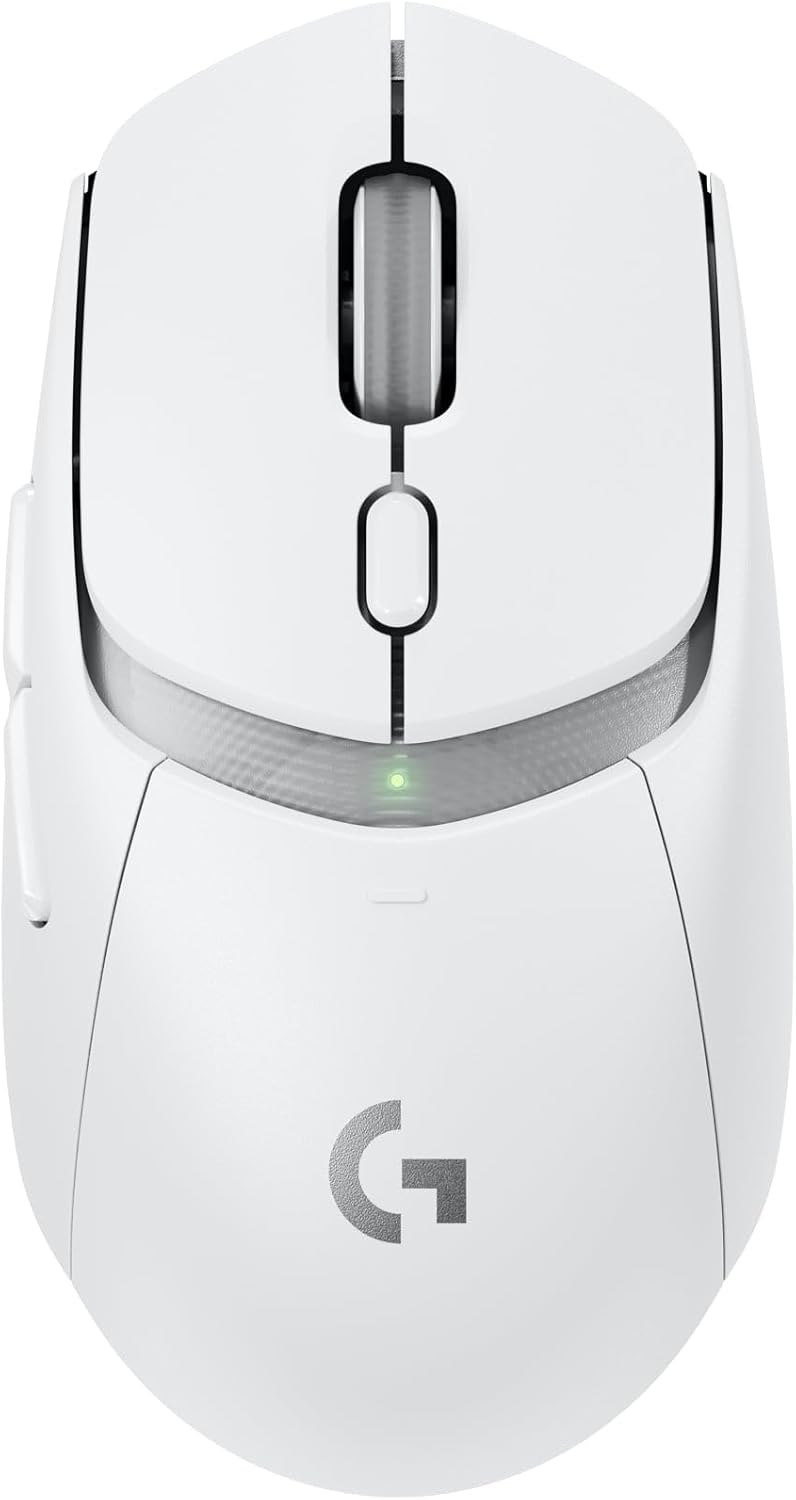
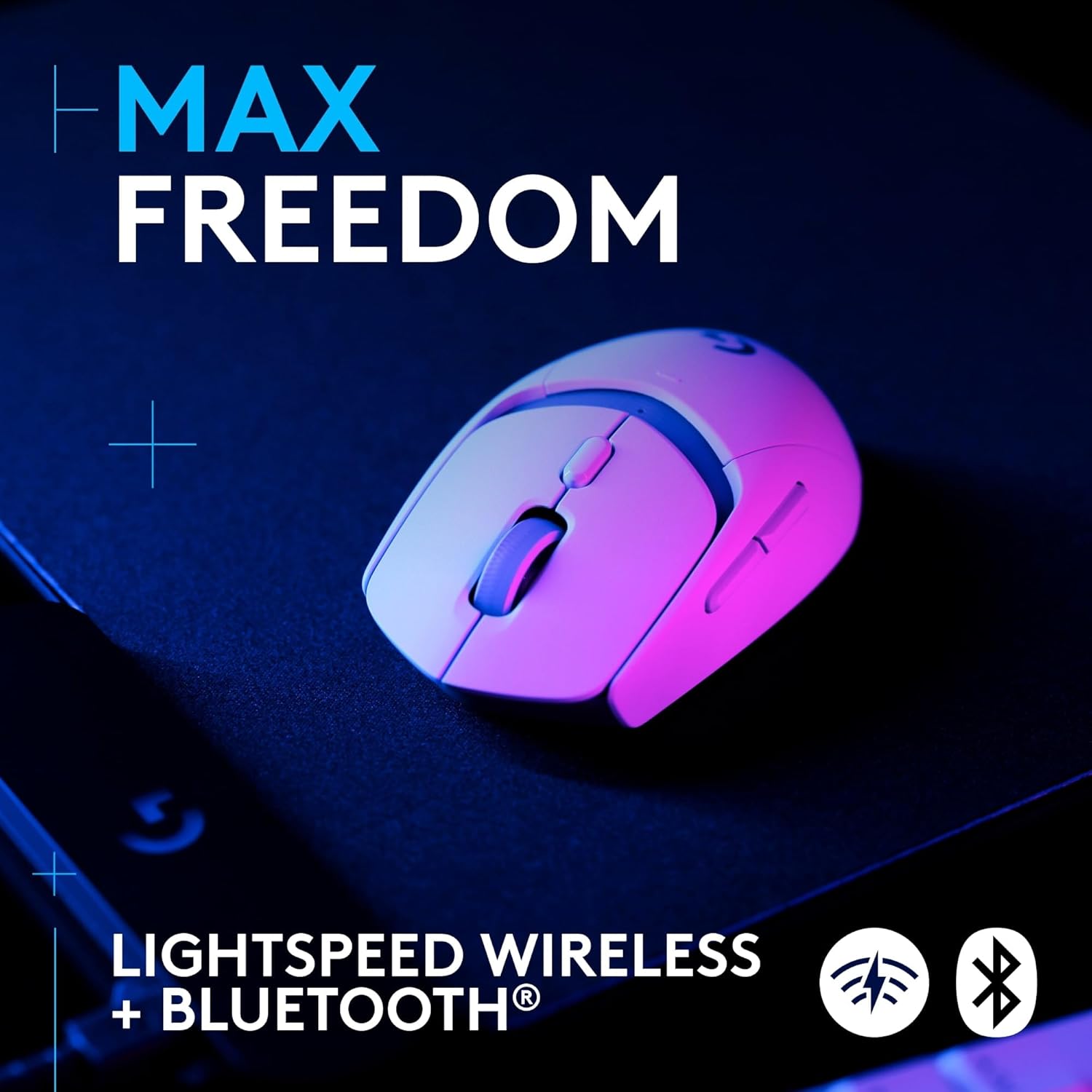
The most compelling part of the G309 is the combination of LIGHTSPEED + Bluetooth connectivity, along with a lightweight build. You get the option to run it wirelessly with LIGHTSPEED for gaming, then switch to Bluetooth when you’d rather not keep a dedicated dongle plugged in (or when you’re moving between devices).
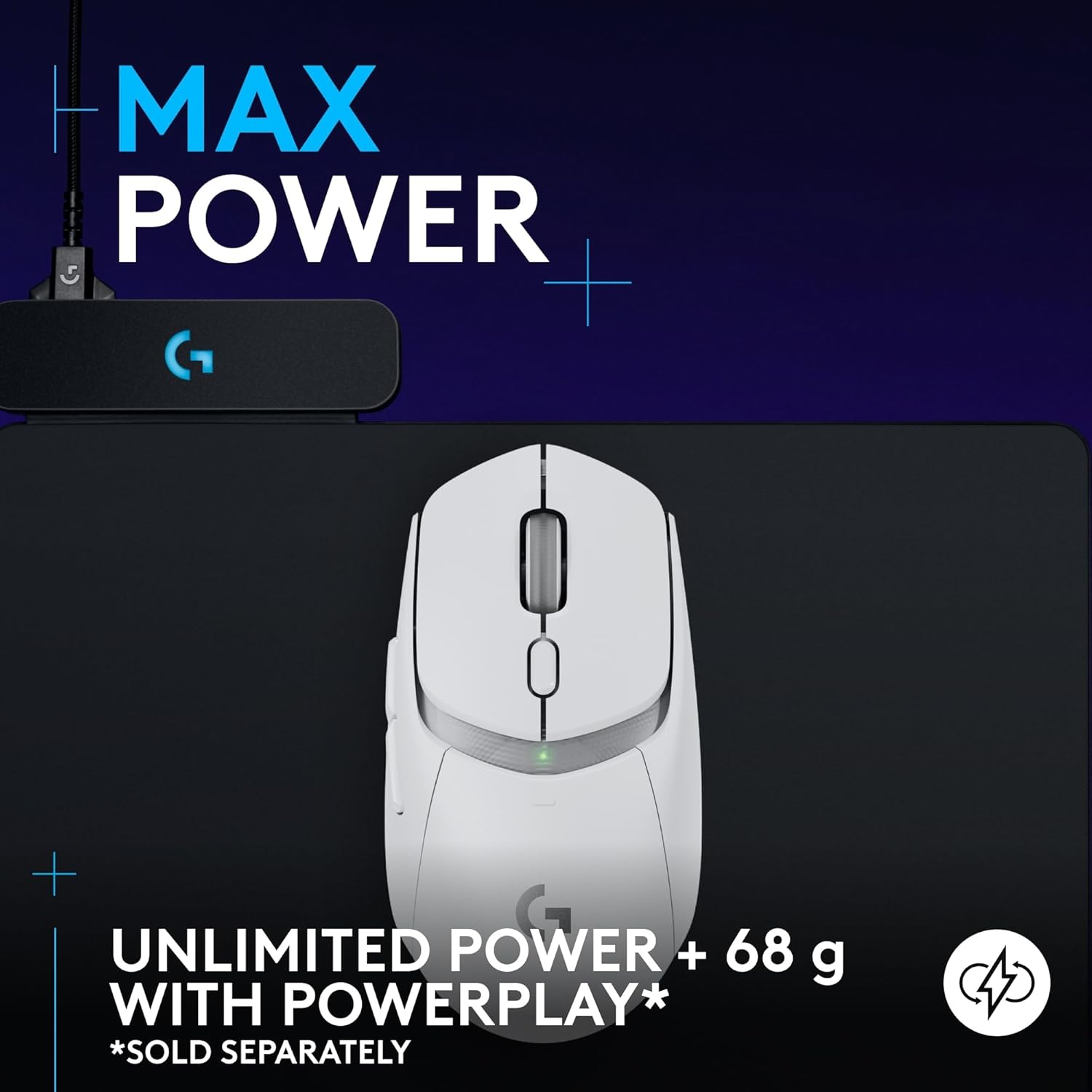
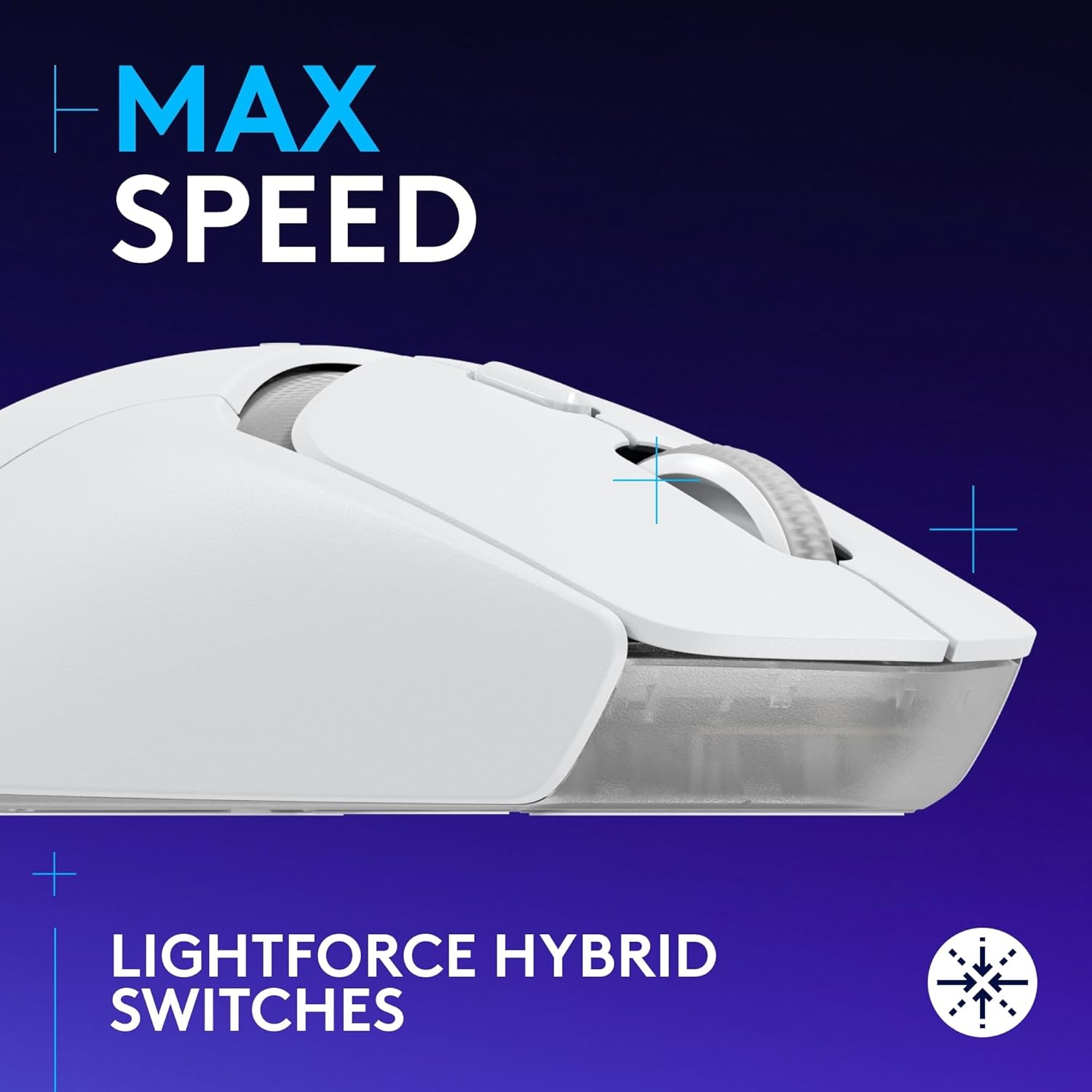
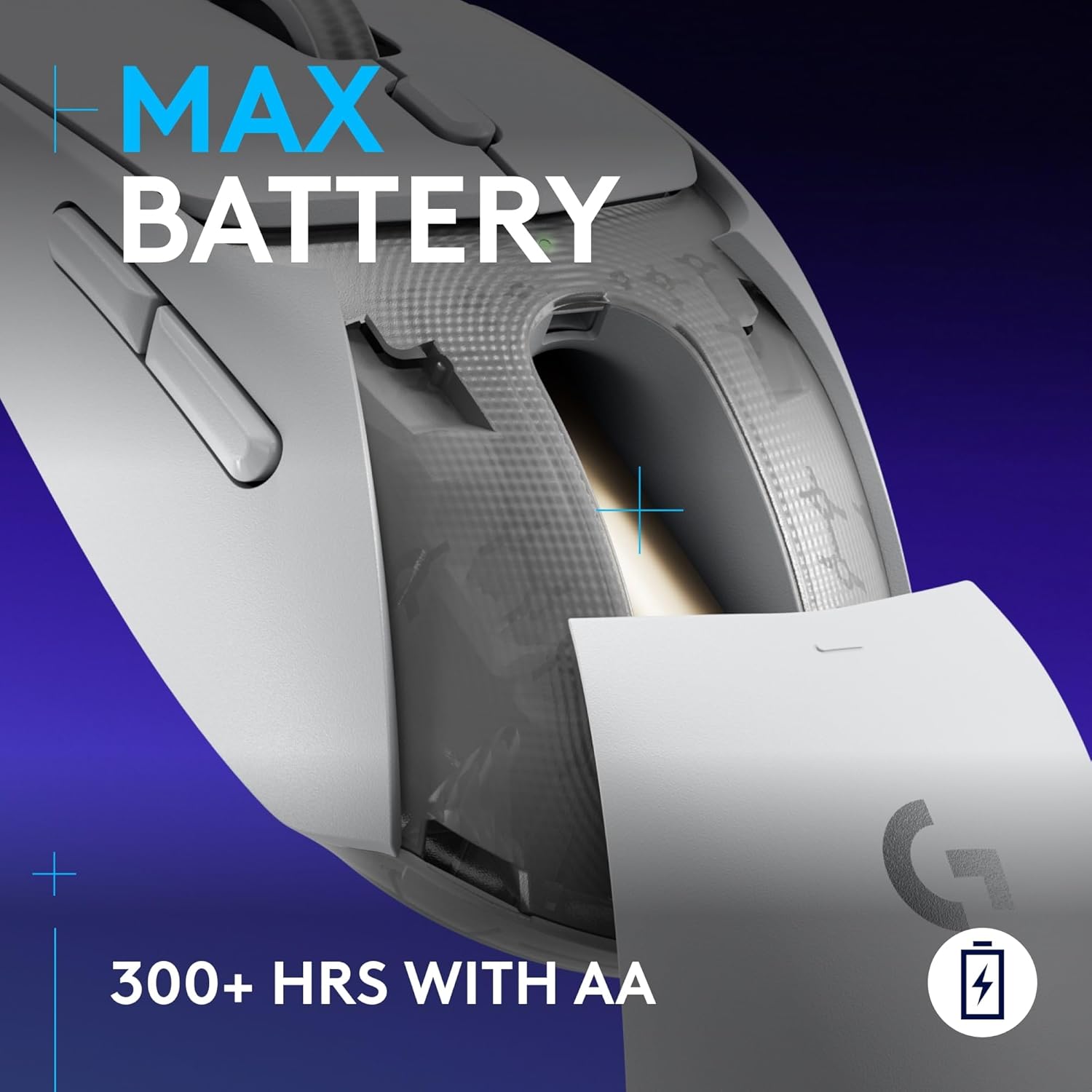
The LIGHTFORCE hybrid switch idea is another strong selling point, especially if you like the “mechanical” feedback but care about optical-style speed. And for many people, the battery angle will matter: it’s stated as 300+ hours with the included AA battery, while also offering an “unlimited” battery life concept if you use the POWERPLAY wireless charging system.
What matters most in everyday use
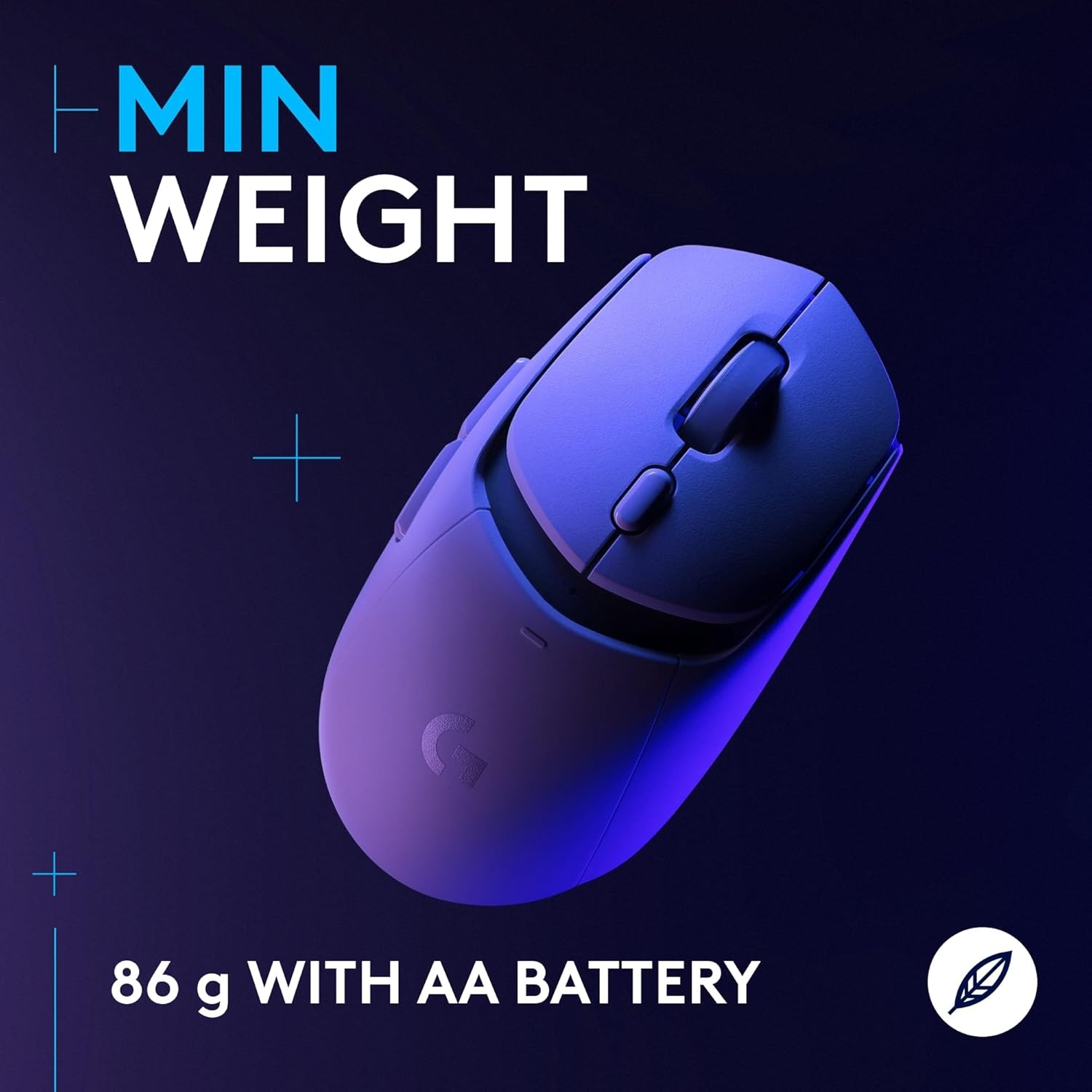
At 86 g with the included AA battery (or 68 g without the battery), this is the kind of mouse you notice right away if you’re sensitive to weight during fast swipes or long sessions. It’s not just a spec—lighter mice tend to feel easier to move with less effort, which can help with accuracy when your style leans on quick adjustments.
A practical example: imagine you’re jumping from a competitive match on your PC to a work call on a laptop. With this mouse, the idea is that you can swap over connectivity mode instead of packing/unpacking cables or hunting for the right device pairing. On the desk, it’s the “ready-to-go” approach that stands out.
That said, it’s worth being realistic: “LIGHTSPEED + Bluetooth” flexibility is great, but switching between modes can still mean a bit of setup and timing depending on how your devices remember connections.
Tech specs
- Name: Logitech G309 LIGHTSPEED Wireless Gaming Mouse
- Type: Wireless gaming mouse with dual connectivity options (LIGHTSPEED wireless and Bluetooth)
- Weight: 86 g with included AA battery, 68 g battery-free
- Sensor: HERO 25K
- Buttons: 6 programmable buttons
- Switch type: LIGHTFORCE optical-mechanical hybrid switches
- Battery life: 300+ hours with AA battery, unlimited battery life with POWERPLAY wireless charging system
- Connections: LIGHTSPEED wireless and Bluetooth
- Platforms: PC & Mac
- Colour: White
Where it shines (and where it may not)
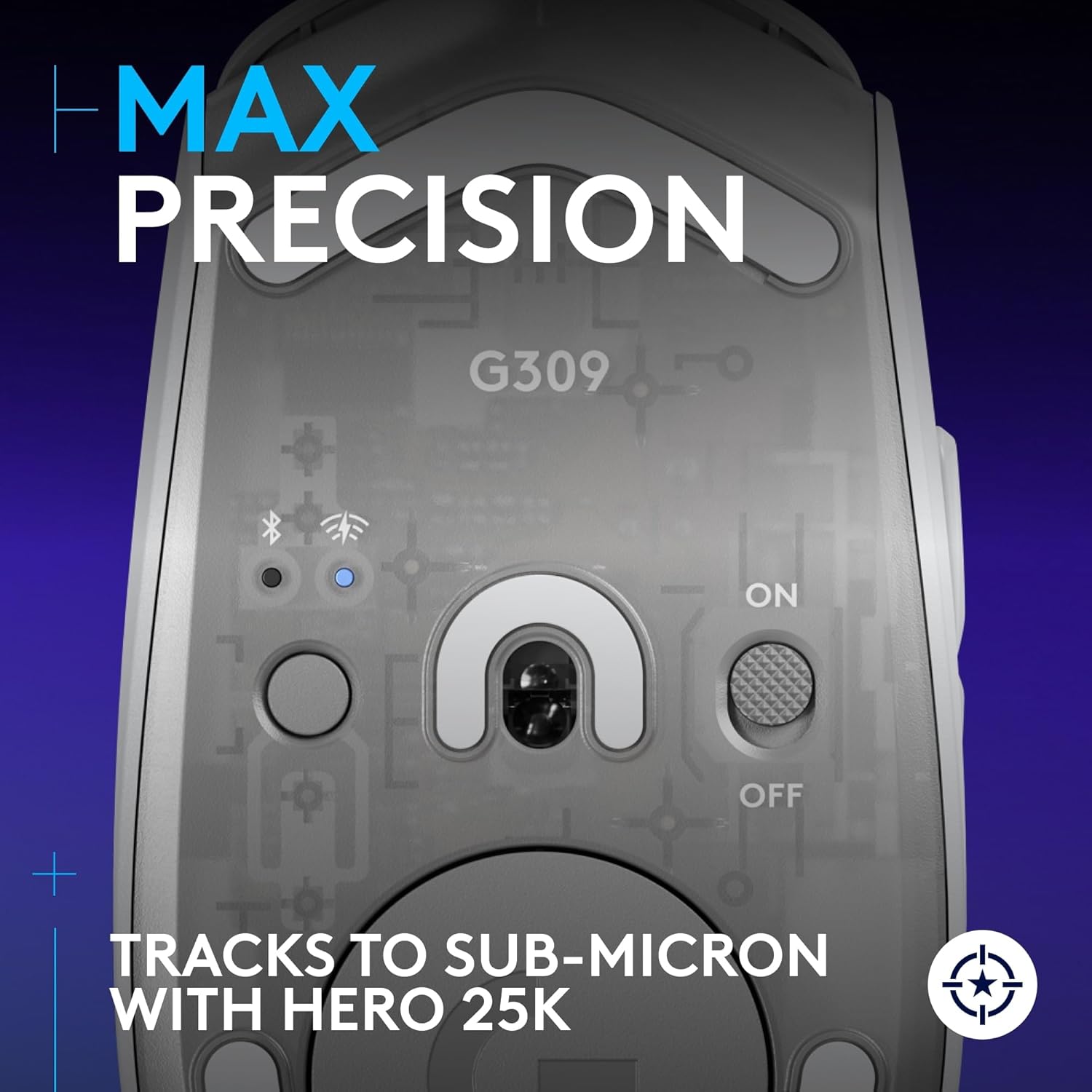
This mouse makes sense if you care about wireless performance and precision, but you also want the option of Bluetooth for non-gaming use. The HERO 25K sensor is positioned as sub-micron tracking with zero smoothing for accurate wireless gaming, which is exactly the kind of detail that competitive players often look for.
It’s also a good fit if you like the idea of hybrid switches—optical speed with a more mechanical feel—rather than going purely by “feels fast” marketing.
However, it may not be the best choice if you’re chasing maximum simplicity above all else. Dual connectivity is useful, but it can be a little more involved than a single-mode mouse. And if you don’t see yourself using the LIGHTFORCE switch feel or the programmable buttons in a meaningful way, some of the extra emphasis may not translate into day-to-day gains.
Care, charging and what to check before you buy
One thing to double-check is how you plan to power it. The product states 300+ hours with an AA battery, while it’s “unlimited battery life” if you use the POWERPLAY wireless charging system. If you don’t already have POWERPLAY, you’ll likely rely on the AA battery route, which is fine—just make sure you’re comfortable with that approach.
Also consider your environment: if you regularly switch between a gaming PC and a different device where Bluetooth makes sense, the design goal here will fit you well. If your setup is always one device and you’d rather avoid mode switching entirely, there are simpler wireless gaming mice out there.
Is it worth it?
A solid pick if you want a lightweight wireless gaming mouse with low-latency LIGHTSPEED for play, but still need Bluetooth flexibility for PC & Mac and everyday use. The combination of HERO 25K precision claims, LIGHTFORCE hybrid switches, and long stated battery life (especially the AA route) makes it feel aimed at people who play seriously but don’t want charging to interrupt their routine.
It’s not the best choice if you prefer the simplest possible setup and don’t plan to use the programmable buttons or appreciate the specific switch-and-sensor approach. If you’re unlikely to use the dual-mode convenience, you could end up paying for features that won’t change how you actually play.
Mini FAQ
How does the G309 connect—does it support both wireless and Bluetooth?
Yes. The product is described as offering a switch between robust low-latency LIGHTSPEED wireless and Bluetooth connectivity.
Is the mouse heavy?
It’s stated to weigh 86 g with the included AA battery or 68 g battery-free, so it’s positioned as lightweight.
What sensor does it use?
It uses Logitech’s HERO 25K sensor, described as tracking with sub-micron precision and zero smoothing for precise wireless gaming.
How long does the battery last?
It’s claimed to deliver 300+ hours with an AA battery. With POWERPLAY wireless charging, it’s described as unlimited battery life.
Final verdict
Worth considering if you want a wireless gaming mouse that stays light, supports LIGHTSPEED and Bluetooth, and is built around HERO 25K precision and LIGHTFORCE hybrid switches. It may not suit you if you’re after the most straightforward single-mode option and won’t make use of the programmable controls or the flexibility that dual connectivity brings.