


UGREEN 40Gbps M.2 NVMe SSD Enclosure with Cooling Fan (USB4/TB4, UASP & TRIM)
Product description
The essentials
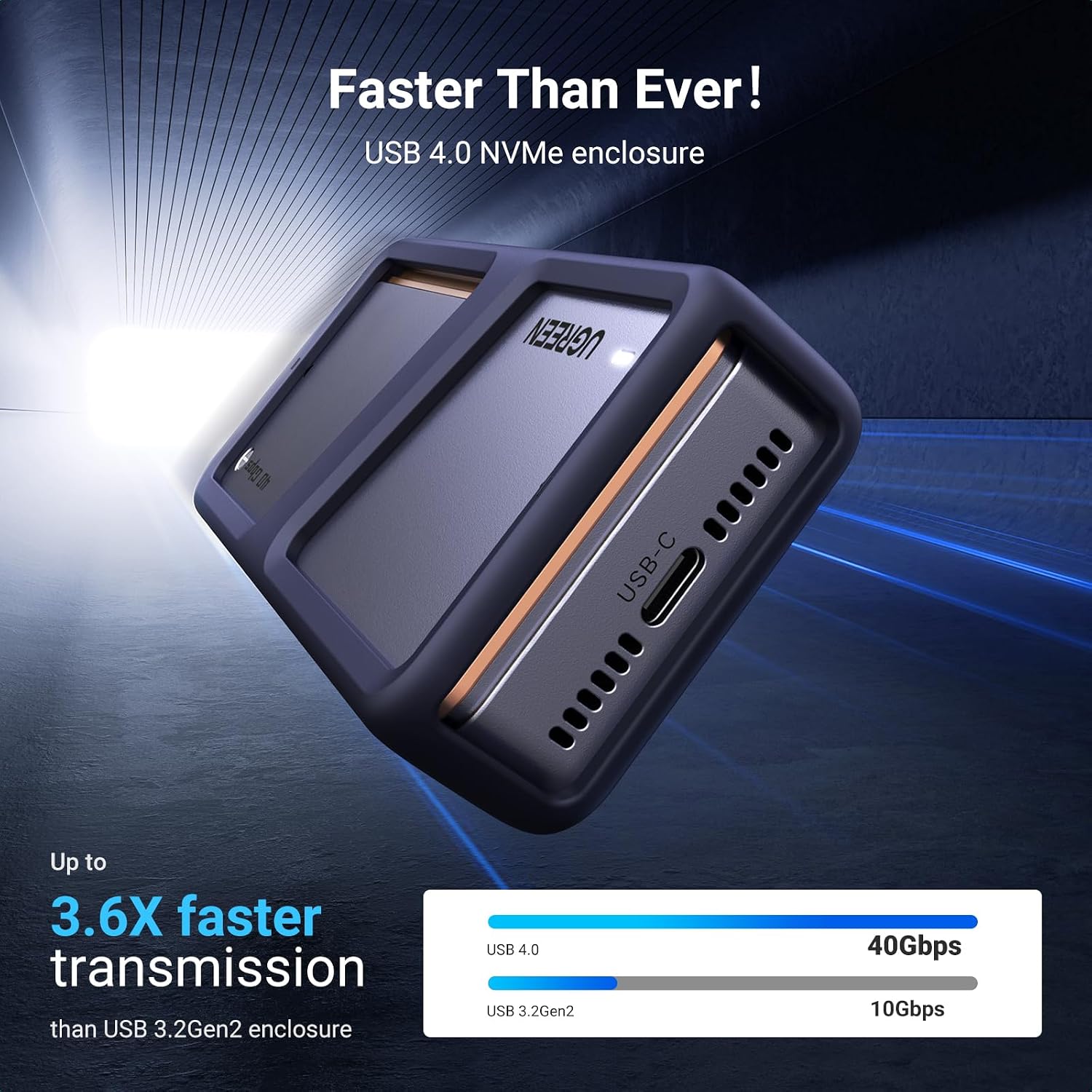
If you want to turn an M.2 NVMe drive into fast external storage, this UGREEN 40Gbps M.2 NVMe SSD enclosure is designed for exactly that. It uses a USB Type-C port aimed at high-speed transfers (up to 40Gbps), and it adds active cooling via a built-in PWM fan—handy because sustained write speeds can get throttled when SSDs run hot.
On paper, it’s a straightforward plug-and-play setup: drop in an M.2 NVMe SSD (specific sizes), connect to a compatible host over USB4/TB3/TB4-style workflows, and expect support for UASP and TRIM. It also mentions an actual tested transmission figure of 3656.3 Mb/s, which is more useful than just relying on headline bandwidth.
There’s a fair bit to like here, but it’s not a universal fit. You’ll need to check the enclosure’s drive compatibility carefully—especially around whether your SSD has a heatsink or supports PCIe 5.0. If you’re buying to use with a high-end, hot-running setup, the cooling helps, yet this enclosure is still an external housing first, not a full “desktop-grade” cooling solution.
Key features that matter day to day
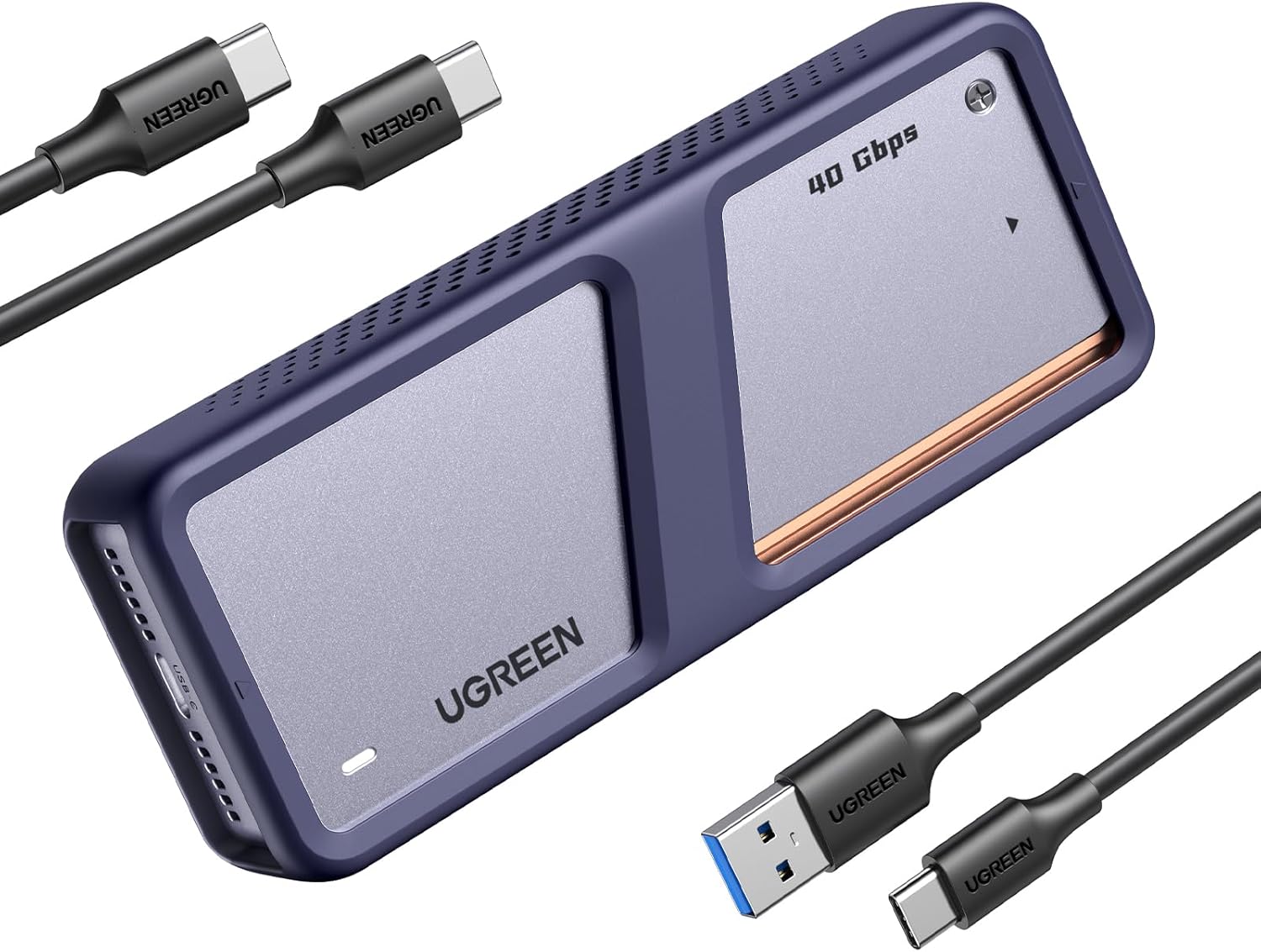
The “why” behind this enclosure is pretty clear: fast transfers plus better heat control than passive-only cages.
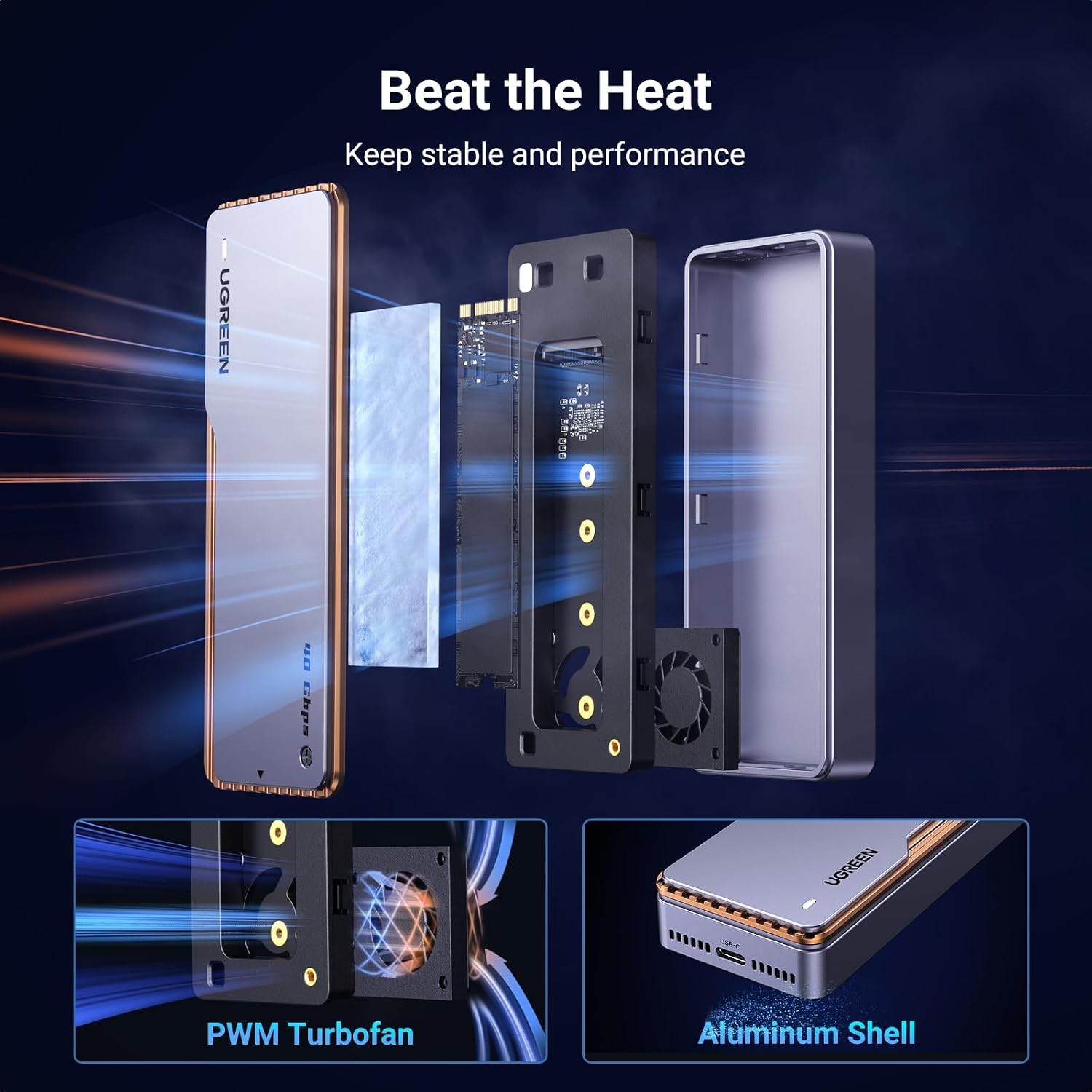
The premium aluminium shell is paired with a thermal pad, and the enclosure claims a larger contact area compared with traditional 10Gbps-style NVMe enclosures. That’s the kind of detail that can genuinely affect real-world temperatures when you’re moving large files.
Then there’s the PWM turbofan. The fan speed is temperature-controlled, aiming to discharge heat generated by the SSD and to help stabilise performance over longer bursts. The fan is described as quiet but powerful, whether that matches your particular tolerance for fan noise depends on your environment (office desk vs. quiet room), so it’s worth considering.
Finally, the ASM2426PD intelligence chip with S.M.A.R.T. support is there to give your computer an overview of SSD status. If you care about drive health monitoring, that’s a meaningful inclusion rather than just “it works”.
What to know about compatibility and limitations
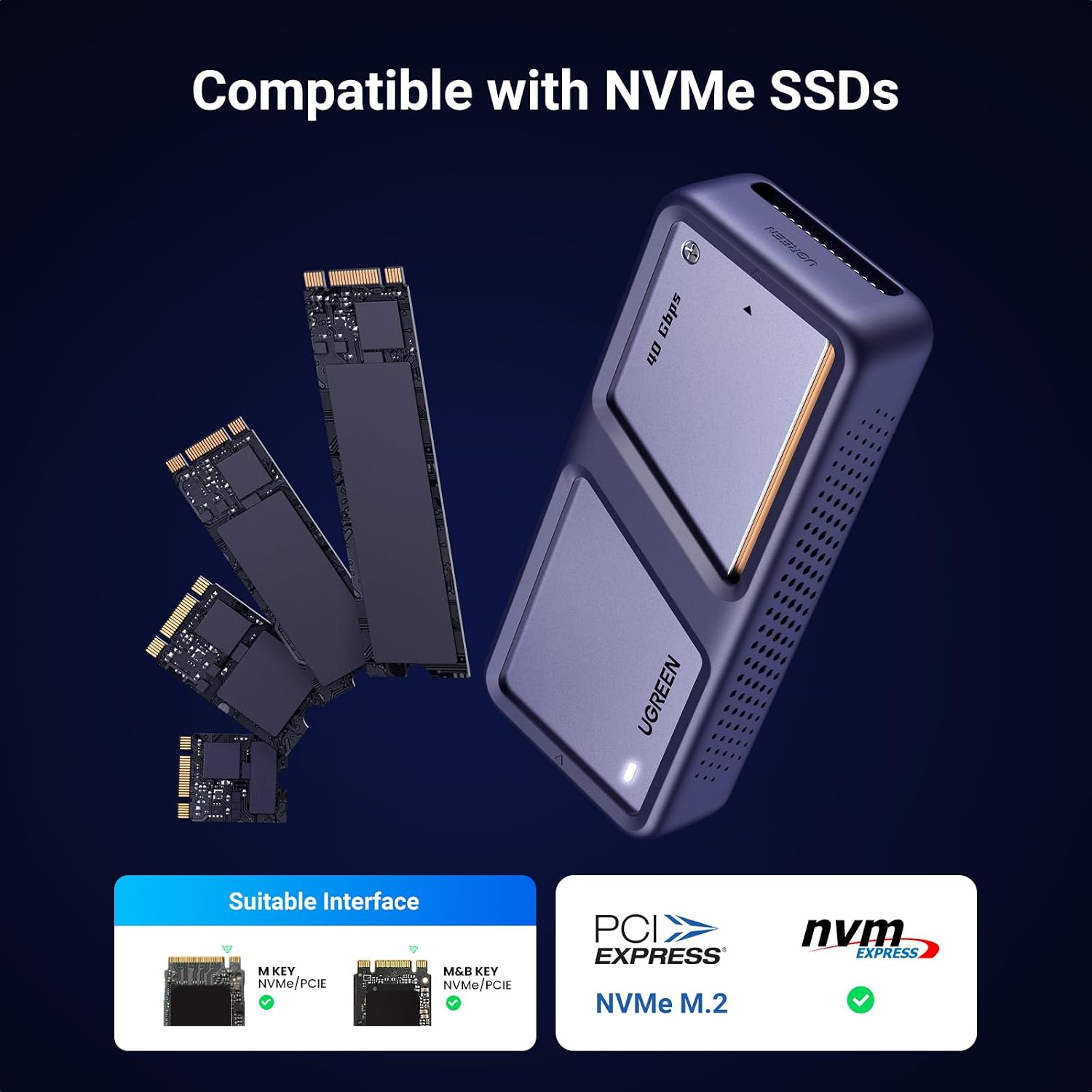
This is where you want to be careful. The enclosure supports NVMe SSDs with an M Key or M&B Key interface.
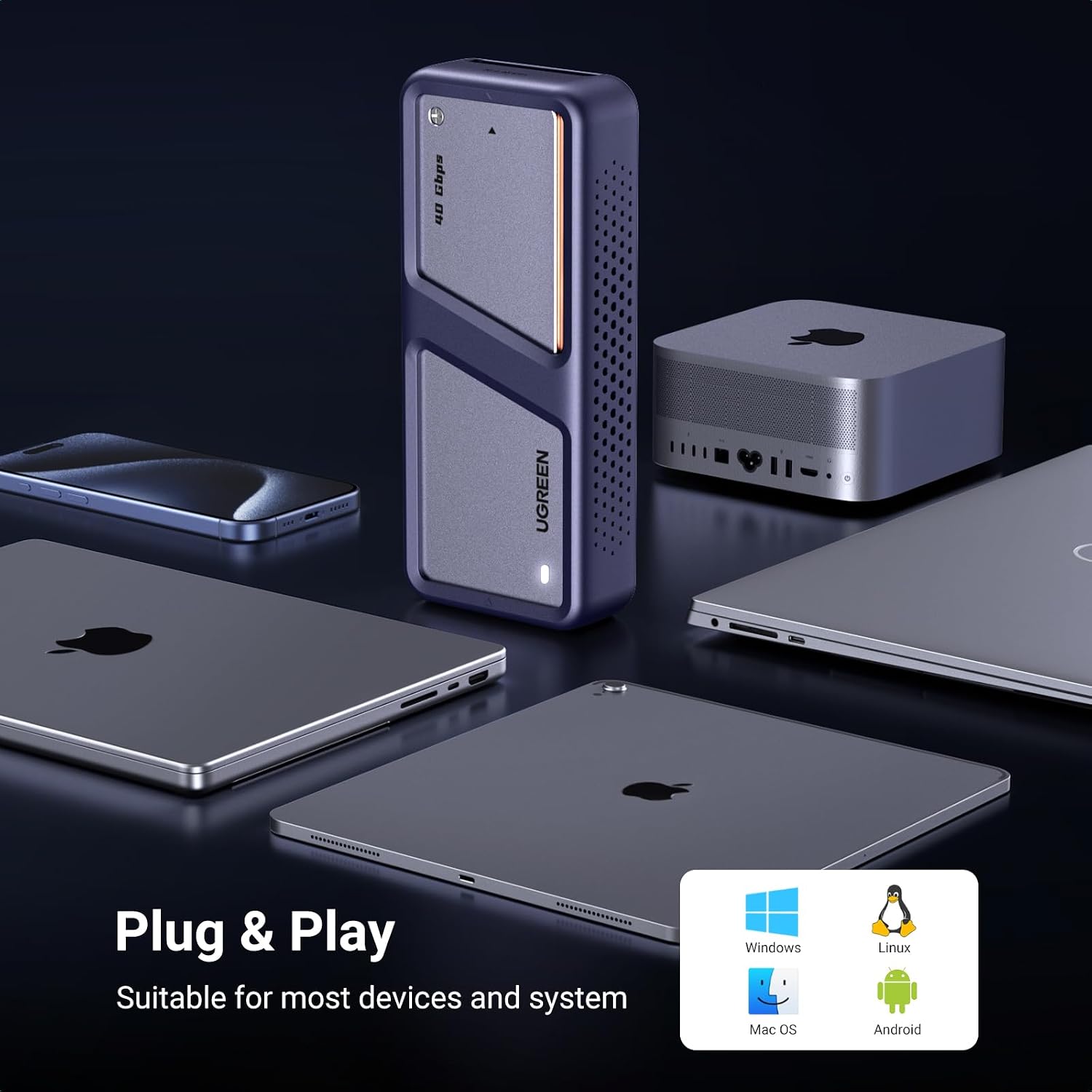
Supported SSD sizes are listed as 2280/2260/2242/2230, with up to 8TB capacity mentioned. It also states it is plug and play and is compatible with Windows, Mac OS, iOS, Linux and Android systems.
There are two notable “don’t assume” points in the description:
- It does not support an SSD with a heatsink.
- It does not support M.2 PCIe 5.0 SSDs.
So if you’re dealing with a PCIe 5.0 NVMe drive (common in newer high-end desktop/console storage upgrades) or an M.2 module with a heatsink, this may simply not be the right enclosure. Also, macOS compatibility is mentioned broadly for the enclosure line, but your exact setup still depends on your Mac model and connection type.
Usage tips for real file transfers
For a practical micro-scenario: say you’ve got a 2TB NVMe SSD you’ve used inside a laptop, and you want to dump a project folder before travelling. With this enclosure, you’d typically connect the enclosure to a USB4/TB4-capable port, let it mount like an external drive, then start transferring batches.
If you’re copying large video files or doing repeated write-heavy operations, the fan and thermal pad are the difference between “fast at first, then slows down” and “more consistent throughput”. It’s not magic—if your SSD itself is limited, that limitation remains—but the enclosure’s cooling strategy targets the common external-drive weak point.
One question to keep in mind: are you mostly doing occasional transfers, or long sessions? If you only move small amounts now and then, you might not notice the benefits as much, if you do longer exports, it’s more likely to earn its keep.
Tech specs (as stated by the product)
- Name: UGREEN 40Gbps M.2 NVMe SSD Enclosure
- Type: NVMe enclosure with cooling fan
- Format: M.2 NVMe enclosure adapter
- Display: N/A
- Interface support: USB4 (Type-C) up to 40Gbps, compatible with Thunderbolt 3/4 interface
- Transfer support: UASP & TRIM
- Tested transmission rate: 3656.3 Mb/s
- Supported SSD interface keys: M Key or M&B Key
- Supported SSD sizes: 2280 / 2260 / 2242 / 2230
- Capacity support: up to 8TB
- Notes: does not support SSD with heatsink and does not support M.2 PCIe 5.0 SSD
- Included functionality: S.M.A.R.T. status overview via ASM2426PD
Pros and cons before you buy
What stands out
- Strong emphasis on cooling: aluminium shell + thermal pad + PWM fan with temperature-based speed adjustment.
- Higher-speed positioning: USB4 Type-C up to 40Gbps, plus UASP and TRIM support.
- S.M.A.R.T. and safety features are mentioned (including over-current and short-circuit protection).
Where it may fall short
- Not for every NVMe: it explicitly won’t support heatsink-equipped SSDs and doesn’t support PCIe 5.0.
- If your SSD is already running cool and you’re only doing brief transfers, the active fan may be more “features you carry” than “benefits you notice”.
Mini FAQ
Is it really plug and play?
The description says it’s plug and play and compatible with Windows, Mac OS, iOS, Linux and Android, so you should be able to connect and start using it without complex setup.
Will it work with a PCIe 5.0 M.2 SSD?

No—the enclosure is stated to not support M.2 PCIe 5.0 SSDs. If you own a PCIe 5.0 drive, this is the first thing to verify.
Does it support SSDs with heatsinks?
Not according to the notes provided. If your NVMe module has a heatsink attached, you’ll likely need a different enclosure approach.
Does it support TRIM?
Yes, TRIM is listed as supported alongside UASP.
Is the fan noisy?
It’s described as quiet but powerful, but real noise levels can vary depending on your environment and temperature load, so it may not be silent in every situation.
Should you buy it?
It makes sense if you’ve got an M Key or M&B Key NVMe SSD in the supported size range (2230 to 2280) and you want a fast external enclosure that actively manages heat. The cooling design, TRIM support, and the mention of S.M.A.R.T. status give it a more “serious storage” feel than basic cages.
You may want to skip it if your SSD is PCIe 5.0, has a heatsink, or you’re mainly transferring small files sporadically (where the fan and thermal effort might not bring noticeable gains). It also might not suit you if you’re expecting it to behave like a fully optimised internal drive setup—external enclosures can’t remove every bottleneck from the host connection.
In short: this is a good fit for people who care about sustained external transfers and drive monitoring, and it’s a poor match for anyone holding the wrong type of NVMe module.