

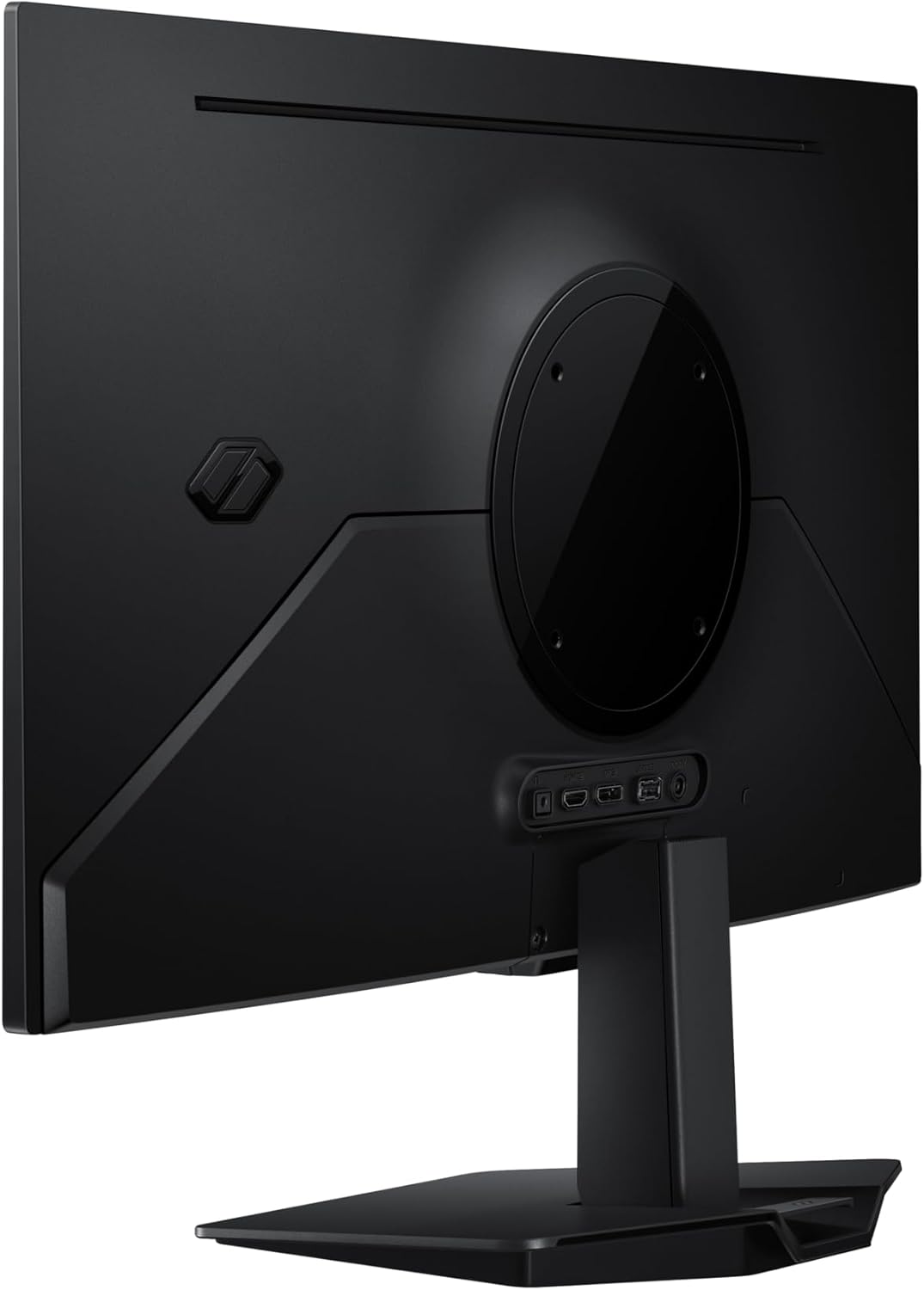
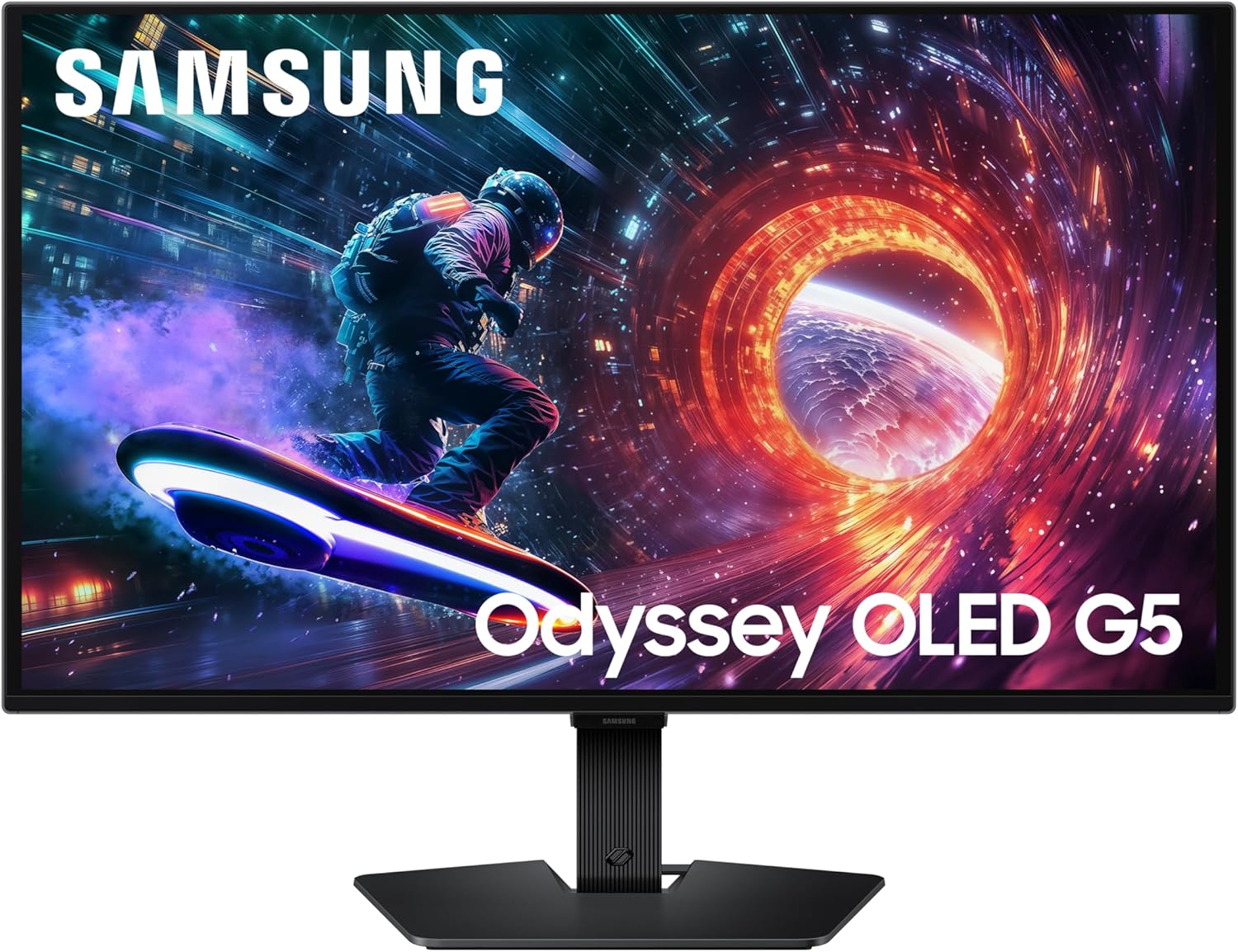
Samsung Odyssey G5 OLED LS27FG502SUXXU 27" Gaming Monitor
Product description
What it is and what it aims to solve
The Samsung Odyssey G5 OLED LS27FG502SUXXU is a 27-inch gaming monitor designed to deliver vivid QHD (2560x1440) visuals using Samsung’s OLED technology. On paper, OLED promises rich colours, deep blacks and fast response, which can help you notice subtle details during fast-paced moments. It targets gamers who want a more immersive image quality than typical LCDs offer, especially in story-driven titles and competitive shooters where colour accuracy, contrast and motion clarity matter.
How it looks on the screen
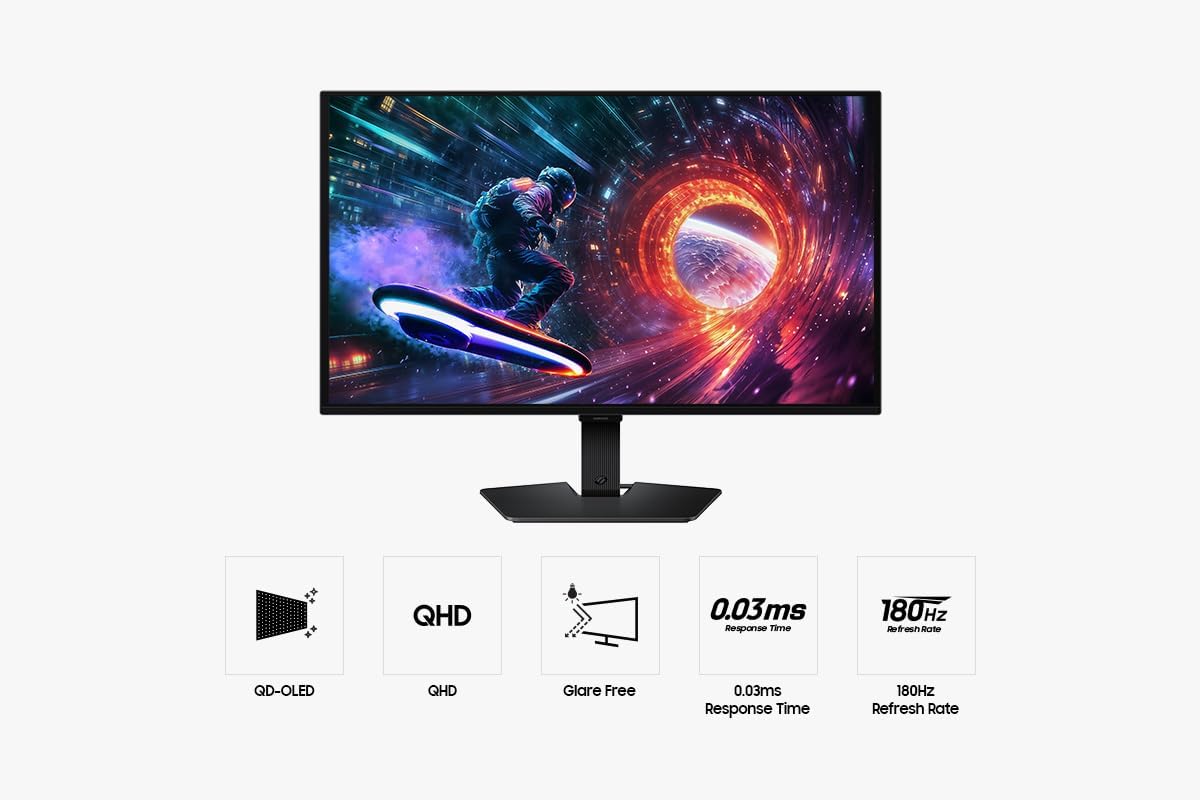
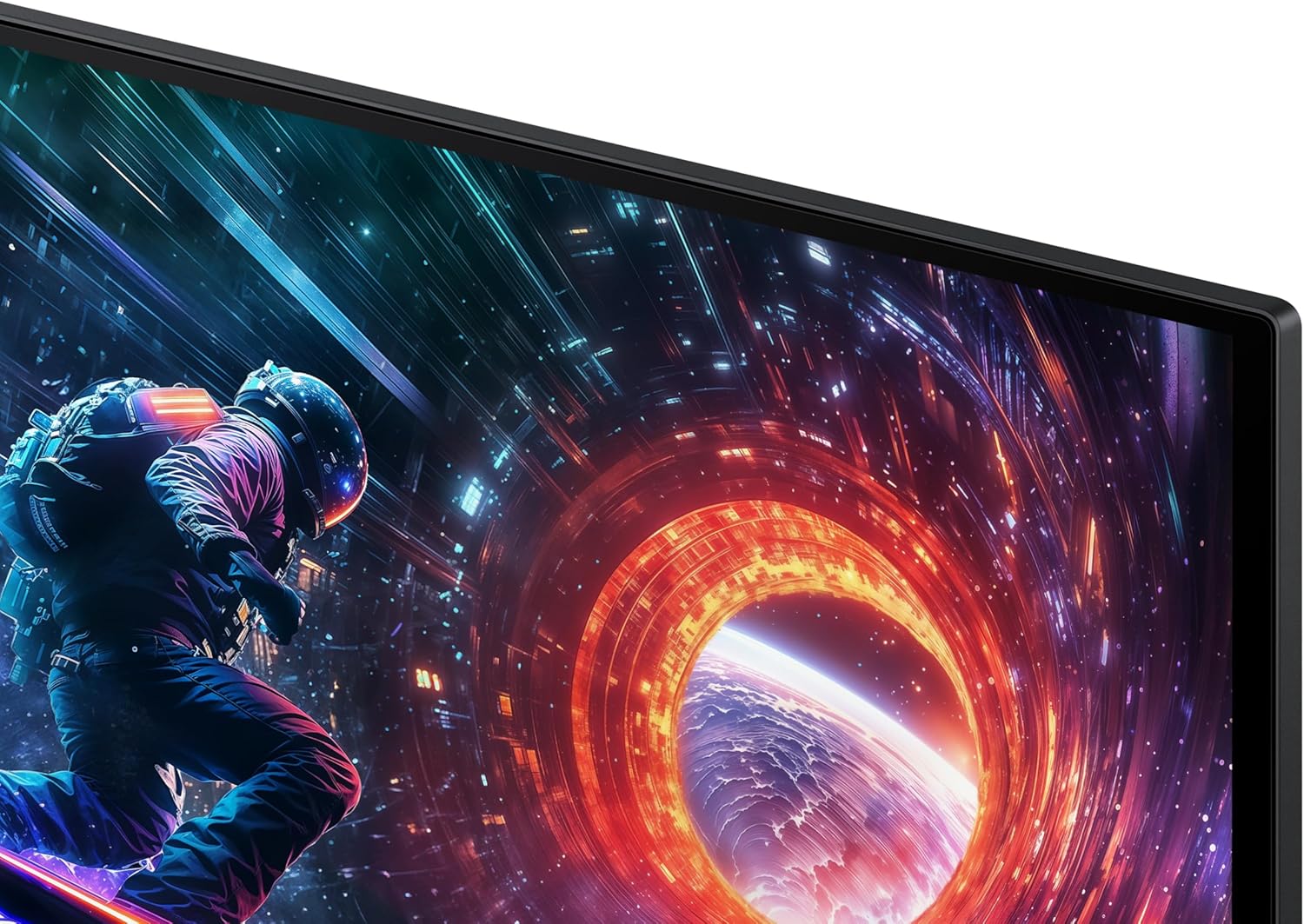
The monitor advertises QD-OLED in QHD with HDR10 support, aiming to combine high brightness with broad colour coverage. The 0.03 ms response time and up to 180 Hz refresh rate suggest you’ll see less motion blur and lower input lag compared with many standard gaming panels. In practice, you may notice quicker transitions and sharper movement in fast scenes, which can feel advantageous when reacting to on-screen events. HDR10 helps with brighter highlights and more nuanced shadows, giving scenes a more three‑dimensional feel.
Design and day-to-day use
A key claim is Glare Free technology, designed to reduce reflections from ambient light. The idea is to keep the image clearer during daytime gaming or in rooms with strong light sources, which is helpful if you don’t have a dedicated dark gaming setup. It’s worth noting that the film is specified as 54% less glossy than a conventional anti-reflection film, which suggests fewer distractions from reflections, though it may not eliminate all glare in every environment.
Why it makes sense for different users
If you prioritise image realism and colour range in your games, the OLED approach can offer more punchy colours and better contrast than typical LCD screens. For someone who wants a large, single-screen gaming experience without switching to 4K, 27 inches at 1440p is a sensible balance between pixel density and performance, especially in fast-paced titles where a higher refresh rate can be beneficial.
What it does well
The combination of fast response time and high refresh rate is a clear strength on paper, potentially translating to smoother motion and crisper delivery in action sequences. The HDR10 support adds depth to scenes, making landscapes in open-world games or cinematic moments appear more lifelike. The Glare Free feature could be a practical improvement in rooms with variable lighting, reducing reflections that can wash out the image.
Where it may fall short or be less compelling
As with any OLED product, outcomes will depend on real-world usage and longer-term factors such as panel uniformity, firmware support and how the panel handles sustained brightness. Given the lack of hands-on tests in this description, it’s prudent to consider whether your environment benefits more from sheer brightness and longevity claims commonly associated with other panel technologies. Also, at 27 inches and a QHD resolution, some users might prefer a higher pixel density or a higher refresh rate for esports titles, depending on their sensitivity to motion clarity.
Who this is for
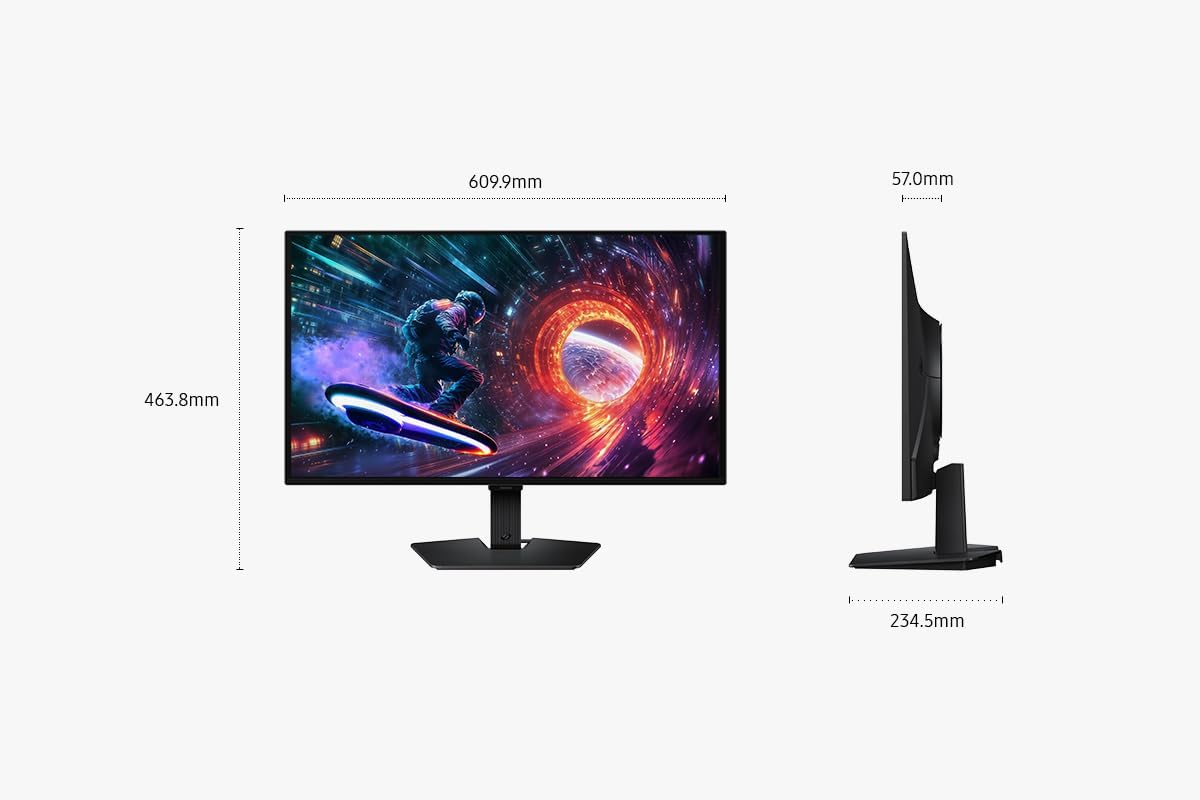
This monitor appears well-suited for gamers who want a visually striking display that emphasises colour accuracy and fast motion rather than being solely about ultimate resolution. It may appeal to players who value deep blacks and a per-pixel contrast that OLED can offer, alongside the practical benefit of a moderate screen size that fits well on a typical desk.
Who should think again
If you typically game in very bright rooms and rely on maximum luminance, or if you’re chasing the very highest endurance brightness for HDR, you might want to compare how this OLED panel behaves in those scenarios against other formats. Likewise, if your priority is an ultra-high pixel density (4K) or if you’re a twitch shooter who swears by every last frame of motion clarity, you may find alternatives more aligned with those needs.
What to check before buying
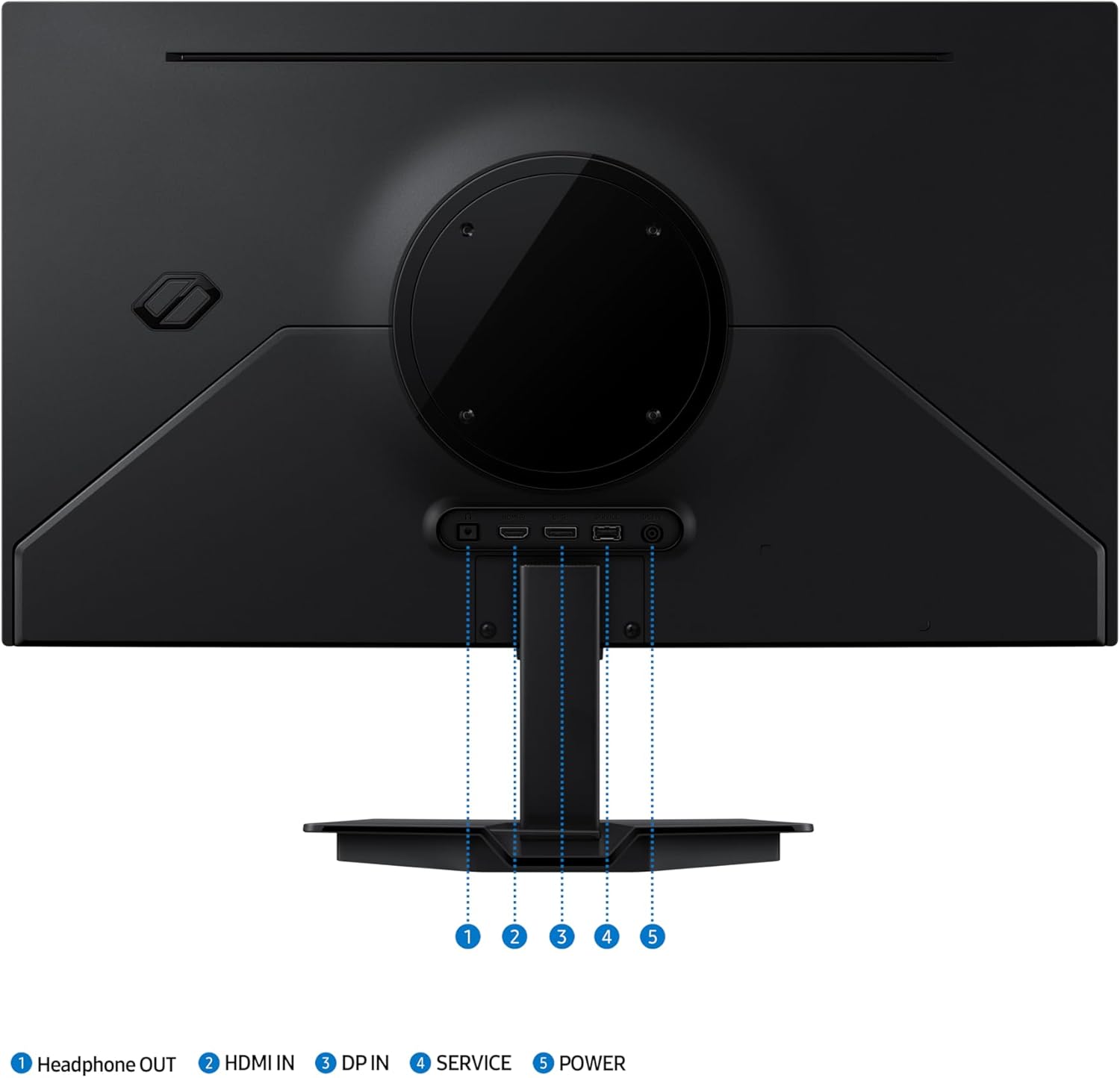
- Confirm your PC has the appropriate outputs (HDMI and DisplayPort) and can push the 180 Hz refresh rate at 1440p for the games you play.
- Consider room lighting: while Glare Free helps, ambient light will still influence perceived contrast and reflections.
- Think about your use case beyond gaming. If you use the monitor for mixed work (document editing, coding, content creation), ensure the panel’s viewing angles and brightness remain comfortable for long sessions.
- Monitor longevity and warranty: OLED devices can differ in how they manage heat and longevity in intensive gaming sessions, check what the safeguard features cover, such as thermal modulation and logo detection.
Practical usage example
Imagine loading into a fast-paced racer or action title just after sunset. The game’s lights and reflections pop with vivid colour, while the motion feels responsive thanks to the low response time. You switch to a story-driven mis en scene and notice deeper contrasts in dark corridors thanks to HDR10. It’s not about chasing the sharpest 4K image, but about a cohesive, immersive presentation where motion never looks smeared.
Technical snapshot (brief)
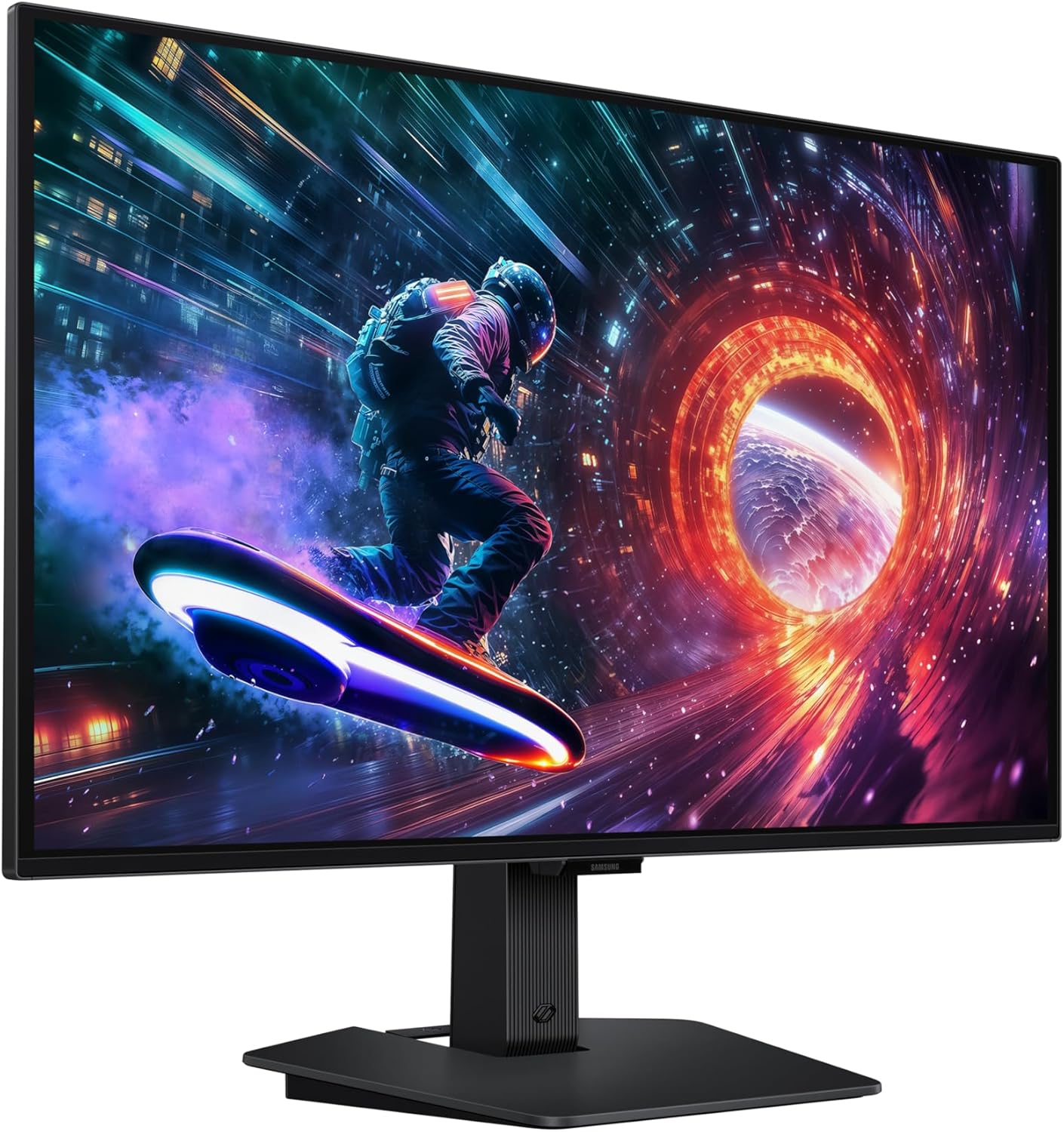
- Display: 27-inch QHD (2560x1440) OLED
- Refresh: up to 180 Hz
- Response time: 0.03 ms (GtG)
- HDR: HDR10
- Anti-glare: Glare Free film (54% less glossy)
- Connections: HDMI, DisplayPort
- Special features: Samsung OLED Safeguard system with thermal modulation and screen protection measures
What stands out & limitations
Worth noting is the emphasis on fast motion performance and vibrant visuals alongside glare reduction. The lack of model-specific testing data in this overview means it’s sensible to temper expectations about the exact levels of brightness and colour performance in your particular room. It’s a solid option if you value a balanced 27” QHD OLED for both gaming and casual content, but it may not be the best fit if your priority is top-end brightness in a very bright environment or if you’re chasing 4K clarity.
Is it worth it?
Final verdict: for gamers who want a true step up in contrast and motion clarity at 1440p, and who can benefit from reduced reflections in a typical living-room or bedroom setup, this Odyssey model presents a compelling option. If your priority is extreme brightness, 4K detail, or the longest panel life under constant intense use, you may want to weigh alternatives. If you’re unsure, consider how important HDR depth and fast response are to your regular gaming sessions and how your room’s lighting interacts with glare.
FAQ
- Does it support true 4K? No, the specification here is 1440p (2560x1440).
- Is it good for competitive gaming? With 0.03 ms response and up to 180 Hz, it’s framed as a strong candidate for fast-paced play, subject to GPU capability.
- Can it double as a daily monitor for work? It can handle mixed use, but the emphasis is gaming, long document work may benefit from eye comfort features and colour accuracy tailored to non-gaming tasks.