

Philips 499P9H- 49 Inch Curved Dual QHD Monitor
Product description
What it is
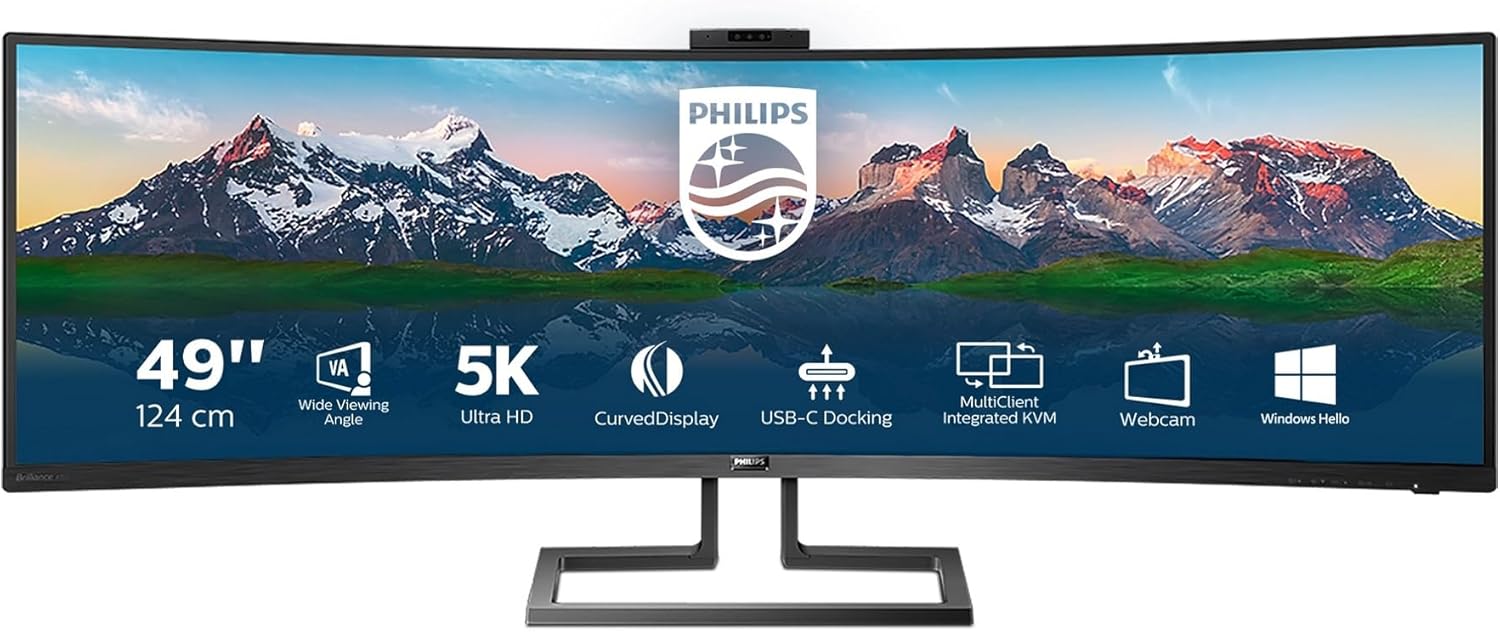
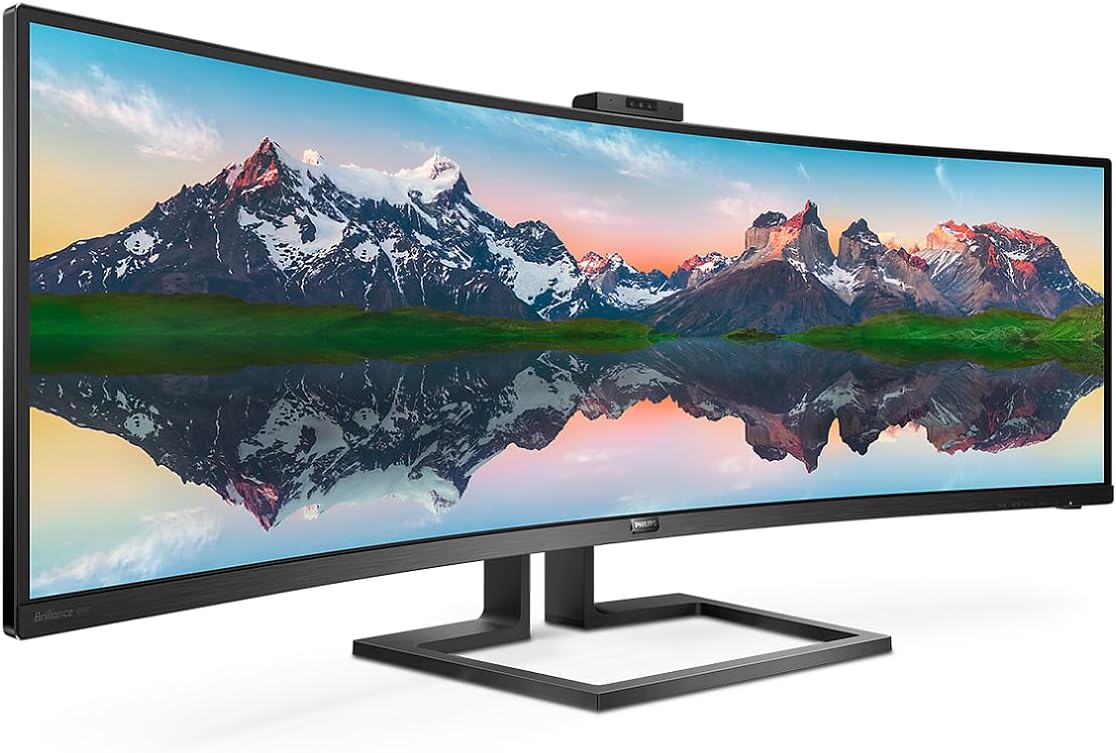
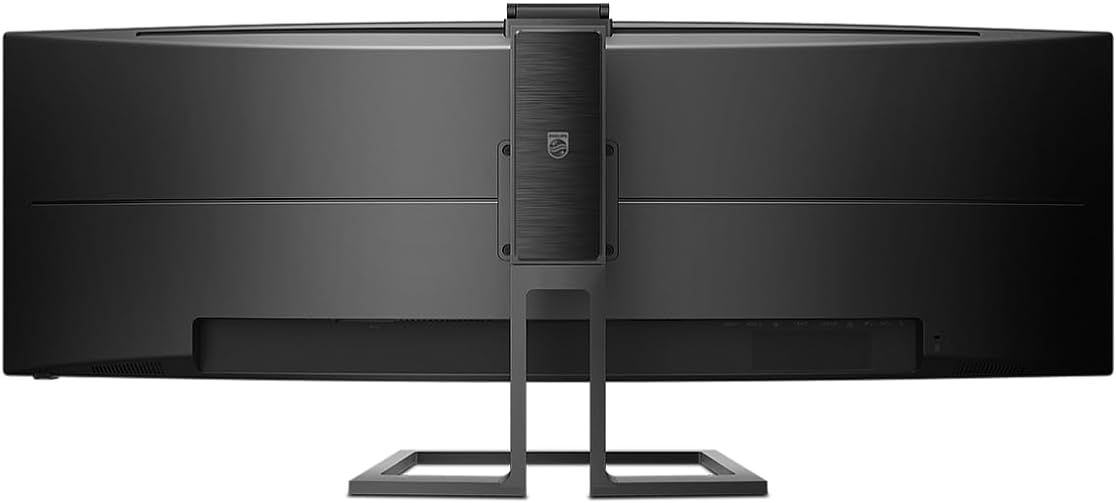
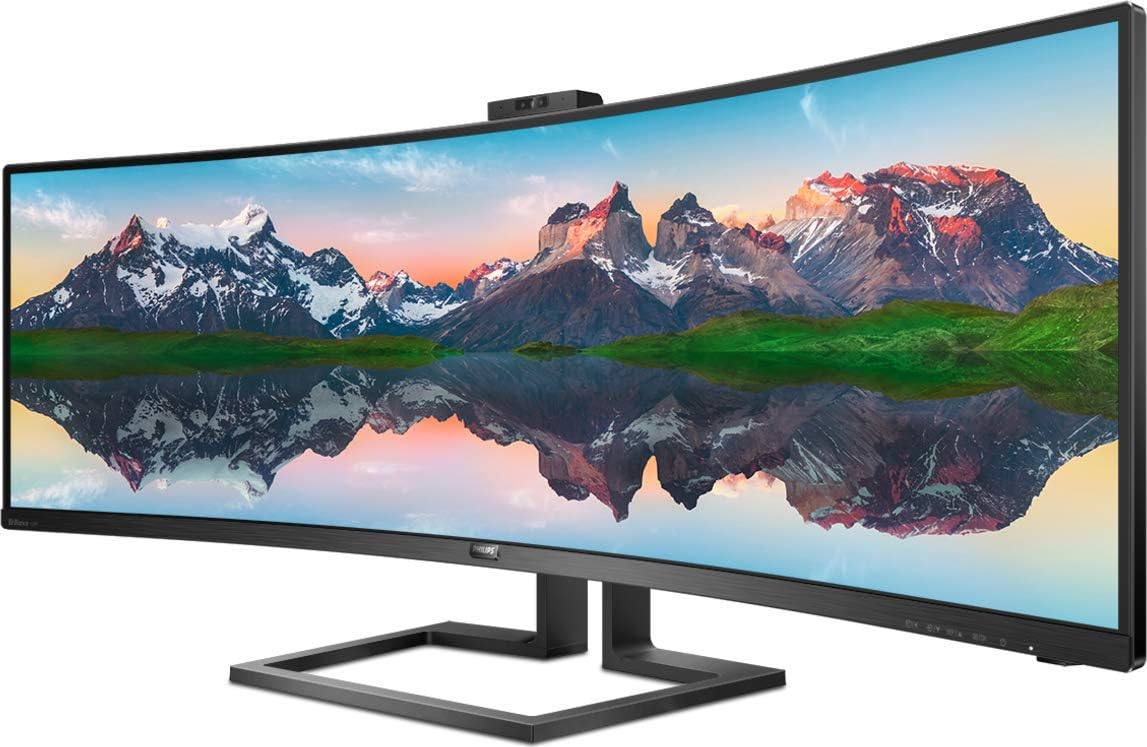
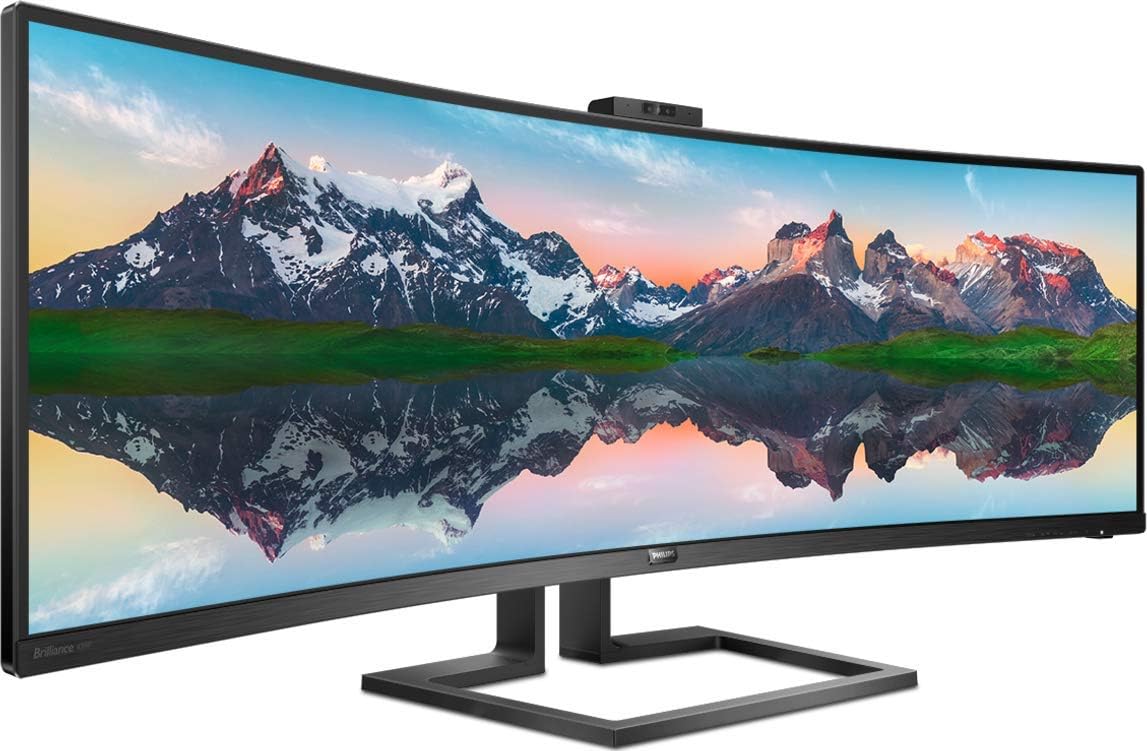
The Philips 499P9H is a 49-inch curved, ultra-wide monitor designed to replace multiple screens with a single, immersive display. In the 32:9 format, it aims to streamline productivity by giving you a broad canvas for multitasking, video meetings, and reference material side by side. On paper, it brings a host of integrated features that appeal to a connected desk setup, including a pop-up webcam with Windows Hello, a built-in USB-C dock, and a KVM switch for easily sharing peripherals.
Why it matters
If your day involves juggling documents, spreadsheets, and video calls, a wide, continuous workspace can reduce window-switching and provide a more cohesive context. The 1800 mm curvature is intended to wrap content around your field of view, while the built-in webcam, speakers and network/everything-else connections reduce cable clutter and the number of dock adapters you need. However, the value hinges on your workflow: if you rarely work with multiple windows or don’t need a single-column, desktop-wide experience, the benefit may be less pronounced.
Key features
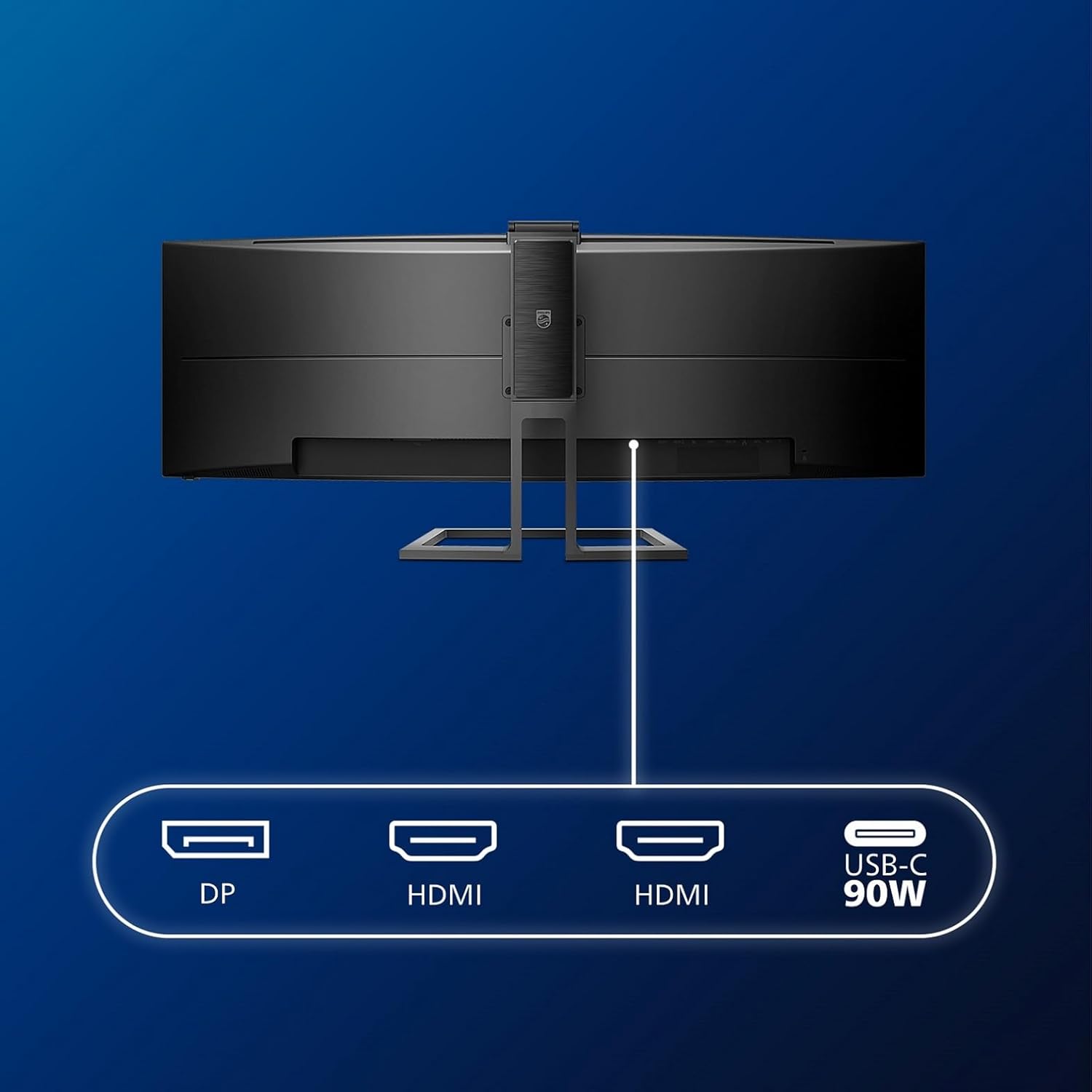
You get a VA panel with 5 ms response time and a brightness of 450 cd/m², which is typical for office-focused screens. The panel curvature and size are clearly aimed at users who want immersive, panoramic content—think complex dashboards, design references, or large spreadsheets. The monitor includes a pop-up webcam with Windows Hello, two 5 W speakers, a headphone jack, and a robust selection of ports: DP 1.4, two HDMI 2.0, USB-C 3.1 Gen 2, USB upstream, three USB downstream, and RJ45 Ethernet. The USB-C dock and KVM support should help you connect and control a laptop or desktop with fewer dongles, while the 130 mm of height adjust gives you some scope to achieve a comfortable viewing position.
Technical details
- Screen: 49-inch curved (32:9) VA panel
- Resolution: 5120 x 1440
- Refresh rate: 70 Hz
- Response time: 5 ms
- Brightness / Contrast: 450 cd/m², 3000:1
- Curvature: 1800 mm
- Webcam: pop-up with Windows Hello support
- Audio: 2 x 5 W speakers, headphone out
- Ports: DP 1.4, 2x HDMI 2.0, USB-C 3.1 Gen 2, USB upstream, 3x USB downstream, RJ45 LAN
- USB-C dock and KVM built-in
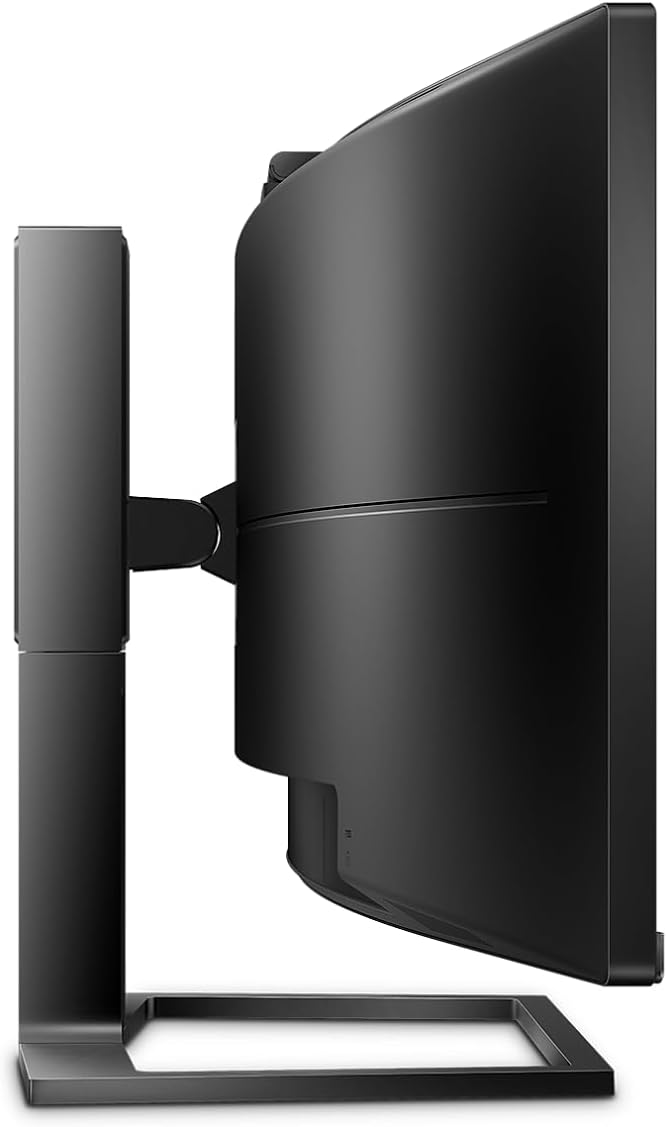
- Mounting: VESA 100 x 100, removable stand
- Adjustability: Height 130 mm
- Accessories in box: power, HDMI, DP, USB-A to B, USB-C to C, driver CD, warranty card
What you’ll notice in use
In daily tasks, the wide canvas can help with multi-document workflows and large spreadsheets. The pop-up webcam is a handy addition for meetings, particularly if you value privacy—it's not always on the desk when not in use. The USB-C dock is convenient if you frequently connect a laptop and want to minimise separate dongles. The KVM feature means you can switch control between systems without swapping keyboards or mice, which can save time and desk space. That said, you might notice that the perceived depth and pixel density feel oriented towards productivity rather than gaming or media creation. If you prioritise tight response times or ultra-high refresh rates, this model’s 70 Hz may feel modest compared with gaming-focused displays.
Pros
- Large, single-panel workspace reduces the need for separate monitors and simplifies window management.
- Built-in USB-C dock and KVM can streamline desk setup and device sharing.
- Pop-up webcam with Windows Hello offers convenient video meeting access while maintaining privacy when not in use.
- Height adjustability and a curved panel can improve viewing comfort for long sessions.
Cons
- 70 Hz refresh rate and 5 ms response time are adequate for office tasks but not aimed at fast-paced gaming or high-end refresh needs.
- The 32:9, 49-inch format is excellent for certain workflows but may be overwhelming on smaller desks or for users who don’t need that much horizontal space.
- Some users may prefer more straightforward setups with fewer ports, the abundance of features can add complexity.
Who it’s for
This monitor fits professionals who frequently work with large dashboards, complex spreadsheets, design references, or multiple documents simultaneously. It’s also suitable for those who want a tidy desk with fewer dongles thanks to USB-C docking and built-in connectivity. If you value a built-in webcam plus KVM without extra adapters, this model makes sense in a mature, productivity-focused workspace.
Who it isn’t for
If your priority is competitive gaming, the 70 Hz refresh rate plus 5 ms response time might feel limiting. If your desk space is tight or you rarely use wide-screen multitasking, a more compact display could offer better ergonomic efficiency and value. If you’re after a higher-colour accuracy or a higher peak brightness for HDR-like content, you’d want to compare with models that emphasise those specs.
What to check before buying
- Confirm desk space and viewing distance suit a 49-inch curved panel, sit-back and adjust height to align your eyes with the mid-screen.
- Consider whether you’ll actually use the USB-C dock and KVM, and if your workflow benefits from Windows Hello integration on a built-in camera.
- Check compatibility with your PC or laptop’s USB-C output and ensure DP/HDMI connections align with your needs.
- Review noise levels and fan behaviour in practice, if you’re sensitive to such factors in an office environment.
Practical comparison and buying context
If you’re weighing options, think about whether you want a dedicated multi-monitor setup or a single panoramic display that reduces bezel interruptions. For tasks that need multiple windows open side by side, this monitor can be a strong consolidator, whereas a conventional dual-monitor setup may offer more tactile flexibility for some users. It’s a sensible choice for those who value integrated connectivity and a tidy desk, rather than for enthusiasts chasing the highest refresh rates or professional-grade colour-critical work.
Final decision
Is it worth it?
It is worth considering if your workflow benefits from a wide, continuous workspace with built-in USB-C docking and a KVM, and you don’t require ultra-high refresh rates or the utmost colour precision for demanding creative tasks. If your desk can accommodate a nearly 50-inch screen and you value privacy via the pop-up webcam, this model offers practical potential for a tidy, capable productivity setup.
Quick FAQ
- Does the screen support USB-C charging? The information specifies USB-C 3.1 Gen 2 and a dock, but does not state charging capabilities. Check your laptop’s USB-C power delivery needs.
- Is the webcam always active? It’s a pop-up camera designed to be retracted when not in use, with Windows Hello functionality.
- Can I mount it on a wall? Yes, it supports VESA 100 x 100 mounting. Depending on your wall setup, you may want to verify compatible wall brackets.
- What is the maximum brightness? 450 cd/m², which is adequate for office lighting, though not exceptional for HDR-like scenes.
- Does it include speakers? Yes, it includes 2 x 5 W speakers with a headphone output.