

KTC Gaming Monitor 27 Inch – 2K 200Hz (OC 210Hz) with Built-in Speakers
Product description
What it is and what it tries to solve
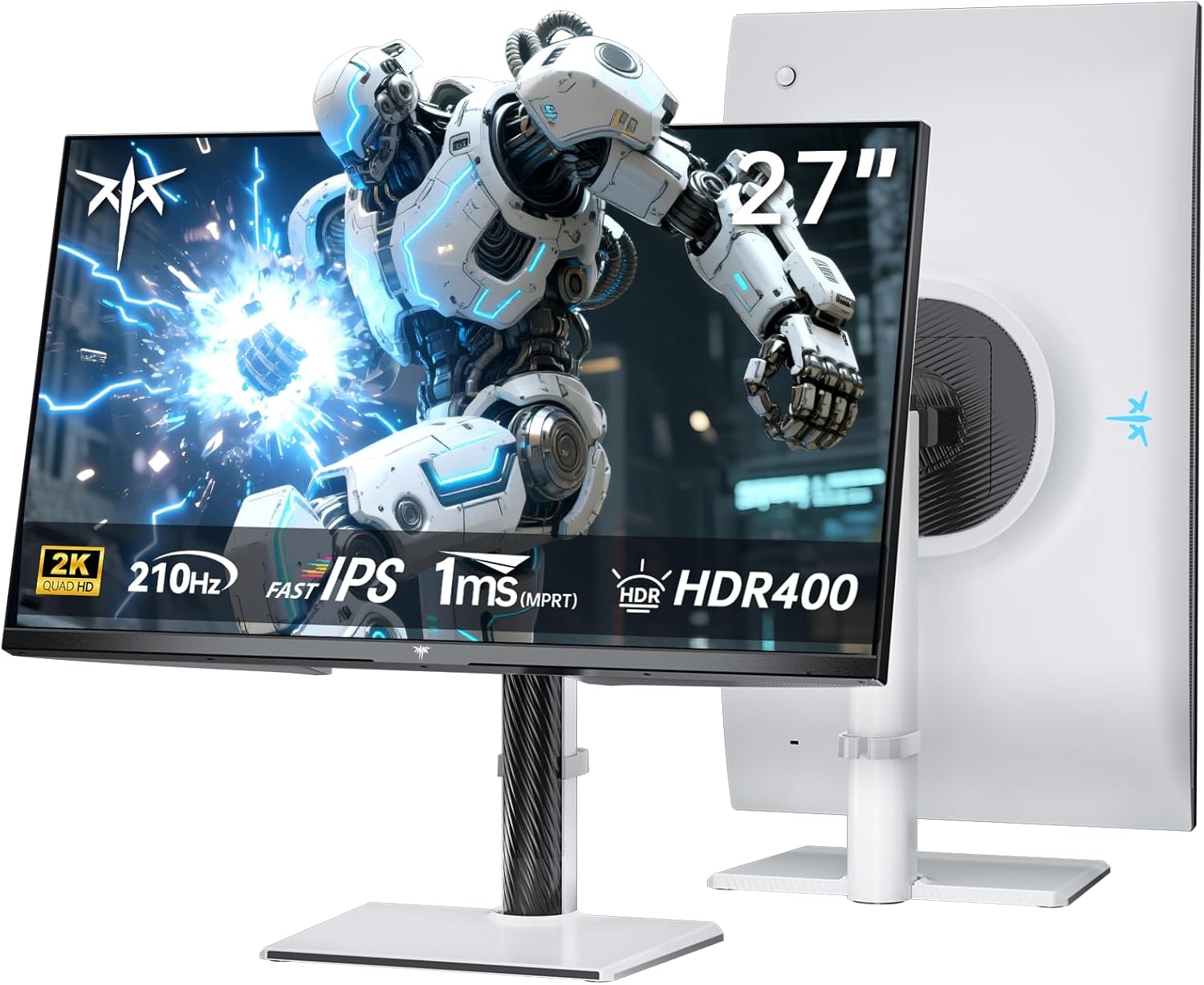
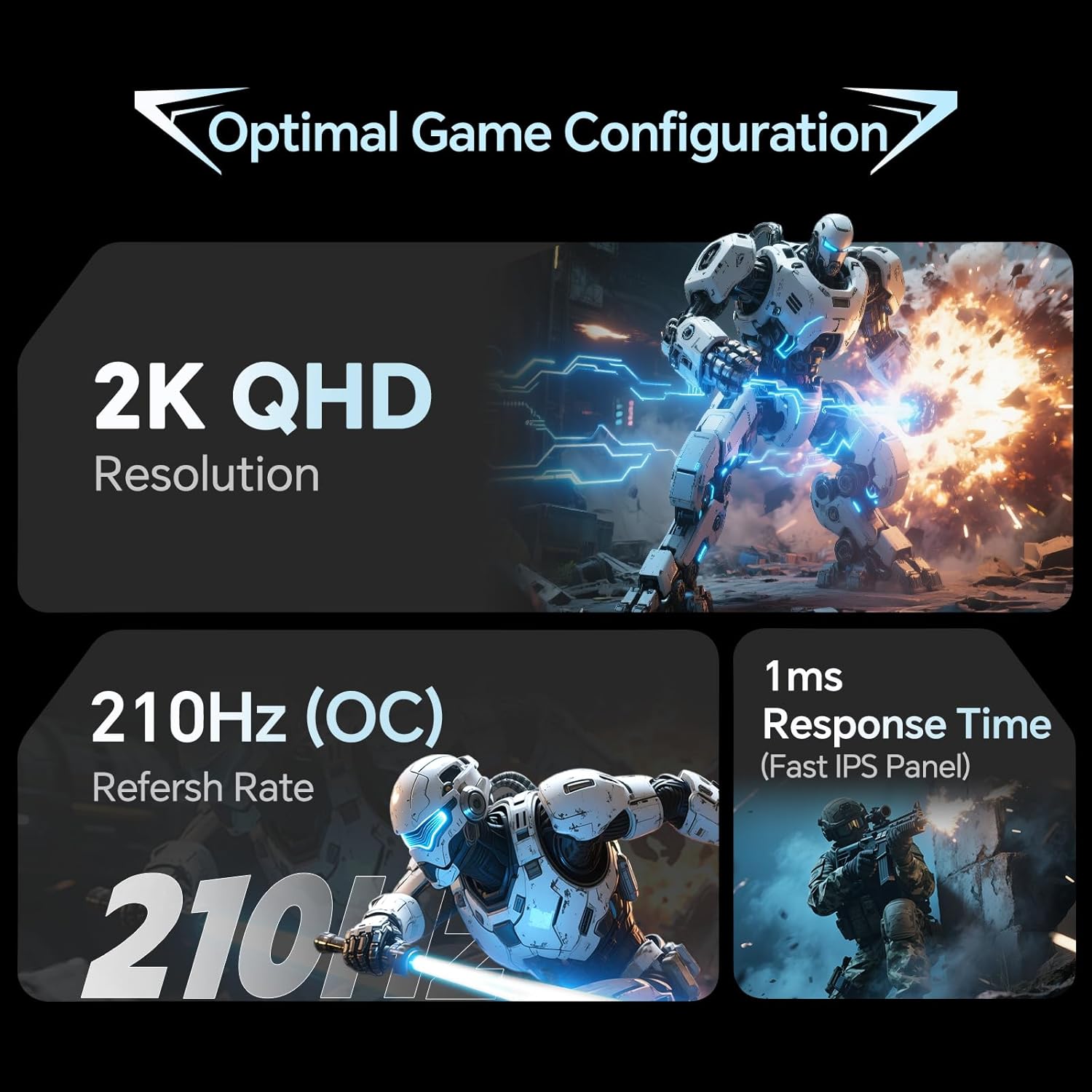
The KTC 27-inch gaming monitor is engineered for fast-paced titles and multi‑use setups. It centres a 2560x1440 (WQHD) panel described as Fast IPS, aiming to deliver sharp motion and accurate colours across gaming, work and media tasks. With a native refresh of 200Hz and an overclocked potential of 210Hz, it targets smooth, responsive gameplay where every frame counts. The 1ms MPRT response time helps reduce motion blur, which can be noticeable in fast action scenes. If you prioritise a single screen for both play and casual productivity, this model positions itself as a practical middle ground rather than a niche flagship.
Picture quality and colour accuracy
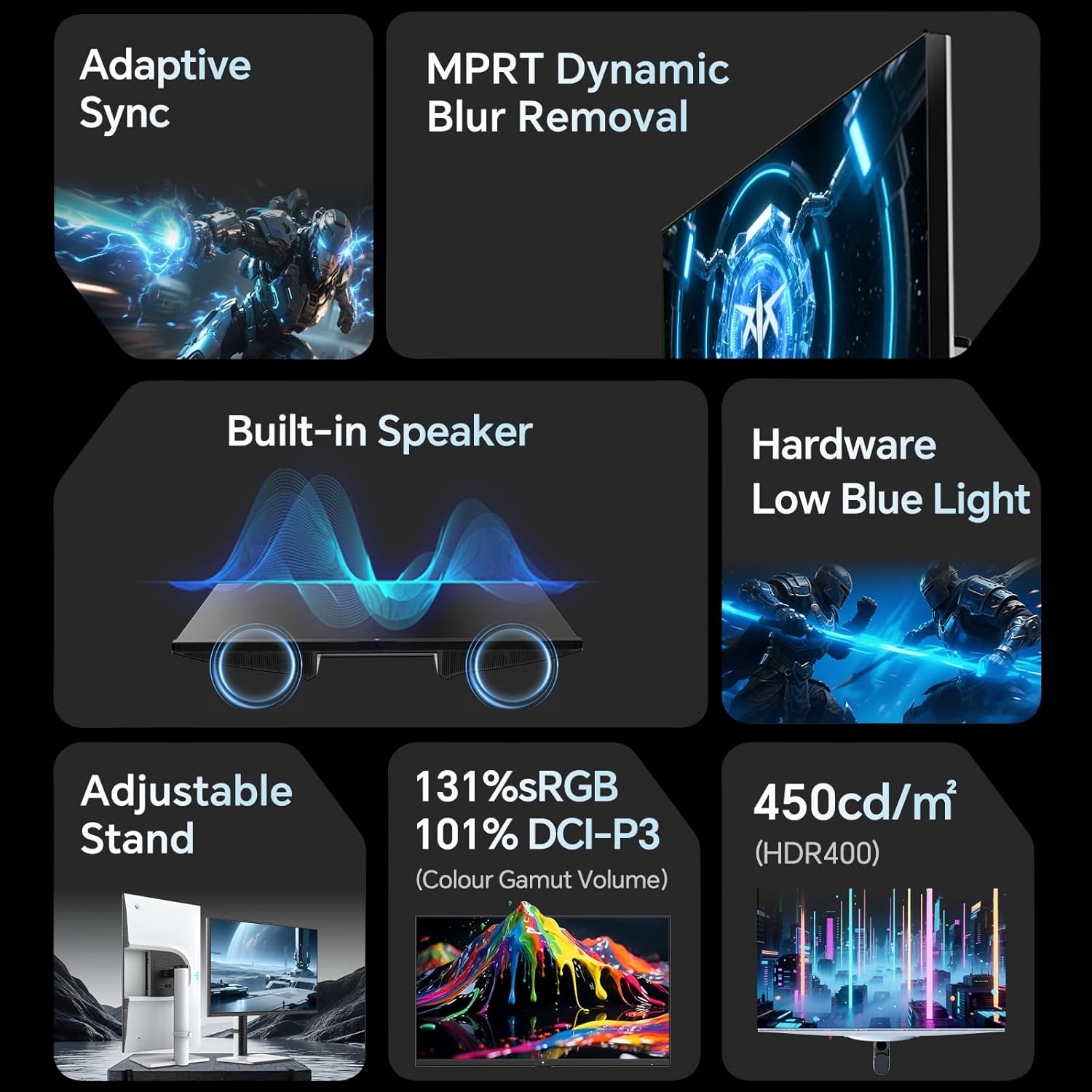
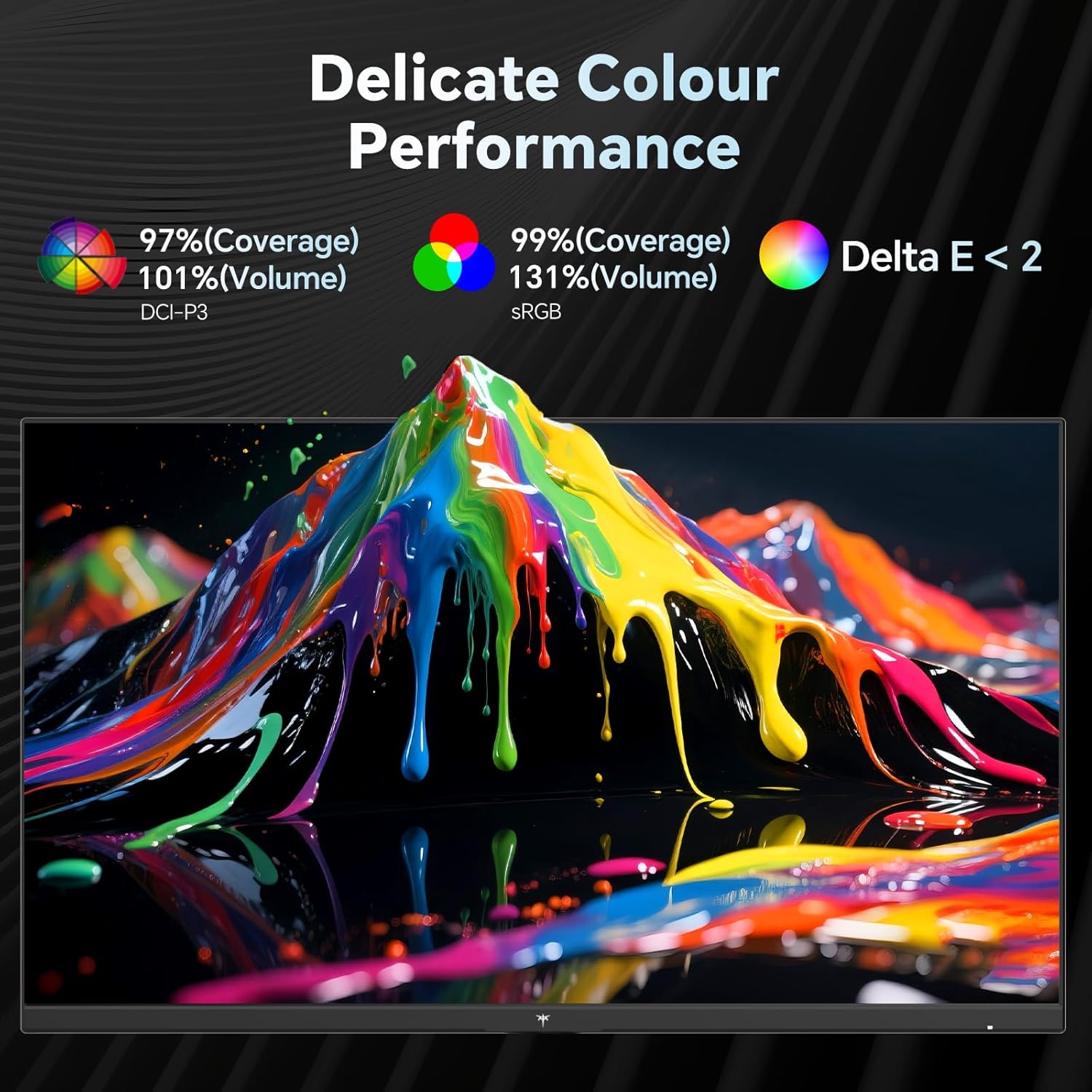
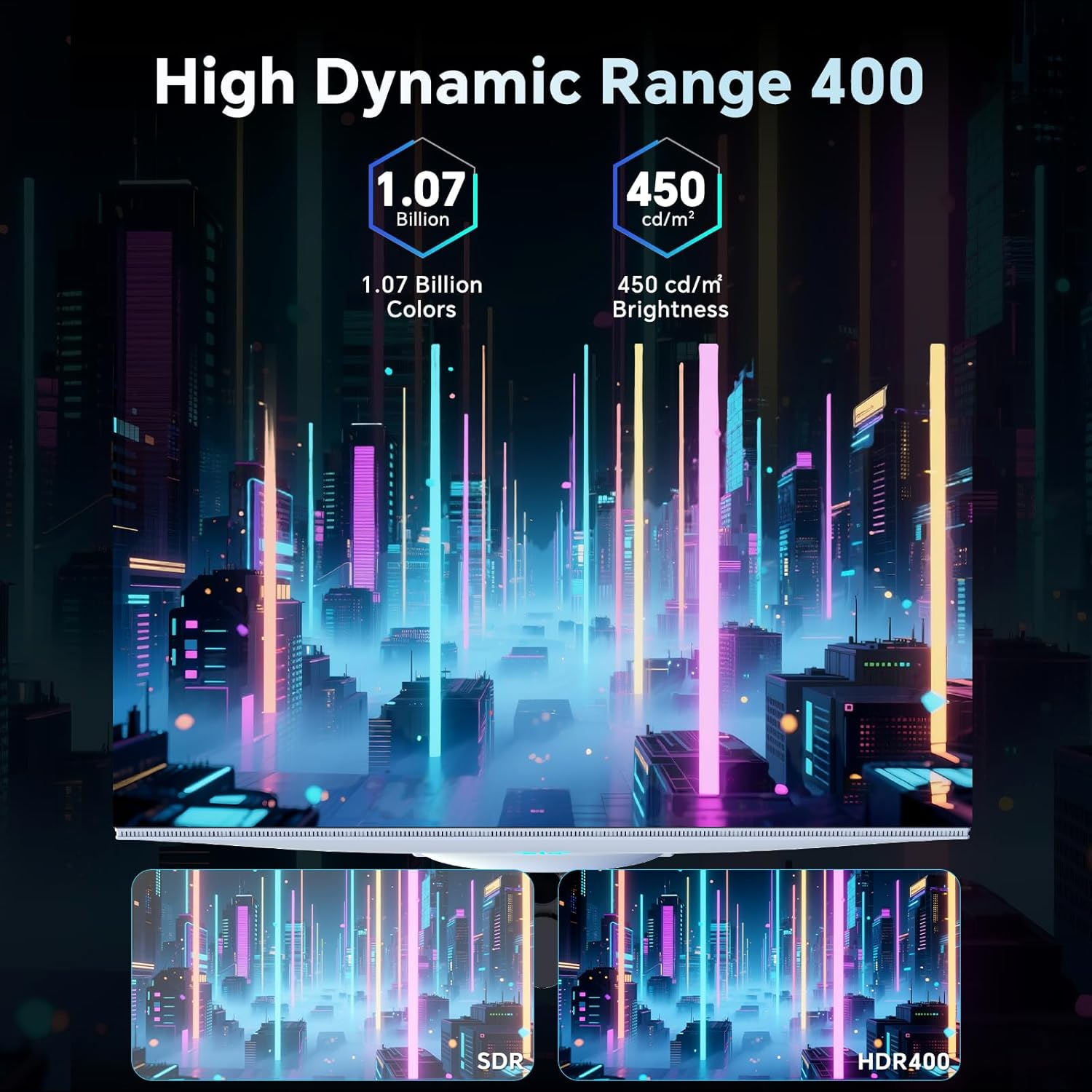
On paper, the monitor offers bright, cinema‑grade colour performance. It lists a brightness of up to 450 cd/m² and HDR400 support, which should help with brighter highlights and a more dynamic overall image in supported games and content. Colour coverage is strong for a gaming panel, with 131% sRGB and 97% DCI‑P3 claimed, along with a ΔE of less than 2 for colour accuracy. In practice, that combination can translate to vibrant greens and blues in games and more faithful skin tones in cinema‑style scenes. It’s worth noting that real‑world performance depends on processing and calibration, so results may vary out of the box.
Build and features that matter day to day
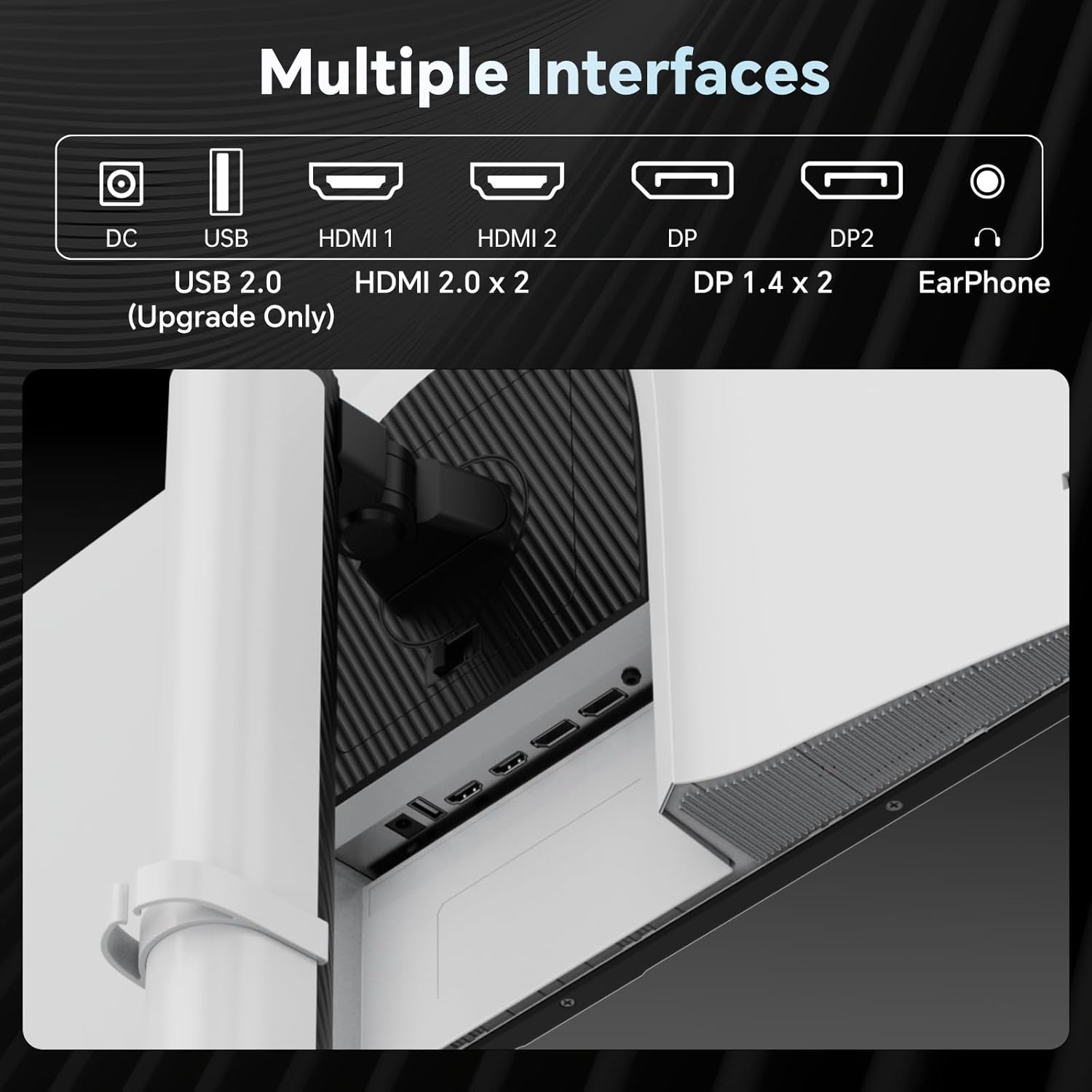
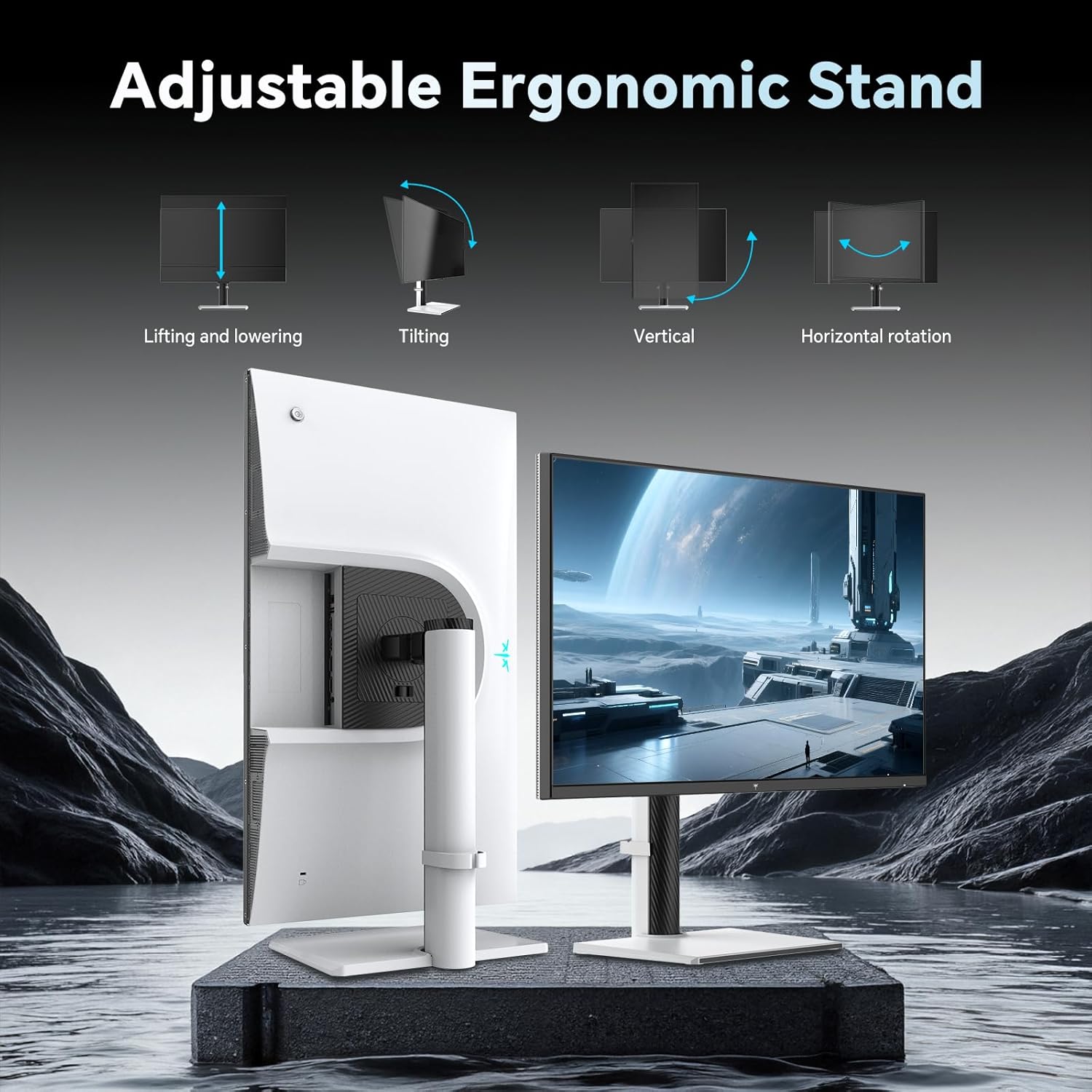
The monitor includes two 2W built‑in speakers, which can be convenient for casual video watching or quick voice calls when no external audio gear is handy. Connectivity is flexible for a mid‑range gaming setup: a DisplayPort 1.4 input and two HDMI 2.0 ports allow easy switching between a PC, laptop or consoles like a modern PlayStation. A 100×100mm VESA mount is present for those who prefer wall or arm mounting. The design also features hardware low blue light and a flicker‑free mode, which can help reduce eye strain during long sessions. The stand offers tilt from −5° to 15°, so you can set a comfortable viewing angle without needing extra accessories.
Who it’s for and who should think again
If you want a high refresh, 2K panel for immersive gaming and you value colour accuracy and simple multi‑device connectivity, this model is appealing on paper. It can suit gamers who aren’t chasing the absolute fastest or brightest pro‑tier display, but still want a fluid experience and strong media performance. It’s less clearly ideal for enthusiasts seeking the very deepest HDR targets or ultimate peak brightness, as the HDR capability is HDR400 and there’s no mention of local dimming. Similarly, if you prize premium built‑in audio or the slimmest possible design, you might find others offer more refined audio or aesthetics.
Practical use cases and real‑world notes
A common scenario is pairing the monitor with a PC for competitive titles at high frame rates, while using the HDMI/DP inputs to switch to a laptop for work or light gaming during breaks. The 210Hz OC is attractive for users who want extra headroom when their system can sustain higher frame rates, but you’ll need to ensure your GPU can push those numbers consistently. For long gaming sessions, the eye‑care features help, yet the experience will still hinge on the colour calibration and panel uniformity you encounter—these vary between units. If you’re sensitive to input lag, test the monitor in a practical setup, as overclocking can sometimes influence stability depending on the GPU and drivers.
What to check before buying
- Verify your GPU and cables can reliably drive 2K at 200–210Hz to avoid bottlenecks.
- If HDR is important to you, consider how HDR400 performs in your light‑controlled space and the content you consume.
- Check that the built‑in speakers meet your audio needs, external speakers or soundbars often offer richer bass and clearer dialogue.
- Confirm the stand’s tilt range feels comfortable, and whether you might want a height‑adjustable arm for ergonomics.
- Consider whether you’ll mount the screen, ensure your desk has adequate space and the VESA setup is compatible with your mount.
How it compares to the broader market approach
This monitor sits in a pragmatic mid‑range segment: strong raw refresh and relevant gaming features without claiming the premium HDR experience or the chilliest response times of dedicated esports panels. If you’re choosing between a high‑refresh 1440p model and a 4K option in the same budget, the KTC 27‑inch model offers a clean blend of resolution and speed with sensible colour performance for general gaming and media. For those prioritising peak HDR quality or extreme motion clarity, you may want to look at other options that push brightness, local dimming or adapt more aggressively to dark scenes.
Final decision making: when to buy or pass
- You should buy it if you want a 27‑inch 2K panel with up to 210Hz capability, decent colour coverage, and built‑in speakers for a compact, versatile desk setup.
- You might skip it if your priority is top‑tier HDR brightness, best‑in‑class panel uniformity, or if you rely heavily on professional color accuracy for critical work.
- It fits a user who wants one screen for gaming, entertainment and light productivity, with a sensible feature set and a compact footprint.
- If you already own external speakers or a dedicated GPU that consistently pushes over 180–200fps in your favourite titles, this monitor will still be a solid all‑rounder but won’t feel exceptional in any single category.
Short FAQ
- Does it support 210Hz at native 2K resolution? Yes, the specification lists 200Hz with overclock to 210Hz.
- Are there built‑in speakers? Yes, two 2W speakers are included.
- Is HDR truly impactful on this panel? It offers HDR400, which improves brightness and contrast in supported content, but it’s not the same as higher‑tier HDR implementations.
- Can I mount it on a wall or arm? Yes, it supports 100×100mm VESA mounting.