

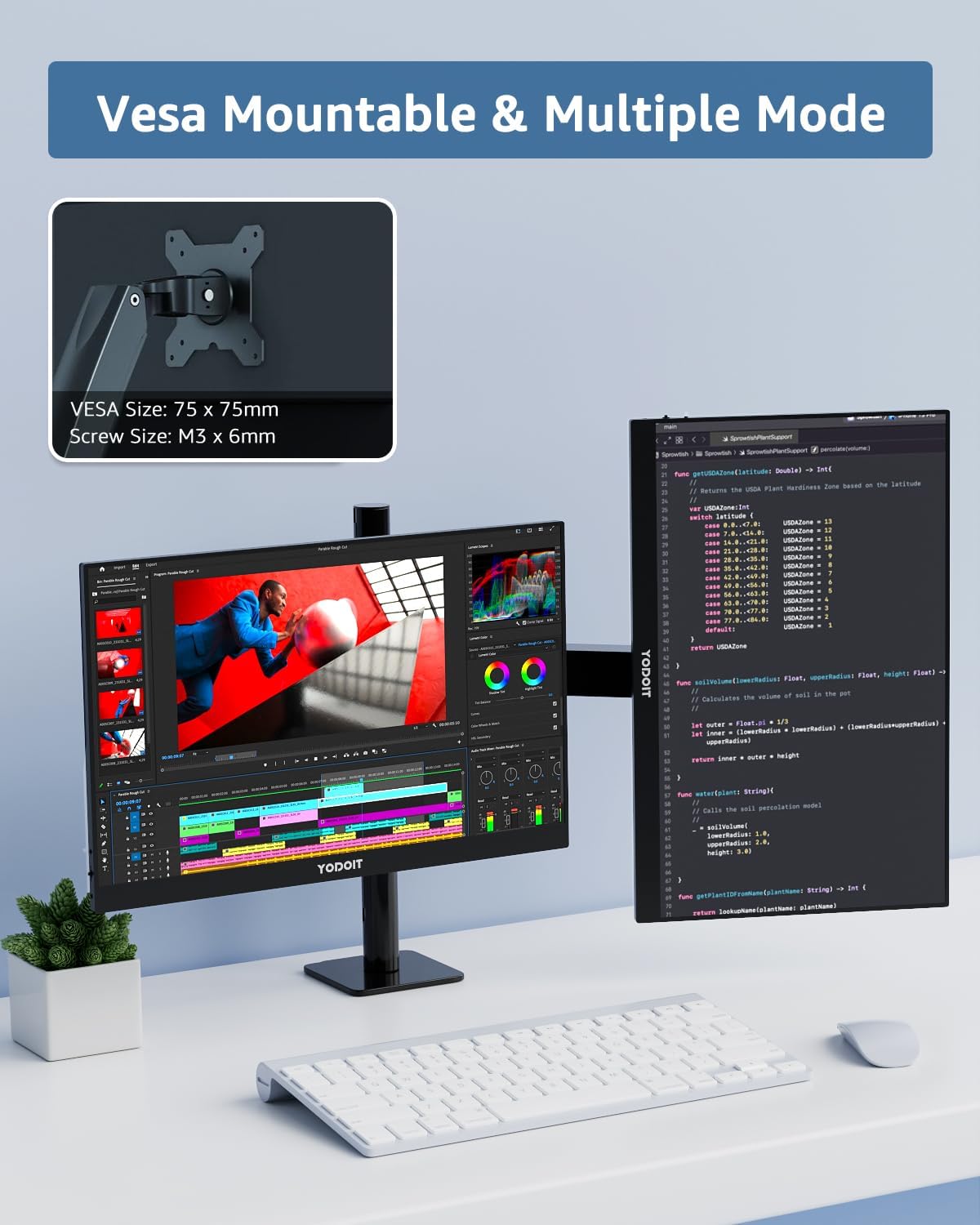
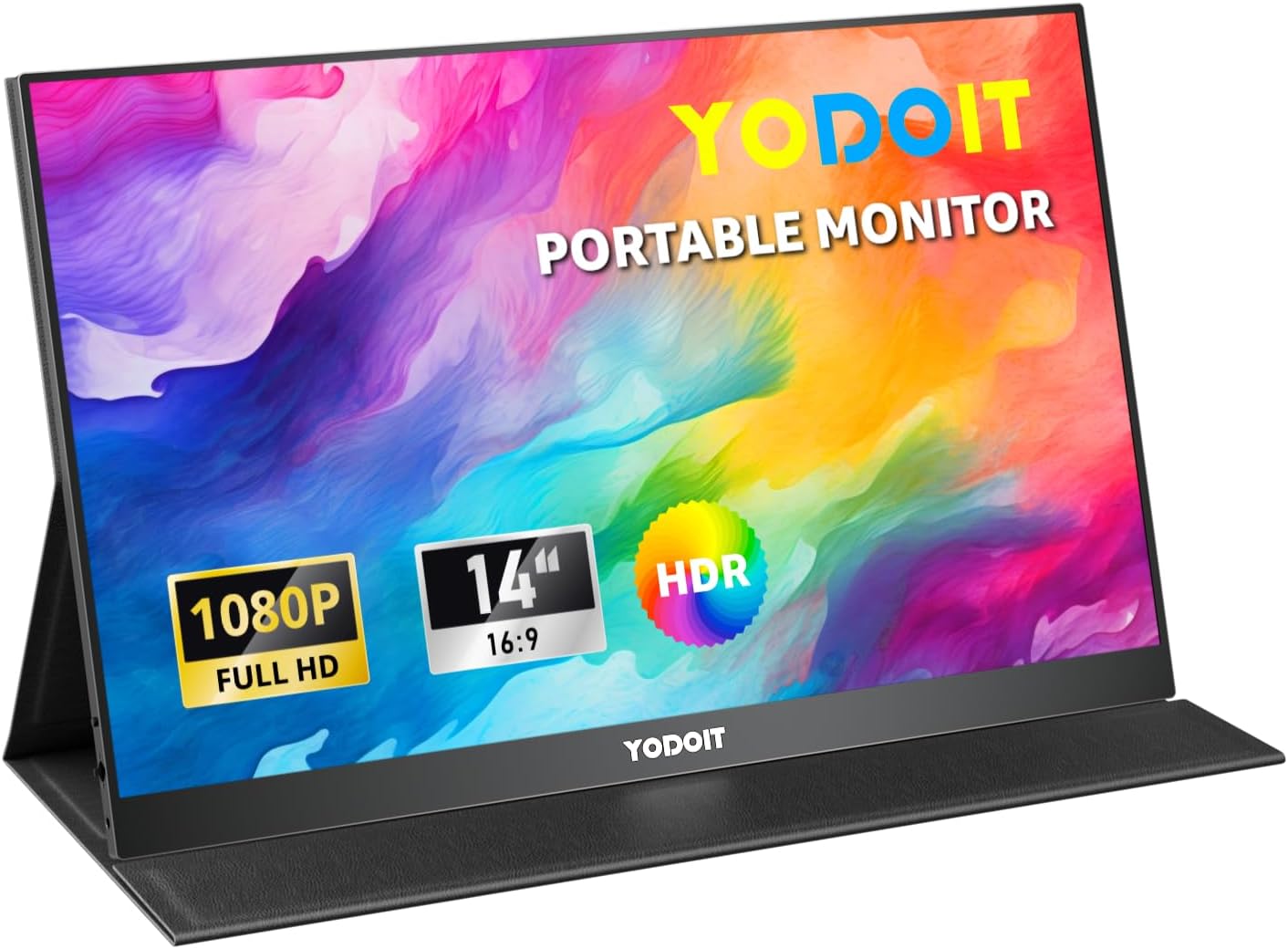
Yodoit Portable Monitor 14" – 1080p IPS Second Screen for versatile on-the-go setups
Product description
What it is
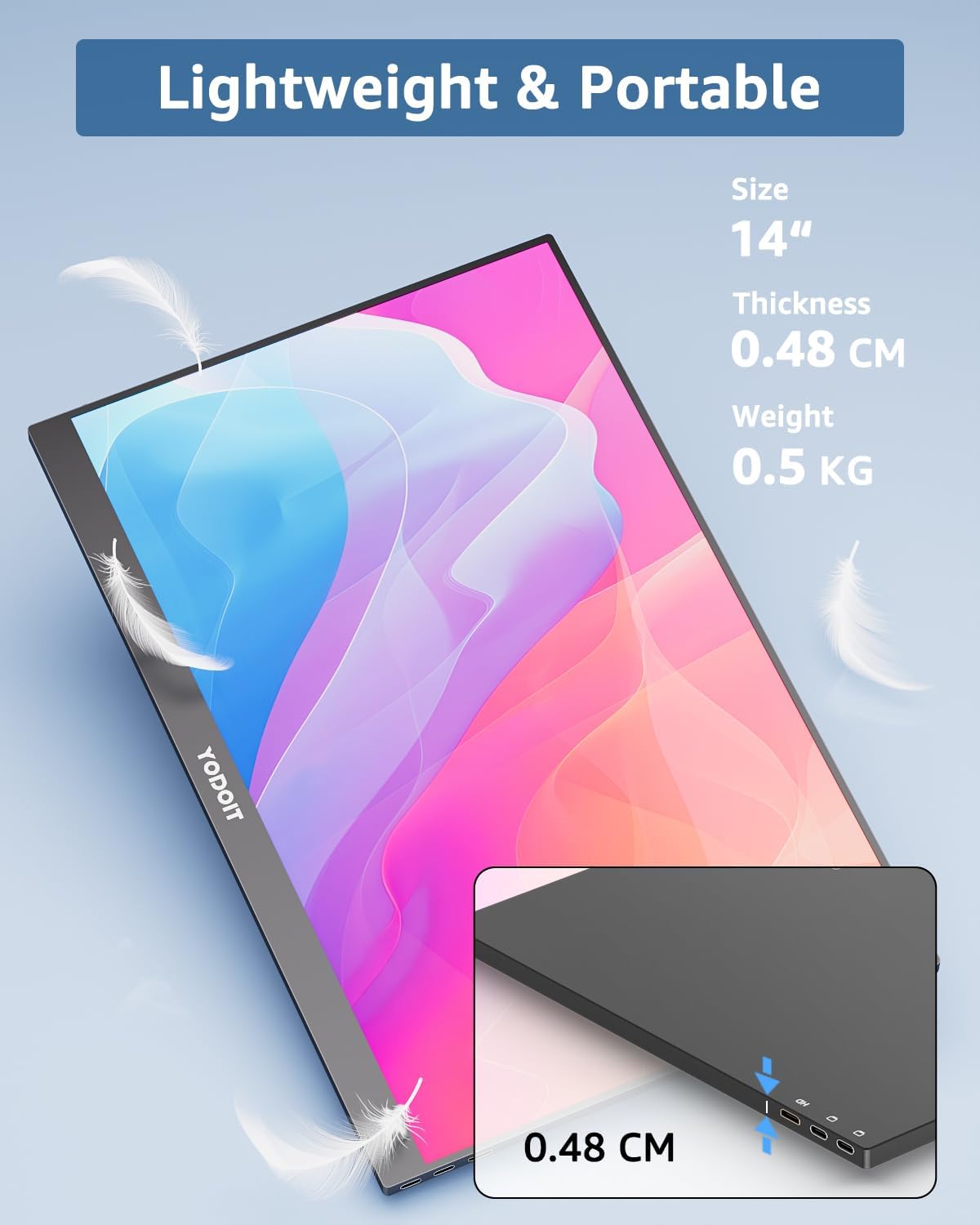
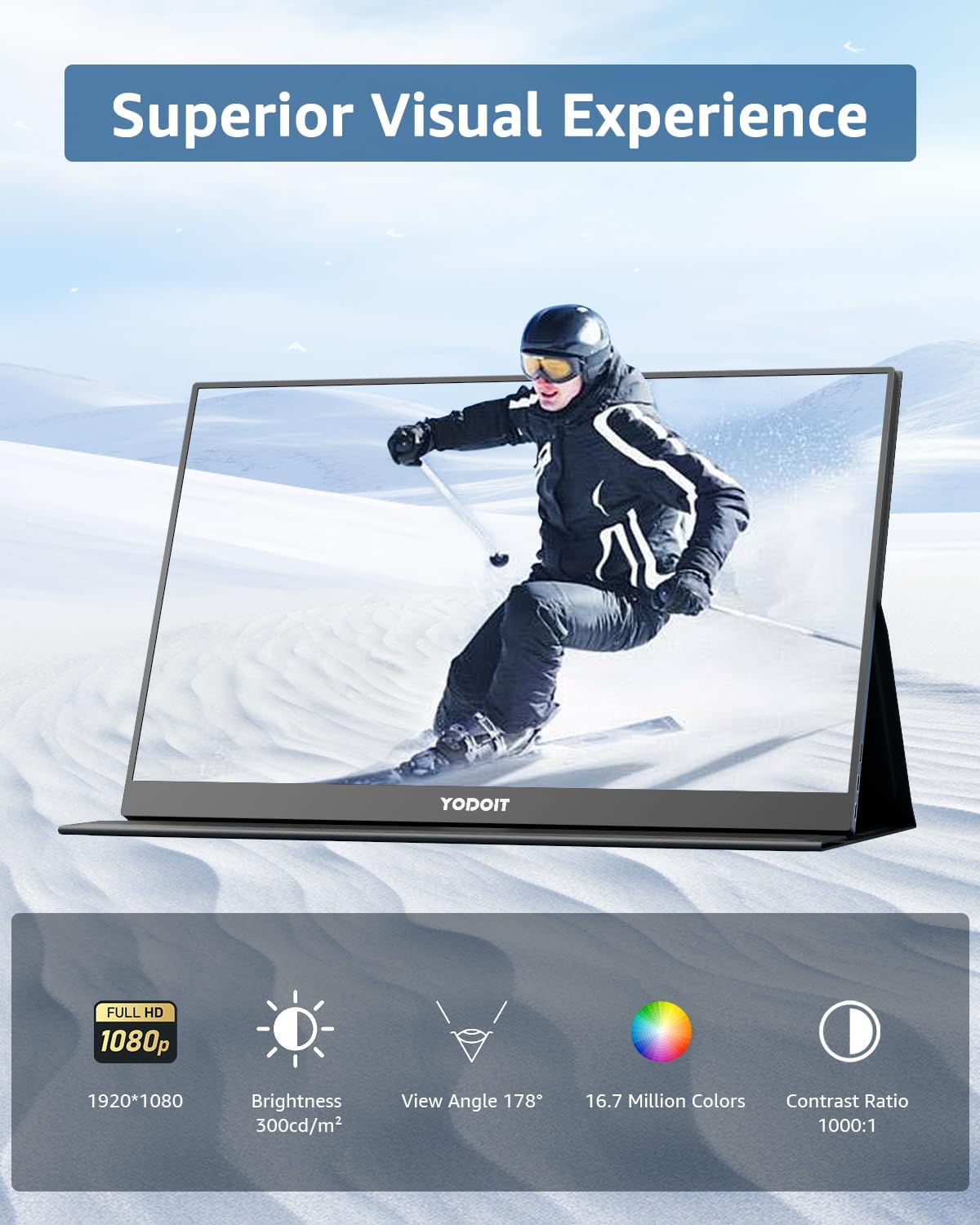
The Yodoit Portable Monitor is a compact 14" full HD external display intended to function as a second screen for laptops, PCs and gaming consoles. Weighing about 551.2g and measuring roughly 0.48 cm thick, it aims to offer extra screen real estate without bulk. It uses a 1920×1080 IPS panel with anti-glare coating and a 60Hz refresh rate, designed to keep visuals clear in varying lighting conditions.
Why it might matter
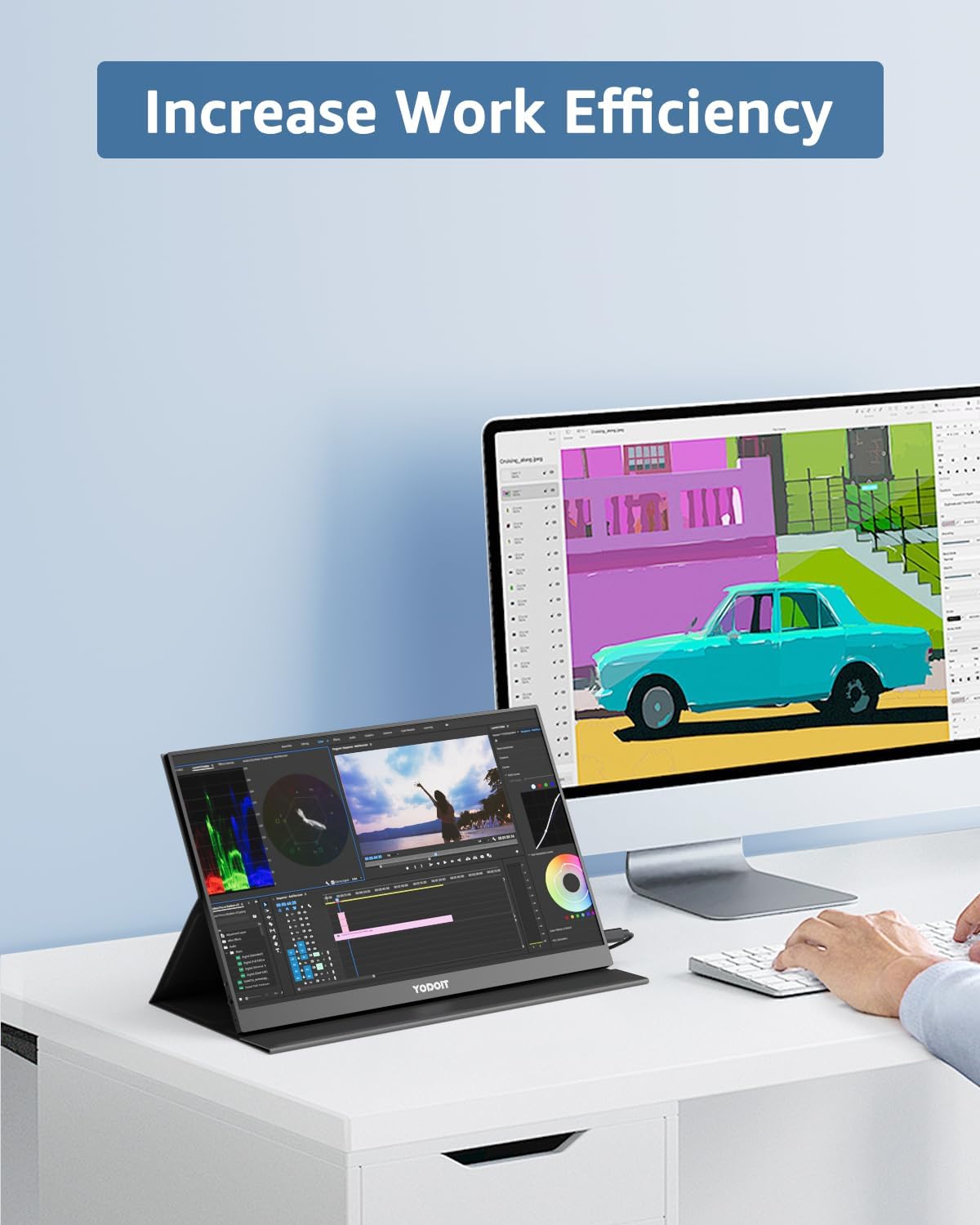
If you frequently multitask or need a dedicated space for references, chats, or streaming while you work, a secondary display can help you stay organised. The model emphasises plug-and-play connectivity, so you don’t need to install drivers. Its lightweight design makes it practical for travel, home offices, or a temporary workstation.
What stands out
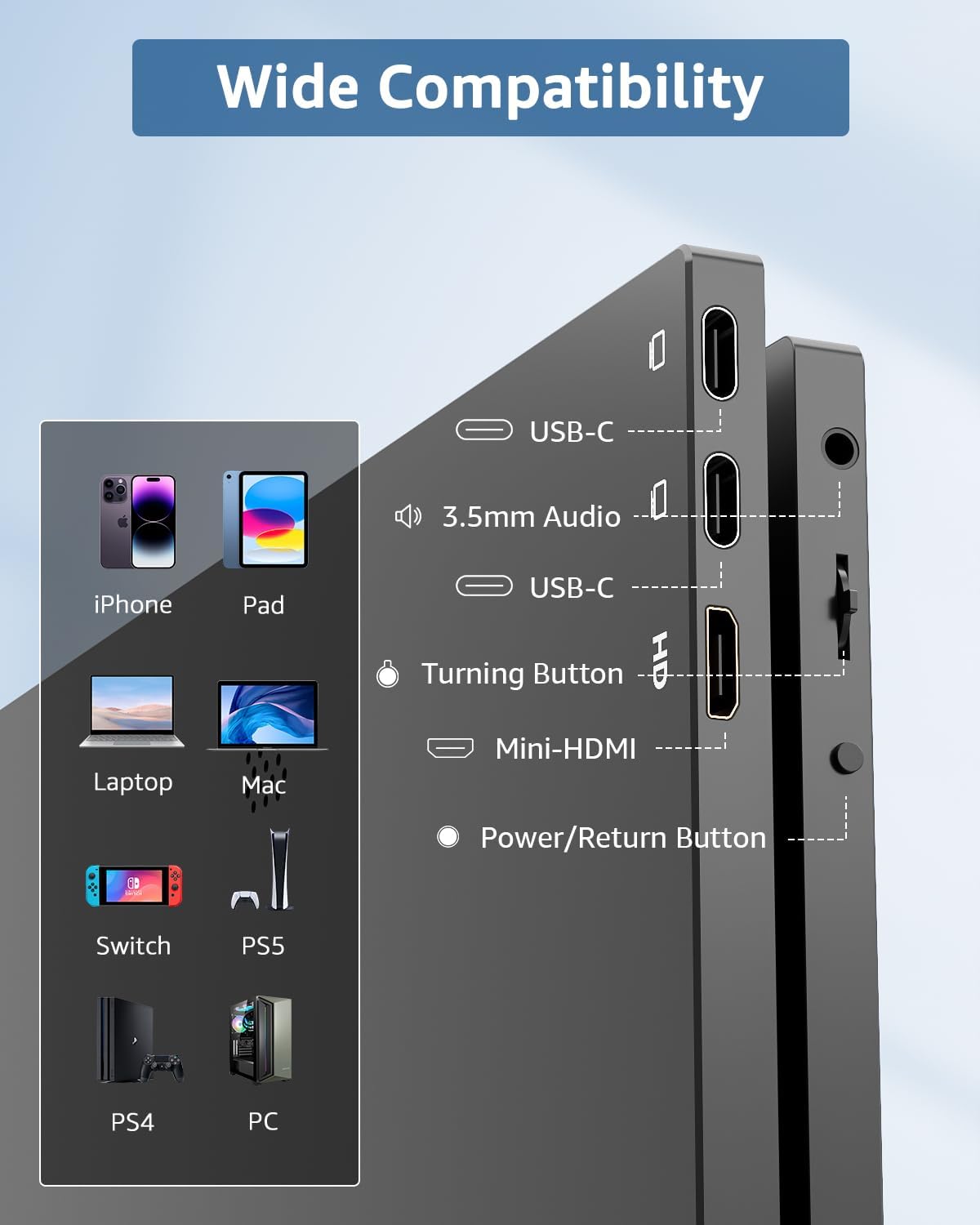
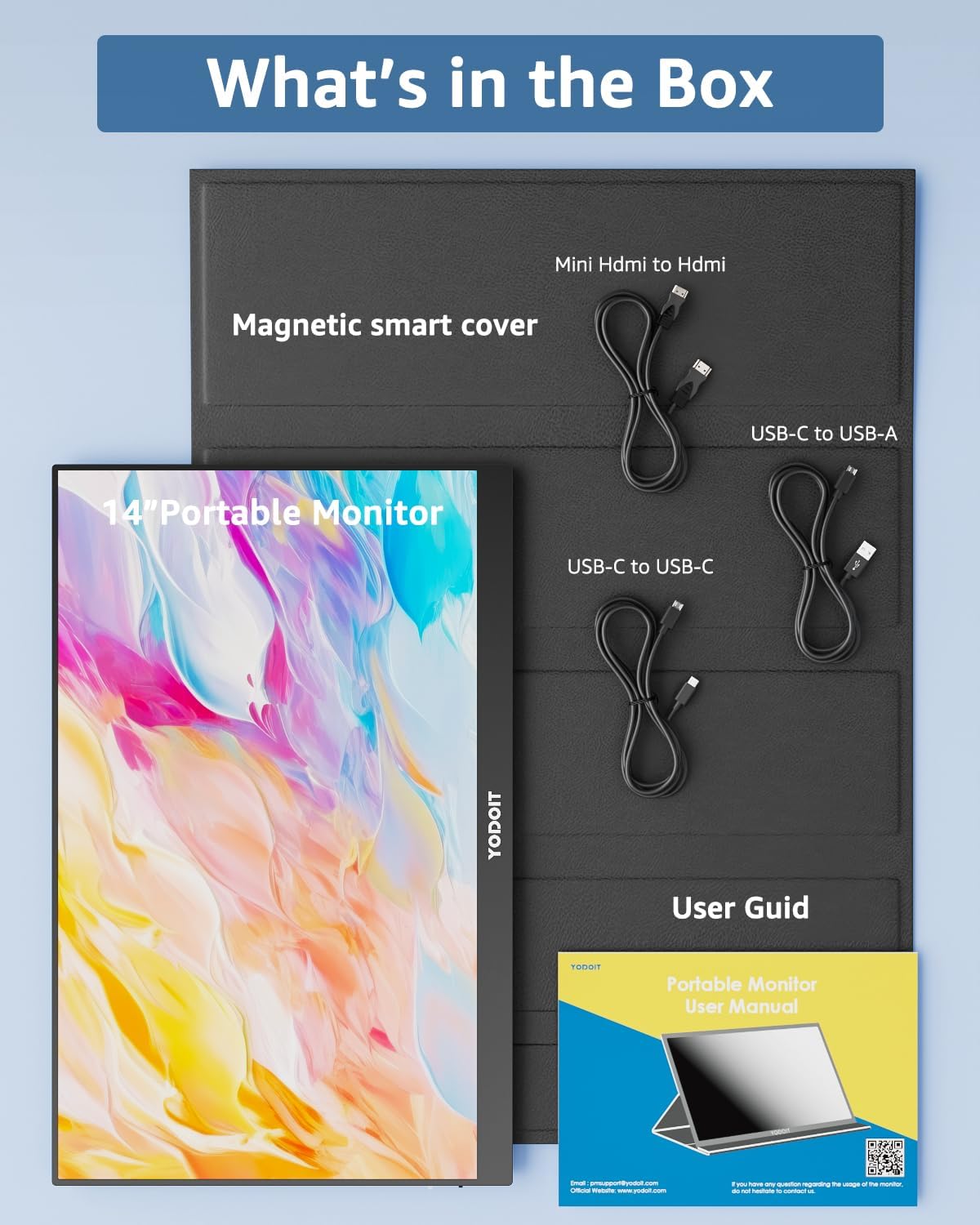
Two main ways to connect: USB-C (full-featured Type-C required) or HDMI with power input for full HD output. This broad connectivity supports many devices, from laptops and desktops to gaming consoles. The integrated speakers offer basic audio without needing extra peripherals, and the built-in smart cover helps protect the screen when not in use.
Important considerations
Not all USB-C ports carry video output, so you’ll need a port that supports DisplayPort Alt or HDMI Alt for the device to transmit video. If you opt for the USB-C route, ensure your port is capable of video transmission. When using the C2C cable option, note that only certain video-capable cables will work, the package includes a dedicated cable in the box.
Practical use cases
- A portable second screen for remote work: keep emails or reference docs open while drafting in your main window.
- A compact gaming or media hub: extend your console or PC to a second display without a full desktop setup.
- Quick presentations or on-the-go demos: share content with collaborators without dragging a full monitor. A tip: mobile devices may require an additional power source to deliver stable performance, depending on the output complexity.
Compatibility and setup notes
The monitor is designed to pair with PCs, Macs, laptops, smartphones (with a full-featured Type-C), and gaming devices like Xbox, PS4/PS5. Before purchase, verify your device’s output port supports video transmission and check cabling options if you plan to use USB-C or a C2C connection.
Tech specs (brief)
- Screen: 14" Full HD 1920×1080, IPS, anti-glare
- Refresh rate: 60 Hz
- Weight: ~551.2 g
- Connectivity: USB-C (full-featured) or HDMI + power input
- Additional: built-in speakers, smart cover
- Important caveats: not all USB-C ports support video, some C2C cables won’t transmit video without the right type
FAQ
- Do I need drivers to use this monitor? No, it is designed as Plug‑And‑Play.
- Will it work with my phone via USB-C? It can, if the phone’s USB-C port supports video output and power requirements are met.
- Is the 60 Hz refresh rate enough for gaming? For casual gaming and media consumption yes, but not a high-refresh competitive setup.
- Do I need an extra power supply when connected to a laptop? Some configurations may require external power to maintain performance, check your device’s power output needs.
Should you buy it?
It makes sense if you want a lightweight, portable second screen for general productivity or casual gaming, and you prioritise straightforward setup over peak performance. It may not be the best option if you demand high-refresh gaming, or if your device’s USB-C port cannot reliably output video. If you travel often or work remotely and need extra screen real estate without a heavy laptop, this model could fit the bill.