

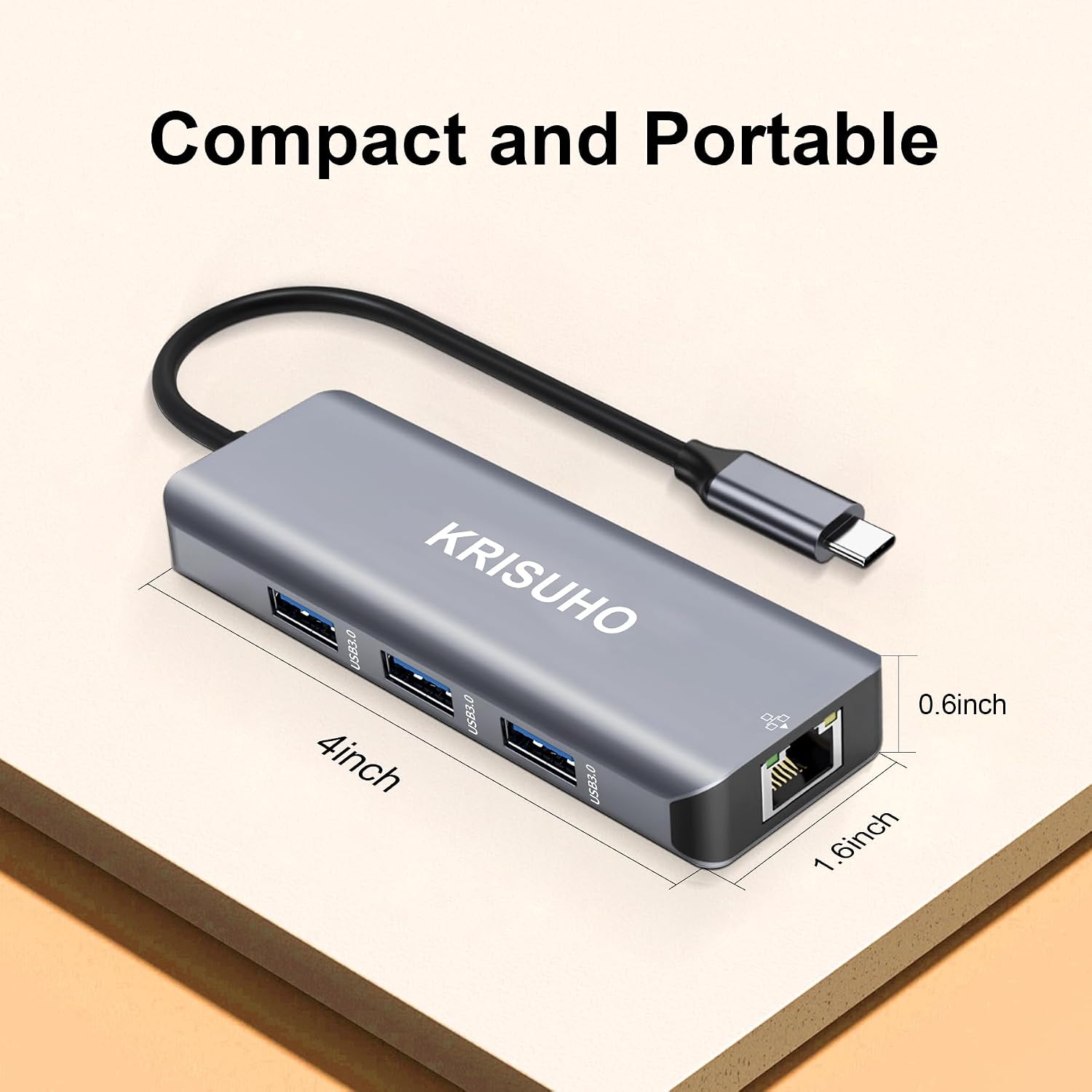
KRISUHO USB-C Hub Multiport Adapter (8-in-1) with Ethernet, HDMI 4K and 100W PD
Product description
The essentials
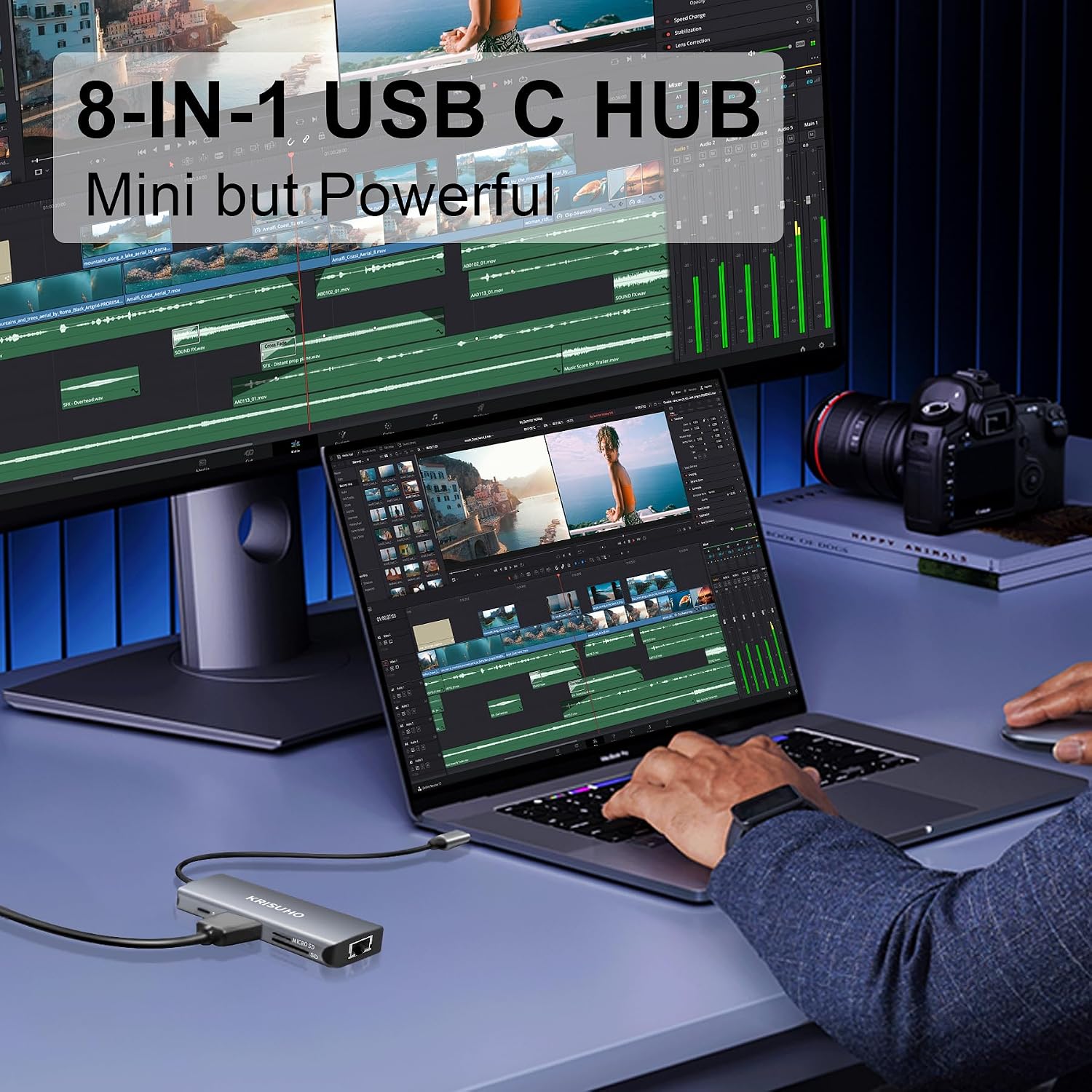
If you’re fed up with laptop ports that vanish the moment you plug in a charger and a drive, a USB-C hub like the KRISUHO 8-in-1 multiport adapter is meant to bring things back under control. It bundles a few of the most common “desk and travel” connections into one compact dongle, including Ethernet for a more reliable internet link, HDMI for an external display, USB ports for peripherals, and card readers for SD/TF media.
On paper, it’s positioned as a practical all-rounder: use it as a simple Mac/USB-C adapter for work trips, or as a mini docking station when you want your laptop to feel more like a proper workstation at home or in the office. Whether it feels like a step up will depend a bit on what you’re connecting and how you plan to power your laptop.
Worth knowing upfront: the listing talks about HDMI up to 4K at 30Hz and Ethernet at 1000M, plus “Power Delivery up to 100W”. That gives you a lot of flexibility, but it also means you’ll want to check your laptop’s charging requirements and display expectations before you rely on it for everything.
Key features that matter day to day
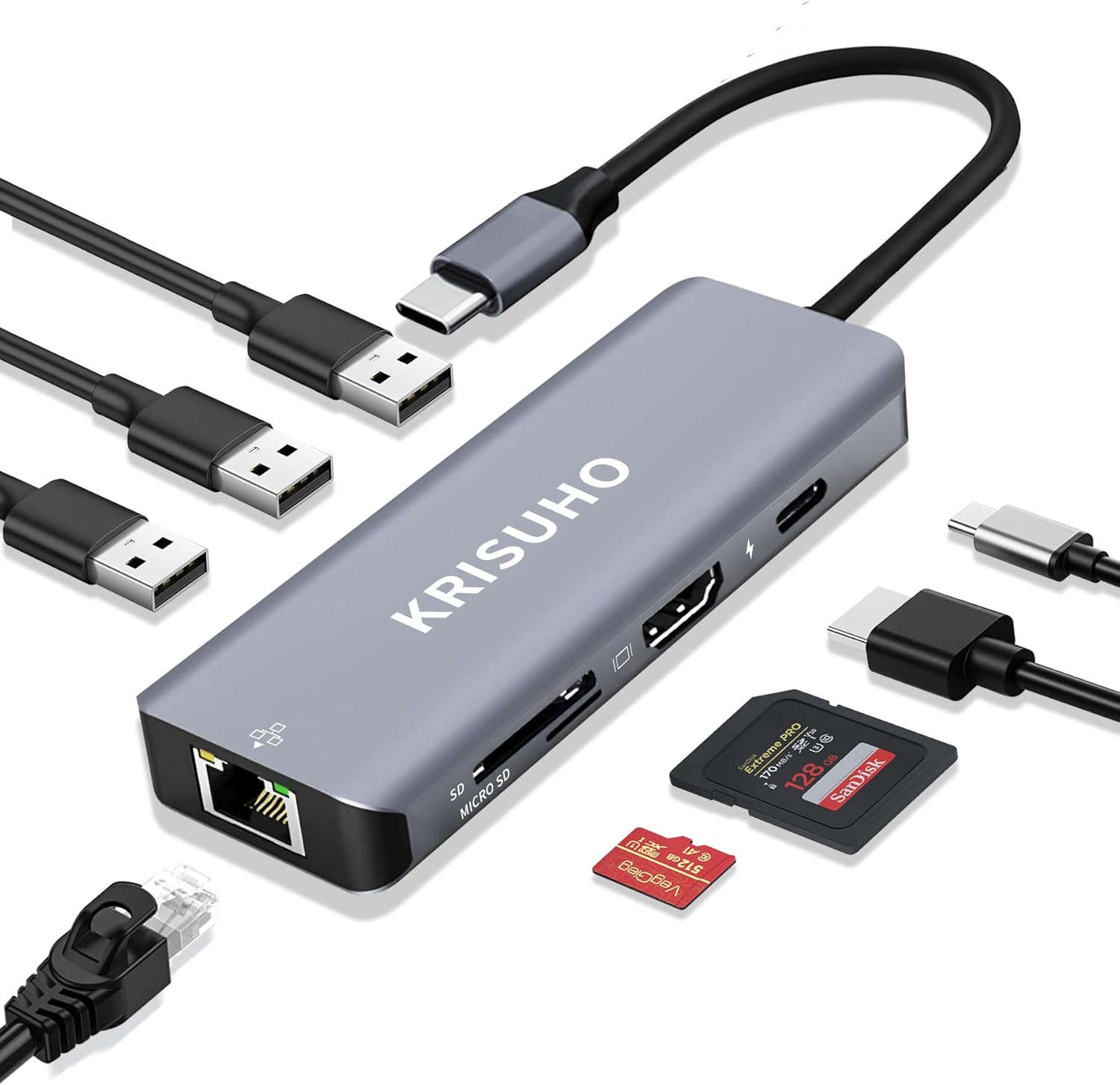
The KRISUHO hub’s appeal is its mix of ports in one tidy unit. You get:
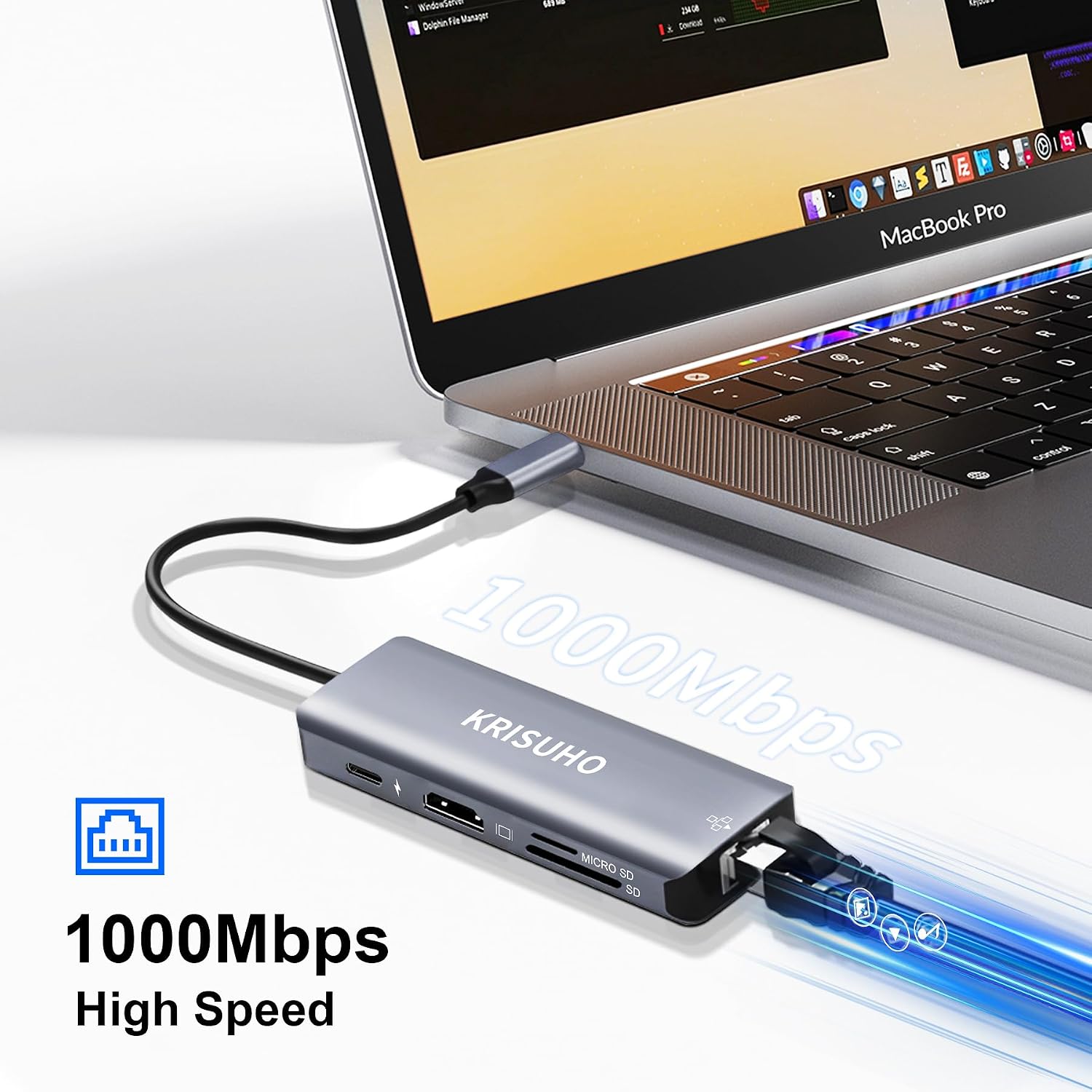
- Ethernet (1000M) for a steadier connection than Wi‑Fi, useful if you’re on video calls, attending meetings, or transferring files.
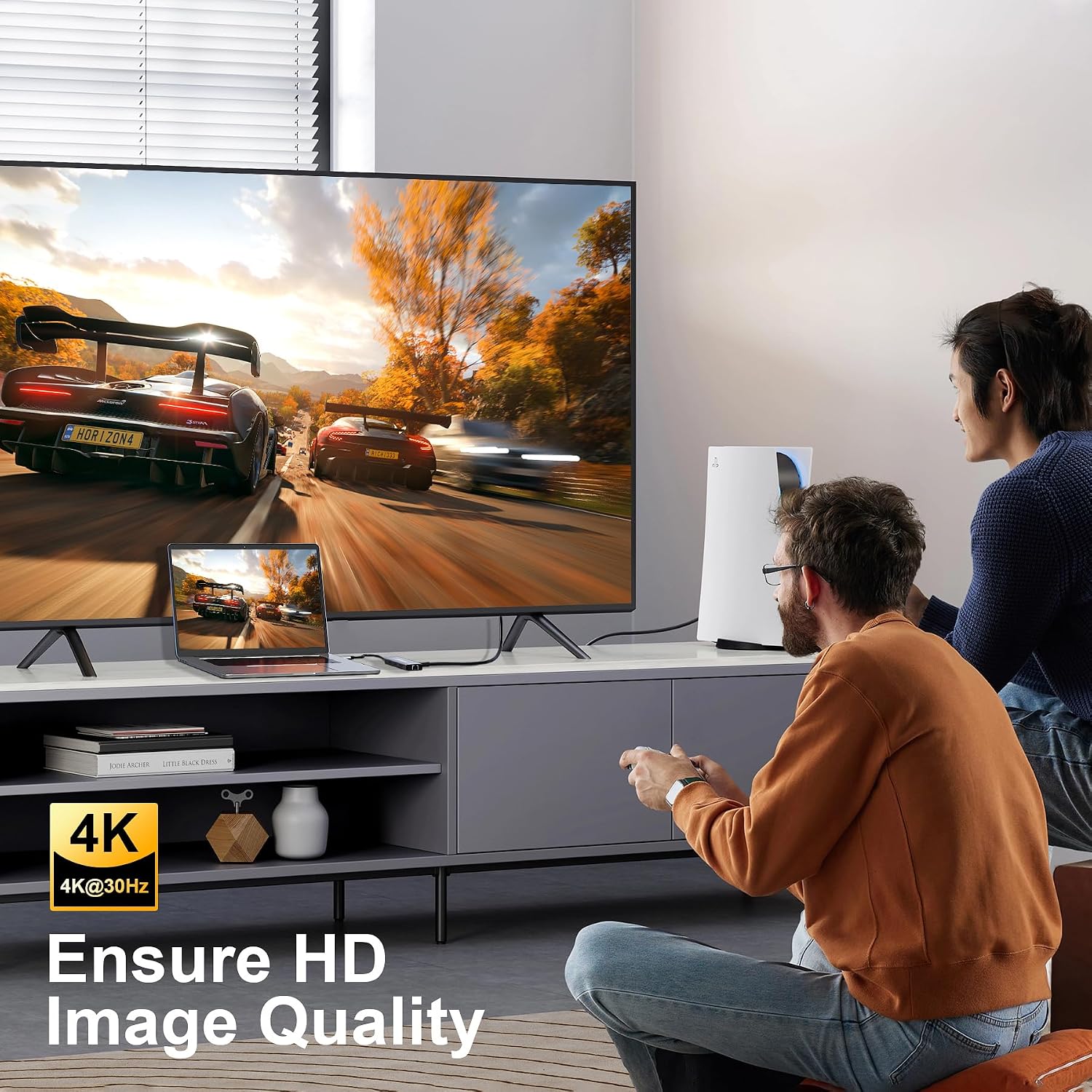
- HDMI output supporting up to 4K at 30Hz for connecting to a monitor or TV. This is handy for presentations and creative workflows where you want a bigger canvas.
- USB 3.0 ports rated up to 5Gbps for peripherals and faster data transfers with compatible devices like external storage.
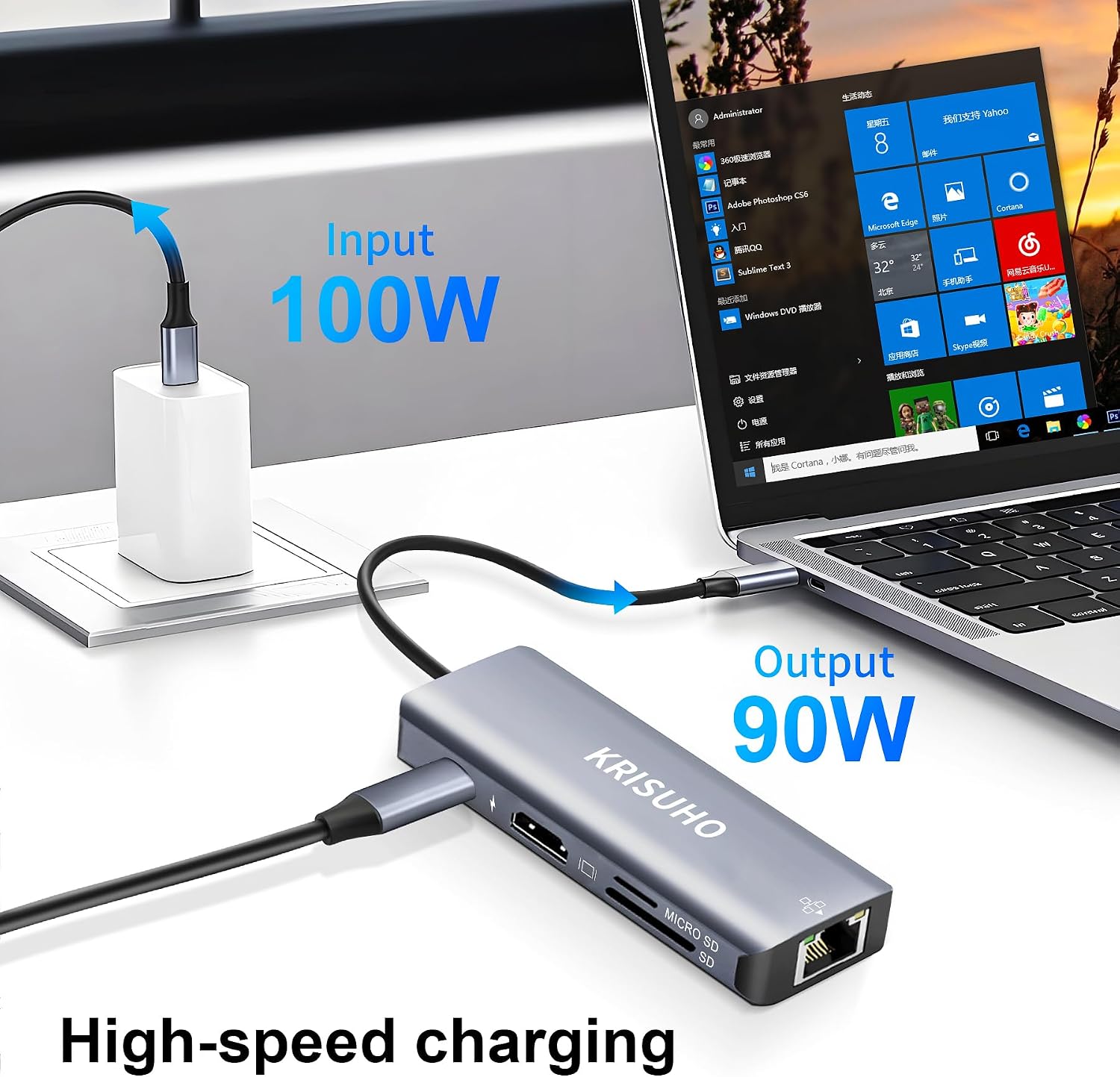
- A dedicated Power Delivery port rated up to 100W, so you can keep charging while the hub is in use.
- SD/TF card reader support, which is convenient if you regularly move media from a camera, drone, or phone.
That combination is the kind of “desk friction reducer” that makes sense if you regularly swap between charging, storage, and displays.
What you’ll notice in use
The best way to think about this hub is as a practical connector layer rather than a full replacement for a big docking setup. In everyday use, it can feel like you’re undoing cable chaos:
For example, you could dock your laptop by connecting the hub once, then plug in Ethernet, connect a monitor via HDMI, and attach a USB external drive. During the day, you’re not juggling dongles or searching for the right cable. When you finish, it unplugs easily for a commute.
It’s also aimed at people doing creative work: the HDMI support (up to 4K at 30Hz) is framed as suitable for presenting work with clarity, and the card reader is there for bringing in photos or footage.
Tech specs
- Type: USB-C hub / docking station / multiport adapter
- Ethernet: 1000M (Gigabit)
- HDMI: up to 4K at 30Hz
- Power Delivery: up to 100W
- USB ports: USB 3.0, up to 5Gbps
- Card reader support: SD/TF
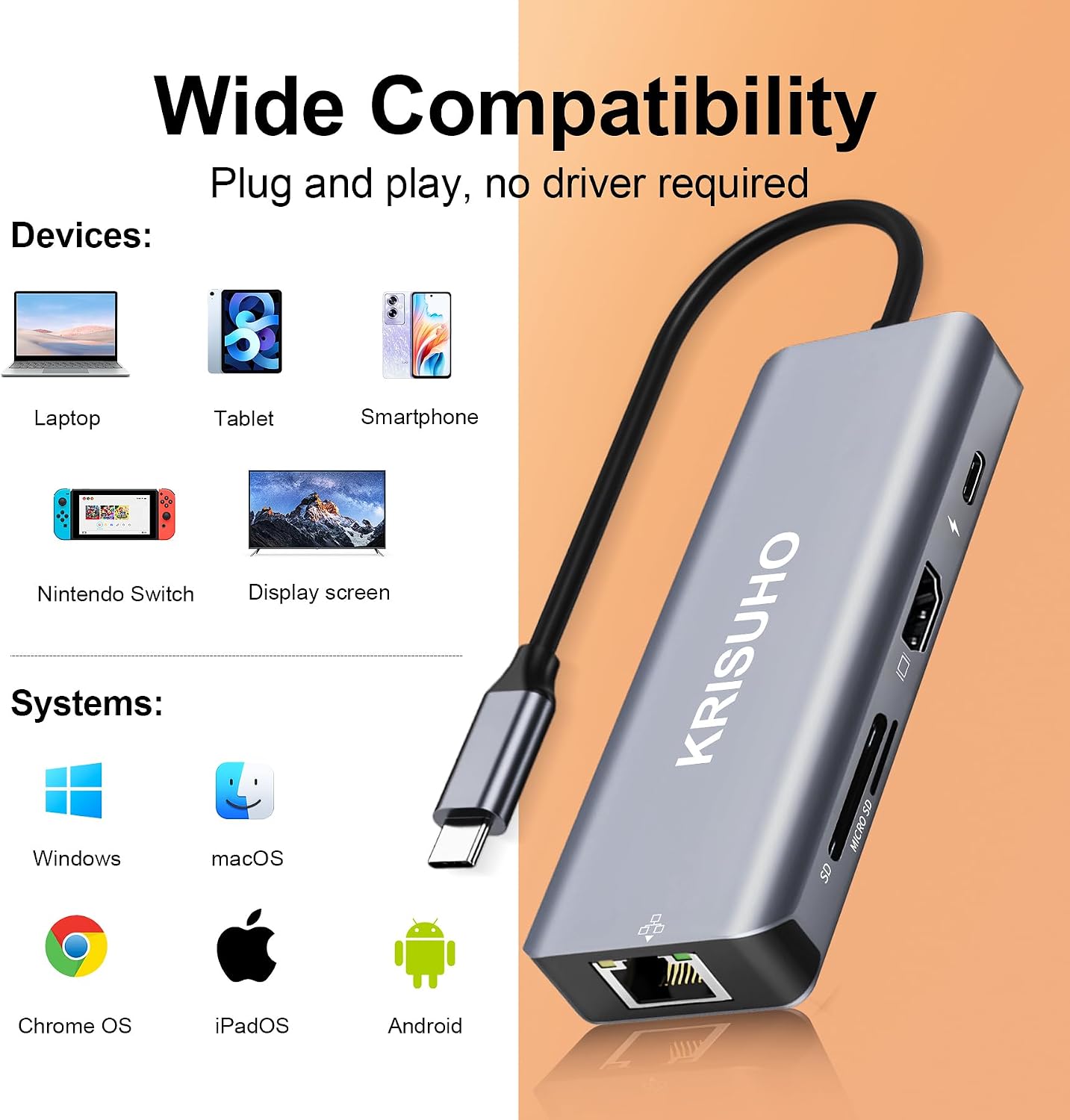
- Compatibility claim: works with Windows, macOS and Linux, no additional drivers mentioned
Where it shines (and where it may not)
It makes sense if you want one cable to cover multiple roles: internet, display, data, and media. The inclusion of Power Delivery up to 100W is particularly relevant if you don’t want a separate charger taking up a socket.
However, it may not be the best match if:
- You expect high refresh-rate gaming or ultra-smooth motion on a display. The HDMI support is described up to 4K at 30Hz, which is more “work and content” than “fast action”.
- You need very specific docking behaviour beyond what’s mentioned (for instance, advanced multi-monitor setups aren’t described here).
- Your priority is a super-minimal USB hub without any HDMI/Ethernet features—this is clearly aimed at multi-purpose use, so you may not fully benefit if you only need one or two ports.
Buying check: what to verify before you commit
Before purchasing, it’s worth double-checking a few practical points, because the listing doesn’t go into everything you might care about:
- Display expectations: if you plan to output at 4K, remember the stated maximum is 4K at 30Hz.
- Laptop charging: while Power Delivery is listed up to 100W, your laptop will have its own charging behaviour and requirements. If you often push heavy workloads, it’s still wise to confirm that PD-through charging meets what you need in real life.
- Port priority: think about which connections you’ll use simultaneously. The hub is designed for multiport use, but your real setup (monitor + Ethernet + external storage + card reader) is what will decide whether it feels smooth.
Is it worth it?
A solid buy if you want an 8-in-1 USB-C hub that covers Ethernet, HDMI (up to 4K at 30Hz), USB 3.0 data (up to 5Gbps), SD/TF reading, and up to 100W Power Delivery—especially if you’re building a simple home office or you travel with a laptop and want fewer accessories.
You may want to skip it if your use case leans heavily into high refresh-rate display needs, or if you only require one or two ports and don’t want the extra bulk and complexity. Overall, it looks more like a sensible mid-category multiport adapter for everyday productivity than a specialist workstation dock.
Mini FAQ
Will this work with Windows and Mac?
The listing states universal compatibility with Windows, macOS and Linux, and mentions no additional drivers.
Does it support charging through the hub?
It includes a Power Delivery port rated up to 100W, so you can charge your laptop while using the other ports.
What HDMI output can I expect?
HDMI is described as supporting up to 4K at 30Hz.
Is the Ethernet connection fast?
Ethernet is listed as 1000M, which is Gigabit-class.
Can it read both SD and TF cards?
Yes, it includes an SD/TF card reader as part of the 8-in-1 setup.