

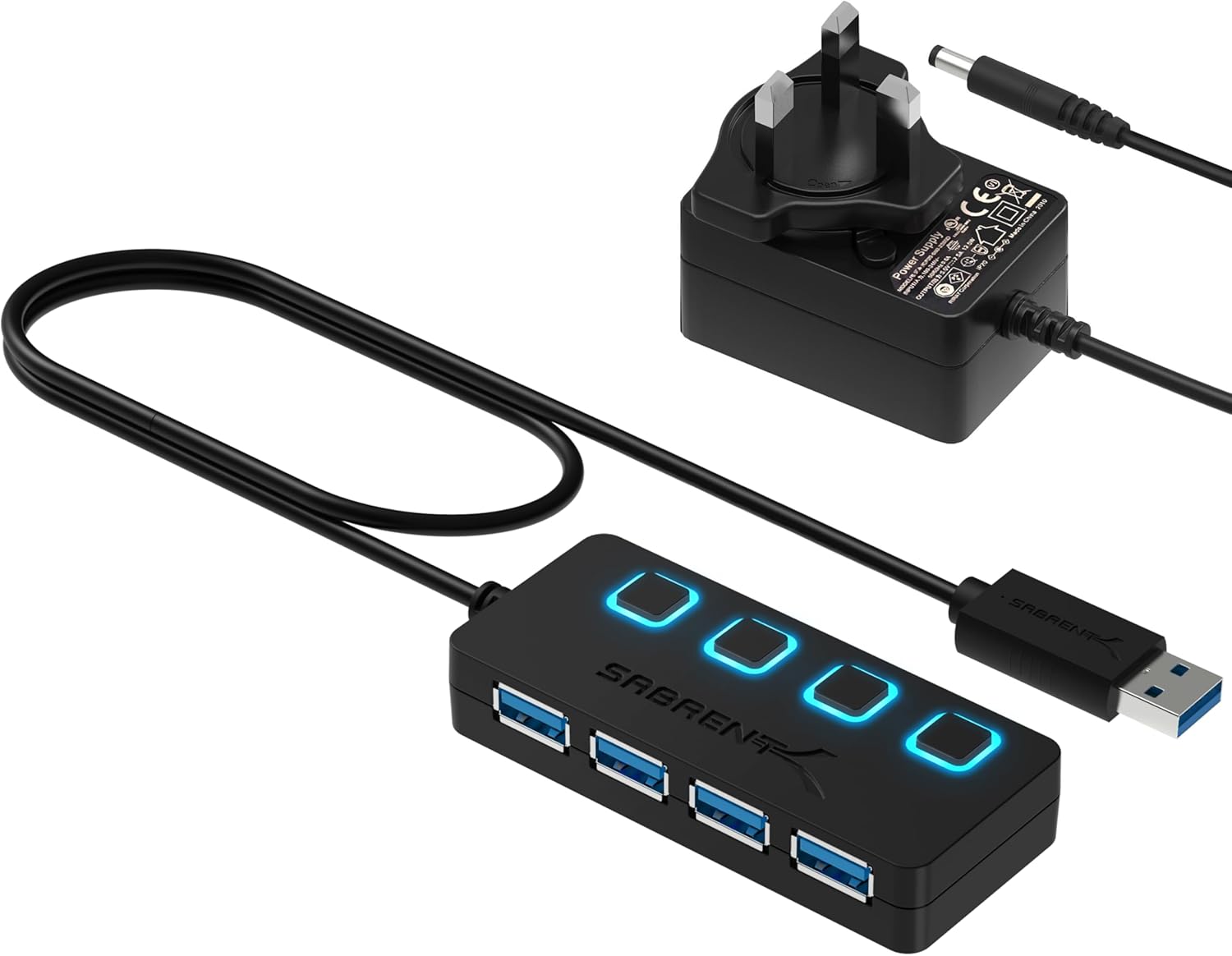
SABRENT HB-BUP7 USB Hub (7 Ports, 36W) – Fast Powered USB Docking Station for PC, Laptop & MacBook
Reviews
Price
Product description
If you’ve ever had your desk look like a USB-jungle, a powered hub can be the tidy solution. The SABRENT HB-BUP7 is a 7-port USB 3.0 hub designed to let you run more devices from a single USB connection, while giving you simple control over what’s plugged in. On paper, it’s aimed at everyday productivity—keyboards, mice, storage, headsets—without making you think too much about switching cables.
The essentials
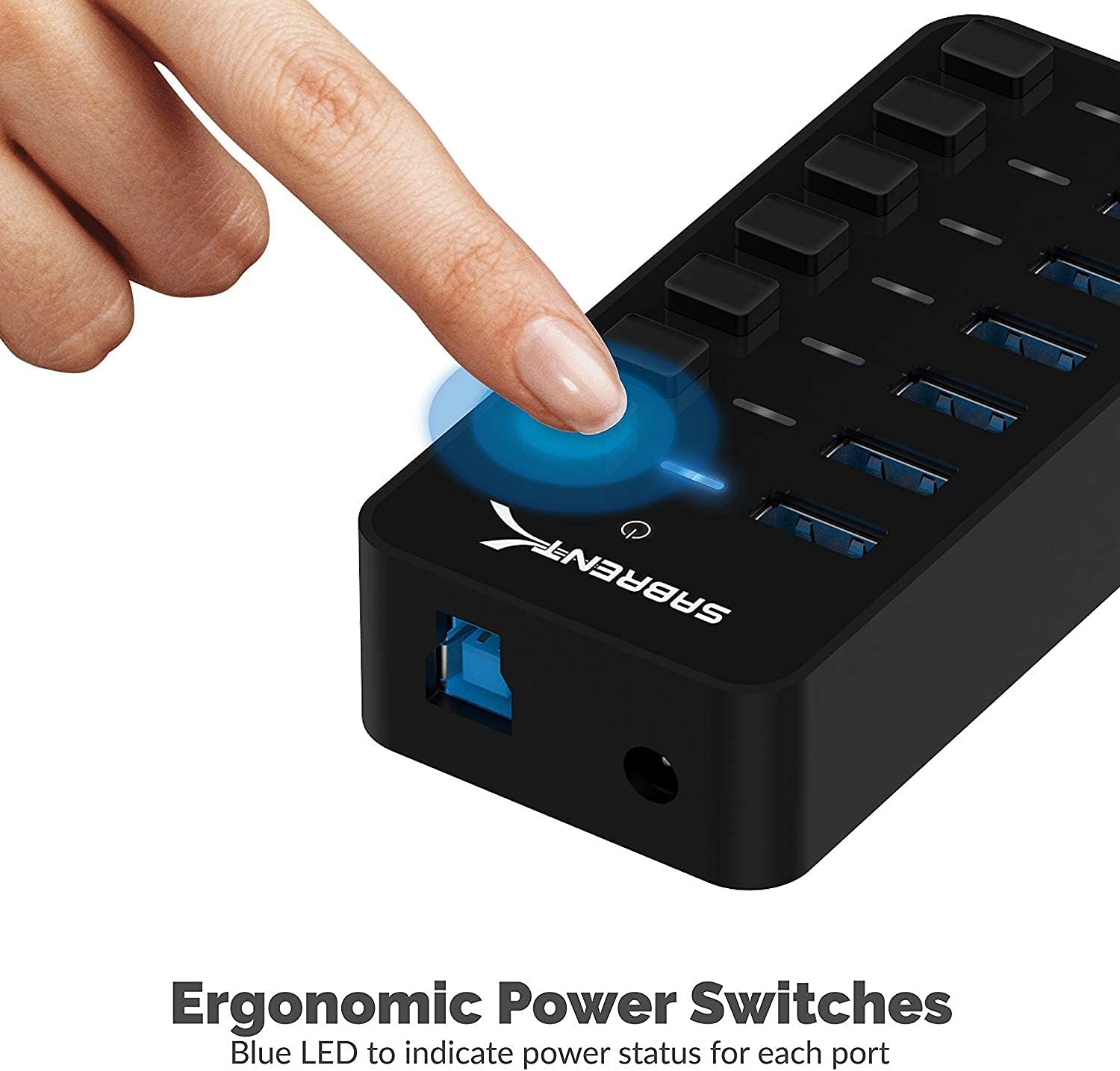
This SABRENT USB hub gives you up to 7 additional USB ports in one compact dock. It’s a “fast powered data hub”, meaning it’s meant for quicker USB 3.0-style data transfer, and it includes LED indicators so you can see power status by port. There are also on/off switches, so you can disable specific ports independently—handy when you want to reduce draw from a device you’re not actively using.
What to know before you buy
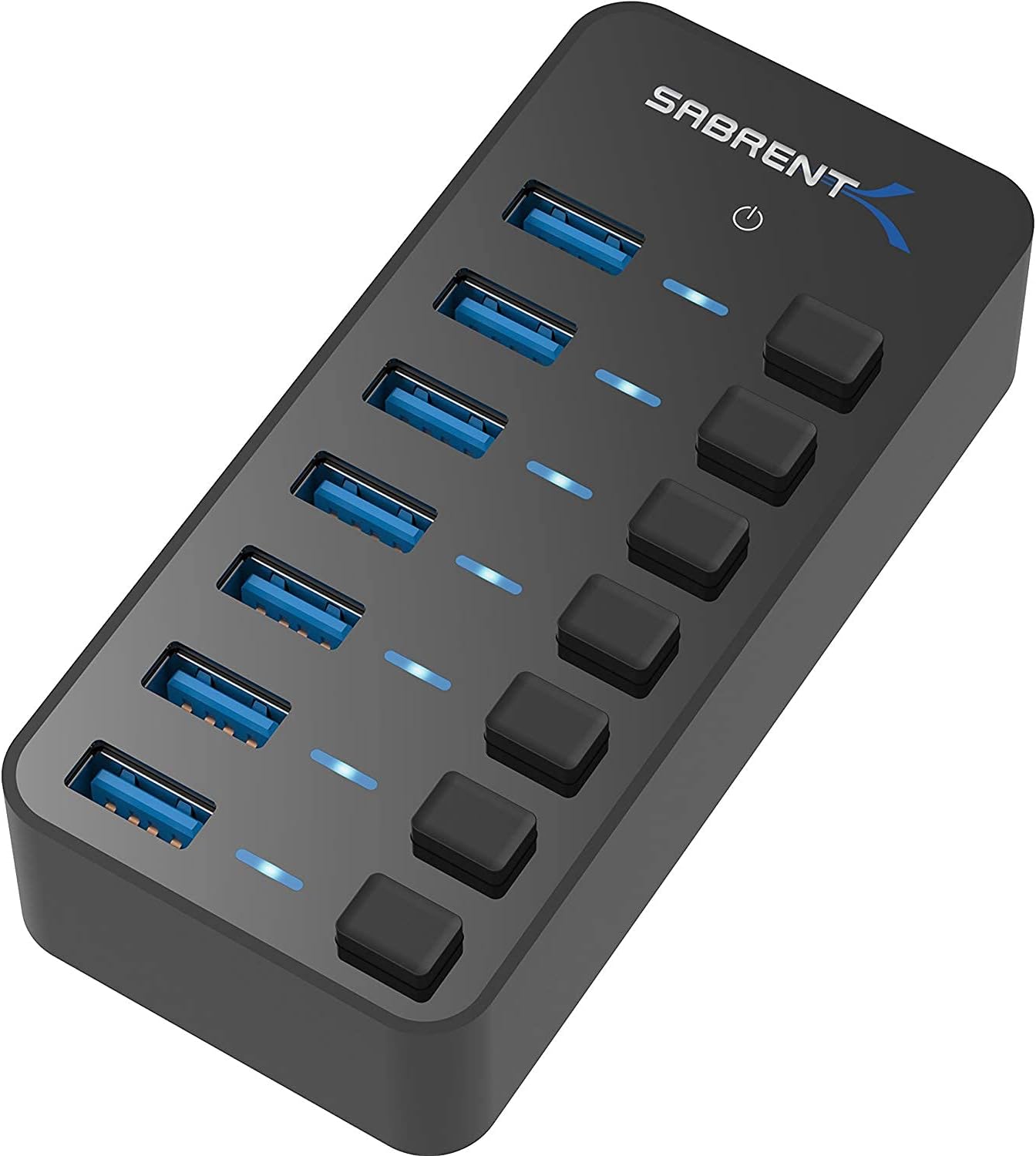
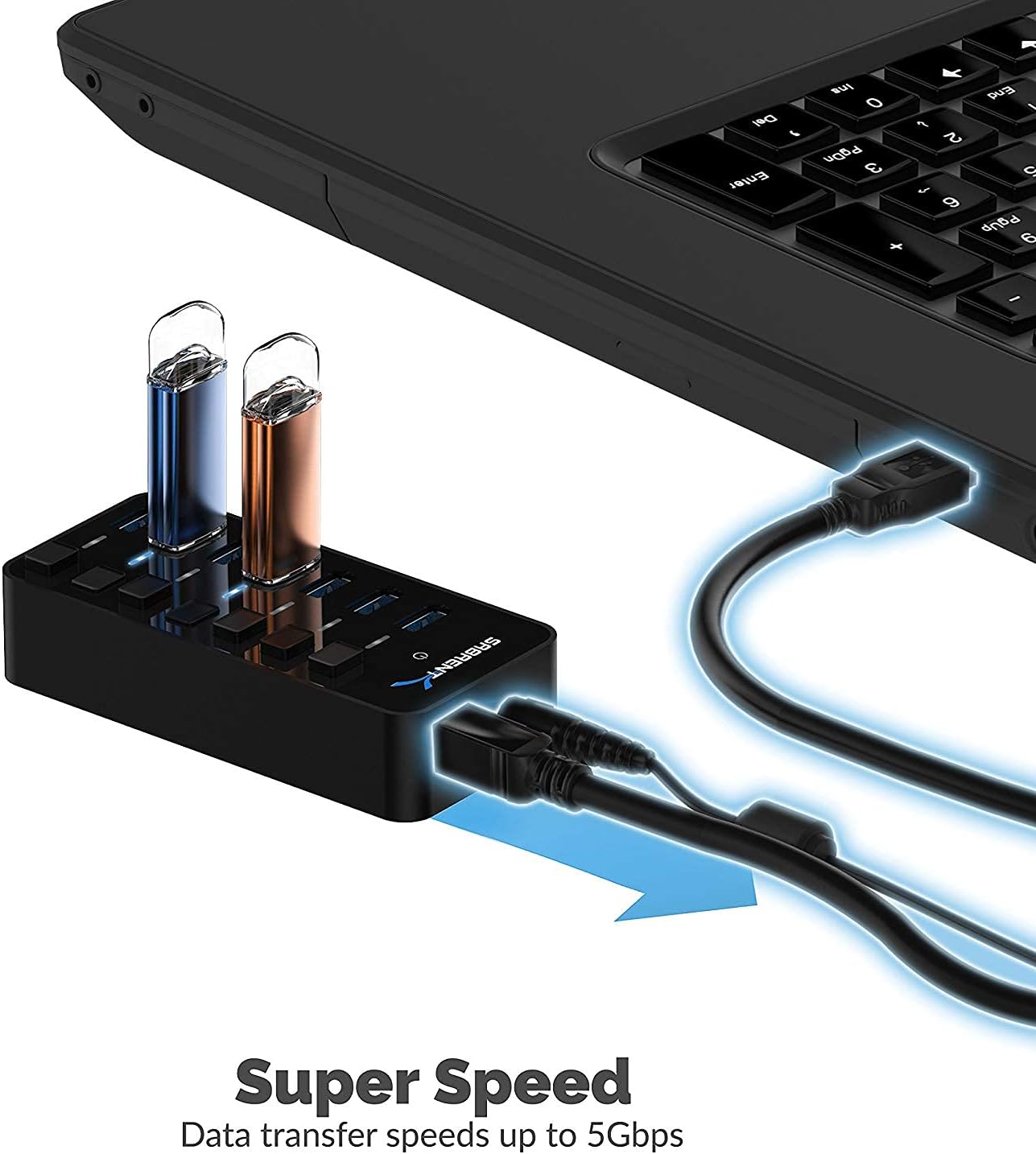
The headline feature is data speed: it’s described as offering up to 5 Gbps (SuperSpeed), which is far beyond USB 2.0 class transfer rates. In practical terms, that can make moving HD video files, large folders, or music libraries feel less like waiting around—especially if you’re copying to or from external storage.
That said, real-world speed depends heavily on the device you’re plugging in and how it behaves over USB. Also, the hub is described as compatible with USB 2.0 or 1.1 devices, so it should work with older peripherals, but you shouldn’t expect the full speed benefits from USB 2.0 hardware.
Key features that actually matter
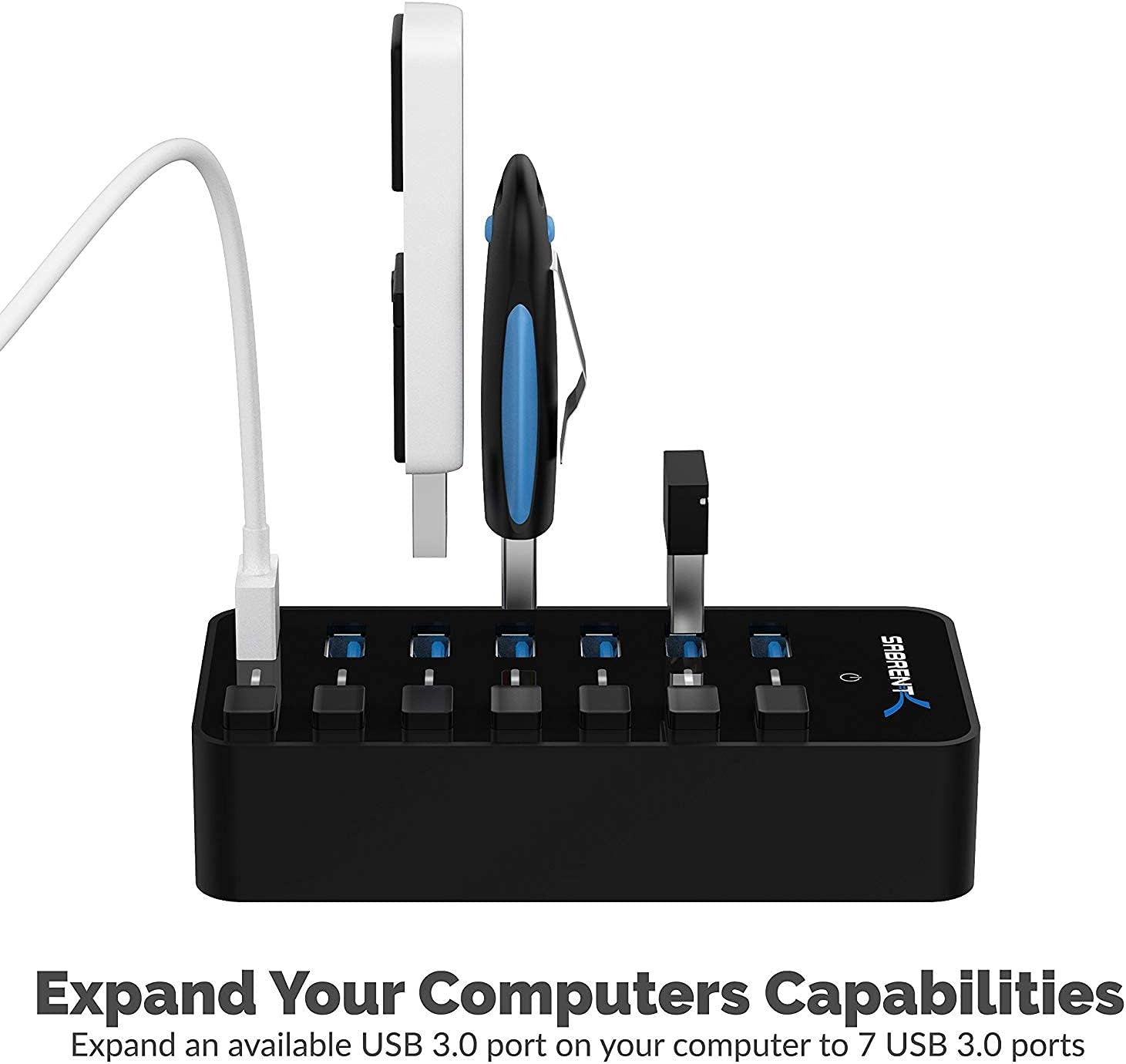
The HB-BUP7 is built for day-to-day control. Each port has its own power switch, plus LED indicators that show which ports are receiving power. That’s a small thing, but it can prevent the annoyance of needing to unplug devices physically—especially when you’re swapping between a keyboard, mouse, and a USB stick.
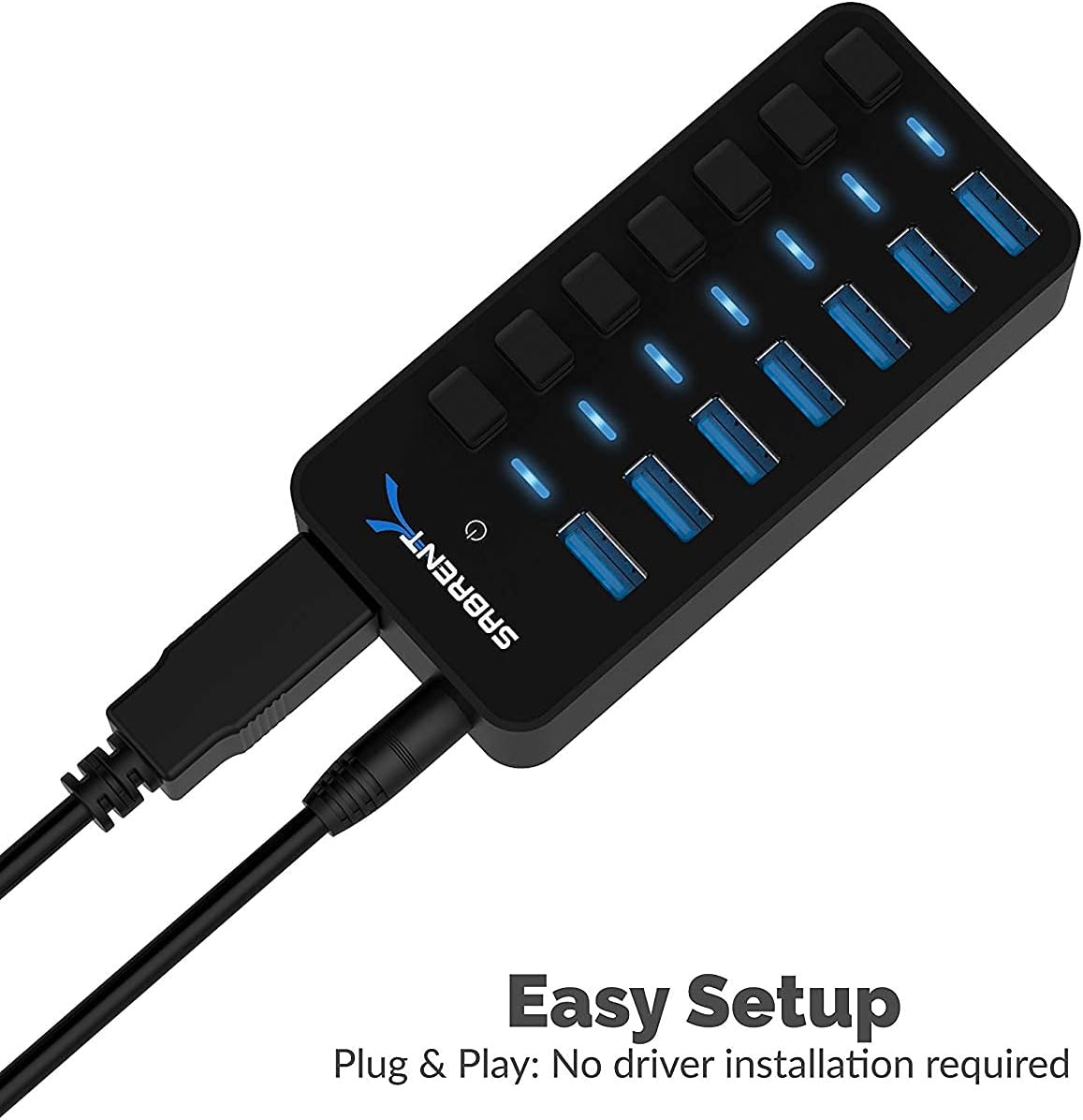
It’s also designed to be plug & play and hot-pluggable, so you shouldn’t need driver installation to get started. Depending on your setup, the “no-fuss” aspect can be the difference between using the hub and keeping it in a drawer.
Where it shines (and where it may fall short)
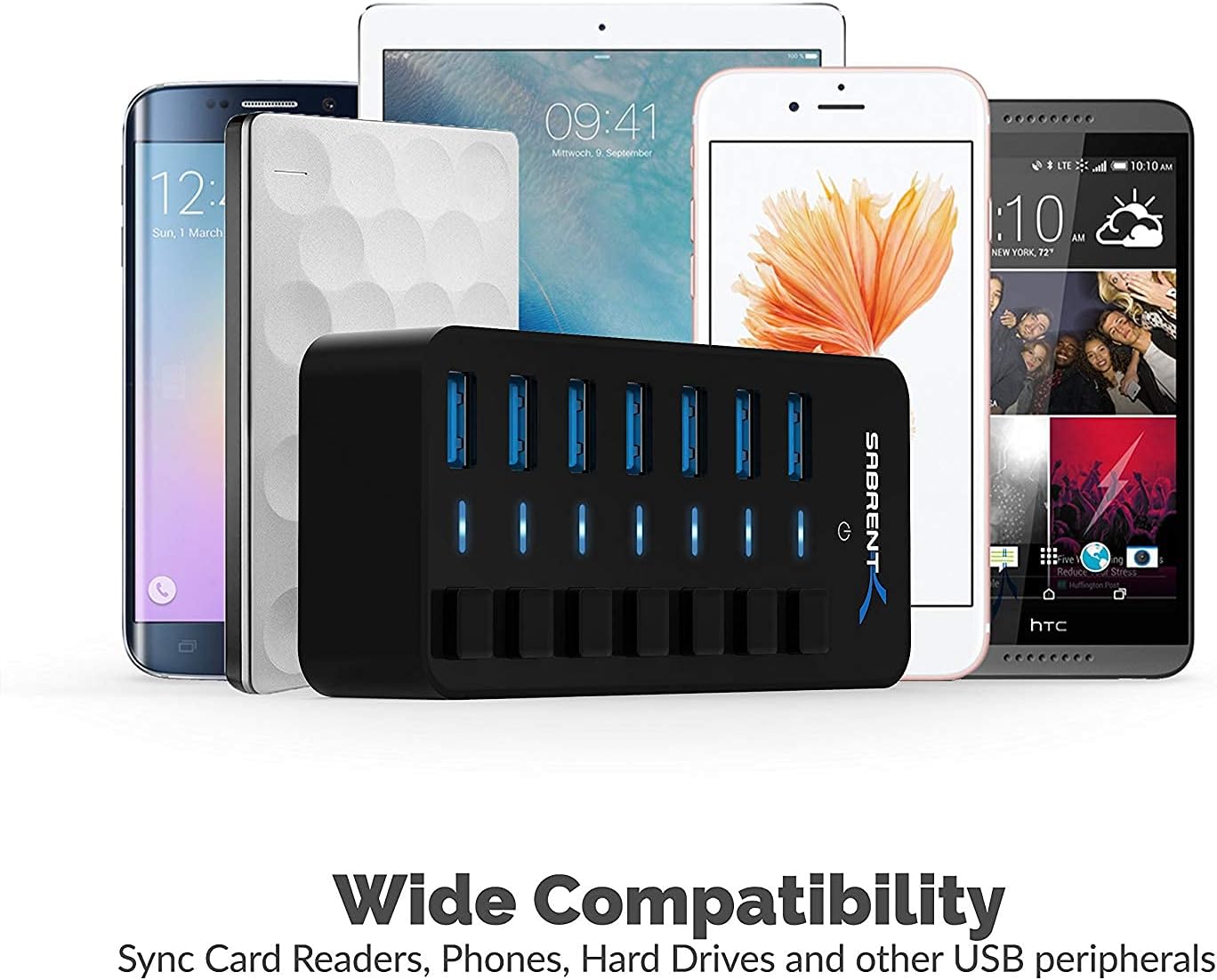
This hub is best suited to people who want a simple USB expansion for multiple peripherals—think a laptop used at home or work, or a desktop with limited front ports. The compatibility list in the description is wide, including external drives, USB flash drives, keyboards, mice, headsets, speakers, and various systems.
However, it isn’t really positioned as a specialist solution for bandwidth-hungry or tightly controlled equipment. If you’re trying to push consistent high performance to multiple demanding devices at the same time, you may find the setup more “good enough for daily use” than “engineered for heavy, simultaneous throughput”.
Also, while the hub is powered (36W is mentioned), the description doesn’t spell out per-port power limits, so it’s wise to consider the kind of devices you plan to run—especially any external drives that might have their own power needs.
Buying verdict
It makes sense if you’re looking for a powered 7-port USB docking-style hub with independent per-port on/off switches and clear LED power status. For most office and home setups—where you’ll routinely connect storage plus a couple of peripherals—it’s the sort of practical add-on that earns its keep quickly.
You may want to skip it if you only need one or two extra ports, or if your devices are extremely sensitive to power/performance behaviour and you need very specific guarantees (the provided information stays general). It’s also not the best choice if you’re chasing peak, guaranteed speeds across every connected device at once—because USB performance varies by device.
If you prioritise quick everyday expansion, easy switching, and a compact build, this is a strong “desk clean-up” pick. If you only need basic expansion and don’t care about per-port control, there are simpler hubs that may be enough.
Final verdict
A solid powered USB hub with per-port control, aimed at everyday multi-device use. Worth considering if your setup benefits from switching ports on and off and you want SuperSpeed-class data transfer for compatible devices. Just be a bit cautious about expecting uniform top speeds or power behaviour with every possible USB device.
Mini FAQ
Does it need drivers?
The description states it’s plug & play and doesn’t require driver installation.
Can I turn ports on and off separately?
Yes—each port has its own power switch, and there are LED indicators for power status.
What speed does it support?
It’s described as up to 5 Gbps for SuperSpeed (and compatible with USB 2.0 or 1.1).
Is it compatible with older USB devices?
According to the description, it works with USB 2.0 and USB 1.1 devices as well.