

10-in-1 USB C Hub with 100W PD and Ethernet
Reviews
Price
Product description
This compact USB C hub multiport adapter expands a single USB-C or Thunderbolt 3 port into a range of useful connections for laptops and tablets, delivering video, wired networking and fast charging for a tidier workspace. It suits those who need a travel-sized dock for presentations, media playback and file transfers, and it supports 4K output for clearer external displays.
Key Points
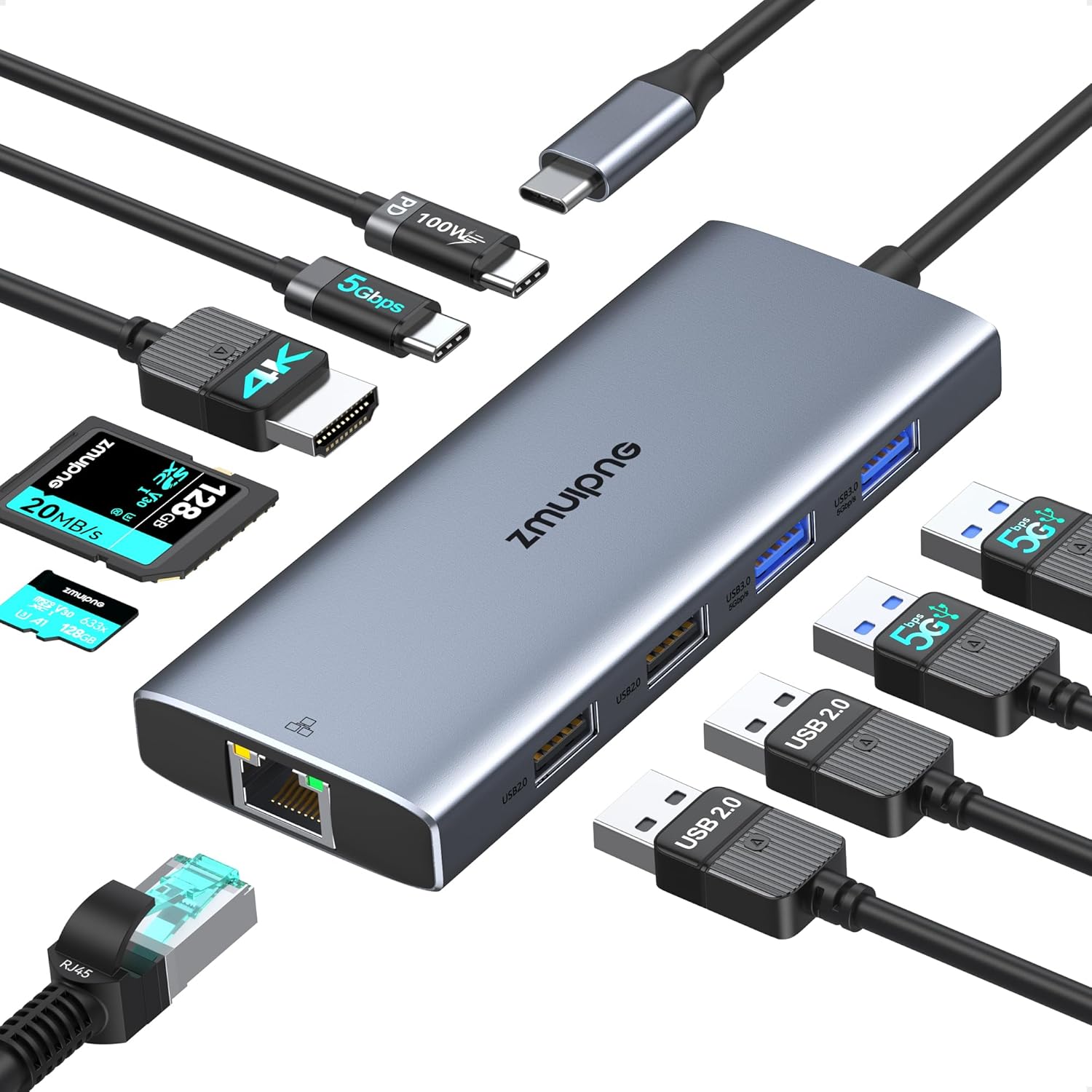
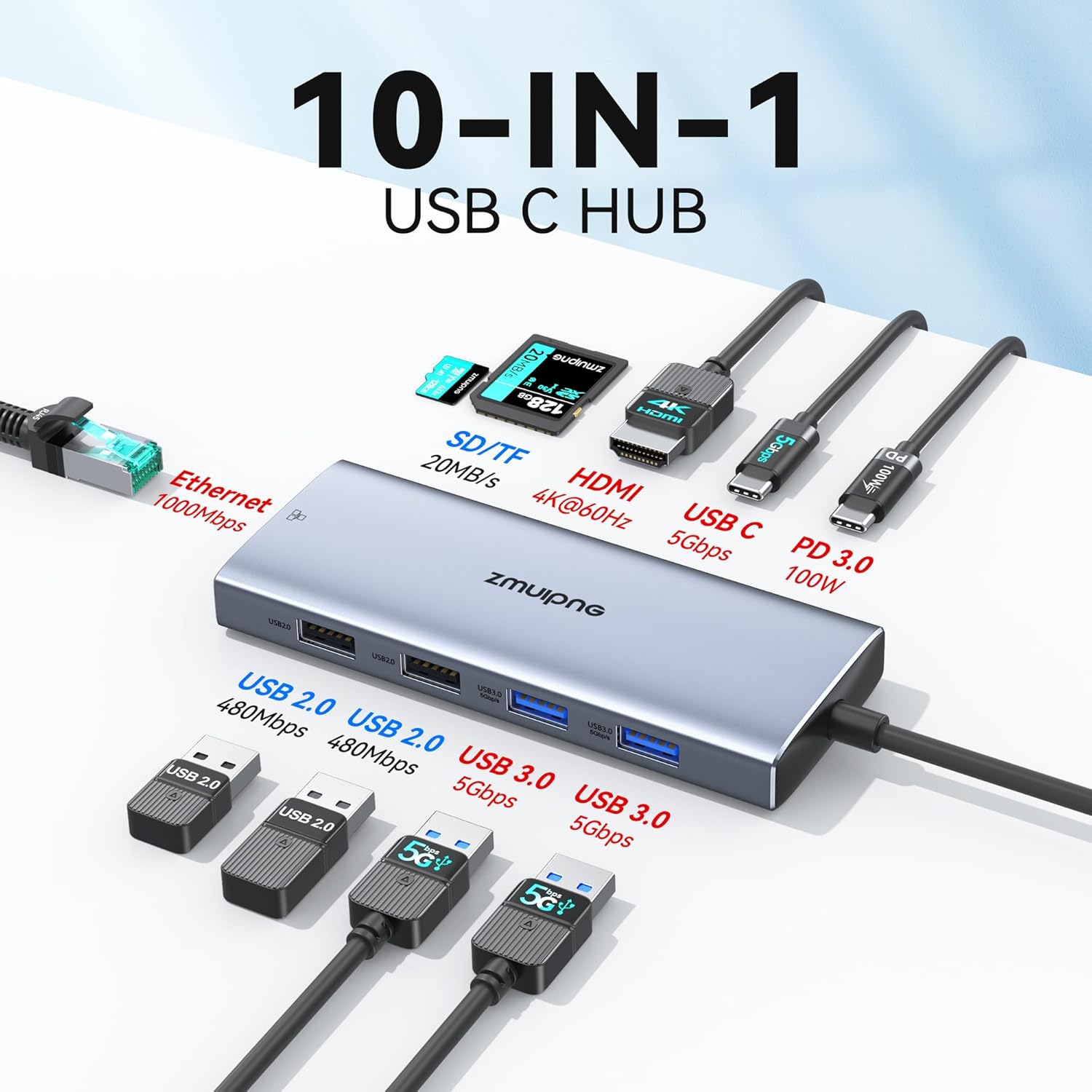
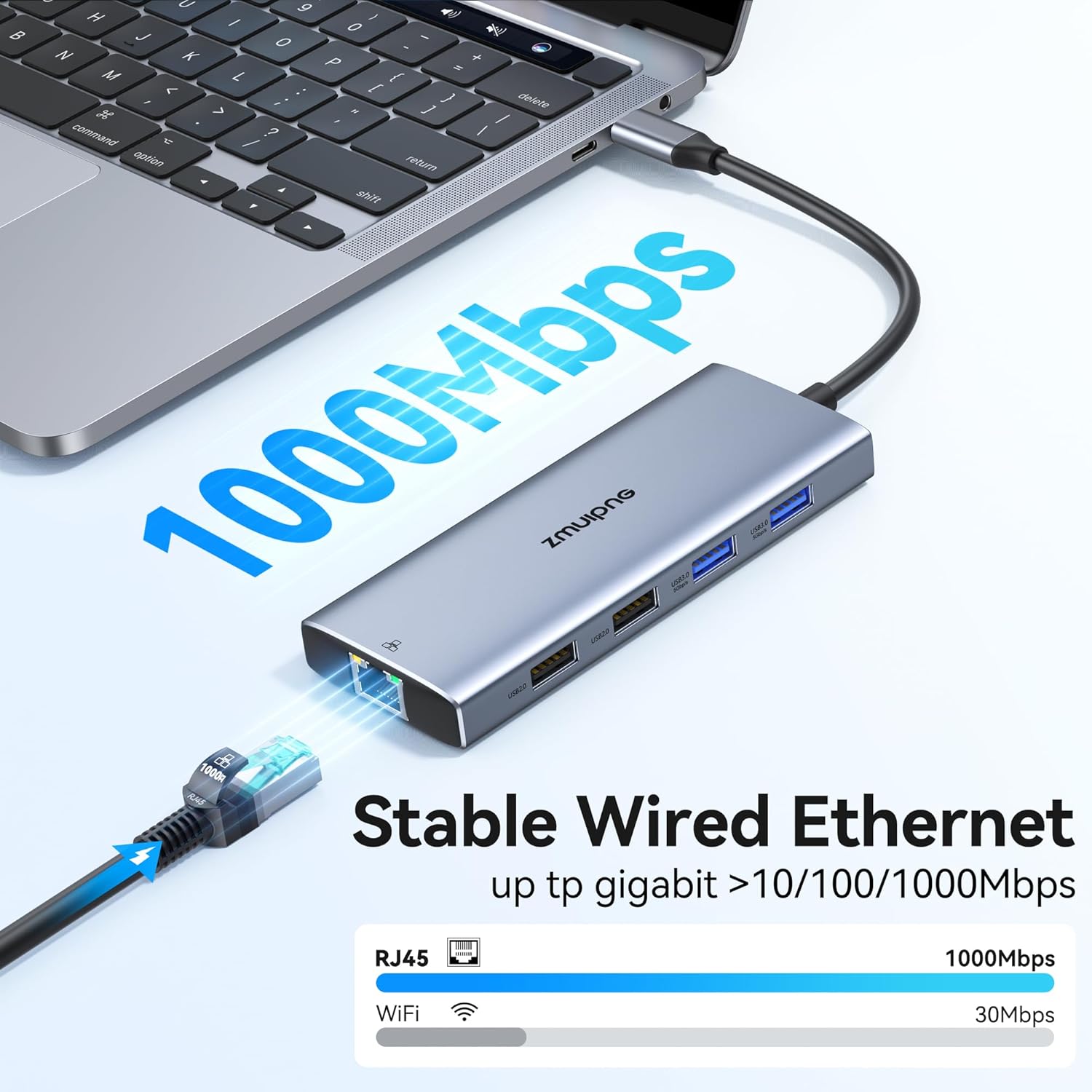
The hub brings together HDMI, Gigabit Ethernet and multiple USB ports in a single aluminium-bodied dongle, helping to reduce cable clutter while keeping a laptop charged and connected. It includes SD and microSD card readers for quick photo offloads, and two USB 3.0 ports that speed up data transfer when moving large files between drives. For users who prefer a wired network, the built-in Ethernet port provides a stable connection ideal for streaming or large downloads. ⚡️
Benefits
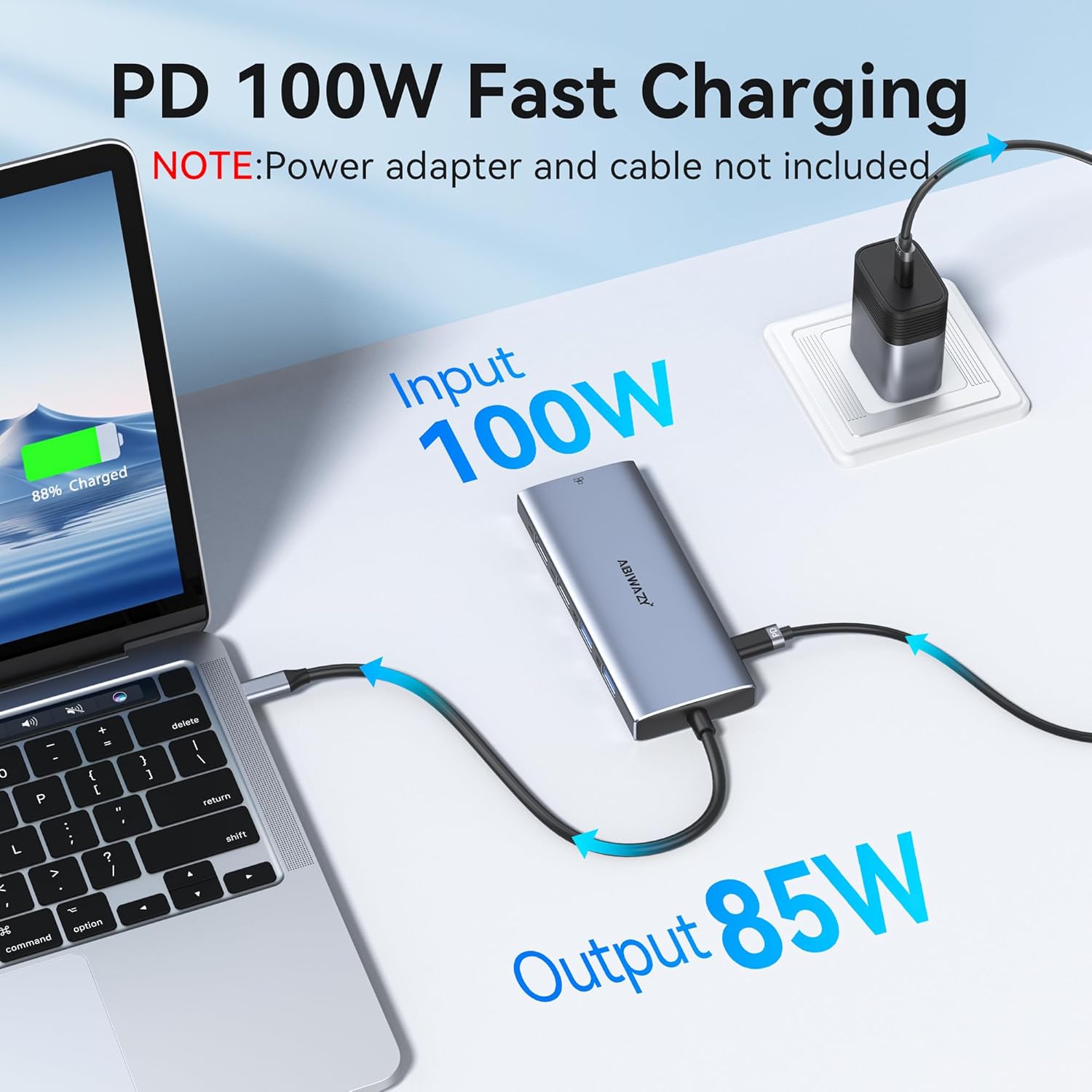
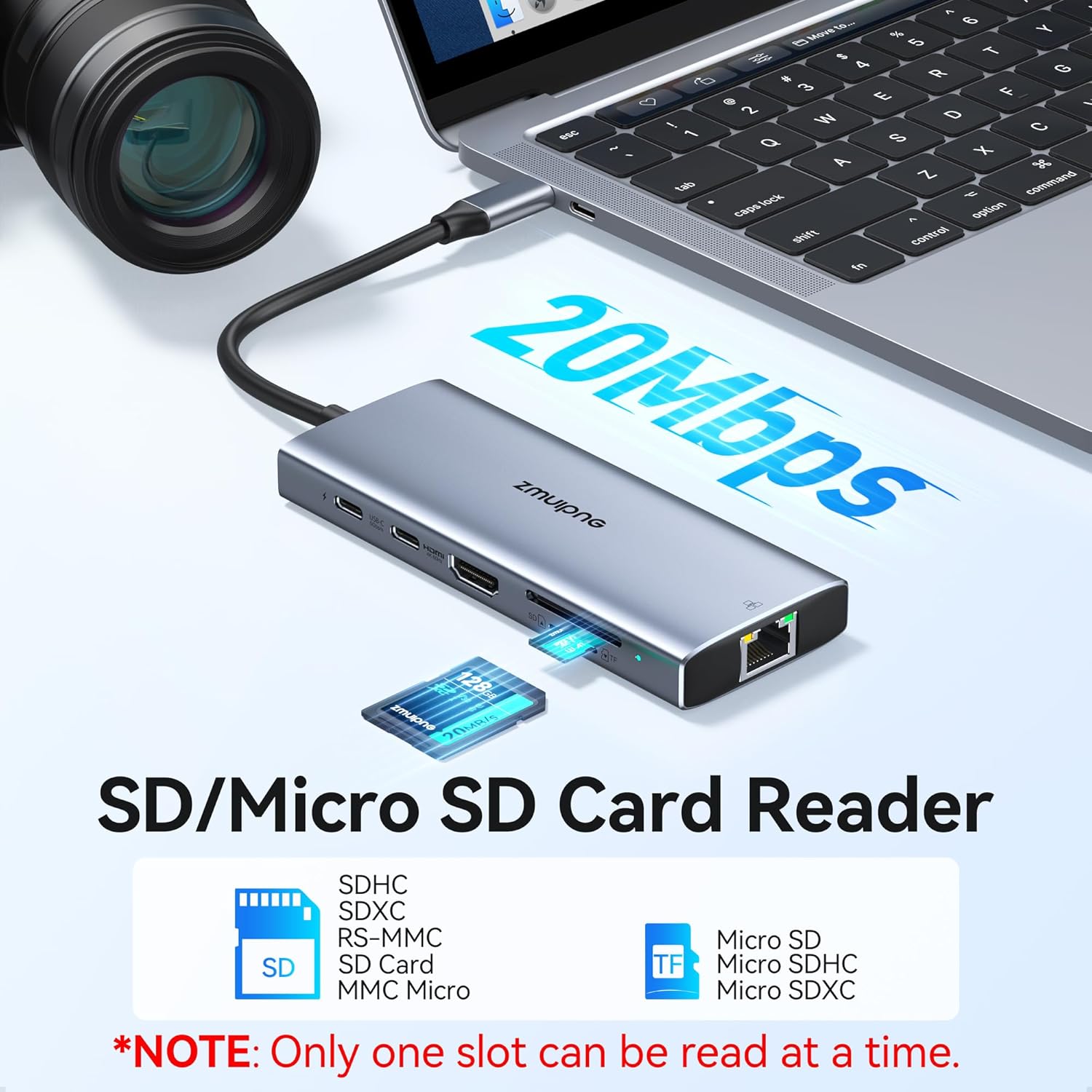
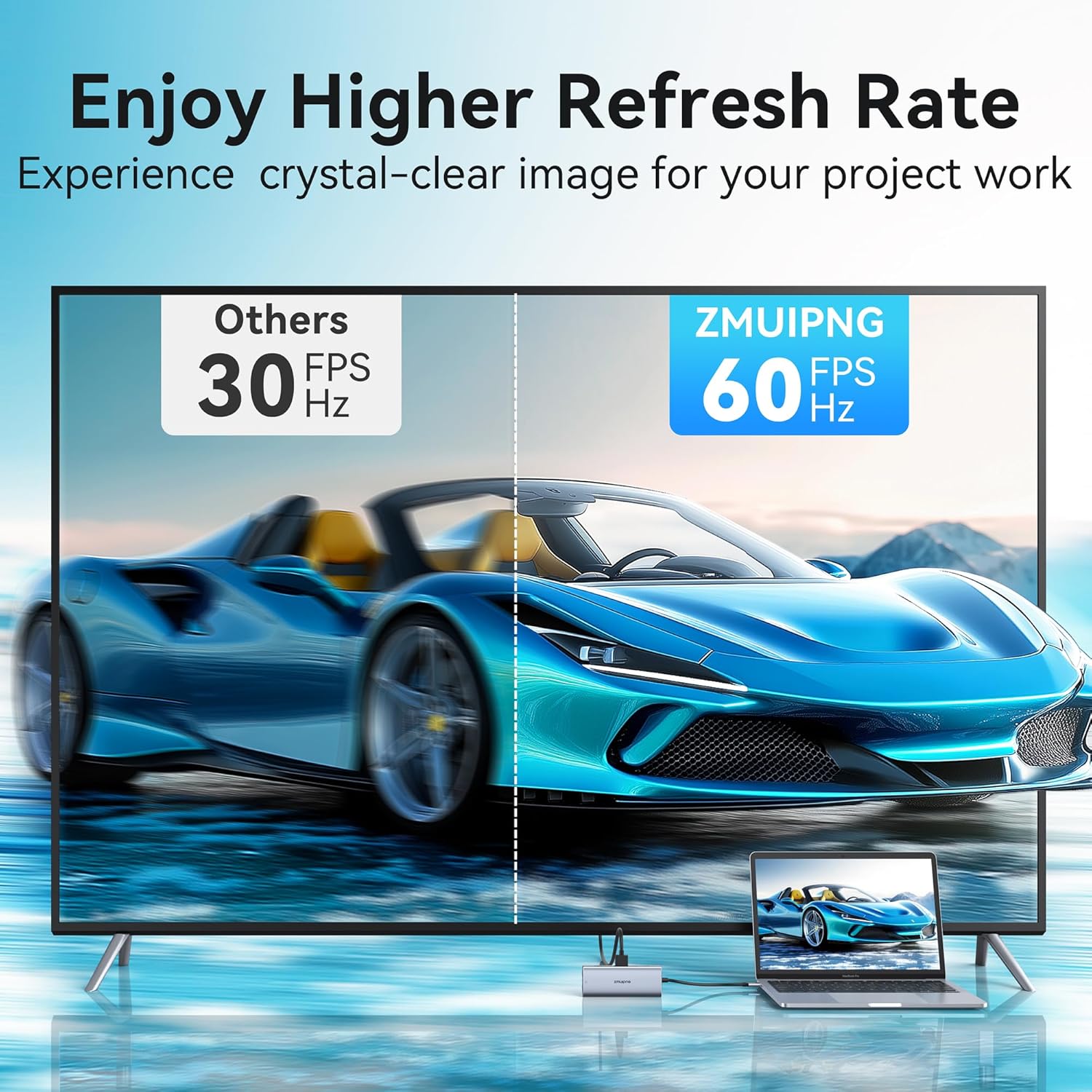
With a dedicated 100 W power delivery inlet, the adapter allows passthrough charging while other ports remain active, so a laptop can stay powered during long sessions and heavy workloads. The HDMI port supports up to 4K at 30 Hz according to the manufacturer, making it suitable for presentations and video playback on an external monitor or TV. For photographers and content creators, the SD/TF reader reduces reliance on separate card readers, saving time when transferring many high-resolution images. One consideration is that maximum HDMI resolution is 4K at 30 Hz, which may not match higher refresh requirements for demanding gaming setups. 📸
Technical Specifications
- Name: ZMUIPNG USB C Hub Multiport Adapter
- HDMI: 4K UHD up to 3840 x 2160 at 30 Hz
- Power Delivery: 100 W PD 3.0 passthrough charging
- Ethernet: Gigabit LAN up to 1000 Mbps
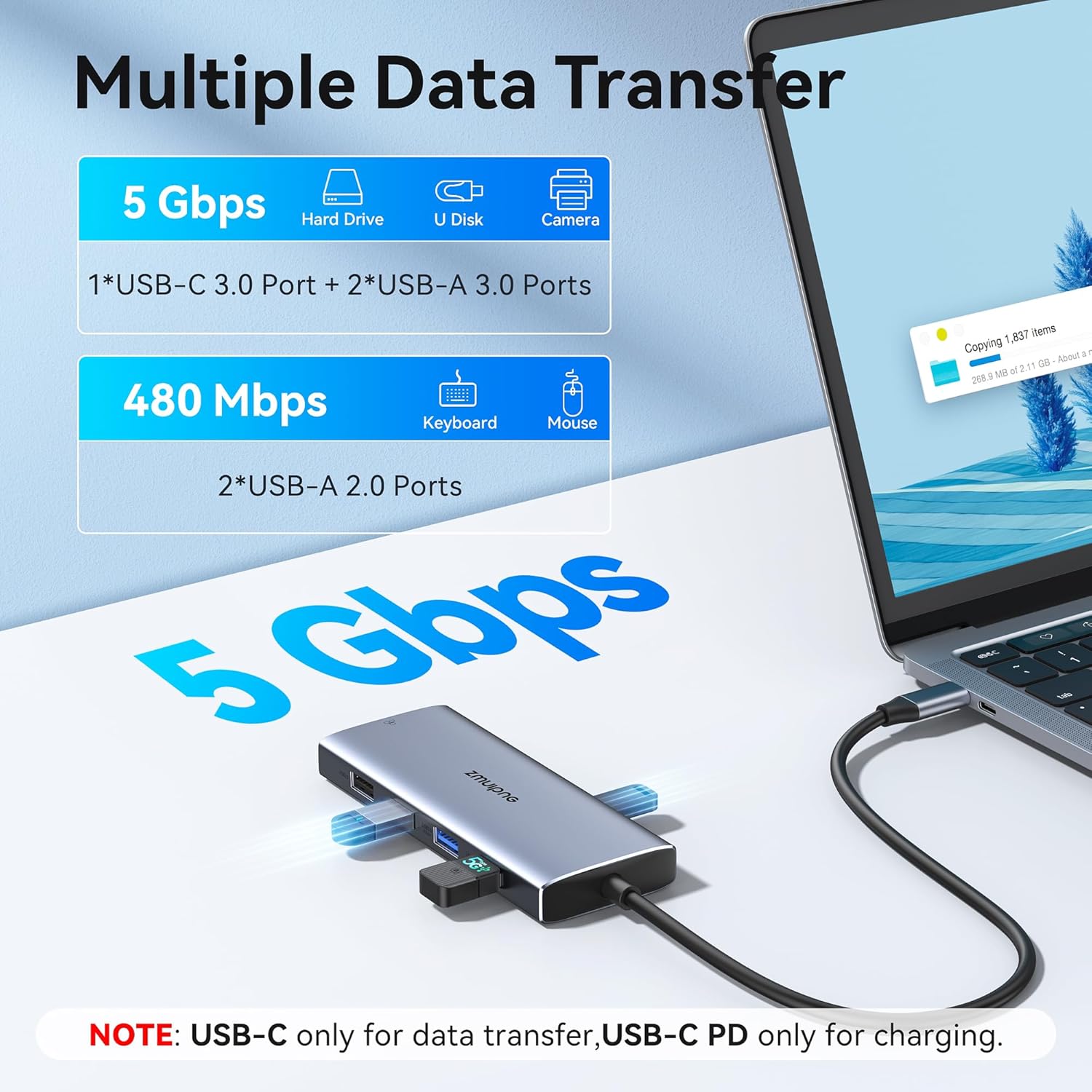
- USB ports: two USB 3.0 (up to 5 Gbps), one USB 2.0 (480 Mbps), one USB-C data (up to 5 Gbps)
- Card readers: SD and TF with transfer speeds up to 104 MB/s
Usage Recommendations
Connect the hub directly to a laptop USB-C or Thunderbolt 3 port for the smoothest performance, and plug the power adapter into the PD port when you need continuous charging alongside peripherals. When projecting video, check that the external display and cable support the hub's 4K 30 Hz output to avoid compatibility issues. For stable network transfers, use a quality CAT5e or CAT6 Ethernet cable and expect improvements in reliability compared with Wi-Fi. The aluminium casing helps with heat dissipation during extended use, though prolonged heavy transfers can still raise hub temperature, so allow occasional cooling periods.